


Project timeline template
Build a clear visual timeline with Asana's free timeline template. Map milestones and dates in minutes — no setup required.
Sign up to create your own template.
Project timeline template
Build a clear visual timeline with Asana's free timeline template. Map milestones and dates in minutes — no setup required.
Create your templateSign up to create your own template.
INTEGRATED FEATURES
Recommended apps




Summary
Every project begins with an idea, but the real challenge is turning that idea into a plan with specific steps, assigned owners, and deadlines. A project timeline template helps you lay out each phase so your team knows what to expect, when tasks are due, and who is in charge.
In this article, you’ll find out what a project timeline template is, why it’s important, and how to make one that helps keep your projects on track. You’ll also see different types of templates for various needs and learn how to start using a free, customizable template in Asana.
![[Product ui] Timeline in Asana, Gantt chart-style view (Timeline)](https://assets.asana.biz/transform/79f35737-4e03-4527-91cf-fb88073e11e2/TG23-web-hero-017-timeline-static-2x?io=transform:fill,width:2560&format=webp)
What is a project timeline?
A project timeline is a visual, chronological map of every step in your project, from start to finish. It includes tasks, milestones, and deliverables laid out in sequence so your team can see what's coming next and spot potential bottlenecks before they slow you down.
What is a project timeline template?
The early stages of project planning can feel overwhelming. It can be challenging to know how all the pieces of your project fit together and how you'll keep everything on schedule and headed toward success. Luckily, project timeline templates do the heavy lifting for you.
Project timeline templates are reusable resources that break down your project's phases at a high level. As a foundational project management tool, they provide a visual schedule of your project's next steps. Once you've created a simple template, you can duplicate it for future projects, from product launches to event planning, and go from overwhelmed to organized in one step.
Free project timeline templateWhy use a project timeline template?
Managing a complex project with many teams, tasks, and deadlines can make it hard to see the big picture. A project timeline template lays out the path in chronological order, so everyone can see a visual timeline of the work and understand how it fits into the overall plan.
Here's why teams rely on project timeline templates:
Define your strategy: A timeline template links daily tasks to larger project phases, so your team always knows what’s happening and what’s next.
Spot risks early: Planning your timeline in advance helps you identify potential bottlenecks, resource gaps, or scheduling conflicts before they cause problems.
Align your team: When everyone can see the same timeline, it's easier to coordinate across functions and keep work moving in the same direction.
Build accountability: Task ownership and visible deadlines make it easy for team members to take ownership of their work and follow through.
Benefits of a project timeline template
You don’t need another paper chart or static worksheet. What you need is a digital project timeline template that matches your team’s effort.
A digital project timeline template does more than show you upcoming project to-dos. When created in a project management tool, it acts as your single source of truth throughout the project lifecycle. Reusable templates simplify planning by aligning your cross-functional teams on upcoming tasks and providing the visibility and accountability needed to stay on track.
Other benefits of building an editable project timeline template include:
Align all project components in one place
Provide visibility for your team and project stakeholders
Visualize your workflow, including current tasks and upcoming to-dos
View potential roadblocks before they happen
Understand resource management at a glance
Shift due dates as priorities change
Sync calendars across cross-functional teams
Assign and reassign tasks to team members
Keep track of completed tasks and upcoming to-dos
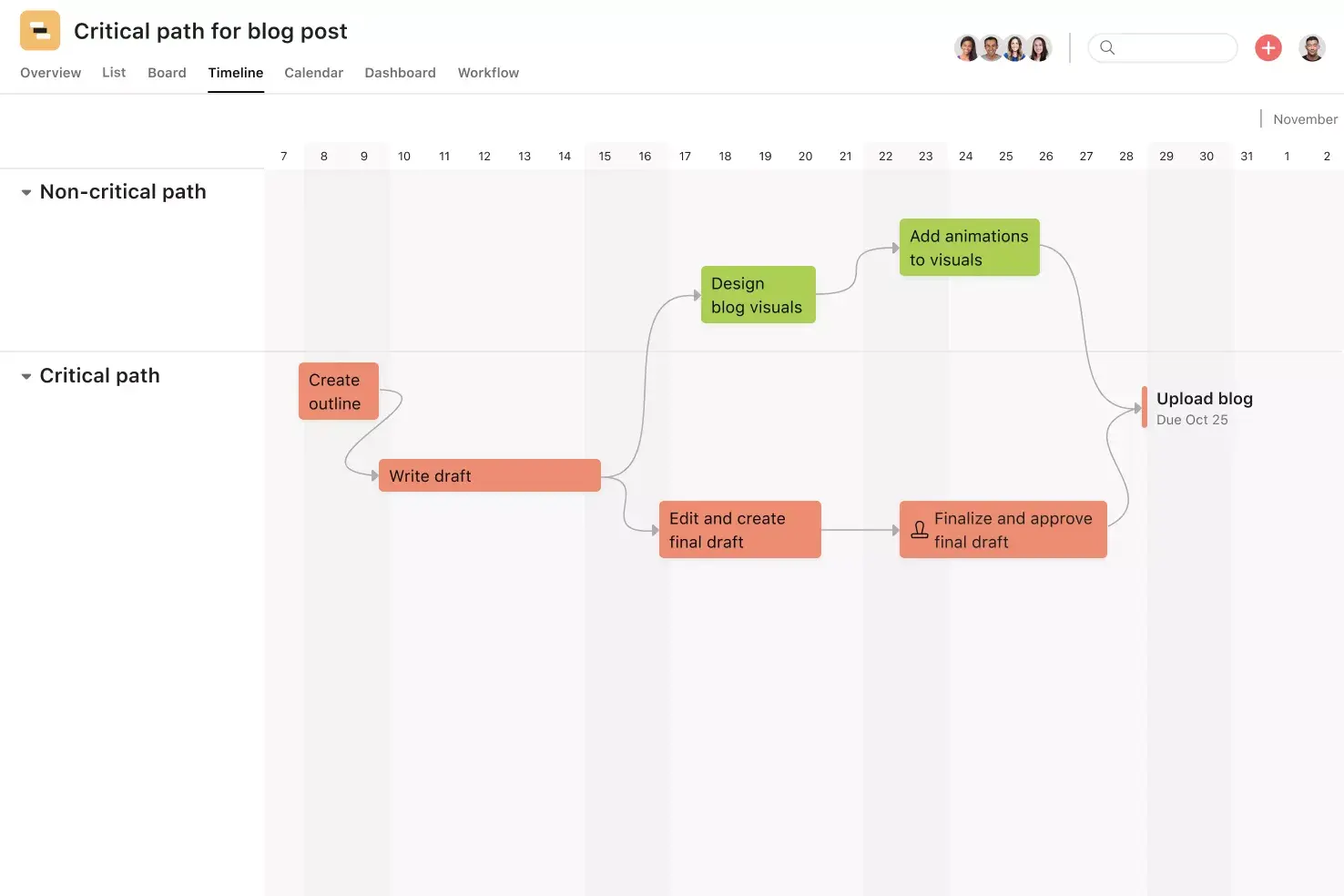
Add task dependencies, so all team members know work is sequenced
Set project milestones to track major progress points
Keep the entire lifecycle of the project on track
Take advantage of integrations to attach important documents and receive notifications from your most-used apps, like Google Drive and Google Slides, right where you work
![[Product UI] Brand campaign project in Asana, Gantt chart-style view (Timeline)](https://assets.asana.biz/transform/10e77bb8-a116-4169-83d5-d4d644824c54/inline-gantt-chart-basics-1-2x?io=transform:fill,width:2560&format=webp)
How to create a project timeline template
Tired of tracking project progress with messy spreadsheets and manual to-do lists? You’re not alone. Digital project timeline templates can help you get organized and give you a reusable base for all your projects.
All project timeline templates should start with the same basic components: project phases and tasks. Once you've built your basic timeline template, you can customize it for upcoming projects by adding phases with to-dos, assigning tasks to owners, and setting deadlines and dependencies.
And remember, despite their name, project timeline templates don't always need to be viewed as a timeline. Sometimes seeing things mapped out in a timeline chart is the best way, but at other times it can be more helpful to view them in a grid or a Kanban board. Choose the view that works best for your project.
![[Product UI] Brand campaign project example (Boards)](https://assets.asana.biz/transform/0bf24409-8788-4d08-a745-84550c9502a2/inline-generic-boards-2x?io=transform:fill,width:2560&format=webp)
To build out a project timeline for a specific project, follow these steps:
Determine your project goals, keeping them SMART and attainable.
Outline the project timeline from planning to completion.
Develop project milestones as checkpoints for task completion or benchmarks for when a new phase launches.
Build out your project to-do list with every action item, big or small, that you'll need to complete for project success.
Determine how long each to-do will take based on resources and project budget.
Finalize each task, adding due dates and owners.
Add task dependencies to any task that relies on a previous task's completion.
Share with the team for visibility and accountability.
Adjust as needed, shifting due dates as priorities change.
Types of timeline templates
Project timeline templates aren't just for one type of project. There are many use cases where free timeline templates can help you plan and track progress.
Simple timeline template: Map out the sequence of events that will lead your project to success. A project management timeline template can help you spot blockers, adjust dates in real time, and hit milestones.
Product roadmap timeline: Track and monitor your product initiatives, from development through launch.
Event planning timeline: Use an event timeline template and event schedule to track all your event information in one place, from pre-event details to post-event tasks.
Event marketing timeline: Map out your event marketing tasks and keep your promotion plan on schedule.
Marketing timelines: Coordinate every aspect of your marketing organization, from planning marketing campaigns and mapping customer journeys to creating brand assets.
Business timeline template: Track your high-level business goals, check off major milestones, and keep informed as your business plan progresses.
Nonprofit timeline: Nonprofits can use templates to map out fundraising timelines and workflows.
Professional timeline: Make your five-year plan a reality by outlining the sequential steps you need to take to hit your goals.
Integrated features
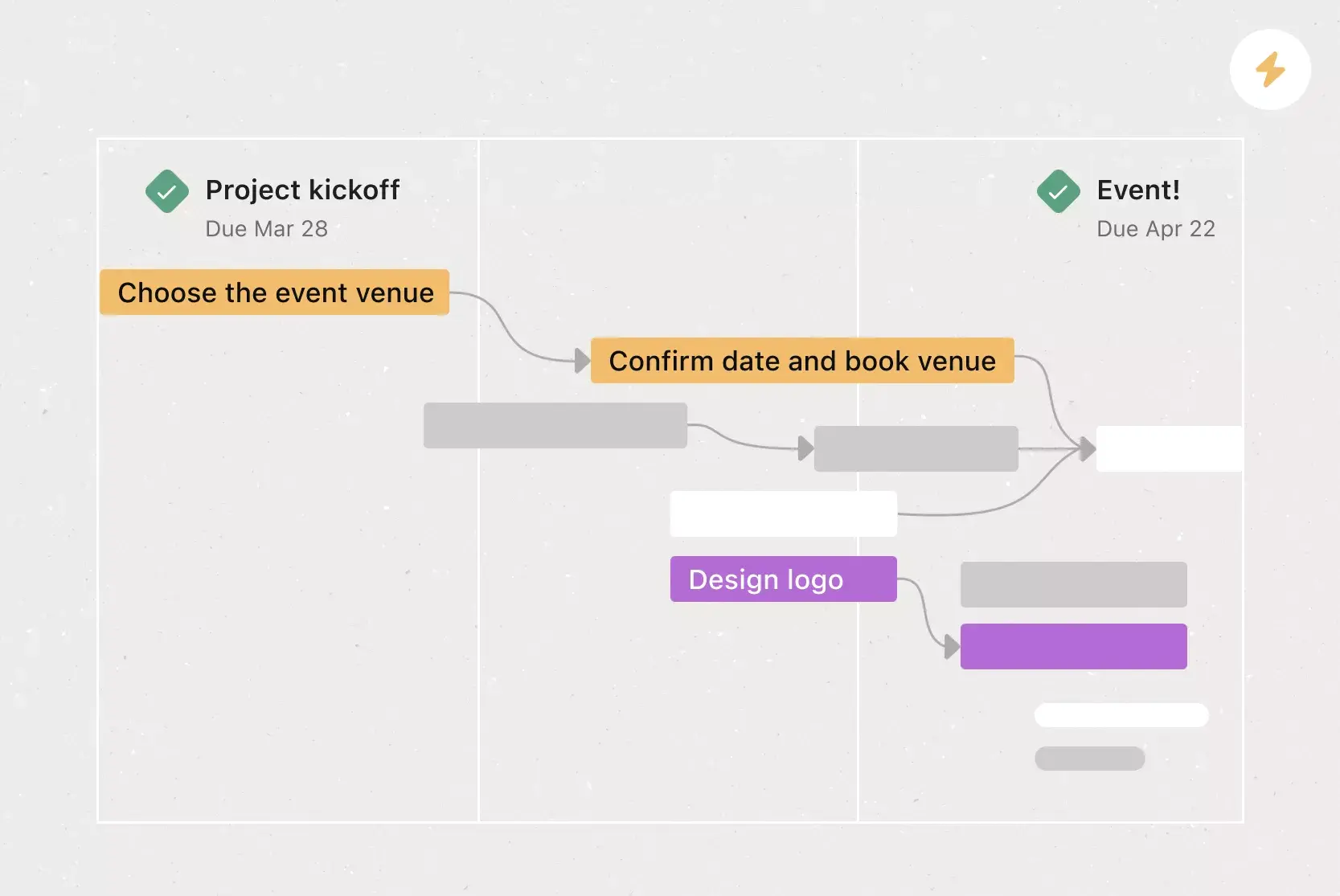
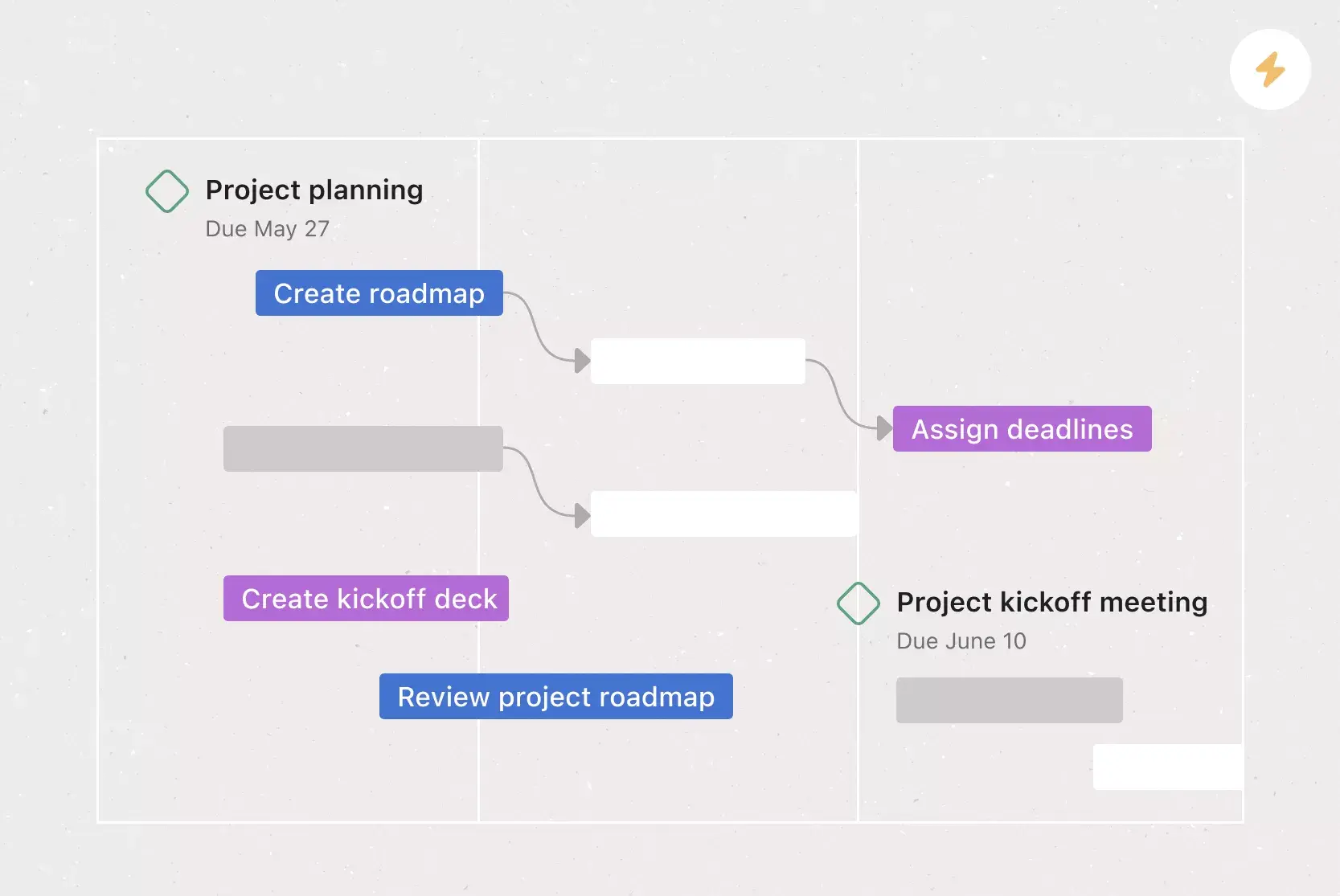
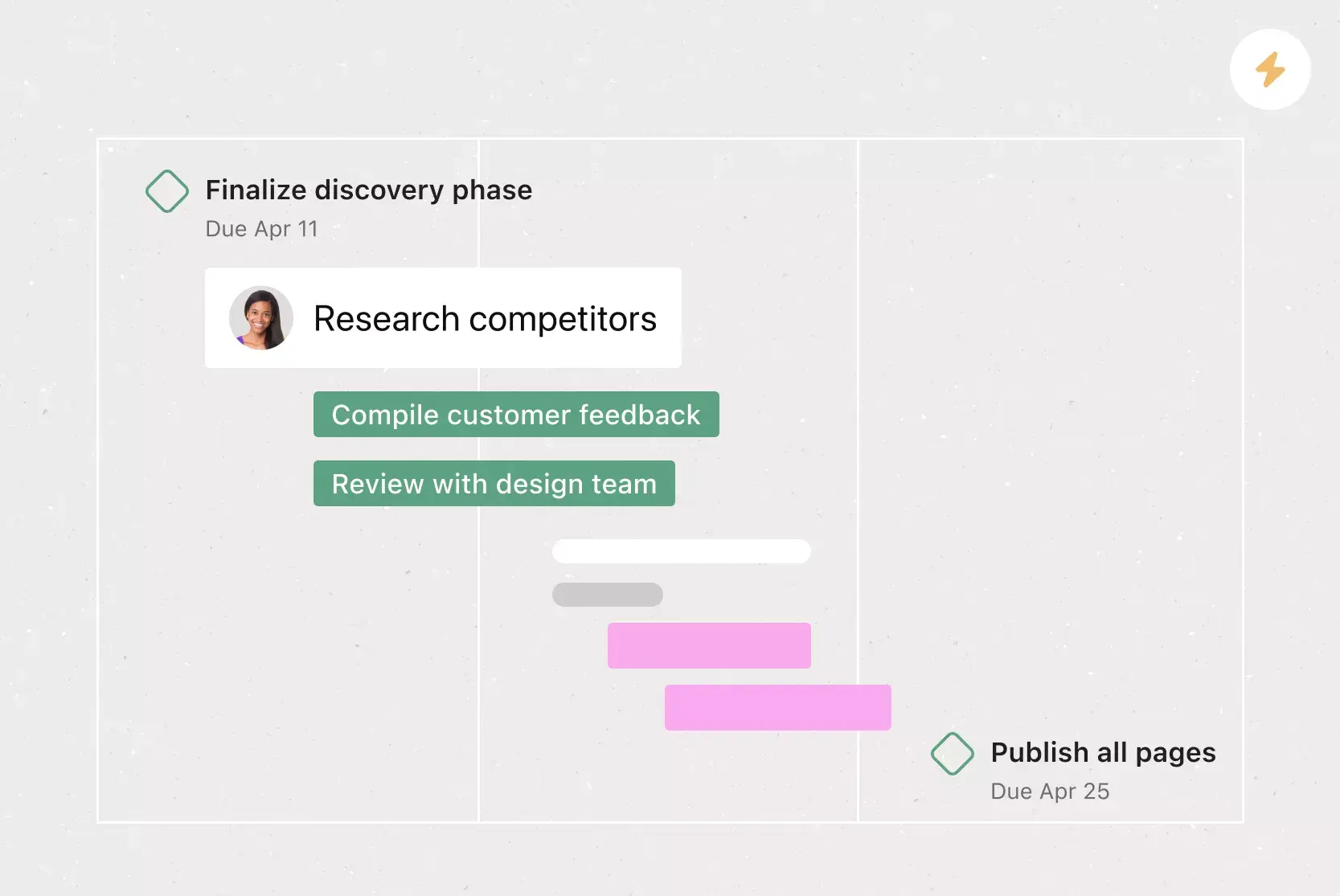
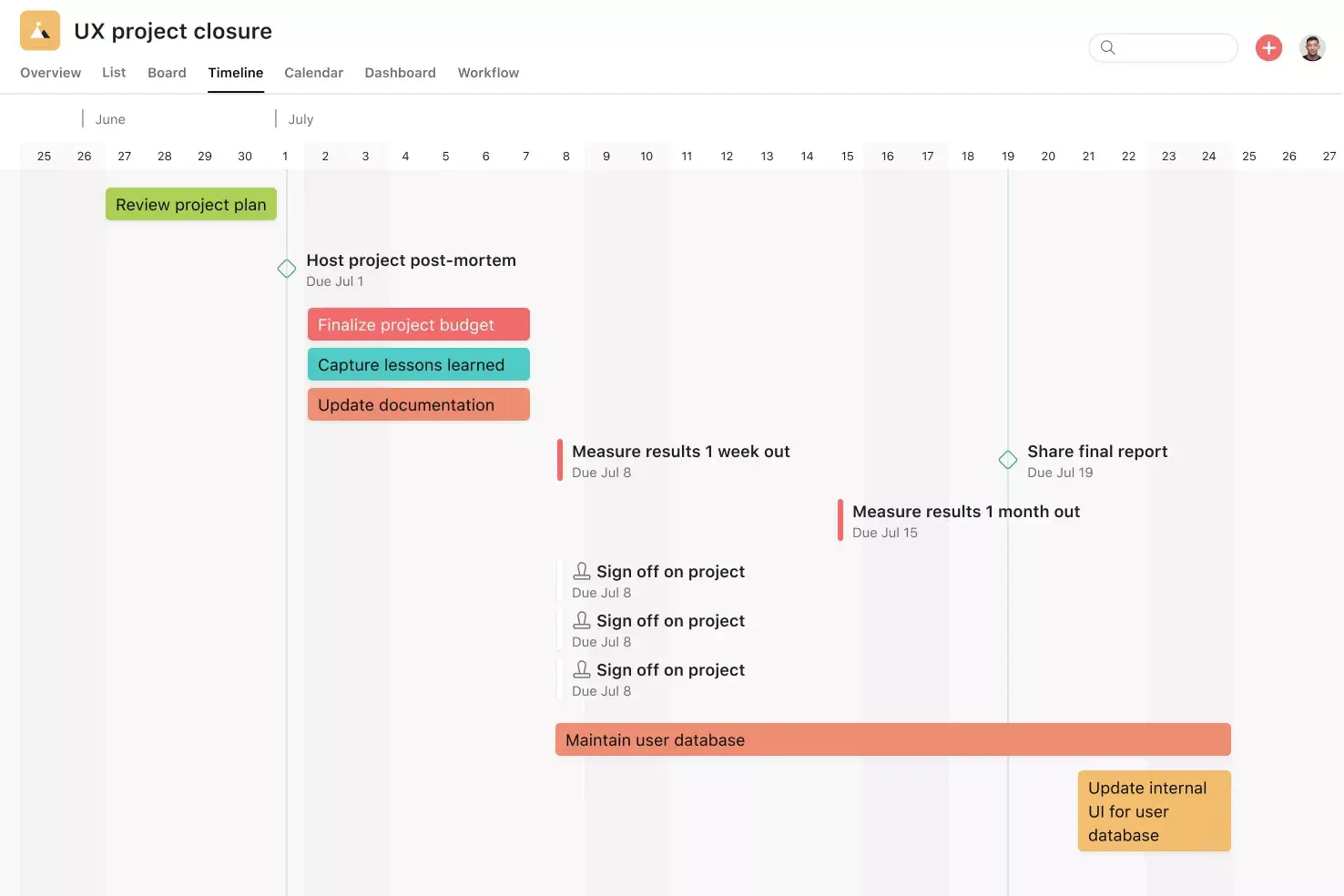
Timeline View. Timeline View is a Gantt-style project view that displays all of your tasks in a horizontal bar chart. Not only can you see each task’s start and end date, but you can also see dependencies between tasks. With Timeline View, you can easily track how the pieces of your plan fit together within the timeline template. Plus, when you can see all of your work in one place, it’s easy to identify and address dependency conflicts before they start, so you can hit all of your goals on schedule.
Project Brief. A project brief is a way to communicate important details and dates to your broader project team. Make sure your team can easily access your project brief by putting it in a central source of truth like Asana.
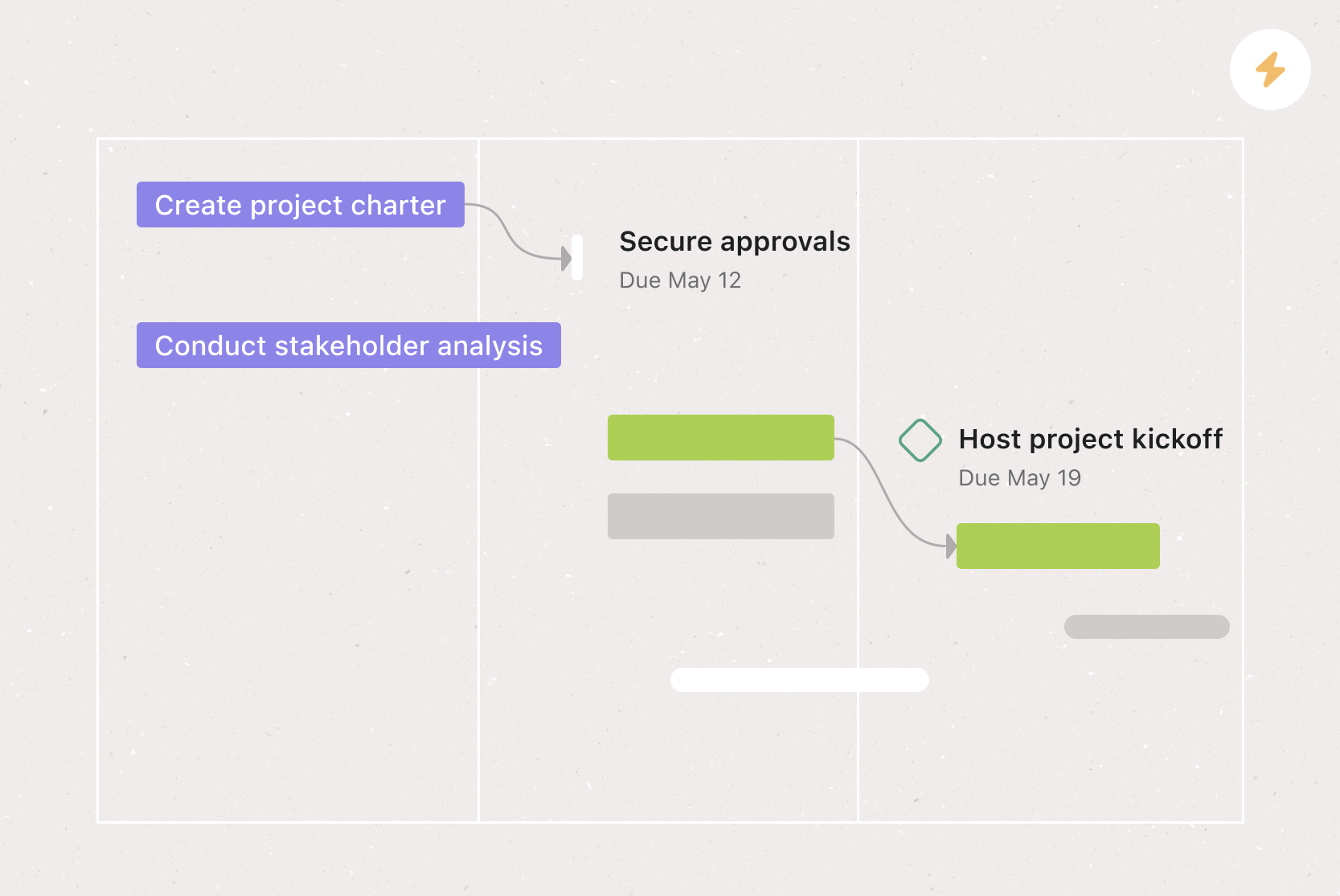
Milestones. Milestones represent important project checkpoints. By setting milestones throughout your project timeline template, you can let your team members and project stakeholders know how you’re pacing towards your goal. Use milestones as opportunities to celebrate the little wins on the path to the big project goal.
Dependencies. Mark a task as waiting on another task with task dependencies. Know when your work is blocking someone else’s work, so you can prioritize accordingly. Teams with collaborative workflows can easily see which tasks they’re waiting on from others and know when to get started on their portion of the work. As soon as the assignee completes the first task, Asana notifies them to begin their dependent task. Or if the task your work depends on is rescheduled, Asana will notify you—letting you know if you need to adjust your dependent due date as well.
Recommended apps
OneDrive. The built-in Microsoft OneDrive file chooser in Asana allows you to attach files directly to tasks. Easily attach files from Word, Excel, PowerPoint, and more.
Google Workplace. Attach files directly to tasks in Asana using the Google Workspace file picker, built into the Asana task pane. Easily attach any My Drive file with just a few clicks.
Zoom. Asana and Zoom are partnering to help teams have more purposeful, focused meetings. The Zoom + Asana integration makes it simple to prepare for meetings, have actionable conversations, and access information after the call. During the meeting, team members can quickly create tasks within Zoom, so details and action items don't get lost.
Gmail. With the Asana for Gmail integration, you can create Asana tasks directly from your Gmail inbox. Any tasks you create from Gmail will automatically include the context from your email, so you never miss a beat.
Put your project timeline into action
A good project timeline template helps you plan and follow through. When your team can see all tasks, milestones, and deadlines in one spot, it’s easier to stay on track, adjust to changes, and finish work on time.
With Asana, you can make a free, customizable project timeline template for any project, from product launches to marketing campaigns. Assign tasks, set dependencies, and track progress in real time so your team always knows what’s next.
Ready to bring your project timeline to life? Get started with Asana today and give your team the clarity they need to do their best work.
Free project timeline templateFAQs about project timeline templates
Any project with a start date and an end date benefits from a timeline template. You can adapt them for event timelines, marketing campaigns, product launches, creative projects, and more.
Create your basic template before any project planning begins so you can duplicate it across future projects. Then customize it during the planning phase once you've determined start and end dates, to-dos, and task assignments.
The project manager typically creates and manages the timeline, but the template provides visibility and accountability that benefit the entire team.
Break your project into clear phases with milestones, add task dependencies, and collaborate with your team to set realistic deadlines. Check in regularly, adjust as priorities shift, and use a project management tool to keep everything up to date.
Proper resource allocation ensures every part of your project has the right people and materials to meet milestones on time. A planning template makes this easier by mapping out tasks, owners, and durations so you can avoid bottlenecks.
A Gantt chart is a specific type of timeline that uses horizontal bars to show task duration and dependencies. Digital project timelines offer the same bird's-eye view but are more flexible and easier to update than spreadsheet-based Gantt charts.
Yes, both tools offer basic timeline templates, but they're static and harder to update collaboratively. Asana provides free, flexible timeline templates where your team can assign tasks, track progress in real time, and collaborate in one central workspace.
Automation handles repetitive updates, schedule changes, and notifications so your team can focus on the work that matters. In Asana, automation tools keep your timeline accurate and up to date, reducing errors and helping you meet deadlines.
Drag-and-drop functionality allows teams to make quick adjustments of individual tasks and subtasks to their timeline template. This makes it simple to update schedules and task durations on the fly, which keeps the entire project organized and on track.
A color-coded timeline enhances visual representation by differentiating tasks, milestones, and resource allocations, making it easier to track progress at a glance.
AI can speed up timeline creation by defining tasks, estimating durations, and organizing dependencies based on your project scope. In Asana, AI features suggest task assignments, flag scheduling conflicts, and keep your timeline updated as your project evolves.
Related templates

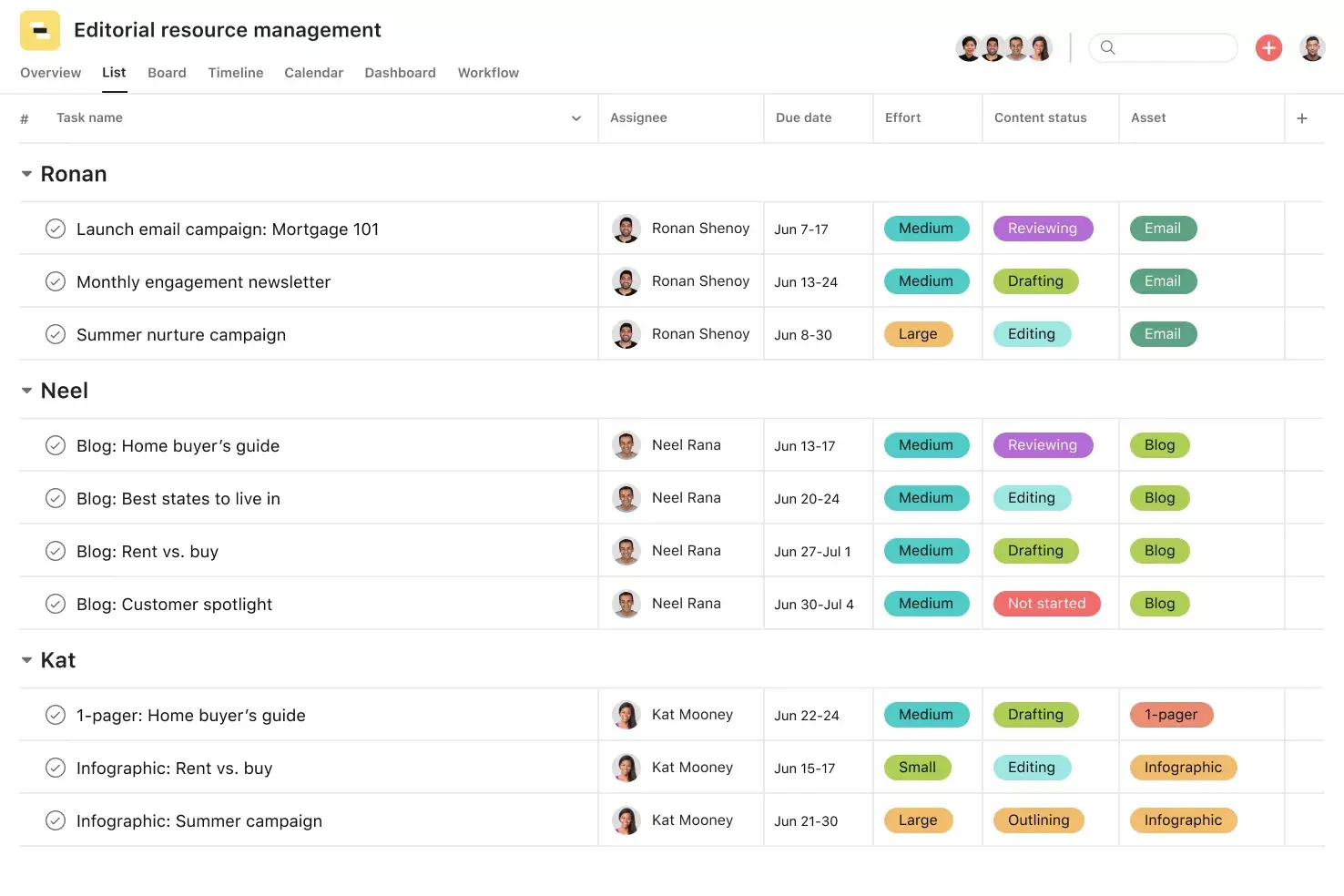
![[Templates] Editorial Calendar (Share image)](https://assets.asana.biz/transform/5fac5de2-17f6-4d69-8cd3-091a887a24bd/TG23-web-thumbnail-042-editorial-resource-management-static-2x?io=transform:fill,width:2560&format=webp)
![[Templates] Marketing Project Plan (Card) image](https://assets.asana.biz/transform/af70ac54-97b9-4639-b639-be3a3d951e3e/TG23-web-thumbnail-016-stakeholderregister-static-2x?io=transform:fill,width:2560&format=webp)
![[Templates] Operations Project Plan (Card)](https://assets.asana.biz/transform/ec3bf1b9-cbcd-413c-a20c-82bf1dbe10d2/TG23-web-thumbnail-008-risk-management?io=transform:fill,width:2560&format=webp)
![[Template] IT project plan (Card image)](https://assets.asana.biz/transform/8aa523a9-4dcb-4053-8e69-7bdf900b48b9/web-product-template-thumbnail-IT-EN-US?io=transform:fill,width:2560&format=webp)
![[Old Product UI] Sprint planning project with t-shirt sizes in Asana (Lists)](https://assets.asana.biz/transform/34817820-b376-4110-a8be-9a2c7c546a77/inline-project-planning-t-shirt-sizing-product-ui-list-view-sprint-planning-en-2x?io=transform:fill,width:2560&format=webp)
![[Templates] RFP Process (Card image)](https://assets.asana.biz/transform/14aa111b-ab22-483f-bfd1-3090acb7d2a5/RFP-process-premium-m?io=transform:fill,width:2560&format=webp)
![[HR Project Plan] template Card Image](https://assets.asana.biz/transform/663b8e5e-89c9-4b0b-b48b-1b17e01d1889/TG23-web-thumbnail-033-process-improvement-static-2x?io=transform:fill,width:2560&format=webp)
![[Templates] Waterfall project management (card image)](https://assets.asana.biz/transform/d87fc21c-53f0-4bc9-9094-9789b963be9b/article-project-management-waterfall-project-management-methodology-2x?io=transform:fill,width:2560&format=webp)
![[Templates] Status report (card image)](https://assets.asana.biz/transform/9c82d399-782b-40d3-9eb1-fd7544bef794/article-project-management-project-management-maturity-model-2x?io=transform:fill,width:2560&format=webp)
![[Templates] Event Marketing Plan (Card image)](https://assets.asana.biz/transform/6c7b9329-b612-4732-910a-7917fa079f0b/TG23-web-thumbnail-014-project-chart-static-2x?io=transform:fill,width:2560&format=webp)
![[Templates] Communication plan (card image)](https://assets.asana.biz/transform/3dc9eadf-9d2d-40a2-a05d-63adb32a1de7/article-collaboration-synchronous-vs-asynchronous-communication-2x?io=transform:fill,width:2560&format=webp)


![[Templates] Design Project Plan (Card image)](https://assets.asana.biz/transform/c768a28c-822f-420f-93f9-f2eea4c93780/TG23-web-thumbnail-032-bill-of-materials-static-2x?io=transform:fill,width:2560&format=webp)
Create templates with Asana
Learn how to create a customizable template in Asana. Get started today.