


Free BOM Template
Track every part, asset, and detail in one reusable template so your team stays aligned, reduces errors, and keeps projects moving.
Sign up to create your own template.
Free BOM Template
Track every part, asset, and detail in one reusable template so your team stays aligned, reduces errors, and keeps projects moving.
Create your templateSign up to create your own template.
INTEGRATED FEATURES
Recommended apps


A bill of materials (BOM) template gives your team a reusable starting point for tracking every component, asset, and detail needed to complete a project. Without one, missed parts and overlooked assets can lead to costly delays and miscommunication across teams.
In this article, you'll learn what a BOM is, the different types of BOM templates, what to include in yours, and how a digital tool like Asana can help you manage it more effectively.
![[Product UI] Bill of materials in Asana, spreadsheet-style project view (list)](https://assets.asana.biz/transform/bbc0323e-9661-472e-bac8-3d05650137e9/TG23-web-hero-031-bill-of-materials1-static-2x?io=transform:fill,width:2560&format=webp)
What is a bill of materials (BOM)?
A bill of materials (BOM) is an itemized list of all the components, parts, and details needed to complete a project. In manufacturing, teams use BOMs to track every raw material and sub-assembly that goes into a finished product. But BOMs aren't limited to manufacturing. SaaS companies, creative agencies, and marketing teams also use them to account for every asset and detail required for a successful launch.
![[Product UI] Creative bill of materials template in Asana, spreadsheet-style project view (list)](https://assets.asana.biz/transform/e8f17932-baba-46b3-99d6-c1a3b39894d8/TG23-web-hero-032-bill-of-materials2-static-2x?io=transform:fill,width:2560&format=webp)
What is a bill of materials template?
A bill of materials template is a templatized version of a BOM. The template serves as a reusable starting point you can use for any project that has a lot of elements or details that need to be tracked for successful project completion. Instead of creating a new bill of materials every time you begin a project, you can simply duplicate the template and start logging project details, saving you upfront work and letting you focus on what matters.
Benefits of a digital bill of materials template
Traditionally, companies have created bill of materials templates in tools like Excel spreadsheets, Google Sheets, or even printable log sheets. But these old-school methods have drawbacks. For example, it can be difficult to manage changes and revisions made in spreadsheets, and spreadsheet-based BOMs increase the likelihood of siloed communication between teams.
You need a tool that houses all your BOM information at a glance while also allowing for collaboration between teams, standardizing your asset tracking process, and cutting down on potentially costly errors. A digital bill of materials can help you do that.
By creating your BOM template in a project management tool, you can:
Reduce the upfront work of creating a bill of materials template for each project.
Standardize your asset creation process across teams and departments, ensuring the same information is captured for each type of project.
Give the entire team visibility into what details are needed for successful project completion, preventing siloed communication and ensuring that all teams using the BOM are on the same page.
Create a consistent asset tracking process to minimize project delays.
Control who can access and edit the template, ensuring the correct version is always used and reducing the risk of multiple versions causing project errors or setbacks.
Attach supporting documents, like design drawings, purchase orders, creative assets, and instructions for easy reference.
Types of bill of materials templates
Not every BOM is structured the same way. The right format depends on the complexity of your project and the level of detail your team needs.
Single-level BOM template
A single-level BOM is the simplest format. It lists every component, part, or asset needed for your project in one flat list, without showing how items relate to one another. This type works well for straightforward projects with no subassemblies, such as a basic packaged product or a marketing campaign with a clear set of deliverables.
Multi-level BOM template
A multi-level BOM, sometimes called an indented BOM, shows the relationship between parent assemblies and their subcomponents. Each top-level item is broken down into individual parts or sub-assemblies, creating a hierarchical view of your project.
This format is ideal for complex manufacturing where a finished product is made up of multiple subassemblies. For instance, a multi-level BOM for an electronic device might show the main unit as the parent item, with the circuit board, casing, and display each broken down into their individual components beneath it.
Single-level vs. multi-level BOM: a quick comparison
Structure | Single-level BOM: Flat list of all components at one level | Multi-level BOM: Hierarchical, showing parent-child relationships between assemblies
Complexity | Single-level BOM: Simple | Multi-level BOM: Detailed
Best for | Single-level BOM: Products with no subassemblies, campaign asset lists | Multi-level BOM: Complex products with multiple subassemblies managed by different teams
Visibility | Single-level BOM: Quick overview of all parts | Multi-level BOM: Full breakdown of how every component fits into the final build
Why use a bill of materials template
Creating a BOM from scratch for every project takes time and increases the chance of missing important details. A BOM template solves both of those problems by giving your team a consistent, ready-to-use structure they can duplicate and customize for each new project.
Here's why BOM templates are worth adopting:
Save time on project setup. Instead of building a new BOM every time, your team starts with a proven structure and fills in the specifics. This means less busywork and more time focused on the project itself.
Reduce errors and miscommunication. A standardized template ensures that every team captures the same information in the same format, reducing the risk of missing parts, incorrect quantities, or overlooked details.
Improve cross-team alignment. When everyone works from the same template, procurement, engineering, design, and project management teams all stay on the same page about what's needed and when.
Make cost tracking easier. With fields for unit cost, quantity, and total cost built into your template, you can quickly estimate project budgets and compare costs across similar projects.
Support better decision-making. A well-organized BOM gives you a clear view of all project components, making it easier to identify potential issues, spot opportunities to simplify, and plan ahead.
What to include in a bill of materials template
Keep your baseline BOM template generic enough to apply to multiple projects, but detailed enough to capture everything your team needs. What you include will vary by industry:
Manufacturing: Parts, quantities, unit costs, total costs, and procurement sources
Marketing or creative: Asset names, channels, assignees, due dates, and status
The goal is to create a BOM template that's duplicatable across the same project type. Once you've built the original, your team simply creates a copy and fills it in for each new project.
What to include in a manufacturing BOM template
If you're using a bill of materials template to track production-specific needs, elements to include in your basic BOM template include:
The part number
The part name
A detailed description of the part or component
The procurement process or source, such as if the part is being manufactured in-house or purchased from a supplier
The quantity needed for each part
The unit of measure used for each part, such as "each," "inches," or "kilograms"
The unit cost
The total cost for the part, taking into account the cost per unit and quantity needed
What to include in a campaign launch BOM template
For a creative project, like a marketing campaign launch or a product launch, key elements to include in your basic BOM template are:
Asset name
Asset category or primary channel
Asset type
Assignee
Due date
Status
How to use a bill of materials template in Asana
Spreadsheet-based BOMs can work for simple projects, but they often fall short when you need real-time collaboration, version control, and visibility across teams. Asana gives you a better way to manage your bill of materials by combining the structure of a template with the flexibility of a work management platform.
When you build your BOM template in Asana, you can:
Assign owners to each component so every part or asset has a clear point of contact
Set due dates and track status to keep production or campaign timelines on track
Keep all supporting documents in one place, from design drawings to purchase orders
Collaborate directly on the BOM without emailing files back and forth or worrying about version control
Here are some of the features and integrations that make Asana a strong fit for managing your BOM.
Integrated features
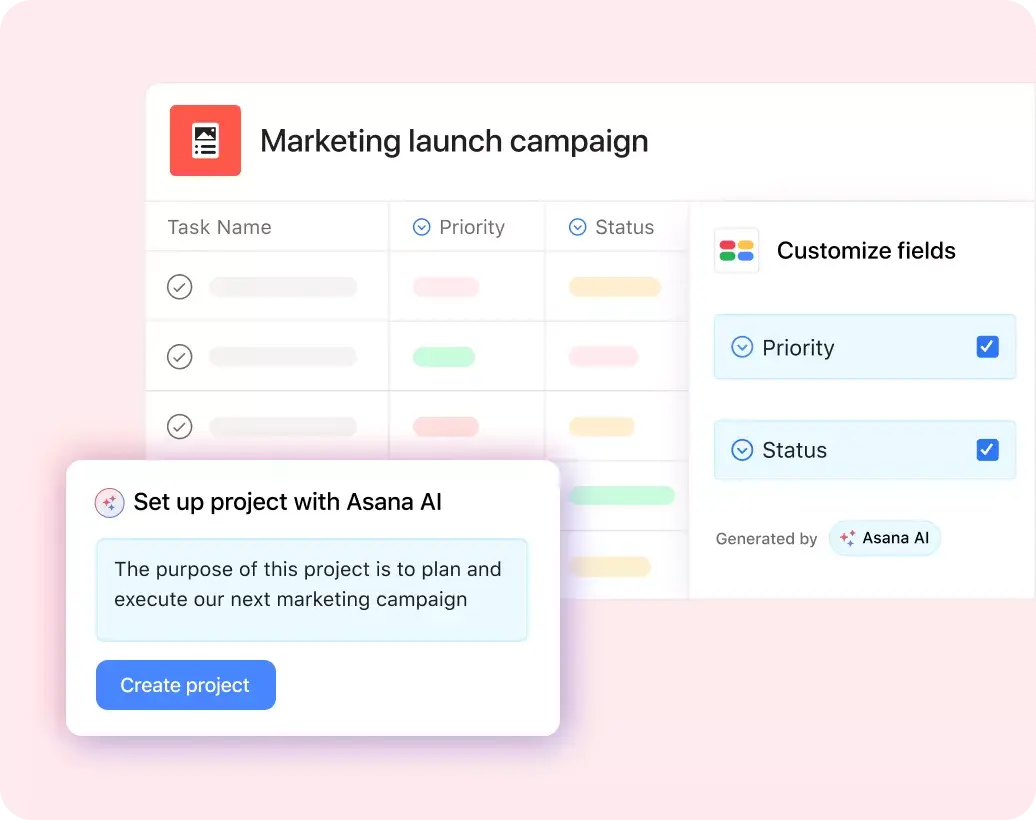
Custom fields. Custom fields are the best way to tag, sort, and filter work. Create unique custom fields for any information you need to track, from priority and status to email or phone number. Use custom fields to sort and schedule your to-dos so you know what to work on first. Plus, share custom fields across tasks and projects to ensure consistency across your organization.
Project Overview. Project Overview is your one-stop-shop for all important project context. Give your team a bird's-eye view of the what, why, and how of your project work. Add a project description to set the tone for how you'll work together in Asana. Then, share any important resources and context, like meeting details, communication channels, and project briefs, in one place.
Messaging. Need to share information that isn't actionable? Try Messages in Asana. Messages enable you to communicate within Asana about non-actionable work. You can send messages to any combination of individuals, teams, and projects, so everyone is on the same page. Link to tasks, projects, and goals in Asana to make it easy for your message recipients to gain context and drill down into the details.
Mobile. Asana is available on iOS and Android, making it easy for you to check your to-dos on the go. Review any new inbox notifications, send messages, and access project tasks so you're always up to date on project information.
Recommended apps
Jira. Create interactive, connected workflows between technical and business teams to increase visibility around the product development process in real time, all without leaving Asana. Streamline project collaboration and handoffs. Quickly create Jira issues from within Asana so that work passes seamlessly between business and technical teams at the right time.
Microsoft Teams. With the Microsoft Teams + Asana integration, you can search for and share the information you need without leaving Teams. Easily connect your Teams conversations to actionable items in Asana. Plus, create, assign, and view tasks during a Teams Meeting without needing to switch to your browser.
Figma. Teams use Figma to create user flows, wireframes, UI mocks, prototypes, and more. Now, you can embed these designs in Asana, so your team can reference the latest design work in context with related project documents. And, unlike screenshots, live embeds update in real time to reflect changes made in a design file, eliminating the overhead that comes with finding the right files and updating images.
GitHub. Automatically sync GitHub pull request status updates to Asana tasks. Track progress on pull requests and improve cross-functional collaboration between technical and non-technical teams, all from within Asana.
Simplify BOM management with digital tools
A well-structured bill of materials template keeps your projects organized, your teams aligned, and your costs under control. Whether you're tracking parts for a manufacturing run or creative assets for a campaign launch, the right template gives you a repeatable process that saves time and reduces errors.
Instead of managing your BOM in a static spreadsheet, try building it in a work management platform where your team can collaborate in real time, track progress, and keep everything connected. Asana makes it easy to create, share, and manage your BOM templates alongside the rest of your project work. Get started and see how Asana can help your team plan with confidence.
Frequently asked questions about bill of materials templates
Related templates

![[Templates] Editorial Calendar (Share image)](https://assets.asana.biz/transform/5fac5de2-17f6-4d69-8cd3-091a887a24bd/TG23-web-thumbnail-042-editorial-resource-management-static-2x?io=transform:fill,width:2560&format=webp)
![[Templates] Marketing Project Plan (Card) image](https://assets.asana.biz/transform/af70ac54-97b9-4639-b639-be3a3d951e3e/TG23-web-thumbnail-016-stakeholderregister-static-2x?io=transform:fill,width:2560&format=webp)
![[Templates] Operations Project Plan (Card)](https://assets.asana.biz/transform/ec3bf1b9-cbcd-413c-a20c-82bf1dbe10d2/TG23-web-thumbnail-008-risk-management?io=transform:fill,width:2560&format=webp)
![[Template] IT project plan (Card image)](https://assets.asana.biz/transform/8aa523a9-4dcb-4053-8e69-7bdf900b48b9/web-product-template-thumbnail-IT-EN-US?io=transform:fill,width:2560&format=webp)
![[Old Product UI] Sprint planning project with t-shirt sizes in Asana (Lists)](https://assets.asana.biz/transform/34817820-b376-4110-a8be-9a2c7c546a77/inline-project-planning-t-shirt-sizing-product-ui-list-view-sprint-planning-en-2x?io=transform:fill,width:2560&format=webp)


![[Templates] RFP Process (Card image)](https://assets.asana.biz/transform/14aa111b-ab22-483f-bfd1-3090acb7d2a5/RFP-process-premium-m?io=transform:fill,width:2560&format=webp)

![[HR Project Plan] template Card Image](https://assets.asana.biz/transform/663b8e5e-89c9-4b0b-b48b-1b17e01d1889/TG23-web-thumbnail-033-process-improvement-static-2x?io=transform:fill,width:2560&format=webp)
![[Templates] Waterfall project management (card image)](https://assets.asana.biz/transform/d87fc21c-53f0-4bc9-9094-9789b963be9b/article-project-management-waterfall-project-management-methodology-2x?io=transform:fill,width:2560&format=webp)
![[Templates] Status report (card image)](https://assets.asana.biz/transform/9c82d399-782b-40d3-9eb1-fd7544bef794/article-project-management-project-management-maturity-model-2x?io=transform:fill,width:2560&format=webp)
![[Templates] Event Marketing Plan (Card image)](https://assets.asana.biz/transform/6c7b9329-b612-4732-910a-7917fa079f0b/TG23-web-thumbnail-014-project-chart-static-2x?io=transform:fill,width:2560&format=webp)

![[Templates] Communication plan (card image)](https://assets.asana.biz/transform/3dc9eadf-9d2d-40a2-a05d-63adb32a1de7/article-collaboration-synchronous-vs-asynchronous-communication-2x?io=transform:fill,width:2560&format=webp)


![[Templates] Design Project Plan (Card image)](https://assets.asana.biz/transform/c768a28c-822f-420f-93f9-f2eea4c93780/TG23-web-thumbnail-032-bill-of-materials-static-2x?io=transform:fill,width:2560&format=webp)
Create a bill of materials template with Asana
See how creating a BOM template can streamline your asset creation process.