


Risk management plan template
Use a free template to manage risks, assign owners, and plan responses before issues affect projects. Managers and team leads can use it to manage risks throughout their project lifecycle.
Sign up to create your own template.
Risk management plan template
Use a free template to manage risks, assign owners, and plan responses before issues affect projects. Managers and team leads can use it to manage risks throughout their project lifecycle.
Create your templateSign up to create your own template.
INTEGRATED FEATURES
Recommended apps



![[product ui] risk management plan template in Asana (list view)](https://assets.asana.biz/transform/1b5341aa-c648-47df-83f1-8819ad7d701b/TG23-web-hero-008-risk-management-static-2x-en?io=transform:fill,width:2560&format=webp)
Summary
Every project comes with some level of uncertainty. Whether you're launching a product, rolling out a new process, or managing a cross-functional initiative, risks can surface at any stage and slow your team's progress.
A risk management plan template provides a structured way to identify risks early, evaluate their potential impact, and outline clear response strategies. In this article, you'll learn what a risk management plan template is, what to include in one, how to create your own, and how to respond to risks when they arise. You'll also get a free template you can start using right away.
What is a risk management plan template?
A risk management plan template is a reusable document that helps project managers identify, assess, and respond to potential risks before they affect a project. The content may vary from project to project, but the core structure remains the same, so your team always knows how to consistently prepare for and handle risks.
Creating a risk management plan template also makes it easier to manage projects with multiple stakeholders. When everyone is familiar with your established template, there's less of a learning curve each time you start a new project.
Create a risk management plan templateWhat's the purpose of a risk management plan?
A risk management plan is a strategy that project managers use to help prevent risks from happening throughout a project timeline. They can use this tool to monitor and log risks, as well as create a plan of action in the event of a potential risk.
Why create a risk management plan template?
Creating a risk management plan template is a best practice for project management professionals, and for good reason. Here's why you should create a project risk management plan template before starting a large project.
Plan for risks before they happen
With a risk management plan template, you can ensure that potential problems already have a solution before they ever occur. By assigning a specific risk to a team member, you're designating the person responsible for actively monitoring that risk.
For some teams, developing mitigation strategies for high-impact projects is necessary before a project is even approved. This prevents high-risk projects from affecting major business operations. If your team doesn't have mitigation plans in place, your project may not make it past the approval stage.
Provide clarity
A risk management plan template provides your team with clarity, especially regarding contingency plans. Stakeholders often don't enjoy hearing that something could go wrong with a project schedule, but if you already have response strategies in place, it's much easier to quell that anxiety.
Collaborative work management software like Asana makes it easy for everyone to access key risk documentation, including risk logs, risk assessment matrices, and contingency plans.
Read: What is a risk register: a project manager’s guide (and example)Encourage accountability
It's not easy to own up to an issue when things go wrong. But when there's an assigned risk owner, that individual is responsible for mitigating that risk as much as possible if it occurs. This gives team members the agency to evaluate the situation and develop contingency plans.
Clear ownership also means stakeholders always know who to ask about a specific risk, keeping communication direct and efficient.
What to include in your risk management plan template
Building a risk management plan template is straightforward, but how you organize the information inside it matters. Use a tool that's customizable and collaborative, so your team can structure the plan in a way that works best for them.
Common ways to organize your risk management plan template include:
By impact: Rank risks according to how severely they could affect your project.
By likelihood: Order risks based on the probability that each one will occur.
By category: Group risks by type, such as budget, schedule, resource, or external factors.
Key components of a risk management plan
While every risk management plan will look a little different depending on the project, there are a few core components that should always be included:
Risk identification: A list of potential risks that could affect your project. These might include common project constraints such as budget overruns, resource shortages, scope changes, or external factors like market shifts.
Risk assessment: An evaluation of each risk's likelihood and potential impact on your project. This is often captured using a scoring system or a risk assessment matrix.
Risk owner: The team member assigned to monitor and respond to each specific risk. Clear ownership ensures nothing falls through the cracks.
Risk response strategy: The planned action your team will take if a risk occurs. Common approaches include avoidance, mitigation, transfer, or acceptance.
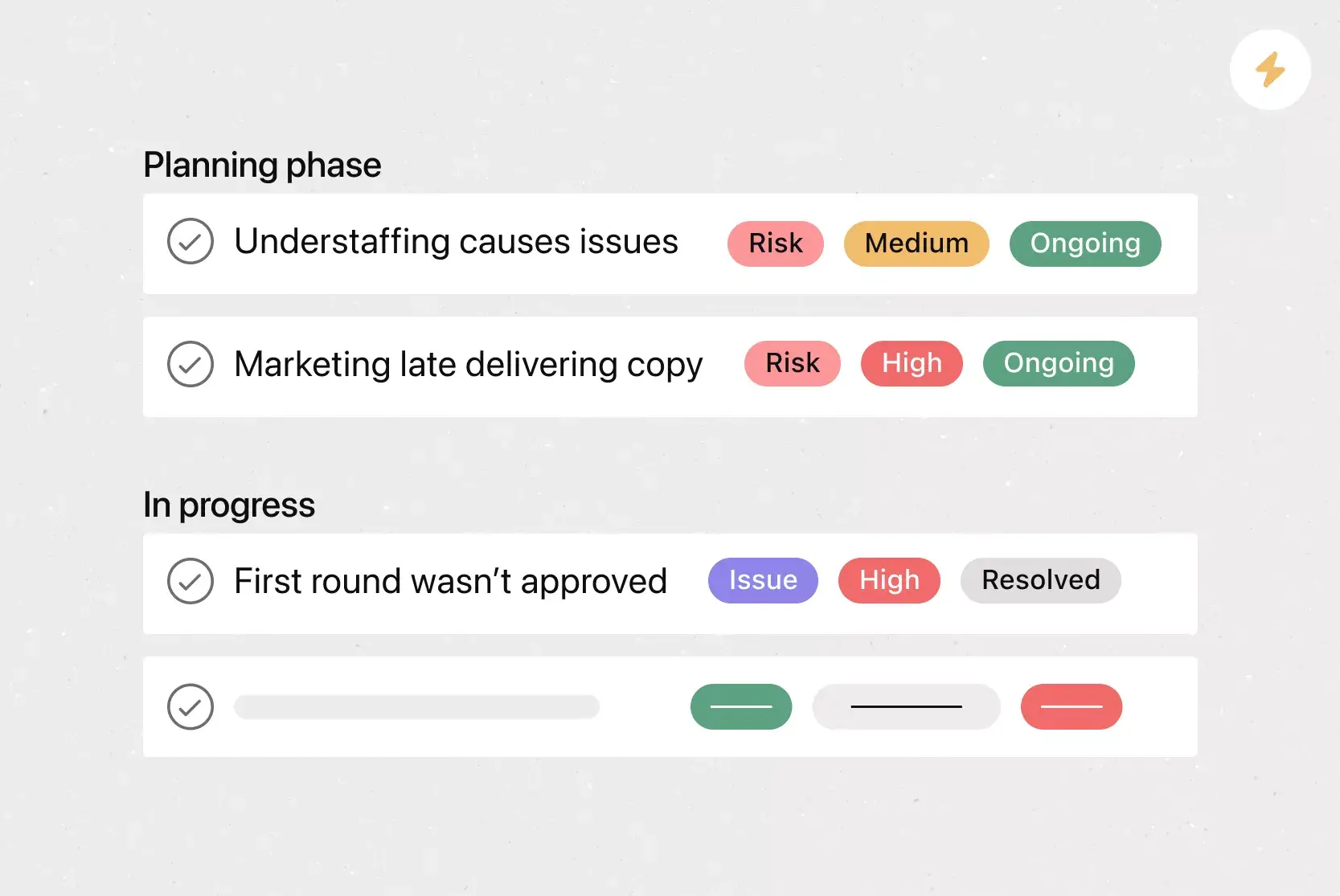
Risk status and monitoring plan: A way to track whether each risk is active, resolved, or escalating using clear project controls. Regular check-ins help your team stay on top of changes throughout the project lifecycle.
How to create a risk management plan
Once you understand what to include, the next step is building your plan. A strong risk management plan doesn't need to be complex, but it does need to be thorough. Start by bringing your team together to identify risks early, then follow these steps to assess and track them throughout the project.
4 steps to use your risk management plan template
Brainstorm which risks to add. Use collaborative software so everyone on your team can identify and add any potential risks that can negatively affect your project.
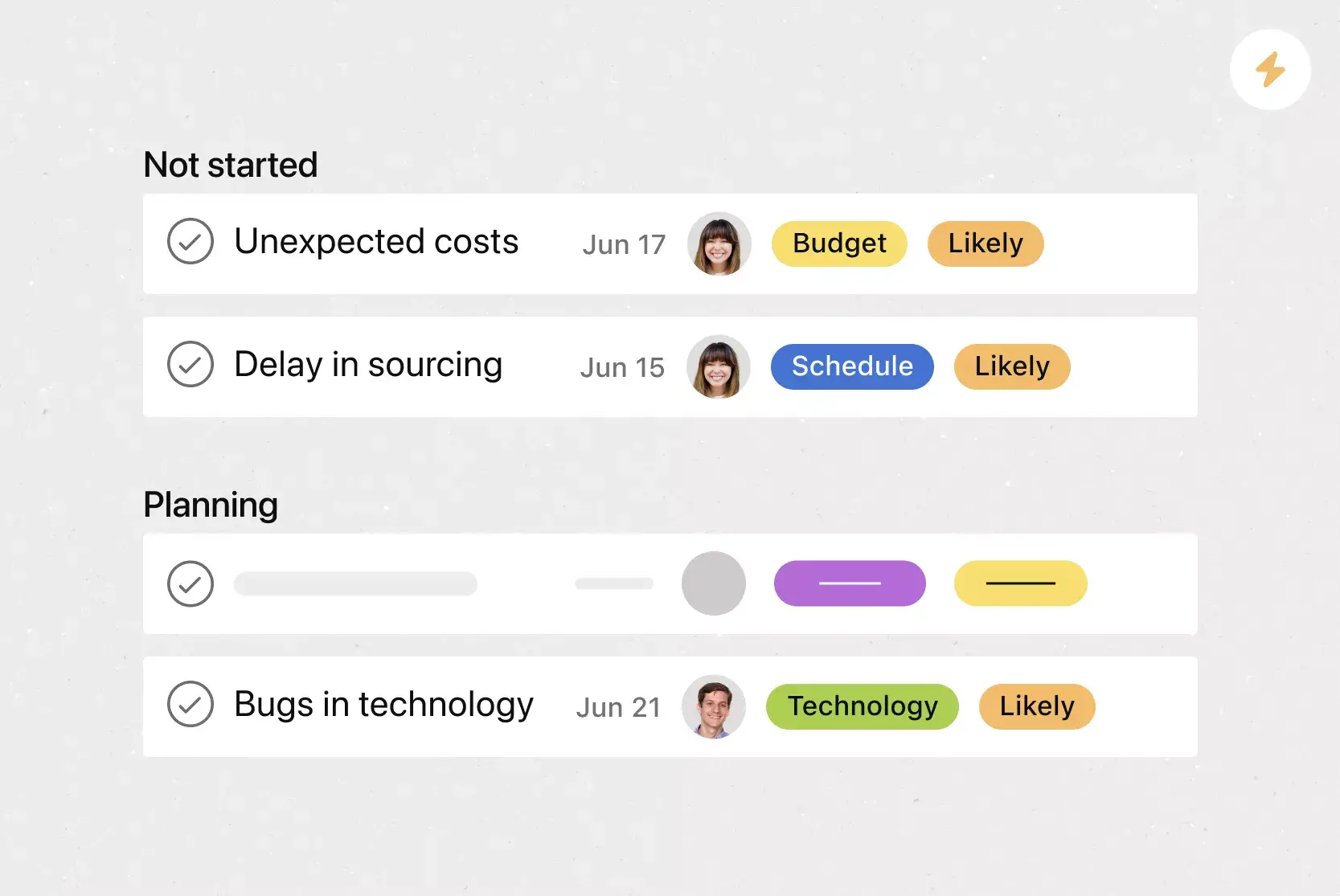
Assess the probability and impact of each risk. The combined probability and impact of each risk represent the risk's potential impact. Make sure your template has a way to track both risk likelihood and severity.
Predict how likely each risk is. Based on historical data or previous projects, team members can predict the probability that each risk will occur.
Monitor risks during the project lifecycle. The easiest way to do this is to assign team members a specific risk to monitor throughout a project's lifetime.
Ways to respond to project risks
Identifying and assessing risks is only part of the equation. You also need a clear plan for how your team will respond when risks materialize. There are four common risk response strategies to consider:
Avoid
Use when the risk is too severe, and you can eliminate it by changing the plan
Example: Adjust the project scope or timeline so the risk no longer applies
Mitigate
Use when you cannot eliminate the risk, but you can reduce its likelihood or impact
Example: Cross-train a team member to cover a key person’s responsibilities
Transfer
Use when a third party can manage the risk more effectively
Example: Outsource a high-risk task or purchase insurance
Accept
Use when the risk has a low impact, and the action would cost more than the consequence
Example: Acknowledge a minor delay risk and address it only if it happens
The right strategy depends on the severity of the risk, your team's capacity, and the resources available. Document your chosen response for each risk in your template so your team knows exactly what to do if something goes wrong.
Risk management plan example
To see how all of these components come together, imagine a marketing team preparing to launch a new product campaign. Their risk management plan might include the following:
Risk: Creative assets are delayed due to design team bandwidth constraints.
Likelihood: Medium
Impact: High (launch date is pushed back)
Risk owner: Design lead
Response strategy: Mitigate. Hire a freelance designer as backup and set an internal deadline two weeks before the launch date.
Status: Active, being monitored weekly
By documenting each risk in this format, the team has a clear view of what could go wrong, who's responsible, and what steps to take. You can replicate this structure for every risk in your project using the template above.
Integrated features
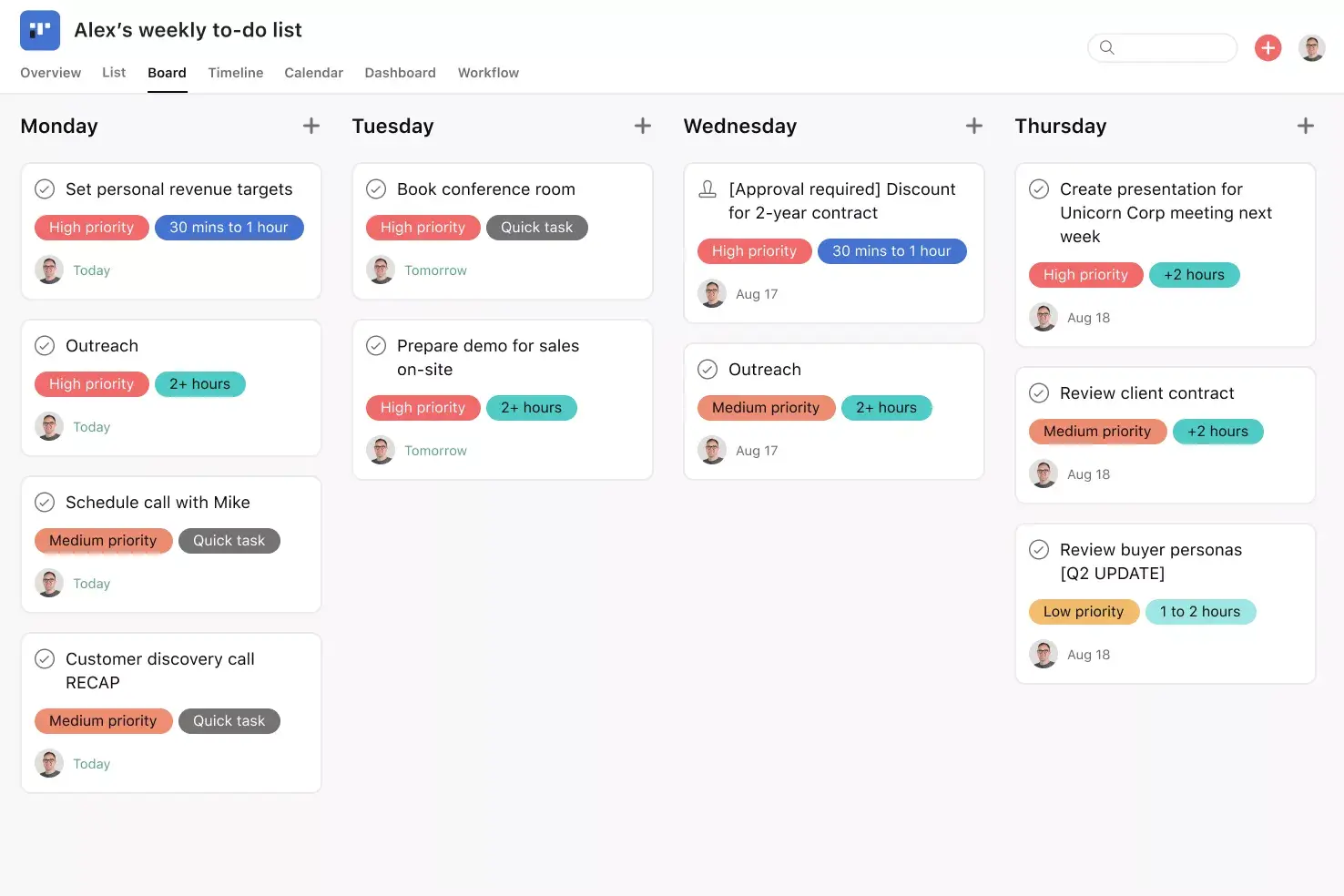
Custom fields. Custom fields are the best way to tag, sort, and filter work. Create unique custom fields for any information you need to track, from priority and status to email or phone number. Use custom fields to sort and schedule your to-dos so you know what to work on first.
Dependencies. Mark a task as waiting on another task with task dependencies. Know when your work is blocking someone else's work, so you can prioritize accordingly. Teams with collaborative workflows can easily see which tasks they're waiting on from others and know when to start on their portion of the work.
Start dates. Sometimes, you don't just need to track when a to-do is due; you also need to know when you should start working on it. Start times and dates give your team members a clear sense of how long each task should take to complete. Use start dates to set, track, and manage work to align your team's goals and prevent dependencies from falling through the cracks.
Subtasks. Sometimes a to-do is too big to fit into a single task. If a task has more than one contributor, a broad due date, or stakeholders who need to review and approve before it can go live, subtasks can help. Break tasks into smaller components or capture the individual components of a multi-step process with subtasks.
Recommended apps
Gmail. With the Asana for Gmail integration, you can create Asana tasks directly from your Gmail inbox. Any tasks you create from Gmail will automatically include the context from your email, so you never miss a beat.
Outlook. As action items come in via email, you can create tasks for them in Asana right from Outlook. Assign the new task to yourself or a teammate, set a due date, and add it to a project so it's connected to other relevant work.
Zendesk. With the Asana for Zendesk integration, you can quickly and easily create Asana tasks directly from Zendesk tickets. Add context, attach files, and link existing tasks to track work needed to close out the ticket.
Jira. Create interactive, connected workflows between technical and business teams to increase real-time visibility into the product development process, all without leaving Asana. Quickly create Jira issues in Asana so work flows seamlessly between business and technical teams at the right time.
Start managing project risks with Asana
A well-built risk management plan template helps your team stay prepared, respond faster, and keep projects on track. With Asana, you can bring your risk management plan to life in a shared workspace where your team can identify risks, assign owners, track status, and collaborate on response strategies.
Ready to get started? Get started with a free risk management plan template in Asana and give your team the tools they need to manage risk with confidence.
Create a risk management plan templateFAQs about risk management plan templates
Yes, especially if you manage projects with multiple stakeholders. A risk management plan template helps your team get on the same page by compiling risk information in one central place.
Use your risk management plan template during the project planning phase to brainstorm potential risks with your team, log each risk's likelihood and impact, and assign a team member to monitor it.
A risk management plan template helps your team align on how to handle risks throughout the project lifecycle and establishes repeatable processes that speed up planning for future projects.
Build your template in a project management platform your whole team can access, and include a description, likelihood score, impact level, response strategy, and assigned owner for each risk.
A risk management plan template helps your team prevent risks, clarify contingency plans, encourage accountability, and standardize processes across the organization.
A risk register logs individual risks along with their likelihood, impact, and status, while a risk management plan is the broader strategy that outlines how your team will identify, assess, and respond to risks throughout a project.
Review and update your risk management plan at key project milestones, during status meetings, or whenever your project scope changes significantly. For long-running projects, a weekly or biweekly review helps ensure that new risks are captured and existing risks are reassessed.
Related templates

![[Templates] Editorial Calendar (Share image)](https://assets.asana.biz/transform/5fac5de2-17f6-4d69-8cd3-091a887a24bd/TG23-web-thumbnail-042-editorial-resource-management-static-2x?io=transform:fill,width:2560&format=webp)
![[Templates] Marketing Project Plan (Card) image](https://assets.asana.biz/transform/af70ac54-97b9-4639-b639-be3a3d951e3e/TG23-web-thumbnail-016-stakeholderregister-static-2x?io=transform:fill,width:2560&format=webp)
![[Templates] Operations Project Plan (Card)](https://assets.asana.biz/transform/ec3bf1b9-cbcd-413c-a20c-82bf1dbe10d2/TG23-web-thumbnail-008-risk-management?io=transform:fill,width:2560&format=webp)
![[Template] IT project plan (Card image)](https://assets.asana.biz/transform/8aa523a9-4dcb-4053-8e69-7bdf900b48b9/web-product-template-thumbnail-IT-EN-US?io=transform:fill,width:2560&format=webp)
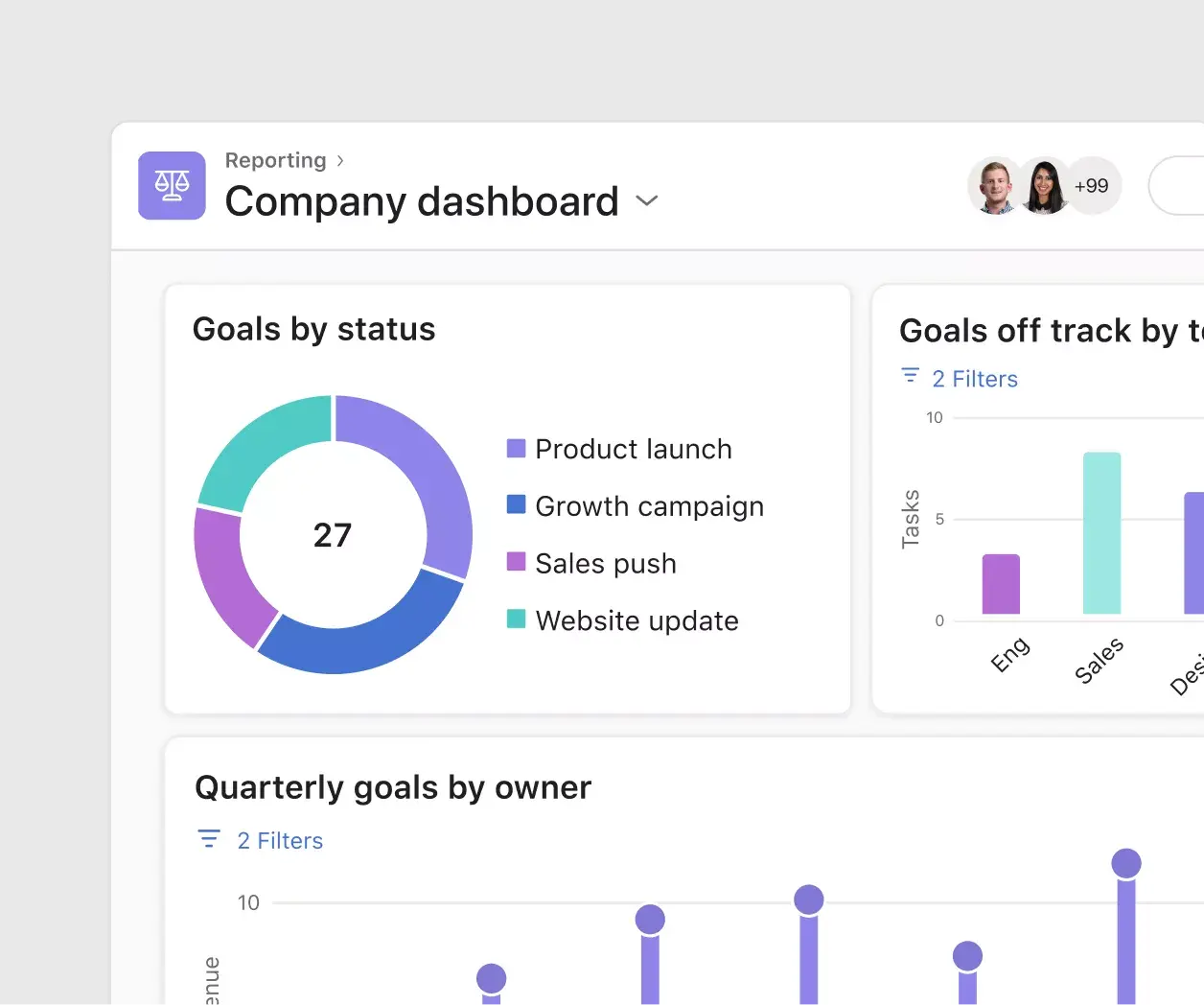
![[Old Product UI] Sprint planning project with t-shirt sizes in Asana (Lists)](https://assets.asana.biz/transform/34817820-b376-4110-a8be-9a2c7c546a77/inline-project-planning-t-shirt-sizing-product-ui-list-view-sprint-planning-en-2x?io=transform:fill,width:2560&format=webp)
![[Templates] RFP Process (Card image)](https://assets.asana.biz/transform/14aa111b-ab22-483f-bfd1-3090acb7d2a5/RFP-process-premium-m?io=transform:fill,width:2560&format=webp)

![[HR Project Plan] template Card Image](https://assets.asana.biz/transform/663b8e5e-89c9-4b0b-b48b-1b17e01d1889/TG23-web-thumbnail-033-process-improvement-static-2x?io=transform:fill,width:2560&format=webp)
![[Templates] Waterfall project management (card image)](https://assets.asana.biz/transform/d87fc21c-53f0-4bc9-9094-9789b963be9b/article-project-management-waterfall-project-management-methodology-2x?io=transform:fill,width:2560&format=webp)
![[Templates] Status report (card image)](https://assets.asana.biz/transform/9c82d399-782b-40d3-9eb1-fd7544bef794/article-project-management-project-management-maturity-model-2x?io=transform:fill,width:2560&format=webp)
![[Templates] Event Marketing Plan (Card image)](https://assets.asana.biz/transform/6c7b9329-b612-4732-910a-7917fa079f0b/TG23-web-thumbnail-014-project-chart-static-2x?io=transform:fill,width:2560&format=webp)

![[Templates] Communication plan (card image)](https://assets.asana.biz/transform/3dc9eadf-9d2d-40a2-a05d-63adb32a1de7/article-collaboration-synchronous-vs-asynchronous-communication-2x?io=transform:fill,width:2560&format=webp)


![[Templates] Design Project Plan (Card image)](https://assets.asana.biz/transform/c768a28c-822f-420f-93f9-f2eea4c93780/TG23-web-thumbnail-032-bill-of-materials-static-2x?io=transform:fill,width:2560&format=webp)
Create templates with Asana
Learn how to create a customizable template in Asana. Get started today.