A smarter way to work

With Asana, you can drive clarity and impact at scale by connecting work and workflows to company-wide goals.

Get started
See how it works
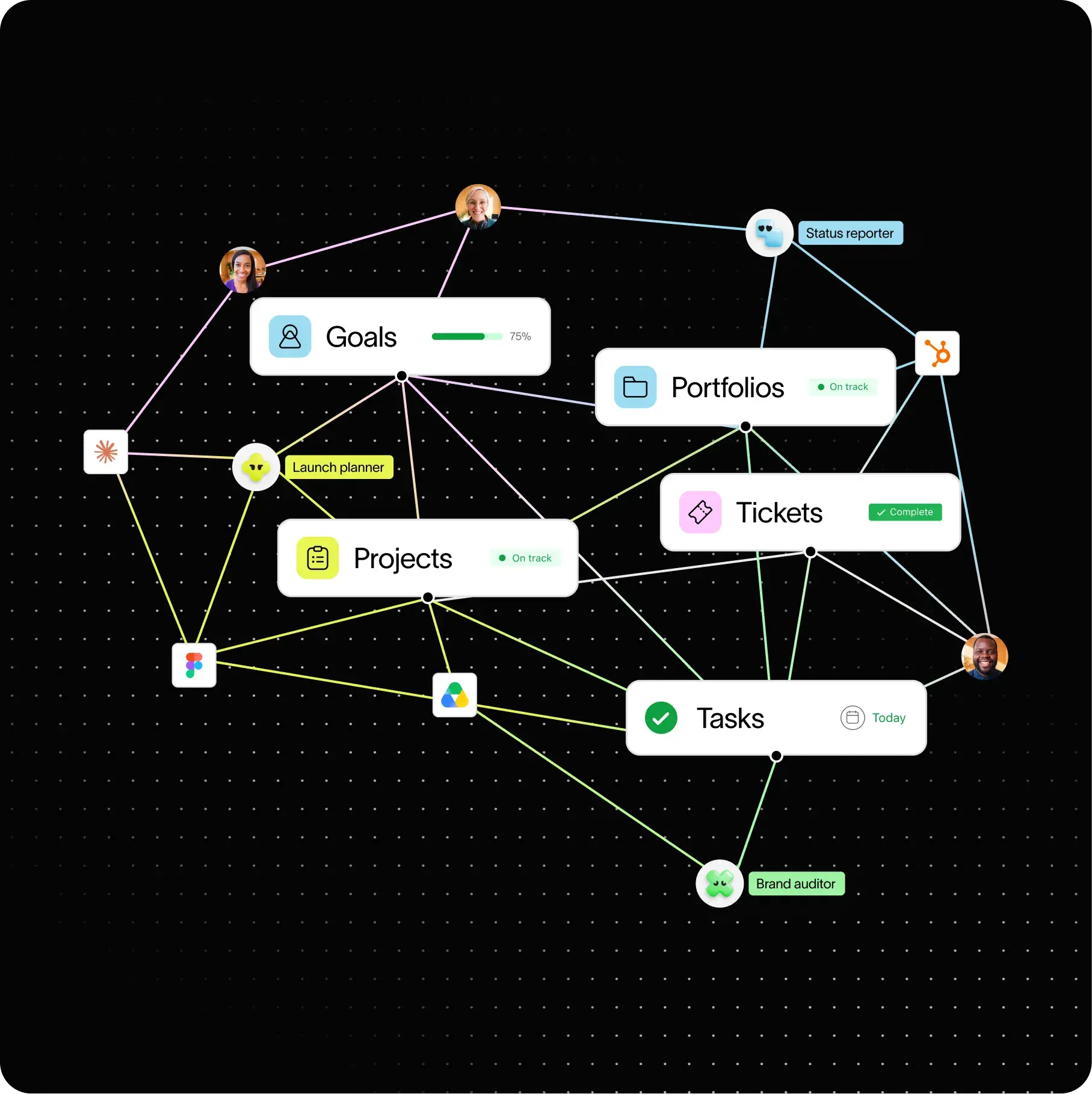
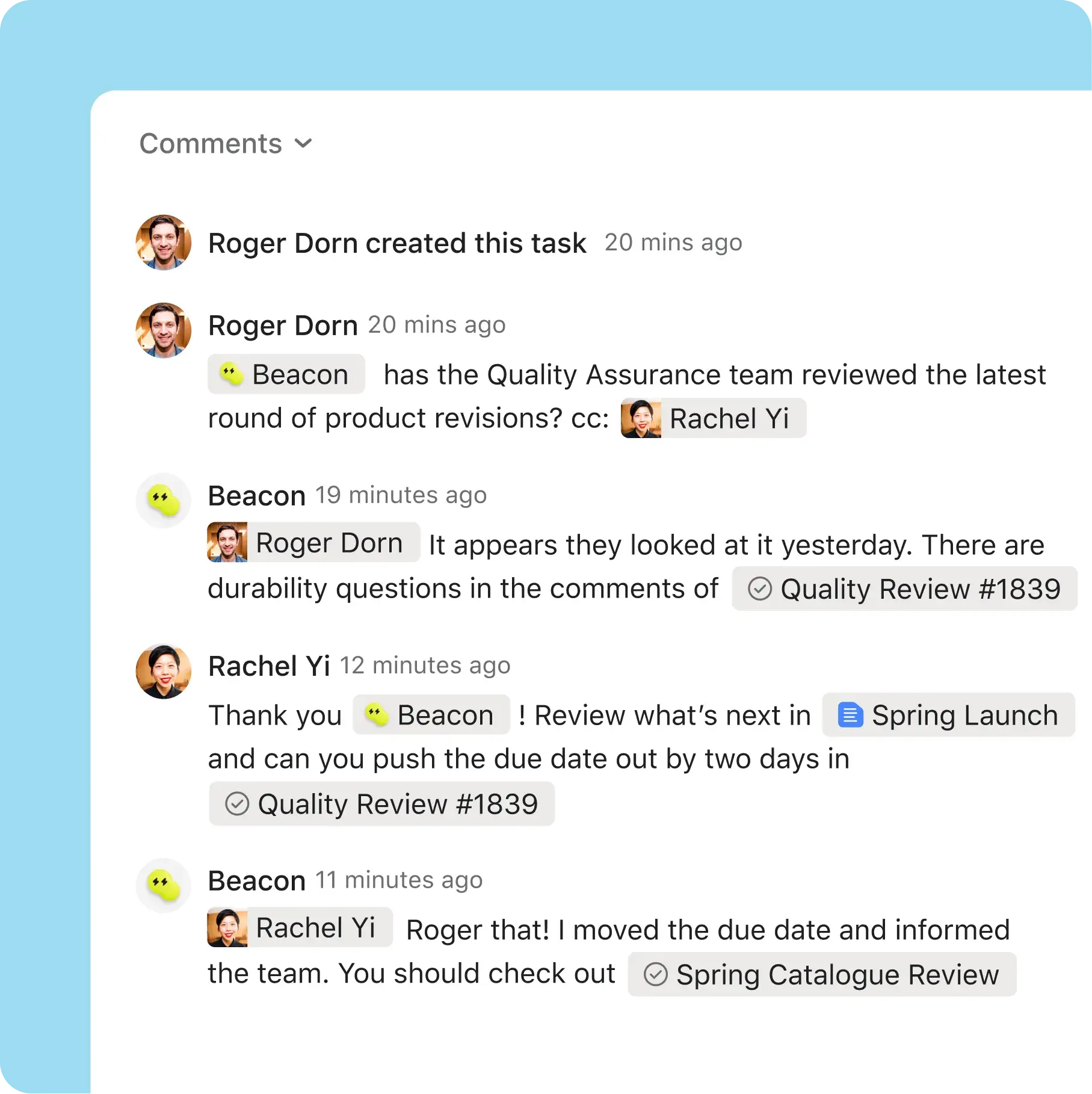
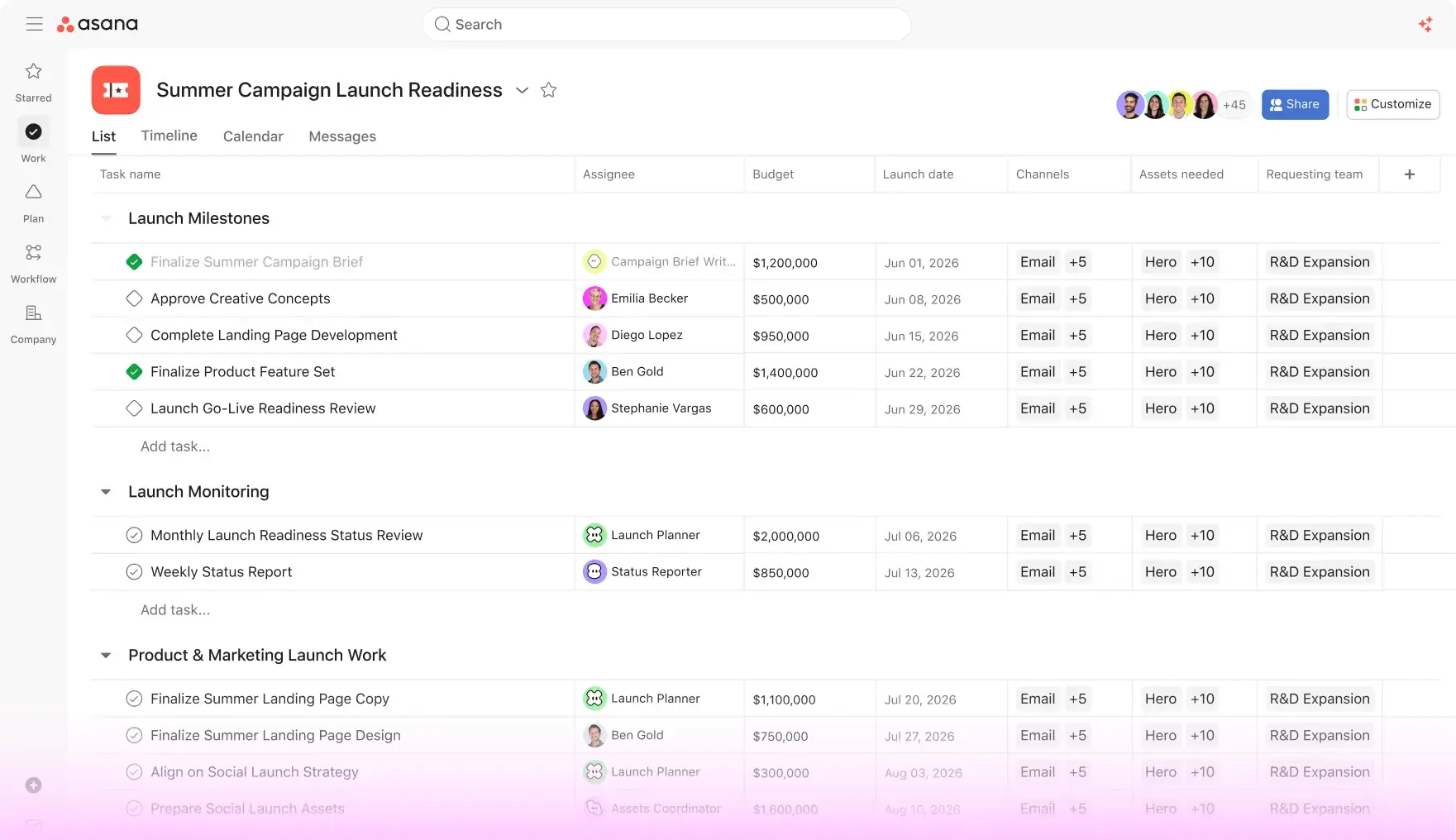
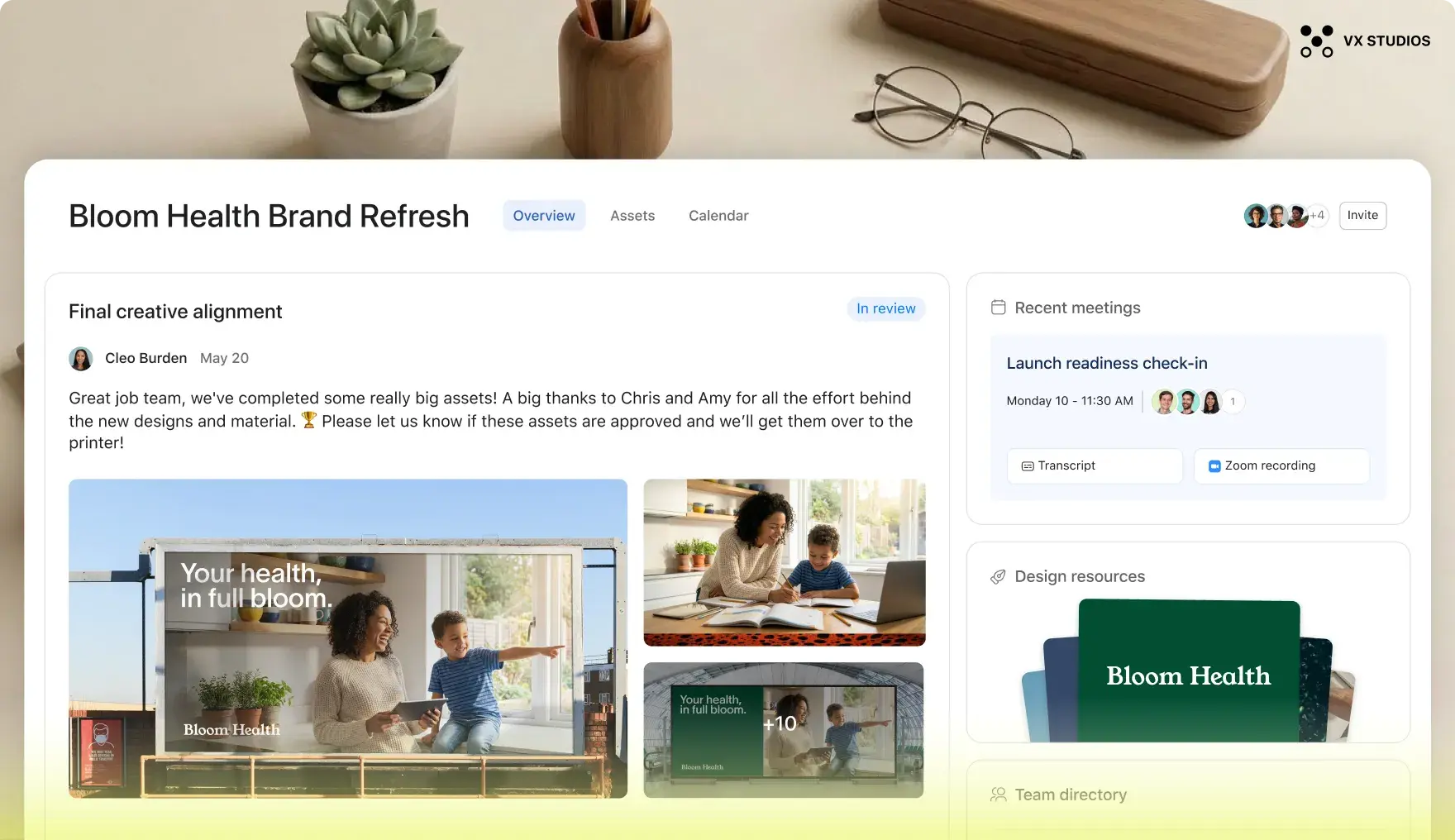
Homepage hero facesHomepage hero goals
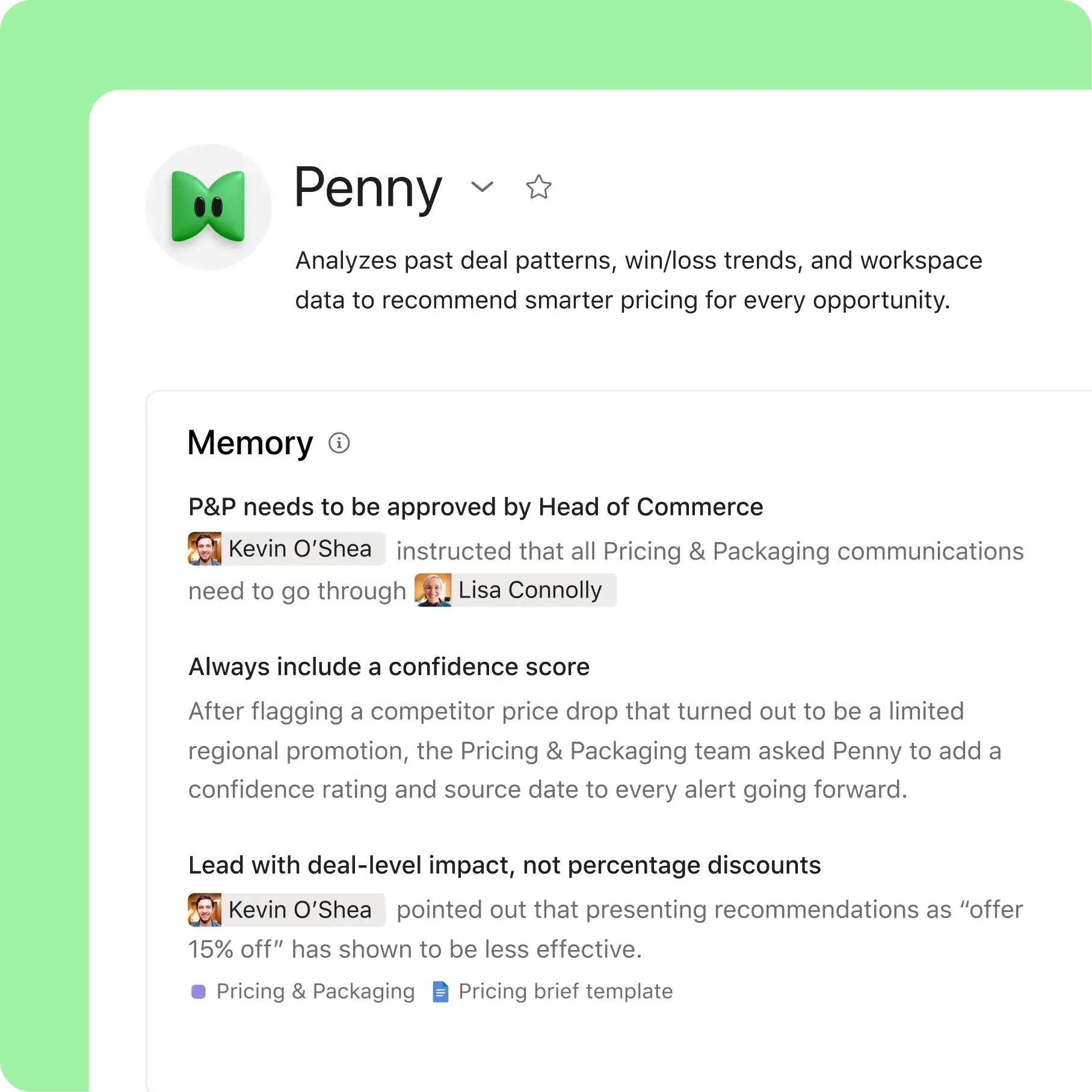
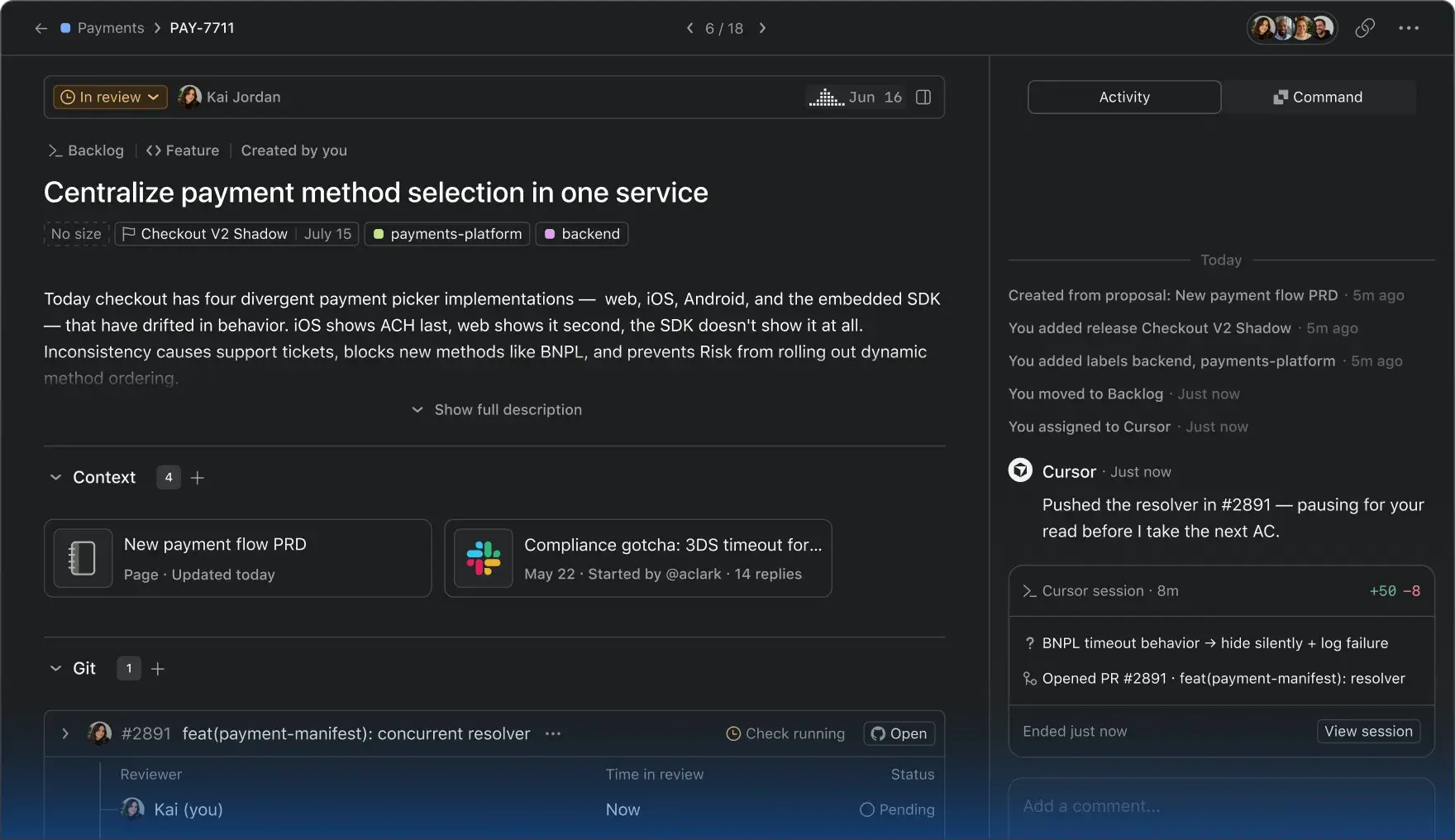
Homepage hero integrationsHomepage hero tasks
Homepage hero timeline
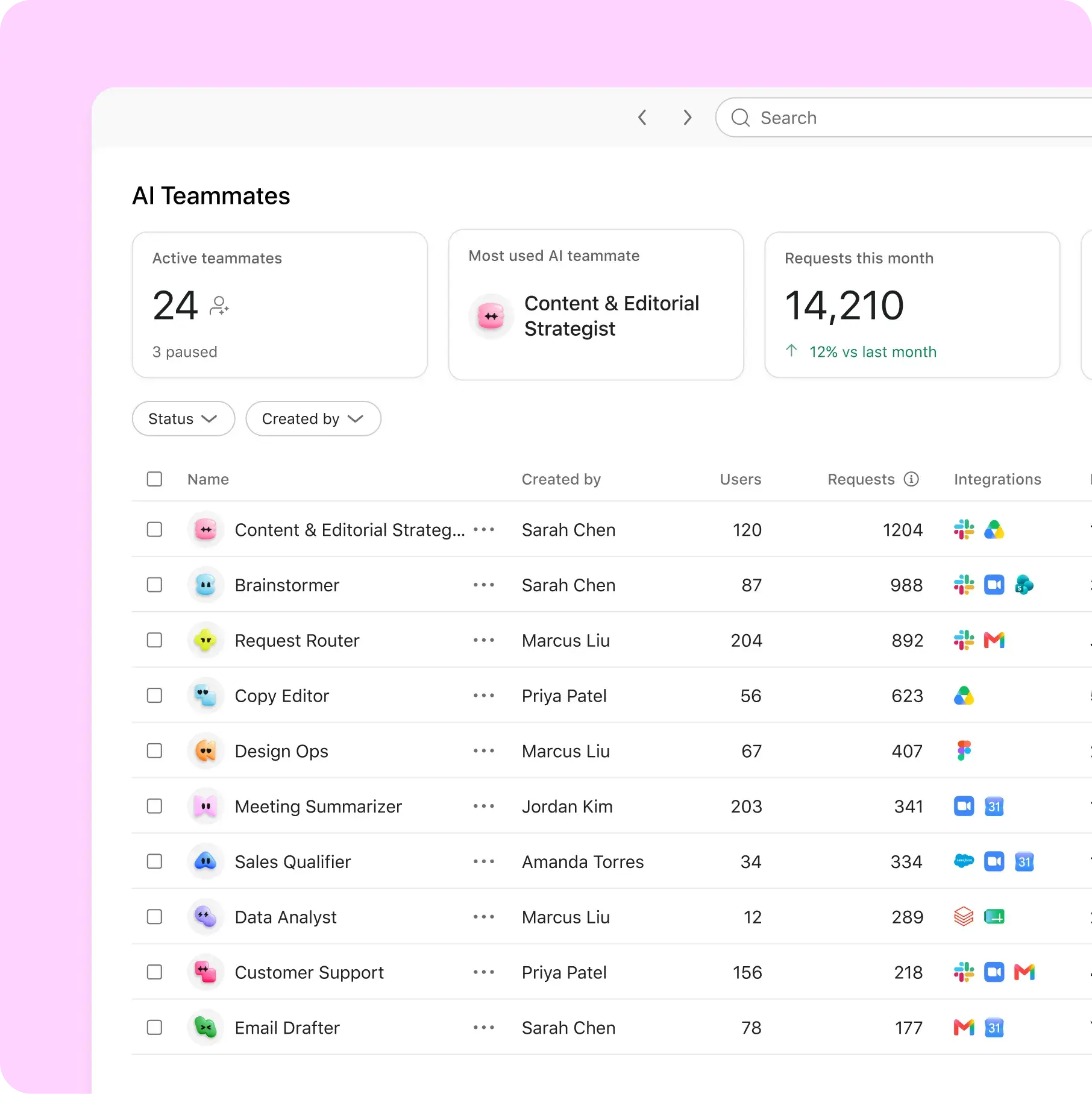
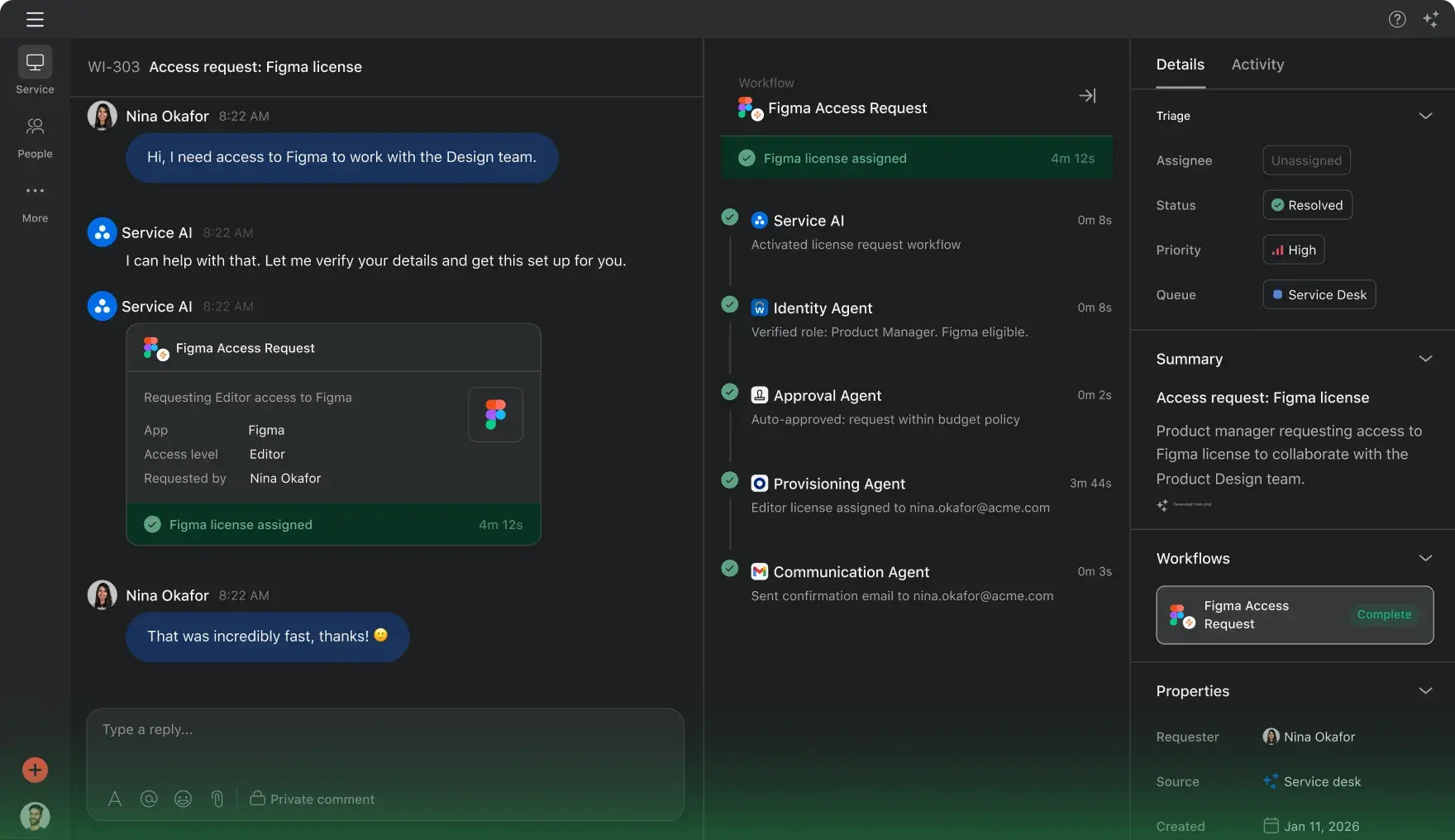
Homepage hero automationHomepage hero piechart
Homepage hero approvalHomepage hero bar graph

80% of Fortune 100 companies use Asana

See how customers use Asana
Amazon logo
Procter and Gamble logo
Johnson & Johnson logo
McKesson logo

See how teams use Asana

Deliver impactful marketing strategies


  • Collaborate on cross-team work for campaigns
  • Help teams quickly refocus around shifting business needs
  • Automate processes for approvals
Explore marketing
Marketing teams

Automate and streamline IT requests


  • Reduce digital friction for better team velocity
  • Get more control for critical security needs
  • Streamline workflows across teams
Explore IT
IT teams

Drive operational efficiency


  • Track work and see progress in real time
  • Standardize and automate processes
  • Unblock teams to hit revenue goals
Explore operations
Operations teams

Manage projects more efficiently


  • Remove silos for better collaboration
  • Spot project gaps to instantly pivot and stay on track
  • Track resources, goals and progress in one place
Explore project management
Project management

Align teams to execute winning strategies


  • Set annual plans to deliver results
  • See real-time insights to stay on track and on budget
Explore strategic planning
Strategic planning

Why companies choose Asana

  • The only platform with goals built in

    See related tasks, collaborators and progress to quickly achieve business goals.

  • Rated best for cross-team collaboration

    Asana is rated as a leader in work management by industry experts.

  • Simple adoption, with less downtime

    Get tailored support to help your teams easily migrate existing data and adopt Asana.

See how it works
DRIVE EFFICIENCY ACROSS TEAMS

Manage complex work easily

Connect what needs to get done, who's doing it, and by when.

Planning

Content Development

March

April

To-do

In-progress

Review-ready

Develop messaging framework
3
profile iconunassigned profile image
Mar 1 - 10
abstract task thumbnail
Write campaign brief
profile iconunassigned profile image
Mar 5 – 15
Finalize launch plan
420
profile iconunassigned profile image
Apr 12 – 15
Hold kickoff meeting
5
profile iconunassigned profile image
Mar 5 – 12
abstract task thumbnail
Create marketing materials
profile iconunassigned profile image
Apr 1 – 20
abstract task thumbnail
Review campaign assets
121
profile iconunassigned profile image
Apr 1 – 15

Planning

Content Development

March

April

To-do

In-progress

Review-ready

Develop messaging framework
3
profile iconunassigned profile image
Mar 1 - 10
abstract task thumbnail
Write campaign brief
profile iconunassigned profile image
Mar 5 – 15
Finalize launch plan
420
profile iconunassigned profile image
Apr 12 – 15
Hold kickoff meeting
5
profile iconunassigned profile image
Mar 5 – 12
abstract task thumbnail
Create marketing materials
profile iconunassigned profile image
Apr 1 – 20
abstract task thumbnail
Review campaign assets
121
profile iconunassigned profile image
Apr 1 – 15

List view

Organize and assign tasks. With lists, teams see immediately what they need to do, which tasks are a priority, and when work is due.

Planning

Content Development

March

April

To-do

In-progress

Review-ready

Develop messaging framework
3
profile iconunassigned profile image
Mar 1 - 10
abstract task thumbnail
Write campaign brief
profile iconunassigned profile image
Mar 5 – 15
Finalize launch plan
420
profile iconunassigned profile image
Apr 12 – 15
Hold kickoff meeting
5
profile iconunassigned profile image
Mar 5 – 12
abstract task thumbnail
Create marketing materials
profile iconunassigned profile image
Apr 1 – 20
abstract task thumbnail
Review campaign assets
121
profile iconunassigned profile image
Apr 1 – 15

Timeline

See how work maps out over time. Manage dependent, overlapping, and unscheduled tasks—and create plans your team can count on.

Planning

Content Development

March

April

To-do

In-progress

Review-ready

Develop messaging framework
3
profile iconunassigned profile image
Mar 1 - 10
abstract task thumbnail
Write campaign brief
profile iconunassigned profile image
Mar 5 – 15
Finalize launch plan
420
profile iconunassigned profile image
Apr 12 – 15
Hold kickoff meeting
5
profile iconunassigned profile image
Mar 5 – 12
abstract task thumbnail
Create marketing materials
profile iconunassigned profile image
Apr 1 – 20
abstract task thumbnail
Review campaign assets
121
profile iconunassigned profile image
Apr 1 – 15

Boards

Make it easy for your team to focus on tasks currently at hand. Define each stage of work to see what’s important and where things are getting stuck.

BRING YOUR WORK TOGETHER

Connect your tools to Asana

We have more than 200+ integrations, so you can use your favorite work tools to communicate, collaborate, and coordinate work in one place, from start to finish.

Everhour
For time tracking. Set up project budgets, track hours, and more in Asana.
Microsoft Teams
For communication. Add and collaborate on Asana tasks without leaving Teams.
Google Sheets
For reporting. Pull data from Asana into Sheets to make custom tables, charts, and more.
Zoom
For coordination. Turn action items from meetings into tasks in Asana right from Zoom.
Adobe Creative Cloud
For communication. See Asana tasks, get feedback, and more right from your Adobe apps.
Google Calendar
For time management. Add your Asana tasks to your calendar to see deadlines.
Harvest
For time tracking. Track time to record billable hours and create invoices in Asana.
Dropbox
For file sharing. Attach files from Dropbox to Asana tasks from the Asana task pane.
Slack
For communication. Add, assign, even comment on Asana tasks (and more) in Slack.
Google Drive
For file sharing. Attach files from Google Drive to Asana tasks from the task pane.
Jira Cloud
For coordination. Create Jira issues and track work without leaving Asana.
Salesforce
For coordination. Collaborate on Asana tasks for pre-sales needs in Salesforce.
Gmail
For coordination. Turn email into tasks in Asana right from your Gmail inbox.
OneDrive
For file sharing. Attach Microsoft files to your Asana tasks from the Asana task pane.
Zapier
For connecting apps. Connect with 1000+ apps to share data and automate routine work.
Tableau
For reporting. Pull data from Asana into Tableau to create custom dashboards.
Sharepoint
For file sharing. Attach files from Sharepoint to Asana tasks from the Asana task pane.
Outlook
For coordination. Turn emails into tasks in Asana right from your Outlook inbox.
Office 365
For communication. Stay up to date on work in Asana without leaving Microsoft groups.
Box
For file sharing. Attach files from Box to Asana tasks from the Asana task pane.
Microsoft Power BI
For reporting. Pull data from Asana into Power BI to create custom dashboards.
Instagantt
For scheduling. Make Gantt charts to see Asana tasks and more on timelines.
Everhour
For time tracking. Set up project budgets, track hours, and more in Asana.
Microsoft Teams
For communication. Add and collaborate on Asana tasks without leaving Teams.
Google Sheets
For reporting. Pull data from Asana into Sheets to make custom tables, charts, and more.
Zoom
For coordination. Turn action items from meetings into tasks in Asana right from Zoom.
Adobe Creative Cloud
For communication. See Asana tasks, get feedback, and more right from your Adobe apps.
Google Calendar
For time management. Add your Asana tasks to your calendar to see deadlines.
Harvest
For time tracking. Track time to record billable hours and create invoices in Asana.
Dropbox
For file sharing. Attach files from Dropbox to Asana tasks from the Asana task pane.
Slack
For communication. Add, assign, even comment on Asana tasks (and more) in Slack.
Google Drive
For file sharing. Attach files from Google Drive to Asana tasks from the task pane.
Jira Cloud
For coordination. Create Jira issues and track work without leaving Asana.
Salesforce
For coordination. Collaborate on Asana tasks for pre-sales needs in Salesforce.
Gmail
For coordination. Turn email into tasks in Asana right from your Gmail inbox.
OneDrive
For file sharing. Attach Microsoft files to your Asana tasks from the Asana task pane.
Zapier
For connecting apps. Connect with 1000+ apps to share data and automate routine work.
Tableau
For reporting. Pull data from Asana into Tableau to create custom dashboards.
Sharepoint
For file sharing. Attach files from Sharepoint to Asana tasks from the Asana task pane.
Outlook
For coordination. Turn emails into tasks in Asana right from your Outlook inbox.
Office 365
For communication. Stay up to date on work in Asana without leaving Microsoft groups.
Box
For file sharing. Attach files from Box to Asana tasks from the Asana task pane.
Microsoft Power BI
For reporting. Pull data from Asana into Power BI to create custom dashboards.
Instagantt
For scheduling. Make Gantt charts to see Asana tasks and more on timelines.

80% of Fortune 100 companies choose Asana1

Amazon Logo
McKesson Logo
Johnson & Johnson Logo
Dell Logo
Merck Logo

See how different
departments use Asana

  • Marketing
  • Operations
  • IT
  • Product
  • Company-wide
Marketing department

Meet campaign goals

  • List item
    Drive clarity to focus on shifting business needs
  • List item
    Maximize launch results
  • List item
    Automate and scale processes for approvals
Explore marketing

What sets Asana apart


More clarity and accountability

More clarity and accountability

Connect strategic goals to the teams that help achieve them. See progress in real time, update stakeholders, and keep the company on track.

Learn about goals

Greater impact with AI

Greater impact with AI

Now available: AI has joined the team to help every organization work smarter. Drive greater clarity, impact, and scale with Asana Intelligence, powered by the Work Graph®.


A smarter way to scale

Enterprise-grade security

Enterprise-grade security

Ensure your company's data is completely secure and that you're in compliance with the latest standards.

Explore security
Integrations

Connect over 300 integrations

Asana connects with the enterprise tools your organization already uses, right out of the box.

See all integrations

The world's top companies trust Asana

See all case studies

Get started easily

Asana Demo

See Asana in action

View demo
Asana Resources

Discover resources

Asana Templates

Start with a template

Asana Badges

Recognized as a leader by experts

90% of users rate Asana as "easy to use."

The only platform that can support your company at any scale

Get started
  1. Accurate as of September 7, 2022. Asana makes no representations about updating this number

  2. For more info on our G2 review

  3. For more info on our Gartner Peer Insights award

  4. For more info on the Forrester Wave Report