


Reduce Delays Fast
Identify important task dependencies, see which work affects your timeline, and update plans as things change. Keep your team in sync and your projects moving forward.
Sign up to create your own template.
Reduce Delays Fast
Identify important task dependencies, see which work affects your timeline, and update plans as things change. Keep your team in sync and your projects moving forward.
Create your templateSign up to create your own template.
INTEGRATED FEATURES
Recommended apps




Projects are rarely simple, linear things. Rather than tackling tasks one after another, teams often work on several deliverables at once to complete different project components on time. On the other hand, some tasks can't be started until others are complete, so one holdup can cause a bottleneck and derail your entire project. If you don't have a system to organize and visualize all those interconnected tasks, it's hard to predict how much time it will take to get everything done.
When your project timeline becomes complex, a critical path method template can clarify things. This template lets you see the longest and most important sequence of tasks you need to finish for your project to succeed. It helps you decide which tasks to focus on and how much time you’ll need. In this article, you’ll find out what a critical path method template is, why a digital version is useful, what to include, and how to use it for your next project.
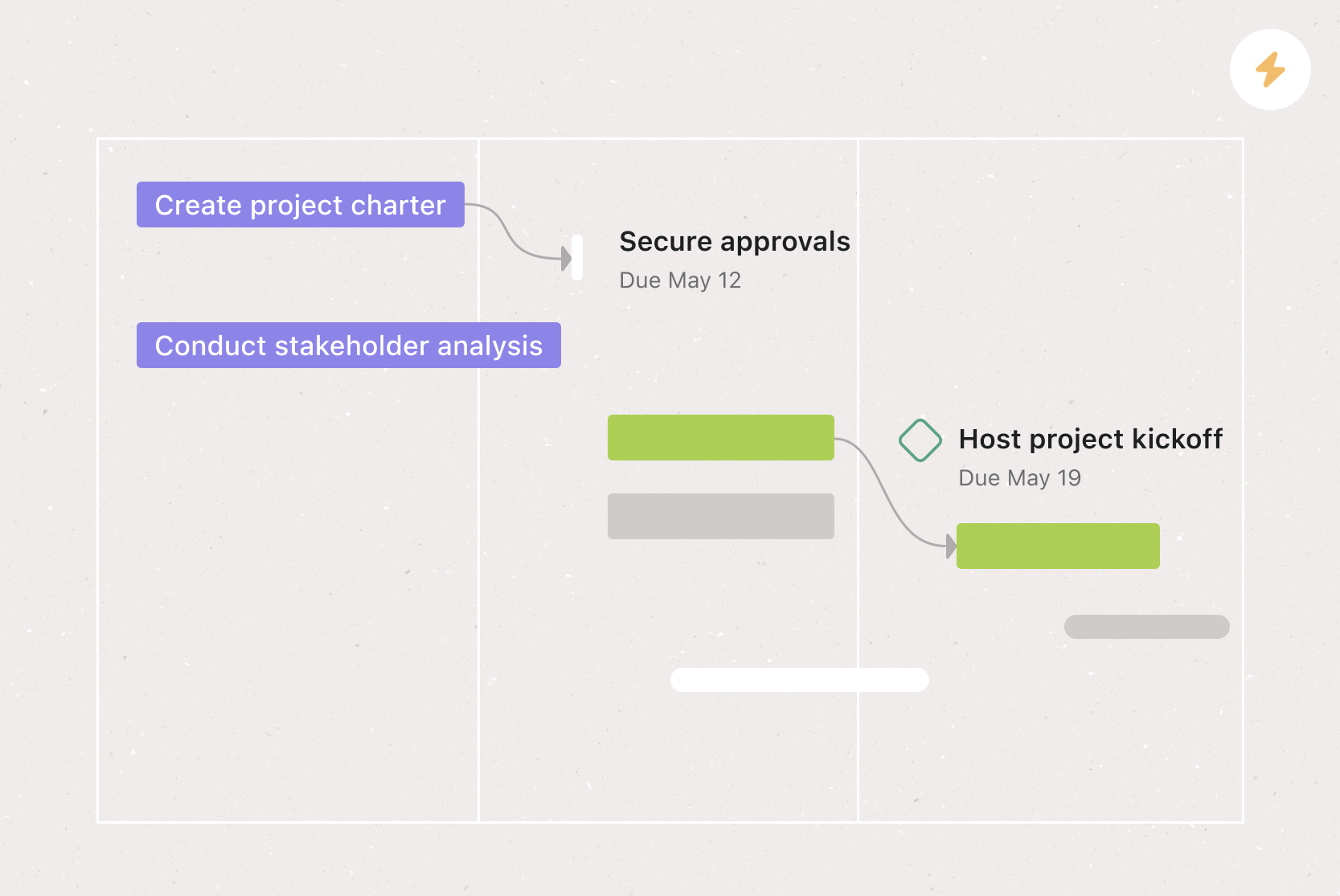
![[Product ui] Critical path project in Asana, Gantt-style project view (Timeline)](https://assets.asana.biz/transform/7b810892-4676-4e2b-93ae-25b762070e7d/TG23-web-hero-044-critical-path2-static-2x?io=transform:fill,width:2560&format=webp)
What is a critical path method template?
A critical path method template is a reusable project management tool that helps you identify the critical path, the longest sequence of dependent tasks that determines your project's minimum duration. Any delay on this path pushes back your entire project deadline. By mapping out this sequence, you can prioritize resources for the tasks that have the biggest impact on your project timeline and keep work flowing smoothly.
A critical path method template simplifies this process by outlining all the information you need to collect and how to put it together. You don't have to start from scratch for every new initiative. Instead, copy the template, fill in the required fields, and start planning.
Create a critical path method templateThe benefits of a digital critical path method template
Things change during a project. Priorities shift, resources fluctuate, and additional requests can alter your project scope and other project constraints. A digital critical path method template doesn't just help you plan your timeline at the start of a project; it also helps you adjust and visualize your critical path when circumstances change.
With a digital template, you don’t have to depend on static Excel sheets or paper trackers. You can see updates in real time, so you always know what your team has finished, what’s next, and what changes you might need to make.
Real-time updates
Static template (Excel/paper): Manual entry required
Digital template (Asana): Automatic as tasks change
Dependency tracking
Static template (Excel/paper): Manual linking
Digital template (Asana): Built-in with notifications
Timeline visualization
Static template (Excel/paper): Requires a separate chart
Digital template (Asana): Gantt chart view included
Team collaboration
Static template (Excel/paper): File sharing needed
Digital template (Asana): Shared workspace with comments
Schedule adjustments
Static template (Excel/paper): Recalculate manually
Digital template (Asana): Dates shift automatically
By creating your critical path method template with a project management tool, you can:
Visualize which tasks have the biggest impact on your project timeline.
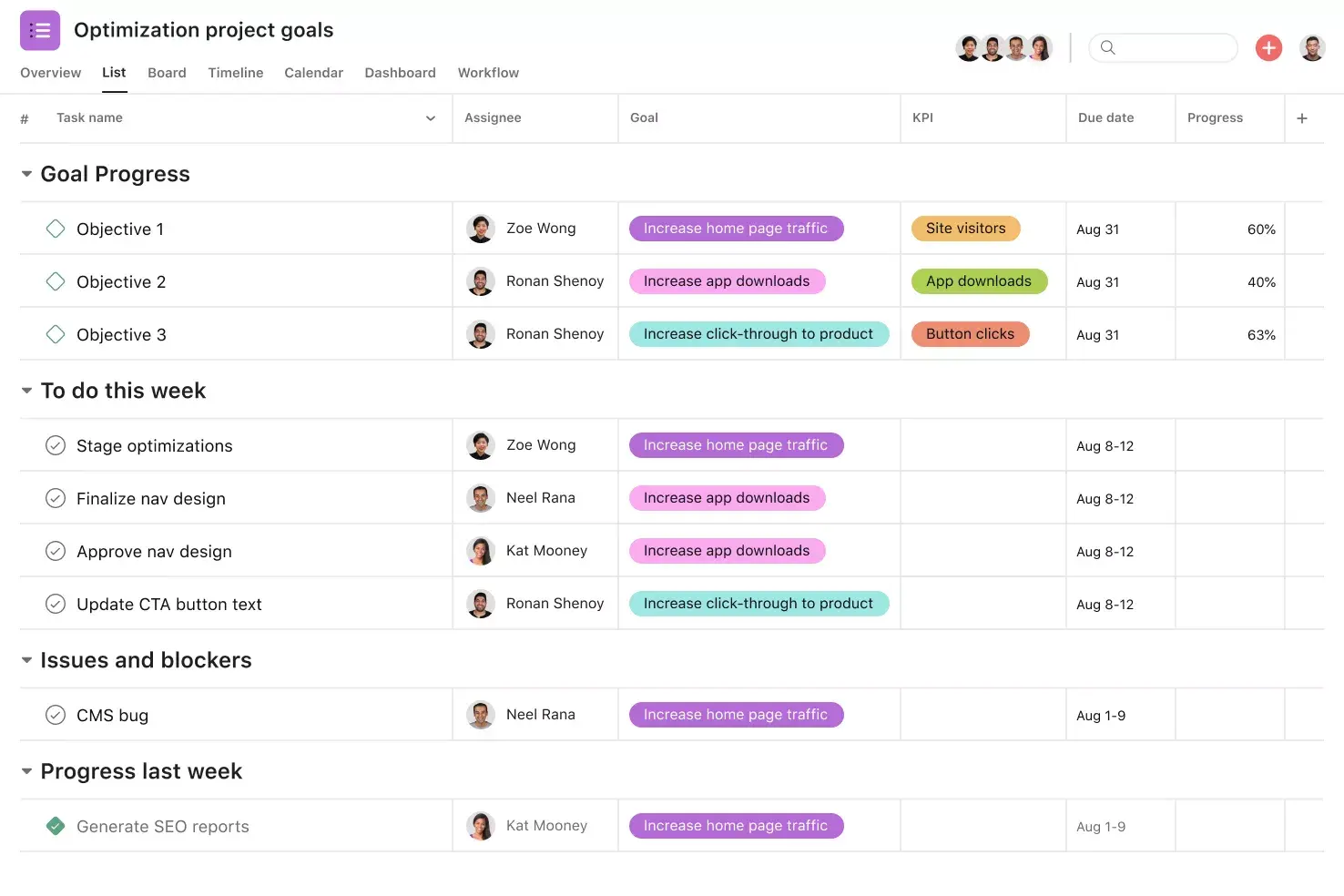
View project deliverables as a list or Gantt chart-style illustration, without doing any extra work.
Identify and track project dependencies: tasks that rely on the completion of another task.
See updates in real time as your team completes and adjusts tasks.
Update your project timeline if circumstances change.
Give stakeholders visibility into your project timeline and priorities.
Add contextual information to tasks by attaching documents, images, and videos to each task.
Identify potential risks early by seeing which tasks have zero float, so you can address issues before they cause delays.
Improve team communication by giving everyone a shared view of what's critical and what's flexible.
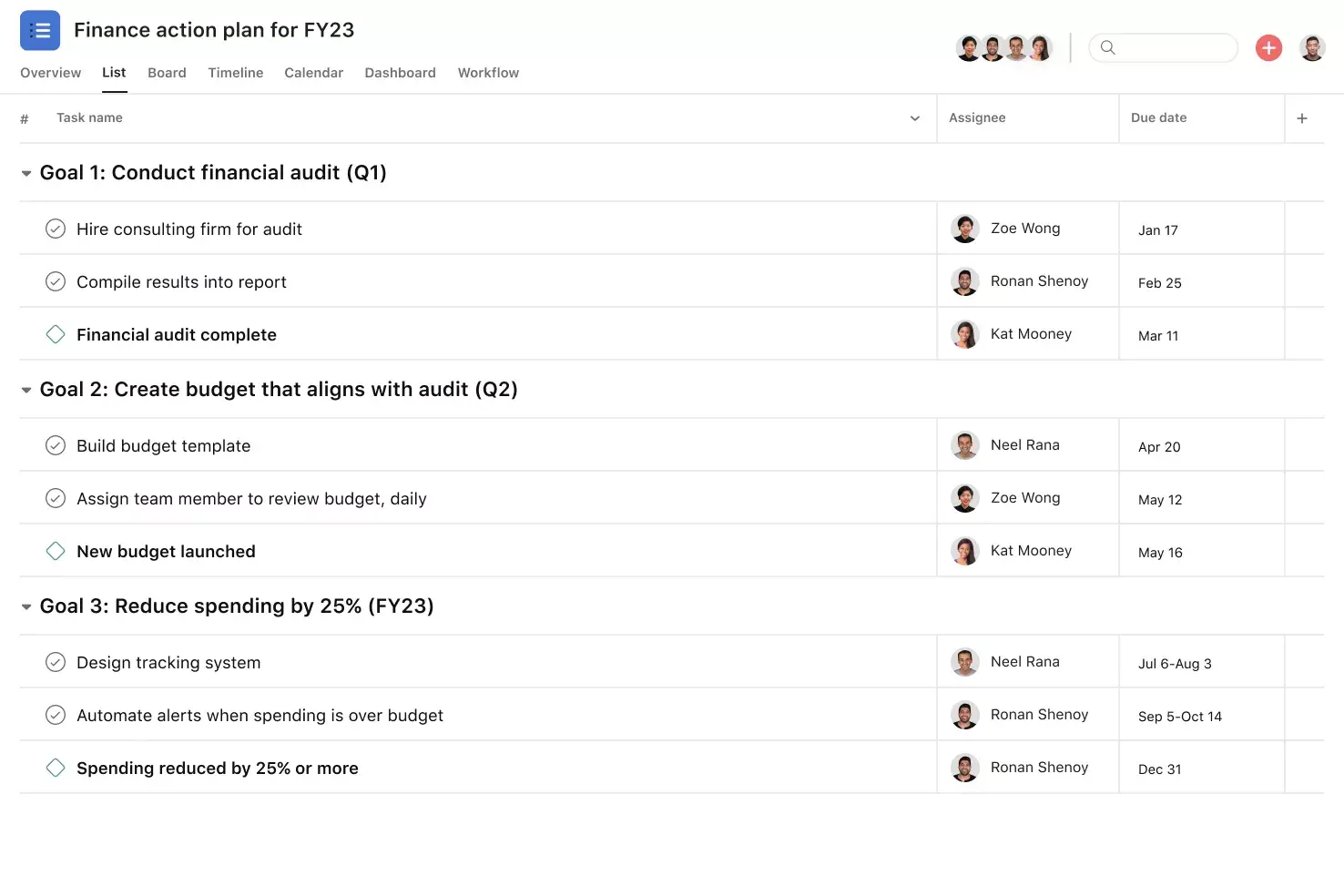
![[Product ui] Critical path project in Asana, spreadsheet-style project view (List)](https://assets.asana.biz/transform/347e3eef-0c97-439a-b3bd-aee669efd89d/TG23-web-hero-044-critical-path1-static-2x?io=transform:fill,width:2560&format=webp)
What to include in your critical path method template
Your critical path method template should outline all the information you need in order to determine a project's critical path. This includes:
A list of all deliverables and sub-deliverables: Everything you need to complete for a successful project, similar to a work breakdown structure (WBS). In Asana, you can include these as tasks and sub-tasks. Our WBS template can serve as a starting point for you.
Task dependencies: Tasks that either block or are blocked by other tasks.
Task duration: An estimate of how long each deliverable will take based on previous experience, past projects, or industry standards.
Total float: The amount of time you can delay a task without impacting your project timeline. This is the number of days between the earliest possible start date of a task and its latest possible start date.
Free float: How long you can delay a task without impacting the next task in your timeline. This is the number of days between the earliest start of the next task and the earliest possible finish date of the current task.
A label to show which tasks are critical and which are not: Tasks on the critical path have zero float, so you can’t move their due dates without affecting your whole project timeline. Non-critical tasks have more flexibility, and you can delay them without causing problems. To make this clearer, you can create separate sections in your template for each type.
A date range for each task: The time span you have to accomplish each deliverable, based on dependencies and the duration of the task. When you use your critical path method template, this is one of the last fields to fill out as you plan your project timeline.
How to use your critical path method template
Once your template is set up, follow these steps each time you start a new project:
List every deliverable: Begin by listing all the tasks and sub-tasks needed to finish your project. This forms your full scope of work. If you already have a work breakdown structure, use it as your starting point.
Define task dependencies: Determine which tasks must be completed before others can begin. For example, you can't begin user testing until the prototype is built. Map out these relationships clearly so you can see the order of operations.
Estimate task durations: Give each task a time estimate using your past experience, your team’s capacity, or industry standards. Be realistic, and add a small buffer for tasks that are less certain.
Calculate the critical path: Find the longest chain of dependent tasks from start to finish. This is your critical path, and it sets the shortest time your project can take. If any of these tasks are delayed, your whole project will finish later.
Determine float for non-critical tasks: For tasks not on the critical path, calculate the total float and the free float. This tells you how much flexibility you have to shift or delay these tasks without affecting dependent work or your overall timeline.
Set your project schedule: Use the critical path and float calculations to assign start and end dates for every task. Prioritize resources for critical tasks, and use the float in non-critical tasks to balance your team's workload.
Monitor and adjust as you go: Your critical path isn't static. As your project progresses, track completed tasks, watch for delays, and update your template. If a critical task slips, re-evaluate your timeline and consider fast-tracking vs. crashing before shifting resources where needed.
With a digital project management tool like Asana, you can automate much of this process:
Automatic dependency updates: When a task is completed or rescheduled, connected tasks adjust instantly.
Real-time timeline adjustments: Your project schedule stays up to date without manual recalculations.
Team-wide alignment: Everyone sees the same up-to-date view of priorities, deadlines, and progress.
Integrated features
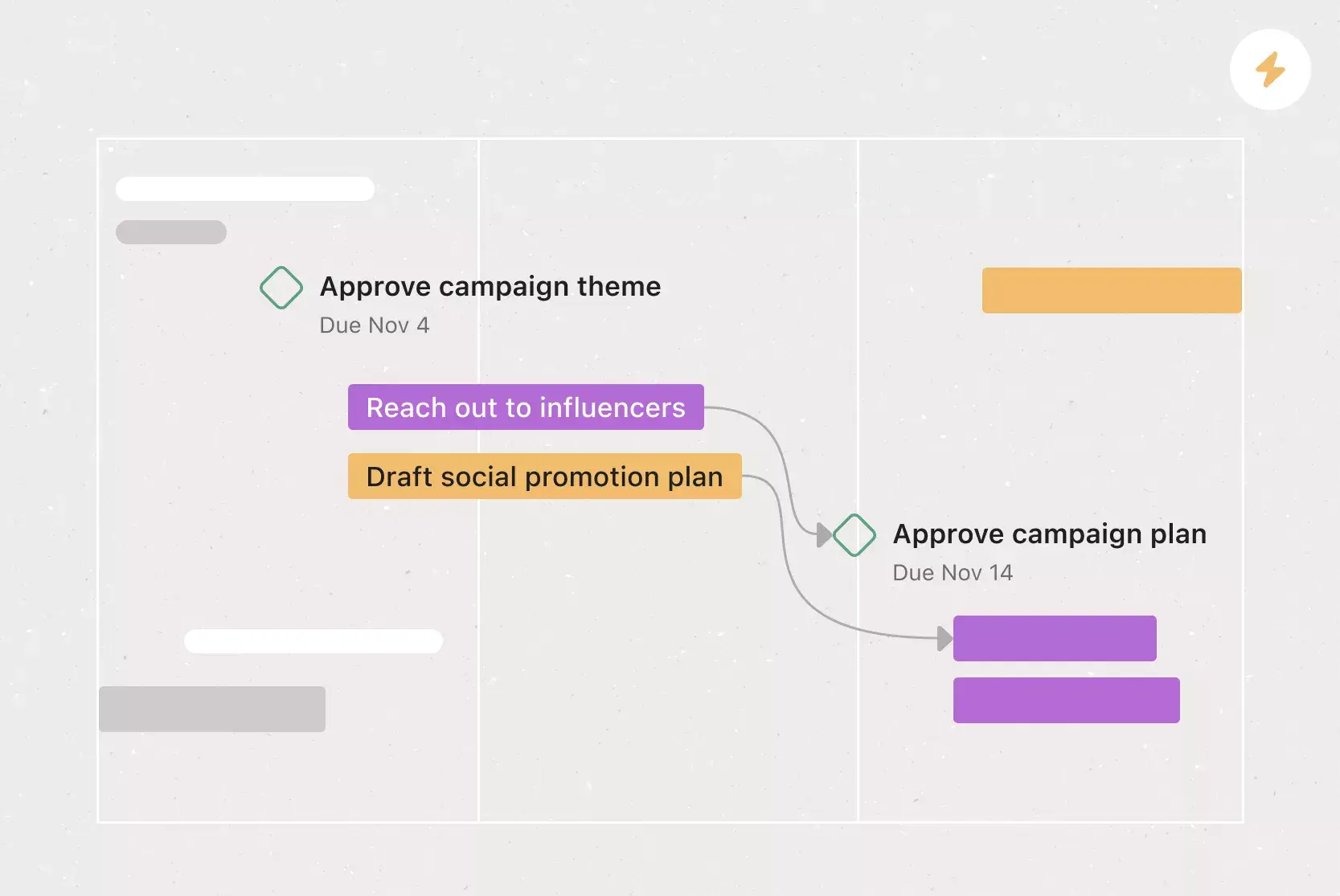
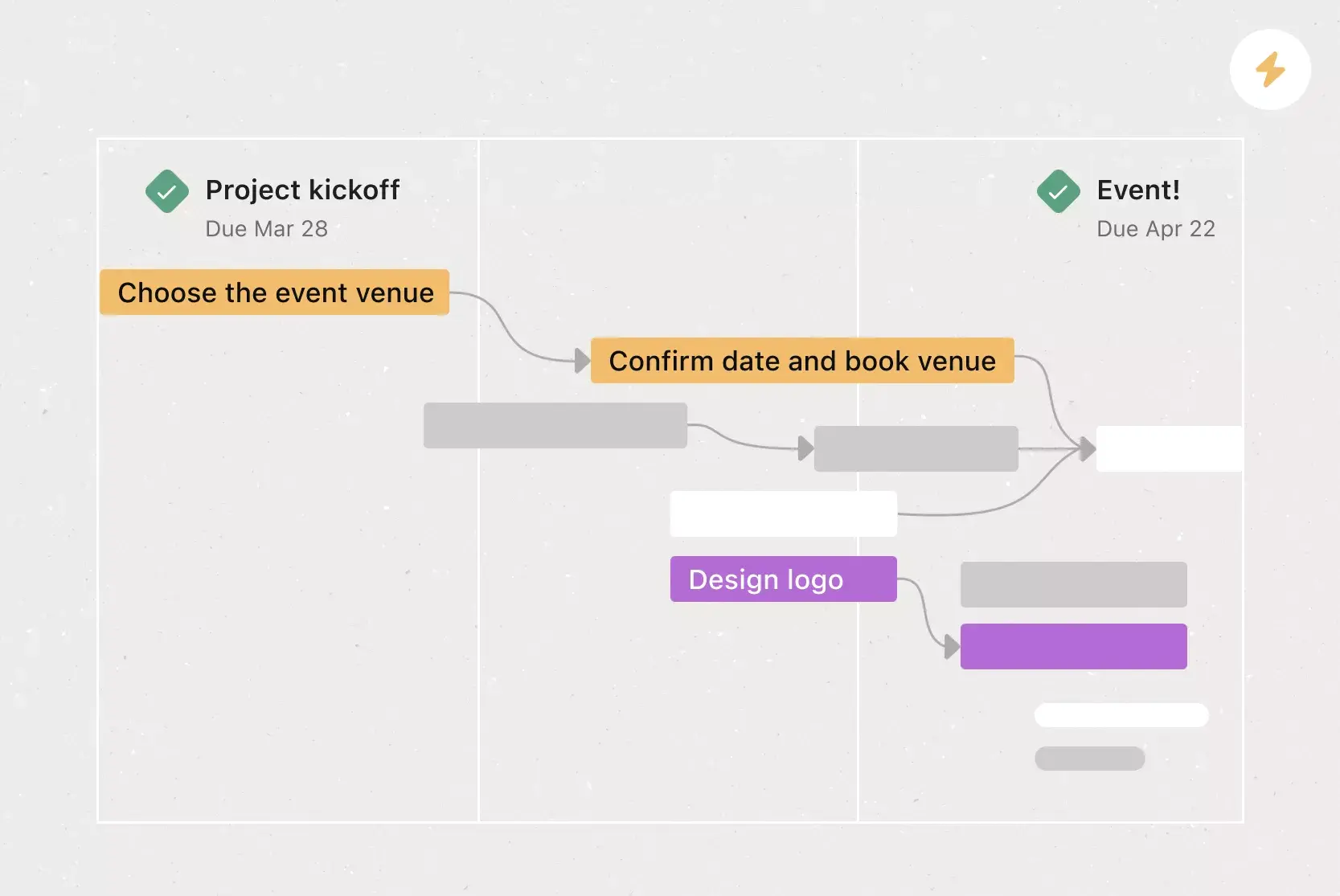
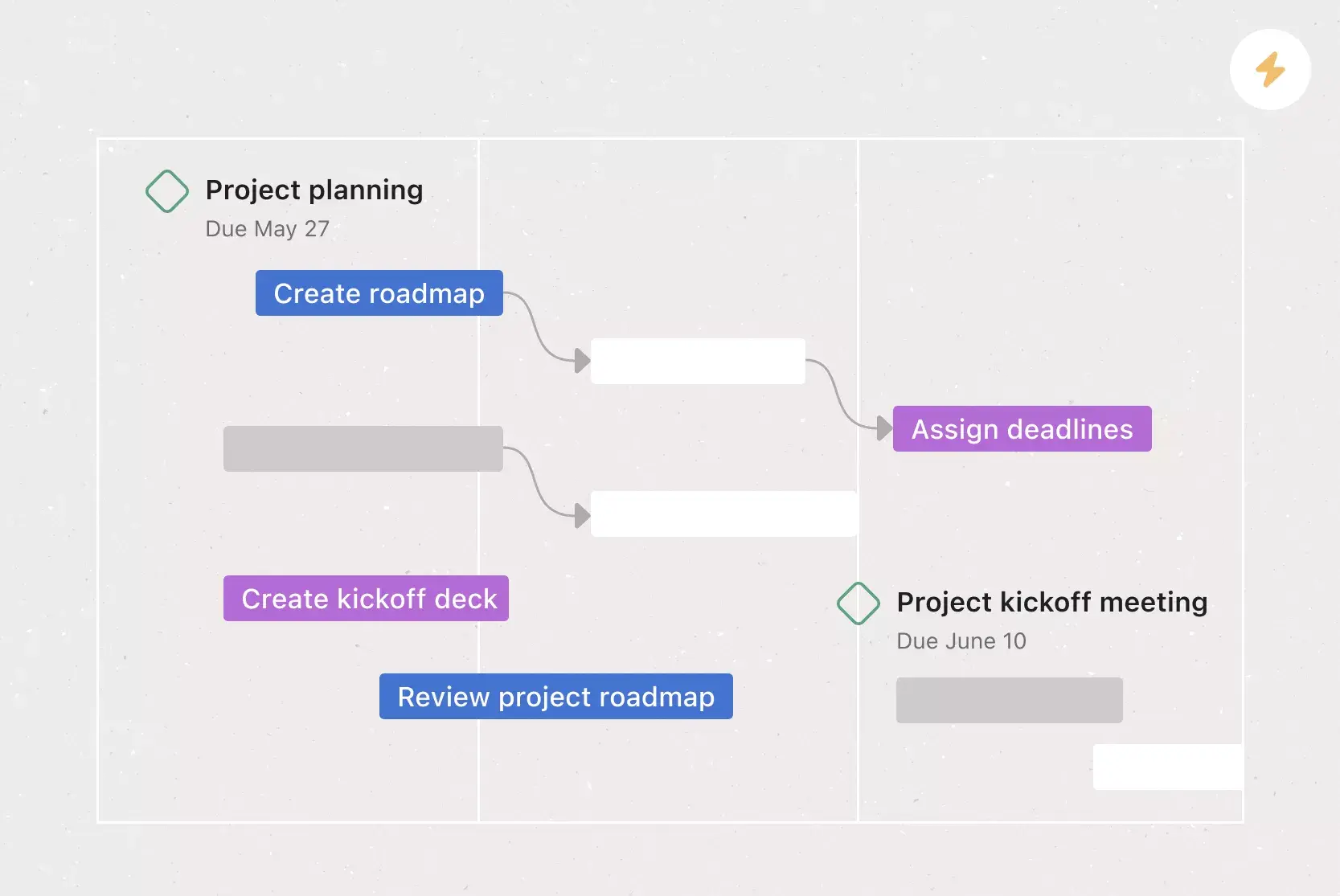
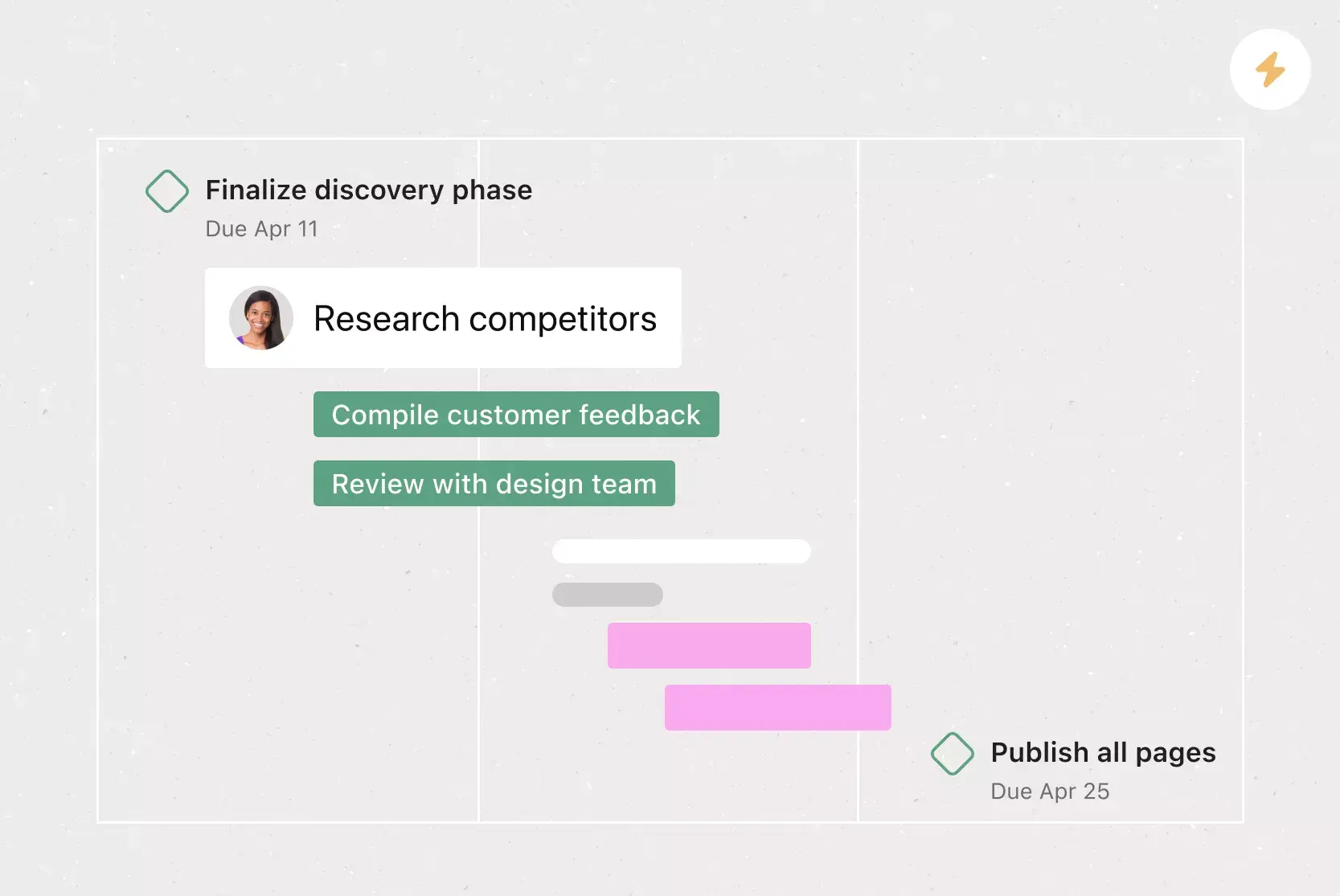
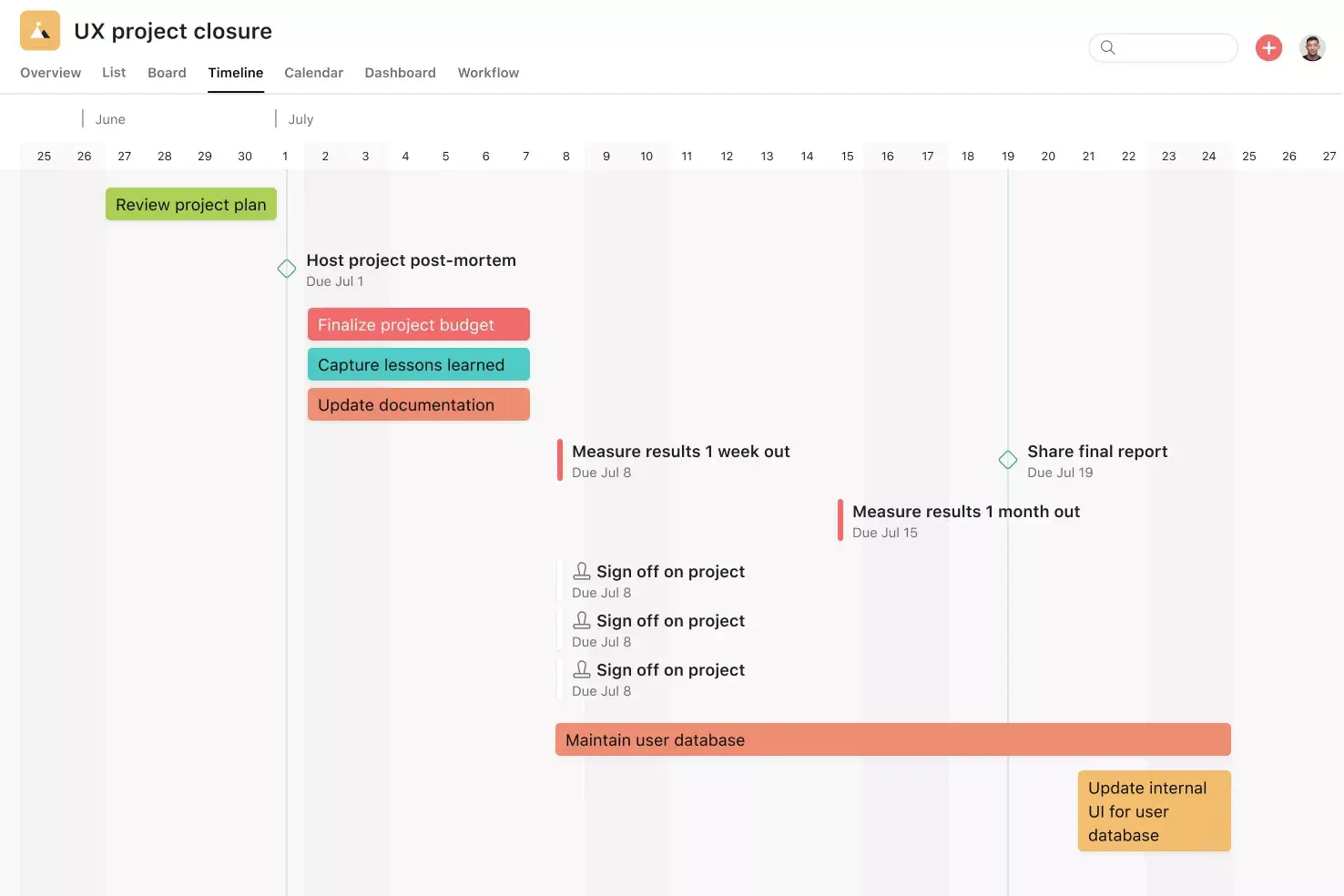
Timeline View. Timeline View is a Gantt-style project view that displays all of your tasks in a horizontal bar chart. Not only can you see each task's start and end date, but you can also see dependencies between tasks. With Timeline View, you can easily track how the pieces of your plan fit together.
Dependencies. Mark a task as waiting on another task with task dependencies. Know when your work is blocking someone else's work, so you can prioritize accordingly. Teams with collaborative workflows can easily see which tasks they're waiting on from others and know when to get started on their portion of the work.
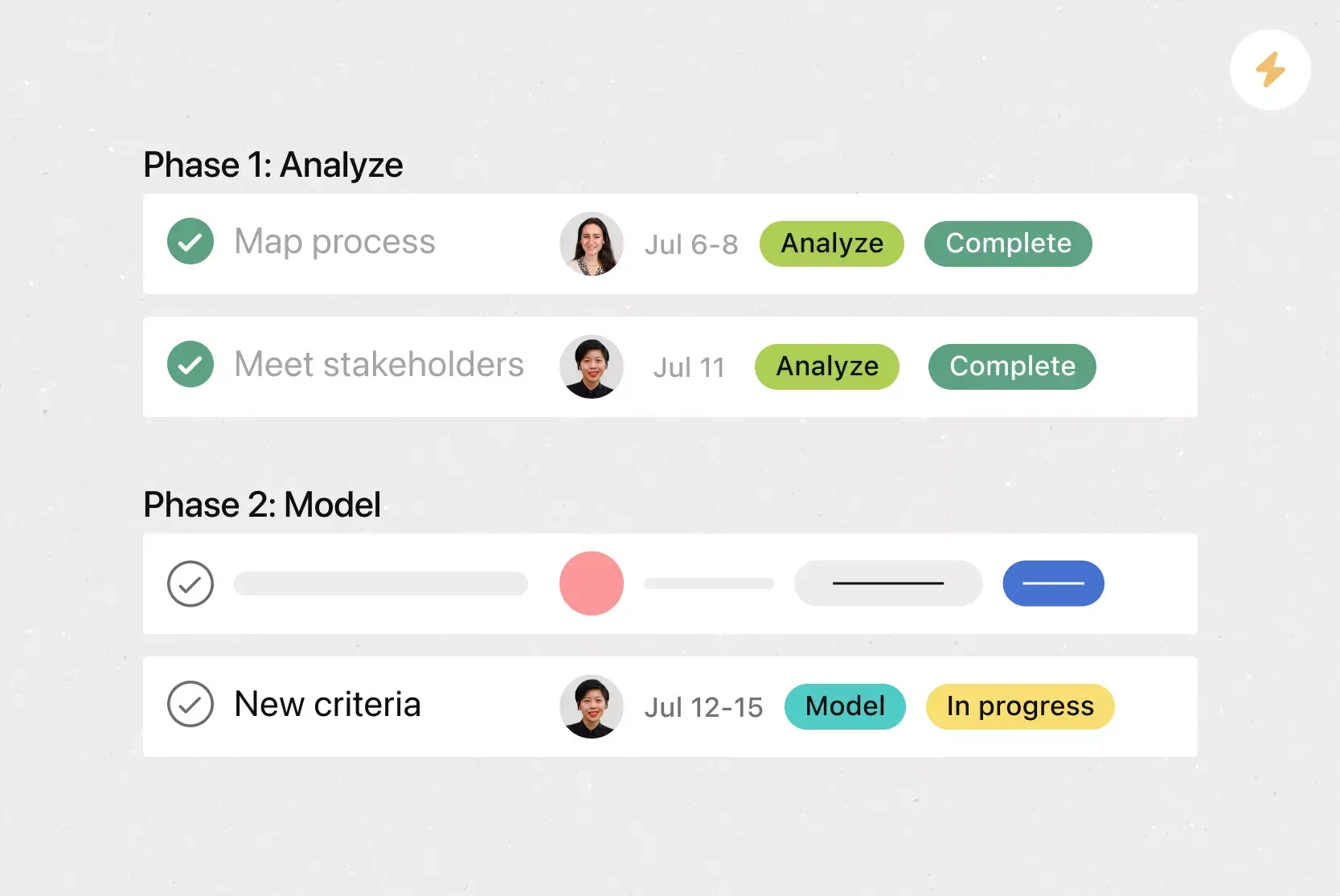
Custom fields. Custom fields are the best way to tag, sort, and filter work. Create custom fields for any information you need to track, from priority and status to email addresses and phone numbers. Use custom fields to sort and schedule your to-dos so you know what to work on first.
Start dates. Sometimes you don't just need to track when a to-do is due; you also need to know when you should start working on it. Start times and dates give your team members a clear sense of how long each task should take. Use start dates to set, track, and manage work, aligning your team's goals and preventing dependencies from falling through the cracks.
Recommended apps
Clockwise. With the Clockwise + Asana integration, you can add Asana tasks as time blocks in your Google Calendar. The integration allows you to specify task durations, when they occur, and whether Clockwise can automatically reschedule them.
Loom. Loom videos help you add personality, context, and clarity to your Project Overview. You can easily embed Loom videos to explain your project, set expectations, and highlight key milestones. The best part? Your team can watch the videos without leaving Asana.
Salesforce. Remove bottlenecks by enabling sales, customer success, and service teams to communicate directly with their support teams in Asana. Share attachments and create actionable, trackable tasks for pre-sales needs.
GitHub. Automatically sync GitHub pull request status updates to Asana tasks. Track pull request progress and improve cross-functional collaboration between technical and non-technical teams, all from within Asana.
Start planning your critical path today
A critical path method template takes the guesswork out of project scheduling, giving you a clear view of your most important tasks, the flexibility in your non-critical work, and the adjustments you need to make along the way. With Asana, you can build your template in a digital workspace where dependencies update automatically, and your team always knows what to focus on next. Get started and bring clarity to your next project.
Create a critical path method templateFrequently asked questions about critical path method templates
Share it with team members so they can prioritize tasks, and with project stakeholders so they understand why specific deadlines and priorities matter.
Any project with task dependencies can benefit, especially when multiple activities run simultaneously and it's hard to see how individual deadlines affect your overall timeline. Construction, software development, event planning, and product launches are particularly well suited to this approach.
The critical path method (CPM) uses known or historical data to estimate task durations, making it best for projects with predictable timelines. PERT (Program Evaluation and Review Technique) uses three estimates per task (optimistic, pessimistic, and most likely) to handle uncertainty, making it better suited to research or one-time projects.
You can build a basic critical path in Excel, but you'll need to manually update calculations and timelines whenever something changes. A dedicated tool like Asana automates dependency tracking and schedule adjustments in real time.
Check out our critical path method (CPM) article to learn more about this project management technique, including detailed steps on how to conduct a critical path analysis during project planning, how to create a network diagram, and the differences between CPM, PERT charts, and Gantt charts.
Related templates
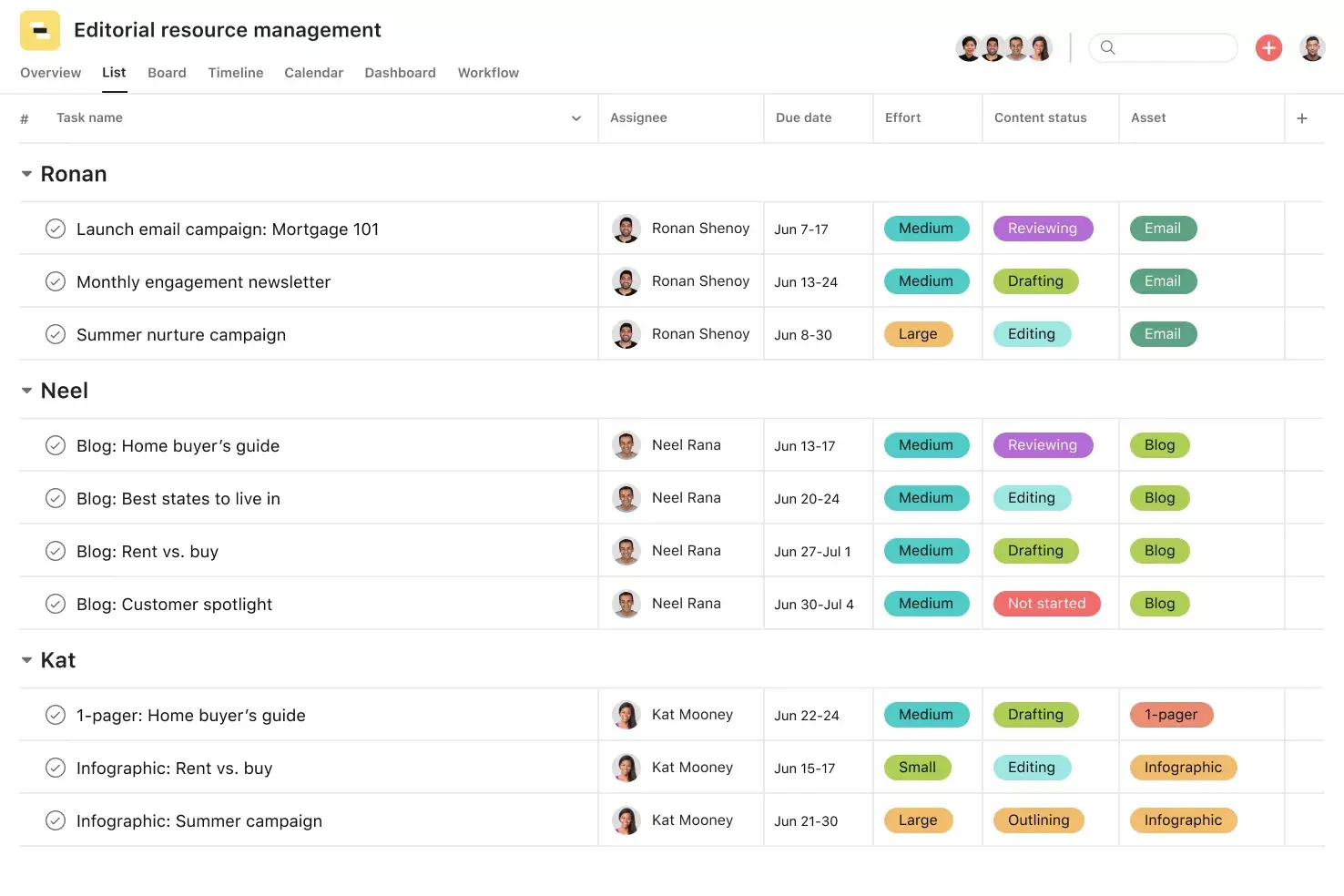
![[Templates] Editorial Calendar (Share image)](https://assets.asana.biz/transform/5fac5de2-17f6-4d69-8cd3-091a887a24bd/TG23-web-thumbnail-042-editorial-resource-management-static-2x?io=transform:fill,width:2560&format=webp)
![[Templates] Marketing Project Plan (Card) image](https://assets.asana.biz/transform/af70ac54-97b9-4639-b639-be3a3d951e3e/TG23-web-thumbnail-016-stakeholderregister-static-2x?io=transform:fill,width:2560&format=webp)
![[Templates] Operations Project Plan (Card)](https://assets.asana.biz/transform/ec3bf1b9-cbcd-413c-a20c-82bf1dbe10d2/TG23-web-thumbnail-008-risk-management?io=transform:fill,width:2560&format=webp)
![[Template] IT project plan (Card image)](https://assets.asana.biz/transform/8aa523a9-4dcb-4053-8e69-7bdf900b48b9/web-product-template-thumbnail-IT-EN-US?io=transform:fill,width:2560&format=webp)
![[Old Product UI] Sprint planning project with t-shirt sizes in Asana (Lists)](https://assets.asana.biz/transform/34817820-b376-4110-a8be-9a2c7c546a77/inline-project-planning-t-shirt-sizing-product-ui-list-view-sprint-planning-en-2x?io=transform:fill,width:2560&format=webp)

![[Templates] RFP Process (Card image)](https://assets.asana.biz/transform/14aa111b-ab22-483f-bfd1-3090acb7d2a5/RFP-process-premium-m?io=transform:fill,width:2560&format=webp)

![[HR Project Plan] template Card Image](https://assets.asana.biz/transform/663b8e5e-89c9-4b0b-b48b-1b17e01d1889/TG23-web-thumbnail-033-process-improvement-static-2x?io=transform:fill,width:2560&format=webp)
![[Templates] Waterfall project management (card image)](https://assets.asana.biz/transform/d87fc21c-53f0-4bc9-9094-9789b963be9b/article-project-management-waterfall-project-management-methodology-2x?io=transform:fill,width:2560&format=webp)
![[Templates] Status report (card image)](https://assets.asana.biz/transform/9c82d399-782b-40d3-9eb1-fd7544bef794/article-project-management-project-management-maturity-model-2x?io=transform:fill,width:2560&format=webp)
![[Templates] Event Marketing Plan (Card image)](https://assets.asana.biz/transform/6c7b9329-b612-4732-910a-7917fa079f0b/TG23-web-thumbnail-014-project-chart-static-2x?io=transform:fill,width:2560&format=webp)
![[Templates] Communication plan (card image)](https://assets.asana.biz/transform/3dc9eadf-9d2d-40a2-a05d-63adb32a1de7/article-collaboration-synchronous-vs-asynchronous-communication-2x?io=transform:fill,width:2560&format=webp)



![[Templates] Design Project Plan (Card image)](https://assets.asana.biz/transform/c768a28c-822f-420f-93f9-f2eea4c93780/TG23-web-thumbnail-032-bill-of-materials-static-2x?io=transform:fill,width:2560&format=webp)
Create templates with Asana
Learn how to create a customizable template in Asana. Get started today.