


Planning templates you can customize
Create a planning template with tasks, owners, dates, milestones, and dependencies. Use Asana to plan projects, sprints, strategies, capacity, resources, content, weekly work, or customer accounts, and update the plan as priorities and schedules change.
Sign up to create your own template.
Planning templates you can customize
Create a planning template with tasks, owners, dates, milestones, and dependencies. Use Asana to plan projects, sprints, strategies, capacity, resources, content, weekly work, or customer accounts, and update the plan as priorities and schedules change.
Choose a planning templateSign up to create your own template.
INTEGRATED FEATURES
Recommended apps



Summary
Most planning templates become outdated as soon as the project changes. A date moves, an approval takes longer than expected, or someone reassigns a task, but the spreadsheet still shows the old plan. The team then has to decide whether to trust the file or the actual work in progress.
Asana puts your plan and the work in the same project. In IDC’s 2023 Business Value of Asana white paper, organizations using Asana reduced average project duration from 10 weeks to 8.2 weeks. On-time delivery rose from 53% to 84%. IDC measured the Asana platform rather than planning templates alone, but the findings show the value of planning and implementing work in the same system.
What’s included in Asana’s planning templates
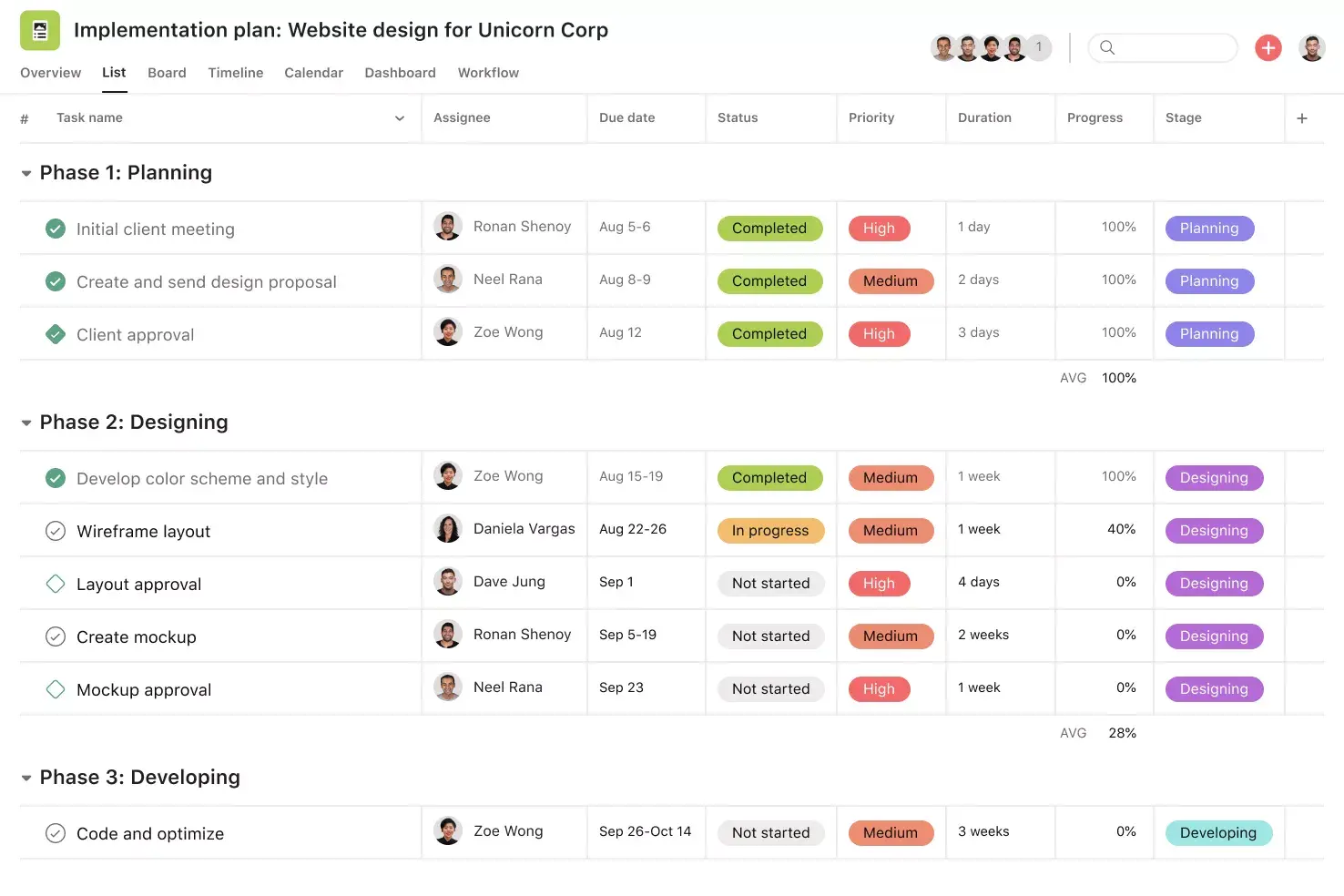
Asana’s planning templates offer ready-made projects for sprints, capacity, resources, content, daily schedules, monthly calendars, and customer accounts. Each template organizes tasks, owners, start and end dates, milestones, dependencies, approvals, and other relevant details. Explore Asana’s project planning templates to find the best fit, then customize it for your team.
Choose a planning template
Plan and manage your projects more successfully with Asana templates

What is a project planning template?
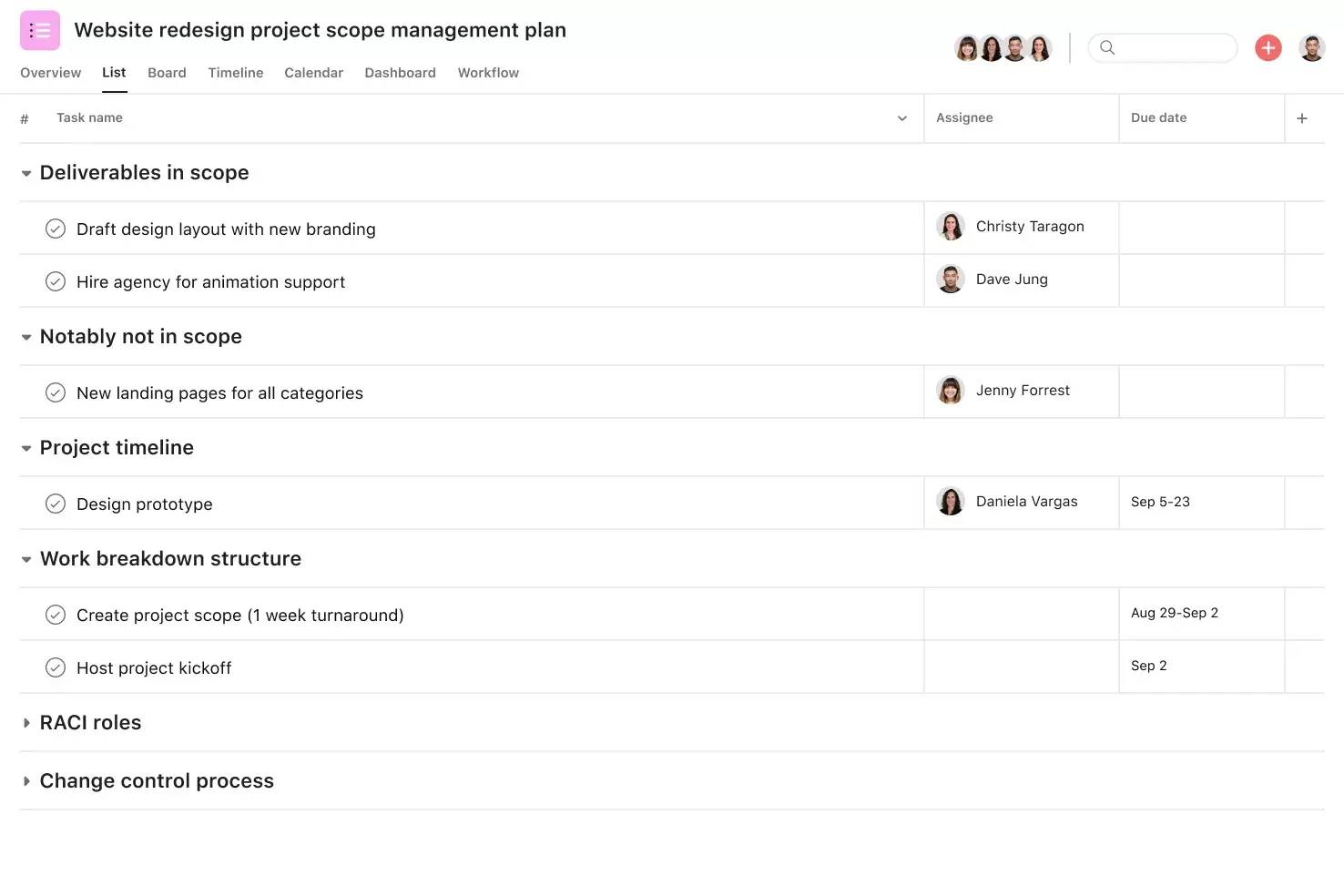
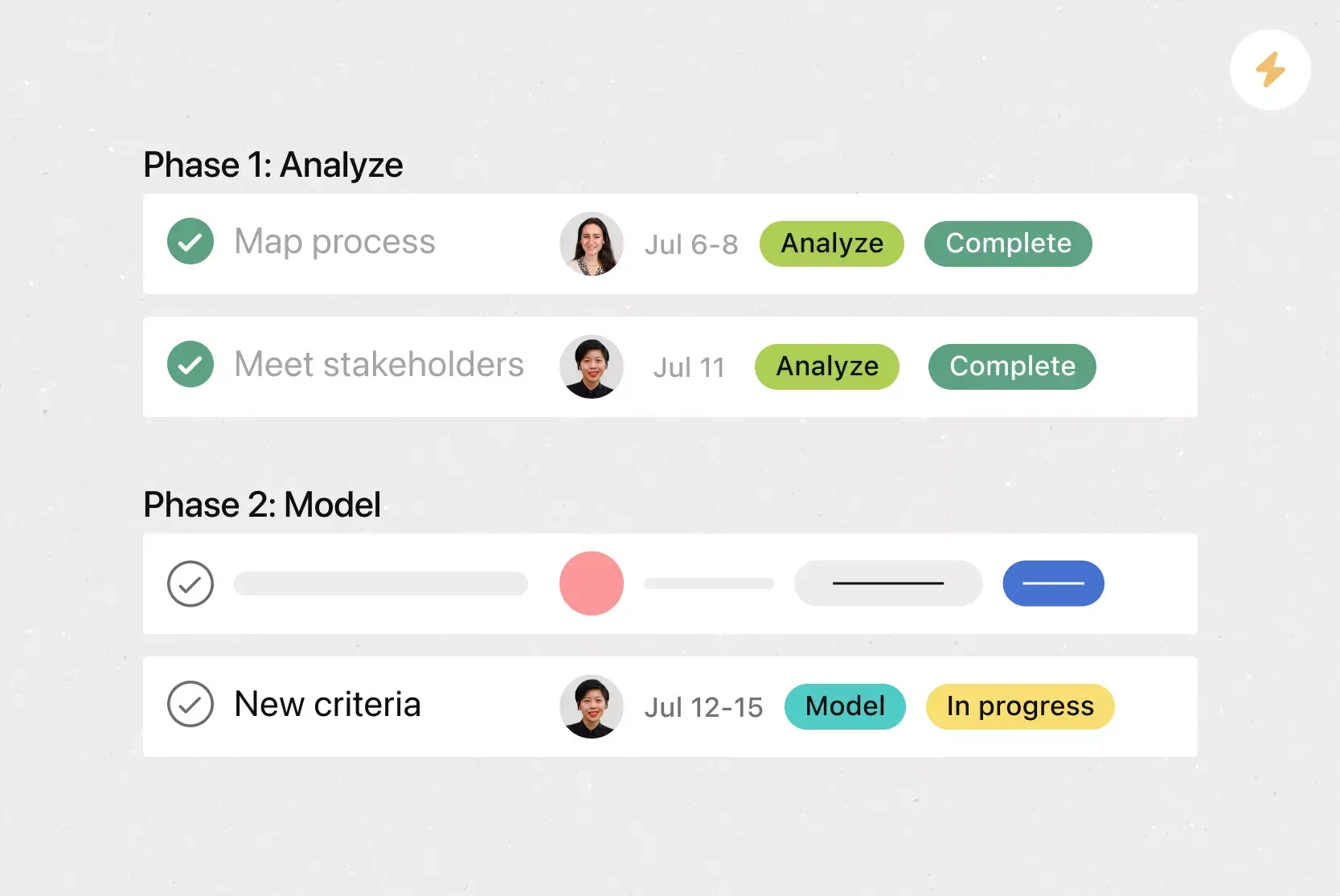
A project planning template is a reusable format for organizing a project’s scope, tasks, owners, deadlines, milestones, and dependencies. For example, a team planning a website redesign can use the template to map research, content, design, development, testing, and launch. Each phase includes assigned tasks and due dates, while dependencies show that developers cannot begin the final build until content and design approvals are complete.
How to use planning templates
Start with the type of work you need to plan, then adjust the template around your team’s process. A simple work plan template might only need tasks, owners, and dates, while more complex projects may require a work breakdown structure (WBS) and detailed project schedules.
1. Choose a project planning template
Start with the decision the team needs to make.
A project plan template explains how the team will complete a defined deliverable.
A project management template organizes the tasks, owners, deadlines, milestones, risks, and approvals needed to manage the work.
A RACI chart template identifies who is responsible, accountable, consulted, and informed for each part of the project.
A workback schedule template plans each step in reverse from a fixed deadline.
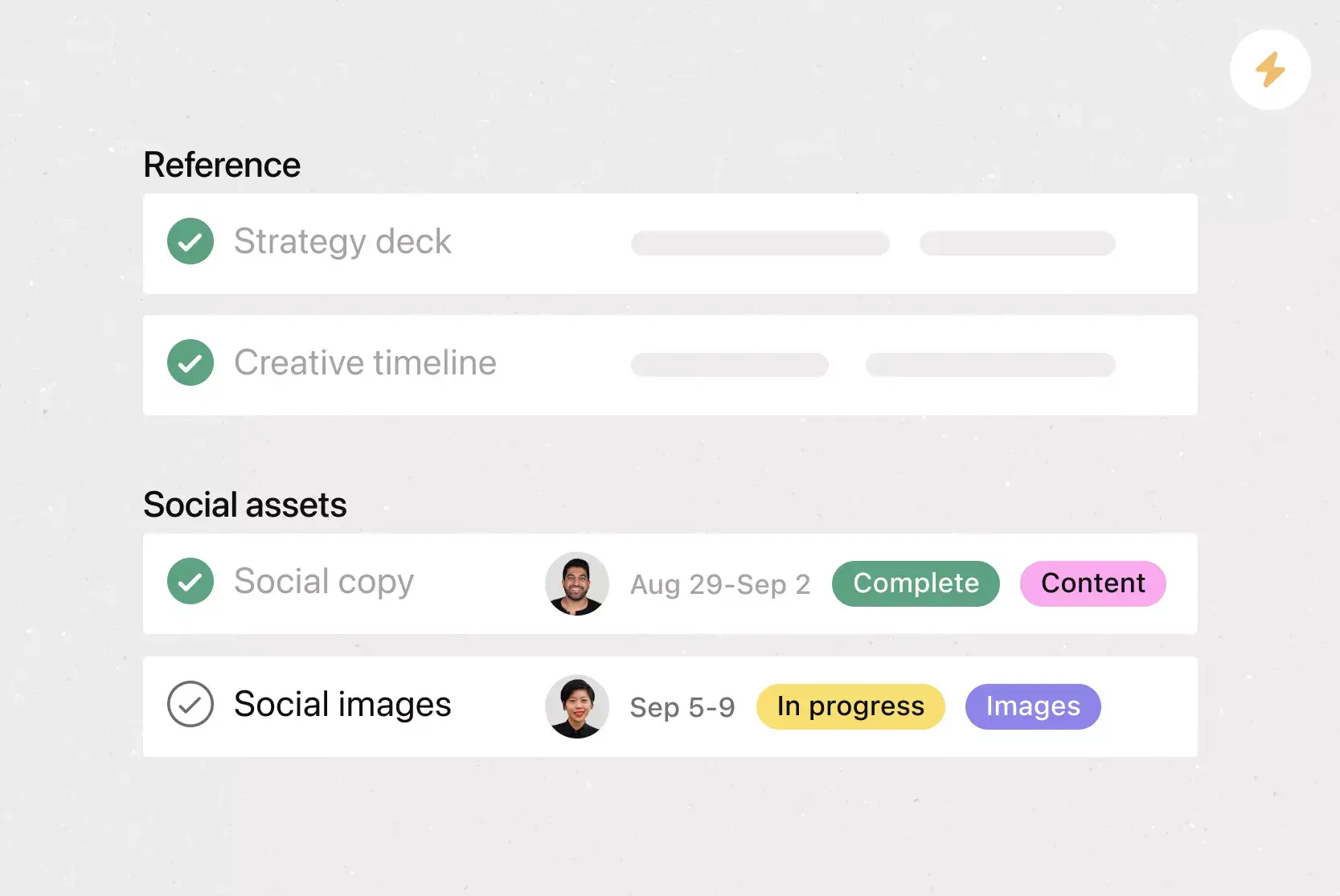
Select the most relevant template, or use Asana AI to draft one based on a goal, prompt, or brief description.
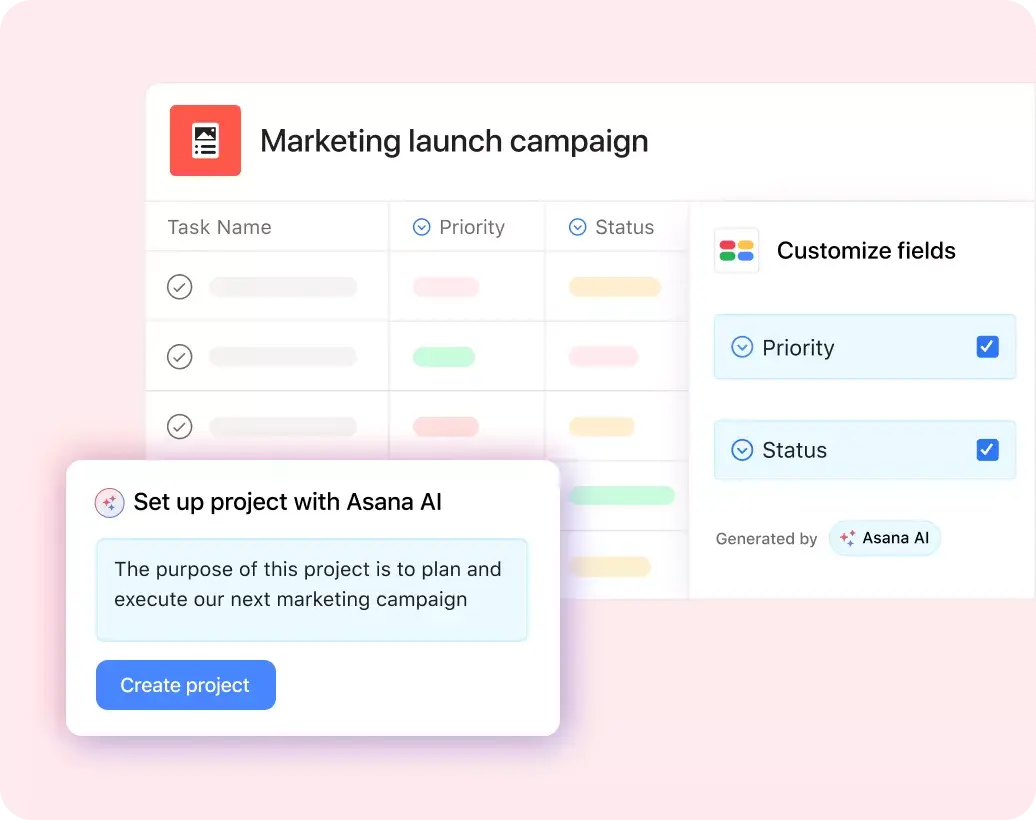
2. Customize the sections and fields
Remove sections your team will not use. Rename project phases to match your workflow, and add only the fields necessary for sorting, filtering, or reporting. Each field adds work for you or your team, so include only those you will use. Small projects may only need owner, due date, and status, while complex workflows, such as design project plan templates, may require fields for creative stage, reviewer, approval status, and final delivery date.
3. Assign one owner and a finish date
Assign each task to a single owner responsible for completion. Create subtasks when multiple contributors are involved. Set due dates for task completion. To clarify handoffs, create separate tasks for reviews and approvals rather than including them within production tasks.
4. Add dependencies and milestones
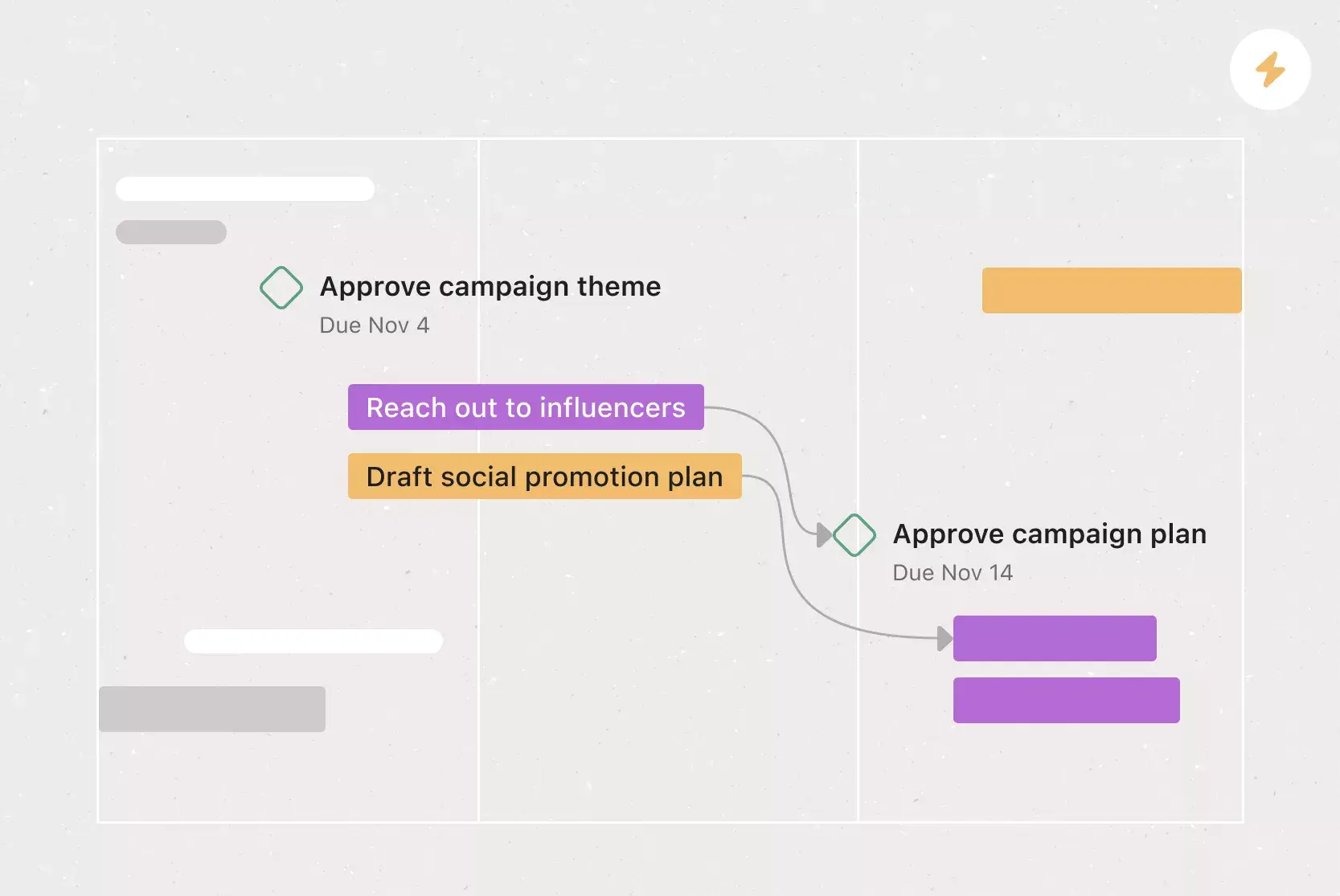
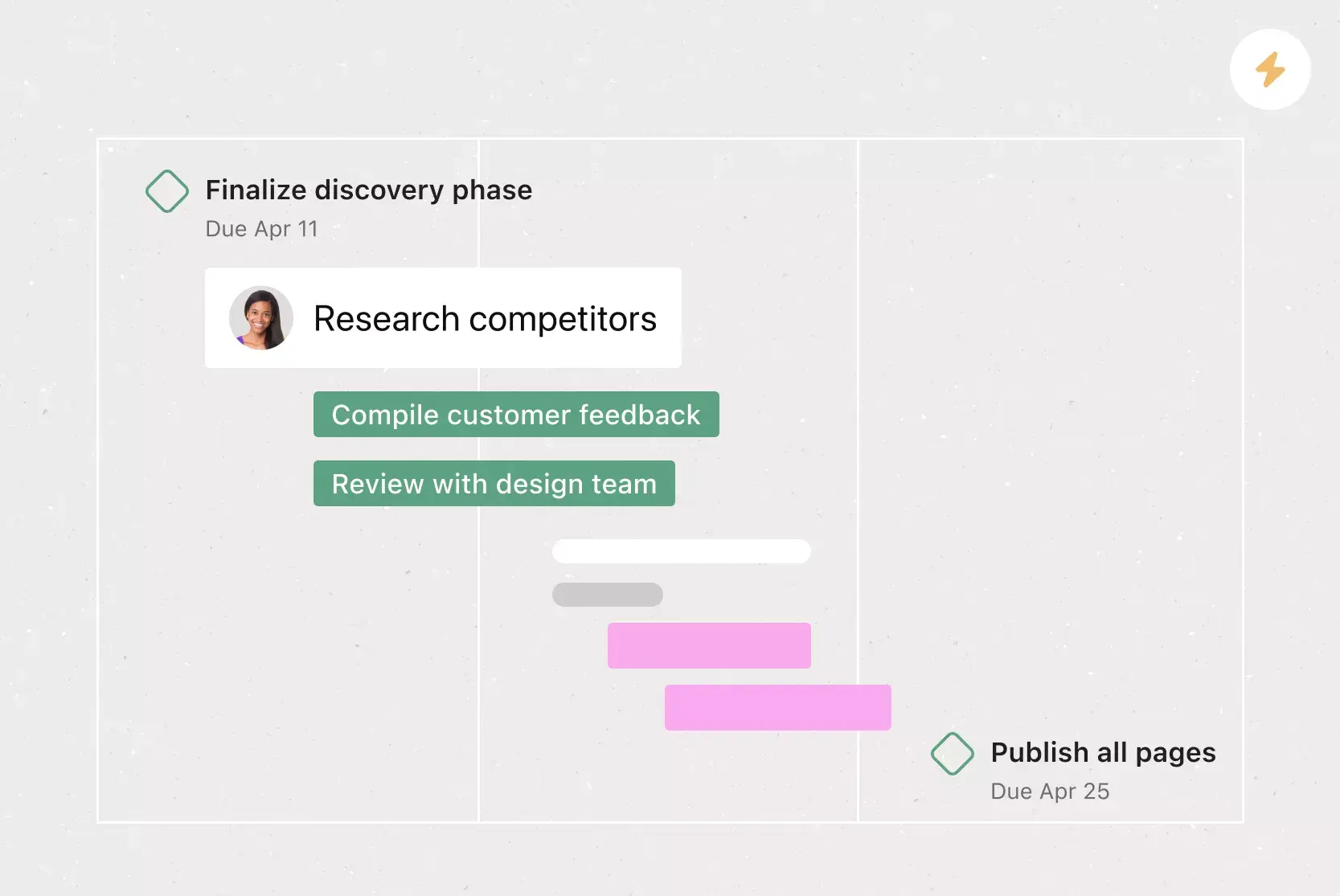
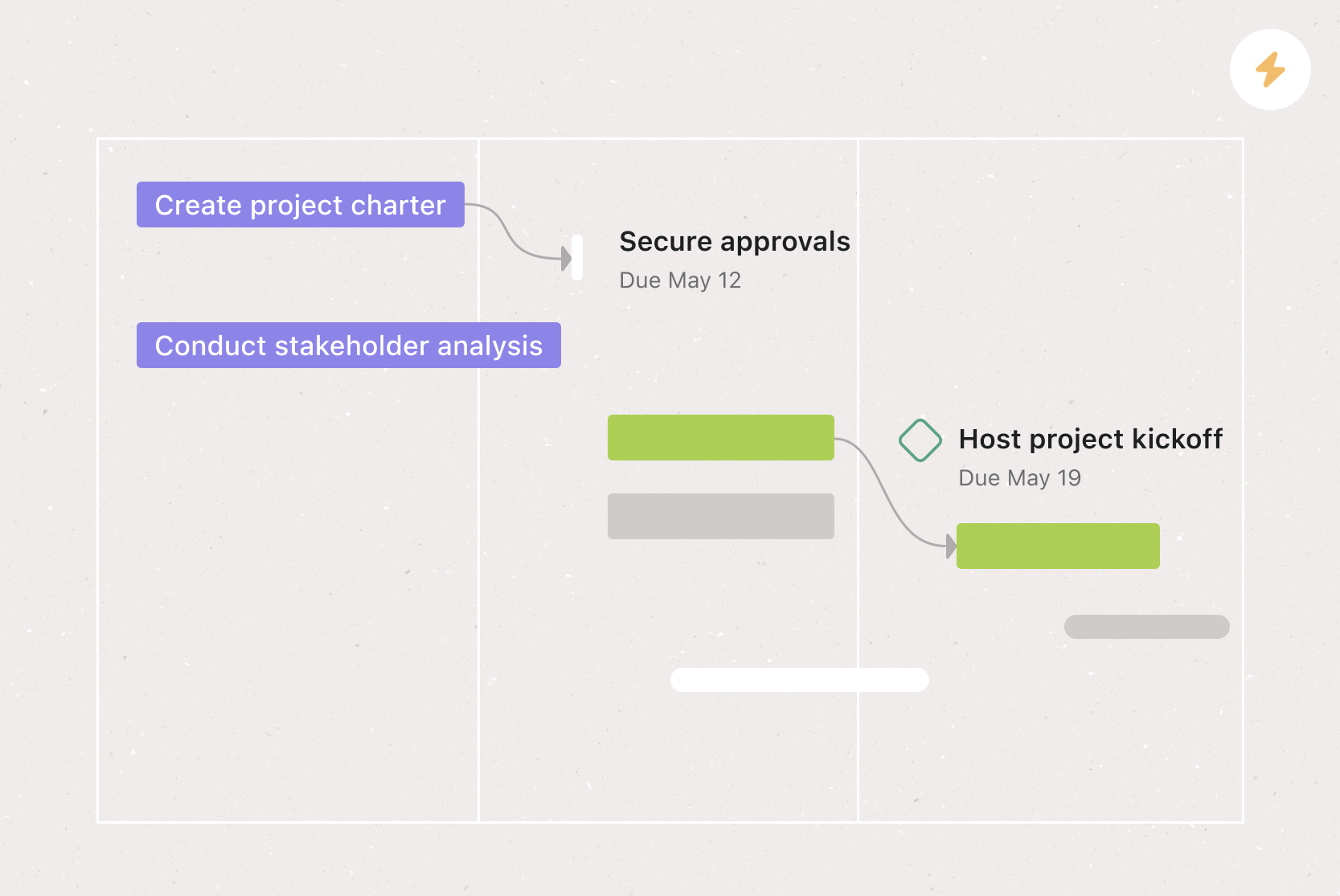
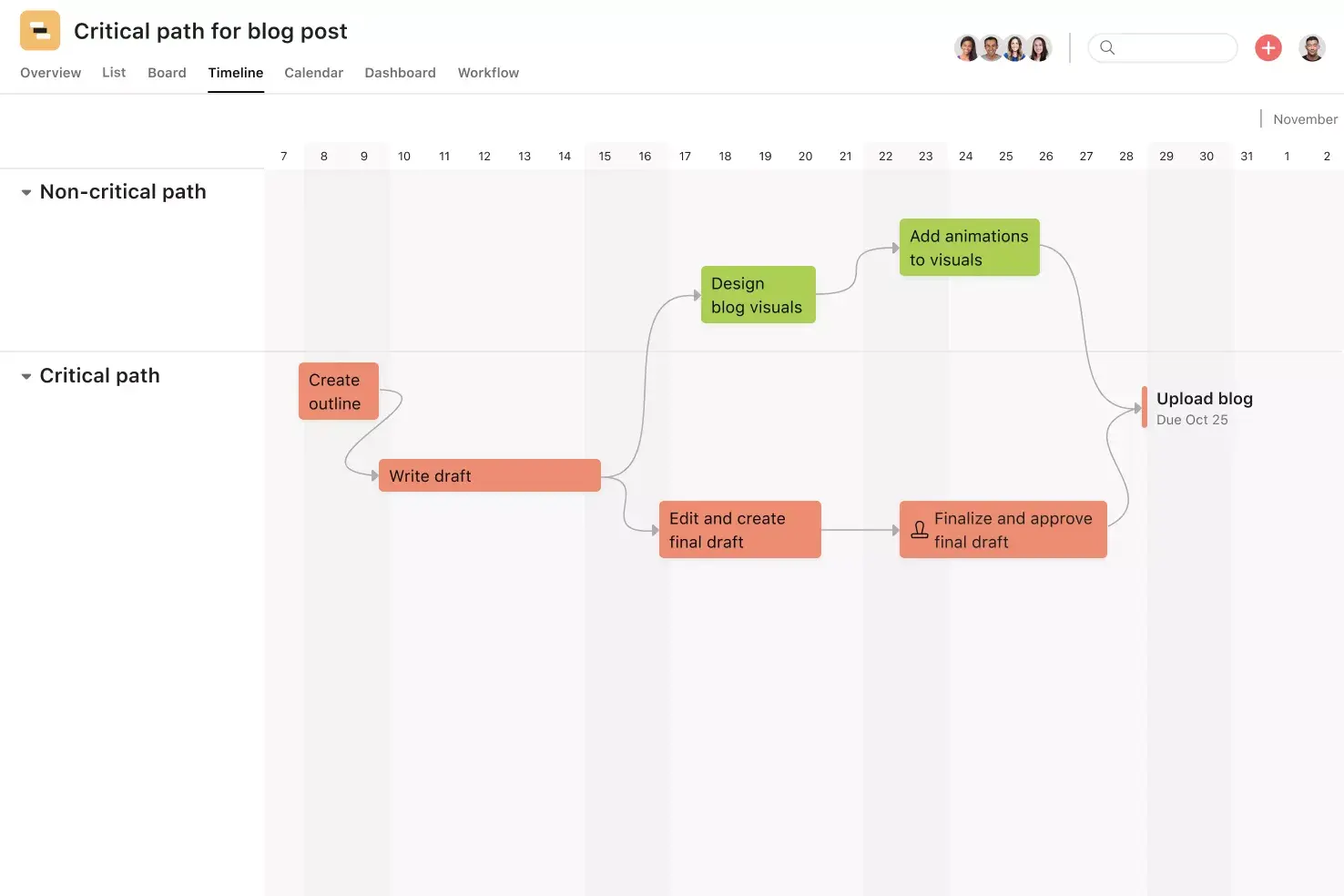
Set dependencies only when a task cannot begin until another is complete. Avoid linking every task, as this complicates the schedule and may introduce unnecessary blockers. Use milestones for key decisions, approvals, launches, and checkpoints. For example, in a project calendar template, milestones highlight major dates for stakeholders without requiring them to review every task.
5. Track schedule changes in Timeline view
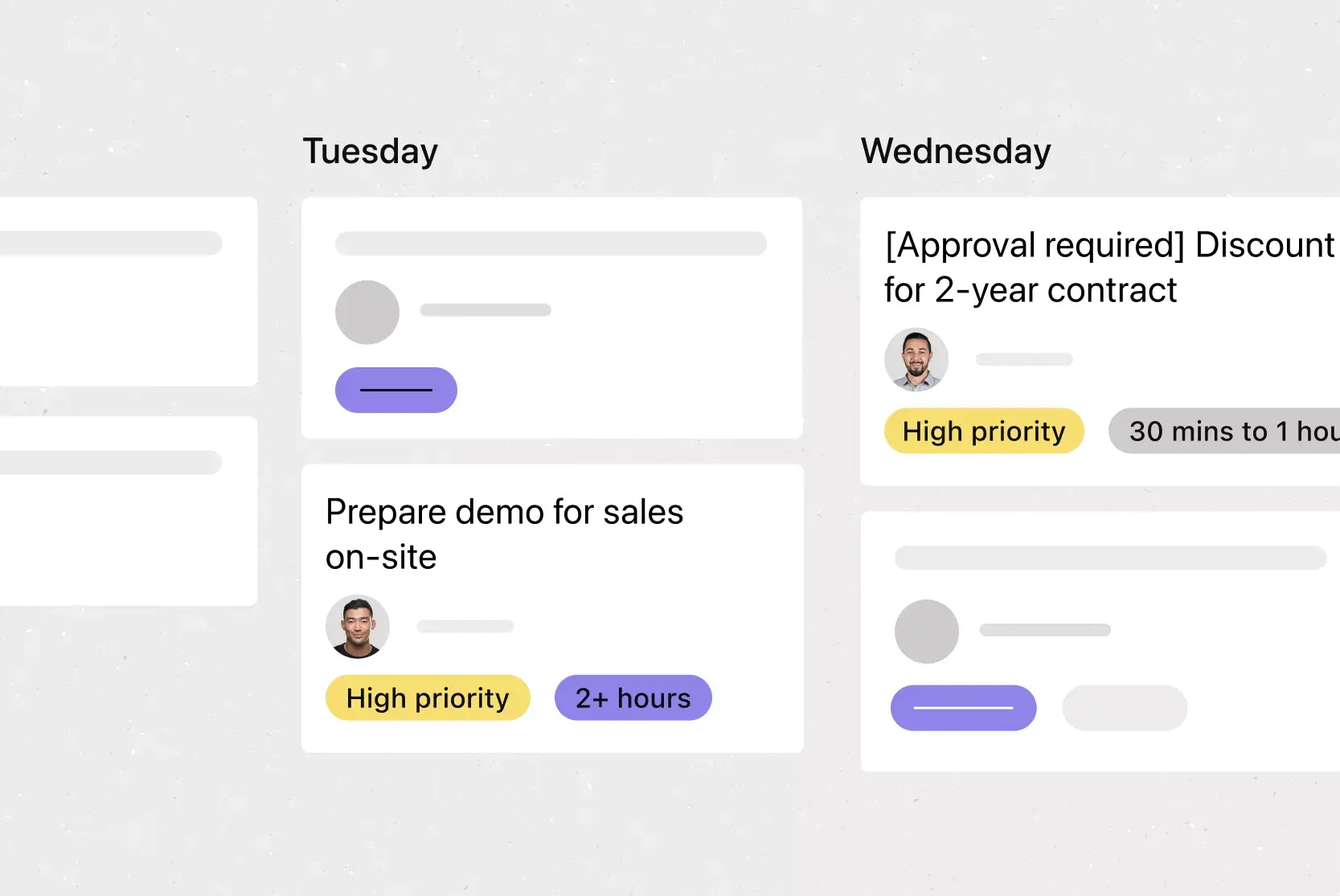
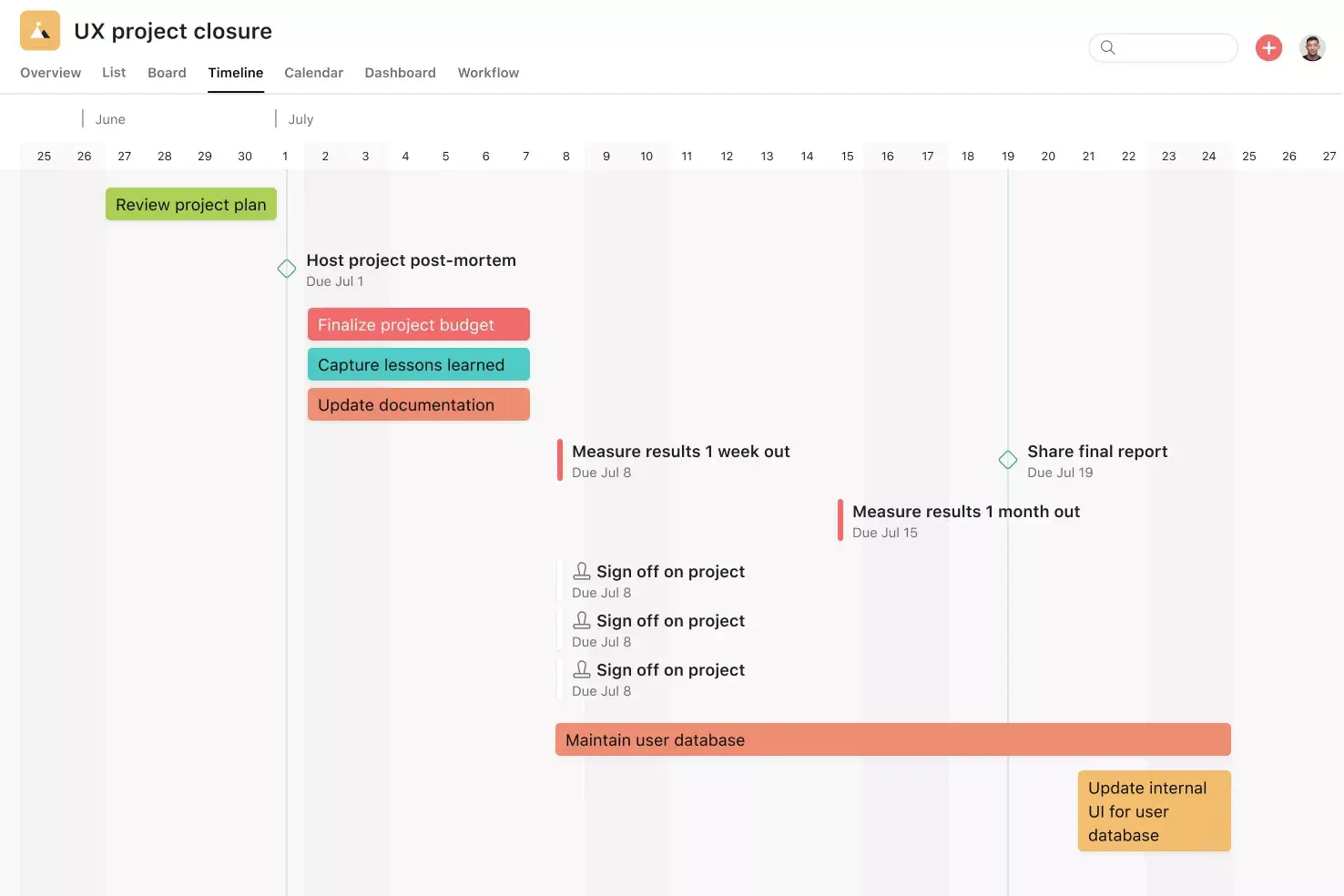
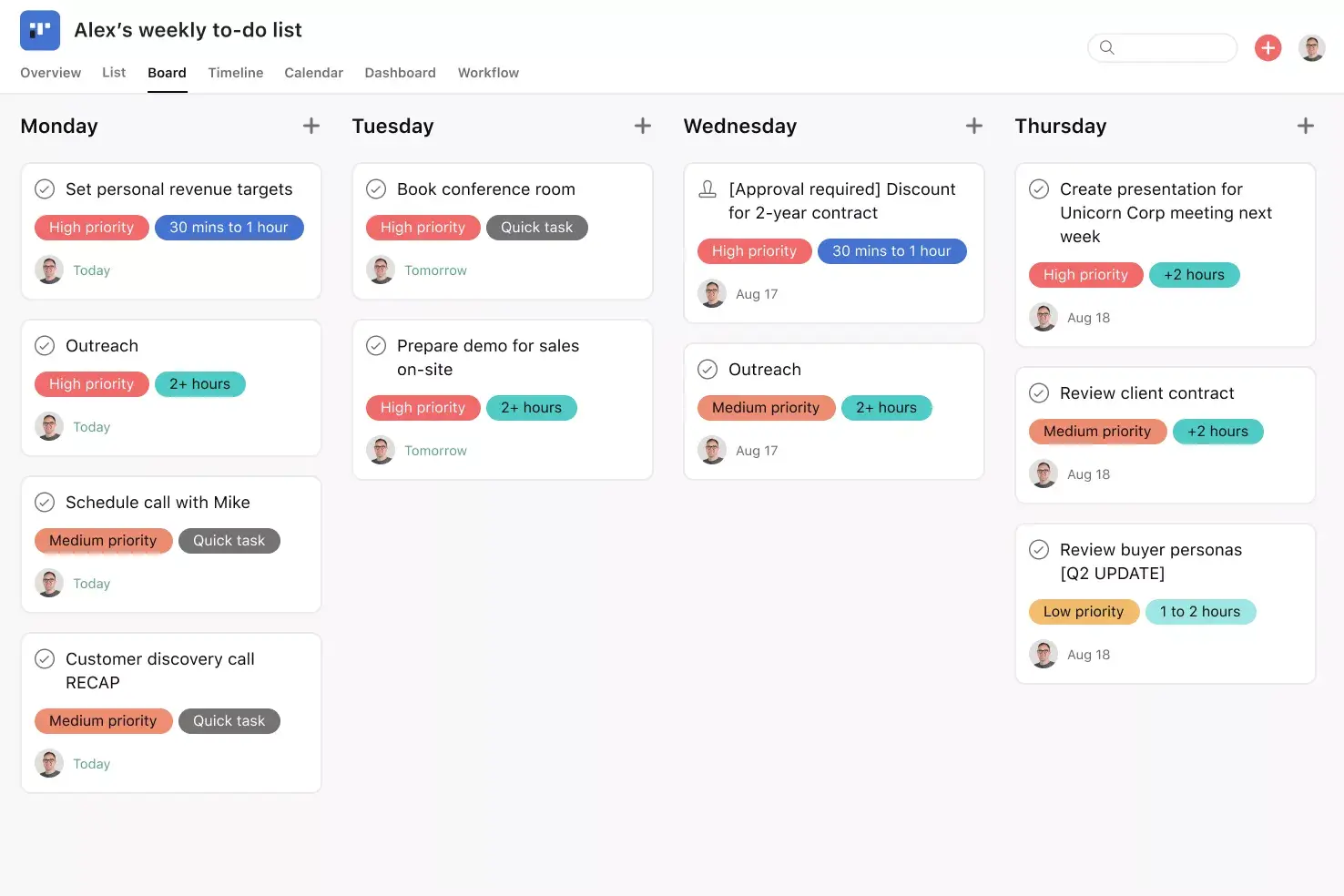
Use timeline view to review start dates, due dates, task durations, overlaps, milestones, and dependencies. When dates change, update the task so the team can see how delays affect subsequent work. Asana’s project views allow teams to review the same plan in multiple formats. Use the Kanban Board view to track work by stage, and the calendar view to monitor upcoming deadlines.
Asana keeps updates connected to the work. Its AI task management tools can suggest tasks, subtasks, dependencies, and status updates. Review AI-generated output before assigning work, as the team must confirm scope, owners, estimates, and approval requirements.
Plan in Asana instead of a file that goes out of date
Excel, Google Sheets, or PDF planning templates provide a useful snapshot but cannot keep pace when multiple people need to update dates, report blockers, add approval notes, or assess the impact of delays.
IDC found that Asana users reduced their time spent on administrative work, email, and searching for information from 21.4 hours per week to 13.9 hours per week. An Asana case study also reports thatThe Trevor Project saved 348 workdays per year after the organization centralized communication and automated parts of project coordination. Both examples cover broader use of Asana, but they show the cost of updating plans and work in separate places.
Use project management software to add the following functions to a planning template:
Asana AI and AI Teammates: Draft a plan from a goal, suggest tasks, summarize project context, identify risks, and prepare status updates. Asana’s 2025 Global State of AI at Work report found that 29% of surveyed organizations use AI for project management workflows, 28% for progress monitoring, and 23% for goal management.
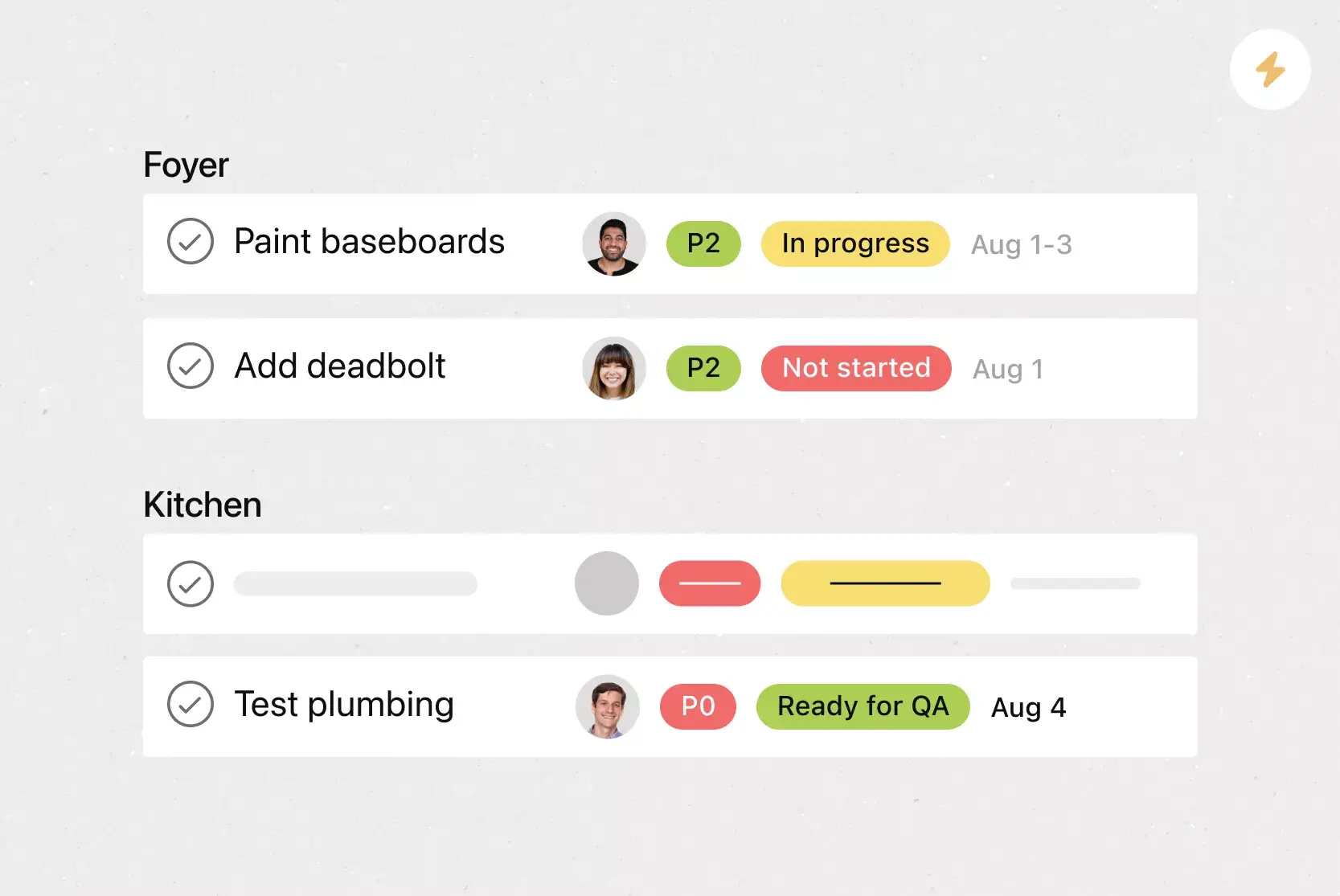
Rules: Assign incoming work, update fields, route tasks for approval, or notify someone when a task reaches a specific stage.
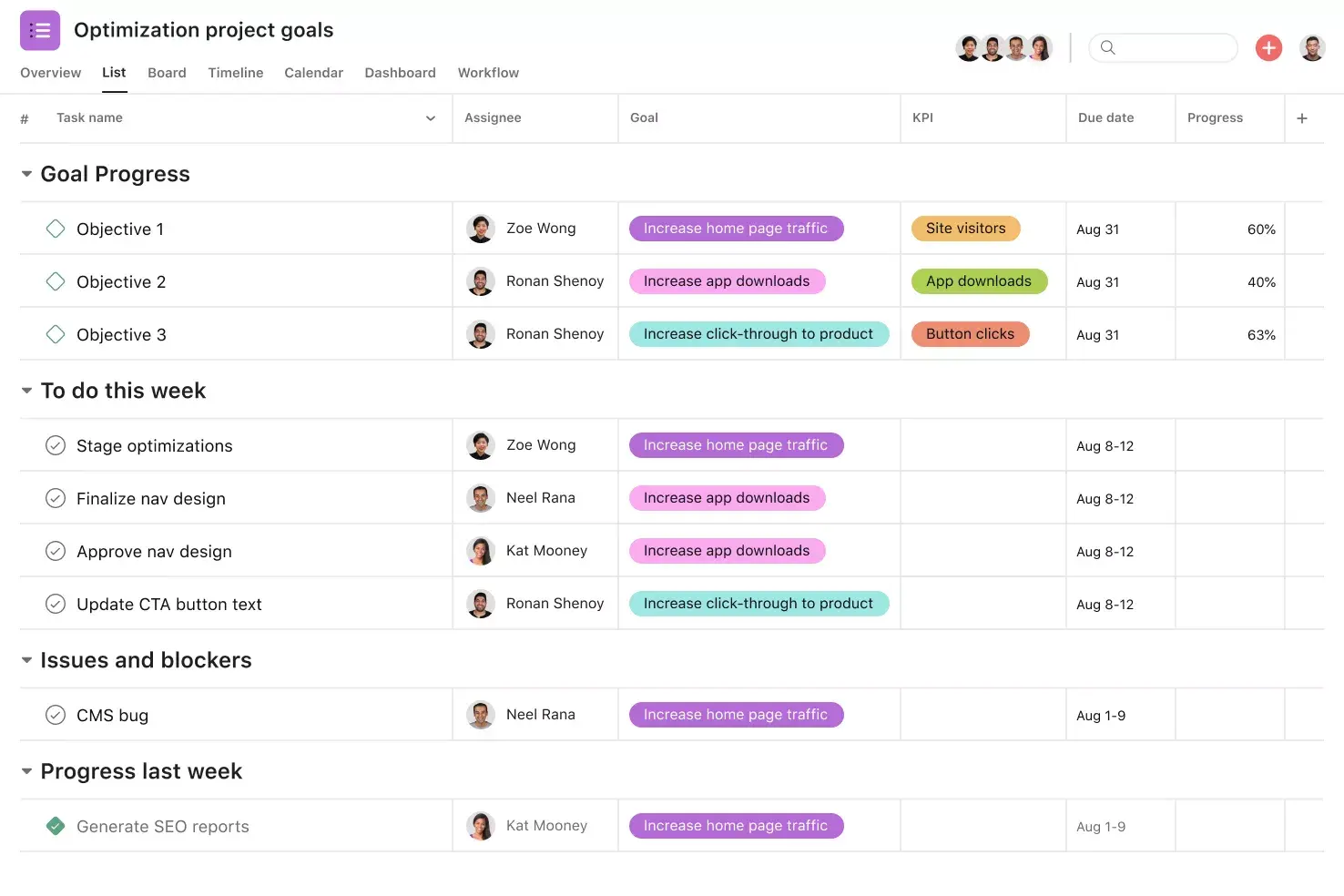
Project views: Review the same task data in List, Board, Calendar, Timeline, or Gantt view. Contributors can focus on assigned work while project managers review dates and dependencies.
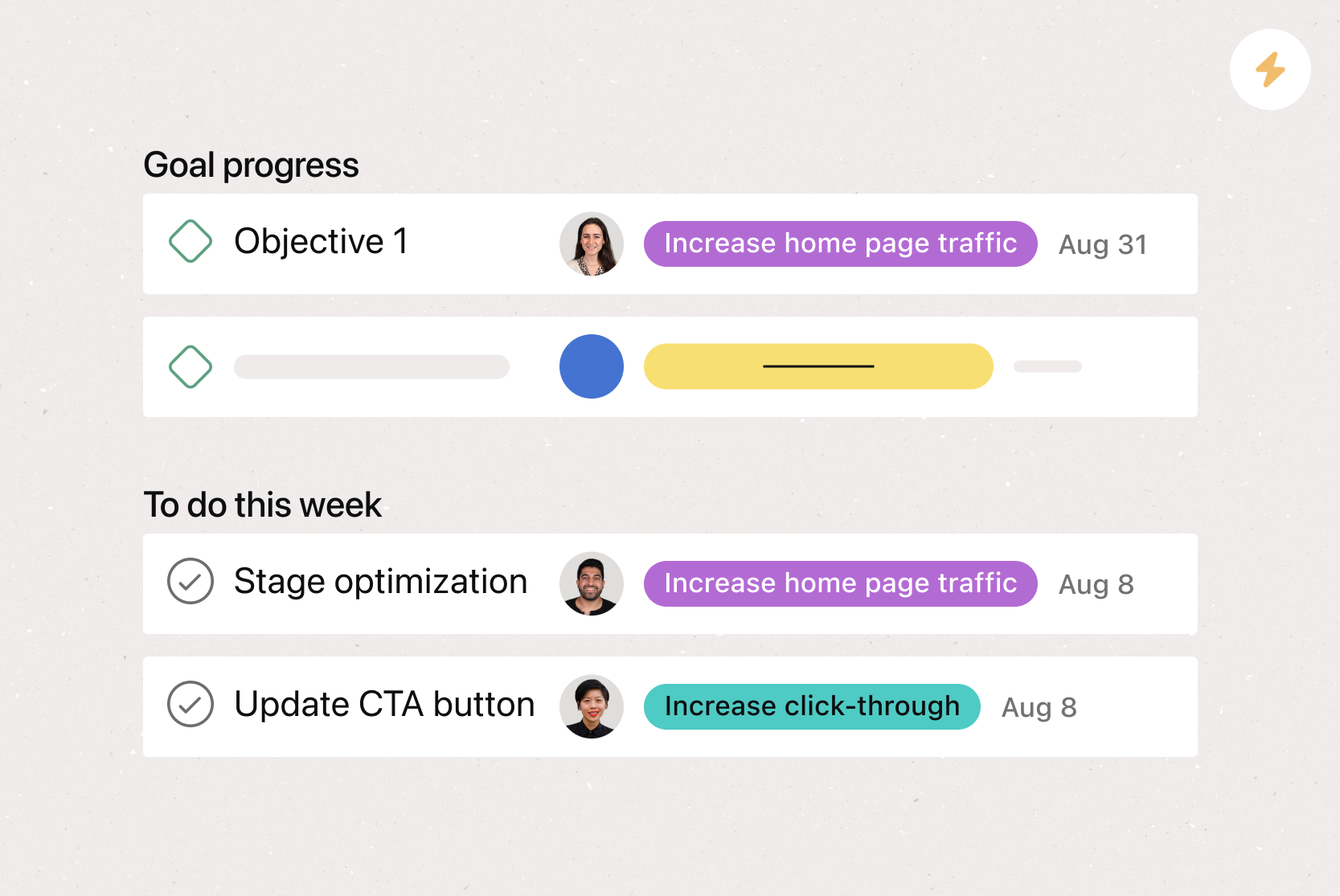
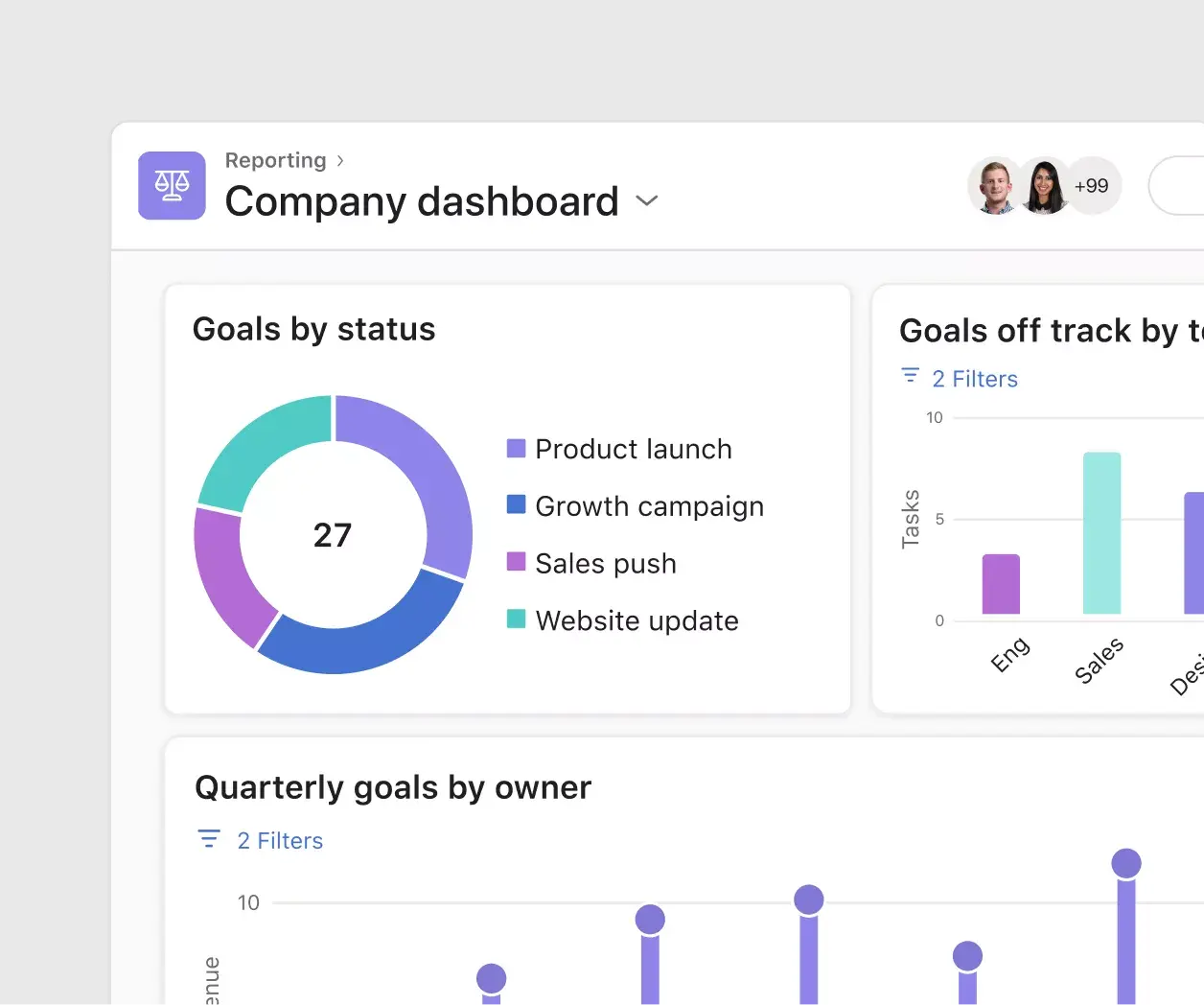
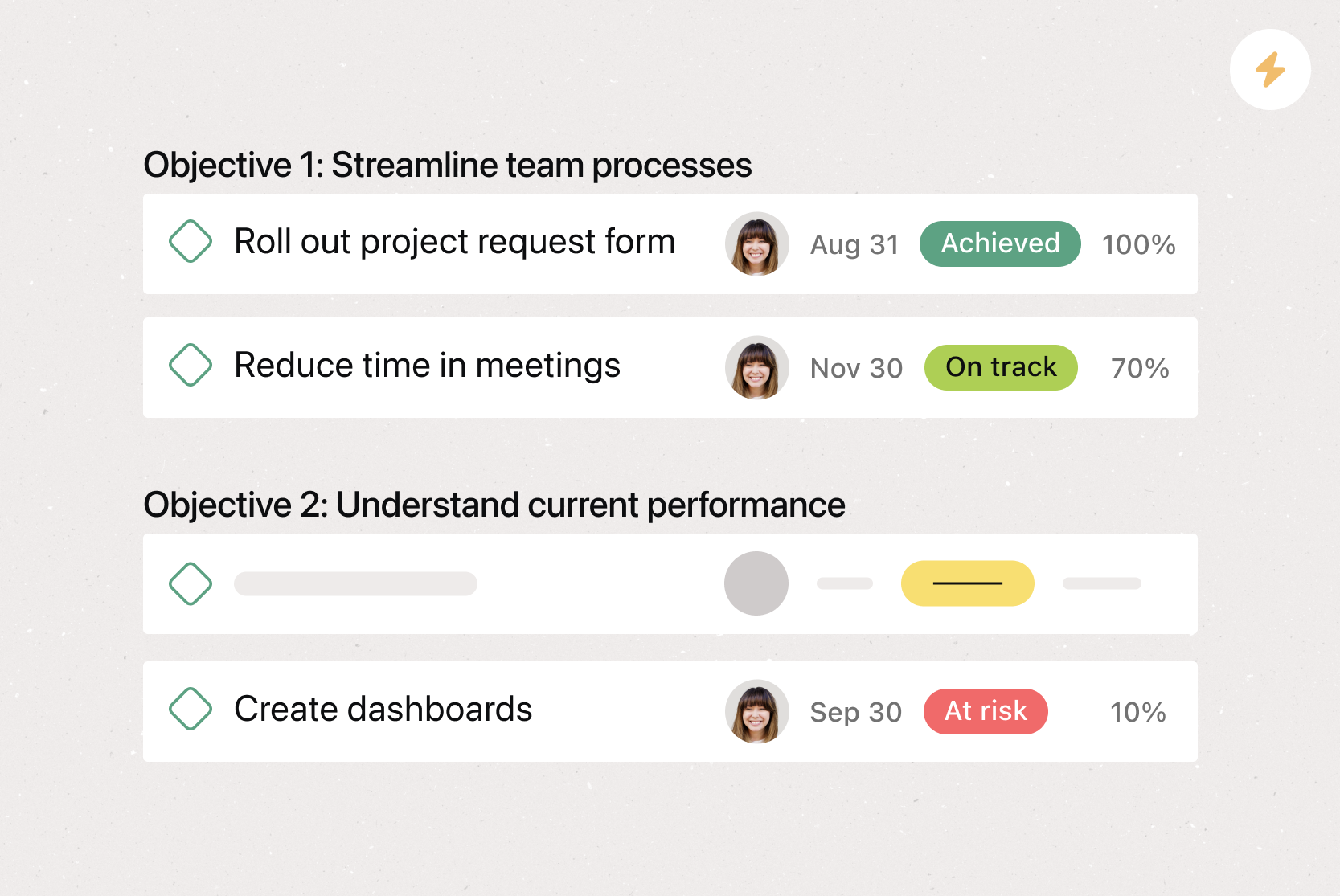
Goals and portfolios: Connect projects to team or company goals. Use project portfolios to review project status, schedules, risks, and workload without having to request a separate update from each project owner.
Download options: Export project data to CSV or PDF when someone needs a file. Open the CSV in Excel for spreadsheet analysis or reporting.
More than 200 integrations: Connect planning work with communication, document, meeting, and development tools without manually copying every update.
Recommended Asana integrations
Connect your planning templates with the tools your team already uses. Bring conversations, files, meeting notes, and technical updates into the plan, then turn them into tasks, deadlines, and workflows without copying information by hand.
Microsoft Teams: Create Asana tasks from Teams conversations and meetings. Use the integration when a discussion changes priorities in a weekly schedule planner or produces action items that need owners and deadlines.
Slack: Turn a Slack message into an Asana task with an assignee and due date. Teammates can also add follow-ups to a daily planner template, comment on tasks, and mark work complete from Slack.
Jira Cloud: Connect Asana tasks with Jira issues when a project includes engineering work. Product, marketing, and operations teams can follow related progress in Asana while developers update technical work in Jira.
Zoom: Create and assign tasks during Zoom meetings. Use the integration when decisions, requests, and next steps from a call need an owner and deadline.
Google Drive: Attach Google Docs, Sheets, Slides, and Drive files to related Asana tasks. Teams can connect briefs, budgets, research, and meeting notes to a monthly planner or the work that depends on them.
Related planning templates
Select a template based on your project’s primary constraint. Use a workback schedule for fixed launch dates, capacity or resource planning for limited team availability, and a weekly or sprint plan for short recurring cycles.
Templates for project delivery
Project planning template: Define your project scope, phases, deliverables, tasks, owners, deadlines, risks, and dependencies.
Sprint planning template: Organize an Agile project with backlog items, estimates, owners, dependencies, committed work, and review tasks for a fixed development cycle.
Gantt chart template: Review task lengths, overlaps, milestones, and dependencies on a visual schedule.
Project timeline template: Present major phases, dates, and milestones without including every task in the project.
Templates for strategy and staffing
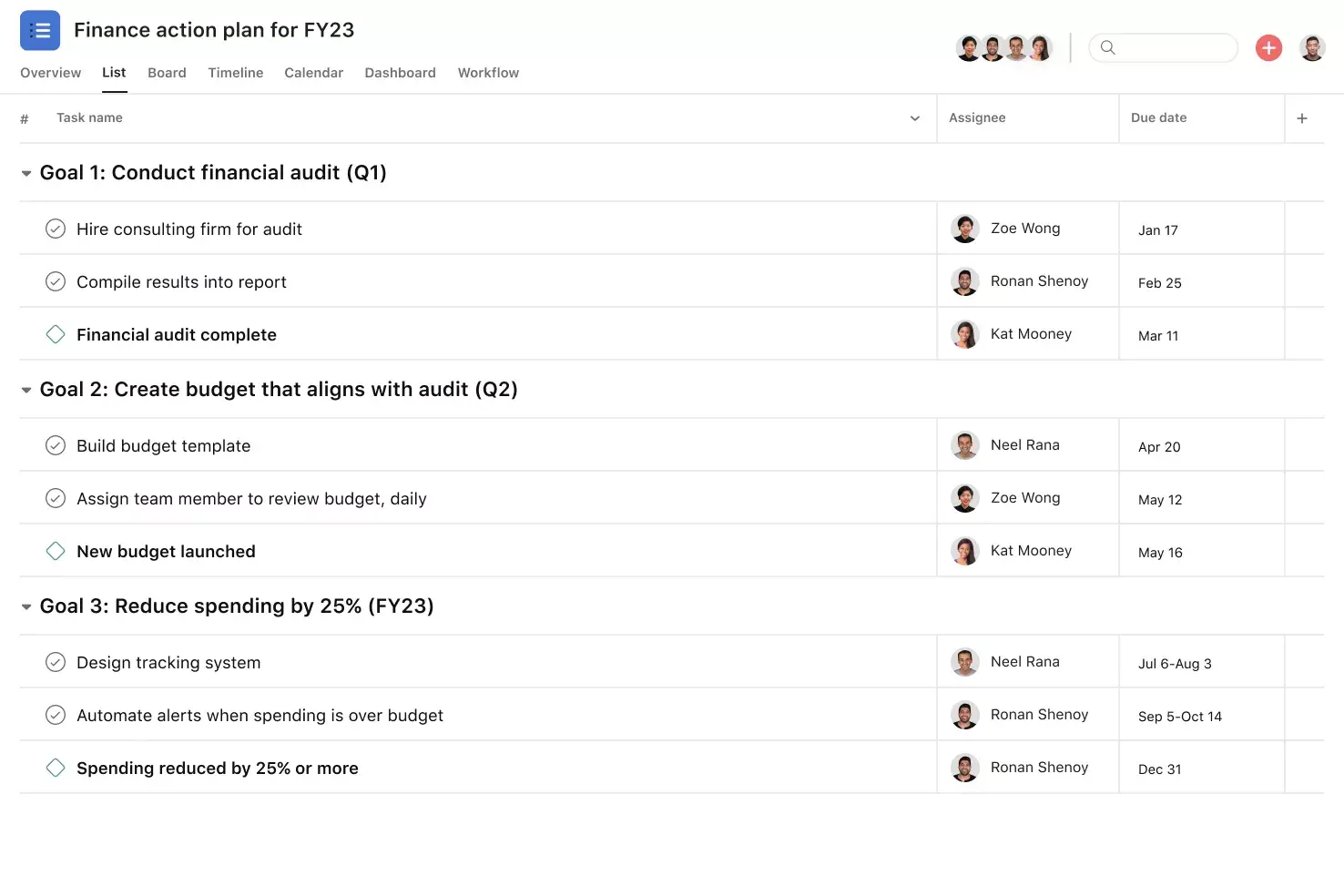
Strategic planning template: Connect objectives to initiatives, owners, measures, budgets, risks, and review dates. Use it to turn a strategy document into assigned work.
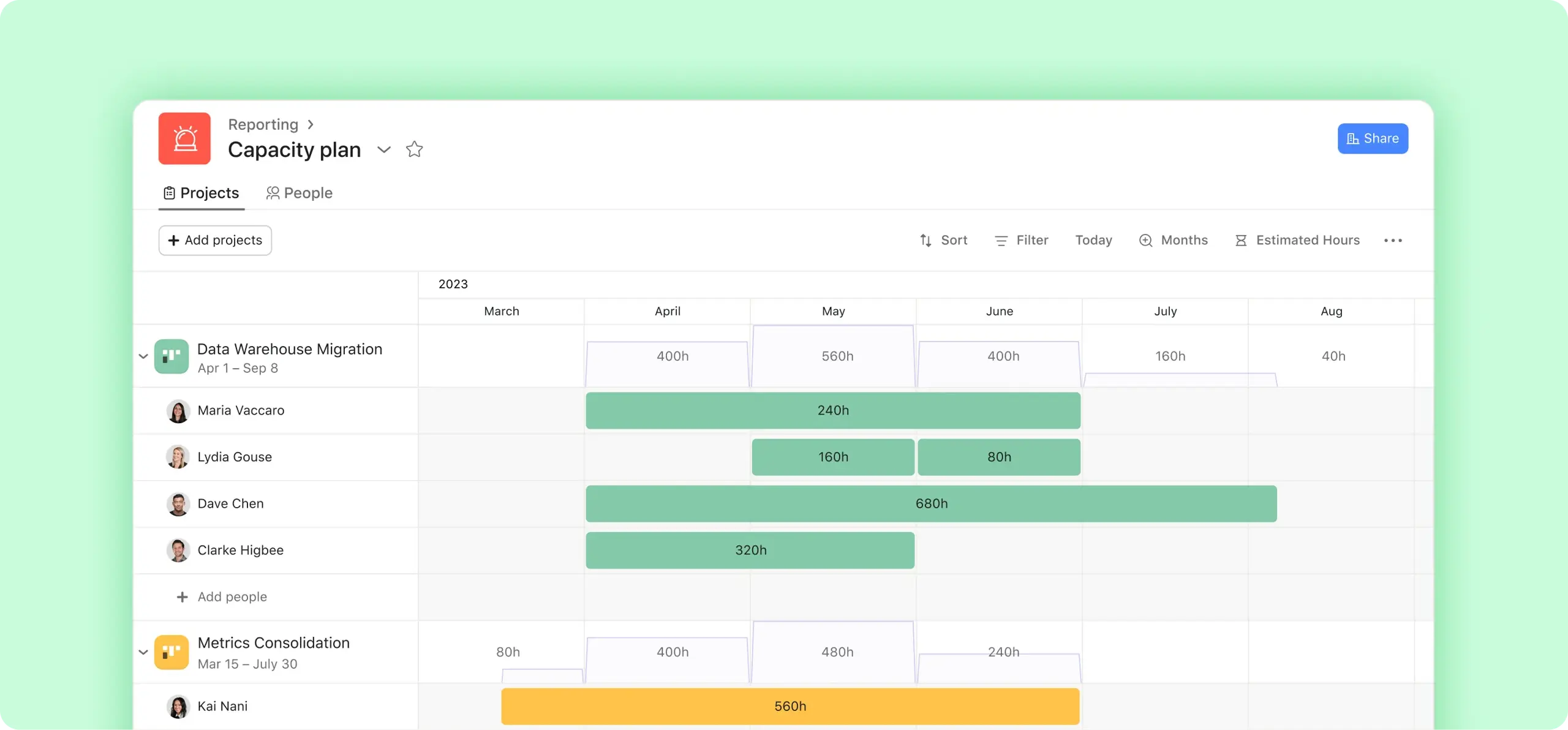
Capacity planning template: Compare planned demand with available time and skills. Record team availability, estimated effort, staffing gaps, and work that may need to wait.
Resource planning template: Assign people, budget, equipment, and other resources to planned work. Review allocation conflicts before the team commits to a schedule.
Templates for recurring work
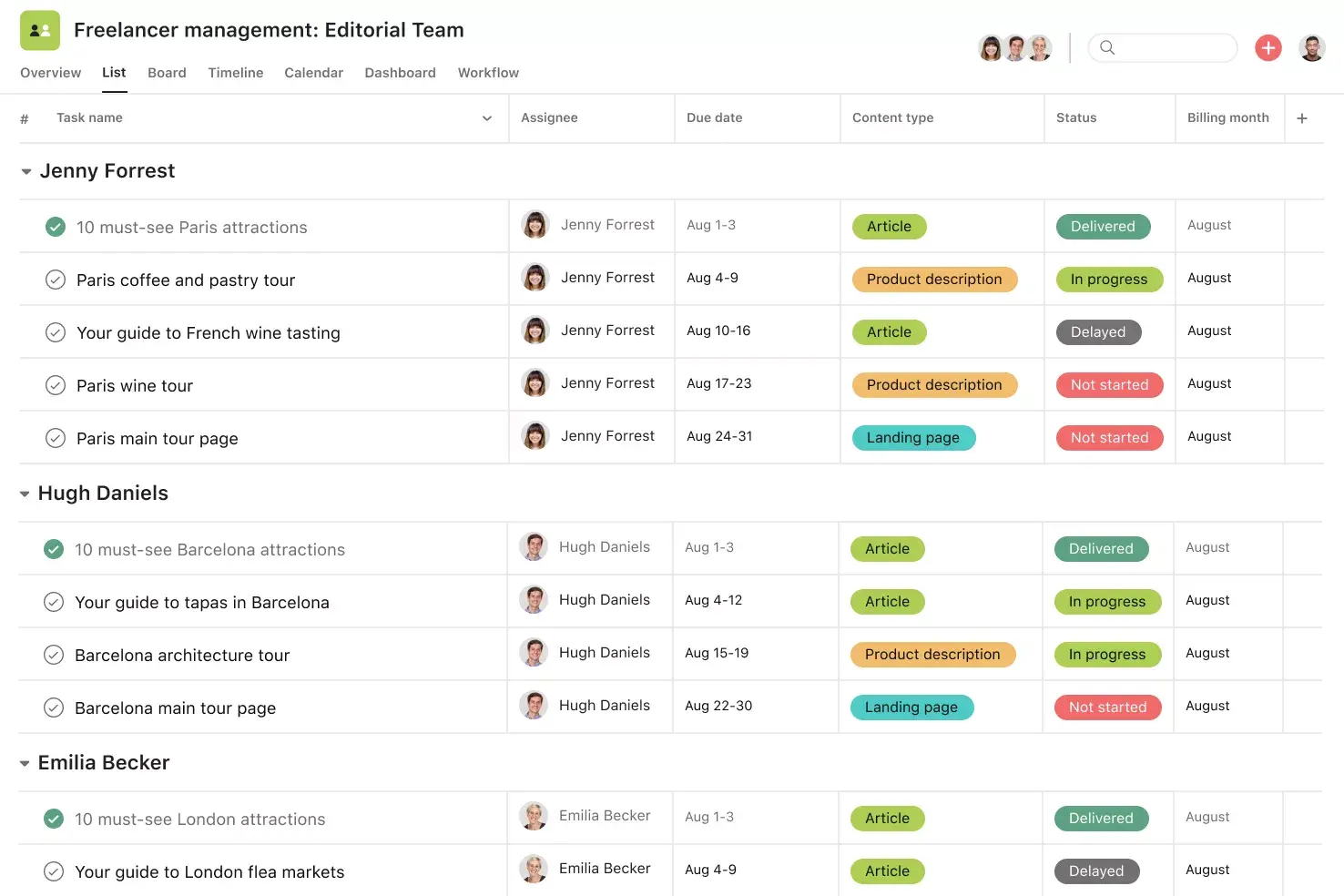
Content planning template: Plan briefs, formats, channels, writers, reviewers, approval stages, and publication dates. Add dependencies when design, legal review, or another task can delay publication.
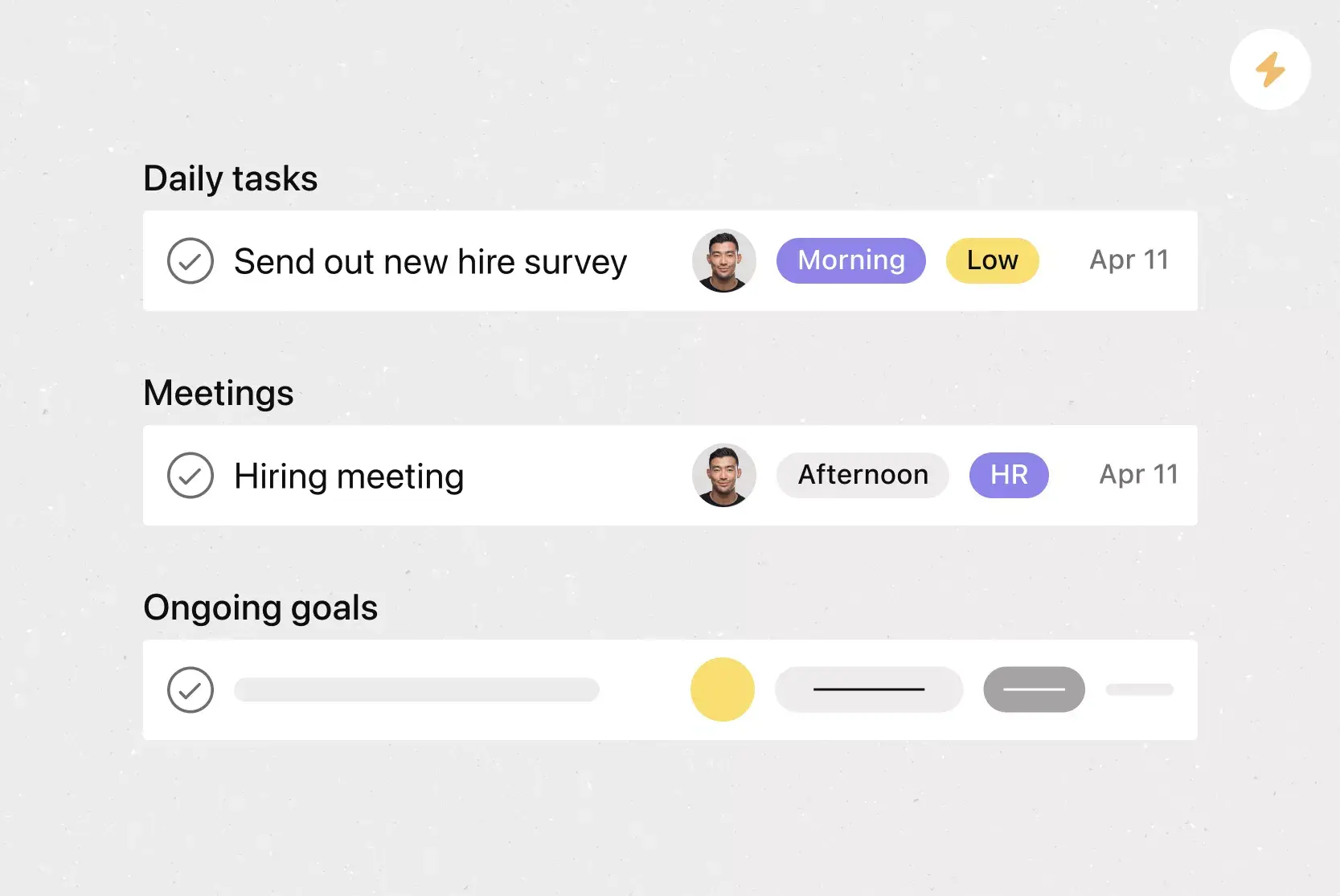
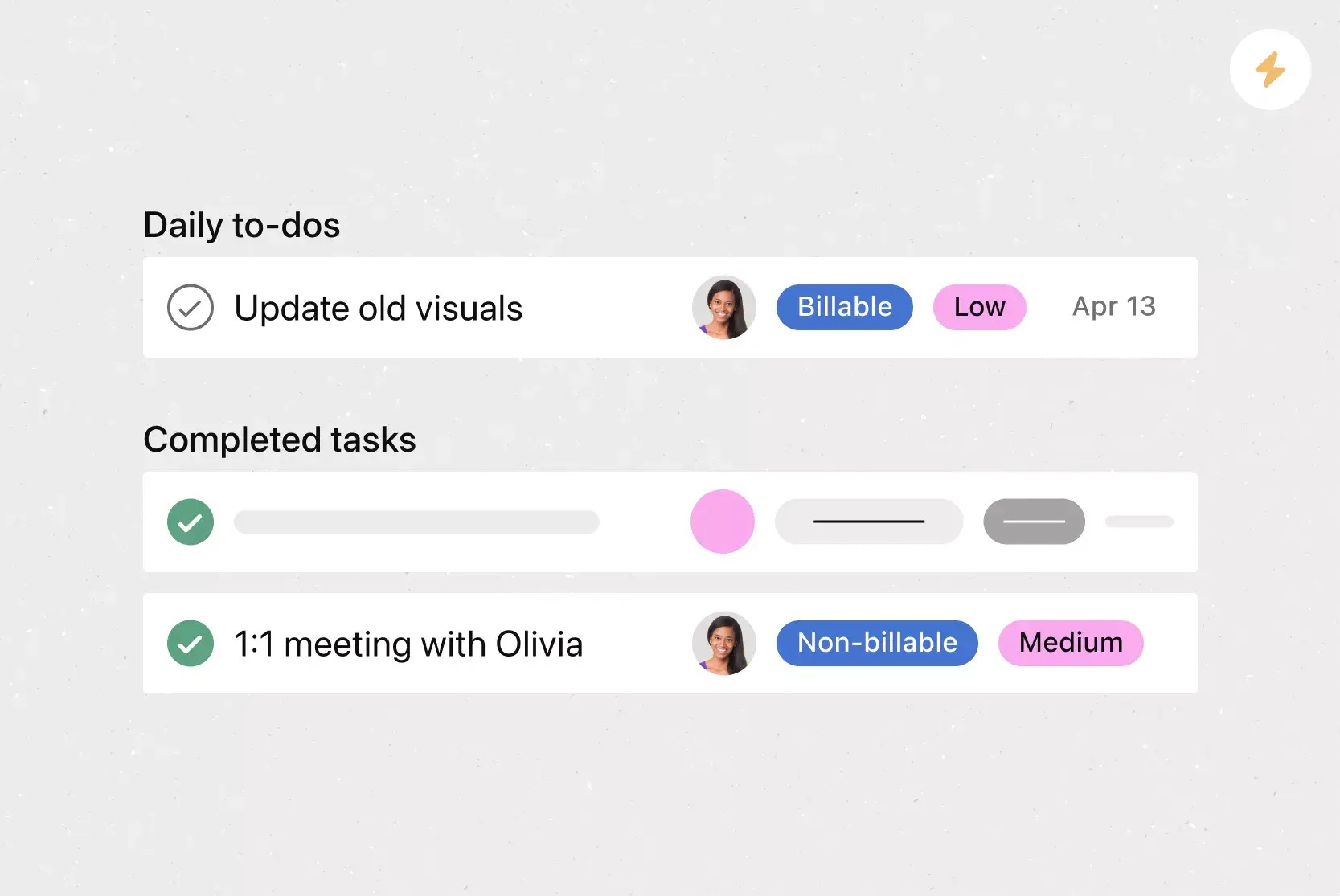
Weekly planning template: Organize weekly priorities, deadlines, meetings, handoffs, and blockers. Use a simple weekly planner, rather than a full project plan, when your team only needs to coordinate the next several days.
Account planning template: Record customer goals, stakeholders, opportunities, risks, next steps, renewal dates, and account owners. Connect follow-up work to the customer plan rather than leaving it in meeting notes.
Transform planning into action with Asana
Begin with the planning method that best fits your work. Add sections, owners, dates, dependencies, and milestones. Use Rules and Asana AI for recurring updates and coordination. Export the plan as a spreadsheet or PDF when needed.
Browse planning templatesFAQs about project planning templates
Write a project plan by defining the goal, scope, deliverables, tasks, owners, deadlines, dependencies, and review points. Add risks, approval steps, and a reporting schedule before work starts. Update the plan whenever scope, timing, ownership, or available resources change during the project.
Start with the outcome, then break the project into a few phases. List the tasks in each phase, assign one owner to each task, set finish dates, and connect only dependencies that could delay later work. Review the plan with the team before starting any work.
Before starting a project, confirm the goal, scope, decision-makers, deadline, budget, available people, and approval process. Identify major risks and unresolved questions, then agree on how the team will report progress. Do not assign detailed tasks until stakeholders agree on what the project must deliver.
The seven common parts are:
Goal
Scope
Deliverables
Tasks and owners
Timeline
Resources
Communication plan
Complex projects may also need risks, dependencies, milestones, budgets, and approval steps. Add these only when they affect delivery, ownership, cost, or timing.
Common project planning mistakes include:
Starting before the scope is settled
Assigning work to groups instead of one owner
Hiding review time inside production tasks
Linking unnecessary dependencies
Ignoring resource limits
Failing to update dates, risks, and owners after the plan changes
Related templates

![[Templates] Editorial Calendar (Share image)](https://assets.asana.biz/transform/5fac5de2-17f6-4d69-8cd3-091a887a24bd/TG23-web-thumbnail-042-editorial-resource-management-static-2x?io=transform:fill,width:2560&format=webp)
![[Templates] Marketing Project Plan (Card) image](https://assets.asana.biz/transform/af70ac54-97b9-4639-b639-be3a3d951e3e/TG23-web-thumbnail-016-stakeholderregister-static-2x?io=transform:fill,width:2560&format=webp)
![[Templates] Operations Project Plan (Card)](https://assets.asana.biz/transform/ec3bf1b9-cbcd-413c-a20c-82bf1dbe10d2/TG23-web-thumbnail-008-risk-management?io=transform:fill,width:2560&format=webp)
![[Template] IT project plan (Card image)](https://assets.asana.biz/transform/8aa523a9-4dcb-4053-8e69-7bdf900b48b9/web-product-template-thumbnail-IT-EN-US?io=transform:fill,width:2560&format=webp)
![[Old Product UI] Sprint planning project with t-shirt sizes in Asana (Lists)](https://assets.asana.biz/transform/34817820-b376-4110-a8be-9a2c7c546a77/inline-project-planning-t-shirt-sizing-product-ui-list-view-sprint-planning-en-2x?io=transform:fill,width:2560&format=webp)

![[Templates] RFP Process (Card image)](https://assets.asana.biz/transform/14aa111b-ab22-483f-bfd1-3090acb7d2a5/RFP-process-premium-m?io=transform:fill,width:2560&format=webp)

![[HR Project Plan] template Card Image](https://assets.asana.biz/transform/663b8e5e-89c9-4b0b-b48b-1b17e01d1889/TG23-web-thumbnail-033-process-improvement-static-2x?io=transform:fill,width:2560&format=webp)
![[Templates] Waterfall project management (card image)](https://assets.asana.biz/transform/d87fc21c-53f0-4bc9-9094-9789b963be9b/article-project-management-waterfall-project-management-methodology-2x?io=transform:fill,width:2560&format=webp)
![[Templates] Status report (card image)](https://assets.asana.biz/transform/9c82d399-782b-40d3-9eb1-fd7544bef794/article-project-management-project-management-maturity-model-2x?io=transform:fill,width:2560&format=webp)
![[Templates] Event Marketing Plan (Card image)](https://assets.asana.biz/transform/6c7b9329-b612-4732-910a-7917fa079f0b/TG23-web-thumbnail-014-project-chart-static-2x?io=transform:fill,width:2560&format=webp)

![[Templates] Communication plan (card image)](https://assets.asana.biz/transform/3dc9eadf-9d2d-40a2-a05d-63adb32a1de7/article-collaboration-synchronous-vs-asynchronous-communication-2x?io=transform:fill,width:2560&format=webp)
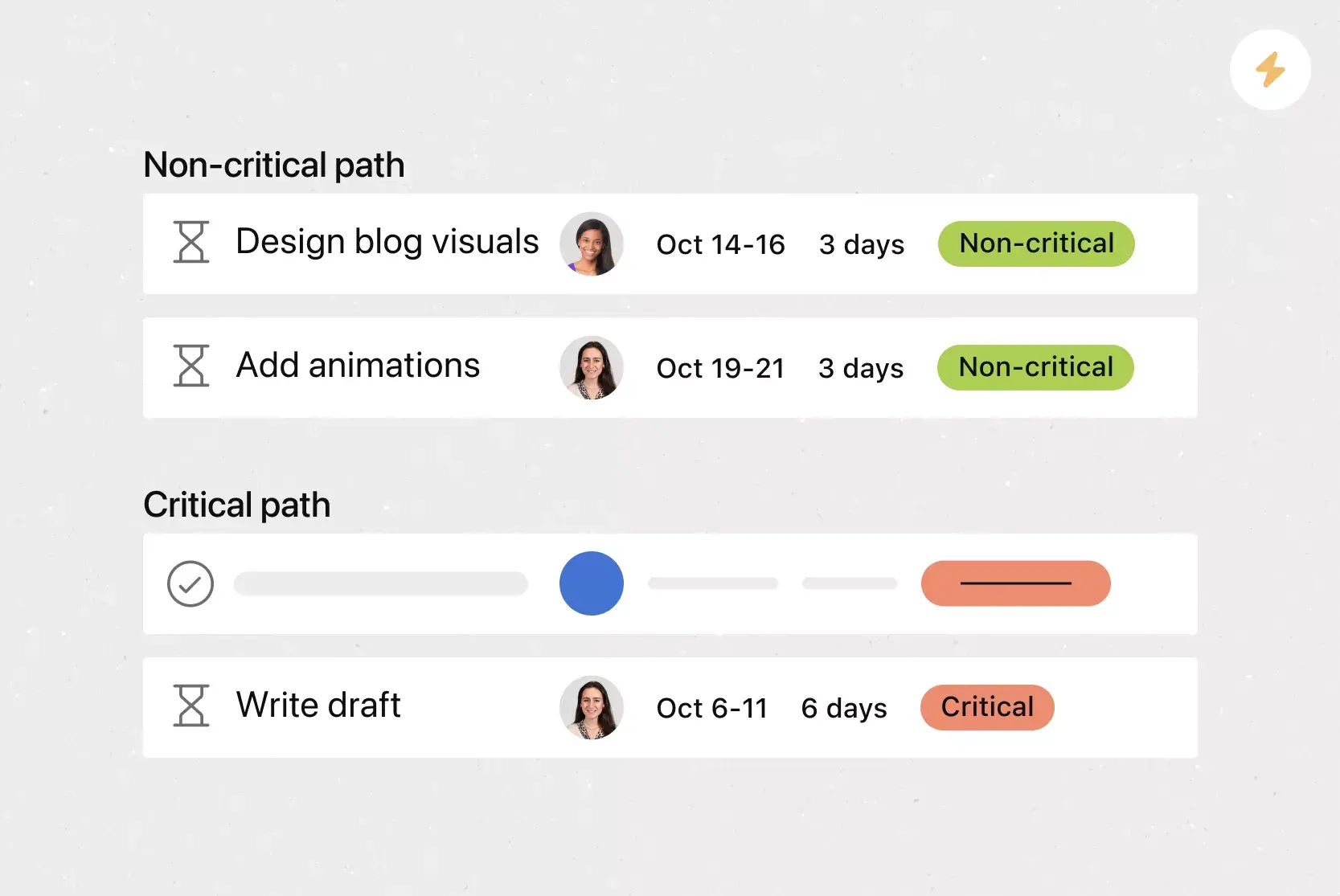
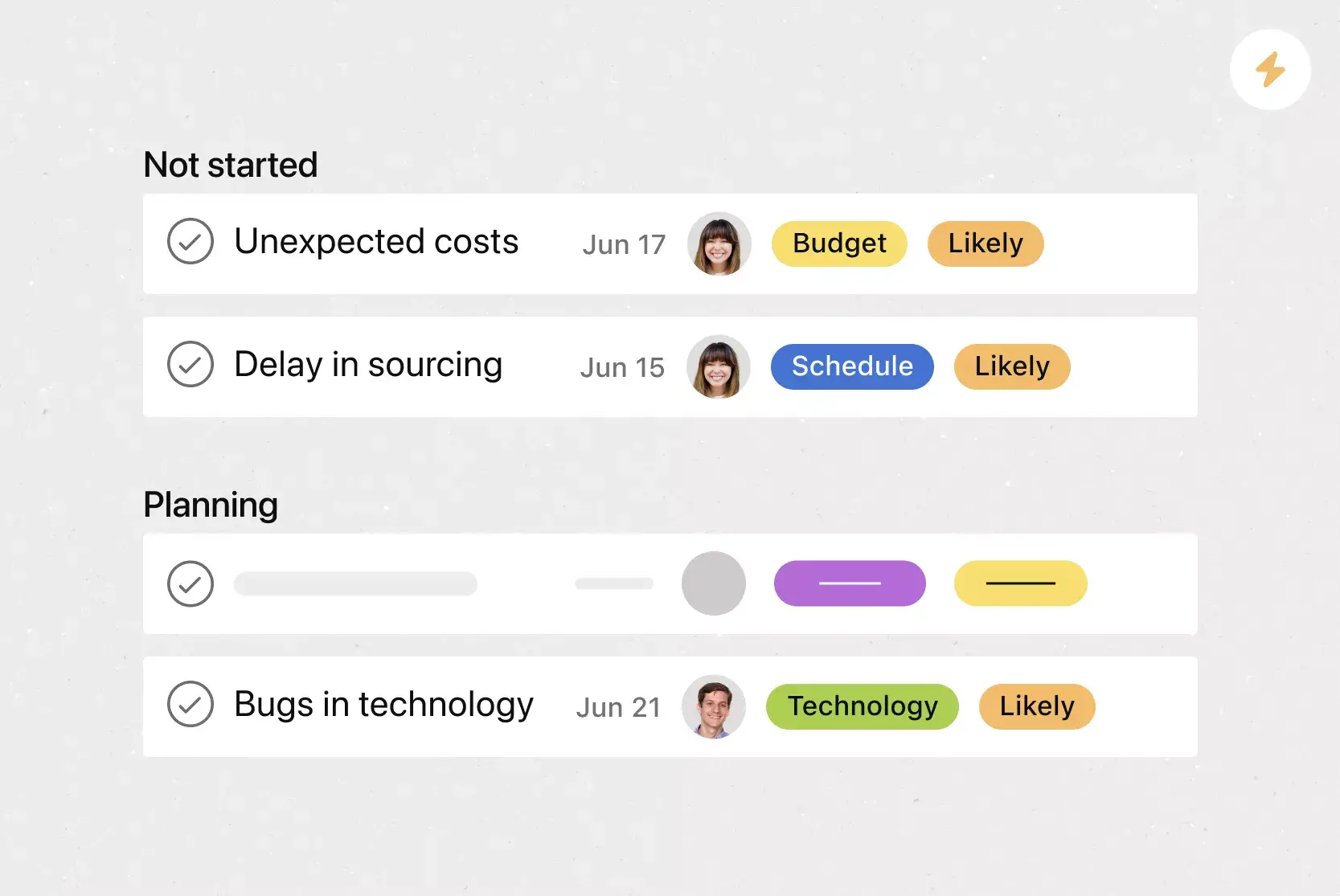
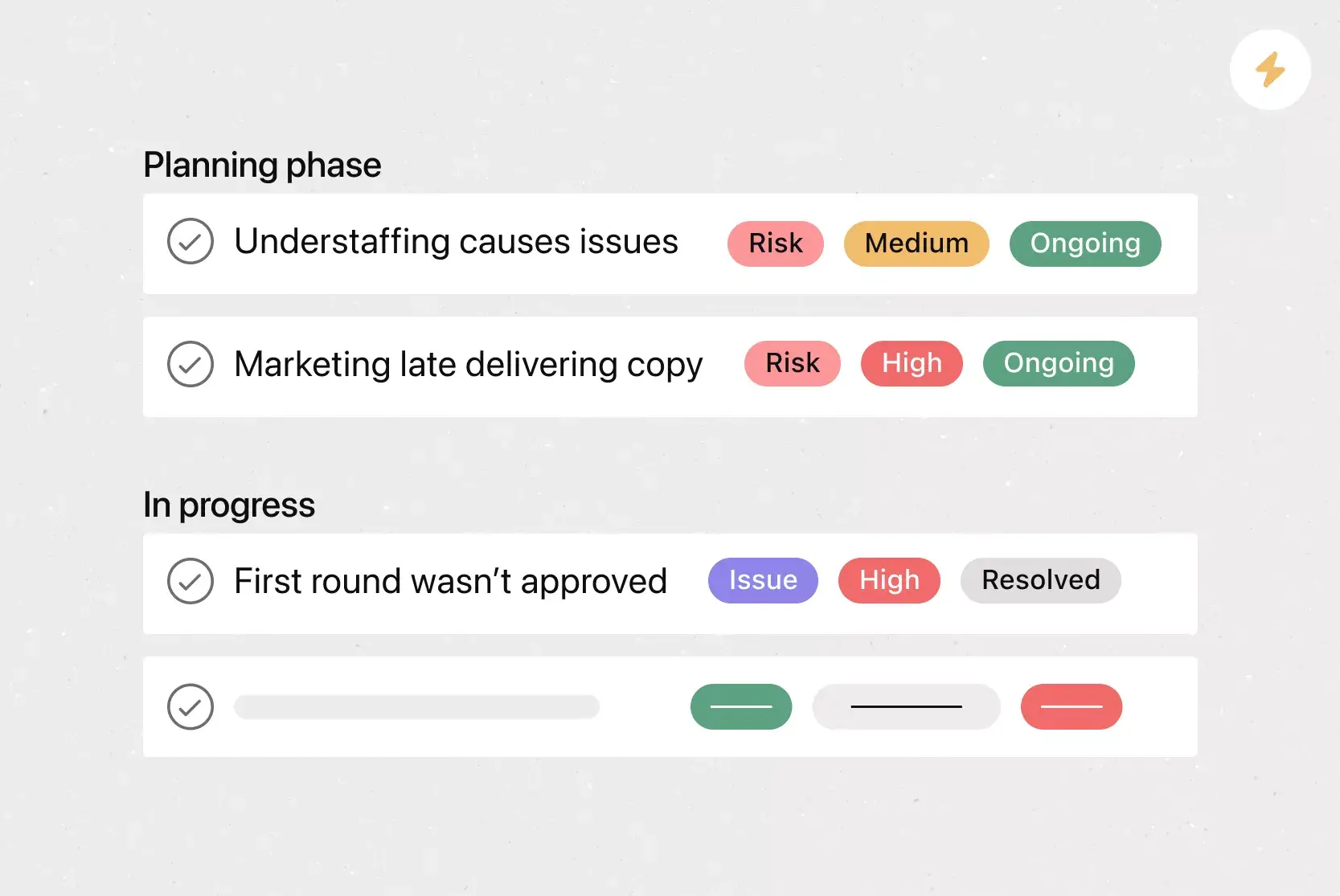
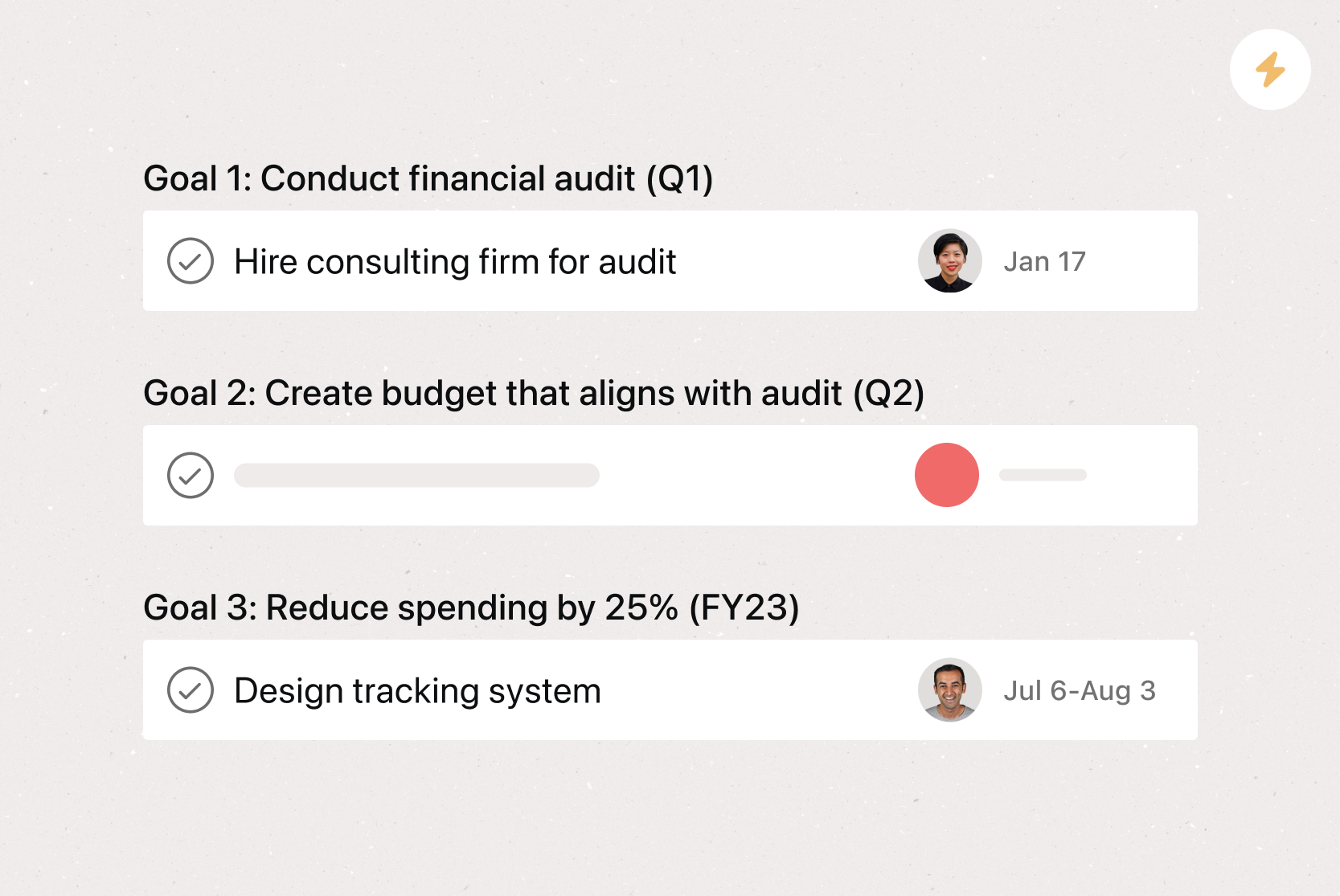

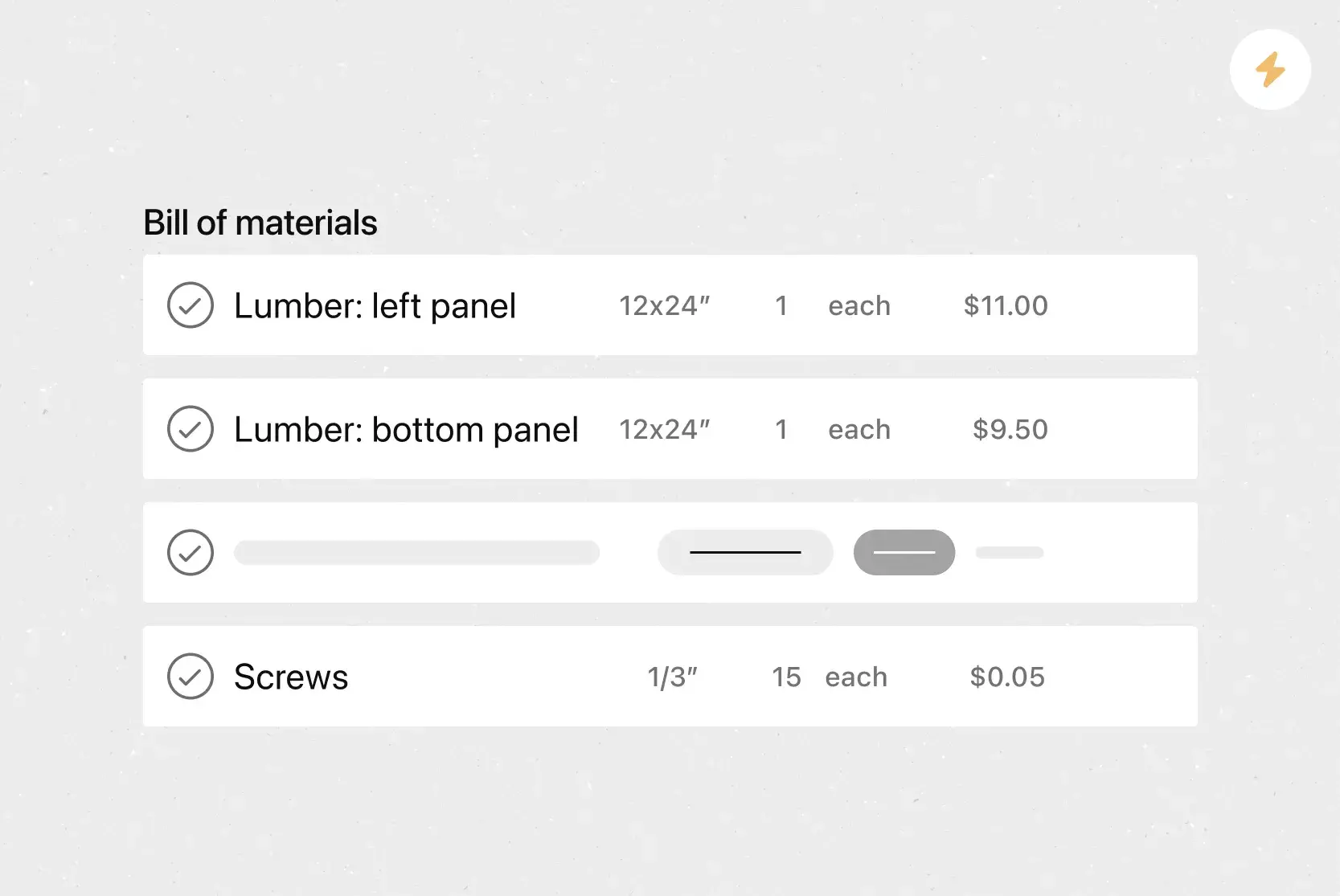
Create templates with Asana
Learn how to create a customizable template in Asana. Get started today.