


Sales plan template
Use our free sales plan template to set revenue targets, assign responsibilities, and coordinate your team every quarter without starting from scratch.
Sign up to use this template.
Sales plan template
Use our free sales plan template to set revenue targets, assign responsibilities, and coordinate your team every quarter without starting from scratch.
Use templateSign up to use this template.
INTEGRATED FEATURES
Recommended apps




Summary
A good sales plan helps guide your team, but creating a new one every quarter can take up valuable time. If you’re a sales manager setting targets or a team lead working to align your reps, starting with a solid template makes planning quicker and more consistent.
This article covers what goes into a sales plan template, why sales planning matters, strategies you can use, and how to get started with a free template in Asana.
Why sales planning helps your team reach goals
Sales planning turns big revenue goals into clear roles, timelines, and steps your team can follow. When everyone knows what they’re working toward and how to get there, your team can focus more on selling and less on guessing.
Here are a few reasons sales planning makes a difference:
Aligns your team around shared goals. When everyone understands the revenue targets, timelines, and priorities, your reps can focus their energy on the work that matters most.
Turns goals into actionable steps. A sales plan breaks down big-picture targets into specific activities, so your team has a clear path from planning to execution.
Improves forecasting and accountability. With defined success metrics and owners for each part of the plan, it's easier to track progress and course-correct before it's too late.
Saves time during quarterly planning. Instead of starting over each quarter, your team can build on a proven structure and focus on updating what's changed.
What is a sales plan template?
A sales plan template is a reusable outline that helps you set your team’s strategy, goals, and success metrics. It can also include your team’s objectives, target audience, and revenue goals.
Instead of starting from scratch, your team can use our free sales plan template as a starting point during quarterly planning. It provides a basic strategy to work from, so all your team has to do is fill in their specific success metrics, goals, and responsibilities. This saves planning time and keeps every quarter consistent.
What goes into a sales plan template?
A sales plan template has several key parts. These can vary depending on your type of sales, since software sales and retail sales are quite different, but the most common parts are:
Revenue targets: The revenue goal your sales team aims to achieve before your chosen deadline.
Team structure: Who on the team is responsible for what. This means identifying managers, dedicated team members, and who reports to whom.
Key deadlines and milestones: Any important dates or deadlines that are relevant to a sales cycle.
Directly responsible individuals (DRIs): Anybody on the team who's responsible for a specific task or part of a project.
Depending on how your team functions and your sales strategy, you can add additional information like:
Current market conditions: This could include information on the economic climate to understand how potential customers are feeling about purchasing at a given time of year. For example, you can add information like a PEST analysis in this section.
The target market or an ideal customer profile: Information about the ideal customer you're selling to. This helps your sales team better understand who their target audience is and how to best sell to them.
Competitive data: Any information on your competitors. Competitive analysis information helps give salespeople the upper hand by illustrating how your product or service compares to the competition.
Here's a quick overview of core and optional components at a glance:
Core components
Revenue targets: The amount of revenue your team plans to achieve by a specific date
Team structure: Outlines who is responsible for what, who manages whom, and how reporting works
Key deadlines and milestones: Lists the main dates and goals in the sales process
Directly responsible individuals: Names the people in charge of each task or area
Optional components
Current market conditions: Describes the current economy and how customers are feeling
Target market or ideal customer profile: Explains who your best customers are and how to connect with them
Competitive data: Shows how your product or service stacks up against others in the market
Sales strategies and tactics to include in your plan
Your sales plan template should also include the strategies and tactics your team will use to reach its goals. Writing these down keeps everyone on the same page about how to approach prospects and close deals, not just about the targets.
Consider including the following in your template:
Prospecting approach: Define how your team will identify and qualify new leads. This could include outbound outreach, inbound lead follow-up, referral programs, or a combination of these.
Pricing and positioning: Outline how you'll present your product or service relative to the competition, including any promotions, bundling, or discounting guidelines.
Sales channels: Specify whether your team sells directly, through partners, online, or through a mix of channels, and how each channel fits into the broader plan.
Customer retention tactics: Include strategies for upselling, cross-selling, and renewing existing customers, as retention often directly affects revenue targets.
Including these strategies in your template gives your team a playbook they can use and adjust each quarter, so they don’t have to start over every time.
How to create a sales plan with our free template
It’s easy to create a sales plan with our free template. Here are some steps to help you begin.
Analyze your current sales process. If your team has repeatable tasks in your current sales process, your template should capture all of these steps. This will save your sales managers from having to manually repeat tasks when creating a new sales strategy.
Establish a main sales objective. No matter the quarter, you should always clearly state the main objective you want your team to achieve. This helps your team focus on work that will make the most difference for your sales objective.
Determine success metrics. Connecting your sales goals to your business goals is an important part of developing a sales plan template. Your sales plan template should include a dedicated section for success metrics, so your team knows exactly how each task connects to the larger goals. These success metrics should connect directly with the sales objective you established in step two.
Document actionable steps. Our free sales plan template makes it easy to capture the actionable steps your team is taking to achieve the objectives you outlined in step 2. This section helps you accurately measure whether the work you're doing is helping you achieve your goals.
Provide important contextual information for your team. Your sales plan template should include information like competitive research, market conditions, and an individual customer profile. This information can be updated and duplicated for future sales plans.
Integrated features
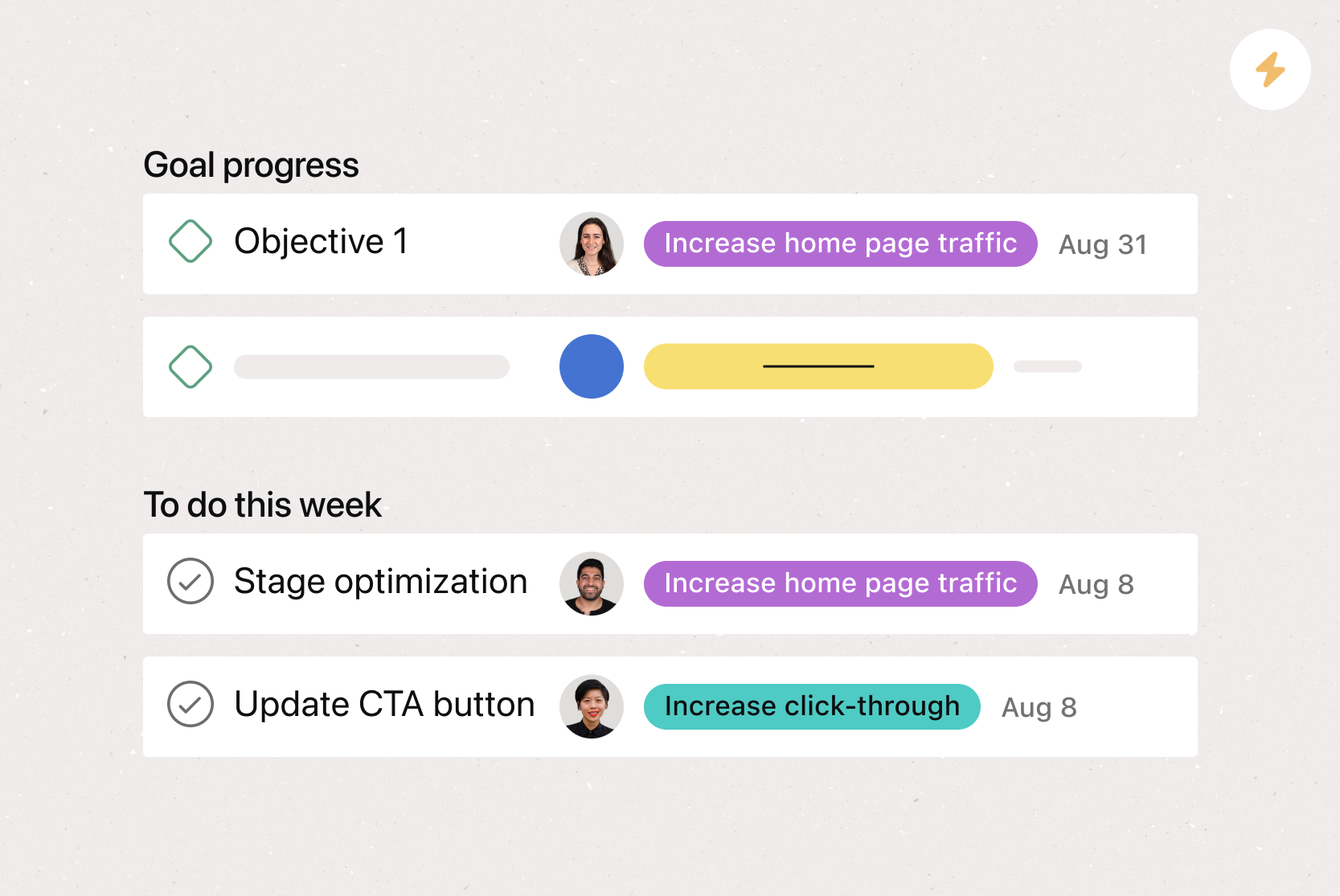
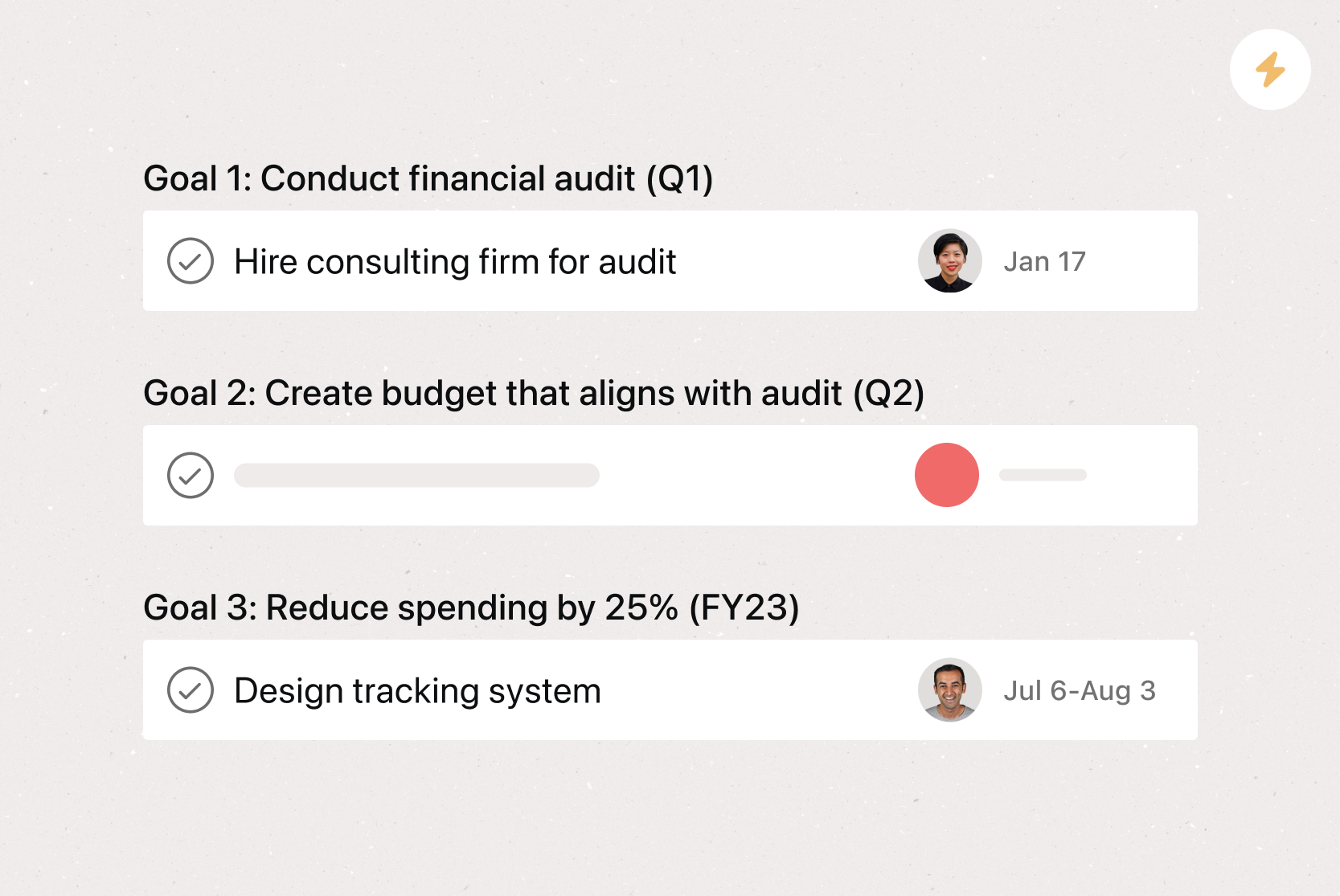
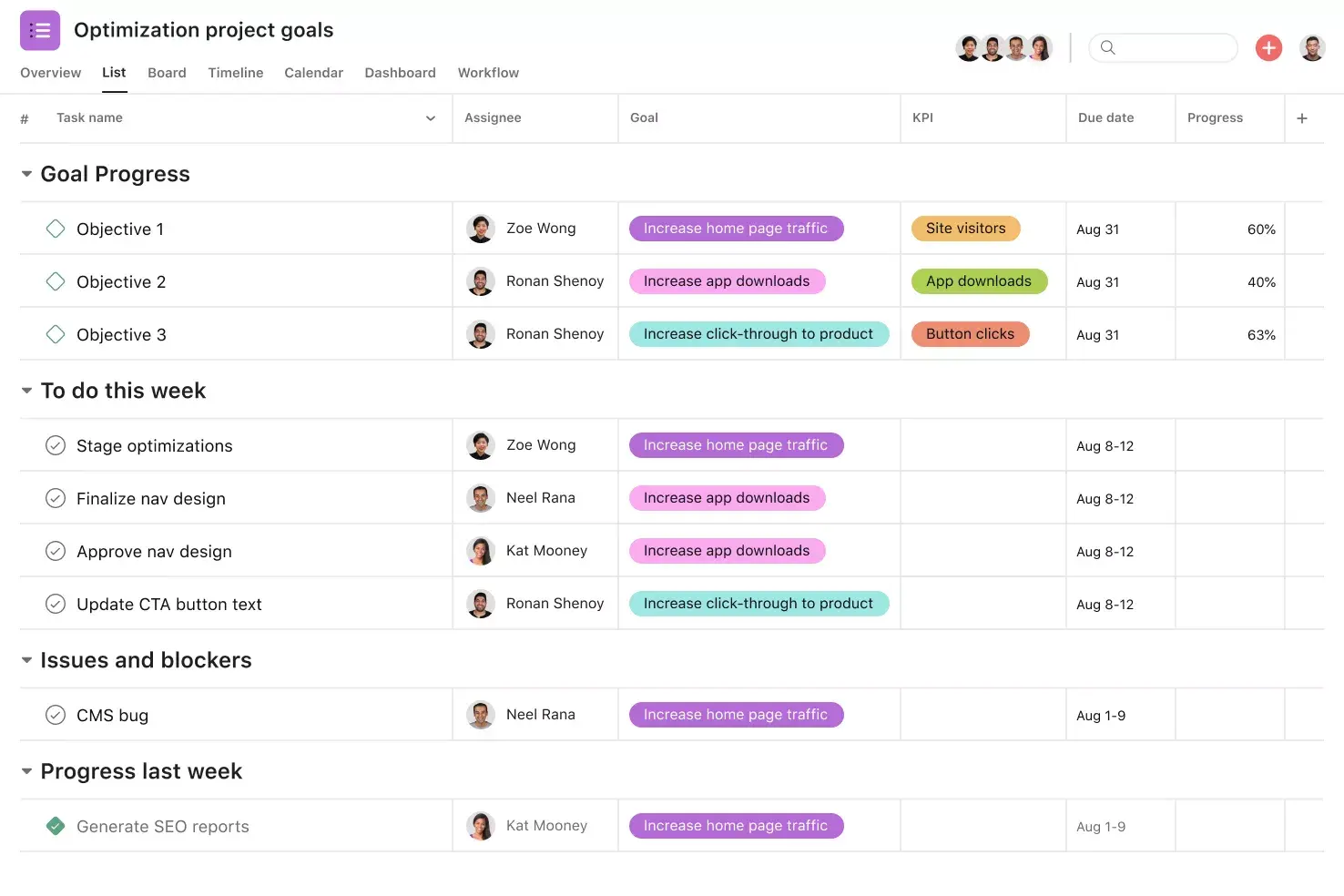
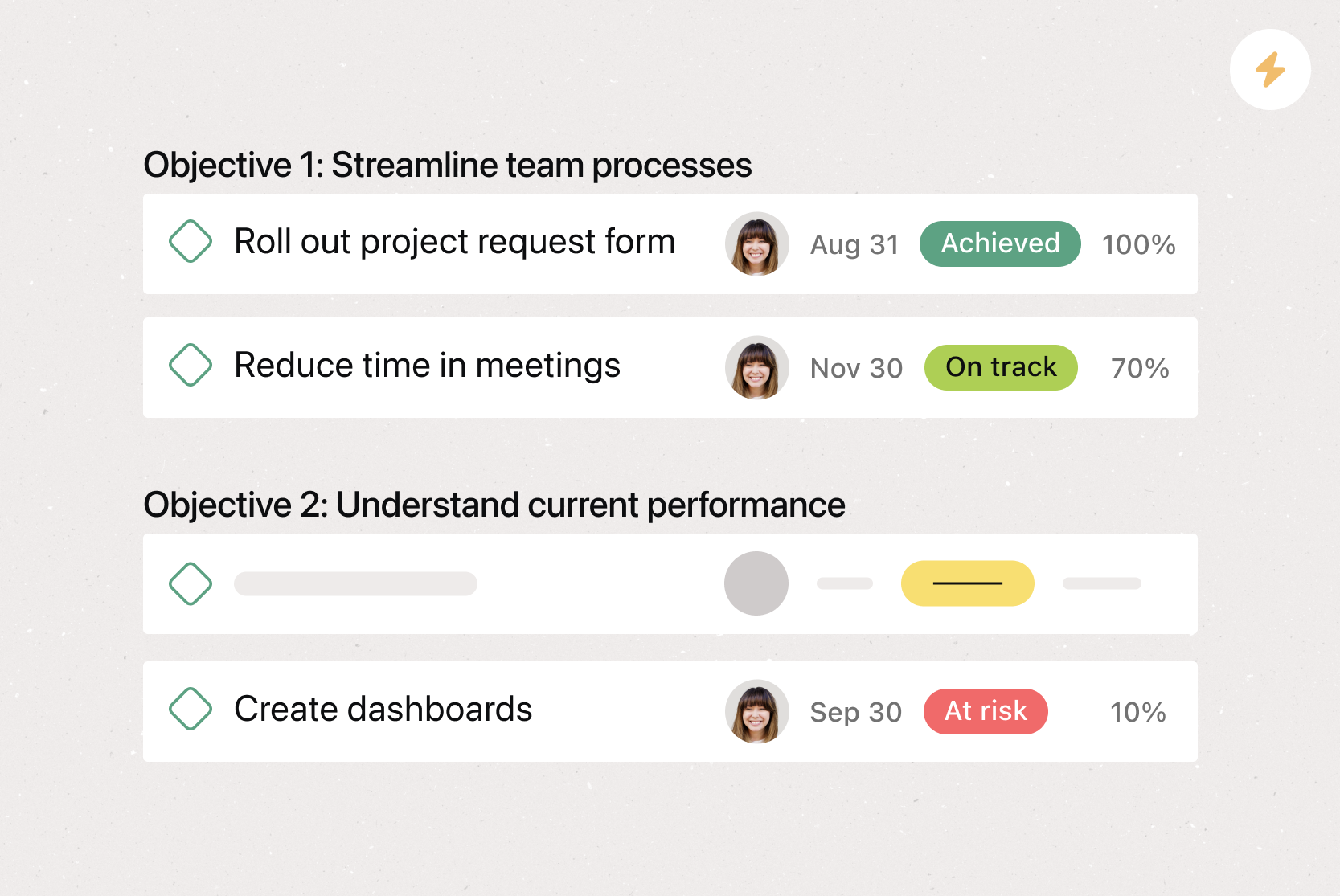
Goals. Goals in Asana connect directly to the work your team is doing to hit them, so everyone can see how their tasks contribute to broader company goals. This real-time visibility helps team members prioritize the right work and make better decisions.
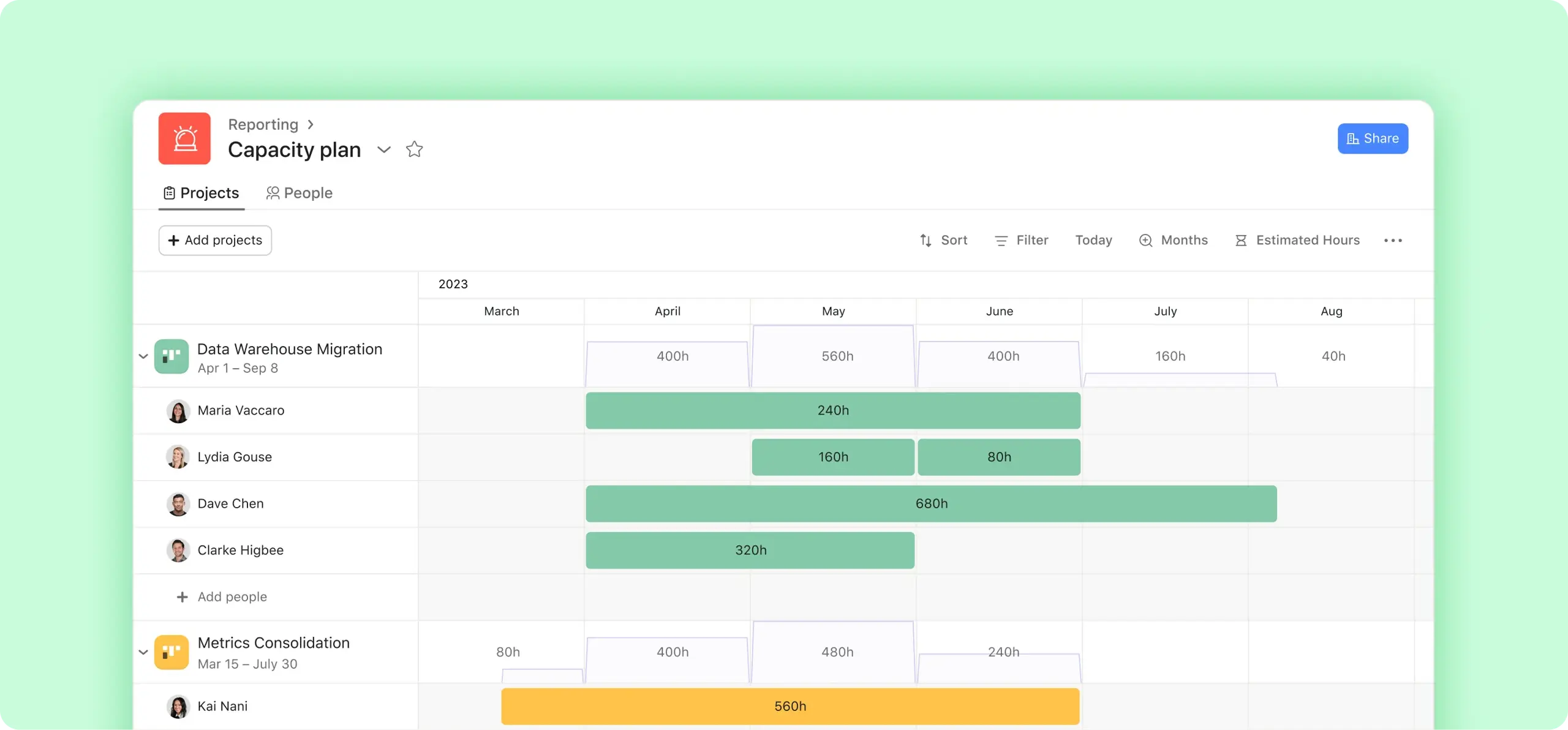
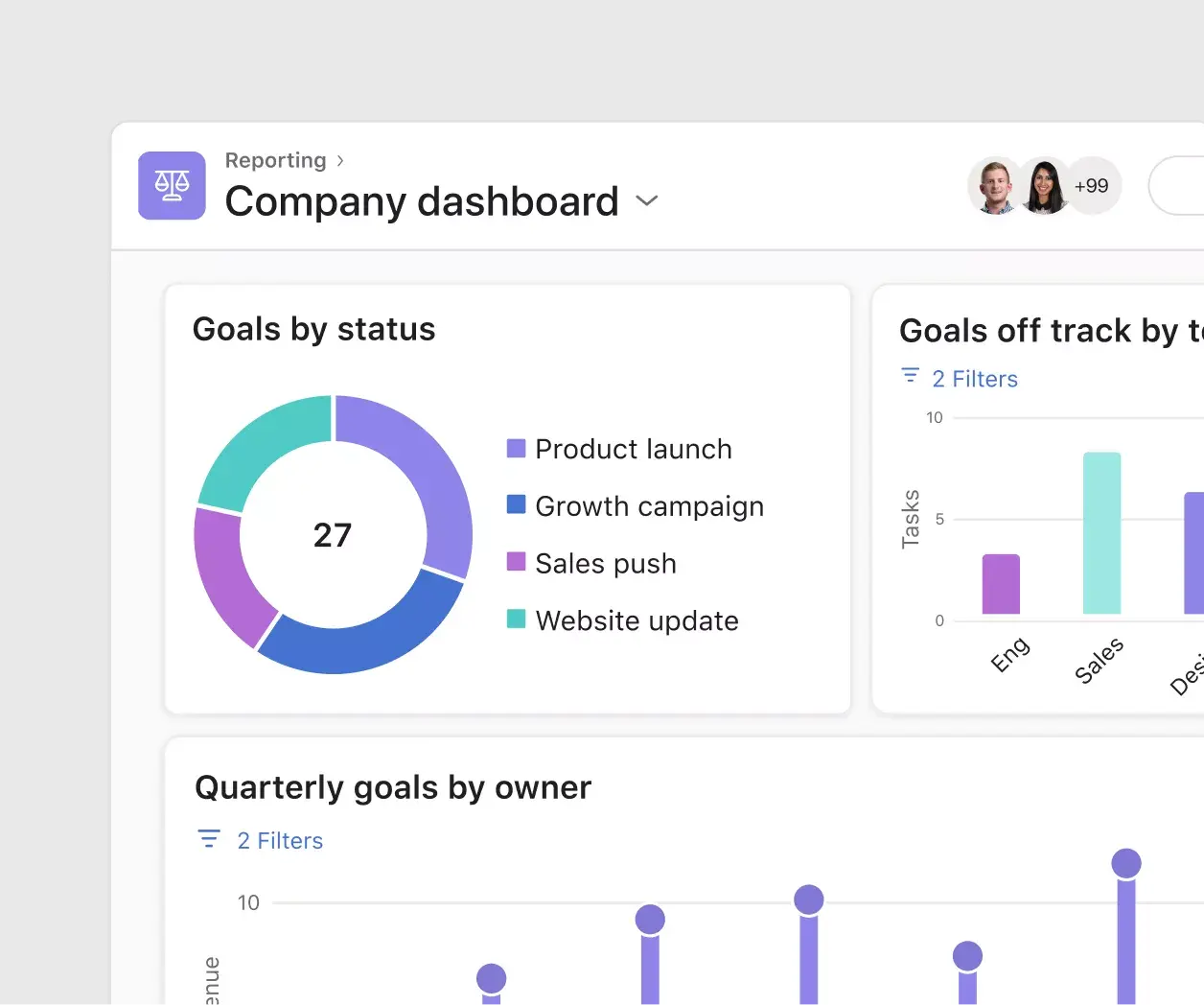
Reporting. Reporting in Asana translates project data into visual charts and digestible graphs. By reporting on work where work lives, you can reduce duplicative work and cut down on unnecessary app switching. And, because all of your team's work is already in Asana, you can pull data from any project or team to get an accurate picture of what's happening in one place.
Automation. Automate manual work so your team spends less time on busywork and more time on the tasks you hired them for. Use Rules to automatically assign work, adjust due dates, set custom fields, and notify stakeholders based on simple triggers. From ad hoc automations to entire workflows, Rules gives your team time back for strategic work.
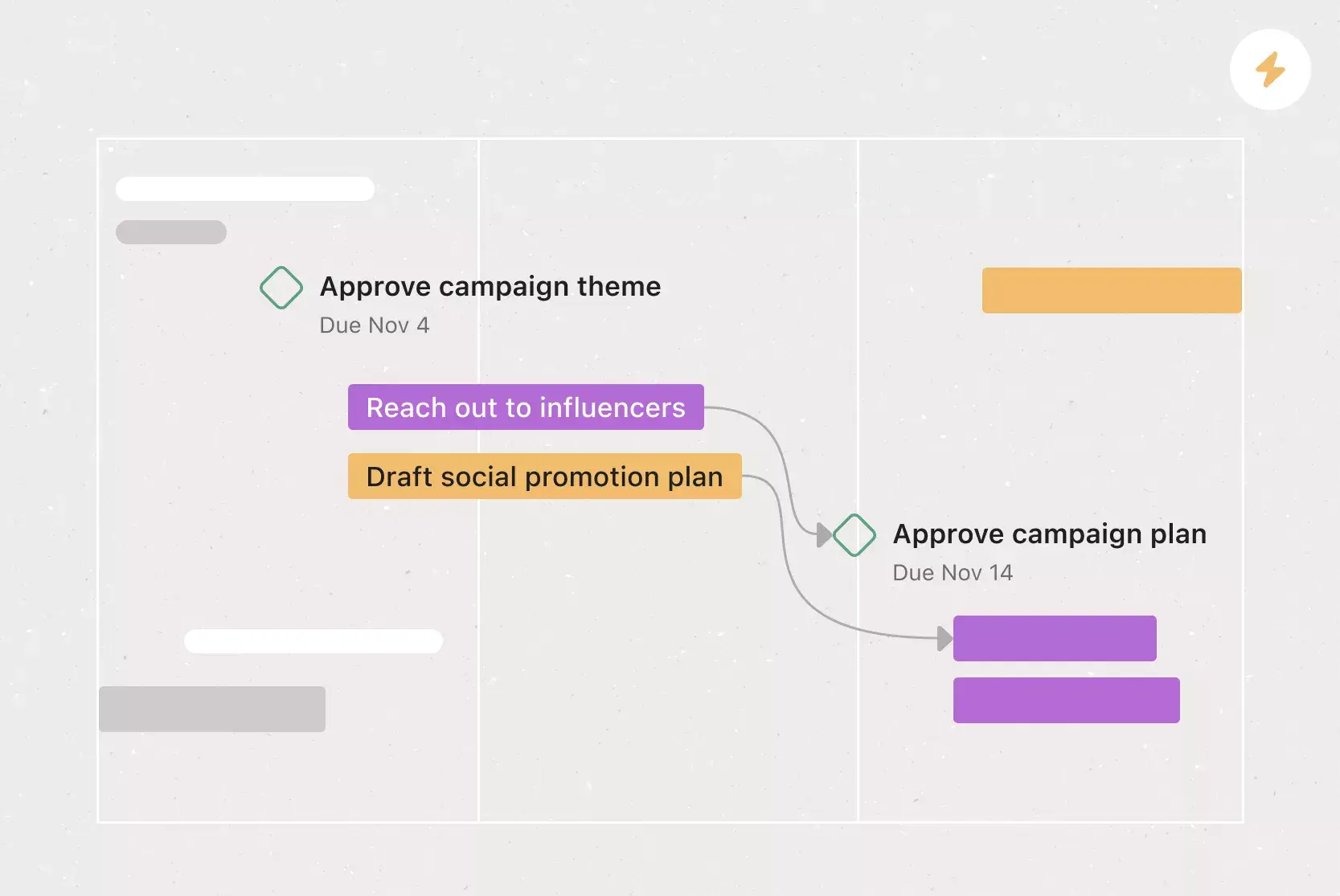
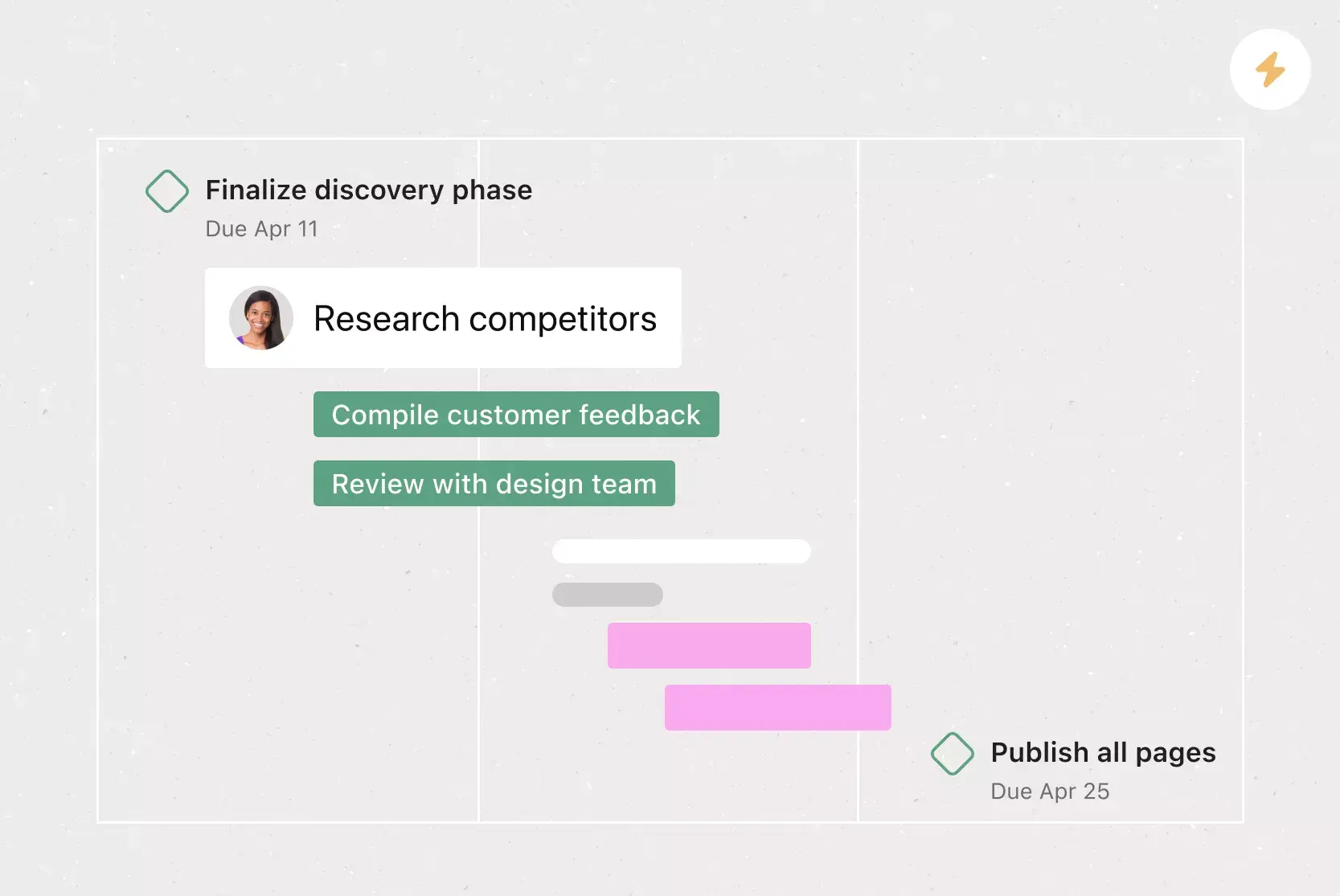
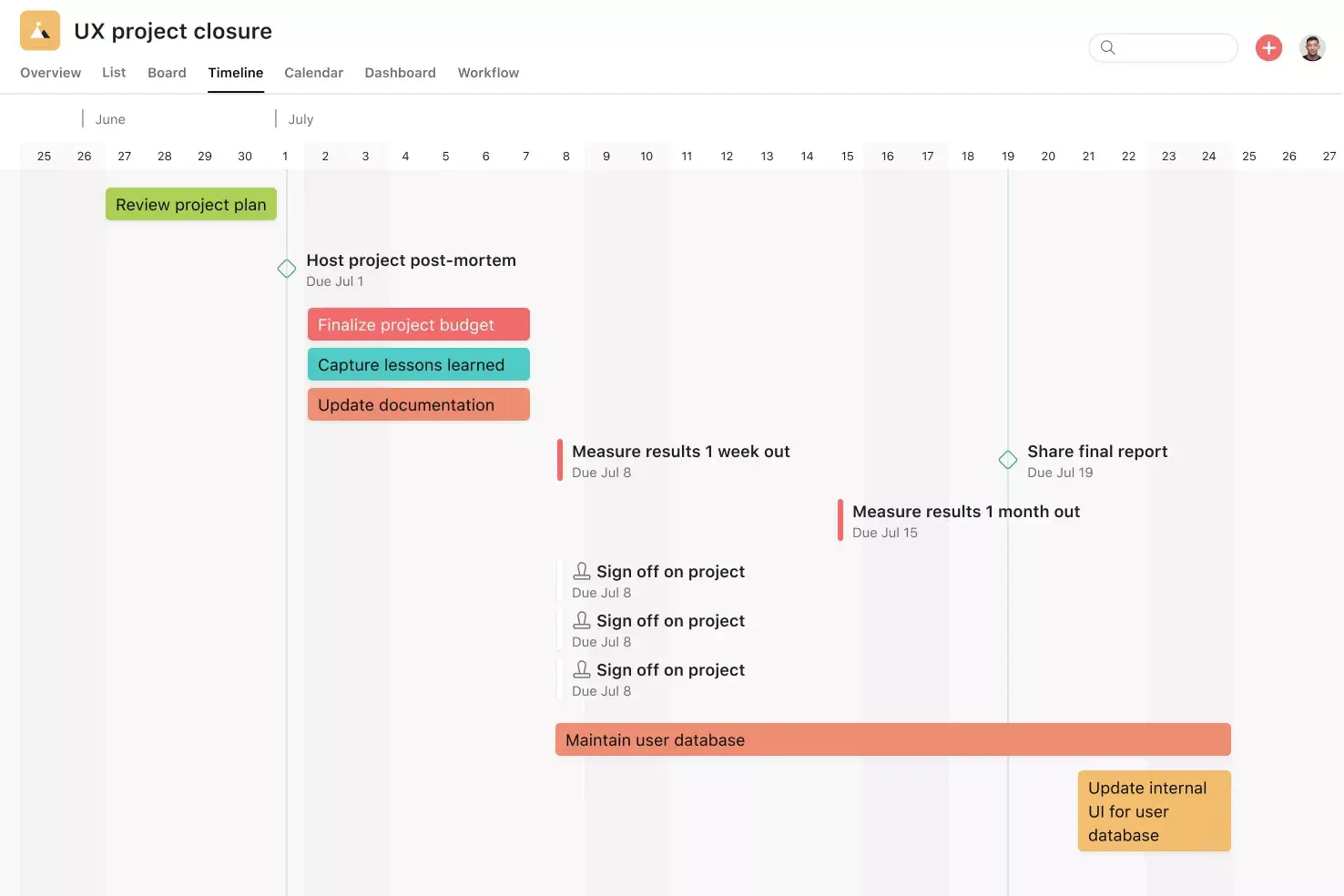
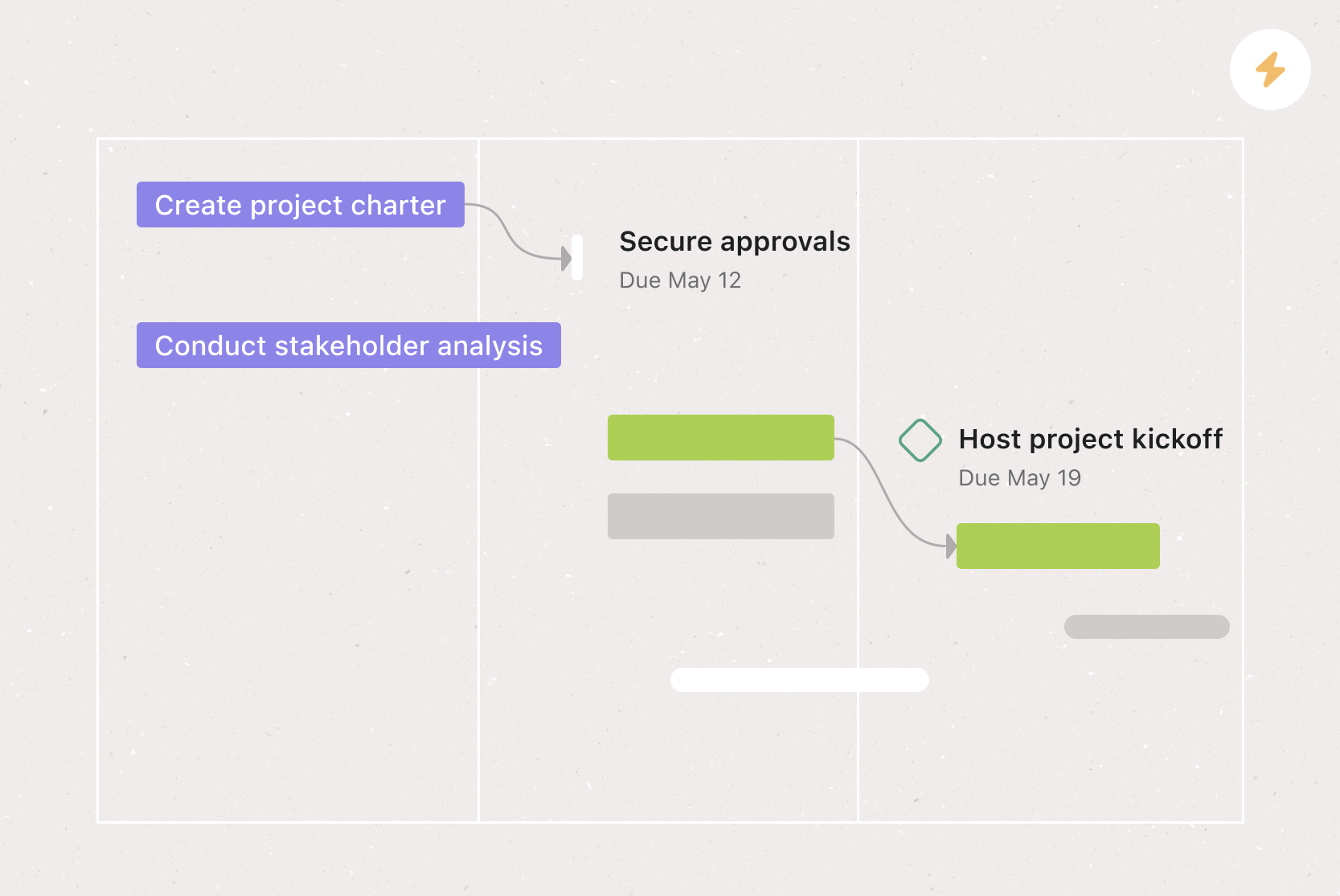
Milestones. Milestones represent important project checkpoints. By setting milestones throughout your project, you can let your team members and project stakeholders know how you're pacing towards your goal. Use milestones as opportunities to celebrate the little wins on the path to the big project goal.
Recommended apps
Salesforce. Remove bottlenecks by enabling sales, customer success, and service teams to communicate directly with their support teams in Asana. Share attachments and create actionable, trackable tasks for pre-sales needs. With Service Cloud, connect your implementation and service teams with supporting teams in Asana to deliver amazing customer experiences.
Zoom. The Zoom + Asana integration helps your team prepare for meetings, capture action items during the call, and follow up afterward. Create tasks directly within Zoom so nothing gets lost, and access meeting transcripts and recordings in Asana after the call.
Gmail. With the Asana for Gmail integration, you can create Asana tasks directly from your inbox, and each task automatically includes context from your email. You can also search for existing Asana tasks without leaving Gmail, so your workflow stays uninterrupted.
Slack. Turn ideas, work requests, and action items from Slack into Asana tasks and comments that are trackable. Go from quick questions and action items to tasks with assignees and due dates. Easily capture work so requests and to-dos don't get lost in Slack.
Build your sales plan and start hitting targets
A well-built sales plan keeps your team aligned, your goals visible, and your progress on track. With a free sales plan template in Asana, you can skip the repetitive setup and jump straight into the work that drives revenue.
Instead of rebuilding your plan from scratch each quarter, use Asana to create a living sales plan your team can update, share, and act on together. Connect goals to daily tasks, automate routine steps, and give every rep clarity on what matters most. Get started and see how Asana helps your sales team plan smarter and sell more.
Free sales plan templateFAQs about sales plan templates
Start by analyzing your current sales process, then set a main objective, define success metrics, document actionable steps, and add contextual details like market conditions and competitor data. Use our free template in Asana to skip the setup and keep your entire team aligned in realtime.
A sales plan template is a reusable structure your sales team can use to define strategy, goals, and responsibilities for a set time period. Use it as a foundation each quarter so you can focus on refining your approach rather than starting from scratch.
At a minimum, include revenue targets, team structure, key deadlines and milestones, and directly responsible individuals (DRIs). You can also add market conditions, an ideal customer profile, and competitive data to give your team more context.
Most sales teams review and update their sales plan on a quarterly basis, though some teams refresh key sections monthly. At a minimum, revisit your plan whenever there's a significant change in your market, team structure, or revenue targets to make sure your strategy stays relevant.
A sales strategy defines the overall approach your team takes to win customers, including positioning, target market, and value proposition. A sales plan is the detailed, actionable document that puts that strategy into practice, with specific goals, timelines, responsibilities, and success metrics your team follows day-to-day.
Related templates

![[Templates] Editorial Calendar (Share image)](https://assets.asana.biz/transform/5fac5de2-17f6-4d69-8cd3-091a887a24bd/TG23-web-thumbnail-042-editorial-resource-management-static-2x?io=transform:fill,width:2560&format=webp)
![[Templates] Marketing Project Plan (Card) image](https://assets.asana.biz/transform/af70ac54-97b9-4639-b639-be3a3d951e3e/TG23-web-thumbnail-016-stakeholderregister-static-2x?io=transform:fill,width:2560&format=webp)
![[Templates] Operations Project Plan (Card)](https://assets.asana.biz/transform/ec3bf1b9-cbcd-413c-a20c-82bf1dbe10d2/TG23-web-thumbnail-008-risk-management?io=transform:fill,width:2560&format=webp)
![[Template] IT project plan (Card image)](https://assets.asana.biz/transform/8aa523a9-4dcb-4053-8e69-7bdf900b48b9/web-product-template-thumbnail-IT-EN-US?io=transform:fill,width:2560&format=webp)
![[Old Product UI] Sprint planning project with t-shirt sizes in Asana (Lists)](https://assets.asana.biz/transform/34817820-b376-4110-a8be-9a2c7c546a77/inline-project-planning-t-shirt-sizing-product-ui-list-view-sprint-planning-en-2x?io=transform:fill,width:2560&format=webp)


![[Templates] RFP Process (Card image)](https://assets.asana.biz/transform/14aa111b-ab22-483f-bfd1-3090acb7d2a5/RFP-process-premium-m?io=transform:fill,width:2560&format=webp)

![[HR Project Plan] template Card Image](https://assets.asana.biz/transform/663b8e5e-89c9-4b0b-b48b-1b17e01d1889/TG23-web-thumbnail-033-process-improvement-static-2x?io=transform:fill,width:2560&format=webp)
![[Templates] Waterfall project management (card image)](https://assets.asana.biz/transform/d87fc21c-53f0-4bc9-9094-9789b963be9b/article-project-management-waterfall-project-management-methodology-2x?io=transform:fill,width:2560&format=webp)
![[Templates] Status report (card image)](https://assets.asana.biz/transform/9c82d399-782b-40d3-9eb1-fd7544bef794/article-project-management-project-management-maturity-model-2x?io=transform:fill,width:2560&format=webp)
![[Templates] Event Marketing Plan (Card image)](https://assets.asana.biz/transform/6c7b9329-b612-4732-910a-7917fa079f0b/TG23-web-thumbnail-014-project-chart-static-2x?io=transform:fill,width:2560&format=webp)

![[Templates] Communication plan (card image)](https://assets.asana.biz/transform/3dc9eadf-9d2d-40a2-a05d-63adb32a1de7/article-collaboration-synchronous-vs-asynchronous-communication-2x?io=transform:fill,width:2560&format=webp)




![[Templates] Design Project Plan (Card image)](https://assets.asana.biz/transform/c768a28c-822f-420f-93f9-f2eea4c93780/TG23-web-thumbnail-032-bill-of-materials-static-2x?io=transform:fill,width:2560&format=webp)
CRMs for happy customers, Asana for happy teams
CRMs keep deals and customer details organized but only Asana helps you plan and manage your sales department initiatives.