Turn conversations into actions with the Asana app in Claude. Create projects and tasks directly from chats to jump from planning into execution faster.Read the blog
Annual planning
Every business needs a clear direction. Create an annual planning template to set clear goals and streamline your yearly planning process—so every level of your organization is aligned on what’s important.
Create your templateSign up to create your own template.
INTEGRATED FEATURES
Recommended apps


An annual planning template transforms yearly goals into a roadmap everyone can follow. Annual planning is central to setting goals within a company, departments, and individual teams. Yet, the process often feels chaotic due to competing stakeholders, tight deadlines, and high-impact decisions. Asana’s annual planning template puts your strategic plan, decisions, goals, and priorities all in one place.
![[Product UI] Company goals and milestones project example (Lists)](https://assets.asana.biz/transform/6e01fc89-e66a-4b22-8195-287bb8f0d62f/inline-lists-company-goals-milestones-2x-jpg?io=transform:fill,width:2560&format=webp)
What is annual planning?
Annual planning is when leaders set their team’s strategy for next year, including the big objectives to aim for. During an annual planning process, leaders decide what they want to achieve by year’s end and create a plan to reach those goals. An annual planning template helps teams and departments connect their initiatives to the company strategy and understand how their work supports larger goals.
What is an annual planning template?
An annual planning template is a reusable guide that walks teams through each stage of the annual planning process, outlining what to do and when, so leaders can develop a strong business plan. The template often includes timelines for strategy sessions, budget and headcount requests, and department goal setting, along with space to document company, department, and team goals. By capturing priorities and decisions in one place and pairing them with an action plan, teams better understand how their work contributes to key performance indicators (KPIs) throughout the year.
Benefits of a digital annual planning template
Annual planning often happens at the top of an organization and isn’t effectively communicated to everyone. According to our research, only 16% of knowledge workers say their company is effective at setting and communicating company goals, and only 26% of workers have a clear understanding of how their individual work contributes toward those company goals.
Consolidating your annual planning process in a work management platform allows you to:
Standardize your strategic planning process across departments and teams.
Create a single system of record for the annual planning process to ensure everyone is on the same page.
Ensure company priorities are top of mind when departments and teams set their own annual goals for the new year.
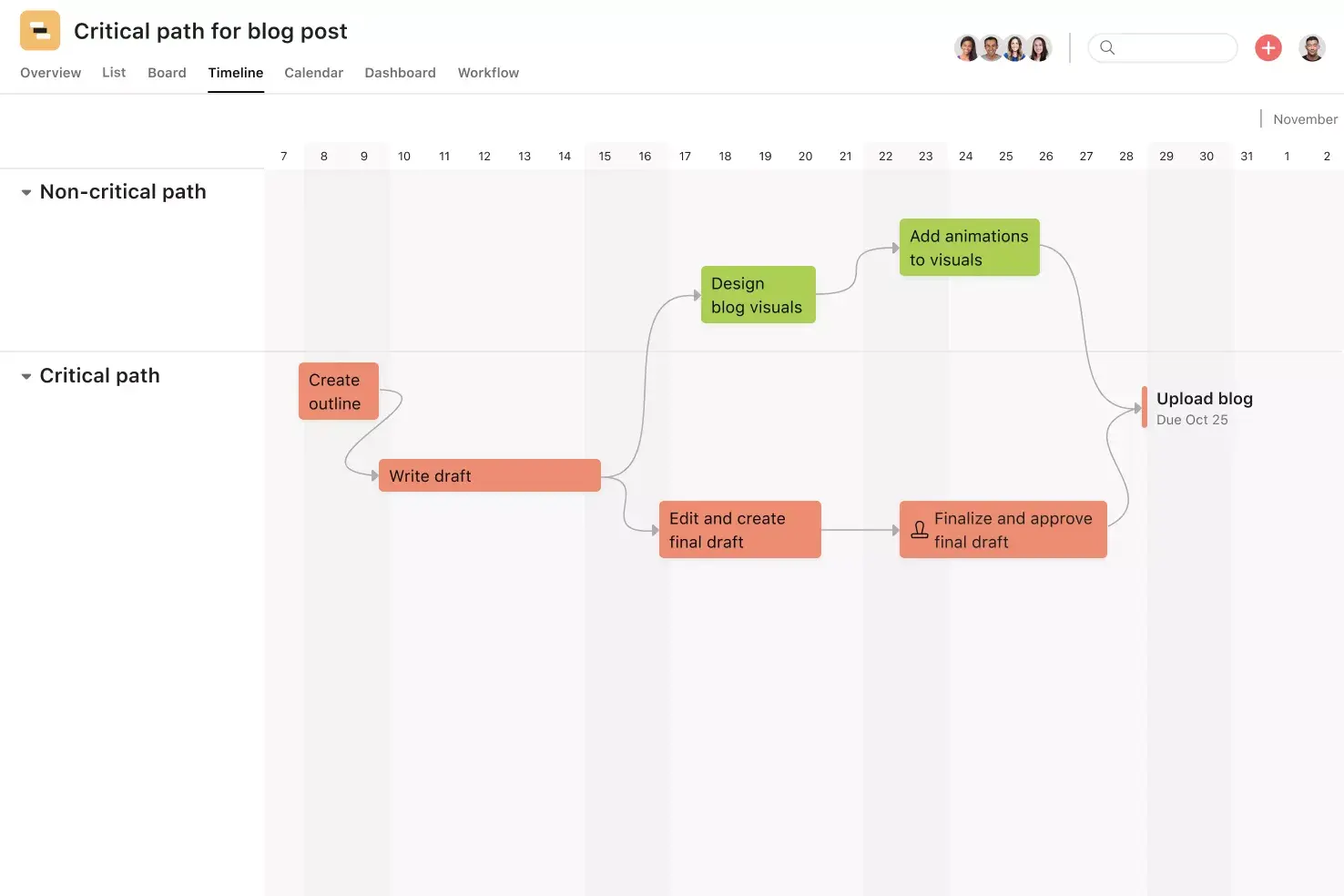
Map out a concrete timeline for your annual planning process.
Assign tasks with specific due dates so it’s clear who’s responsible for what and by when.
Toggle between project views to visualize your annual business plan in different ways, as a standard list, Gantt chart, calendar, or Kanban board.
How to create annual planning templates
Annual planning looks different at every company. To create annual planning templates that reflect how your organization works, start by asking a few foundational questions:
Who will be involved in the annual plan?
What decisions need to happen, and what steps support them?
Who owns those decisions?
What order should those decisions follow?
Use your answers to draft a timeline, then design your annual plan template to align with your team’s workflows and project management practices.
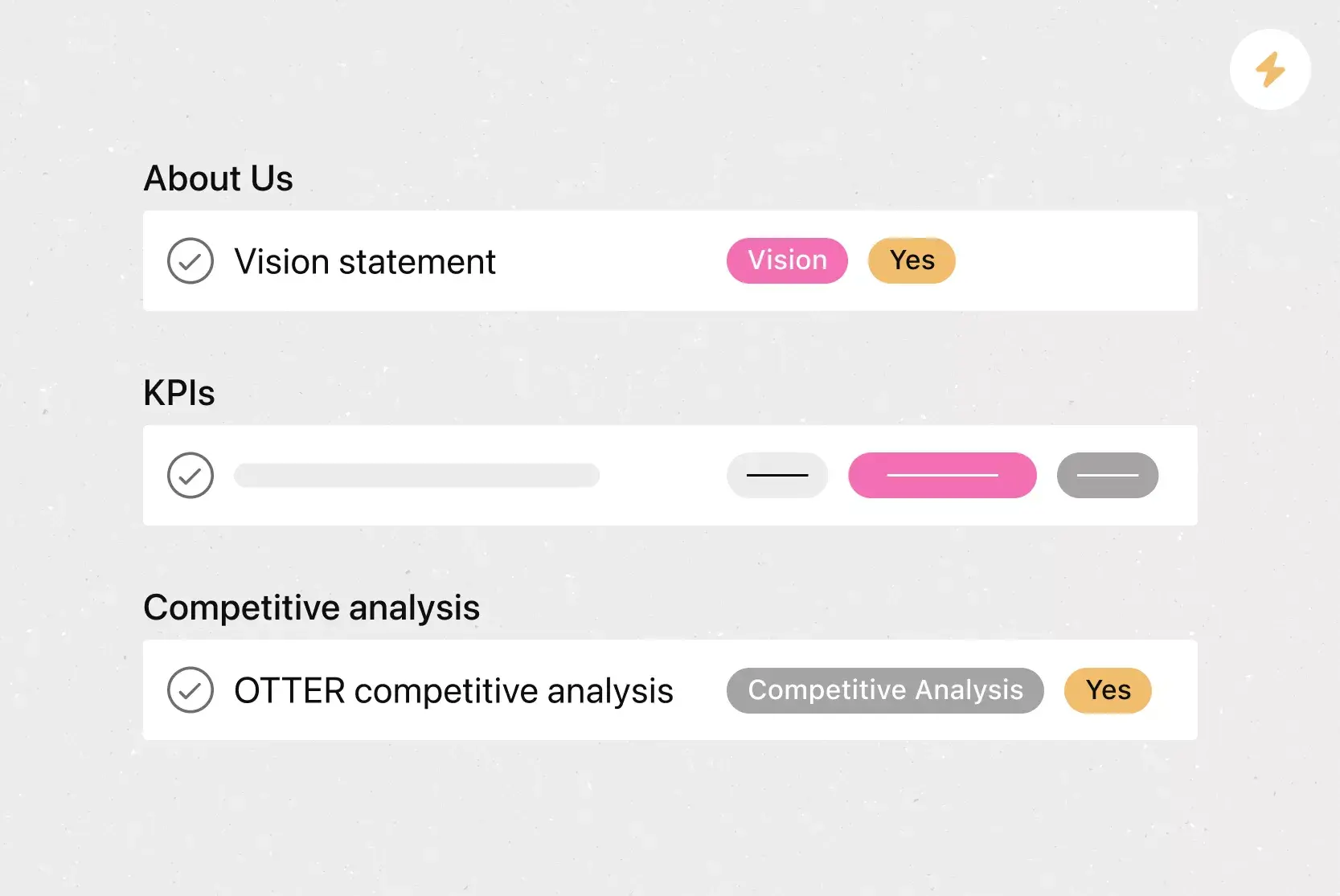
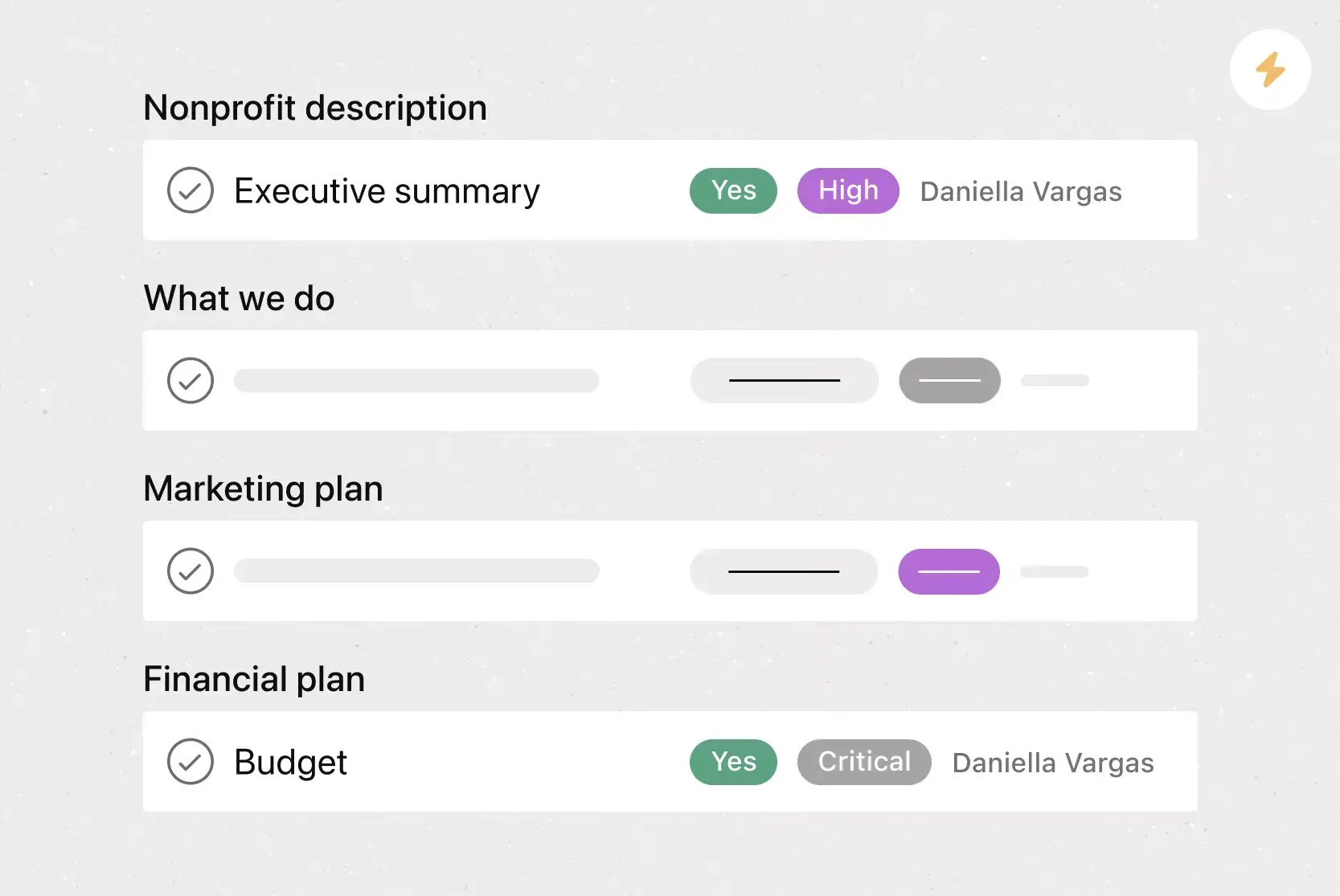
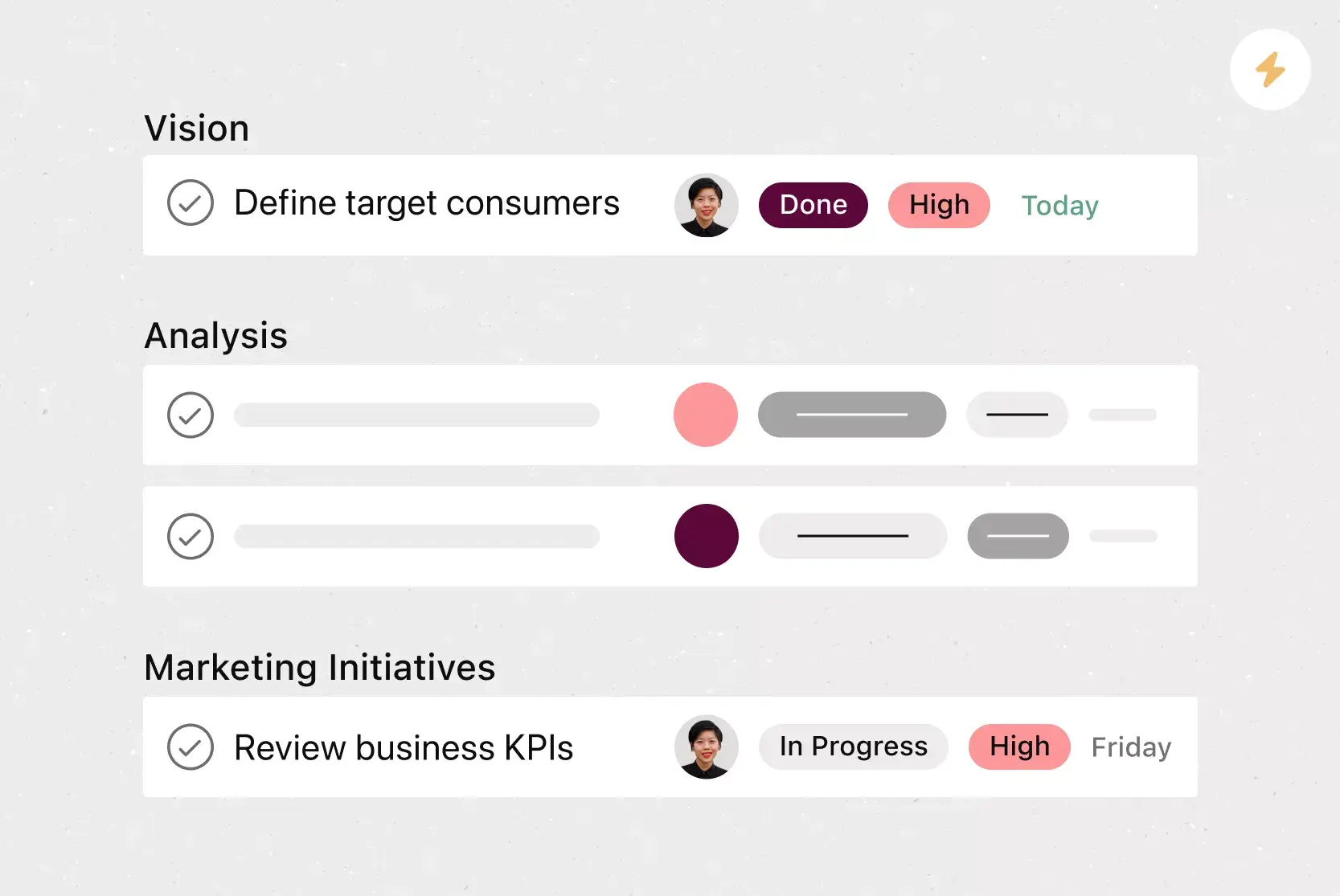
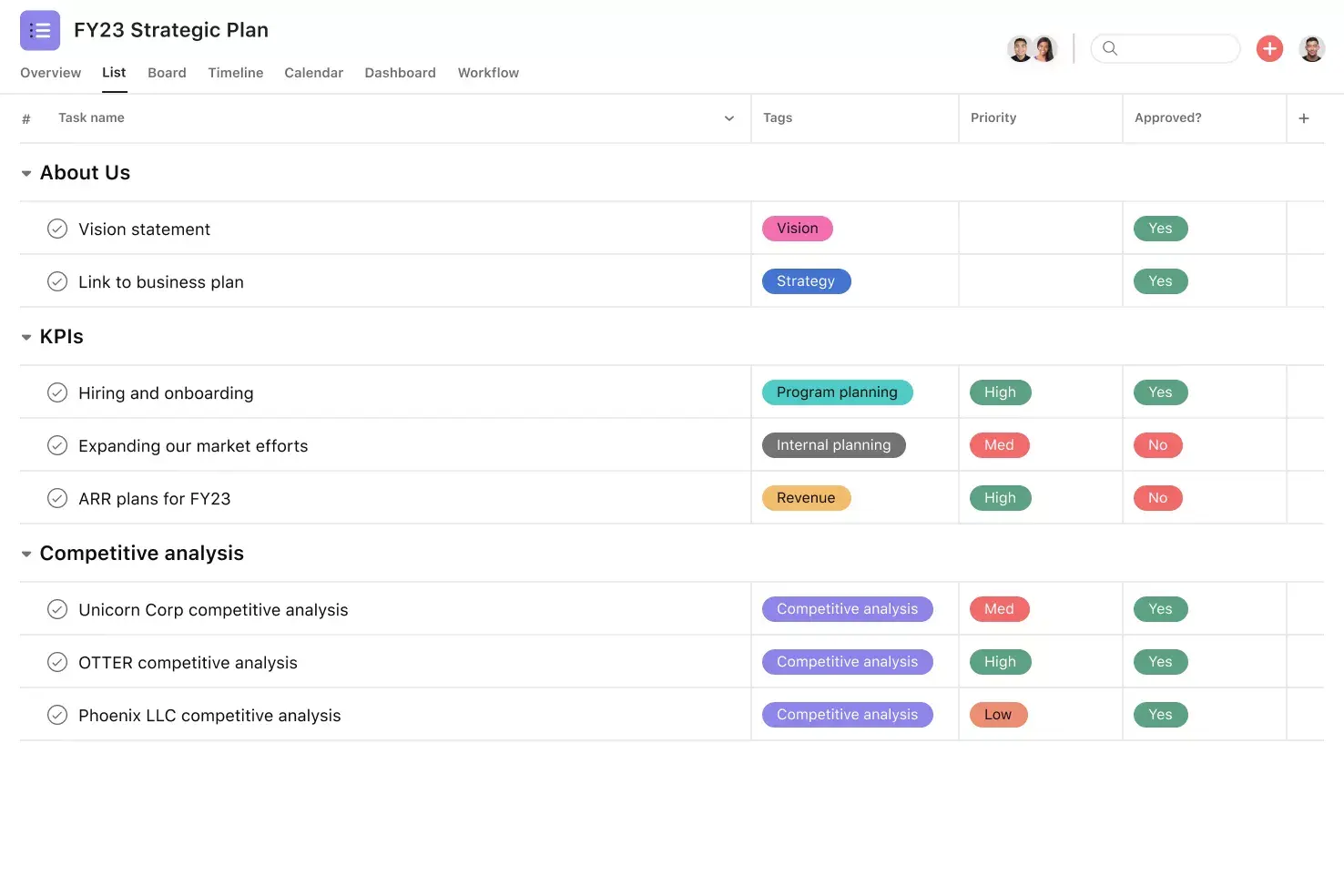
Organize tasks into sections. Group annual planning tasks into sections such as operational plan, marketing plan, and product plan so teams can work through them in one place.
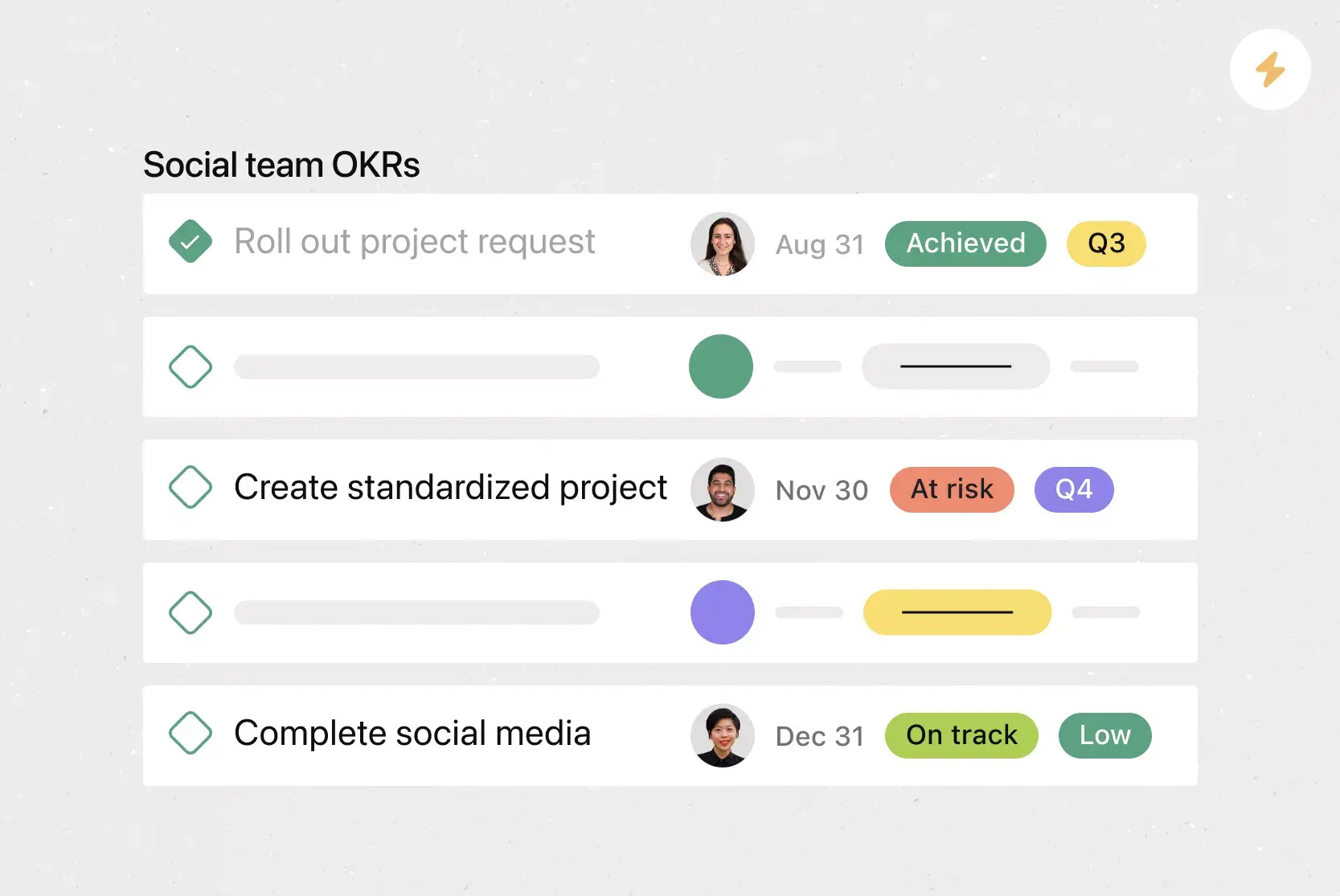
Create custom tags to visualize key stages. Annual planning often unfolds in phases, from early discussion to goal setting and resource allocation. Custom tags indicate whether a task is in planning, goal-setting, or execution.
Indicate which team is responsible for each task. Labeling ownership helps teams treat the template as a shared to-do list, rather than a static planning doc.
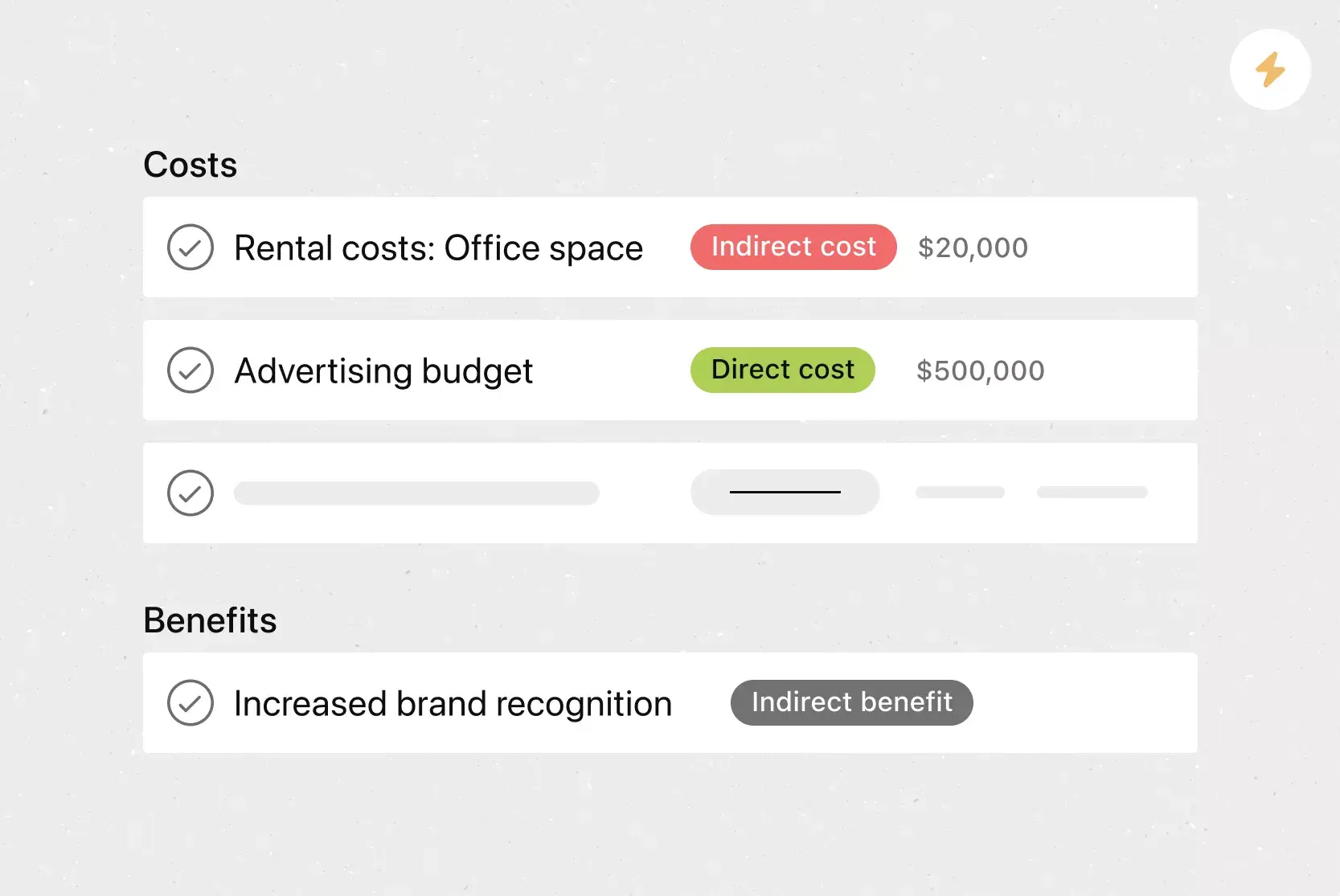
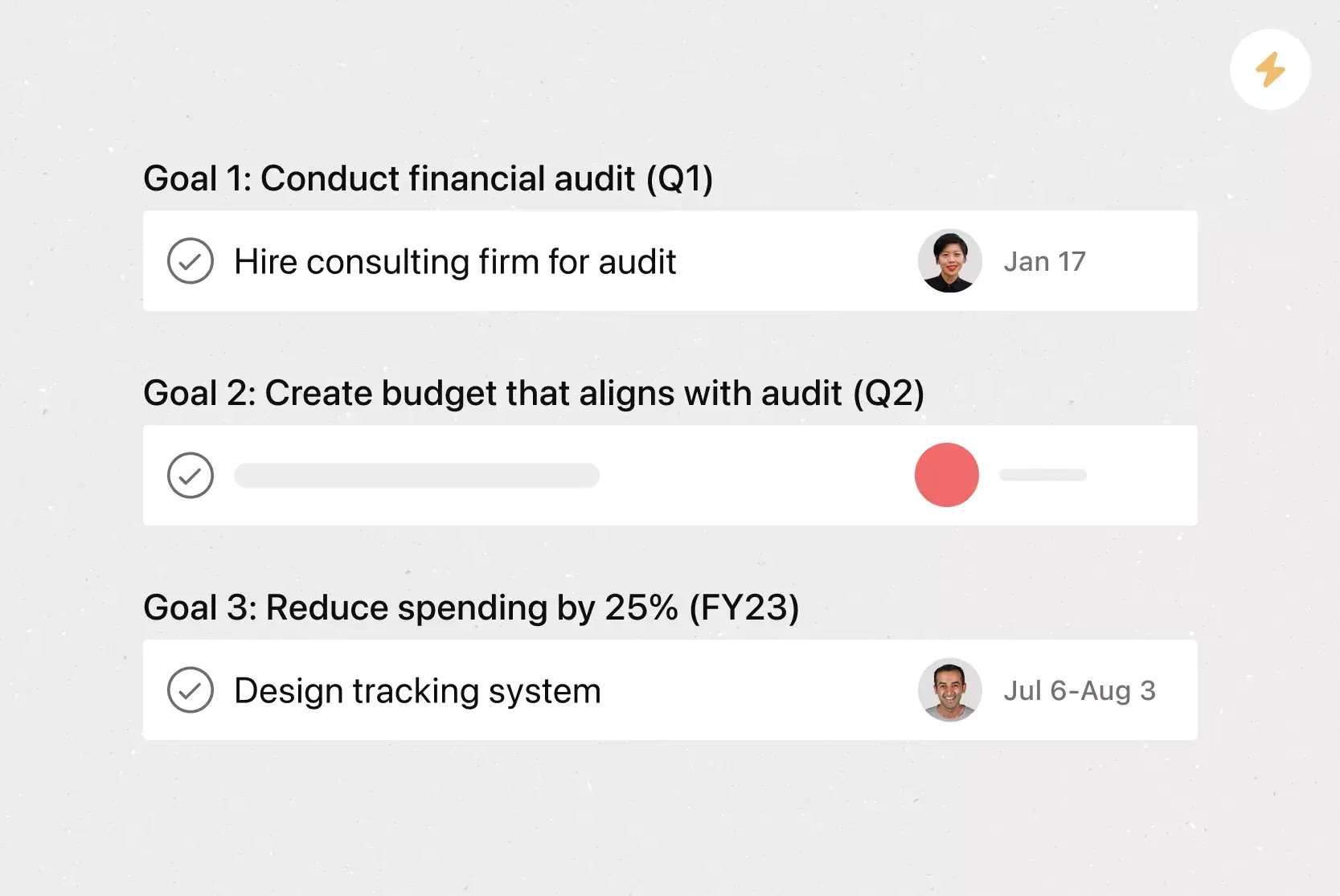
Include your team and company-wide goals. Add space to capture business, department, and team goals so teams can see how decisions affect their work.
Integrated annual planning features
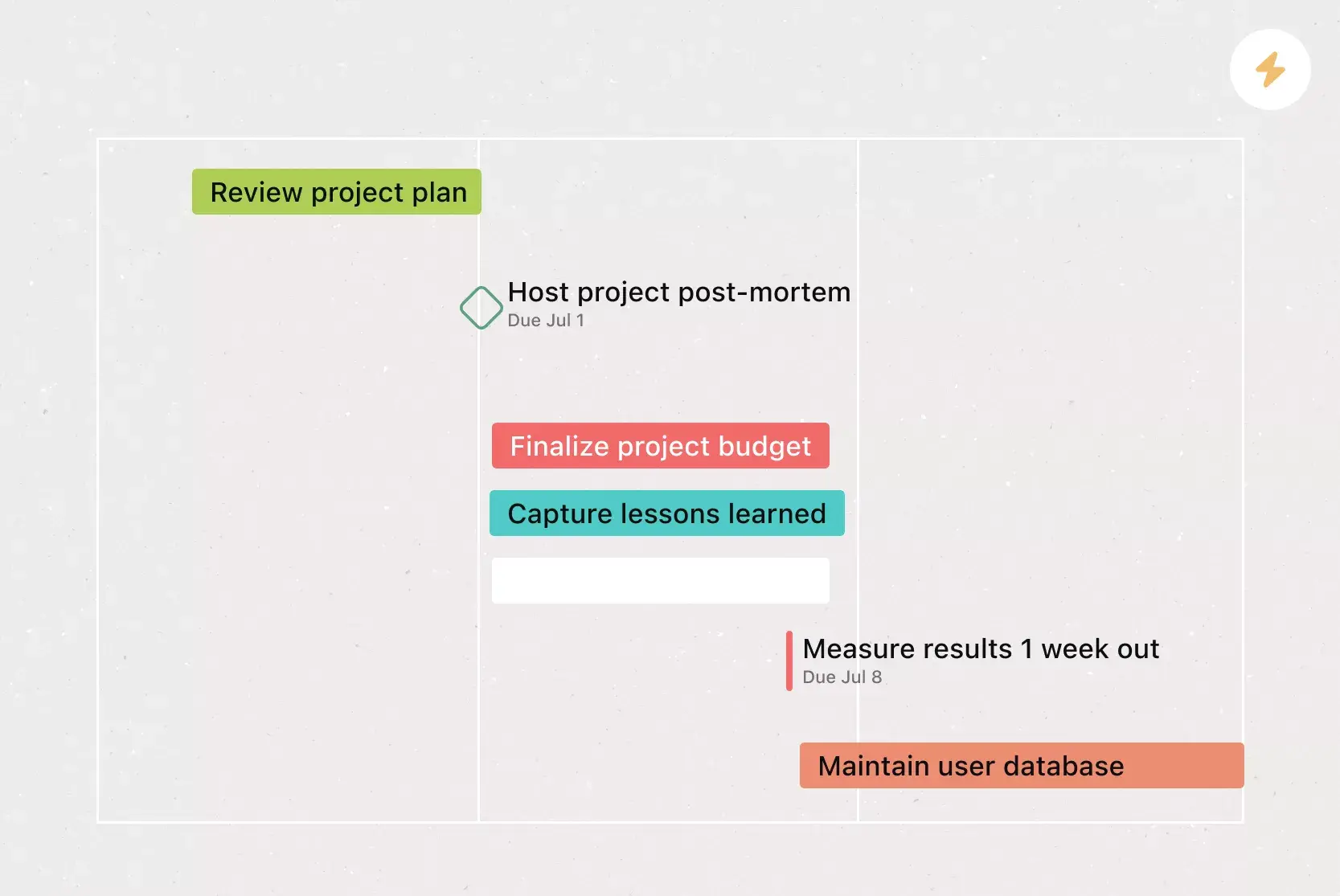
Timeline View is a Gantt-style view that shows tasks over time, including start and end dates and dependencies, so teams can spot conflicts early and adjust plans to avoid roadblocks.
Custom fields, tags, sort, and filter by priority, status, or other attributes so teams know what to tackle next.
Milestones mark key checkpoints and signal when teams complete major phases or decisions.
Start dates define when work begins, so team members start tasks on time and keep dependencies on track.
Recommended apps
Zoom connects meetings and work in one place, so teams brainstorm, create tasks, and capture decisions during calls, then review notes, recordings, and transcripts in real-time after the meeting ends.
Vimeo lets teams record short video updates directly in Asana, helping them explain ideas, provide feedback, and share context without scheduling another meeting, supporting use cases across planning and execution.
Microsoft Teams links conversations to tasks, enabling teams to create, assign, and track work within meetings and chats, helping them adapt faster to Agile methodologies.
Google Workplace integrates Drive files directly into tasks, helping teams streamline document sharing and keep planning materials tied to the work itself.
FAQs about annual planning templates
How should I set goals during the annual planning process?
What types of teams can benefit from this annual planning template?
What types of annual planning templates can I use in Asana?
When should I use my annual planning template?
Related templates




![[Templates] Product Roadmap (Card image)](https://assets.asana.biz/transform/2728edf4-eb35-4dd5-8d03-25ba8cbe5864/TG23-web-thumbnail-028-scrumban-feature-static-2x?io=transform:fill,width:2560&format=webp)


Create templates with Asana
Learn how to create a customizable template in Asana. Get started today.