


Operations project plan template
Use a ready-made project plan to organize tasks, assign owners, track timelines, and keep cross-functional work moving without having to rebuild your process every time.
Sign up to use this template.
Operations project plan template
Use a ready-made project plan to organize tasks, assign owners, track timelines, and keep cross-functional work moving without having to rebuild your process every time.
Use templateSign up to use this template.
INTEGRATED FEATURES
Recommended apps


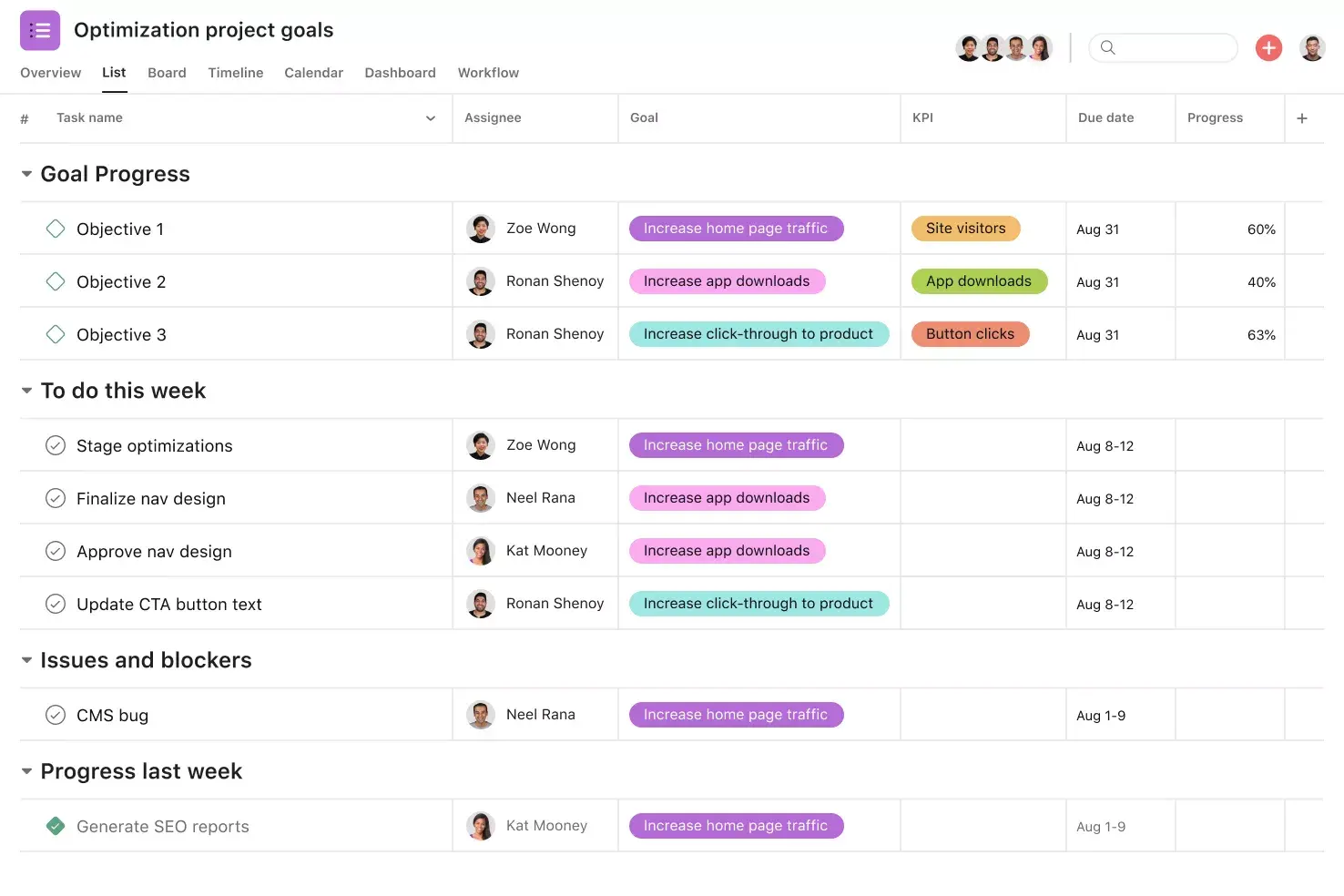
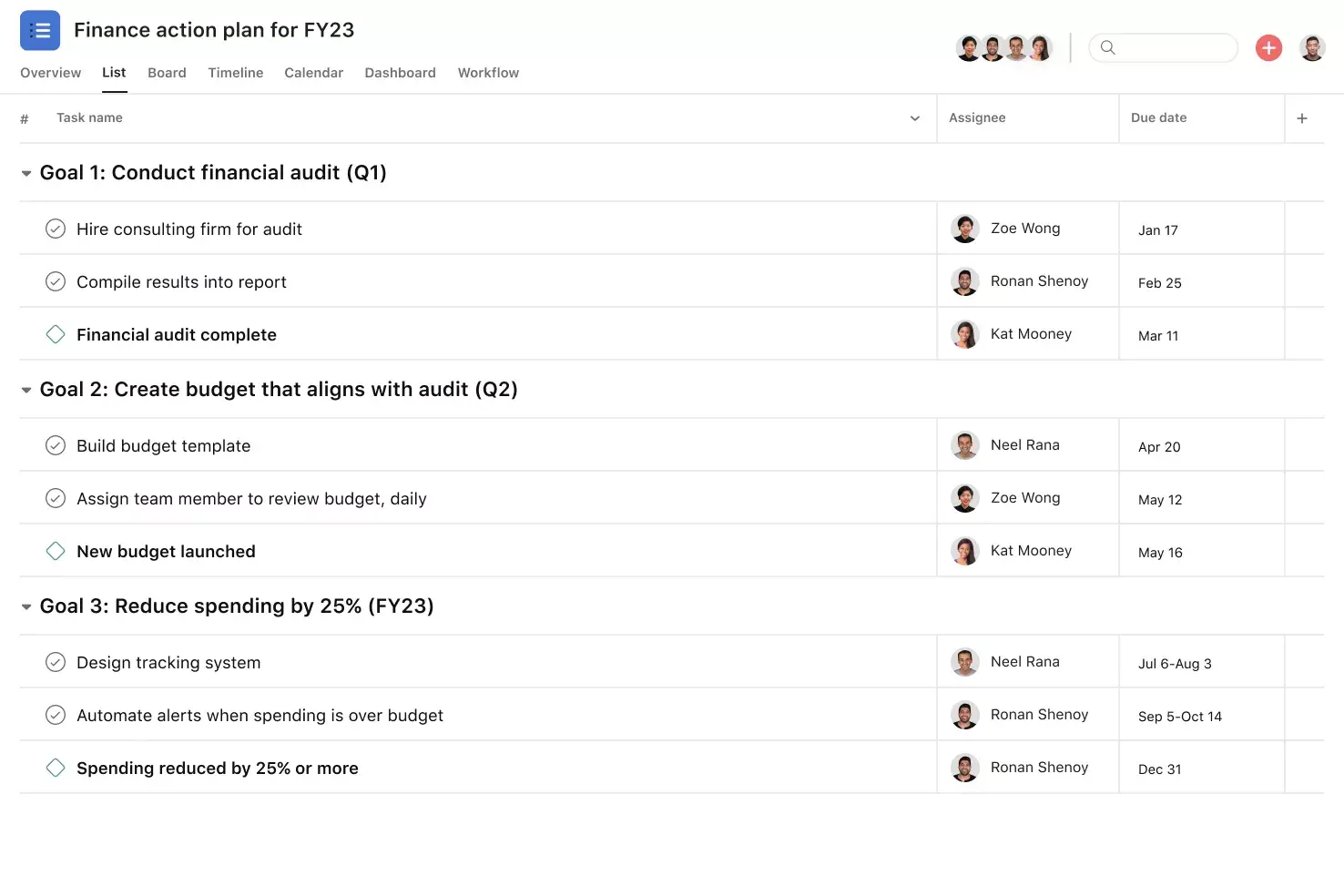
![[Old product ui] Operations project plan template in Asana, spreadsheet-style project view (List)](https://assets.asana.biz/transform/88491107-da09-4093-9561-4e426afd0c88/operationsteams-operations-project-plan-m-premium?io=transform:fill,width:2560&format=webp)
Summary
Operations teams juggle cross-functional workflows, internal processes, and recurring work every day, and without a plan, priorities get lost fast. An operations project plan template provides a structured starting point, so you can move from strategy to action without having to rebuild your plan every time. Below, you'll learn what an operations project plan template is, the key components to include, how to create one, and practical tips for managing operations work in Asana.
What is an operations project plan template?
An operations project plan template is a pre-built, repeatable structure that helps operations teams organize tasks, assign owners, set timelines, and track resources from project start to finish. Instead of building a plan from scratch every time, a template lets your team focus on the work itself rather than the setup.
Operations teams commonly use this type of template to manage projects like:
Rolling out a new internal process or policy
Coordinating a company-wide initiative across departments
Managing a facilities upgrade or office move
Standardizing recurring operational workflows
Key components of an operations project plan
A strong operations project plan covers everything your team needs to stay aligned and deliver on time. Here are the core components to include:
Goals and objectives. Define what you're trying to achieve with this project and how it connects to broader team or company goals.
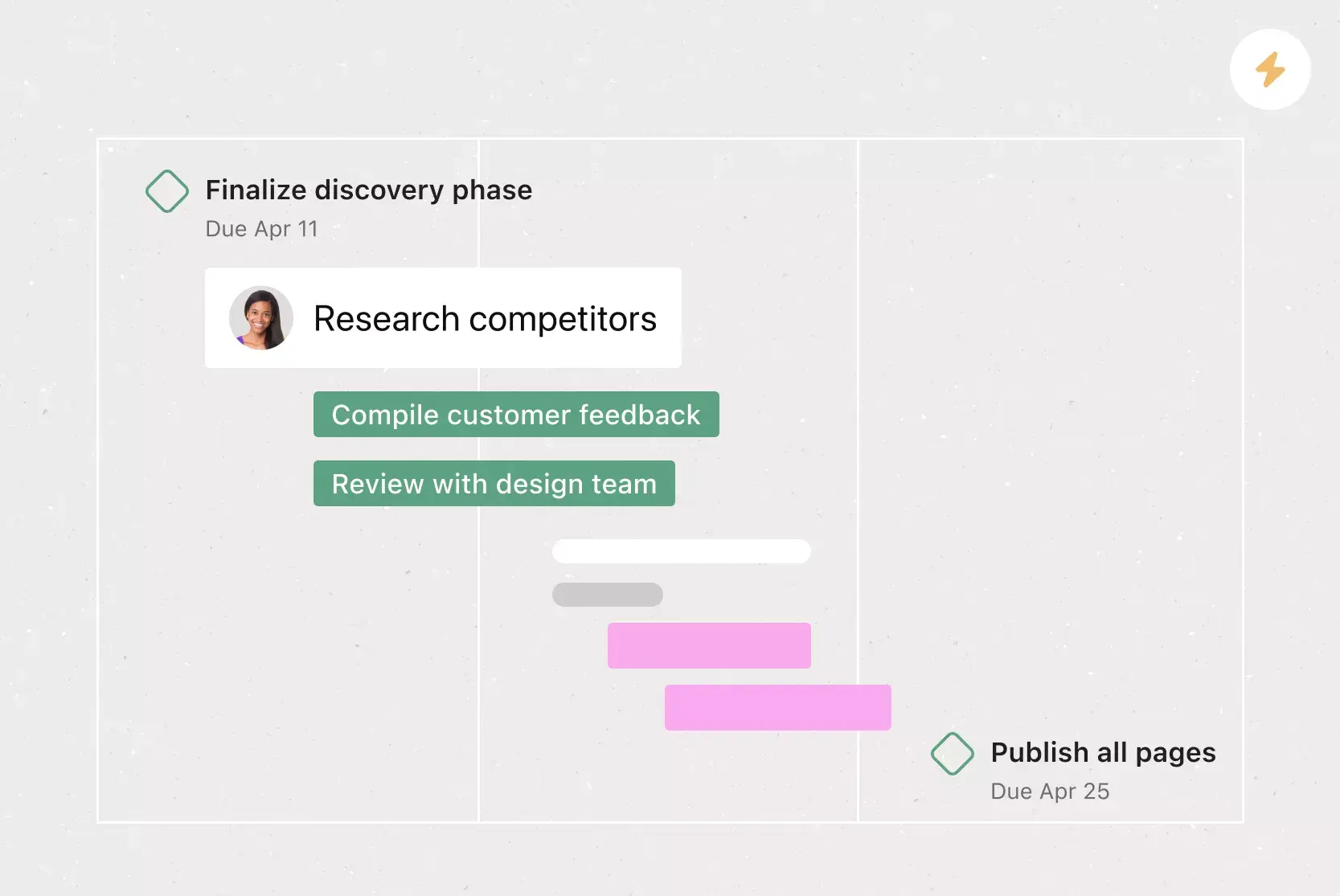
Tasks and milestones. Break work into tasks, and identify key milestones to track progress along the way.
Owners and accountability. Assign each task to a specific person so everyone knows who's responsible for what.
Timelines and due dates. Set start dates, due dates, and dependencies so your team can plan ahead and stay on schedule.
Resources and budget. Identify the people, tools, and budget needed to complete the project successfully.
Communication plan. Decide how and where your team will share updates, flag blockers, and ask questions.
Success metrics. Define how you'll measure whether the project met its goals, using indicators your team can track.
How to create your operations project plan
Building an operations project plan doesn't have to be complicated. Follow these six steps to get started:
Define your project goals. Start by clarifying what you want to accomplish. Goals help your team stay focused and make it easier to measure success.
Identify tasks and dependencies. List every task required to complete the project, then map out which tasks depend on others so you can plan the right sequence.
Assign owners. Give each task an owner. When everyone knows who's responsible for what, nothing falls through the cracks.
Set timelines. Add start dates, due dates, and milestones to your plan. This gives your team a shared sense of pace and helps you spot scheduling conflicts early.
Allocate resources. Determine what your team needs to get the work done, whether that's budget, tools, or support from other teams.
Establish a review cadence. Plan regular check-ins to review progress, address blockers, and adjust the plan as needed.
How to use your operations project plan template
Tracking progress and recurring work is a must for any operations team, yet many are still bogged down by cumbersome spreadsheets and docs. Our planning template gives you a simple structure to start any project quickly. Paired with the power of managing that work in Asana, your team can gain visibility and efficiency simultaneously.
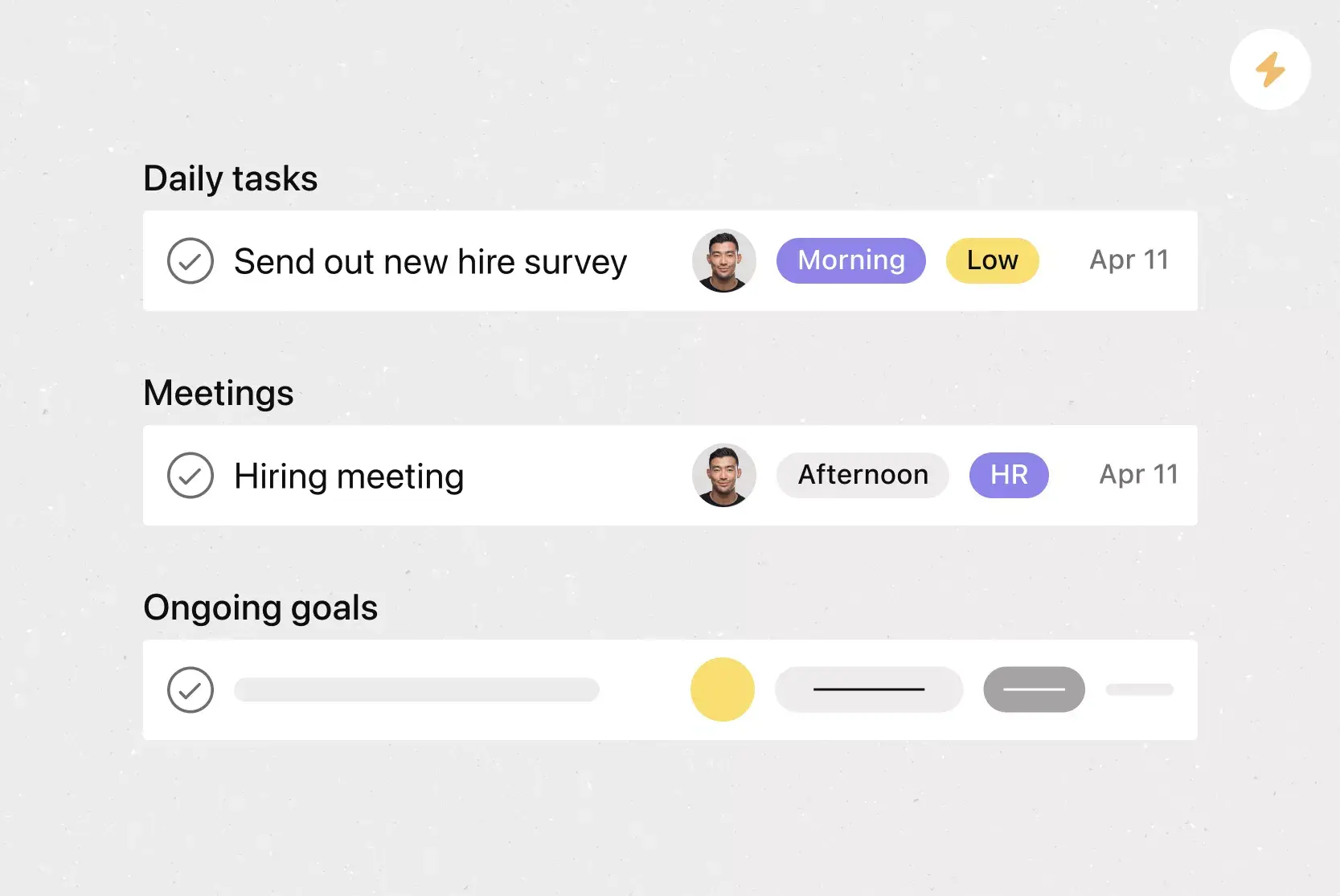
Templatize recurring work. Asana makes it easy to document processes. Then, when you're ready to get to work, you know you're following the right steps and can turn your plan into action with a few clicks.
Streamline communication. Working across teams and vendors makes it easy to lose track of conversations or waste time managing them via email. Asana keeps questions and conversations in context with work.
Keep everyone accountable. Make it clear who's doing what by when, and keep important documents and expectations all in one place.
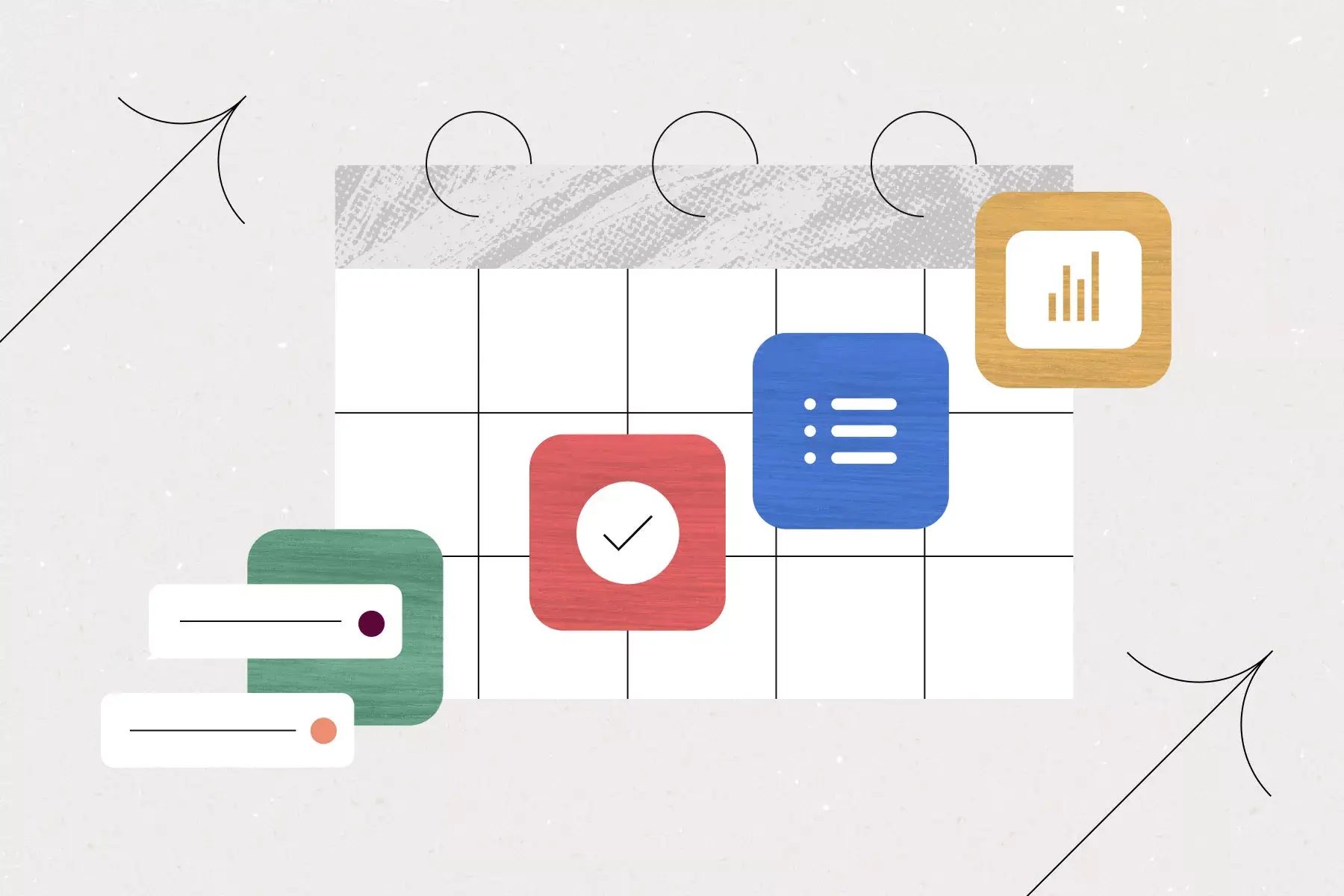
Shift gears when plans change. Even the perfect plan might need to be optimized along the way. Visualize all your to-dos on a calendar and easily move them around as plans change, without slowing down.
Get started with your free operations project plan template
An operations project plan template takes the guesswork out of organizing complex, cross-functional work, so your team can spend less time on setup and more time on what matters most. Get started with Asana and use this free template to plan, track, and manage your next operations project.
Free operations project plan templateFAQs about operations project plan templates
A strategic plan outlines your organization's long-term vision and broad goals. An operations project plan focuses on the specific, short-term tasks and workflows needed to carry out that strategy, making it the "how" behind the strategic "what."
Review your operations project plan at least quarterly, and update it whenever priorities shift, new tasks emerge, or timelines change. Regular reviews help your team stay aligned and catch issues early.
Operations managers, project managers, team leads, and department heads all benefit from using an operations project plan template. It's especially useful for anyone managing cross-functional collaboration, recurring processes, or company-wide initiatives.
Yes, the template is a flexible starting point. You can add custom fields, adjust task structures, and modify sections to match your team's specific workflows and processes in Asana.
Related templates

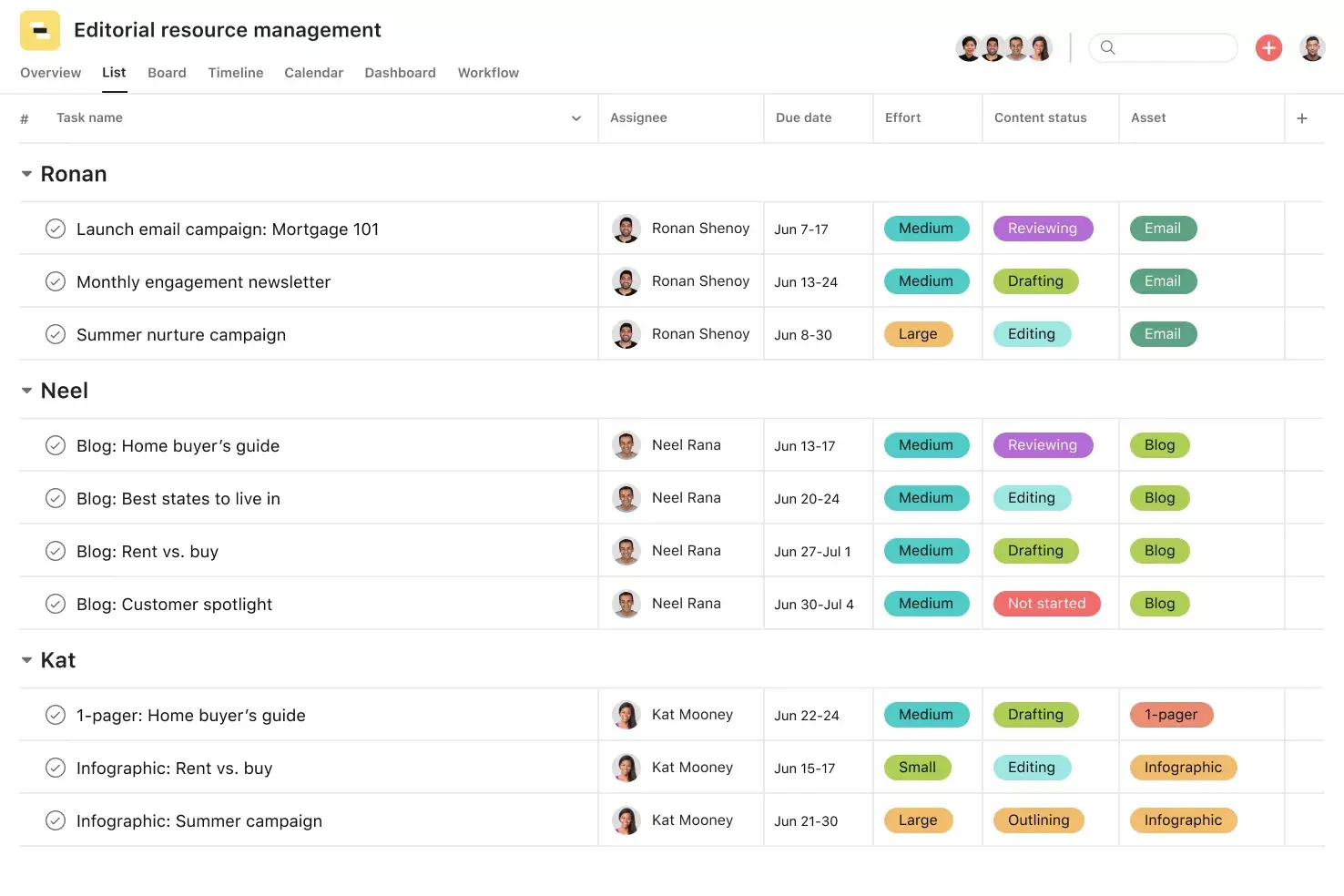
![[Templates] Editorial Calendar (Share image)](https://assets.asana.biz/transform/5fac5de2-17f6-4d69-8cd3-091a887a24bd/TG23-web-thumbnail-042-editorial-resource-management-static-2x?io=transform:fill,width:2560&format=webp)
![[Templates] Marketing Project Plan (Card) image](https://assets.asana.biz/transform/af70ac54-97b9-4639-b639-be3a3d951e3e/TG23-web-thumbnail-016-stakeholderregister-static-2x?io=transform:fill,width:2560&format=webp)
![[Template] IT project plan (Card image)](https://assets.asana.biz/transform/8aa523a9-4dcb-4053-8e69-7bdf900b48b9/web-product-template-thumbnail-IT-EN-US?io=transform:fill,width:2560&format=webp)
![[Old Product UI] Sprint planning project with t-shirt sizes in Asana (Lists)](https://assets.asana.biz/transform/34817820-b376-4110-a8be-9a2c7c546a77/inline-project-planning-t-shirt-sizing-product-ui-list-view-sprint-planning-en-2x?io=transform:fill,width:2560&format=webp)


![[Templates] RFP Process (Card image)](https://assets.asana.biz/transform/14aa111b-ab22-483f-bfd1-3090acb7d2a5/RFP-process-premium-m?io=transform:fill,width:2560&format=webp)

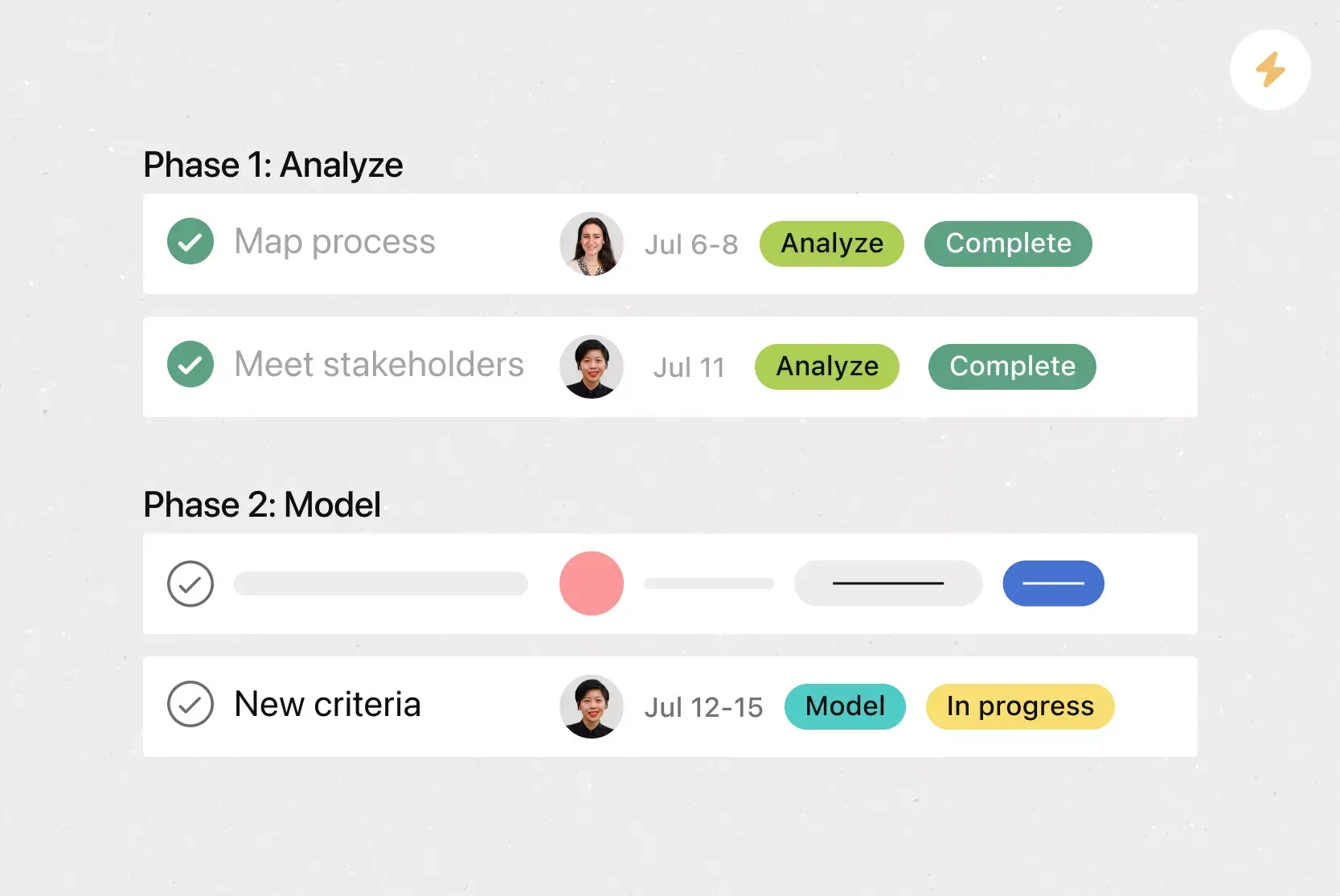
![[HR Project Plan] template Card Image](https://assets.asana.biz/transform/663b8e5e-89c9-4b0b-b48b-1b17e01d1889/TG23-web-thumbnail-033-process-improvement-static-2x?io=transform:fill,width:2560&format=webp)
![[Templates] Waterfall project management (card image)](https://assets.asana.biz/transform/d87fc21c-53f0-4bc9-9094-9789b963be9b/article-project-management-waterfall-project-management-methodology-2x?io=transform:fill,width:2560&format=webp)
![[Templates] Status report (card image)](https://assets.asana.biz/transform/9c82d399-782b-40d3-9eb1-fd7544bef794/article-project-management-project-management-maturity-model-2x?io=transform:fill,width:2560&format=webp)
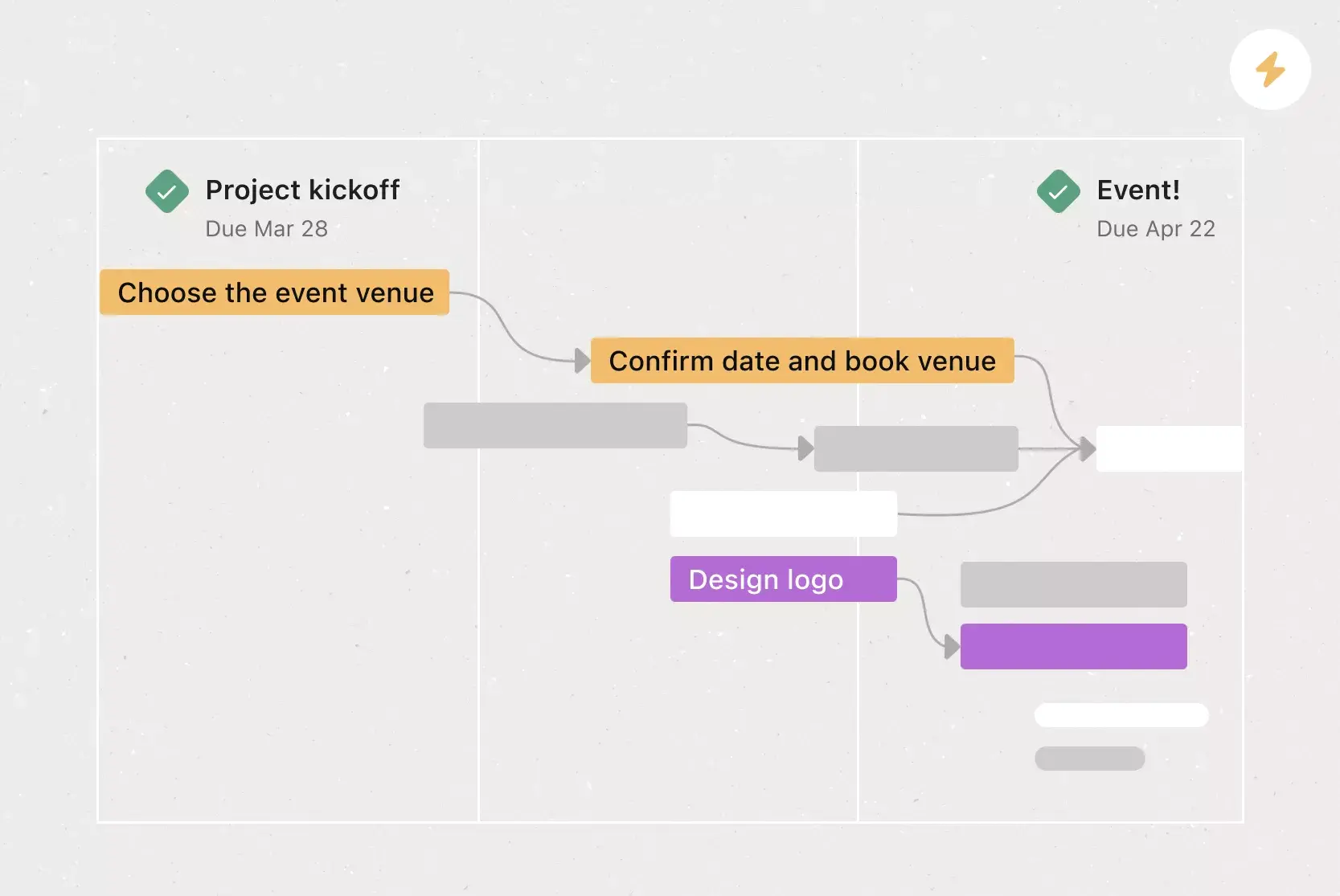
![[Templates] Event Marketing Plan (Card image)](https://assets.asana.biz/transform/6c7b9329-b612-4732-910a-7917fa079f0b/TG23-web-thumbnail-014-project-chart-static-2x?io=transform:fill,width:2560&format=webp)

![[Templates] Communication plan (card image)](https://assets.asana.biz/transform/3dc9eadf-9d2d-40a2-a05d-63adb32a1de7/article-collaboration-synchronous-vs-asynchronous-communication-2x?io=transform:fill,width:2560&format=webp)


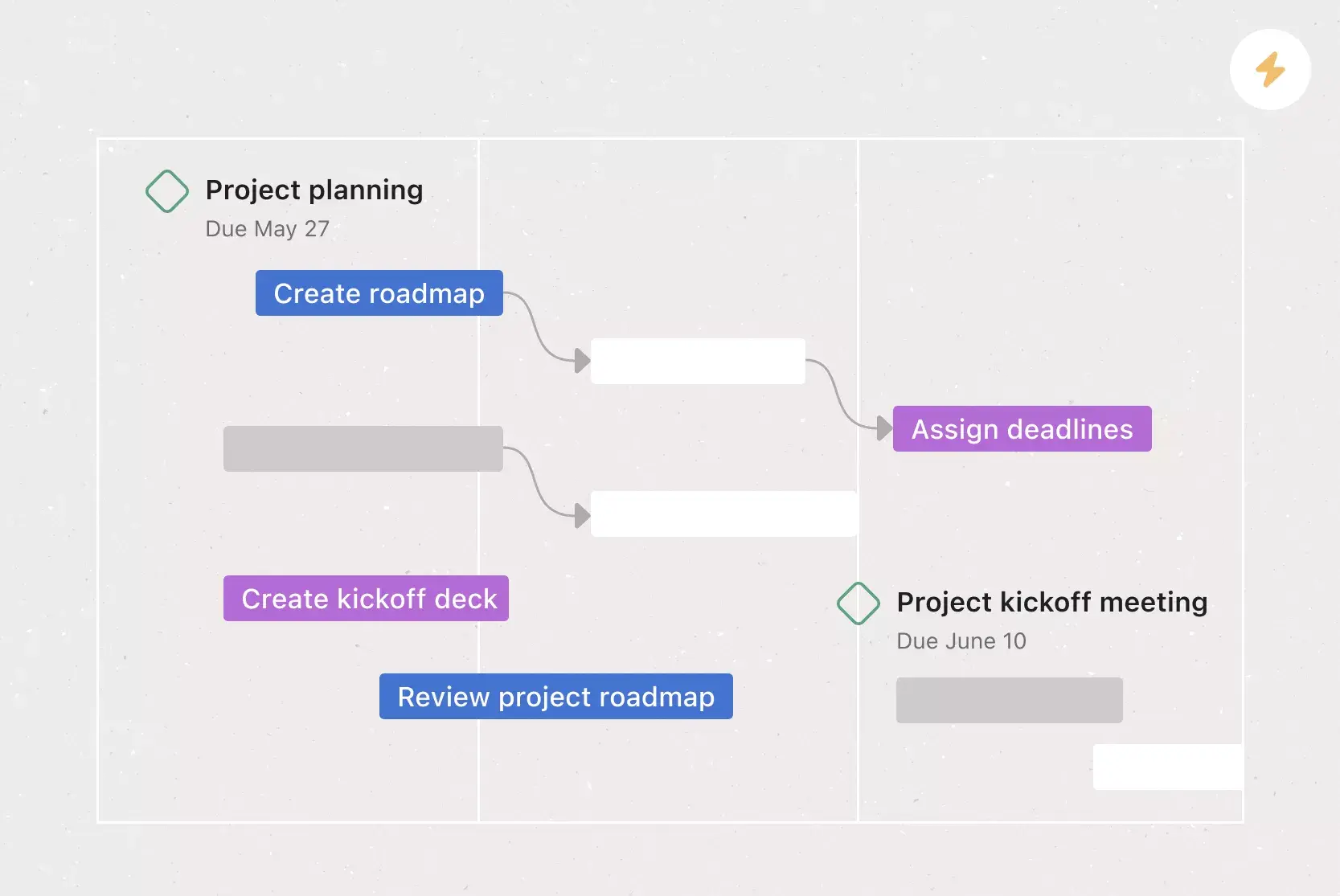
![[Templates] Design Project Plan (Card image)](https://assets.asana.biz/transform/c768a28c-822f-420f-93f9-f2eea4c93780/TG23-web-thumbnail-032-bill-of-materials-static-2x?io=transform:fill,width:2560&format=webp)
Get started with a Asana
Templates are just one way to save time in Asana. Try Asana to improve productivity and collaboration.