


Process Map Template
Visualize any workflow, spot bottlenecks, and turn repeatable steps into a reusable digital template your team can follow every time.
Sign up to create your own template.
Process Map Template
Visualize any workflow, spot bottlenecks, and turn repeatable steps into a reusable digital template your team can follow every time.
Create your templateSign up to create your own template.
INTEGRATED FEATURES
Recommended apps




Summary
Business processes like onboarding new hires or launching products have many steps, handoffs, and decisions. Without a clear visual showing how these steps connect, teams can easily lose track of what to do next or where work is getting delayed.
A process map template gives you a simple way to visualize any workflow from start to finish. Rather than starting from scratch, you can map out your steps, find inefficiencies, and create a standard way for your team to work. In this guide, you'll see the most common types of process maps and learn how to turn a basic diagram into a reusable digital workflow using Asana.
![[Product UI] Creative requests process map template (workflow builder)](https://assets.asana.biz/transform/6bfe5dc9-1b78-441f-9fa4-4b725b334b70/inline-workflow-builder-creative-requests-2x?io=transform:fill,width:2560&format=webp)
What is process mapping?
Process mapping is a visual technique for documenting each step, decision, and handoff in a workflow from start to finish. It gives your team a clear picture of how a process works so they can follow it consistently and spot opportunities to improve.
You can use a process map at the individual, team, department, or organizational level to outline any number of processes, from organizational processes like training and onboarding to team-specific processes like brainstorming.
Typically, you map a process with a workflow diagram, a visual representation of a complex process created with specific symbols. To learn more about how to create a process map drawing, check out our article: Guide to process mapping.
A process map drawing is helpful for outlining and visualizing your business processes, but static tools have their limits. To make your process truly effective, you need a digital tool. This is where a digital process map template helps.
Types of process maps
The best type of process map depends on how much detail you need and who will use it. Here are six common types and when to use each:
Basic flowchart: Shows the steps in a process in sequential order using standard symbols. Ideal for a quick, high-level view of how a process works.
High-level process map: Shows only the major steps without sub-steps or decision points. Use it to give stakeholders a broad overview.
Detailed process map: Includes every step, decision point, and input/output. Best for complex processes where precision matters, such as compliance or manufacturing workflows.
Swimlane diagram: Organizes steps into lanes by person, team, or department. Useful for cross-functional processes that require clarifying ownership and handoffs.
Value stream map: Focuses on the flow of materials and information needed to deliver a product or service. Helps teams identify waste and improve efficiency.
SIPOC diagram: Stands for suppliers, inputs, process, outputs, and customers. Often used at the start of a process improvement project to define the scope.
Most business teams find that starting with a basic flowchart or a swimlane diagram works well.
What is a digital process map template?
A digital process map template takes the process you've outlined in a static drawing and brings it to life with workflows and repeatable processes you can use over and over. By combining your process map with a digital work management tool, you can connect your teams and complete tasks where work happens.
The main idea is to set up workflows. Most of your work follows a repeatable pattern, like writing a blog post, onboarding a new team member, or following up with a sales lead. These repeated steps make up your workflow.
After you map the start and end points, you can build the full workflow and save it as a template. Whenever you need to run that process again, just copy the template and begin.
Here are some reasons why a digital template works better than a static drawing:
Automation: Trigger actions like task assignments and status updates automatically.
Collaboration: Your team can update and track progress in real time.
Reusability: Duplicate the template for every new project instead of starting from scratch.
Visibility: See who's responsible for each step and where work stands at a glance.
How to create a digital process map template
It's easy to set up a workflow and turn it into a reusable digital process map template. Just follow these five steps:
Determine what process you'll be mapping, for example, following up with a new sales prospect.
List out the activities involved in completing the process. To continue with our sales example, activities might include scheduling an initial sales call, following up after the call, sending a proposal, and finalizing the contract.
Map out the process using a process map. This includes arranging all the activities in the correct sequence needed to complete the process.
Create a process map template by integrating your static process map drawing into a digital work management tool. Now, take the activities you mapped out in your process map drawing and put them into a digital tool. This will serve as your basic template for that workflow. To further build on our original example, you could create an "Initial sales follow-up template" based on the process map you drew for following up with a new sales prospect.
Duplicate and reuse the process map template when kicking off similar processes. Once you've built out your template, you can use it as a jumping-off point for similar processes and projects. To round out our example, every time you need to follow up with a new sales prospect, you'd simply duplicate the initial sales follow-up template and fill it out.
Digital process workflow templates
You can set up a digital process workflow for any business process that follows repeatable steps. Here are some common types:
Process mapping best practices
A well-built process map can save your team hours of confusion and rework, but a poorly built one can create more problems than it solves. Keep these best practices in mind:
Define a clear goal before you start. Know exactly which process you're mapping and what you want to improve. A map without a clear purpose can quickly become overwhelming or irrelevant.
Keep things simple. Try to limit your process map to about 15 to 20 steps. If it gets longer, break the process into smaller parts and map those separately.
Use standard symbols throughout your map. Stick with common process mapping symbols, such as ovals for start and end points, rectangles for tasks, and diamonds for decisions. Being consistent makes your map easier for everyone to read.
Include the people who do the work. Team members who handle the process daily know best how it really works. Work with them early on to make sure your map matches reality, not just assumptions.
Review and update your process maps regularly. Processes change over time, so set a reminder to check your maps and make sure they still fit how your team works.
Watch out for common mistakes. Don't try to include every detail in a single diagram, and don't omit decision points. Both can make your maps hard to follow and use.
Integrated features and apps
Now, let's look at some integrated features and apps that can help you improve your digital process map template.
Integrated features
Workflow Builder. A no-code, point-and-click tool that helps you build automated workflows and connect teams across your organization. Add your favorite apps, like Slack, Salesforce, and Zoom, directly into your workflows.
Custom fields. Tag, sort, and filter work by any information you need to track, from priority and status to email or phone number. Share custom fields across tasks and projects to ensure consistency across your organization.
Dependencies. Mark a task as waiting on another task so your team knows what's blocking their work and can prioritize accordingly. When a predecessor task is completed or rescheduled, Asana automatically notifies the next assignee.
Board View. A Kanban-style view that displays tasks as cards in columns organized by status, such as To Do, Doing, and Done. Track work as it moves through stages and get an at-a-glance insight into where your project stands.
Recommended apps
Dropbox. Attach files directly to tasks in Asana using the Dropbox file chooser, built into the Asana task pane.
Google Workplace. Attach files directly to tasks in Asana using the Google Workspace file picker, built into the Asana task pane. Easily attach any My Drive file with just a few clicks.
Gmail. Create Asana tasks directly from your Gmail inbox, with full email context included automatically. You can also search for existing Asana tasks without leaving Gmail.
Zoom. Prepare for meetings with shared agendas in Asana and create tasks directly within Zoom so action items don't get lost. After the call, meeting transcripts and recordings are automatically pulled into Asana.
Start streamlining your processes with Asana
A process map template helps you turn scattered steps into a clear, repeatable workflow your whole team can follow. When you use it with a digital work management tool, you can automate tasks, collaborate in real time, and reuse the template as needed.
With Asana, you can turn any process map into a living workflow that keeps your team aligned and your projects on track. Get started and build your first process map template today.
Create a process map templateFAQs about process map templates
You can map any repeatable process, from organizational workflows like hiring and onboarding to team-specific processes like creative requests, sales pipelines, and IT support.
A process map template standardizes your workflows and lets you automate repeatable steps, saving your team time. Once built, you can duplicate it whenever you need to run the same process again.
Process mapping helps teams see every step in a workflow, making it easier to identify inefficiencies, eliminate bottlenecks, and standardize how work gets done.
Yes, you can create basic process maps in Word using SmartArt or in Excel using shapes, but these static tools lack collaboration and automation features. A work management tool like Asana lets you turn your map into a living, reusable workflow.
The six most common types are basic flowcharts, high-level maps, detailed process maps, swimlane diagrams, value stream maps, and SIPOC diagrams. For a deeper dive into each type, read our Guide to process mapping.
Match the map type to your goal: use a basic flowchart or high-level map for quick overviews, a swimlane diagram for cross-functional handoffs, and a value stream map for efficiency analysis. When in doubt, start simple and add detail as needed.
Related templates
![[Templates] Event planning (Card image)](https://assets.asana.biz/transform/78e1727d-905a-4ee5-baa6-9dd141f5a3c6/Template_EventPlan_Thumb?io=transform:fill,width:2560&format=webp)
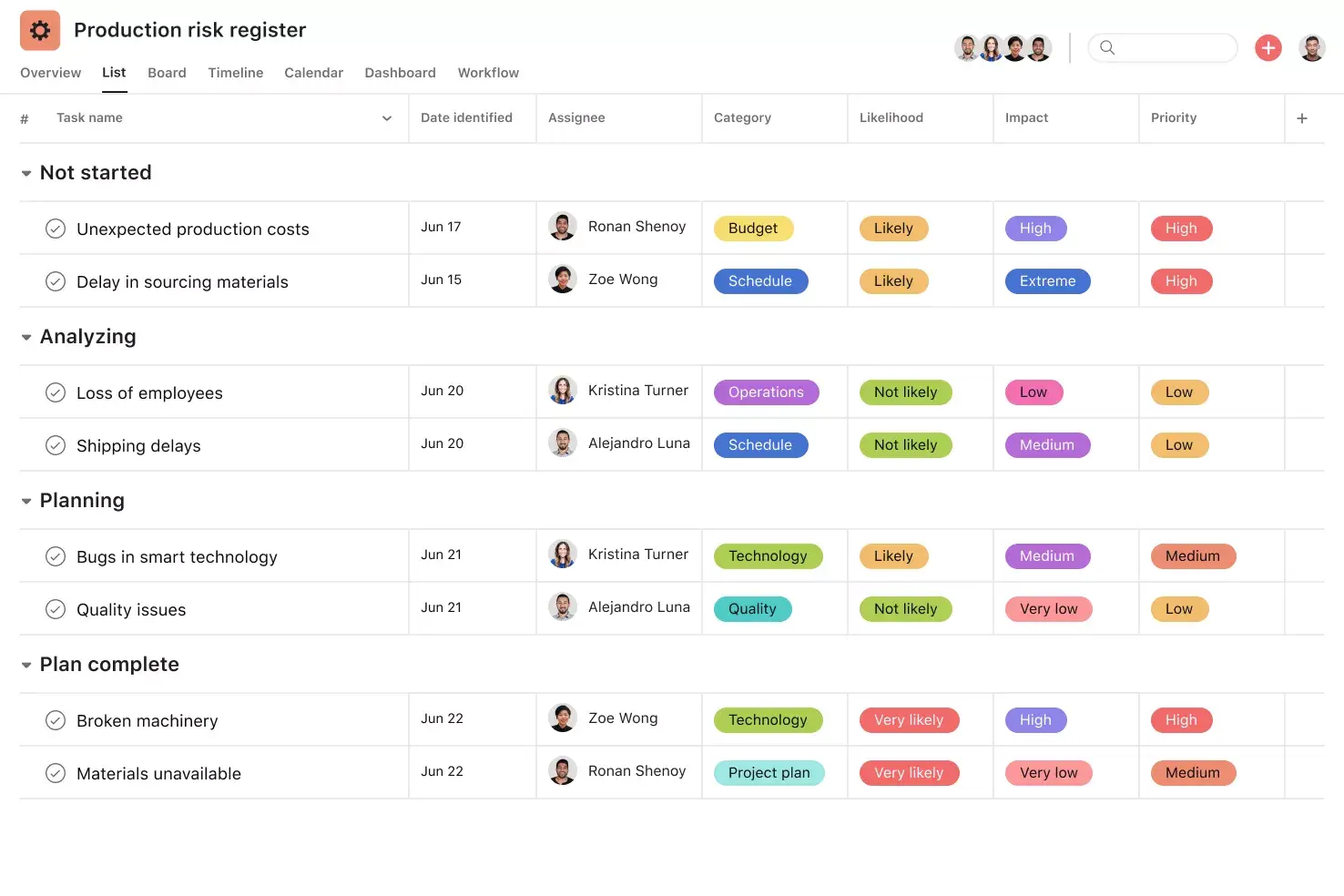

![[Templates] Cross Functional Project Plan (Card image)](https://assets.asana.biz/transform/60887a05-0b92-49c2-a6e7-f1ace41c5596/TG23-web-thumbnail-041-editorial-resource-management-static-2x?io=transform:fill,width:2560&format=webp)
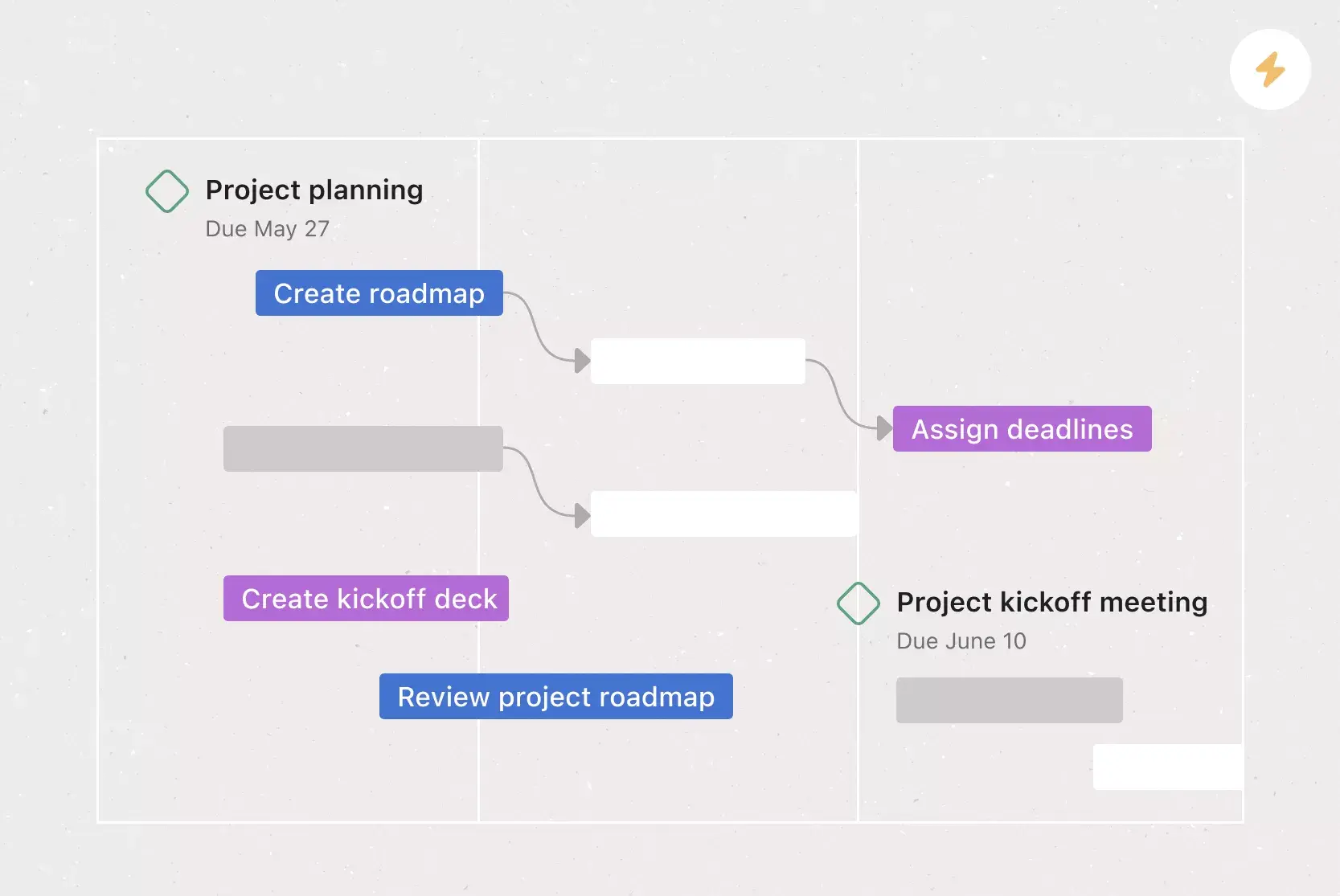
![[Templates] Request tracking workflow template (card image)](https://assets.asana.biz/transform/c871372a-ce51-44f4-b586-0f6da7063706/Template_RequestTrack_Thumb?io=transform:fill,width:2560&format=webp)
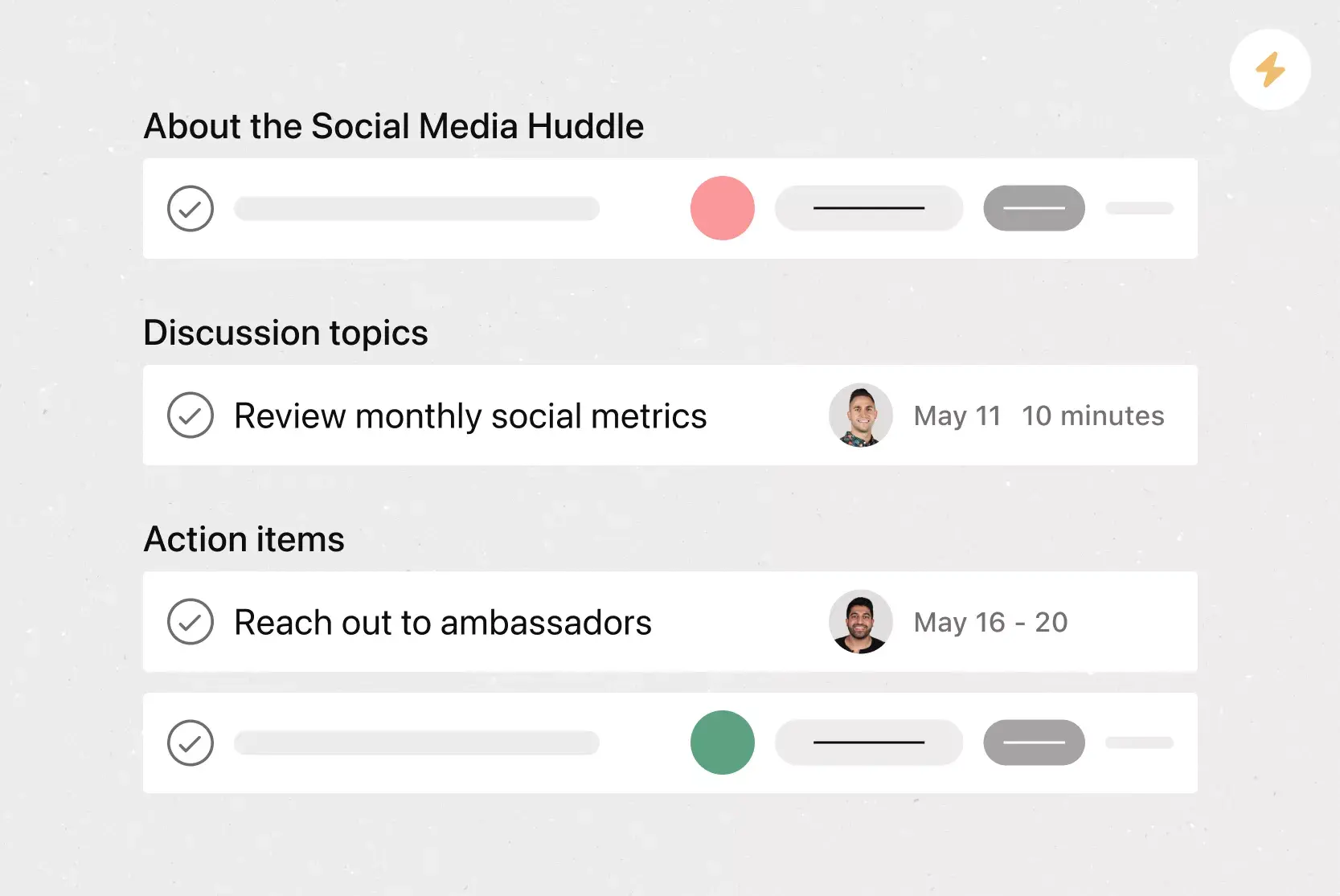
Create a process map template with Asana
See how a digital process map template can automate and streamline your processes.