


Free OKR Template
Set goals, track progress, and score results with a reusable objectives and key results template, with examples for every team.
Sign up to create your own template.
Free OKR Template
Set goals, track progress, and score results with a reusable objectives and key results template, with examples for every team.
Create your templateSign up to create your own template.
INTEGRATED FEATURES
Recommended apps




Summary
Goals help your team stay focused. However, many teams set objectives in tools they rarely use, so those goals are often forgotten. It's important to have a goal-setting process that's part of your daily workflow, so you can make progress every day.
That's where an objectives and key results (OKR) template comes in. In this article, you'll learn what an OKR template is, how to create one digitally, and how to track and score progress. You'll also find OKR examples by department and best practices to help your team set stronger goals.
![[Product ui] Team OKRs in Asana, spreadsheet-style project view (List)](https://assets.asana.biz/transform/3611b649-5d7c-4eb8-9cb9-6b316a94c897/TG23-web-hero-037-OKRs-static-2x?io=transform:fill,width:2560&format=webp)
What is an OKR template?
An OKR template is a reusable guide that helps your team define objectives (qualitative goals) and key results (measurable outcomes), then track progress toward them over time. It follows a simple formula:
I will [objective] as measured by [key result]
Read: How to set OKRs
Instead of starting from scratch each business quarter, you can just copy the template and fill in predefined fields for each objective and key result.
Following an OKR template helps you standardize the goal-setting process, prompting your team to follow the same steps and document the same information each time. When everyone uses an identical template, you ensure that every goal is structured, measurable, and high quality.
A digital OKR template works well for individual teams, but you can level up your goal-setting process with Asana Goals. Instead of just working on the team level, Goals is an organization-wide tool that can help your entire company set, track, and communicate about goals.
The benefits of a digital OKR template
When it comes to goals, execution is everything. It doesn't work to just set and forget your goals. You need to regularly track your progress and make it visible to your entire team.
Unlike static documents and Excel sheets, a digital OKR template makes it easy to share and track goals.
Create an OKR templateWhen you create your OKR template in a project management tool, your goals live where work happens. Your whole team can see and reference them daily, and everyone can track progress toward key results in real time.
Plus, once you create a digital OKR template, you can easily reuse it whenever your team needs to set new goals for the quarter, half, or year.
When you create a digital OKR template, you can:
Standardize the goal-setting process for your entire team or company.
Ensure team goals don't get lost by creating them where work happens.
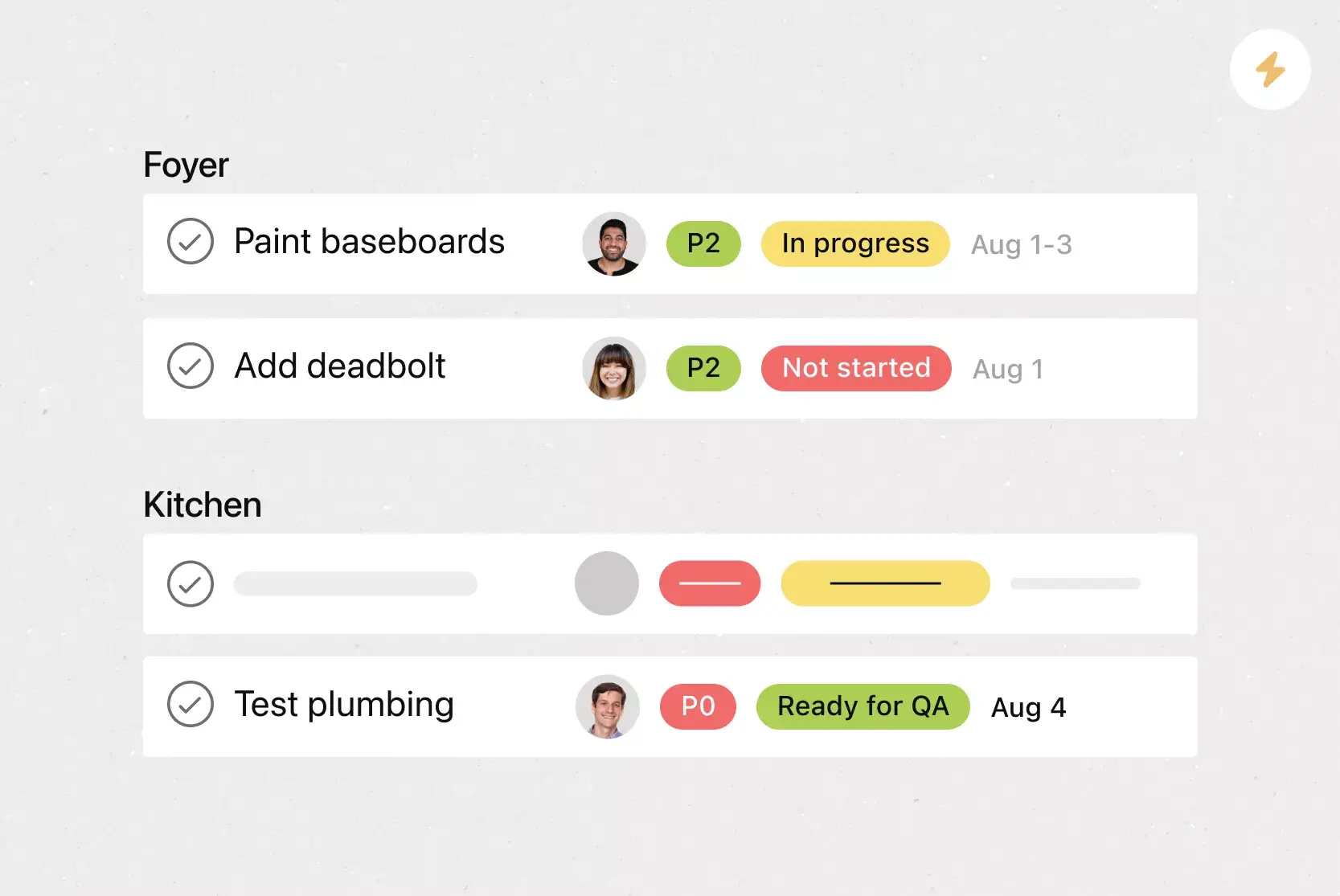
Outline key information every team member should include (like owner, timeline, and status).
Share your goals with key stakeholders.
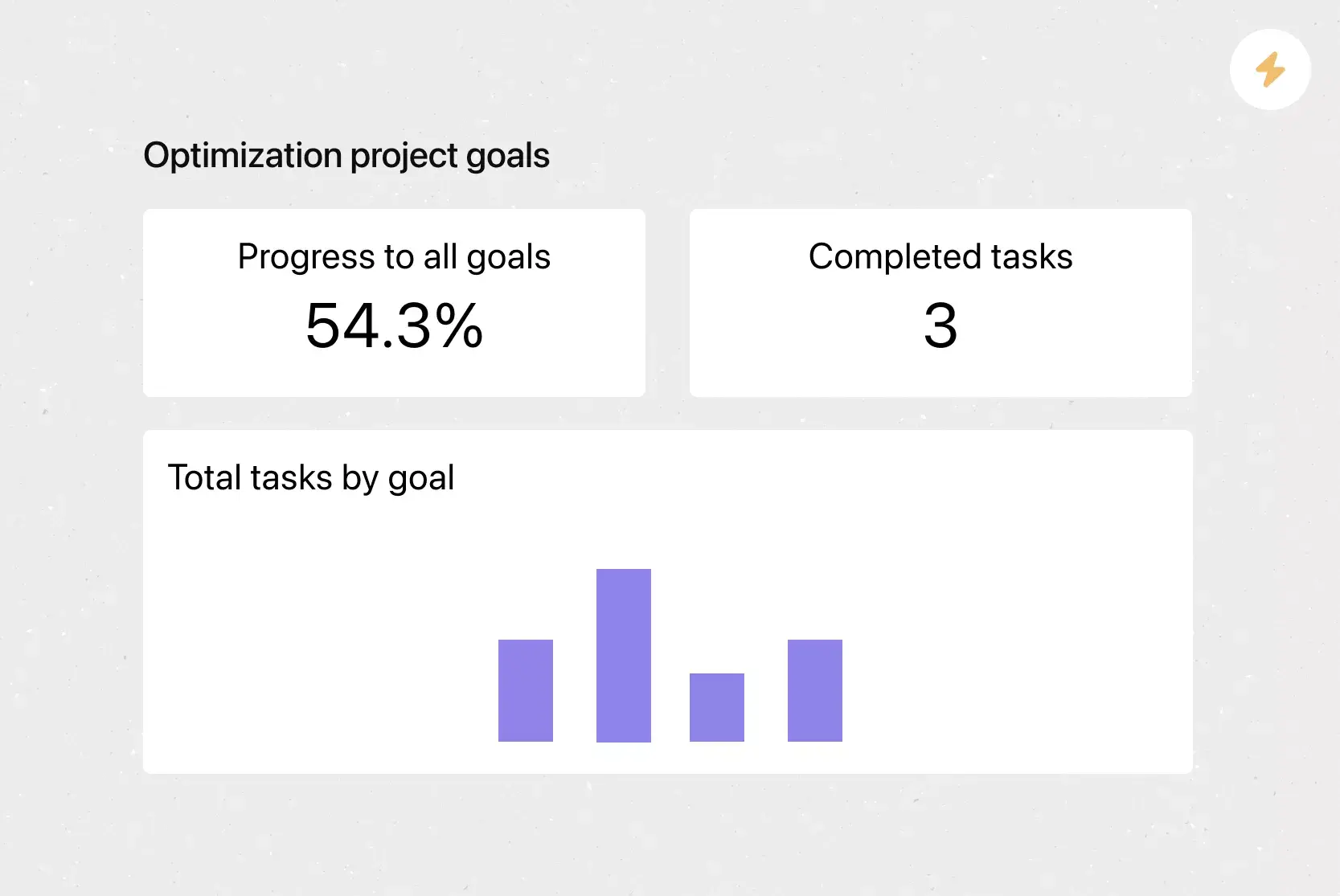
Show how you're progressing towards initiatives in real time.
Easily update goals if timelines or priorities change.
Attach relevant documents, such as Google Sheets, Google Docs, images, or videos.
Quickly create new goals each quarter, half, or year.
![[Product UI] Company goals and milestones project example (Lists)](https://assets.asana.biz/transform/6e01fc89-e66a-4b22-8195-287bb8f0d62f/inline-lists-company-goals-milestones-2x-jpg?io=transform:fill,width:2560&format=webp)
How to create a digital OKR template
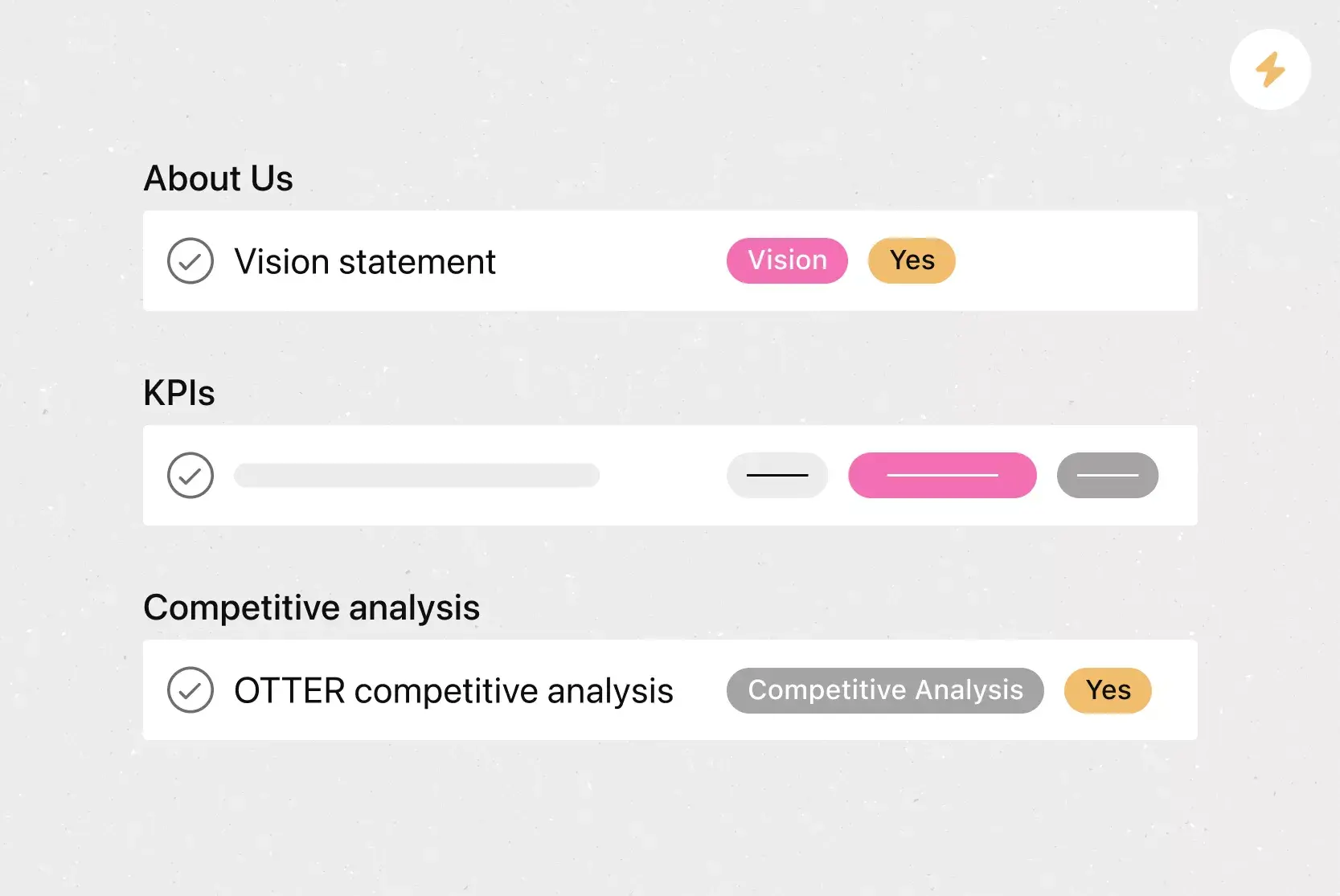
There are two key components of every OKR: objectives and key results. You need space for both in your template, including the higher-level objectives you're aiming for and the measurable key results you'll use to track progress.
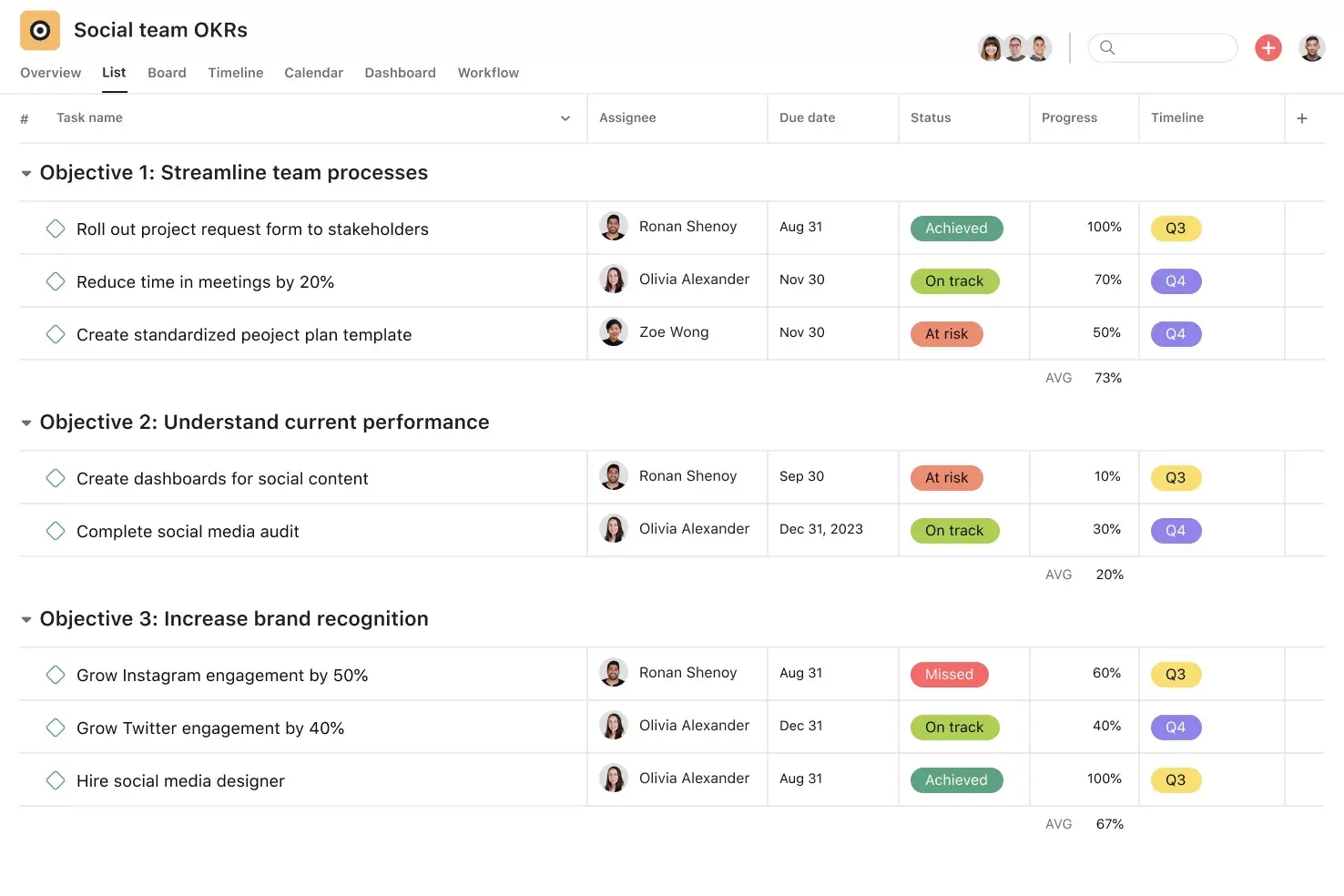
Here's how to structure your digital OKR template:
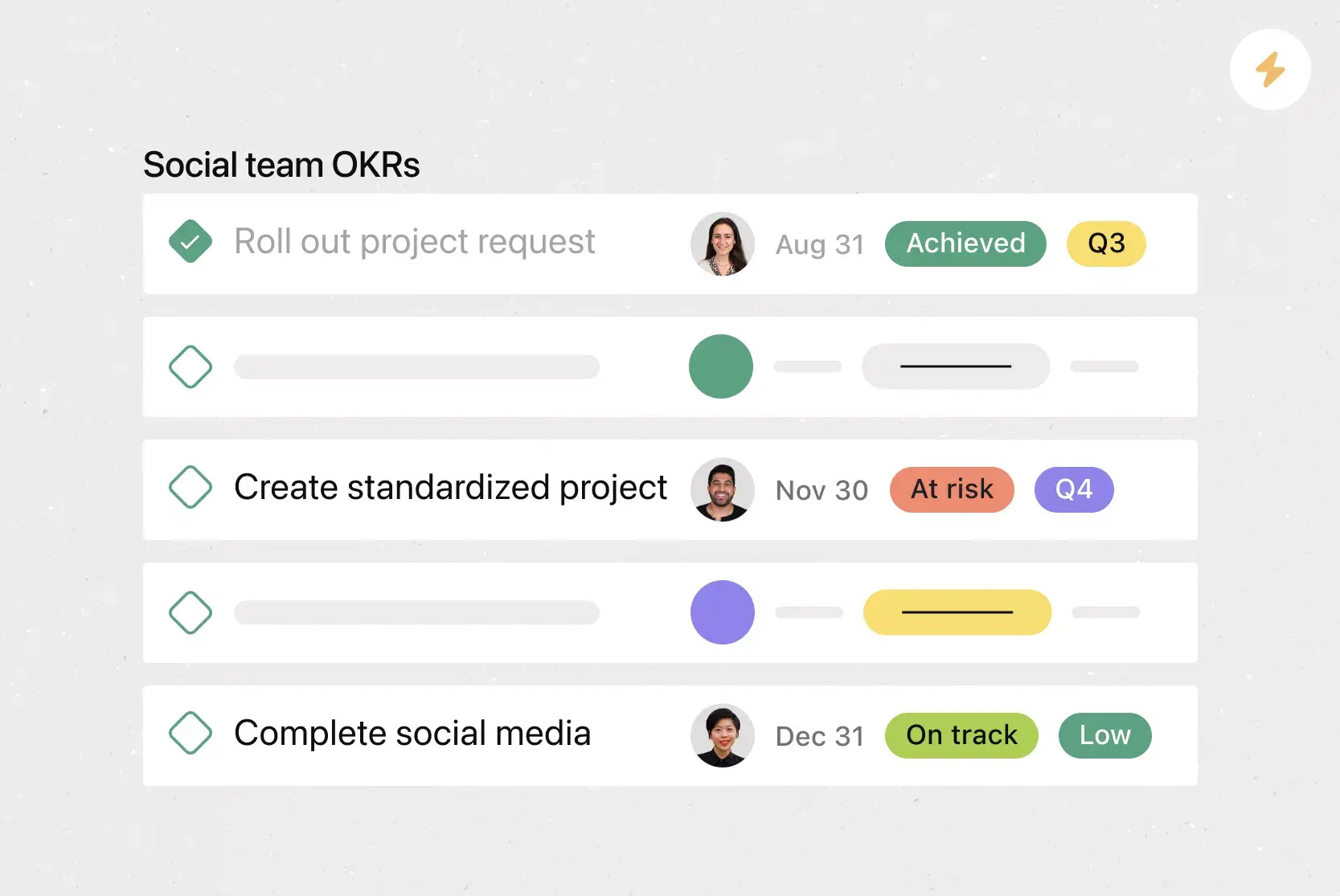
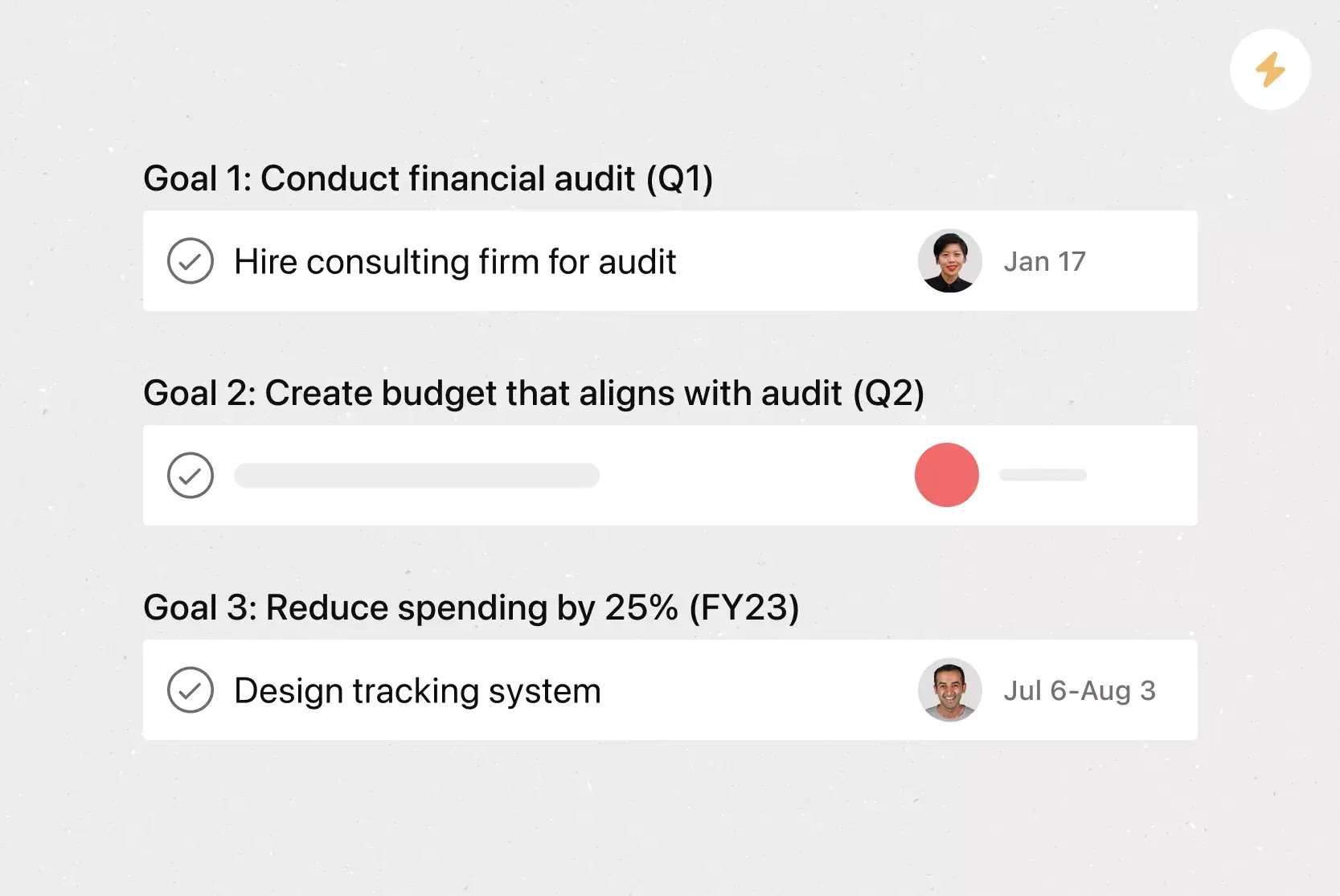
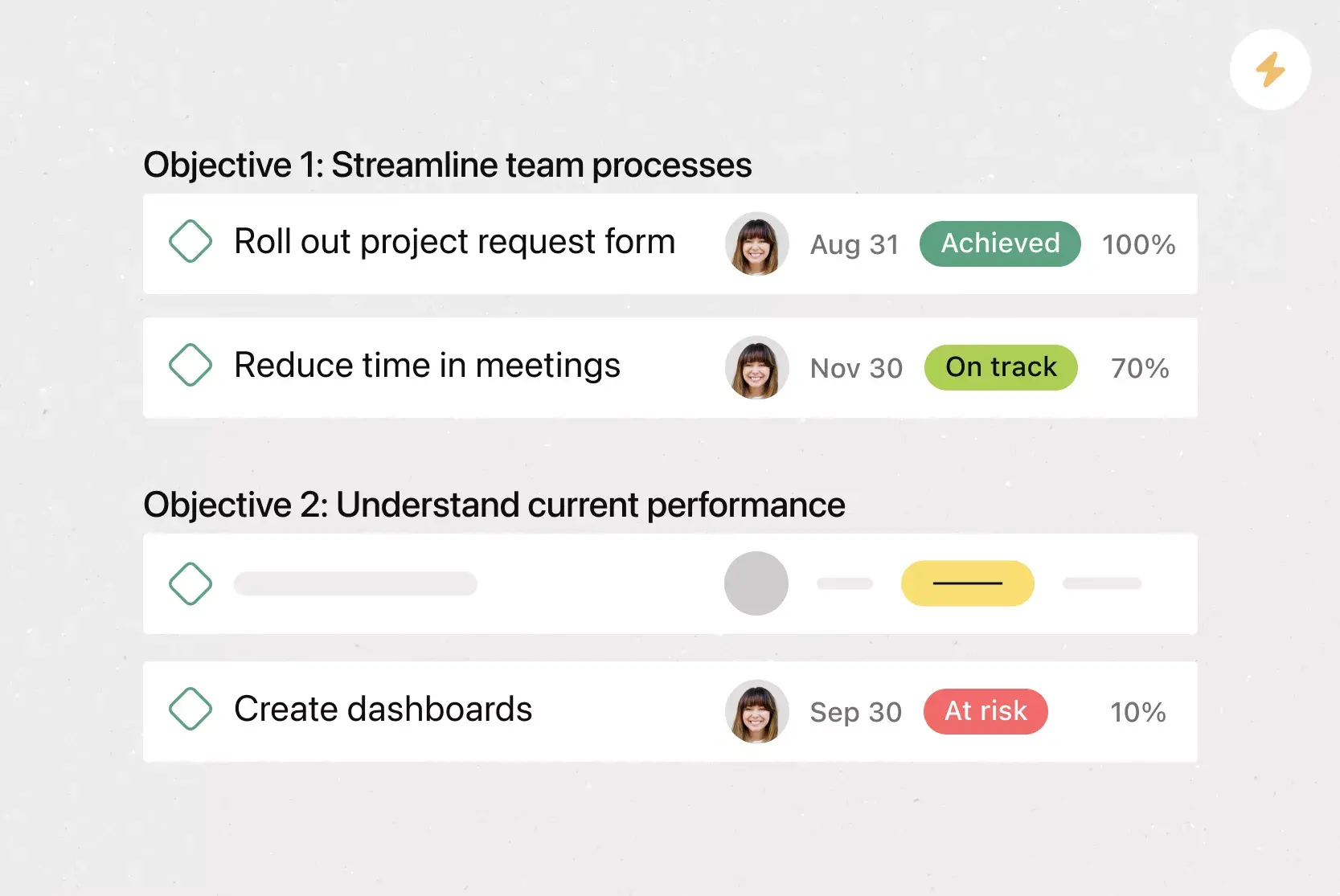
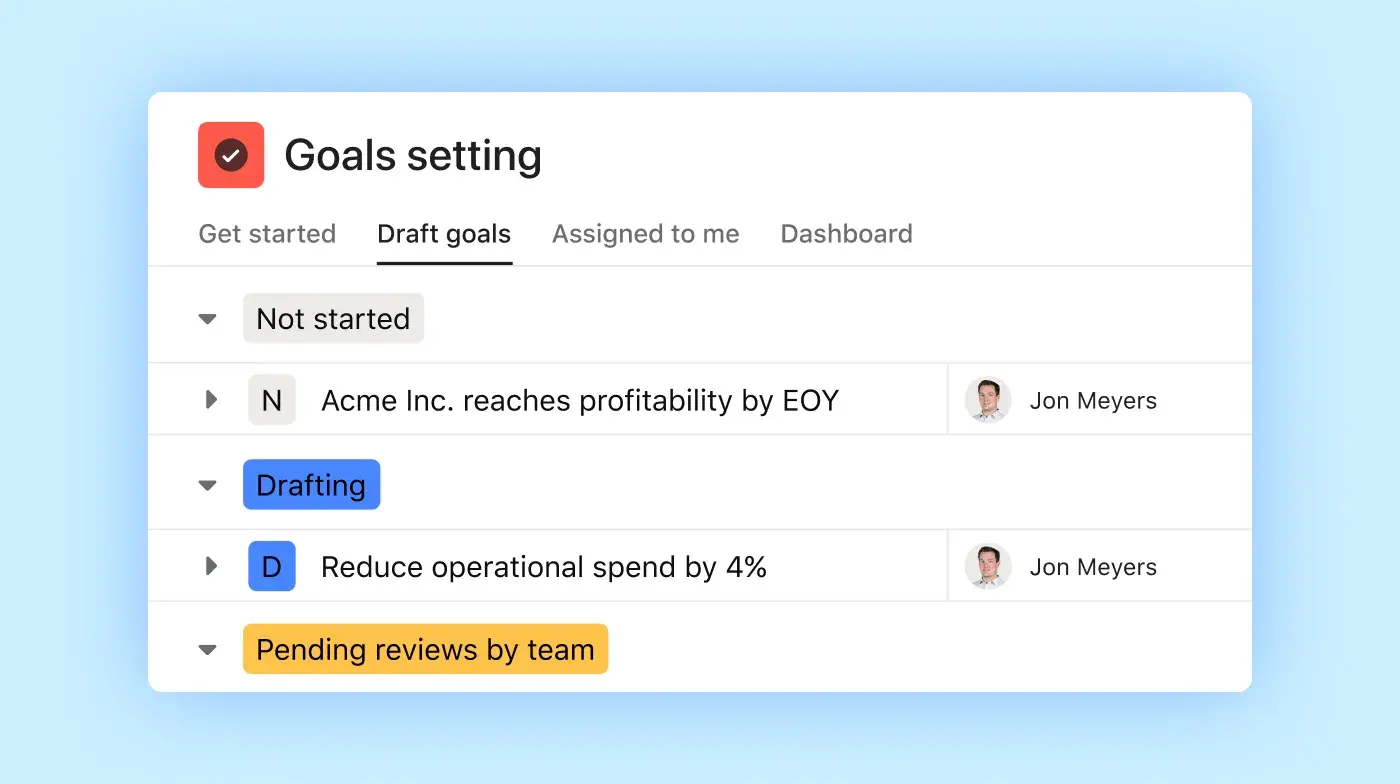
Organize by objective. Create sections for each overarching goal, then nest individual key result milestones directly beneath the objective they support.
Add custom tags for status and progress. Use one tag to track status (like on track, at risk, or achieved) and another to track percent completion. Add a third tag to indicate each key result's timeframe.
Include instructions in each task. Open each template key result task and fill in the description with guidance, so everyone on your team follows the same structure.
Integrated features
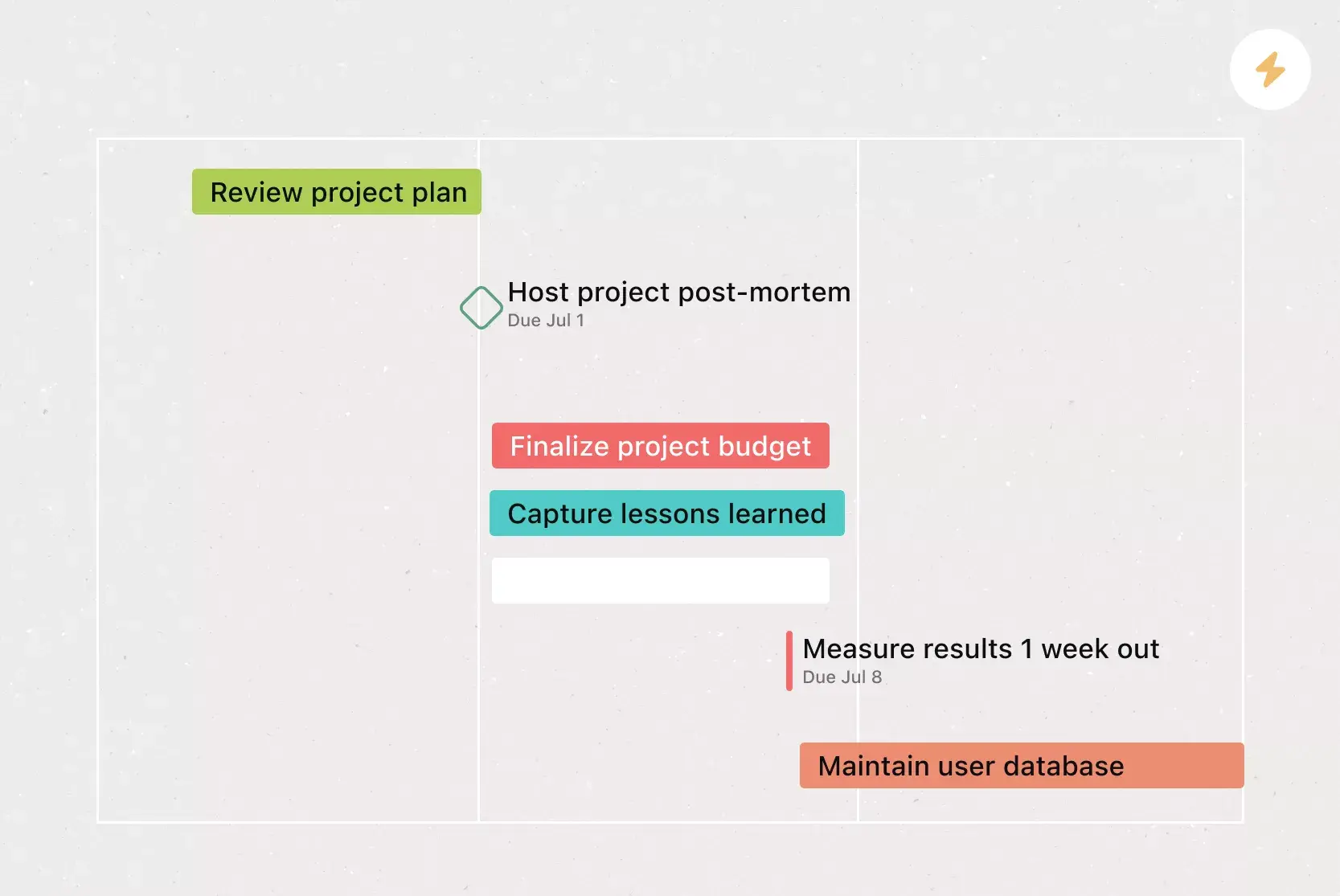
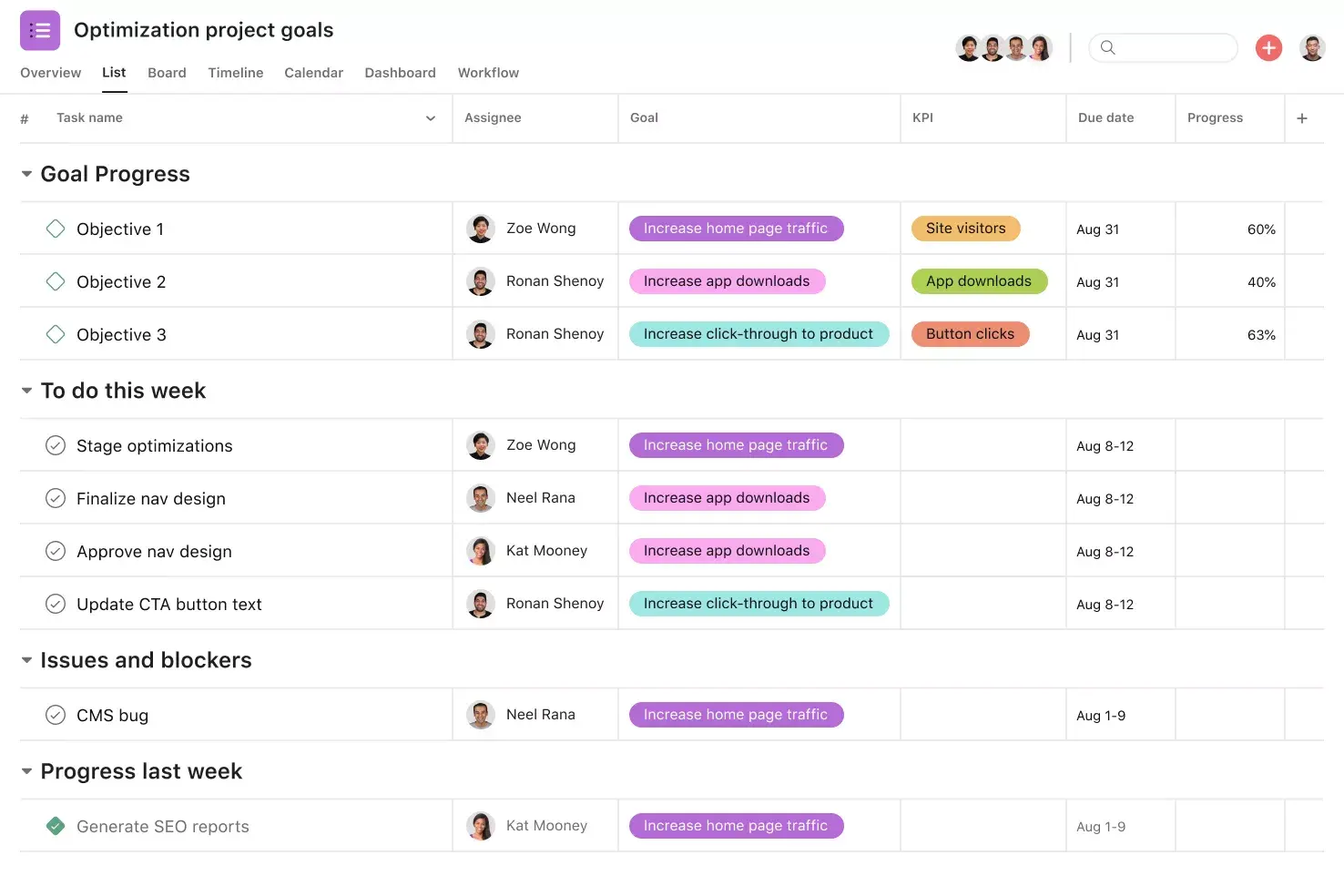
Milestones. Milestones represent important project checkpoints. By setting milestones throughout your project, you can let your team members and project stakeholders know how you're pacing towards your goal.
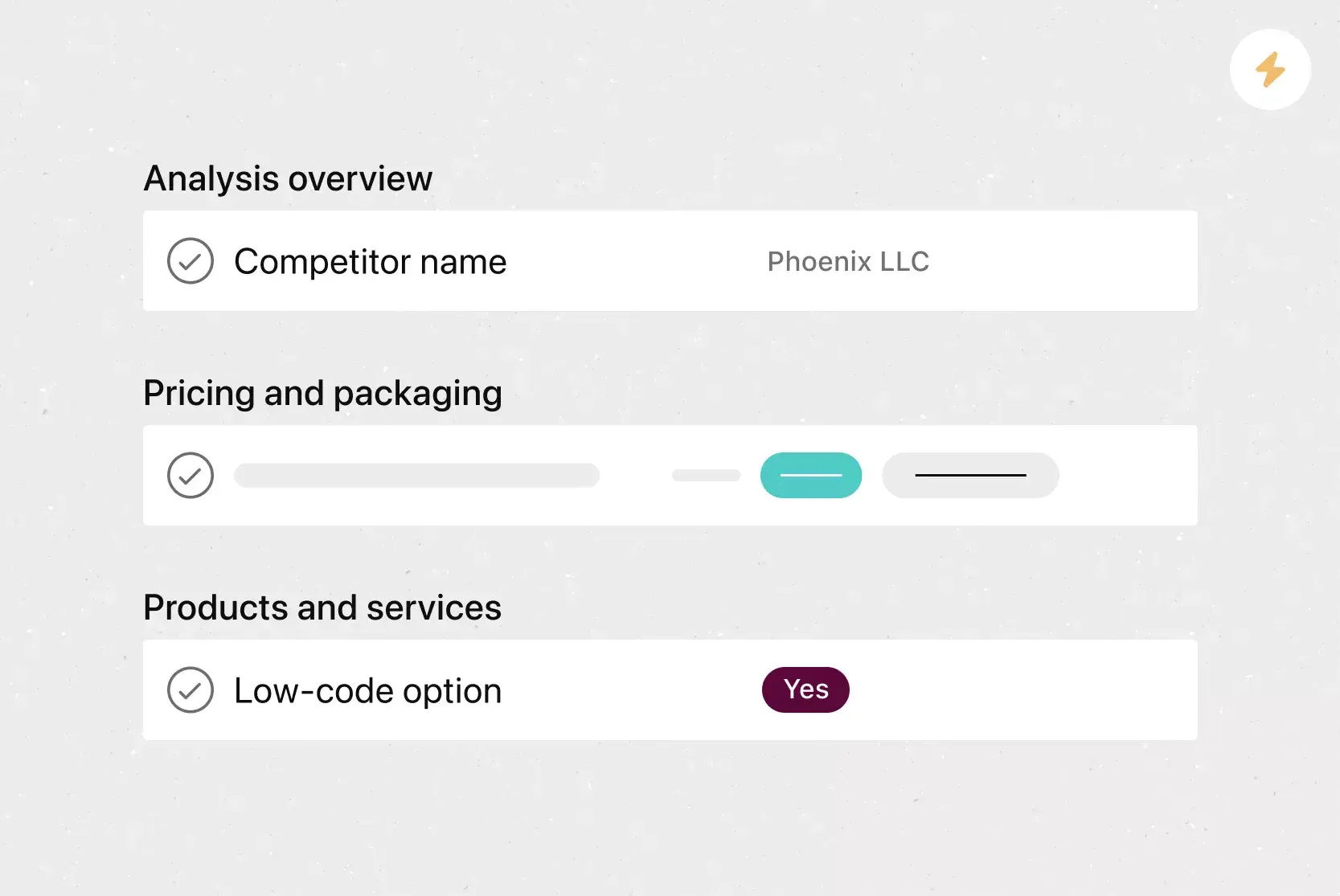
Custom fields. Custom fields are the best way to tag, sort, and filter work. Create custom fields for any information you need to track, from priority and status to email addresses and phone numbers.
Adding tasks to multiple projects. The nature of work is cross-functional. Asana makes it easy to track and manage tasks across multiple projects, helping your team see tasks in context and stay connected.
Start dates. Start times and dates help your team members understand how long each task should take to complete. Use start dates to set, track, and manage work to align your team's objectives.
Recommended apps
Dropbox. Attach files directly to tasks in Asana using the Dropbox file chooser, built into the Asana task pane.
Google Workplace. Attach files directly to tasks in Asana using the Google Workspace file picker, built into the Asana task pane. Easily attach any My Drive file with just a few clicks.
OneDrive. Attach files directly to tasks in Asana using the Microsoft OneDrive file chooser, built into the Asana task pane. Easily attach files from Word, Excel, PowerPoint, and more.
Microsoft Teams. With the Microsoft Teams + Asana integration, you can search for and share the information you need without leaving Teams. Easily connect your Teams conversations to actionable items in Asana.
OKR examples by department
Seeing real examples can make it easier to write your own OKRs. Use these as a starting point when filling in your OKR template.
Company-wide OKR example
Objective: Increase customer satisfaction across all touchpoints.
Key result 1: Improve Net Promoter Score from 30 to 50 by the end of Q4.
Key result 2: Reduce average customer support response time from 24 hrs to 8 hrs.
Key result 3: Achieve a 90% customer retention rate by the end of the year.
Marketing OKR example
Objective: Grow brand awareness in target markets.
Key result 1: Increase organic website traffic by 40% quarter over quarter.
Key result 2: Generate 5,000 new email subscribers this quarter.
Key result 3: Publish 12 thought-leadership articles by the end of the quarter.
Sales OKR example
Objective: Close more enterprise deals this quarter.
Key result 1: Increase qualified pipeline by 25%.
Key result 2: Shorten the average sales cycle from 90 days to 60 days.
Key result 3: Close 15 new enterprise accounts by the end of the quarter.
HR OKR example
Objective: Improve employee engagement and retention.
Key result 1: Increase employee engagement survey score from 70% to 85%.
Key result 2: Reduce voluntary turnover rate from 18% to 10%.
Key result 3: Launch a mentorship program with 50 participants by the end of Q2.
Product and engineering OKR example
Objective: Deliver a faster, more reliable product experience.
Key result 1: Reduce average page load time from 3 seconds to under 1.5 seconds.
Key result 2: Achieve 99.9% uptime across all production services.
Key result 3: Ship three top-requested features by the end of the quarter.
How to score and track your OKRs
To score OKRs, rate each key result on a 0.0–1.0 scale at the end of each cycle, then average the scores to get an overall objective score. To get real value from OKRs, you also need regular check-ins to keep your team aligned throughout the cycle.
Use a 0.0–1.0 scoring scale
A common approach is to score each key result on a scale from 0.0 to 1.0 at the end of each cycle. Here's a general guide:
If your score is 0.7–1.0, you met or exceeded your goal. Celebrate and raise the bar.
If your score is 0.4–0.6, you made progress but didn’t hit the goal. Identify blockers and adjust your approach.
If your score is 0.0–0.3, progress was minimal. Revisit the goal or change priorities.
To calculate an overall objective score, average the individual scores of each key result beneath it.
Schedule regular check-ins
Don't wait until the end of the quarter to review your OKRs. Schedule weekly or biweekly check-ins to update key result status, flag blockers, and adjust priorities. When you track OKRs in a digital tool like Asana, your team can update progress in real time without extra meetings.
Reflect at the end of each cycle
After scoring your OKRs, take time to reflect as a team. Ask what went well, what didn't, and what you'd change next cycle. This reflection helps you write stronger OKRs and improve your process over time.
OKR best practices for your team
Even with a great template, the way you use it matters. Here are some best practices to help your team get the most from OKRs.
Limit your objectives. Focus on three to five objectives per team, per cycle. Fewer goals mean sharper focus and better outcomes.
Assign clear ownership. Every objective and key result should have a single owner who is responsible for tracking progress and reporting updates.
Connect OKRs to company strategy. Each team's OKRs should ladder up to broader organizational goals. This ensures everyone is moving in the same direction.
Make OKRs visible. Share your OKRs with the whole team, not just leadership. When goals are visible, people feel more connected to the bigger picture.
Separate OKRs from performance reviews. OKRs work best when they encourage ambitious thinking. If they're tied directly to performance ratings, teams may set safe targets rather than stretch for meaningful progress.
Review regularly. Build OKR check-ins into your existing team rituals, whether that's a weekly stand-up, a biweekly sync, or a monthly review.
Start setting goals with Asana
An OKR template gives your team a clear, repeatable way to set and measure goals. The real value comes when those goals are connected to your everyday work. With Asana, you can create OKR templates, track progress in real time, and keep your entire organization aligned in one place.
Get started today and turn your team's goals into real, measurable progress.
Create an OKR templateFrequently asked questions about OKR templates
The five elements are an objective (a qualitative goal), key results (two to five measurable outcomes), a timeframe (usually quarterly), an owner (the person responsible for progress), and a scoring method (a 0.0–1.0 scale to evaluate achievement). Together, these elements give your team structure and focus.
Start with a clear, ambitious objective, then define two to five measurable key results using the formula: I will [objective] as measured by [key result]. Focus on outcomes rather than tasks; for example, "increase inbound leads by 30% by end of Q3" instead of "launch a new campaign."
Most teams set OKRs quarterly, though some use annual or monthly cycles depending on how quickly they move. Whichever cadence you choose, schedule regular check-ins to track progress.
There's no hard-and-fast rule, but it's generally best to stick with fewer than ten objectives. The fewer goals you have, the more focused your team will be.
Share your OKR template with team members to standardize goal-setting, then share your completed OKRs with stakeholders so they understand your team's top priorities and how you measure success.
Related templates



![[Templates] Product Roadmap (Card image)](https://assets.asana.biz/transform/2728edf4-eb35-4dd5-8d03-25ba8cbe5864/TG23-web-thumbnail-028-scrumban-feature-static-2x?io=transform:fill,width:2560&format=webp)





Create templates with Asana
Learn how to create a customizable template in Asana. Get started today.