


Editorial content calendar template
Organize content, assign task owners, and track deadlines in one place to coordinate your team and publish on time.
Sign up to use this template.
Editorial content calendar template
Organize content, assign task owners, and track deadlines in one place to coordinate your team and publish on time.
Use templateSign up to use this template.
INTEGRATED FEATURES
Recommended apps




Summary
Your company’s content helps you connect with customers. Blog posts can show your expertise, newsletters keep customers informed, and social posts help you reach your target audience. A solid editorial strategy is important for building strong relationships.
However, keeping track of upcoming content can be challenging. You need to come up with ideas, create assets for different channels, and coordinate work across teams. Managing a content strategy takes a lot of effort.
The Asana editorial calendar template can make this process easier. You can use it to track all your blog posts, articles, videos, and other content. In this article, we’ll explain what an editorial calendar is, how it’s different from a content calendar, how to create one, and how a template can help you stay organized.
![[Product UI] Editorial calendar project in Asana (Calendar View)](https://assets.asana.biz/transform/91bc7030-82e9-46cd-81a0-45025b248a6a/inline-calendar-view-editorial-calendar-2x?io=transform:fill,width:2560&format=webp)
What is an editorial calendar?
An editorial calendar is a content plan that helps you plan what content your company will publish, when it will go live, and where it will appear. It usually lists the content type, publication date, and the person responsible for each piece.
An editorial calendar helps you manage your content strategy by giving you a clear view of what's ahead. Key advantages include:
Content mix visibility: See at a glance whether you have the right balance of evergreen and timely pieces in your pipeline.
Holiday and event planning: Prepare content around key dates so you're never caught off guard.
On-time publishing: Track due dates and assignees to keep production on schedule and hit every deadline.
Editorial calendar vs content calendar
You may hear these terms used interchangeably, but they serve different purposes:
Focus: Editorial calendar covers high-level strategy and themes, while a content calendar handles day-to-day content production
Time horizon: Editorial calendar spans quarterly or annual planning, while a content calendar works on a weekly or monthly basis
Typical details: Editorial calendar includes campaigns, topics, and key messages, while a content calendar tracks individual posts, due dates, and assignees
Purpose: Editorial calendar aligns teams on strategic direction, while a content calendar manages execution and publishing
These calendars aren't mutually exclusive. Many teams use both: an editorial calendar for strategic planning and content calendar software for execution. With Asana, you can combine both views in a single campaign management platform so your team gets the big picture and the granular detail in one place.
What is an editorial calendar template?
The Asana editorial calendar template is a ready-to-use project that helps you plan and track your content. It shows you what posts are coming up, making it easier to organize, plan, schedule, and publish your content. You can also use custom tags in the template to track important details for each post, such as:
The due date for the post and corresponding assets
The primary channel
The content status (for example, "not started," "in review," or "ready to publish")
The content type
The approval status
The publish date
Benefits of using the Asana editorial calendar template
The Asana editorial calendar template helps you plan your upcoming content more easily. With this template, you can:
Manage all your content in one place, so you don't have to dig through emails, spreadsheets, or docs to know what's going live and when.
Simplify cross-functional collaboration by bringing together your social media, PR, and marketing teams in one place.
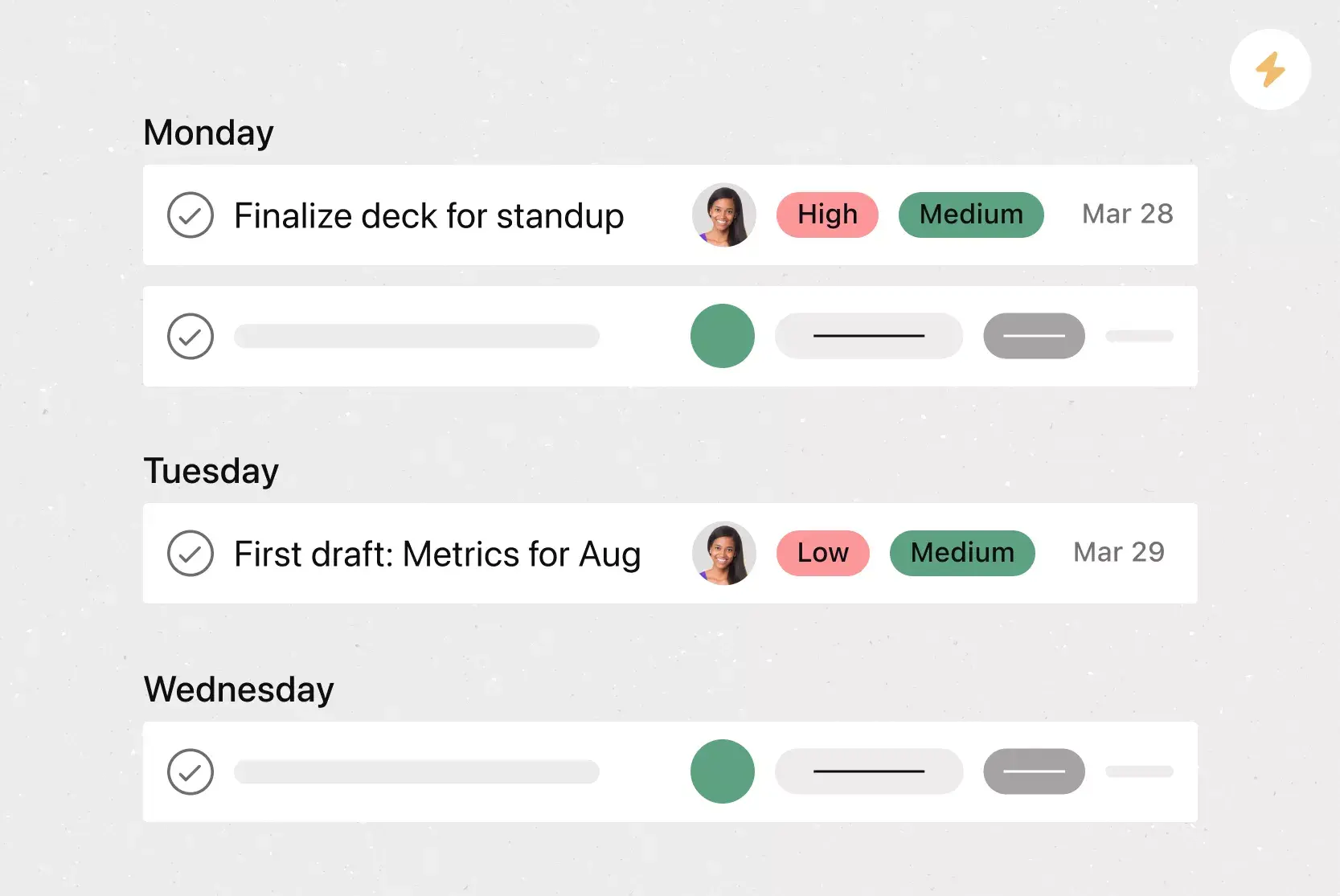
Assign tasks for each step of content production in a production schedule, including drafting, editing, approving, and publishing.
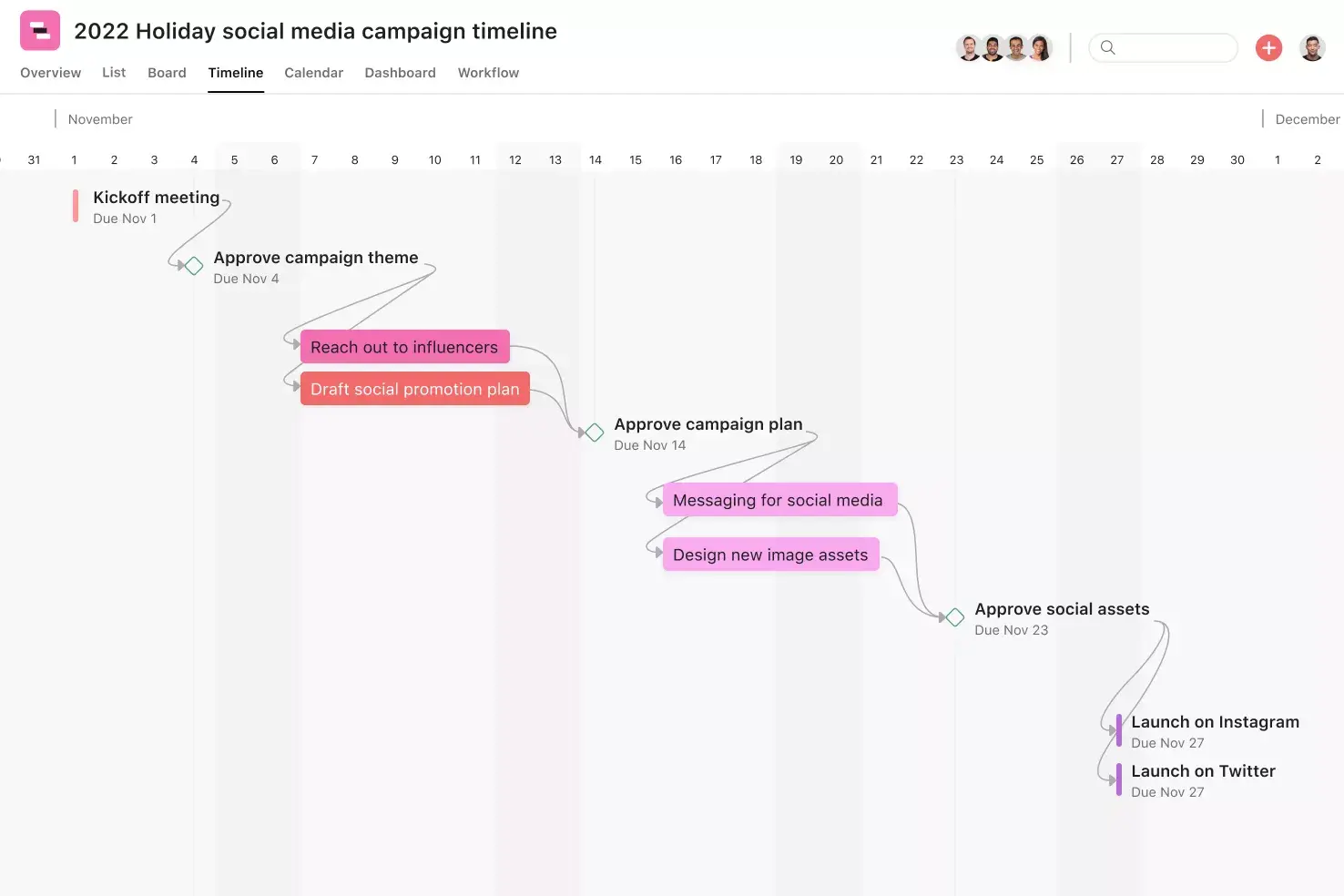
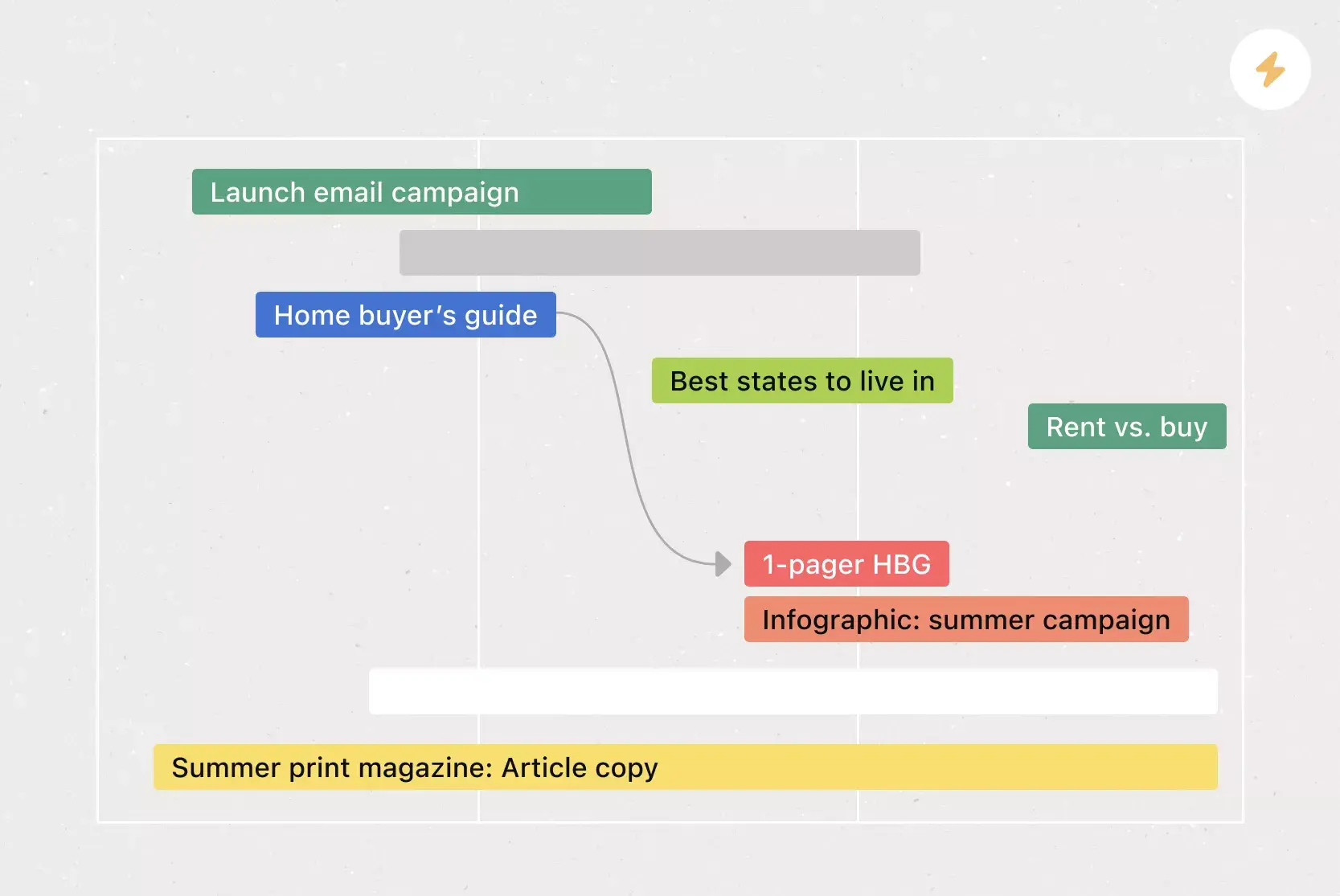
Set deadlines for each task to build a workback schedule that you can easily see and follow.
Easily track content status through every production phase, so you can see where everything stands at a glance.
Give your team members clarity on the latest content changes by sharing feedback directly in calendar tasks.
Quickly shift due dates and deadlines as needs and timing change.
Organize all your assets where you work with integrated apps like those from Google Workplace and Dropbox.
Use custom fields to organize and color-code essential task information, like status, channel, and content type.
Track new post ideas and monitor your publishing schedule to ensure you always have enough content in the pipeline.
Examples of calendars you can create with Asana templates
The basic editorial calendar template can serve as a starting point for various content calendars. Here are some examples you can create using these templates:
Primary content calendars: Visualize all upcoming content, from blog posts to newsletters and email blasts, in one central content calendar.
Blog calendars: Use the editorial calendar template to make a calendar just for blog posts. Add custom tags to see which categories each post fits into, and work with your writing and design team in one place.
Video production calendars: Create a video production calendar to track your video content from brainstorming to completion. Map out your video's progress using custom fields that align with each stage of production, including scripting, editing, and promotion.
Email marketing calendars: Use the email marketing calendar template to organize and streamline your marketing email workflow.
Social media content calendars: Create a social media content calendar template to manage upcoming social media posts across LinkedIn, TikTok, and all other social channels.
How to create an editorial calendar
Want to create your own editorial calendar? Here’s a simple process to help you get started:
Define your content goals. Before you start filling in dates, clarify what you want your content to achieve. Your goals and KPIs will shape the types of content you plan.
Choose your tool. Pick a platform that supports collaboration and visibility. A work management tool like Asana lets you view your calendar in multiple formats, assign tasks, and track progress in one place.
Identify your content channels. Write down every place where you share content, like your blog, social media, email newsletters, and video sites. This helps you plan for each channel and avoid missing anything.
Set a publishing schedule. Decide how often you’ll post on each channel. Keeping a regular schedule helps your audience know when to expect new content and keeps your team on track.
Map out your production steps. List each part of the content process, from brainstorming and drafting to editing, approval, and publishing. Assign each step to the right person and set deadlines to make sure nothing gets missed.
Fill in your calendar and review it often. Add your planned content, important dates, and campaigns. Set up regular check-ins, either weekly or every other week, to see how things are going and make changes if needed.
For a deeper dive, check out our guide on how to create and run a winning editorial calendar.
Integrated features
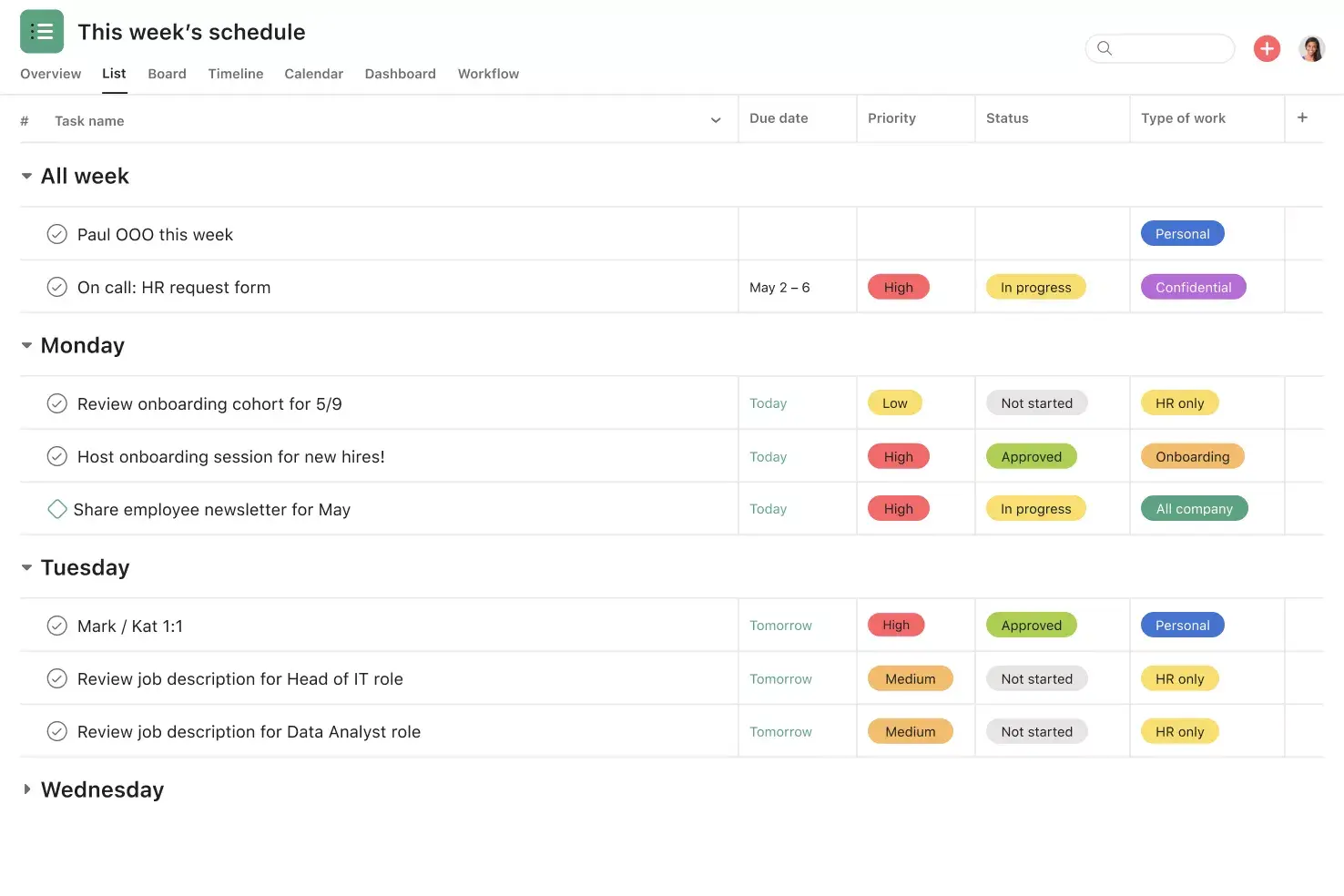
Calendar View. See all upcoming and past work in a calendar format to track what's getting done and which deadlines are approaching. Click into any task to view custom fields, dependencies, subtasks, and more.
Subtasks. Break large tasks into smaller components when work has multiple contributors or needs review before it can go live. Subtasks keep individual to-dos connected to the overarching context of the parent task.
Custom fields. Tag, sort, and filter work by creating unique fields for any information you need to track, from priority and status to content type. Share custom fields across tasks and projects to ensure consistency across your organization.
Adding tasks to multiple projects. Track and manage tasks across multiple projects to prevent cross-functional work from getting siloed. This reduces duplicative effort and helps your team see tasks in context alongside who's working on what.
Recommended apps
Slack. Turn ideas, work requests, and action items from Slack into Asana tasks and comments that are trackable. Easily capture work so requests and to-dos don't get lost in Slack.
Google Workplace. Attach files directly to tasks in Asana using the Google Workspace file picker, built into the Asana task pane. Easily attach any My Drive file with just a few clicks.
Gmail. Create Asana tasks directly from your Gmail inbox, complete with the context from your email. You can also search for and reference Asana tasks while composing emails using the Asana for Gmail add-on.
Outlook. Create tasks in Asana right from Outlook as action items come in via email. Assign the new task to yourself or a teammate, set a due date, and add it to a project so it's connected to other relevant work.
Plan your editorial content with Asana
A well-organized editorial calendar keeps your content strategy on track, your team aligned, and your publishing schedule consistent. With the Asana editorial calendar template, you can plan, track, and manage every piece of content from ideation to publication in one shared space.
Whether you're coordinating blog posts, social media campaigns, or video production, Asana gives your team the visibility, structure, and buffer they need to deliver great content on time. Get started and see how easy it is to bring your editorial calendar to life.
Free editorial calendar templateFAQs about editorial calendar templates
Most teams review and update their editorial calendars on a weekly or biweekly basis. At minimum, do a monthly review to ensure your planned content still aligns with your goals and upcoming campaigns.
Yes. The Asana editorial calendar template can track blog posts, videos, social media content, and email campaigns in a single project, and you can use custom fields to filter by content type, channel, or status.
The best tool is one that supports collaboration, visibility, and flexibility. A work management platform like Asana makes it easier to assign tasks, set deadlines, and track progress as your team and content volume grow.
Many teams benefit from using both, since an editorial calendar covers strategic planning while a content calendar handles day-to-day scheduling. With Asana, you can combine both views in a single project so you don't need to manage two separate tools.
Related templates
![[Templates] Social Media Calendar (Card)](https://assets.asana.biz/transform/3d20dd82-f67c-47be-a595-0d0019ee7e98/Social-media-calendar-m?io=transform:fill,width:2560&format=webp)
![[Templates] Creative Asset Feedback and Approval (card image)](https://assets.asana.biz/transform/c768a28c-822f-420f-93f9-f2eea4c93780/TG23-web-thumbnail-032-bill-of-materials-static-2x?io=transform:fill,width:2560&format=webp)
![[Templates] Agency Collaboration (card image)](https://assets.asana.biz/transform/f289a866-6162-4b01-9f42-13fdb9147144/TG23-web-hero-047-implementation-plan-thumbnail-2x?io=transform:fill,width:2560&format=webp)
![[Templates] Campaign management plan template banner image](https://assets.asana.biz/transform/d0762c4d-c7d8-49bc-823b-4b93513e6b48/Template_CampaignMgmt_Thumb?io=transform:fill,width:2560&format=webp)
![[Templates] Creative Requests (Card image)](https://assets.asana.biz/transform/963f258c-f2d0-4281-a9ff-b2244ee2e670/Template_CreativeReq_Thumb?io=transform:fill,width:2560&format=webp)
Get the template
Power up your editorial plans with Asana's free editorial calendar template.