


Powered by AI
Product launch template
Plan and execute a new product launch from kickoff to post-launch. Track documents, creative assets, and other tasks with Asana’s product launch template.

![[Templates] Product Launches - hero](https://assets.asana.biz/transform/c705cd20-7da4-4c6c-8076-6c3b9aede789/Product-Launch?io=transform:fill,width:2560&format=webp)
Powered by AI
Product launch template
Plan and execute a new product launch from kickoff to post-launch. Track documents, creative assets, and other tasks with Asana’s product launch template.




Coordinate every detail for a seamless launch
A product launch template is a ready-to-use workflow that guides your team from early pre-launch planning through release day and into post-launch follow-up. It organizes tasks, milestones, and approvals in one place so team members know what to create, when to deliver it, and who owns each step.
Organize launch assets and activities across every channel.
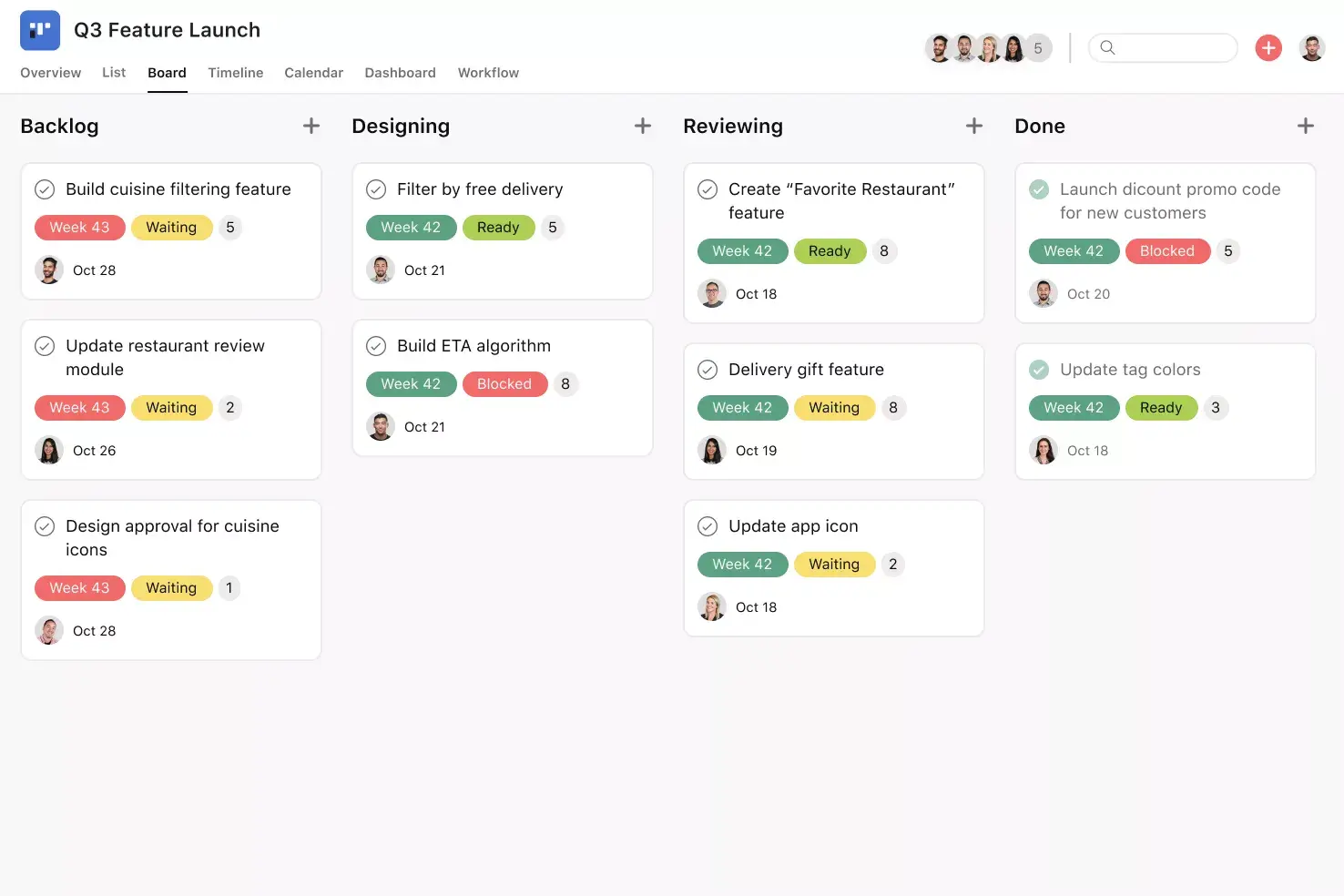
Channel fields and task templates give teams one place to manage creative assets, timelines, and deliverables without losing track of where each item belongs.
Collaborate on launch work without scattered feedback.
Team members attach comments directly to tasks so product, marketing, and sales stakeholders can review action items, collaborate, and make more informed decisions.
Draft and adapt launch content faster with AI support.
AI writes first drafts of release notes and translates announcements into multiple languages, so your team can concentrate on launch-day activities.
Why use a product launch template?
A successful product launch needs a plan, a schedule, and clear ownership of every task. Asana’s product launch template transforms ad-hoc ideas into a repeatable launch process your marketing team can follow for every product release.
Create a single source of truth by keeping product features, messaging, deliverables, and decisions in a single, shared location.
Assign responsibility so every task has an owner and your team never misses a deadline.
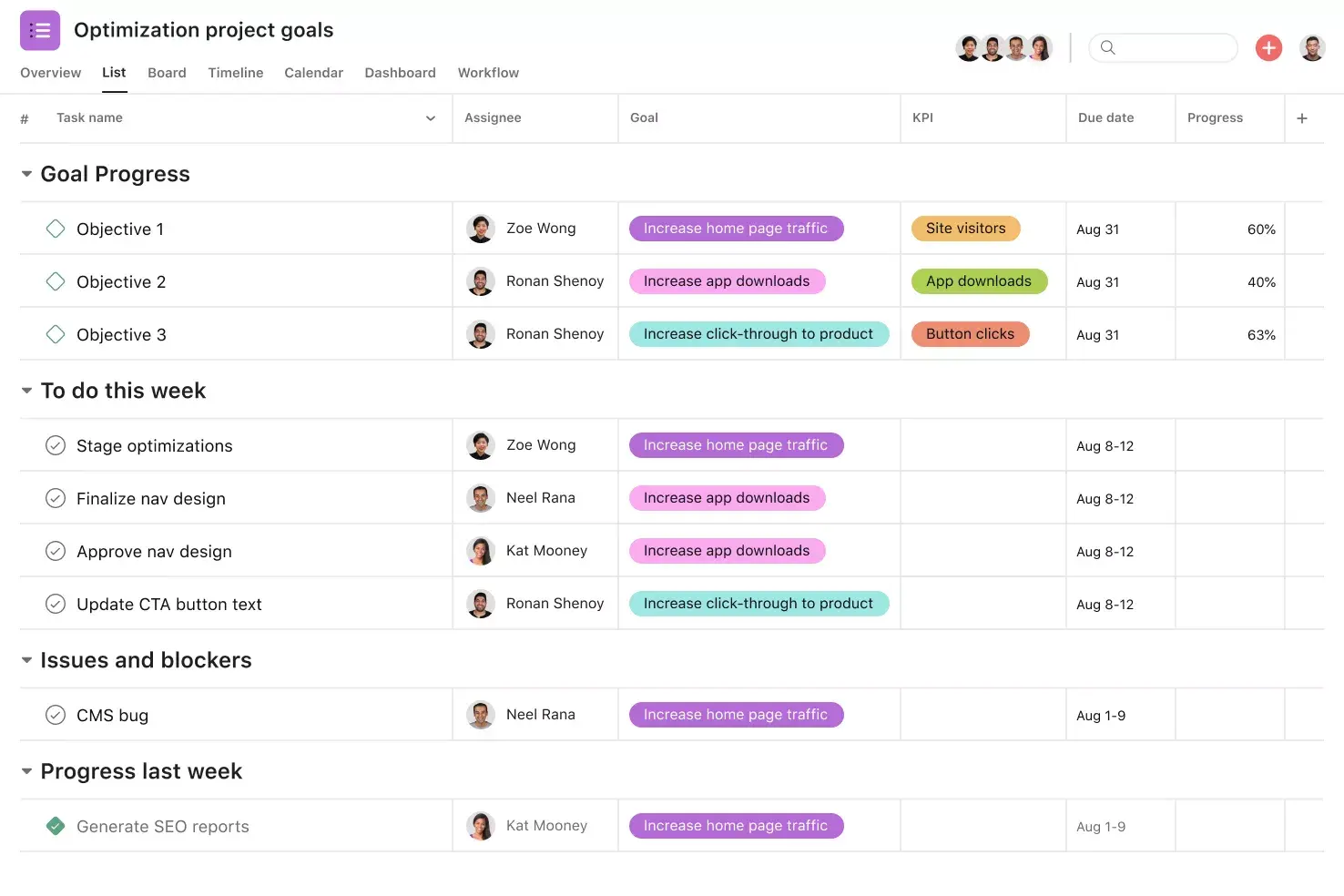
Track progress and milestones. Your team will know what needs attention now, what comes next, and the metrics that measure success.
Reduce last-minute decisions by making requirements visible early enough to prepare assets, approvals, and dependencies.
Connect planning with execution so your product launch strategy turns into actions that advance your product marketing plan.
How to use the product launch template
Asana’s product launch workflow template helps teams run a launch from a single, shared project. Rather than working with siloed spreadsheets, docs, and checklists, this template gives your product roadmap a home. It pairs launch planning with automation and AI tools so teams ship with fewer handoffs and fewer last-minute surprises.
Organize creative assets across channels
Use the Channel field to tag each deliverable with its publishing location and to keep channel work visible within the same workflow. Teams can sort and group work by channel so owners can identify gaps and verify coverage before launch day. For example, a launch lead can filter to “Web” to ensure that the product page, homepage modules, and release notes tasks all have owners and due dates.

Collaborate on action items
Teams use comments to discuss feedback and collaborate on decisions within a task. The workflow also includes a launch activity task template, which allows you to reuse the same steps across launches instead of rebuilding the process each time. For example, a product marketer can leave copy feedback on a social media announcement in the comments for “Draft day-of press release” and then assign the next review step from the task template.

Draft launch content with AI
AI can help draft launch copy, so you start with a rough draft rather than a blank page. It can also translate launch content into multiple languages so teams can create localized materials without paying for translation services and rewrites. For example, a team can ask the AI to translate a customer support documentation into French and add it to the task for review.

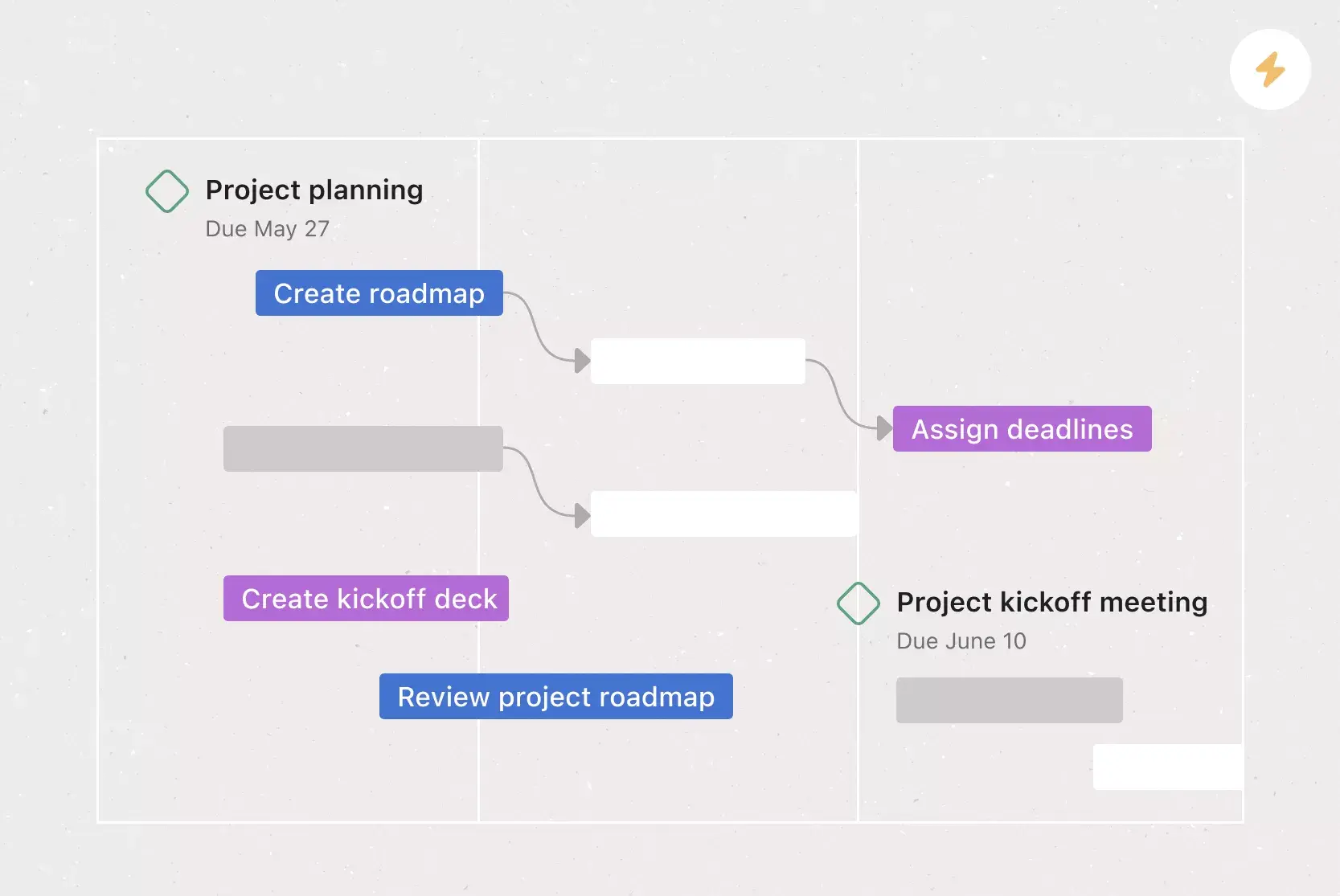
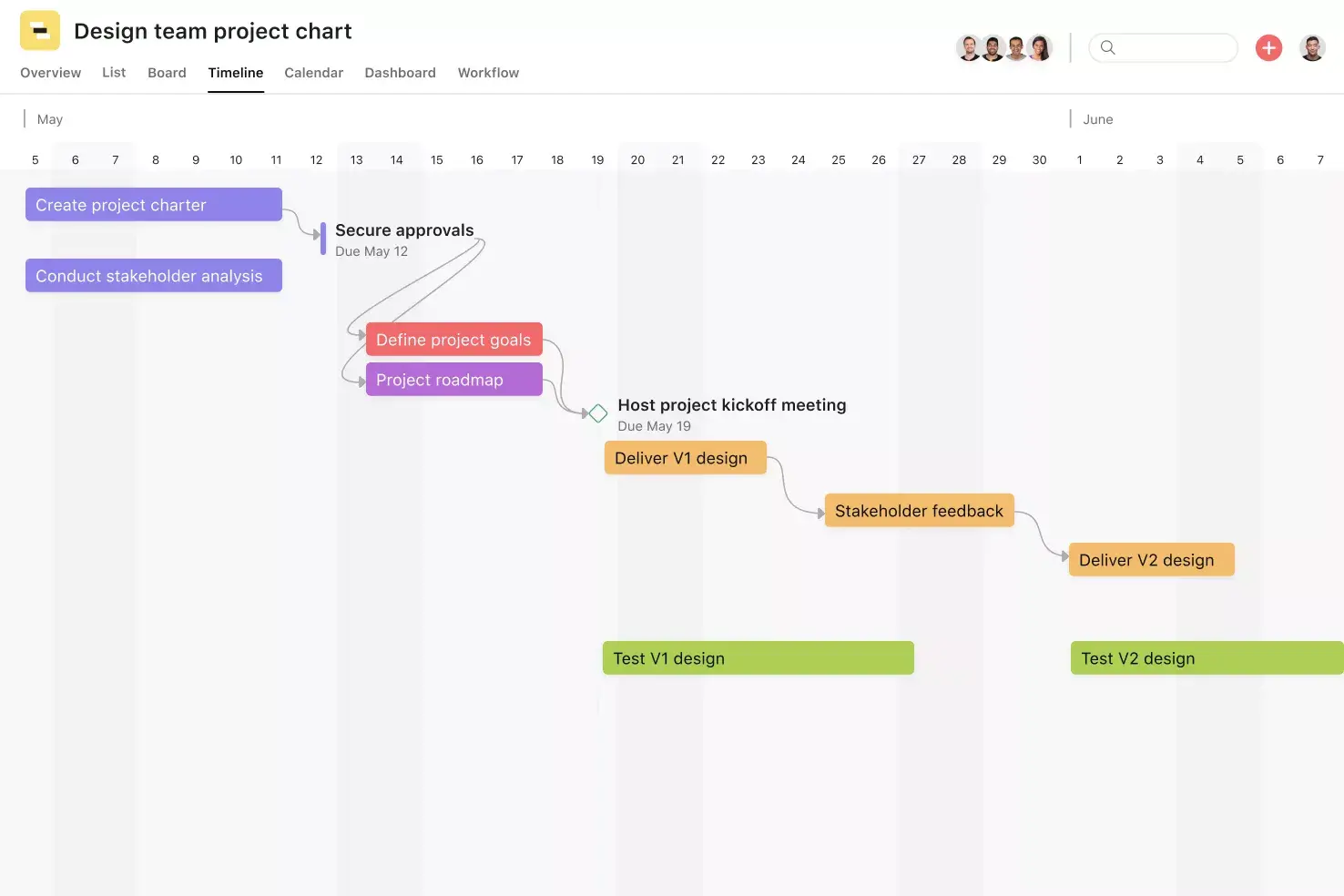
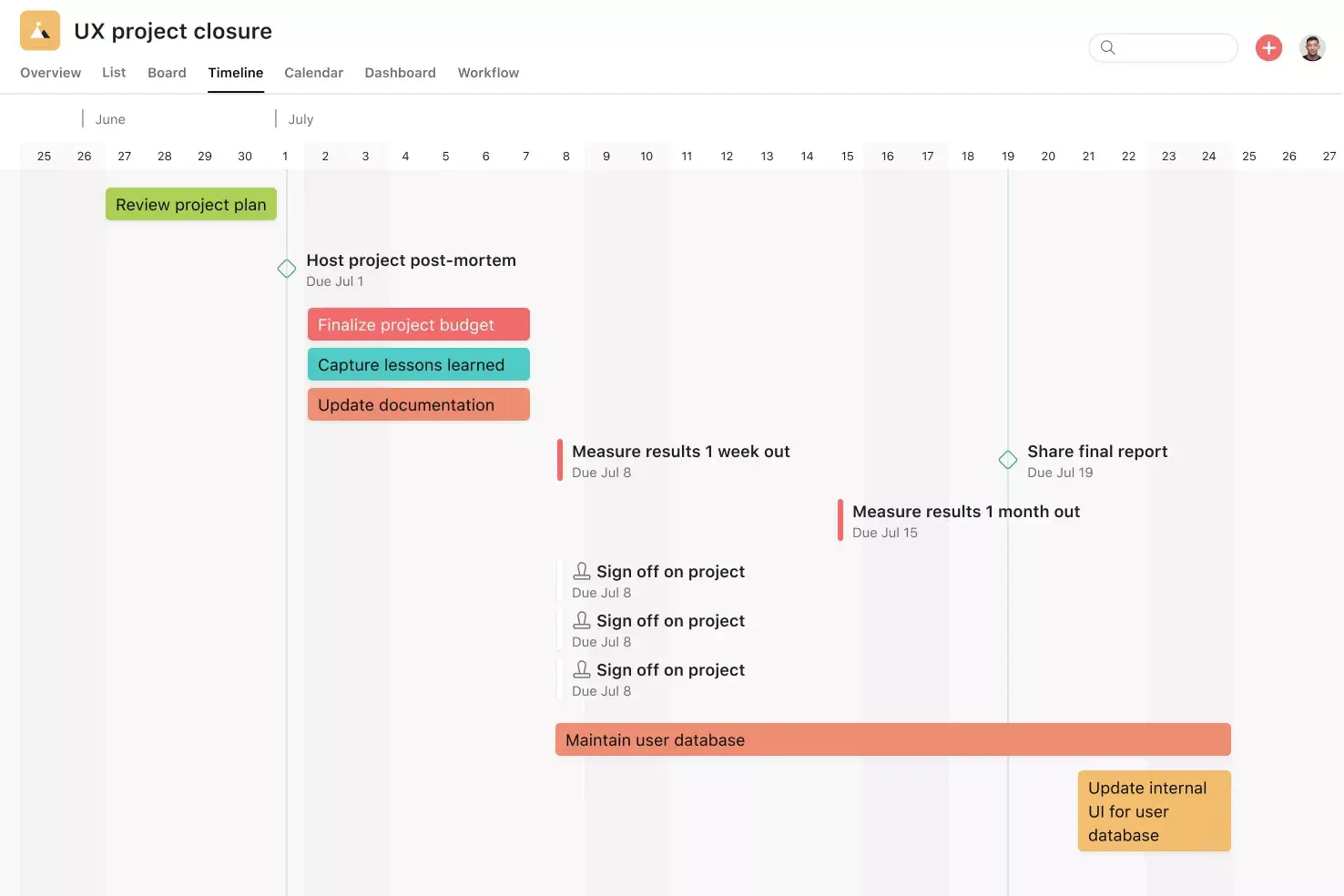
The template goes beyond task tracking to managing timelines and performance throughout your launch. Use key features like a Gantt chart to schedule work, coordinate product development activities, connect dependencies, and update schedules as plans change, while automation helps move tasks forward at the right moment. The Dashboard provides real-time metrics, charts, and insights so stakeholders can review KPIs without needing separate reports.
AI features help marketing campaigns produce content faster and with less repetitive work. You apply predefined rules that automatically trigger actions. Writers and product managers have more time to refine their messaging than to create it from scratch.
Draft content with AI. Asana AI generates initial copy for announcements, onboarding instructions, feature explainers, and release notes, based on the task details provided.
Translate content with AI. AI adapts product launch messaging for different regions or languages. Teams often use this rule when releasing something worldwide and want to ensure the copy matches expectations across regions.
Asana AI streamlines product launches by preparing content early and preventing localization requests from delaying delivery. Imagine a product marketer quickly drafting and translating messaging for a new SaaS feature instead of waiting for assistance, then passing it along for final revisions and approvals.
Customers that use Asana templates to work



![[Logo] Affirm](https://assets.asana.biz/transform/5c33f186-151e-4999-b0b5-4081f236b3cd/Affirm_logo-svg?io=transform:fill,width:2560&format=webp)





Related templates
![[User Research Sessions] template banner Card Image](https://assets.asana.biz/transform/f9fa4005-1bcf-43d0-b78a-55f8f84c3569/TG23-web-thumbnail-026-kickoff-meeting-static-2x?io=transform:fill,width:2560&format=webp)
![[Templates] Usability Testing (Card image)](https://assets.asana.biz/transform/83417d59-585c-4e30-8851-69b7a8a51d9c/TG23-web-thumbnail-034-process-improvement-static-2x-2x?io=transform:fill,width:2560&format=webp)
![[Templates] Customer Feedback (card image)](https://assets.asana.biz/transform/9f02c069-de33-4d0c-a4e0-c2ac6a793622/-Template-customer-feedback?io=transform:fill,width:2560&format=webp)

Frequently asked questions about task management tools
A product launch template is a ready-made workspace that outlines the actions, owners, and timelines required to introduce a new product. It organizes tasks, dependencies, and approvals so every contributor knows what to do and when. Product launch templates provide organization and give teams a standard process to follow for each new release.
To plan a product launch, start by defining your goals, pinpointing your target audience, and choosing a strategy that supports those objectives. Organize the work into phases, designate responsibilities, set deadlines, and monitor dependencies. A comprehensive product launch plan effectively coordinates creative assets, messaging, and rollout activities. Having all details documented, your team follows the same workflow and shouldn’t overlook any essential steps.
The 4 Ps of product launch refer to product, price, place, and promotion. They’re the core elements needed to bring an offer to market. You define the product, set pricing, choose where it will be sold, and plan how you will promote it.
The seven steps of a product launch typically include market research, positioning, planning, development, testing, rollout, and post-launch review. Each step serves a specific part of the process, from confirming demand to evaluating performance after release. Following this sequence provides teams with a reliable path from idea to launch and helps everyone understand the work involved.