


Employee Onboarding Template
Use a repeatable onboarding template to welcome new hires, track every step from pre-boarding to day 90, and help each employee feel supported from day one.
Sign up to use this template.
Employee Onboarding Template
Template created by Asana


Use a repeatable onboarding template to welcome new hires, track every step from pre-boarding to day 90, and help each employee feel supported from day one.
Use templateSign up to use this template.
INTEGRATED FEATURES
Recommended apps

![[Product UI] Asana employee onboarding template example (Lists)](https://assets.asana.biz/transform/566a5cf1-f188-481a-b2ef-4f601abd6b00/EMIM-web-onboarding-template-premium-lightmode-940x600-en-2x?io=transform:fill,width:2560&format=webp)
Summary
Every new employee goes through onboarding, but the employee onboarding process is so much more than a list of tasks. It's your opportunity to make a first impression, a precious chance to prepare employees for their new job, establish metrics for success, and make new team members feel like they belong at your company.
An effective onboarding experience has never been more important than it is now. With burnout and imposter syndrome on the rise, companies are looking for any way to make new employees feel welcome.
In this article, you'll learn:
What an employee onboarding template is and why it matters
How to structure your onboarding using the 5 C's
What to include in your checklist from pre-boarding through the first 90 days
How Asana can help you manage the entire process
What is an employee onboarding template?
An employee onboarding template is a reusable, structured checklist that standardizes how your organization welcomes, sets up, and integrates new hires. It outlines every task, resource, and milestone a new team member needs to complete, from signing paperwork before their start date to reaching key goals during their first 90 days.
A template helps HR, hiring managers, and IT see what needs to be done and when, rather than relying on scattered emails or word of mouth. This creates a consistent and positive experience for every new employee, no matter their role or location.
Why use an employee onboarding template?
An employee onboarding plan template helps you standardize the process for every new hire. With a clear program, you can make sure team members get the information they need to succeed from their first day.
Streamline the process
An effective onboarding checklist compiles all the tasks, documents, and resources your new hire needs in one place, so they don't have to track them down. When you create it in a project management tool, you can also save time by automating repetitive steps in the workflow.
Give team members the information they need to succeed
It is important to give new hires the tools they need for the job. By explaining your expectations for their first week, month, and year, you help them understand what they need to do to succeed.
This doesn't just benefit the new hire; it also increases employee satisfaction in the long term. When employees know what's expected of them, they're less likely to experience negative workplace emotions like burnout and imposter syndrome.
According to our research, burnout and imposter syndrome, which disproportionately affect younger workers, lead to:
Low morale and lack of engagement
Miscommunication and more mistakes
Higher attrition rates
Make virtual team members feel welcome
Having a clear employee onboarding template is especially important for remote onboarding. Your remote employees won't have as much face time with you or their virtual team. Making it clear what they need to do, where they should communicate, and how they can immediately begin making an impact will empower them, no matter where they live.
This matters even more for employees in different time zones. If you are not online when they are, it is important to give new hires a clear list of tasks so they can get started on their own.

Onboarding is a pivotal moment for making employees feel included from day one. It sets the tone for a person’s tenure at your company, laying the foundation for their knowledge of and experience working for your company. This is why building an inclusive onboarding experience is so important to creating an inclusive company culture.”
The 5 C's of effective onboarding
One helpful way to review your onboarding template is to use the 5 Cs, a method developed by Dr. Talya Bauer of the SHRM Foundation. These five steps help you go beyond paperwork and give real support to new hires.
Compliance: Cover the essentials, such as company policies, legal documentation, and security protocols. Automate what you can, such as tax forms and handbook acknowledgments, so this step doesn't consume your new hire's entire first day.
Clarification: Help new hires understand their role, responsibilities, and performance expectations. Include clear descriptions of what success looks like during the first 30, 60, and 90 days.
Confidence: Design the onboarding experience to build up your new hire. Provide role-specific training, pair them with a mentor, and create early opportunities for small wins that reinforce their decision to join your team.
Connection: Foster relationships early. Schedule introductions with teammates, cross-functional partners, and leadership. New employees who feel connected to their colleagues are more engaged and more likely to stay.
Culture: Go beyond listing company values in a slide deck. At Asana, one of our values is "Start with Heart," which means we approach every interaction with empathy, respect, and a genuine desire to understand. Weaving your culture into the onboarding experience helps new hires see how they fit in.
By building your onboarding template around these five steps, you create a better experience that covers both the practical and personal sides of starting a new job.
What to include in your onboarding checklist
To help new hires do well, you need a good onboarding template, and you need to know how to use it. To make your template helpful for everyone, be sure to:
Set expectations and timelines for when and how work should be completed.
Specify due dates for each action item.
Transform the template into a living document that the new hire can update in real time with questions, learnings, and next steps.
Outline the entire onboarding plan for the new hire from start to finish.
Below is a closer look at each phase you should cover in your checklist.
Pre-boarding tasks before day one
Onboarding should start before your new hire arrives or logs in for the first time. Use the time between accepting the offer and their start date to handle details, so the first day can focus on building connections instead of paperwork.
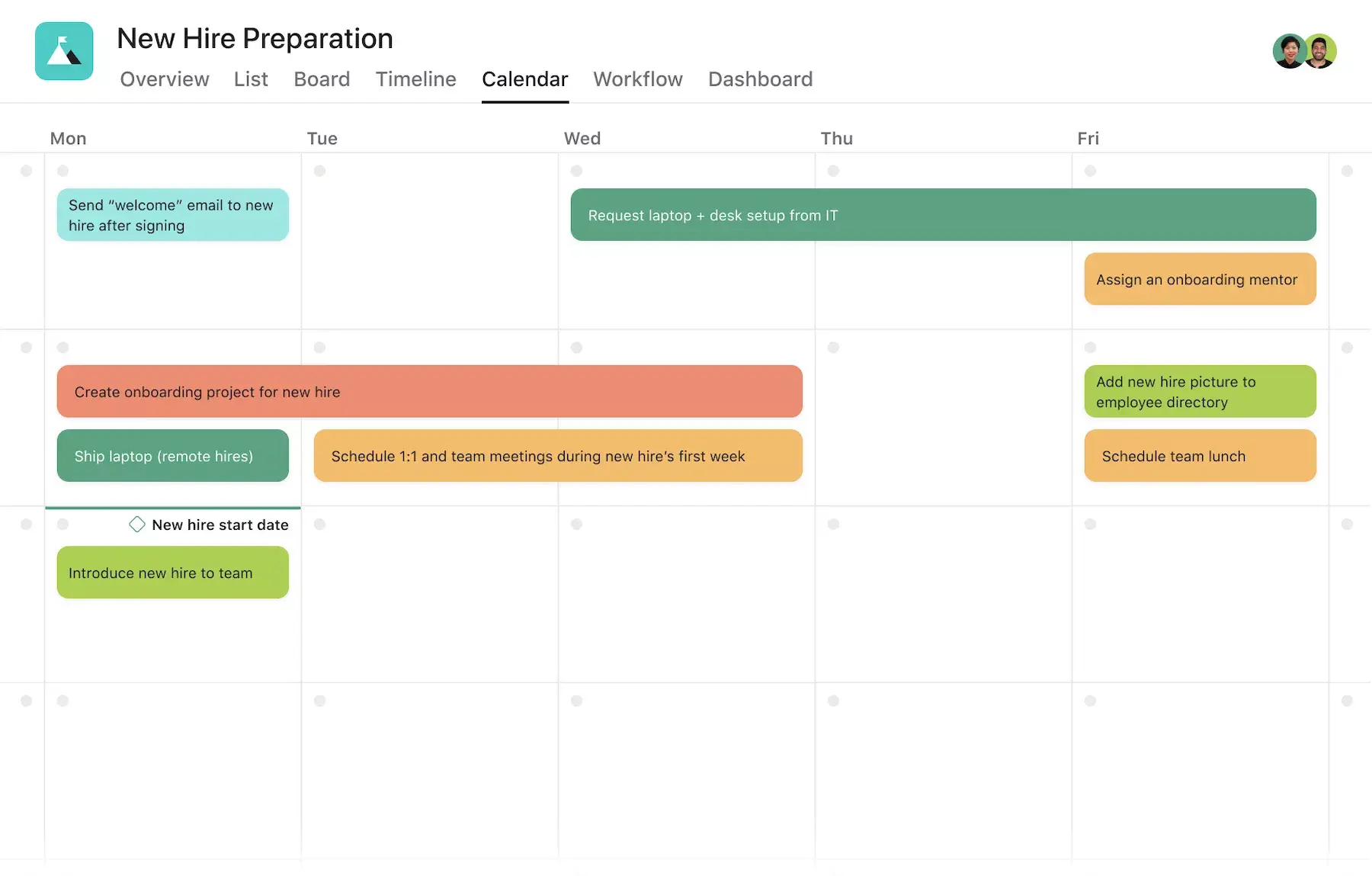
Sending a welcome email with first-day details, dress code, and what to bring.
Sharing access to tools like email, your project management platform, and communication apps.
Completing new hire paperwork, tax forms, and policy acknowledgments digitally.
Preparing their workspace or shipping equipment for remote employees.
Introducing them to their onboarding buddy or mentor.
First day and first week essentials
The first day shapes how your new hire feels about your company. Make sure they feel welcome and comfortable, not overwhelmed.
A team introduction and welcome meeting.
An overview of the company's mission, values, and culture.
A walkthrough of key tools, platforms, and communication channels.
Initial one-on-one meetings with their manager to clarify role expectations.
Access to important documents like the employee handbook, organizational chart, and team goals.
Using the 30-60-90 day plan
A 30-60-90 day plan gives your new hire a clear roadmap for their first three months. It breaks onboarding into manageable phases, so both the employee and their manager can track progress along the way.
Days 1–30 (Learn)
Focus: Absorb information
Key activities:
Complete required training
Learn team processes and tools
Build relationships across the organization
Days 31–60 (Contribute)
Focus: Take ownership
Key activities:
Contribute to team projects
Hold regular check-ins with your manager
Identify areas where you need support
Days 61–90 (Lead)
Focus: Work independently
Key activities:
Propose ideas
Take on more responsibility
Complete a performance and goals review
Asana employee onboarding template
When we invest in onboarding, we give new hires the best start in their new roles. Part of this is making sure each new hire knows what to expect from the onboarding process.
Our employee onboarding template is different. It includes the main steps we use at Asana to help employees feel welcome from day one. Each new hire receives a checklist tailored by their manager, detailing meetings, check-ins, projects, and tasks for their role.
Having one main place for all onboarding information helps employees know what to do from the start. It makes pre-boarding and onboarding easier by keeping everything together, including:
Job descriptions and role expectations
New hire paperwork and company policies
Employee handbook and key company documents
Key features for your onboarding template
The right tools make your onboarding template easier to use and more helpful for everyone. Here are some features and integrations that work well for onboarding in Asana.
Integrated features
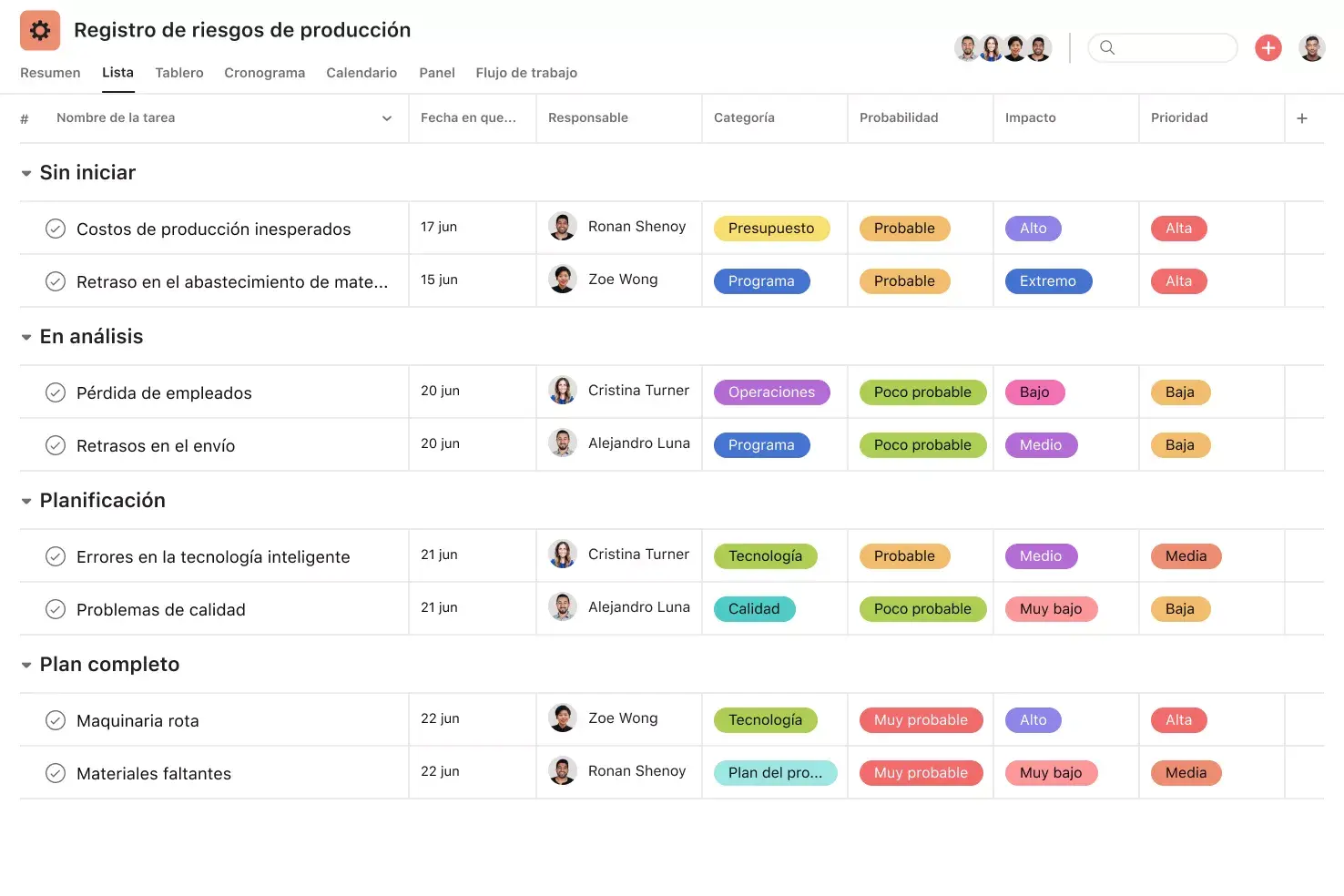
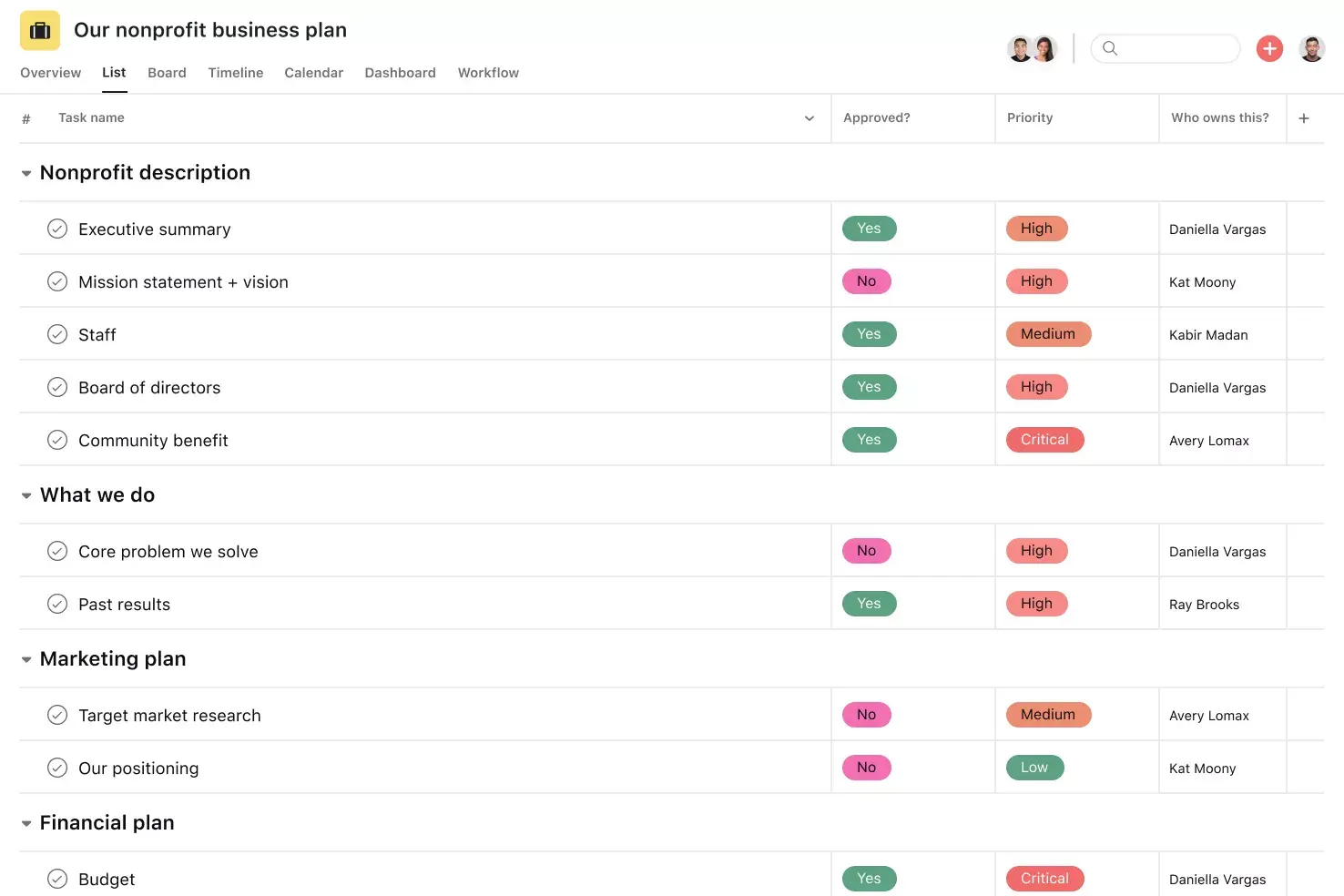
List View. A grid-style view that displays all of your project's tasks, due dates, and custom fields at a glance, so your entire team can see who's doing what by when.
Subtasks. Break large to-dos into smaller components while keeping them connected to the parent task. Subtasks help you distribute work across contributors and track multi-step processes.
Custom fields. Tag, sort, and filter work by any criteria you need, from priority and status to email or phone number. Custom fields can be shared across projects for consistency.
Multihoming. Add tasks to multiple projects to reduce duplicative work and increase cross-team visibility. Keep work in context even when it spans departments.
Recommended apps
Zoom. Prepare for meetings, create tasks during calls, and automatically pull transcripts and recordings back into Asana.
Gmail. Create Asana tasks directly from your inbox, with full email context attached, so nothing falls through the cracks.
Microsoft Teams. Search, share, and create Asana tasks without leaving Teams, even during a live meeting.
Slack. Turn Slack messages into trackable Asana tasks with assignees and due dates so work requests don't get lost.
Set your new hires up for success
A good onboarding experience helps employees succeed and stay engaged. With a clear template for pre-boarding, the first week, and the first 90 days, you can make sure every new hire feels informed, supported, and ready to contribute.
Asana makes it easy to build and manage your onboarding process in one place, with templates, automation, and integrations that keep everyone aligned. Get started and create a consistent onboarding experience your team will appreciate.
Try an Asana Employee Onboarding TemplateFAQs about employee onboarding templates
Include first-day actions, 30-60-90 day tasks, orientation materials, compliance paperwork, and any role-specific training or resources your new hire needs to get started.
The HR team typically owns the master onboarding template, while hiring managers customize it with role-specific tasks and team details for each new hire.
Ideally, onboarding should last at least 90 days so new hires have enough time to learn, contribute, and fully integrate into the team.
The four stages are pre-boarding (offer to day one), orientation (first day and week), training (role-specific skills and tools), and integration (ongoing development through the first 90 days).
Send a welcome letter before their start date with first-day details, assign them an onboarding buddy, and make sure their manager is available to answer questions throughout the first week.
Yes. Research by Glassdoor showed that organizations with a strong onboarding process can improve employee retention by 82%.
Not necessarily. At Asana, each new hire gets two onboarding projects: one for company-wide essentials and one for role-specific tasks and information.
Related templates

![[Templates] Candidate tracking (card image)](https://assets.asana.biz/transform/70ec5311-0378-430f-9be6-f7023a8070c6/inline-board-view-hiring-pipeline-2x?io=transform:fill,width:2560&format=webp)
Set new employees up for success
See why millions of people use Asana to get better work done.