


Product roadmap software that connects your plan to the work
Product roadmaps go stale when they live on slides while the work lives elsewhere. Product roadmap software shows what your team plans to build and why it matters, and Asana connects your strategy and execution in one place.
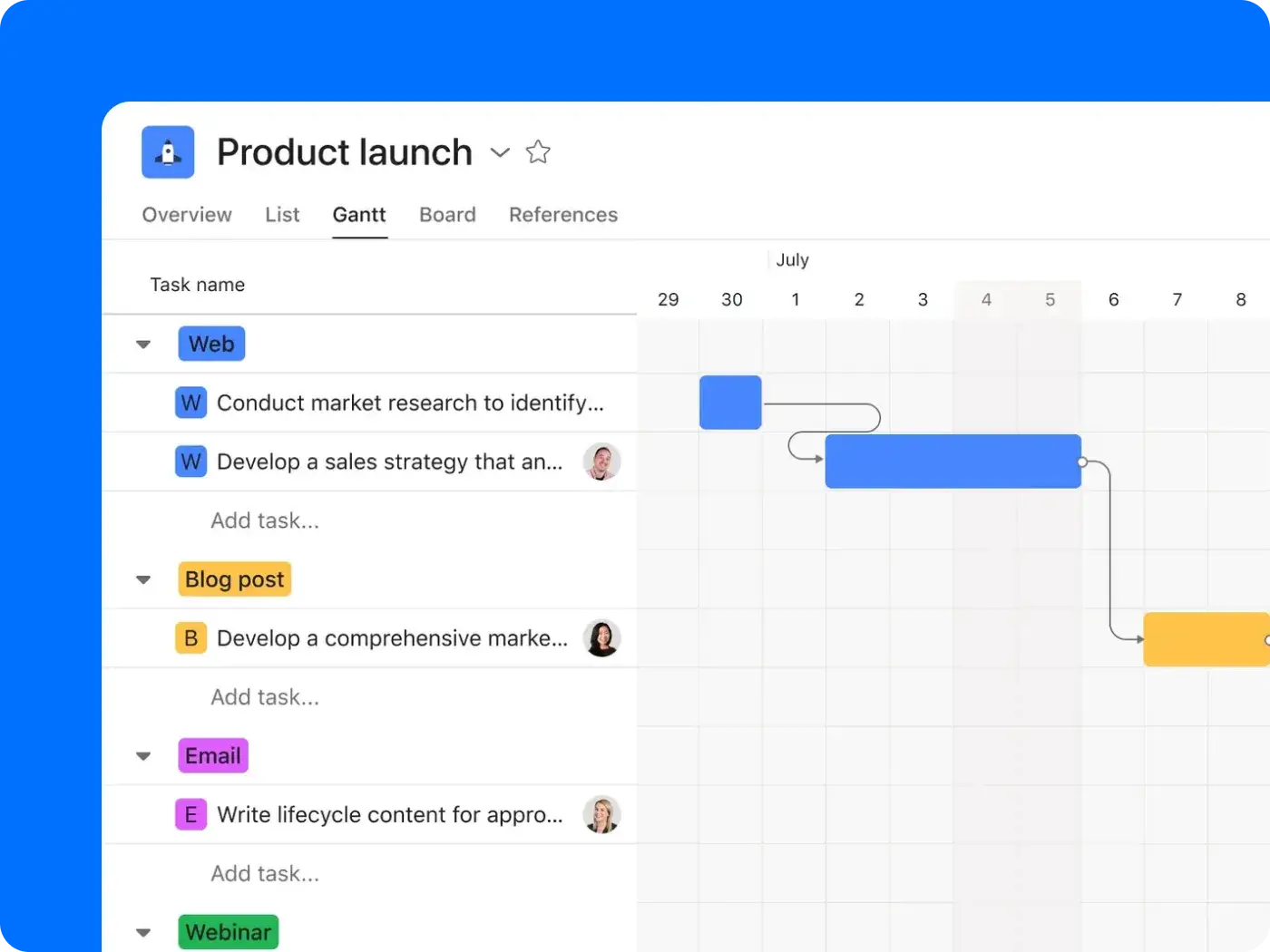
Why product roadmaps drift from reality

The roadmap and the backlog live apart
Your plan sits in slides or in a standalone roadmap tool, while the work is in a separate tracker. So when an initiative slips, the roadmap shows it’s still on time. Sales and leadership find out about the miscommunication when there’s a late launch or missed deadline, and every surprise costs you a little more trust.

Priorities change faster than the roadmap
Leadership reprioritizes a project in Tuesday’s meeting, but no one updates the roadmap. The roadmap and tracker catch up a month later because no one wants to own the manual task. Between now and then, your team builds off the old plan, while leadership works from the new one.

Nobody can trace a feature to a goal
You built out this quarter’s roadmap, but no one can connect it to a goal. Without that link, you just have a list of unconnected tasks, and every prioritization call turns into a debate with no data behind it. This is what roadmapping software from Asana is built to fix.
How Asana works as product roadmap software
In Asana, you build the roadmap from your team’s tasks. And with multi-homing, your roadmap moves when the work moves. That’s the difference between roadmap software you maintain by hand and a dynamic plan.
Plan the roadmap on a live timeline
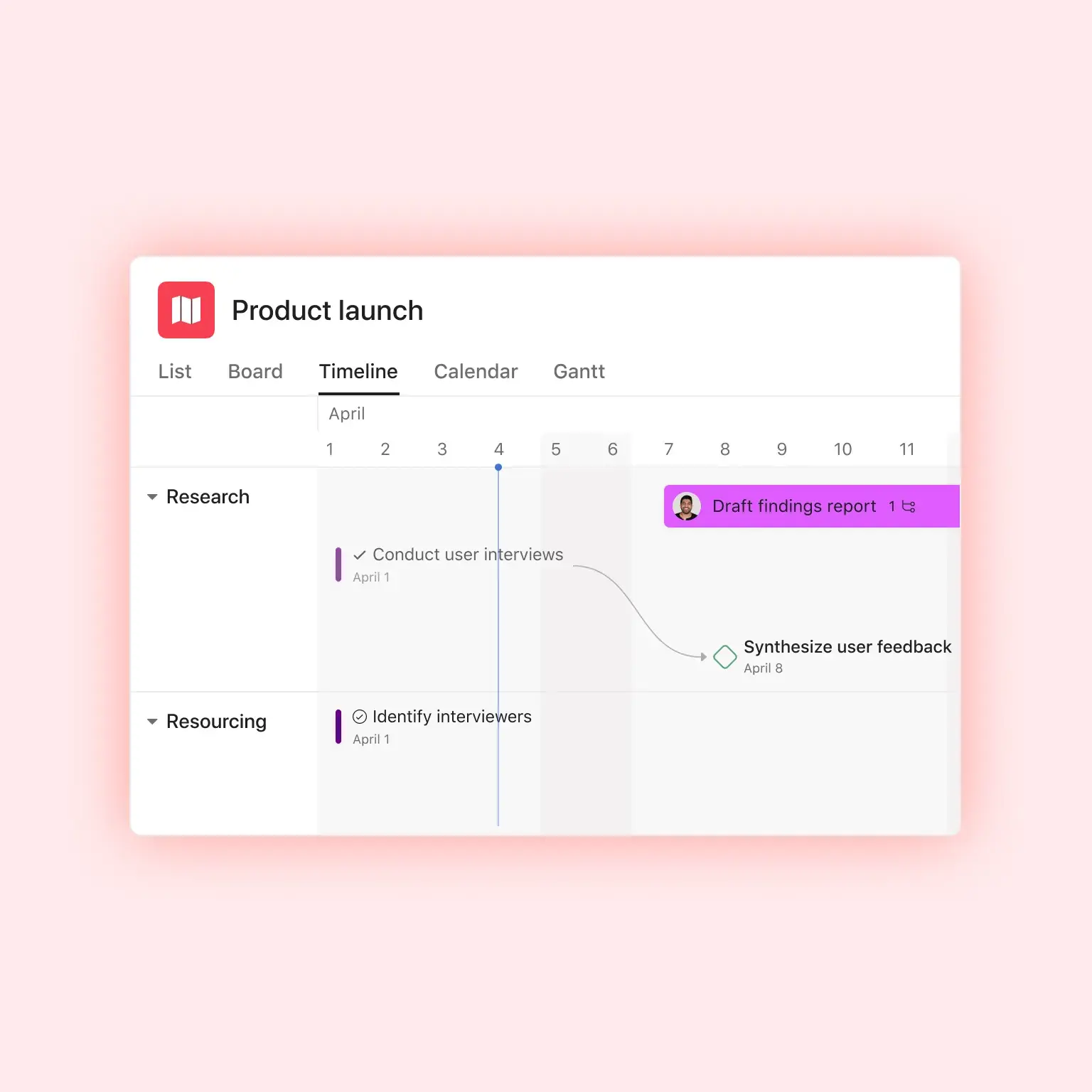
Build your roadmap as a timeline project view, which is a Gantt-style view that maps start dates, end dates, milestones, and dependencies. Then add each initiative to the delivery project that builds it. With multi-homing, one task lives in both projects and updates sync between them, and your product roadmap tools read straight from the work.

Reprioritize once; update everywhere
Custom fields capture each initiative’s priority and effort, so any change in priority is visible across all initiatives. When priorities shift, dragging an initiative to its new dates can trigger auto-shifting across dependencies (when enabled), and the roadmap, timeline, and portfolios views update for everyone. Engineering can keep running sprints with agile project management in Asana, and they see those updates as they happen because their work is connected to the same plan. When a delivery project slips, the Portfolio Advisor AI Teammate flags the at-risk initiative to its owner before the roadmap review, so they can decide what moves.

Tie every initiative to a goal
Connect your roadmaps to the goals they support, and break company objectives into team-level sub-goals. You can then report on your connected goals, showing outcomes in real time. Plus, using a strategic roadmap template allows you to plan long-term while coordinating multiple departments.

Collect feedback and requests in one place
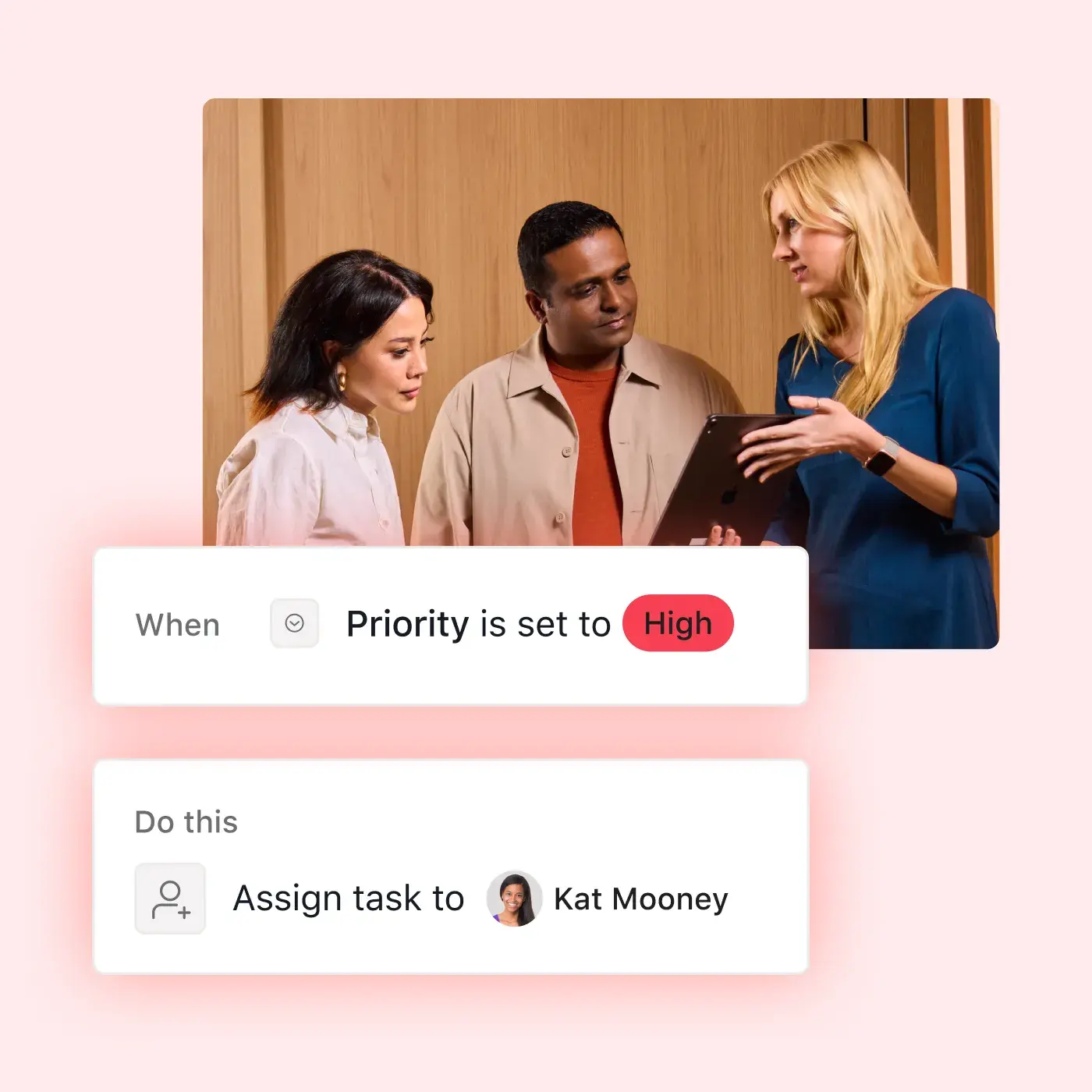
Your Asana forms turn every sales and support request into a task in your backlog project, including any necessary details and any attachments. Rules can assign and organize new requests, then route tasks to the right roadmap once they’re approved.

Built for product teams that plan and ship
Asana keeps the plan and the delivery work in the same place, no matter who owns the roadmap.



Stop syncing by hand
You shouldn’t spend hours manually copying sprint status into a roadmap deck when you could be working on strategy. Asana is product roadmap software built on real work, meaning it updates when your team delivers on its tasks. Your roadmap stays true, minus the busywork.
Morningstar Retirement eliminated two weeks from review timelines
Morningstar, a global financial organization, used to track product requests across multiple channels, including email and informal conversations. Now every request runs through a structured intake process powered by AI Studio, and the business’s roadmaps stay centralized and up to date.


Our roadmapping process was reactive and manual. Our ultimate goal with Asana AI is to make the process more strategic, so we can quickly prioritize work that will drive revenue and speed to market.Michael Allen
Global Head of Retirement Technology and Product, Morningstar Retirement
Build a roadmap your team can deliver
On your next roadmap review, the dates on your plan can match the dates your team is actually hitting. With Asana, every initiative points to the goal it serves.
Frequently asked questions about product roadmap software
Product roadmap software is a tool for planning and sharing what a product team will build, why, and roughly when, then tracking each initiative’s progress against that plan. It’s different from a project roadmap, which maps milestones for a single project. Asana connects the roadmap to execution, linking each initiative to its goal and delivery work so the roadmap reflects what’s actually shipping.
The roadmap tool depends on what you need it to do. Dedicated roadmapping tools are built for feedback-driven product strategy. Work management platforms like Asana fit teams that want the roadmap connected to the work, with goals and reporting in the same place.
Look for a visual timeline, links between roadmap initiatives and delivery work, goal alignment, fast reprioritization, and easy sharing with stakeholders. An integration library matters too, especially those for the tools your engineering team uses. Asana covers each of these in one platform, from timeline view and goals to a two-way Jira Cloud sync.
Yes. You can start for free with Asana and access multiple project views. The Timeline view, which most product roadmaps rely on, is available starting with the Starter plan. Meanwhile, goals and portfolios are available on the Advanced and Enterprise plans. Compare plans and features on the Asana pricing page.
It depends on what you need from your roadmap. If it has to stay connected to delivery, Asana covers both roadmap planning and execution. If you need built-in customer-feedback scoring or a public roadmap portal, a dedicated roadmapping tool is the better fit, though these can sit alongside Asana.
Yes. Engineering can keep working in Jira while the roadmap and cross-team work live in Asana. The Jira Cloud integration offers a two-way sync between Asana tasks and Jira issues for Advanced plan users, including the fields you choose, and rules can also create Jira issues automatically when tasks are added to a project.
Yes. You can invite stakeholders to an Asana portfolio where they can see the status of every initiative in one place. You can also send status updates in a few clicks and provide comment-only or read-only access to prevent accidental changes. And paid plans include unlimited free guests.
Start with the product roadmap template, which already tracks launch timing, priority, effort, status, and company goals. You don’t need to start from scratch. Next, add your initiatives and milestones in timeline view, then connect each initiative to its goal and delivery project. For additional details, check out our product roadmap tips.