


Project scheduling software to sync dates and dependencies
Your schedule is only accurate on the day you manually build it. With project scheduling software like Asana, you can map tasks, dates, dependencies, and milestones on a shared timeline, so moving one task shifts every dependency, too.
Why project schedules fall apart

One slip breaks every date after it
Dependencies live in someone’s head, where nobody else can see them. Design slips three days, but development keeps its original start date. Nobody sees the conflict, not even the project scheduler, until the launch date is at risk.

The schedule is a file, not a shared plan
A spreadsheet or desktop Gantt file has one editor and many stale copies. Three versions of the schedule circulate before launch, and each team schedules its projects based on a different set of dates.

Milestones are invisible until they’re missed
Key dates sit on the schedule, but nothing tracks them against real progress. Each milestone passes quietly, and you only catch the problem when you fall short of your business goals.
How Asana works as project scheduling software
Asana treats your schedule as a dynamic plan. Dependencies and milestones sit alongside the same tasks your team updates every day, so the schedule moves as the work does.
Link dependencies so dates move together
Set your project view to Timeline, then drag a connector from one task to another to set a dependency. When a date changes, connected tasks move, too. A dependency line flags tasks that overlap, and work schedules keep shifted dates off weekends. And on Advanced plans and up, you can highlight the critical path to see which chain of tasks controls your deadline.

Build one live schedule that the whole team shares
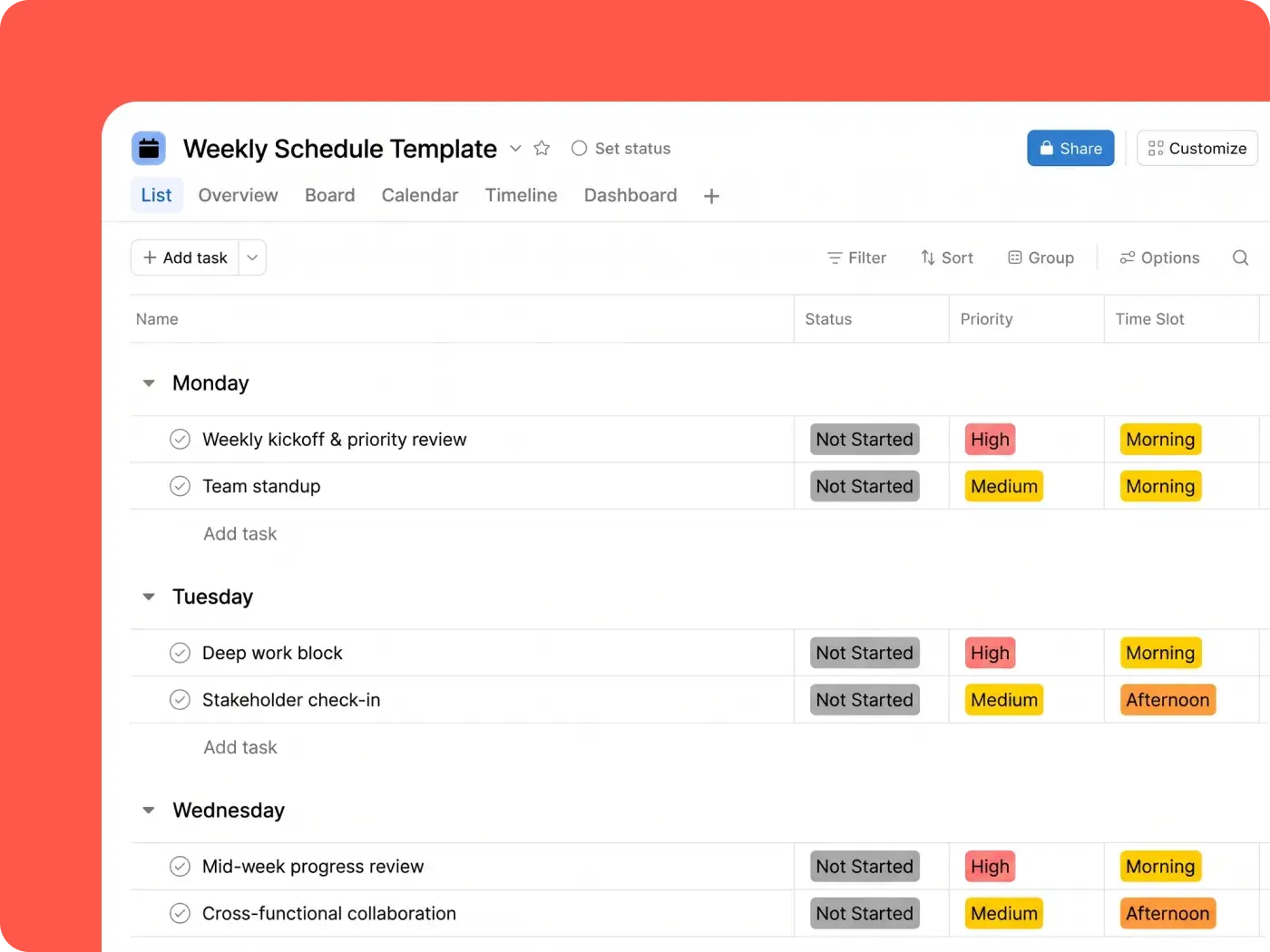
Everyone uses the same project schedule. You can see a single plan as a list, board, calendar, timeline, or Gantt chart, and every view updates as owners finish their work. Teams can also start from a project schedule template, adjusting elements and integrating apps as they go.

Track milestones against real progress
Project milestones mark the dates that matter most, right on the timeline. With status updates and project dashboards, you can see whether you’re on track to reach your goal, and baselines in Gantt view allow you to compare your progress with the original plan. Drift shows up before you miss a key date, and AI Teammates can flag an at-risk milestone to its owner and draft the status update for you to review.

Schedule around real capacity
Workload shows who’s overbooked before you approve a project. You can also add effort and capacity, which gives you real-time insight into the work your team has lined up. Plus, you can check who has room before you set dates or plan your team’s time across projects.

Integrate with the tools your team already uses
A project scheduling tool only works if it fits your tech stack. With Asana, you can connect to the apps your team already uses with 200+ integrations, including Microsoft Teams, Outlook, Gmail, HubSpot, Jira and Slack. You can also import existing spreadsheets as a CSV.

Built for teams that plan to a deadline
If you own the schedule, you need to own the dates. Here’s how Asana helps those who answer for both.



Stop rebuilding the plan after every change
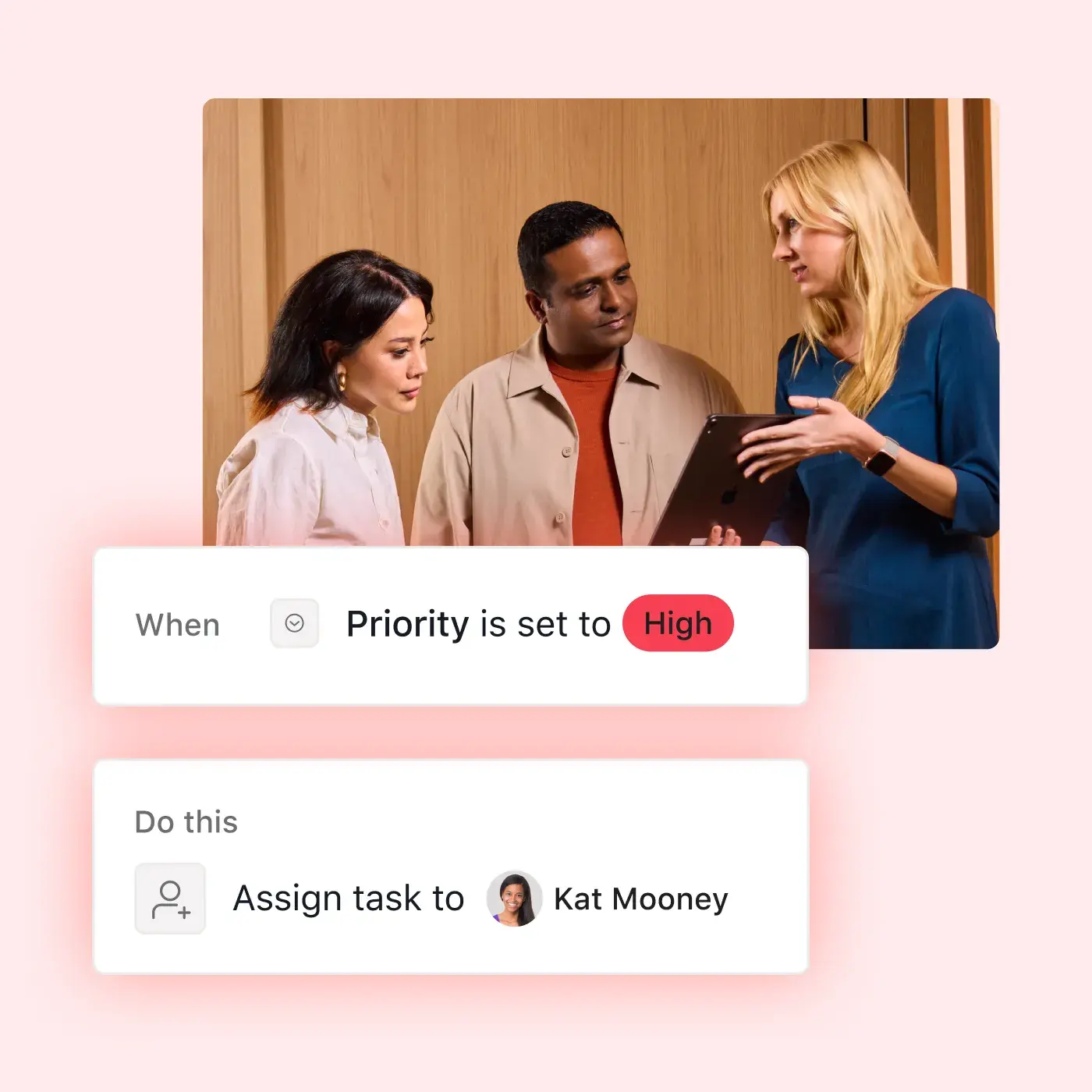
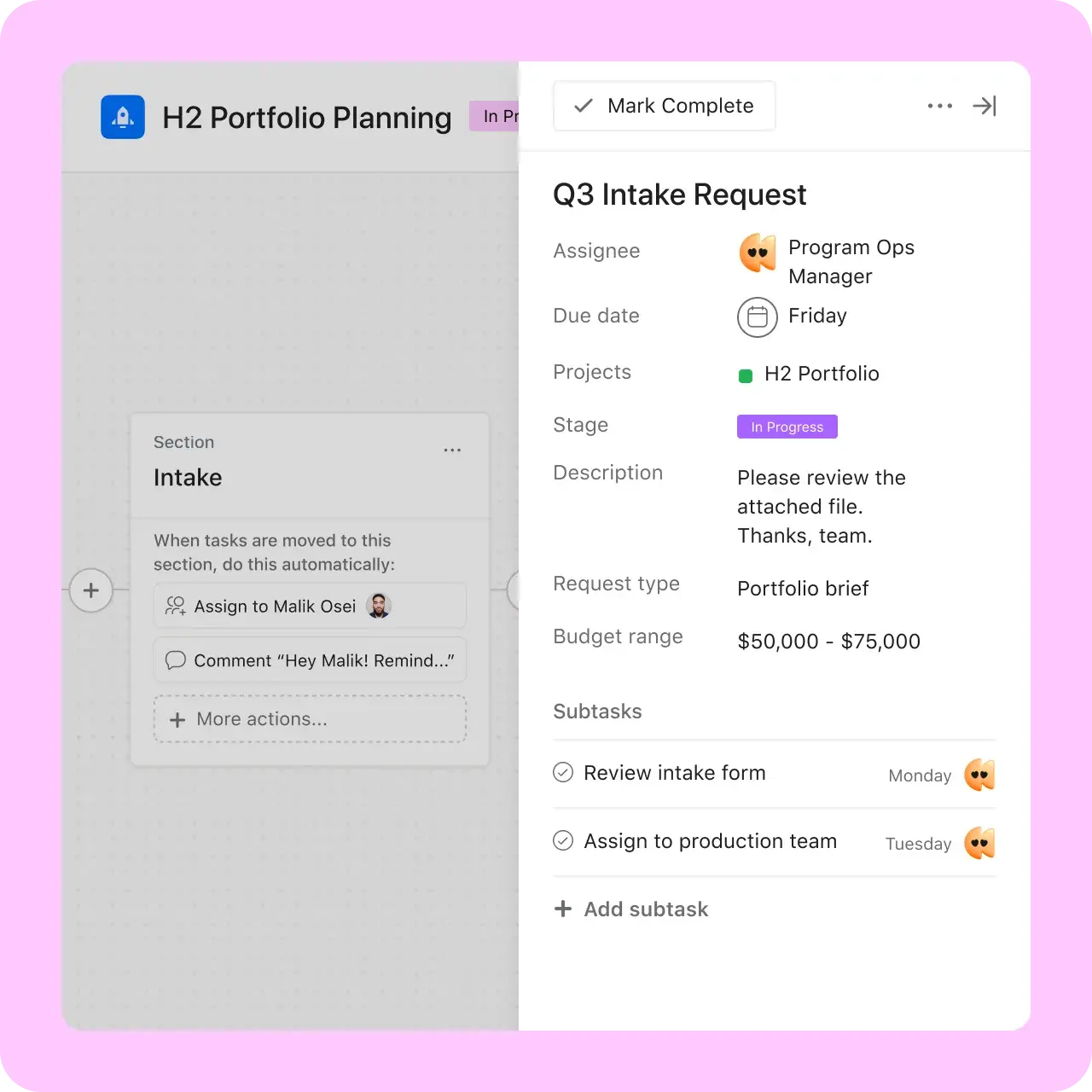
Move one date in Asana and its dependents move with it. Conflicts appear in red, and the critical path indicates which slips actually matter. Instead of managing a spreadsheet, you spend your time managing the project.
Beauty Pie saves 444 workdays with Asana.
Beauty Pie, a luxury beauty and wellness buyers’ club, launches hundreds of products a year. In Asana, its teams track key milestones and dependencies, giving leadership and contributors real-time visibility into the status of every project.


As a small business managing a high volume of intricate projects, we needed a way to handle that complexity. With Asana, our teams can access exactly what they need across hundreds of projects, so everyone knows what to do and by when—keeping our launches on track.Katie Sissons
Senior Program Manager, Beauty Pie
Build a schedule that keeps up
The next time a date slips, your schedule moves with it. Give everyone what they need to see the new (and improved) plan with Asana.
Frequently asked questions about project scheduling software
Project scheduling software is a tool for planning when project work happens. It maps tasks, start and due dates, dependencies, and milestones so a team can deliver work on time. The best project scheduling tools also keep the plan up to date as project expectations change. Asana offers these features (and more, depending on your plan) in shared project timeline schedules.
Several tools offer free tiers, and the best tool will depend on what you need. You can start for free with Asana, which gives you access to list, board, and calendar views. Timeline and Gantt views with task dependencies are available on the Starter plan and above. See Asana pricing for current details, or start a free trial.
Look for a Gantt-style timeline, dependencies that automatically update dates, milestones, and a shared view. You may also want to consider workload views to spot overbooked teammates and plan team capacity.
Microsoft Project and Smartsheet are long-standing choices for formal project schedules. Teams widely use work management platforms like Asana, too, as they support cross-functional teams whose schedules change as work shifts. The right choice for your team depends on how complex your schedule is and how many departments need to work in it.
For most cross-functional projects, yes. Asana supports dependencies, critical paths, baselines, and auto-shifting dates, and everyone works in the same plan. For engineering or construction schedules that need resource leveling or earned value tracking, a dedicated scheduler like Microsoft Project may still be the better fit.
Yes. Asana integrates with Microsoft Teams and Outlook Calendar, so your team can see project updates and task dates in the tools you already use.
To create dependencies, you mark one task as blocked by another in your project. When you move a task, its dependents shift based on the mode you pick: maintain buffer, consume buffer, or none. If dependent tasks overlap, a red line flags the conflict so you can fix it.
Yes. Teams can run iterative work on boards with columns for each stage, or they can plan Waterfall projects on a timeline or Gantt chart. You can also switch between views within the same project, and many teams mix Agile project management and Waterfall approaches in a single plan.