


Resource Scheduling: How Asana Keeps Every Team on Track
When resource scheduling spans multiple projects, spotting overloads before they derail work is nearly impossible. Asana surfaces real-time workload data in one view, so you can rebalance assignments and adjust timelines without leaving the platform

![[Industry - Agency] Time Tracking (image)](https://assets.asana.biz/transform/2a48f126-bbf5-4502-8990-b34b092344df/agency-time-tracking-mid-fi?io=transform:fill,width:2560&format=webp)
Why growing teams struggle with resource scheduling

You can't see who's actually available
When capacity lives in multiple places, every new assignment starts with a round of questions. By the time you have answers, deadlines are already at risk.

Resource conflicts are hard to verify
Two PMs can assign the same person to overlapping projects without either knowing it. The conflict surfaces at standup — after both schedules depend on them.

Rebalancing workloads is manual and slow
When someone's out unexpectedly, the project manager spends the day auditing tasks and redistributing work while the team waits for direction.
How Asana makes resource scheduling work
Asana gives managers the visibility to spot conflicts early, balance workloads, and keep projects on track.
Everyone’s capacity in one view
Use Asana’s workload management view to compare assignments across multiple projects.
Measure capacity by task count, hours, points, or custom fields.
Filter by team member or project to identify available resources.
![[Product UI] Workload management in Asana (Workload)](https://assets.asana.biz/transform/04f7d02f-1ce7-48dc-91d4-d17f2d3b3f9e/inline-generic-workload-2x?io=transform:fill,width:2560&format=webp)
Catch scheduling conflicts early
View overlapping assignments across projects on a unified timeline.
Red capacity bars indicate that a team member has exceeded their workload limit.
Reassign tasks proactively to prevent conflicts from impacting deadlines.

Rebalance workloads in minutes, not hours
Easily reassign tasks or adjust due dates using the drag-and-drop feature in Workload.
Use the Timeline view to adjust schedules and review task dependencies.
Rebalance workloads without updating separate spreadsheets.
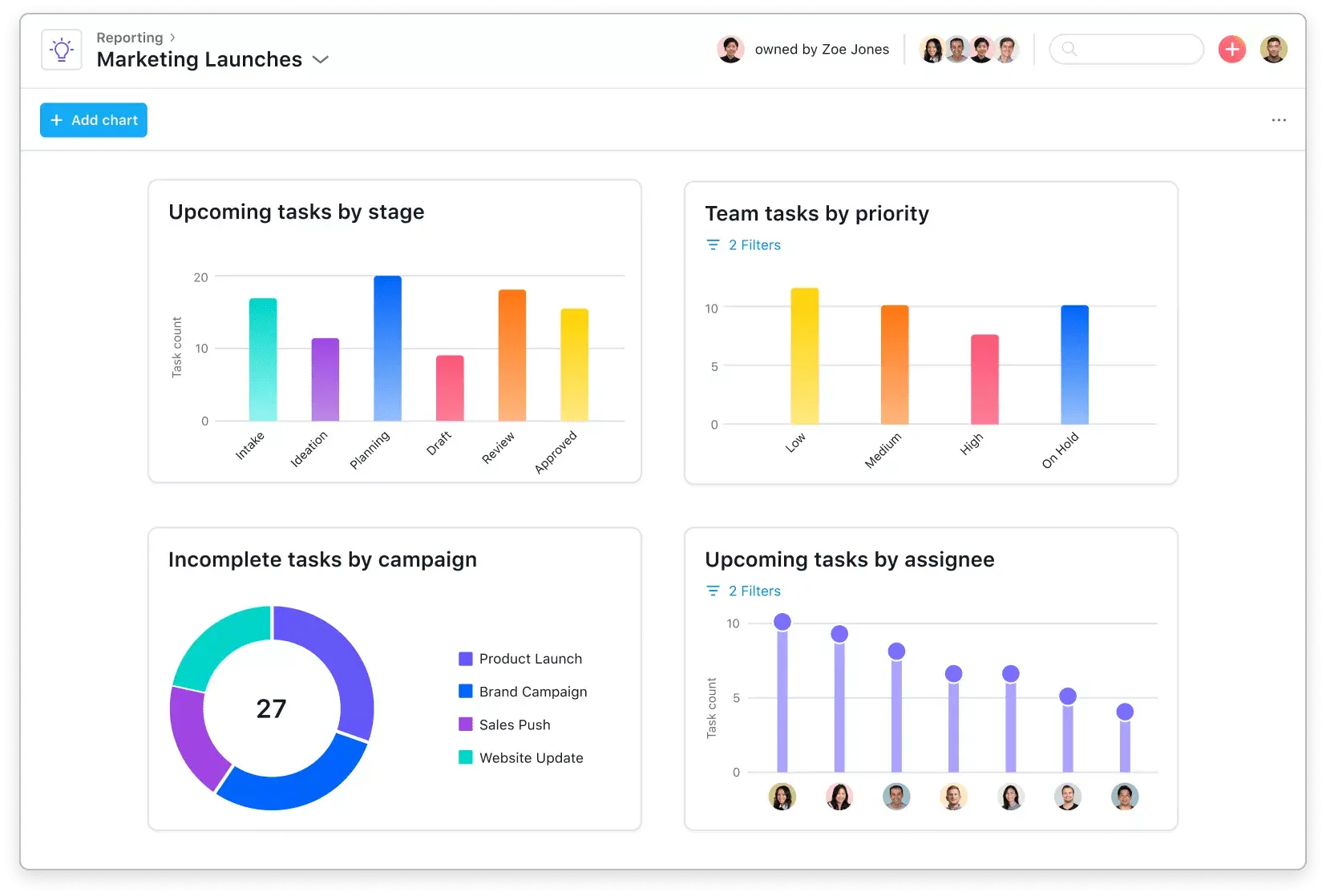
Dynamic resource scheduling
Assign team members to projects or workstreams based on hours or percentages.
Leverage Asana’s resource scheduling tools to set task dates, durations, and dependencies.
Update staffing and schedules as priorities change.
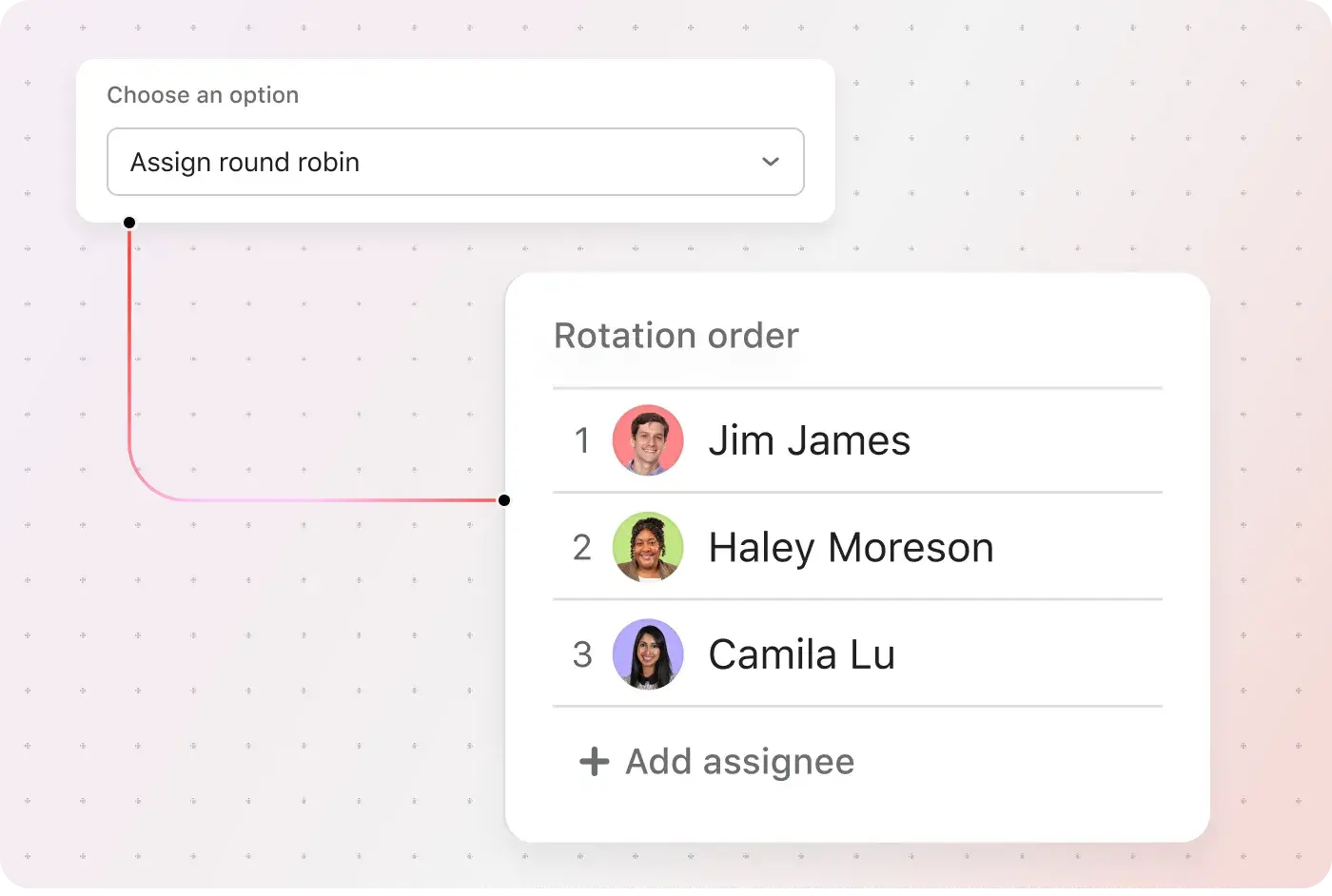
Resource scheduling for every kind of team
![[Industry - Agency] Capacity Planning (image)](https://assets.asana.biz/transform/04903fea-aed2-43a6-895a-ce0dee97a84e/agency-capacity-planning-mid-fi?io=transform:fill,width:2560&format=webp)

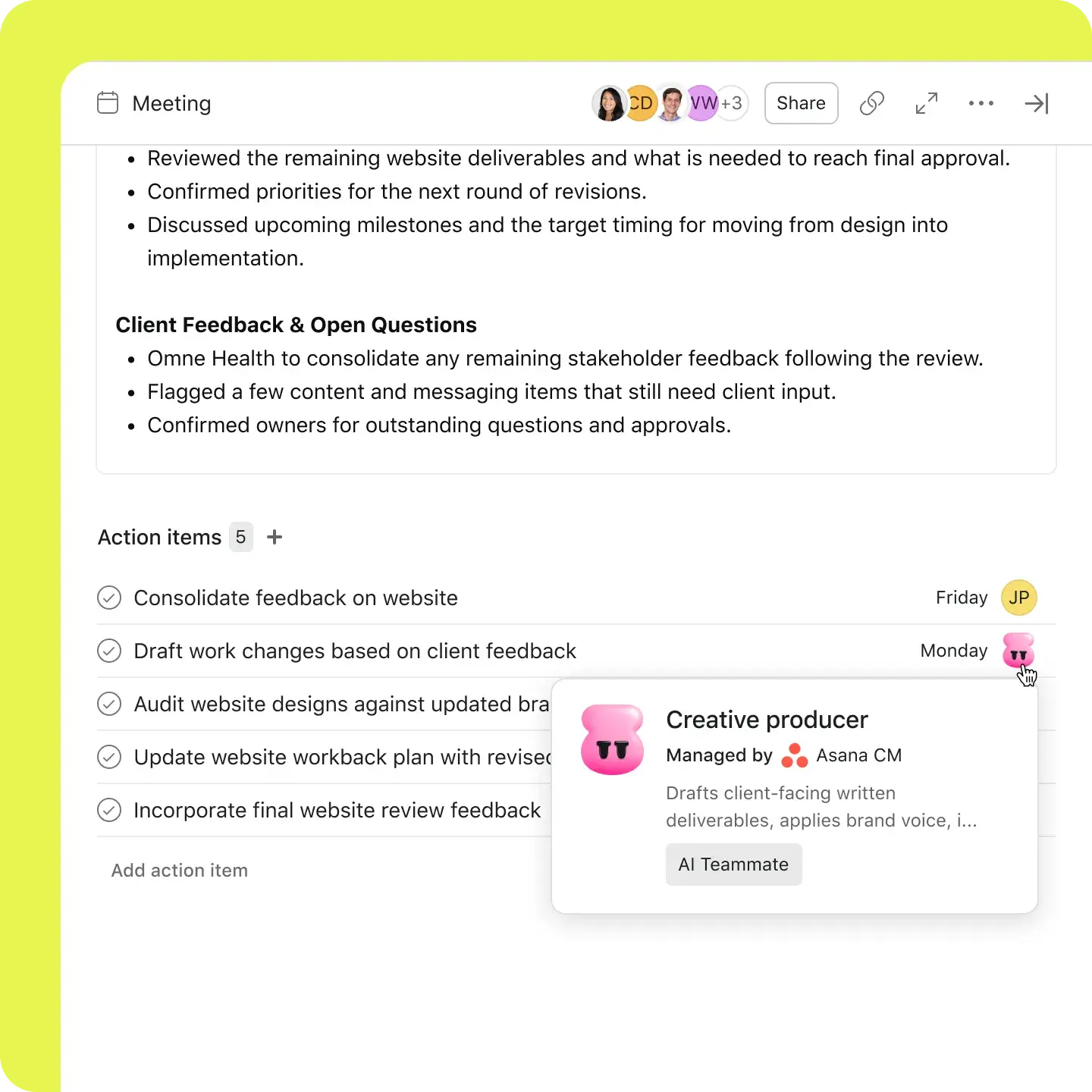


Always know who has capacity — and who doesn't
Asana's Workload view surfaces capacity across your entire project portfolio in one place.
Overloads are flagged automatically — no manual board reviews needed.
Rebalance assignments directly in Workload view without switching between projects.
PMO leaders get a live utilization picture, updated in real time.
Asana enabled Gannett to increase campaign capacity by 2.4 times

![[Case study] Gannett - share image](https://assets.asana.biz/transform/377fb320-ad81-4035-be77-dd7852429c6a/card-Gannett-asana-customer?io=transform:fill,width:1120&format=webp)
Having one centralized ecosystem that brings all doers and stakeholders together has really accelerated our understanding of the work we do and the speed in which we do it.Steven Tai, Director, Marketing Operations


2.4x
compared to the previous capacity using the same resources
120–150
campaigns managed per month
389
workdays saved annually
Ready to put your resource schedule into action?
Spend less time checking spreadsheets and more time balancing workloads. Asana brings resource scheduling and project planning into one place.
Frequently asked questions about resource scheduling
Resource scheduling involves identifying, allocating, and managing the people, equipment, and time a project needs. Tools like resource availability dashboards and Gantt charts help managers assign tasks and dates efficiently, avoiding overallocation or misallocation. In Asana, Workload and Timeline enable teams to assign resources, monitor capacity, and adjust project timelines as work progresses.
The main resource scheduling methods are time-constrained and resource-constrained scheduling. With a fixed deadline, managers adjust resources or scope to meet it. With fixed capacity, they adjust the timeline or project scope to accommodate resource constraints. Resource leveling mitigates overallocation by rescheduling tasks or extending timelines. As plans change, resource scheduling optimization requires managers to revisit assignments and dates. Asana solves these issues with Workload, Timeline, and Capacity Planning.
Resource scheduling helps teams prevent resource conflicts, minimize delays, improve resource utilization, and forecast when new work can begin. Asana's Workload view compares assigned effort with each person's capacity, providing managers with up-to-date information before assigning tasks or changing deadlines.
In project management, resource scheduling involves documenting resource requirements, including the people, skill sets, tools, and budget for each phase, and determining when they are needed. Project management resource scheduling becomes more complex when concurrent projects require the same resources simultaneously. With Asana, you create a resource schedule, review tasks and capacity, and then adjust owners or dates as needed.
Teams evaluating project resource scheduling software can use Asana's Workload, Timeline, and Capacity Planning features. Workload compares assigned effort with available resource capacity. Timeline displays milestones and task dependencies. Capacity Planning supports long-term resource planning by person or project. You can review resource shortages, then reassign work or reschedule tasks in Asana.
Asana’s free Personal plan does not include Workload or Capacity Planning, so it won’t meet your needs if you want free resource scheduling software with either feature. You can still use Asana’s free template library to organize projects and assignments. Timeline is available in Starter, Portfolio Workload in Advanced, and Universal Workload and Capacity Planning in Enterprise. Please review pricing before selecting a plan, as features may change.
Resource scheduling determines when and where to assign people, equipment, or time. Resource management covers the broader process of acquiring, developing, and utilizing resources over time, with scheduling as one component. Asana's resource management software supports both task-level scheduling and long-term resource forecasting.