


스타트업부터 Fortune 선정 100대 기업에 이르기까지 170,000개 이상의 팀*이 Asana를 신뢰하고 있습니다

![[로고] Goodrx - AI](https://assets.asana.biz/m/464cae48ddeaf94a/original/WEB-AI26-buyer-goodrx-logo.svg)







Asana와 MS Project의 차이점은 무엇인가요?
기능
팀을 위해 구축된 AI
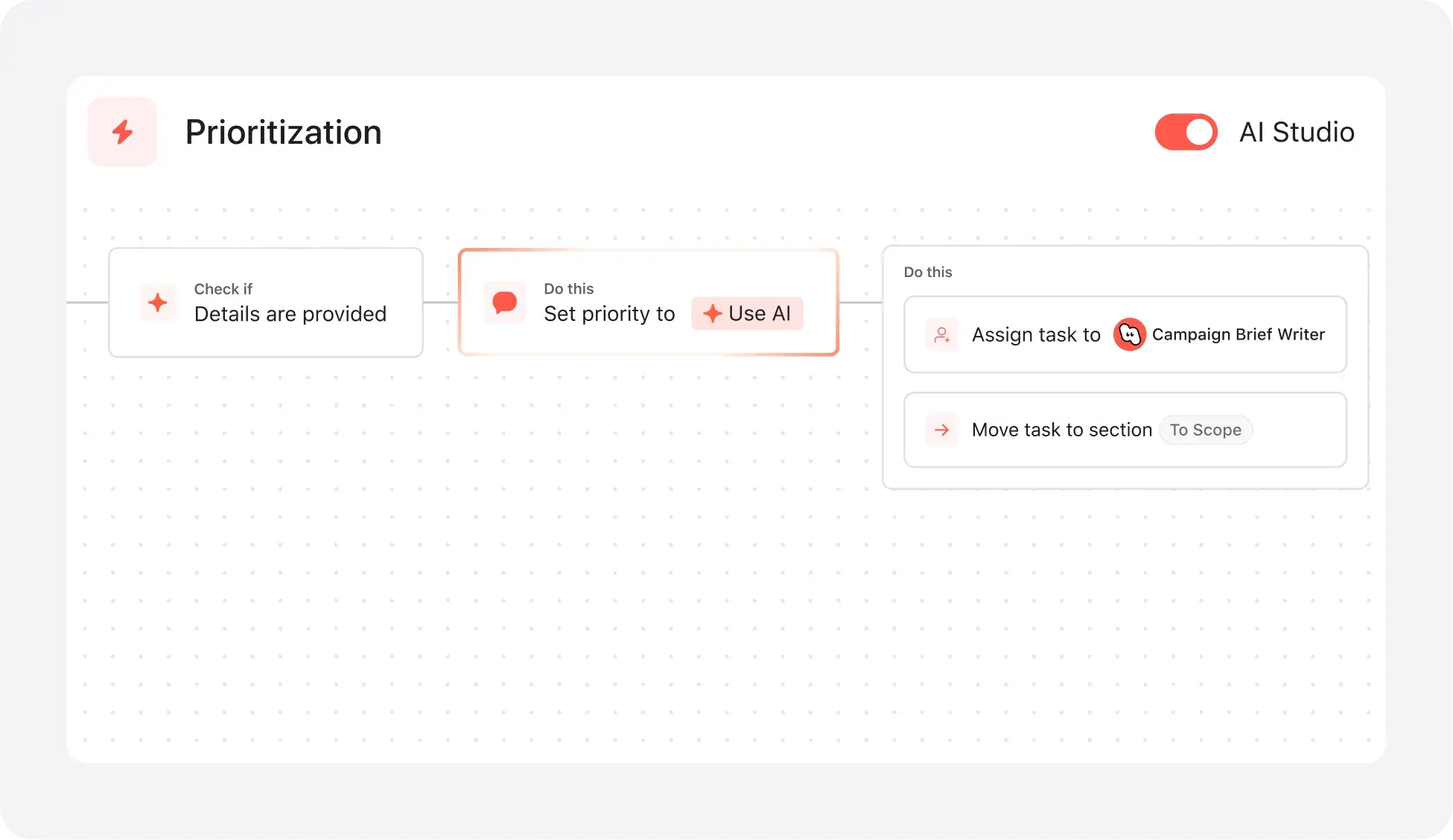
Asana AI 팀원은 업무 그래프를 기반으로 하는 AI 에이전트이므로 첫날부터 팀의 목표, 프로젝트, 종속성을 파악할 수 있습니다. 모든 AI 작업은 확인 가능하며 감사 가능합니다. 더 알아보기.
신속한 도입을 위한 체계적인 온보딩 및 지침
Asana는 직관적인 인터페이스와 함께 포괄적인 온보딩, 앱 내 가이드, 템플릿, 체크리스트, Asana 아카데미 교육을 제공하므로, 팀은 하나의 플랫폼에서 작업 추적부터 기업 포트폴리오 관리까지 다양한 업무를 확장할 수 있습니다. 더 알아보기
Cross-functional visibility across projects
Asana connects communication and project updates in one place. Comments, file sharing, and a centralized inbox keep teams aligned, and tasks can live in multiple projects to enable cross-functional visibility and organization-wide collaboration. Learn more
연결된 업무를 위한 400개 이상의 통합
Asana는 Slack, Microsoft Teams, Google 드라이브, Salesforce와 같은 인기 툴과 400개 이상의 연동을 제공하므로 팀이 프로젝트와 부서 간에 워크플로를 연결하고 협업을 효율적으로 확장할 수 있습니다. 더 알아보기
고급 리소스 관리 제어
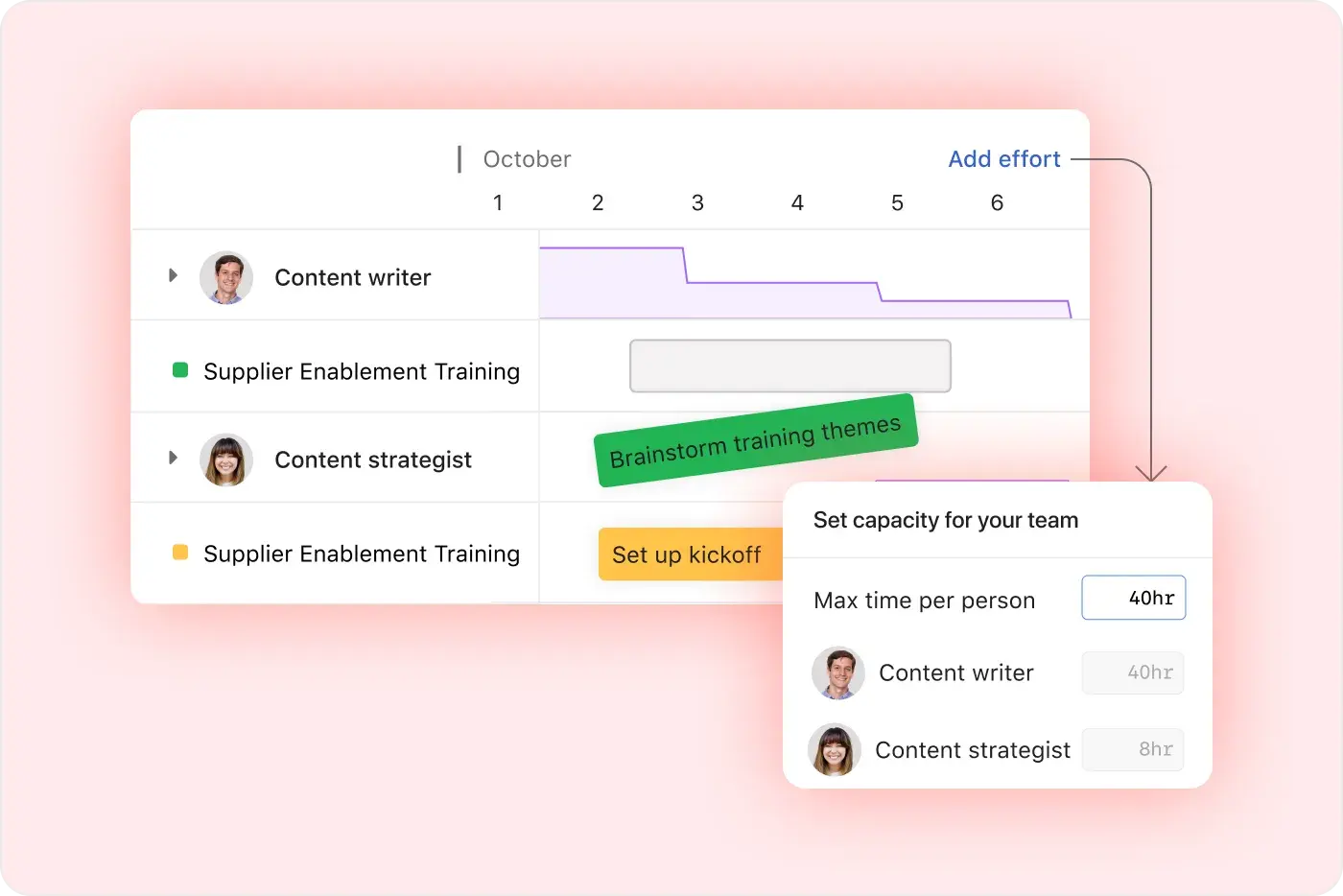
Asana는 시각적 워크로드 보기, 실시간 작업 수용량 계획, 유연한 작업 관리로 사용 편의성을 강조하여 팀이 업무를 균형 있게 조정하고 실시간으로 작업량을 추적할 수 있도록 합니다. 더 알아보기
Project and workflow customization
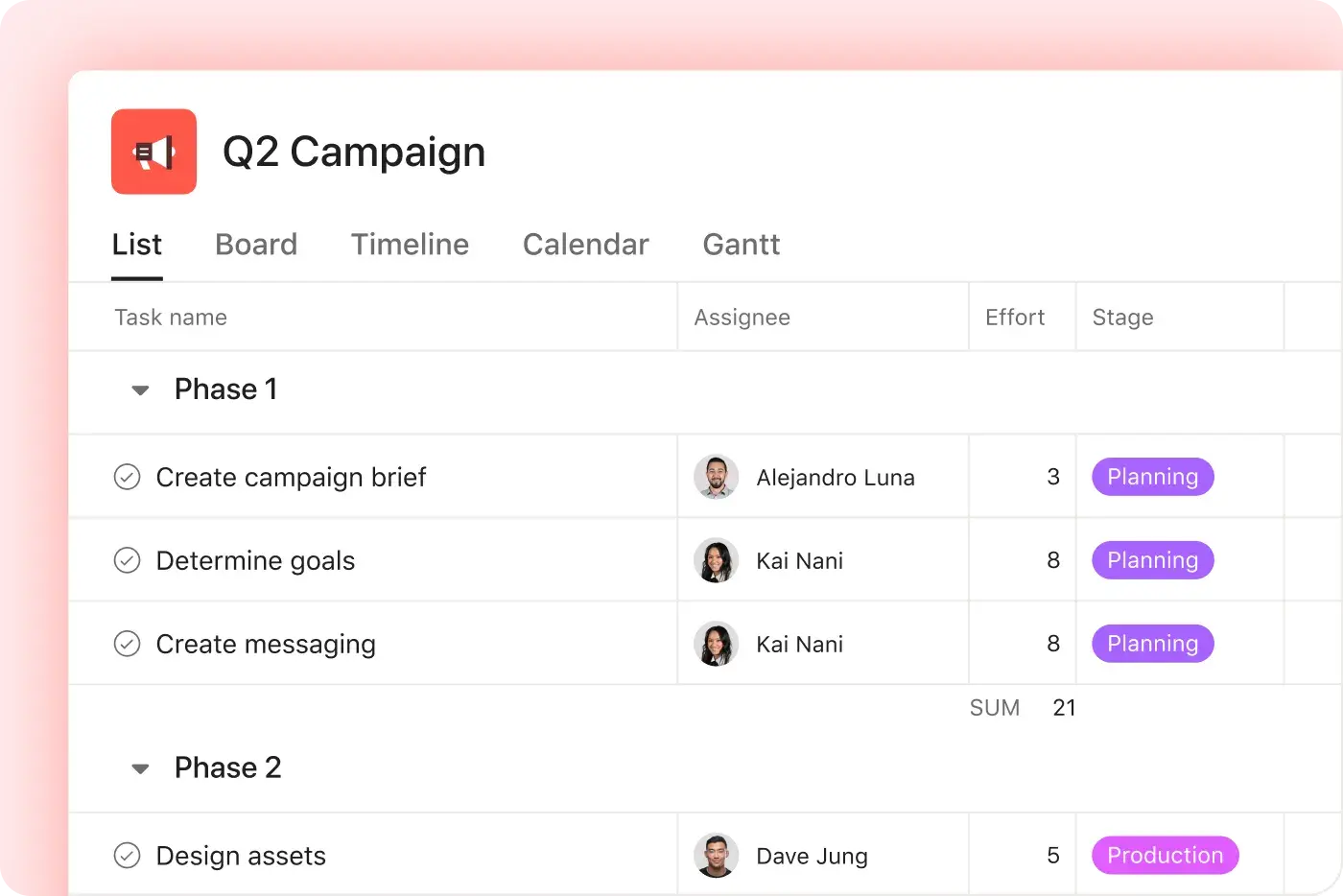
Asana offers multiple native project views—including list, board, timeline, and calendar—along with advanced customization through custom fields, rules, and templates, enabling teams to tailor workflows and manage work with greater flexibility. Learn more
직관적인 조직 전체 보고서
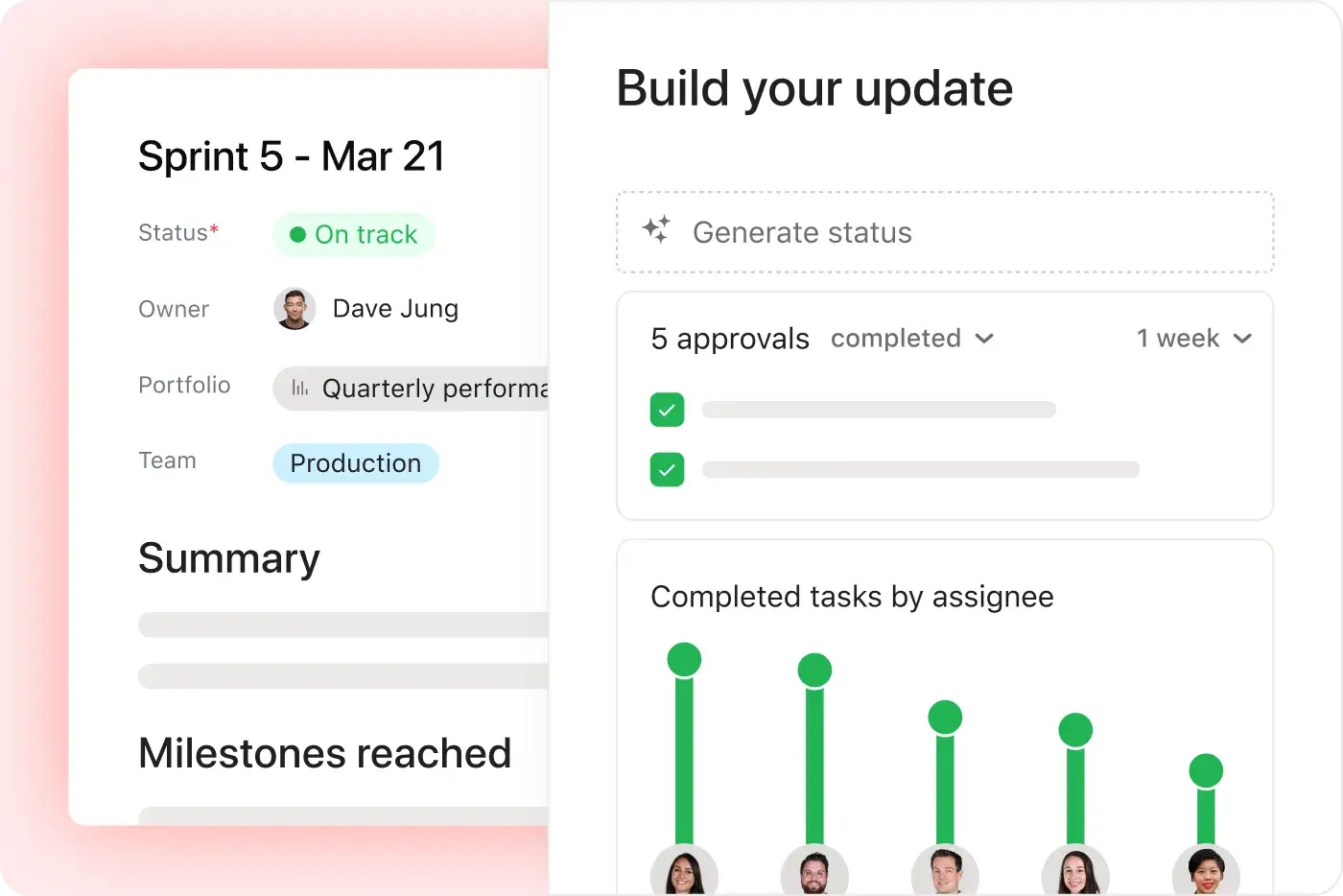
Asana는 비즈니스 규모에 따라 조정할 수 있는 실시간 보고 기능을 제공합니다. 팀은 전략을 실행으로 연결하는 대시보드와 인사이트를 통해 수천 개의 프로젝트와 작업에 걸쳐 목표, 포트폴리오, 성과 지표를 추적할 수 있습니다. 더 알아보기
Asana 고객이 Asana를 선호하는 이유


I've used Trello, Smartsheet, MS Project, and other platforms similar to Asana. I must say that it's by far the simplest to absorb and make your own but still align with your primary platforms for email and calendar.
Asana is very simple and intuitive to use. Additionally, our team members appreciate the dashboard, as it helps us easily visualize the status of our projects. We have also integrated Asana with Outlook Calendar, which has been a lifesaver for us.

“Asana를 사용하면 OKR을 관리하고 추적하는 일이 수월해집니다.” 회사의 모든 인원이 주요 우선순위가 무엇인지 알고 이에 따라 업무를 계획, 추적, 보고할 수 있습니다. 이로 인해 효율이 높아져 더 신속하게 실행하고 확장할 수 있습니다.”
- 제품 관리 부문 Dian Rosanti

“Zoom이 성장함에 따라 업무 우선순위를 정하고 비즈니스상의 의사결정을 내릴 수 있도록 모든 진행 상황을 표준화된 방식으로 표시하고 싶었습니다.” 이를 위해 업무 처리 방식과 팀 간 지식 공유 방식에 대한 가시성, 책임감 또는 책임 소재를 파악할 수 있는 능력, 일관성이 필요했습니다.”
- 보안 부문장 Ariel Chavan
Asana는 유연하고 확장 가능한 워크플로로 팀을 지원합니다
Asana가 모든 규모의 팀이 한 곳에서 프로젝트를 사용자 지정하고, 도구를 연결하고, 진행 상태를 보고하는 데 어떻게 도움이 되는지 살펴보세요.



![[비교 - Monday] 기능 탭(연동 및 확장성)](https://assets.asana.biz/transform/2090e635-5343-4f52-a1ee-4e4a04a8f67e/compare-monday-fy26-features-integrations?io=transform:fill,width:2560&format=webp)
AI your whole team can actually use
Asana AI Teammates understand your goals, projects, and dependencies from day one—Microsoft’s Copilot relies on manual prompts, whereas Asana Teammates proactively understand your Work Graph.
Asana AI Teammates build shared memory that compounds across your whole team—Microsoft’s AI is session-based; once the chat ends, the context vanishes rather than building team-wide intelligence.
Every AI action is visible in your activity log, just like a human teammate—MS Planner attributes AI actions to individual users, blurring the line between human and automated work.




회사 규모
중간 시장
업종
기술
저희는 통일되고 일관된 접근 방식을 고수하면서 고객과 깊은 관계를 맺고자 합니다. Asana를 사용하면 이를 실현할 수 있습니다. 저희는 Asana를 Zendesk, Zoom, Slack과 당사 자체 플랫폼에 연결하여 Asana를 업무를 처리하고 팀을 하나로 연결하는 정보 소스로 만들었습니다.
Kevin Weiss
Skai 리테일 미디어 고객 성공 부문 부사장


FAQ
How easy is it for my team to switch from Microsoft Project to Asana?
What onboarding resources does Asana provide for new users?
Can Asana integrate with Microsoft Teams, Salesforce, or other tools we use?
Is Asana suitable for non-technical users or teams new to project management?
What support does Asana offer for change management and adoption?
Fortune 선정 100대 기업 중 85%가 Asana를 사용하고 있습니다.**
**2025년 12월 기준 정확, 무료 및 유료 사용자를 포함합니다.