


Plan your day with AI
Turn tasks, deadlines, and priorities into a practical plan for the day.
Adapt as work evolves
Ask AI to revise your schedule when deadlines or capacity change.
Connect your calendar
Sync Asana with Google Workspace or Outlook Calendar so your schedule integrates with tasks, owners, and project updates.
What is an AI calendar?
An AI calendar determines optimal times for work, not just meetings. It considers tasks, deadlines, priorities, and availability to suggest schedules, prevent conflicts, and adapt to changes.

![[Product UI] Content Calendar project example (Calendar view)](https://assets.asana.biz/transform/ed550675-47eb-4d3b-a76b-6252187e03e9/inline-calendar-view-content-calendar-2x?io=transform:fill,width:2560&format=webp)


Professionals, managers, freelancers, teams, and students use AI calendar assistants to schedule work, manage deadlines, and adjust plans as priorities change.
See team calendarsConnect your AI scheduler, import tasks and projects, let AI draft a schedule, review it, and then sync updates to Outlook or Google Calendar
See Asana AIPlan your day automatically with AI
Use Asana AI to review unscheduled tasks and available time, then create time blocks based on priority, urgency, and deadlines.
Ask Smart Chat what needs attention and adjust the plan before syncing it to your calendar.
Use Smart Forms to capture owners, due dates, and priorities when new work enters the schedule.
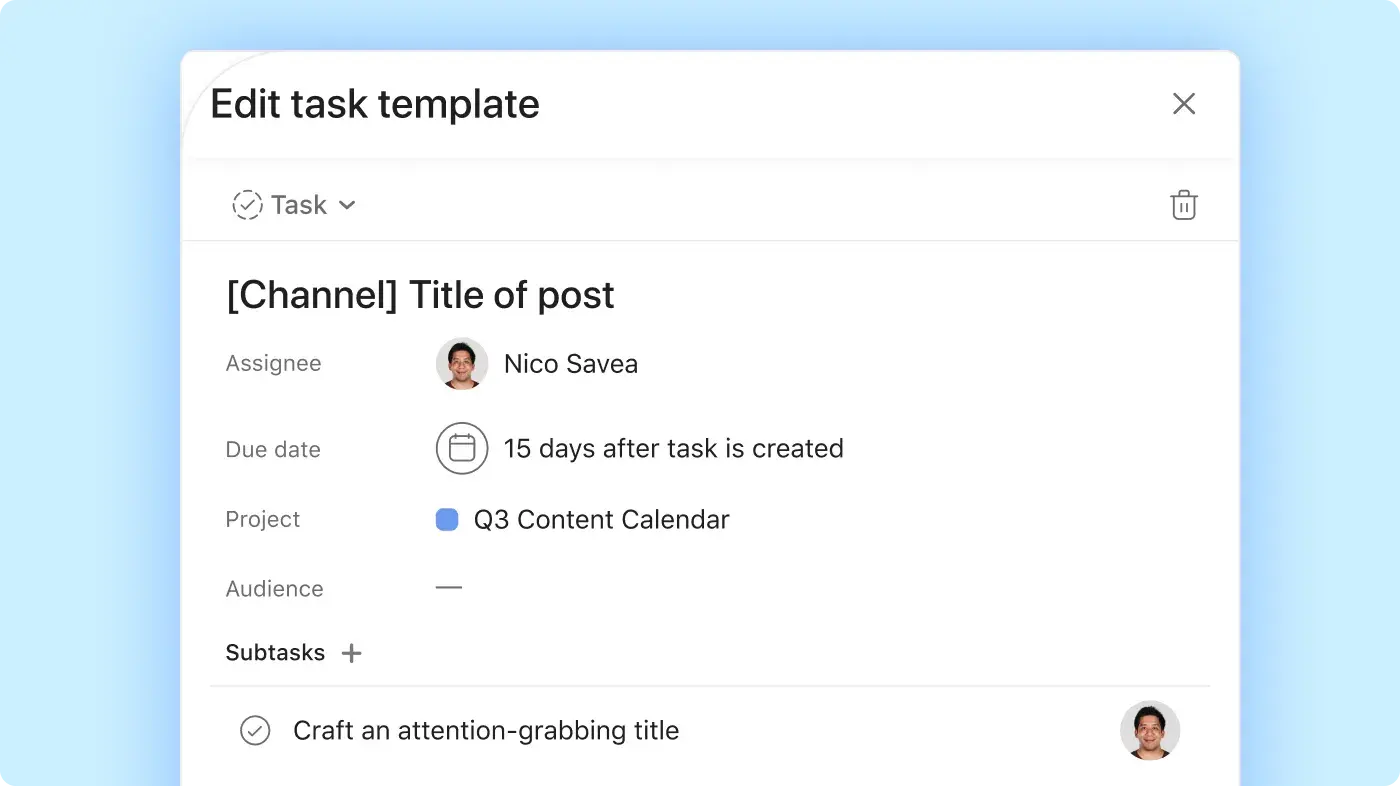
Schedule work based on priorities, not empty calendar space
Build your schedule around live tasks, project deadlines, priorities, and team capacity.
Use AI Studio to automate scheduling workflows and reserve time for deep work.
Use Smart Assists and AI Teammates to surface conflicts, update tasks, and reschedule work when priorities change.
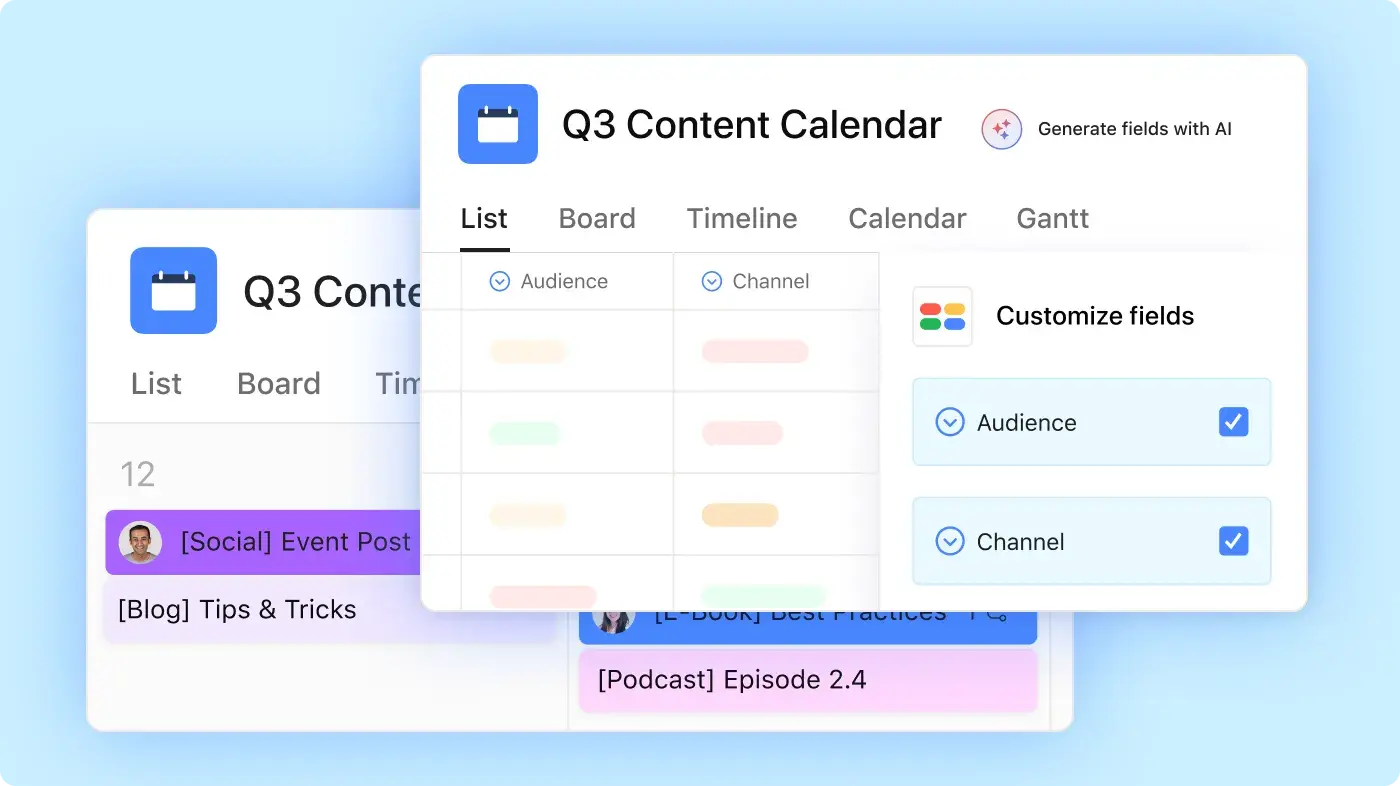
Update everyone as plans change
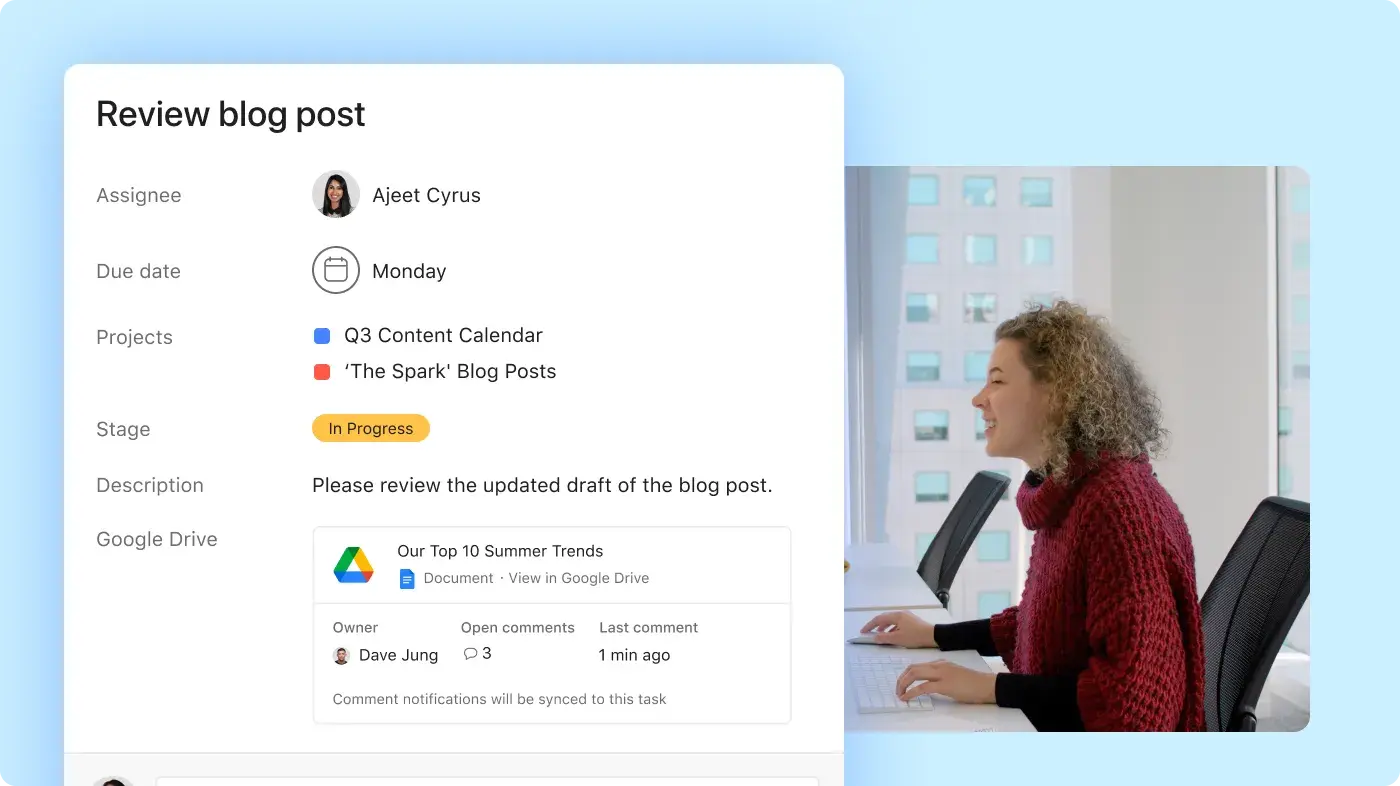
Generate Smart summaries so teams can catch up without reading every task update.
Create AI status updates from current project data to show what’s on track, at risk, or blocked.
Use Smart updates to share progress after deadlines, owners, or priorities change.


Company Size
Enterprise
Industry
Financial services
Previously, it took two weeks to review a request. Now we can eliminate time spent on manual back and forth because Asana AI is embedded directly into our workflows and captures the information we need right off the bat.
Belinda Hardman
Director of Program Management at Morningstar



AI calendar features that keep you on track
With hundreds of app integrations, you can connect planning conversations, data, and documents in one calendar.








Asana AI calendar vs. other AI schedulers
Compare how Asana, Reclaim, Motion, and Morgen handle task scheduling and tracking workload
FEATURES
AI scheduling and planning
Asana schedules tasks around priorities, deadlines, and available time, then revises the plan when work changes. Learn more.
Scheduling integrated with shared projects
AI Studio connects scheduled time to live tasks, owners, dependencies, and project status. Learn more.
Goals and project priorities
Asana Dash uses team goals and current project priorities to decide what gets scheduled first. Learn more.
Team workload and capacity
Plan work with team availability and workload in a single view, rather than relying only on one person’s calendar. Learn more.
AI teammates that act on work
AI agents can update tasks, follow up on work, and support automated workflows. Learn more.
Project summaries and status updates
Generate summaries and status reports from current project data. Learn more.
Calendar integrations
Bring all your tools and data together in Asana. Connect scheduled work with major calendar platforms. Learn more.
Get started with Asana’s AI calendar
Connect your calendar, let AI draft your day, and manage the work behind every time block in Asana.
FAQs about AI scheduler apps
Yes, an AI calendar generator can convert tasks, deadlines, meetings, and available time into a proposed schedule and then update it as your plans change. With natural language processing, AI-powered calendar apps can interpret requests like “schedule two hours for the campaign brief before Friday” and assign the work to an available time block. It may also:
Pull action items from an AI notetaker.
Prioritize work by urgency or deadline.
Estimate how long tasks may take.
Reconcile your schedule with task management apps.
Let you accept, move, or remove suggested time blocks.
Asana AI generates schedules using current tasks, projects, priorities, deadlines, and team capacity. You can review and approve the plan before syncing it with your calendar.
Leverage AI to convert tasks, deadlines, meetings, and available time into a dynamic schedule that updates as work evolves.
Connect your existing calendar.
Add tasks, due dates, priorities, and estimated effort.
Request that AI create time blocks around meetings and designated focus periods.
Review the proposed schedule and adjust time blocks as needed.
Allow AI to reschedule work when deadlines or priorities change.
Asana AI is effective for teams because it schedules using live project data, including task owners, dependencies, workload, and goals.
AI calendar planners minimize manual planning and simplify schedule adjustments as work changes. They can:
Prioritize urgent or high-impact tasks.
Reserve time for focused work.
Prevent scheduling conflicts and double bookings.
Reschedule tasks after meetings or deadlines move.
Convert action items into scheduled tasks.
Reduce the time spent switching between calendars, task lists, and project management tools.
Asana’s AI scheduling assistants incorporate team and project context, so the schedule reflects shared priorities rather than just individual availability.
Google Calendar offers AI-assisted event creation and scheduling through Gemini. Users can publish availability, share booking or scheduling links, and add dated Google Tasks directly to their calendars. While Google Tasks is effective for personal reminders and to-do lists, Google Calendar does not automatically generate comprehensive work schedules based on project priorities, dependencies, workload, or team capacity.
The best AI smart calendar depends on whether you require personal planning, team coordination, or a unified solution for both.
Asana: Connects AI scheduling to live projects, team goals, deadlines, workloads, and available capacity.
Reclaim.AI: Suits individuals who want to protect focus time and schedule meetings around existing commitments.
Motion: Builds and revises an individual daily schedule from tasks and calendar events.
Morgen: Combines multiple calendars and imports tasks from other work tools.
SkedPal: Turns a task list into a time-blocked schedule and replans work when availability changes.
If you’re looking for an AI calendar for students, Asana’s free Personal plan lets you organize coursework, study sessions, exams, and due dates with tasks, projects, and Calendar view.
Asana is a leading AI calendar app for teams that need to schedule work linked to projects. It integrates calendar planning with tasks, deadlines, goals, workload data, AI agents, and status reporting.
The best option depends on your time management needs:
Choose Asana when several people need to plan, schedule, complete, and report on shared work.
Choose a personal scheduler when you mainly need help arranging your own day.
Choose a calendar aggregator when you need to view several calendars together.
Asana reduces context switching by allowing users to manage scheduled work, project details, updates, and AI workflows within a single platform.
Transform the way you work with Asana
Start your free trial
Try Asana for free. No credit card required.
Watch the demo
See how Asana connects companies at scale.
Speak with a sales rep
Learn how Asana helps teams collaborate seamlessly.