


Usability testing plan template
Plan, run, and track user research in one place so your team can move faster, stay consistent, and turn feedback into product improvements.
Sign up to use this template.
Usability testing plan template
Plan, run, and track user research in one place so your team can move faster, stay consistent, and turn feedback into product improvements.
Use templateSign up to use this template.
INTEGRATED FEATURES
Recommended apps



Summary
![[Old product ui] Usability testing template in Asana, spreadsheet-style project view (List)](https://assets.asana.biz/transform/f95b2a52-cbef-431b-928f-b246d0736b5a/-Template-User-experience-testing?io=transform:fill,width:2560&format=webp)
User research and usability sessions are essential for understanding your audience's needs, but they require careful planning, hypothesis testing, and preparation. Without a consistent process, you risk wasting time reinventing the wheel or running inconsistent experiments that produce unusable data. In this article, you'll learn what usability testing is, why a template makes it easier, and how to use ours to build a repeatable process so you can spend more time digging into results.
What is usability testing?
Usability testing is a research method in which you observe real users as they complete tasks with your product to identify friction points and opportunities for improvement. It replaces guesswork with direct insight, helping your team focus on the changes that make the biggest difference for your users.
You can run usability tests at nearly any stage of the product development process, including:
Early prototypes: Validate design concepts before investing in full development.
New features: Confirm that additions work the way users expect.
Marketing pages: Test whether messaging and layout resonate with your audience.
Why use a usability testing plan template?
Usability tests involve many moving parts, from recruiting participants to sharing findings. A template gives your team a repeatable structure so nothing falls through the cracks. Here's why they're worth using:
Consistency. Templates create a standardized process so every test follows the same structure. This makes it easier to compare results across sessions and spot trends over time.
Time savings. Instead of building a test plan from scratch each time, you can start with a proven structure and customize it to your specific needs.
Comprehensive coverage. A good template prompts you to account for every key element, including your hypothesis, participant criteria, task scenarios, and follow-up actions, so you don't overlook critical steps.
Accessibility for non-researchers. If team members outside of UX research need to run tests, a template provides the guardrails and guidance they need to conduct effective sessions.
How to use this usability testing plan template
This free Asana template provides a ready-made structure for planning and running usability tests. Here's how to get started:
Define your hypothesis and goals. Clarify what you want to learn and what success in your research plan looks like. Add these directly to your project to keep your team aligned.
Set up your participant criteria. Outline who you need to recruit and why. Use custom fields to track details such as demographics, experience level, and product familiarity.
Customize tasks and scenarios. Adapt the task list to match the specific flows or features you're testing. Keep tasks focused and realistic to yield actionable observations that support data-driven decision-making.
Assign roles and timelines. Assign responsibilities across your team, from moderating sessions to analyzing findings. Set due dates to keep everything on track.
Iterate and reuse. After each round of testing, duplicate the project to preserve your structure as part of an iterative process for future sessions.
Tips for planning user research sessions with our template
Map out your planning phases. Before you conduct a session, make sure to consider your hypothesis, participant requirements, and how you'll validate both. Start with our template, then further customize it to your needs.
Use a form to sign up participants. Create a simple form for participants to complete to determine eligibility. If you create the form in Asana, submissions will go straight to your planning project so you can see your participants and research plan in one place.
Turn insights into action with Asana
The goal of any usability test is to improve your product. Once you've gathered feedback, use your Asana project to turn insights into clear next steps that connect research directly to development work.
Assign follow-up tasks: Convert observations into action items and assign them to the right team members.
Set deadlines: Keep improvements on track by tying due dates to your project timeline.
Track progress: Monitor every fix from feedback to completion in one place.
Try our user research insights template to create a centralized home for all your research findings. Ready to streamline your usability testing process? Get started with Asana today.
Free usability testing templateFAQs about usability testing templates
A usability testing template is a pre-built structure that helps you plan, conduct, and document user research sessions. It typically includes sections for test objectives, participant criteria, task scenarios, observation notes, and follow-up actions.
A strong template should include your research hypothesis, participant criteria, a task list or script, a note-taking structure, and a process for documenting findings. You may also want sections for logistics like scheduling and consent forms.
Most usability experts recommend five to eight participants per round, which is typically enough to uncover the majority of issues. For more complex products or diverse user groups, consider running additional rounds with different audience segments.
Moderated testing involves a facilitator who guides participants in real time and asks follow-up questions, while unmoderated testing lets participants complete tasks independently through a testing platform. Moderated sessions offer deeper qualitative insights, whereas unmoderated sessions are faster to scale.
Related templates
![[User Research Sessions] template banner Card Image](https://assets.asana.biz/transform/f9fa4005-1bcf-43d0-b78a-55f8f84c3569/TG23-web-thumbnail-026-kickoff-meeting-static-2x?io=transform:fill,width:2560&format=webp)
![[Templates] Customer Feedback (card image)](https://assets.asana.biz/transform/9f02c069-de33-4d0c-a4e0-c2ac6a793622/-Template-customer-feedback?io=transform:fill,width:2560&format=webp)

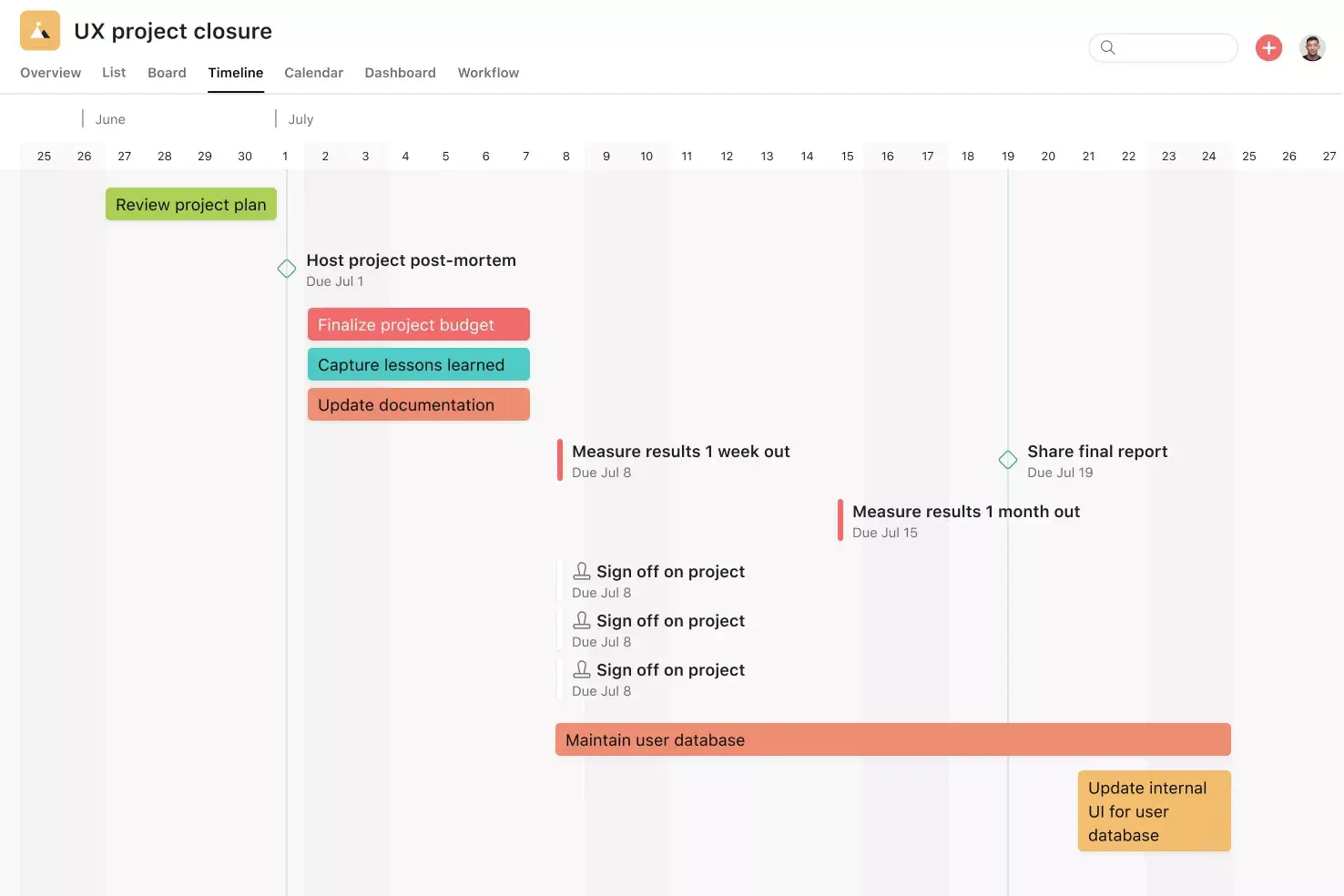
![[Templates] Product launch (card image)](https://assets.asana.biz/transform/d0767f76-b214-4852-9055-85259f5dcd32/Template_ProdLaunch_Thumb?io=transform:fill,width:2560&format=webp)
Better features, better organization
A template gets you started, but a free trial of Asana is what keeps you going.