


Issue tracking software that connects every bug to the people fixing it
The same bug gets reported in Slack, by email, and out loud in a meeting, and still nobody owns it. Asana is issue tracking software with one intake form anyone can use. Every report lands in a shared issue tracking system with severity already set, so it reaches the team that can fix it and the person who reported it stays in the loop.
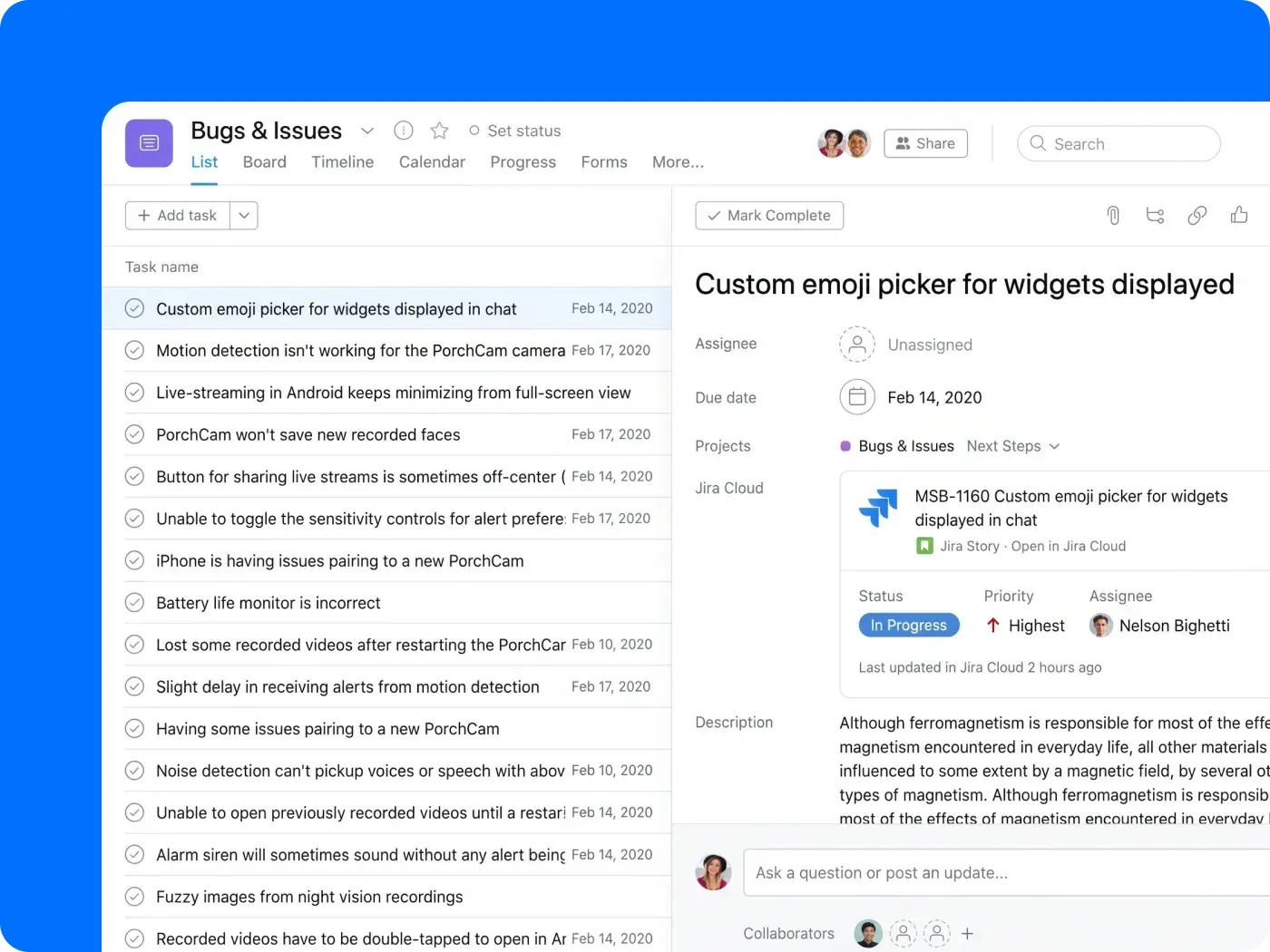
Why issues fall through the cracks
How Asana works as issue tracking software
Asana gives every issue the same path through the company: one place to report it, a rule that routes it, an owner who fixes it, and a status everyone involved can see.
One intake form for every issue
One form anyone can use collects everything engineering needs to reproduce a problem: the steps, severity, and screenshots. Using a bug tracking template means every submission creates a task with the same fields and lands in the same queue.

Triage and route automatically
Rules and custom fields in your bug tracking software set the severity and route issues to the right team’s project. AI Studio takes it a step further, classifying incoming reports as they arrive.
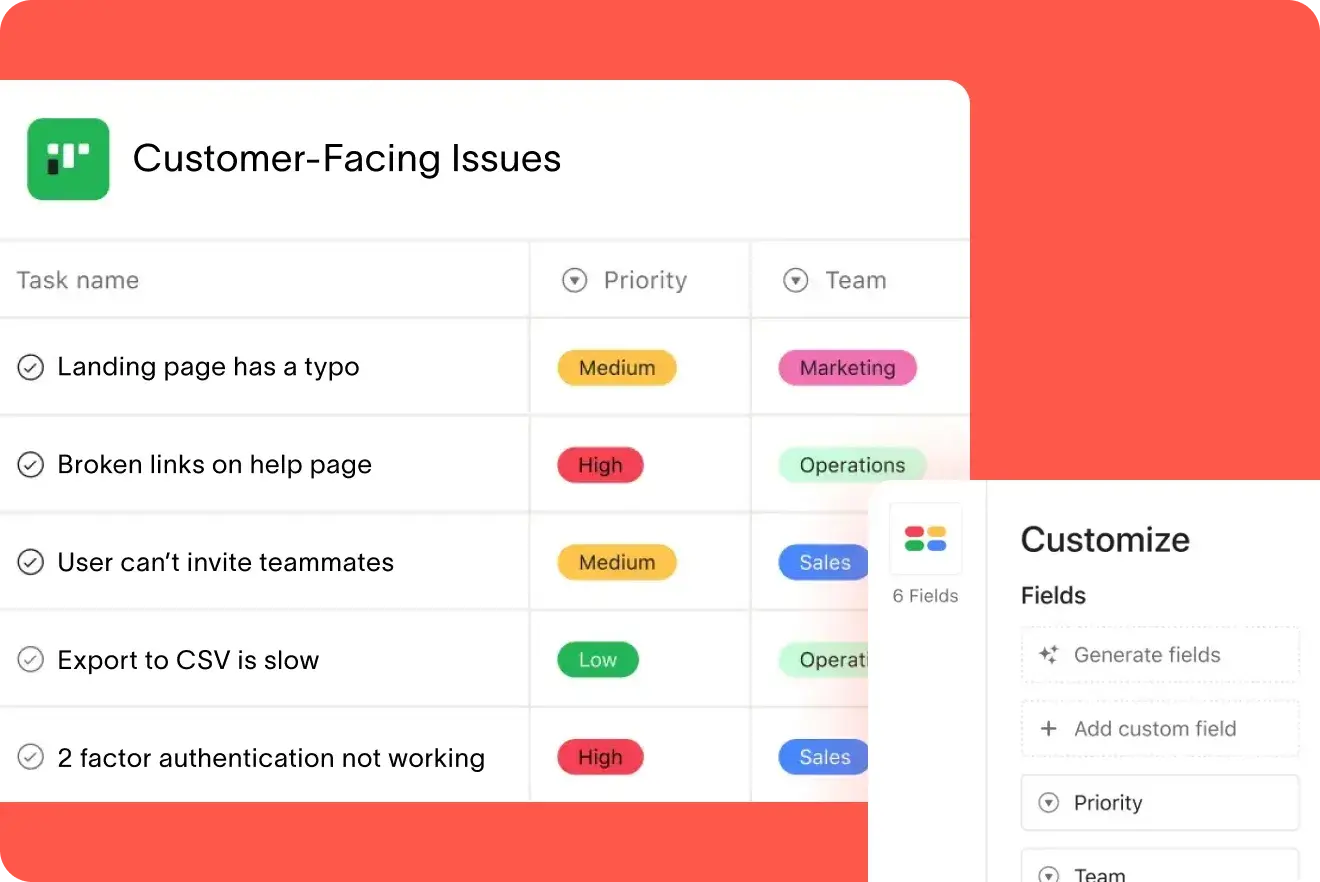
Keep reporters in the loop
Add the person who reported an issue as a collaborator on the task, and they’ll get status updates as the fix moves. Because status lives in a project other teams can open, reporters can check the bug tracker themselves instead of sending follow-up messages.

Work alongside Jira, GitHub, and AI coding agents with one issue tracking tool
Engineering can integrate with Jira or GitHub while keeping issues, status, and cross-team impact visible in Asana. Command by Asana passes the full issue (with steps, severity, and comments) to a coding agent, then links the pull request back to the task.

Built for teams that find problems and teams that fix them
Asana works for the people reporting problems and the people fixing them. Here’s how three types of teams use the same issue tracking software.

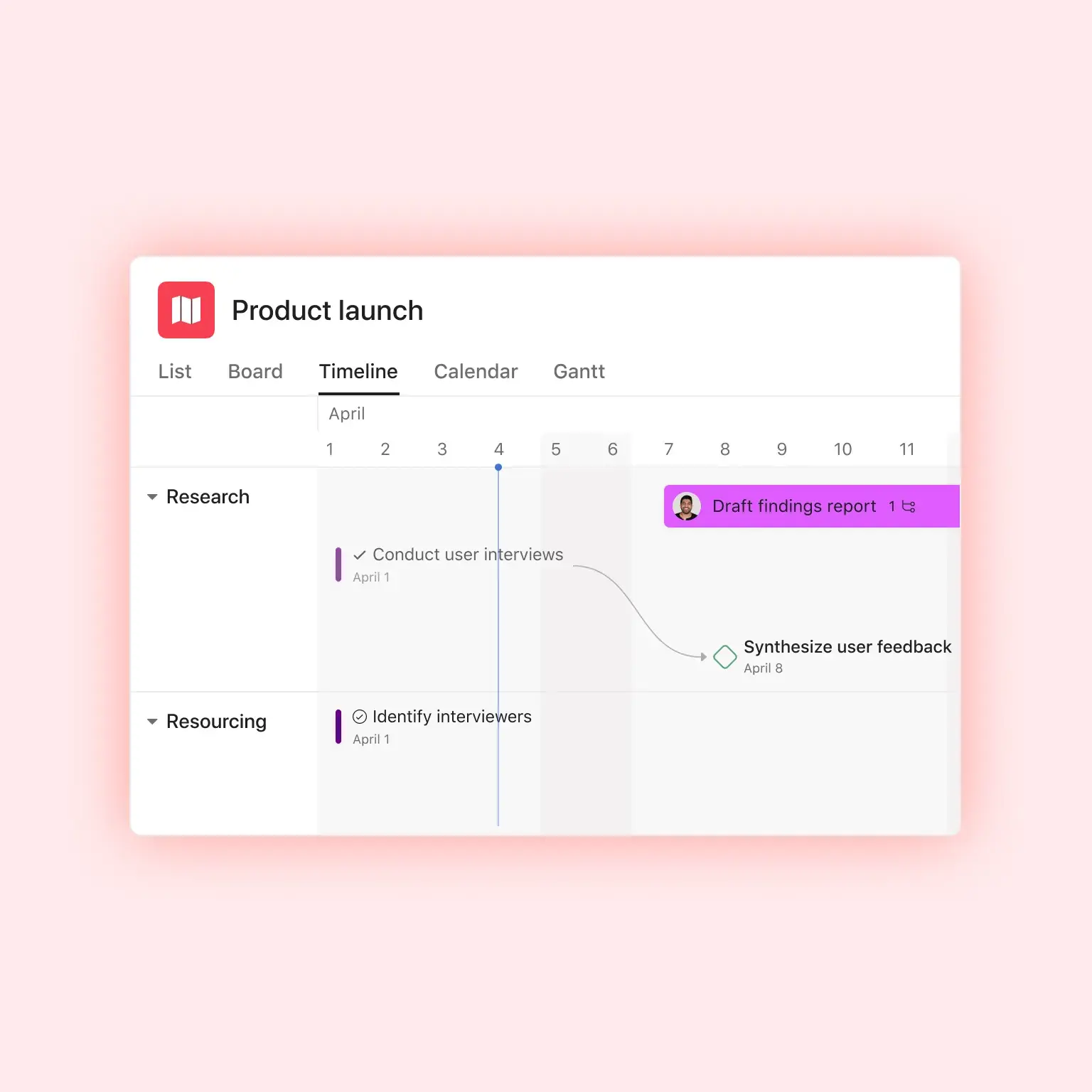



One channel to document every issue
From support tickets and sales calls to QA runs and internal reports, you get bugs reported to you in too many ways to keep track of. In Asana, every report is built from a standard intake form, and each lands in a single, prioritized queue. You triage from one unified view, not four disconnected channels.
Quora built one form and one channel for all issue reports
If someone has ever asked a question, there's a good chance you can find the answer on Quora. Ellyn’s team was tasked with bringing those answers to the world in 23 different languages. With Asana, they improved issue routing and triage efficiency with standard intake forms that flow into one channel. Issue tracking kept pace with development, cross-functional teams could track resolution status without delay, and engineers minimized duplicative work


We needed a platform that would allow us to track bugs and manage projects. A tall order that many people thought didn’t exist—until we found Asana.Elynn Lee
Product Manager, Quora
Give every issue one place to go
Give your teams one place to report every issue, and bugs stop scattering across several channels. Engineering triages from one queue, and anyone who reported an issue can check the fix in Asana. Set up your intake form and project, then point the rest of the company at it when you’re ready.
Frequently asked questions about issue tracking software
Issue tracking software is a system of record for reporting problems. It captures each bug, defect, or request, then routes it to an owner and moves it through to resolution. The best tools offer a standard intake form, send all reports to one place for triage and assignment, and give everyone involved a single place to check progress. Asana does all three.
Collect all reports through a single intake point that requires the key details. Triage each by severity, then assign by urgency and product area. Keep the person who reported it informed until the issue closes, for example by adding them as a collaborator on the task. Asana is built around making these four steps as simple and repeatable.
You can start Asana for free. The free plan includes unlimited tasks and projects, enough for a small team to run a basic issue queue with a high-quality user experience. Advanced components such as intake forms and custom fields are available on the paid plans. See the Asana pricing page for detailed plan breakdowns.
Bug tracking is a subset of issue tracking that specifically covers software defects. Issue tracking includes bug tracking but also covers a wider range of requests, tasks, and problems from any team. Asana handles both in the same platform with standard intake forms to substantiate each report and a centralized channel for tracking and action.
It depends on where you want engineering work to live. If your engineers stay on Jira, for example because you’ve built heavily customized workflows there, use the Asana and Jira integration to connect them. Other teams can report issues via an Asana form, and the Jira integration keeps status in sync in both directions (on eligible plans). If you want engineering on the same platform as the rest of the company, Command by Asana connects engineering work to the launches and goals other teams track in Asana.
Yes. Both integrations connect Asana tasks to engineering work, so an issue reported in Asana can link to the ticket or pull request where the fix is implemented, triggering automatic status updates. The GitHub integration in Command by Asana is in Early Access.
Yes. Anyone can submit a bug via a form in Asana without needing to learn to use an engineering tool, and the form's access settings control who can submit, including people outside your organization.
Yes. Command by Asana is built for engineering teams that use coding agents. It hands the full context of an issue to an agent, allowing them to start with the reproduction steps, severity, and comments from the issue report.