Software deployment template
Use a repeatable deployment plan to assign owners, track phases, and avoid missed steps when launching new software or updates.
Use templateSign up to use this template.
INTEGRATED FEATURES
Summary
Rolling out new software is about more than just picking the right tool. You need a clear plan, assigned responsibilities, and a solid process to keep everything on track. A software deployment template helps your team manage each phase of a rollout in a consistent way. In this article, you'll find out what a template includes, the main deployment phases, practical tips, and how to get started for free in Asana.
![[old product ui] Software and systems deployment project in Asana, spreadsheet-style project view (List)](https://assets.asana.biz/transform/8b9bb024-d81b-48ec-8cd8-148453823fbe/software-and-system-deployment?io=transform:fill,width:2560&format=webp)
What is a software deployment template?
A software deployment template is a ready-made project plan that lists every task, milestone, and person responsible for releasing new software or updates in your organization. It works as a reusable checklist, so your team can follow a proven process from planning to post-launch monitoring without having to start over each time.
Using a template helps you:
Stay consistent. Follow the same process for every deployment to reduce missed steps and miscommunication.
Save time. Skip the setup work and jump straight into planning and assigning tasks.
Improve visibility. Give stakeholders a single place to track progress, flag blockers, and see what's coming next.
Key phases of software deployment
Most successful software deployments go through a set of clear phases. Knowing these phases helps you create a template that covers every step of your rollout.
Planning and preparation
Before anything else, define the scope of your deployment. Identify what's being deployed, who's responsible for each part of the process, and when key milestones must occur. During this phase, you should also assess system requirements, confirm compatibility, and create a communication plan for stakeholders.
Testing and quality assurance
Test the software thoroughly in a staging environment before launching it. This means doing functional, performance, and user acceptance tests. The aim is to find problems early so they do not affect your production environment or your users' work.
Deployment execution
This is when the software moves into the production environment. Follow your template step by step, assign clear owners for each task, and communicate timelines to everyone involved. Having a rollback plan ready in case something goes wrong is essential during this phase.
Post-deployment monitoring and support
Once the software is live, monitor performance closely. Track key indicators like system uptime, error rates, and user adoption. Gather end-user feedback, resolve issues quickly, and document lessons learned so your next deployment runs even more smoothly.
Deployment strategies to consider
Not every software rollout should follow the same approach. Your organization's size, the software's complexity, and your risk tolerance should guide your choice of strategy.
Basic (big bang): Release to all users at once; best for simple rollouts with low risk
Rolling: Release in stages across user groups or servers; best for reducing risk while maintaining availability
Blue-green: Maintain two identical environments and switch traffic once the new version is verified; best for fast, reliable rollbacks
Canary: Release to a small subset of users first, then expand; best for getting real-world feedback before a full rollout
Pick the strategy that matches your team's needs, and set up your template to include the steps for that approach.
How to use this template
It is easy to get started with the free software deployment template in Asana. Here is how you can use it with your team:
Duplicate the template. Add the software deployment template to your Asana workspace. This creates a ready-to-use project with pre-built tasks and sections.
Customize phases and tasks. Adjust the template to match your deployment process. Add, remove, or rename tasks and sections to reflect your team's specific workflow.
Assign owners and due dates. Make sure every task has a clear owner and deadline. This creates accountability and helps your team stay on track.
Invite stakeholders. Add vendors, cross-functional partners, and team members to the project so everyone has visibility into progress and next steps.
Track progress and adapt. Use Asana's timeline, list, and board views to monitor your deployment in real time. Flag blockers early and adjust your plan as needed.
Once you've completed a deployment, save your updated project as a new template so you can carry forward any improvements for next time.
Tips for deploying software and systems with our template
You've finally selected the right software and are ready to roll it out across your company with an implementation plan. But without a clear process to manage deployment to-dos and timelines, your big decision might not stick, undercutting months of work and hurting efficiency. Our software deployment checklist template helps IT teams manage every milestone from kickoff to completion with clear owners and deadlines.
Group deployment tasks into stages. When you organize tasks into clear groups, it is easier to find what you need and see the work in a way that makes sense. This helps boost productivity.
Collaborate with vendors and internal employees. Make expectations for vendors, your team, and employees clear by inviting them to the project and assigning tasks with deadlines.
Keep your project organized in one place. When you plan and manage your deployment with a single tool, you can see your plan, key documents, progress, and blockers in one place. Spreadsheets and documents are not enough.
Efficiency, consistency, and teamwork are important not only for rolling out new software but also for reaching your company's goals. Give your team what they need with a checklist template you can adjust and reuse, along with the right tool to manage everything.
Start deploying software and updates today
A well-structured deployment template is the foundation of a smooth, repeatable rollout. When every task has an owner and every phase has a timeline, your team can move faster and reduce the risk of costly mistakes. Get started with our free software deployment template in Asana and bring clarity to your next rollout.
Free software deployment templateFAQs about software deployment templates
What are the 5 steps of deployment?
What is an example of a software deployment?
How do you make a deployment plan?
What's the difference between software deployment and release?
Related templates
![[Templates] Sprint Planning (Card image)](https://assets.asana.biz/transform/88403e40-b88c-4734-b80b-4880e8f16679/TG23-web-thumbnail-029-discount-code-static-2x?io=transform:fill,width:2560&format=webp)
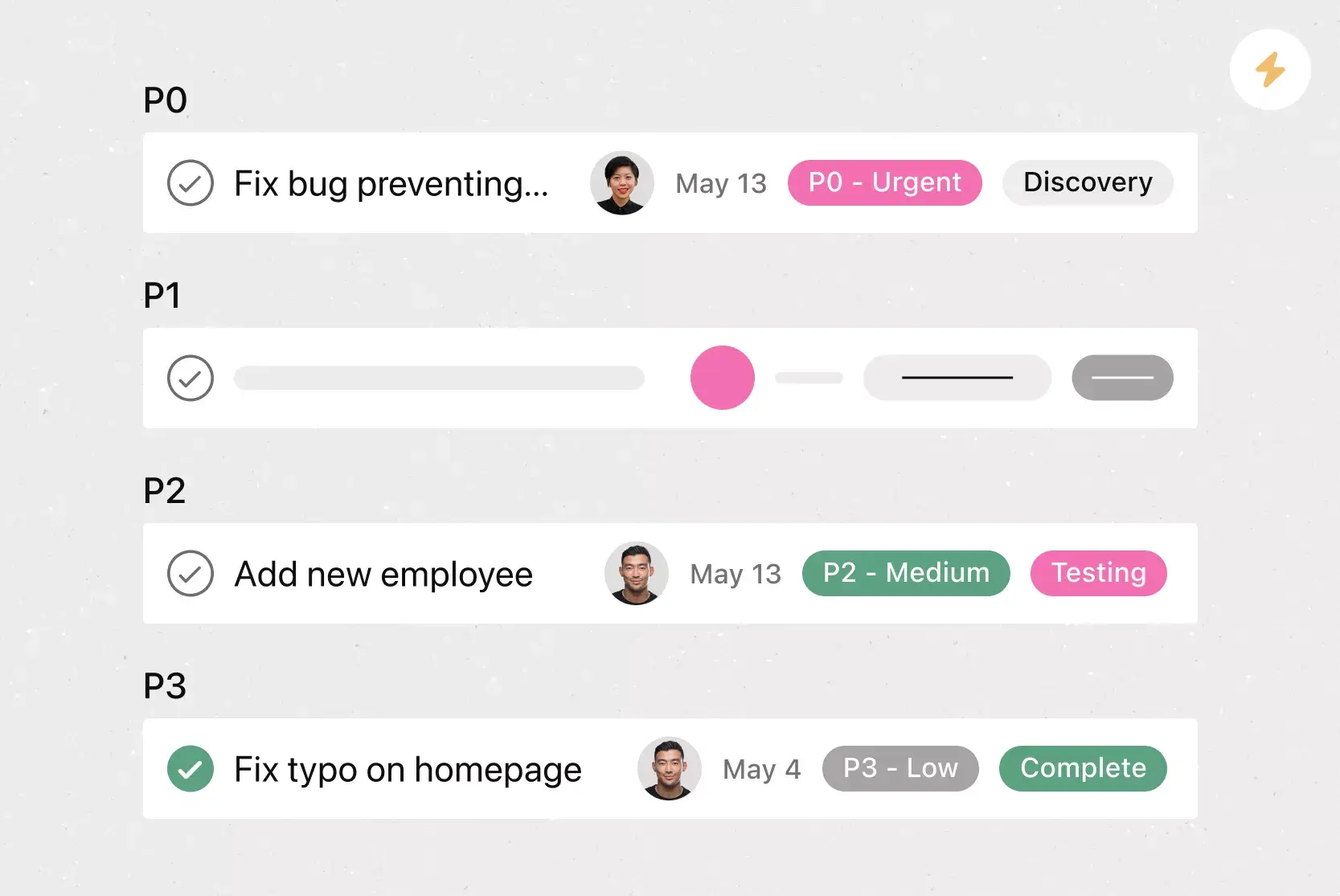

![[Agile Daily Standup] template Card Image](https://assets.asana.biz/transform/0df37b8d-d69a-42af-b4ac-c0fc41658276/TG23-web-thumbnail-019-weeklytodo1-static-2x?io=transform:fill,width:2560&format=webp)
![[Templates] Sprint Retro (Card image)](https://assets.asana.biz/transform/889d64ca-6f95-485f-888a-b015a0932852/TG23-web-hero-049-launch-post-mortem-thumbnail-2x?io=transform:fill,width:2560&format=webp)
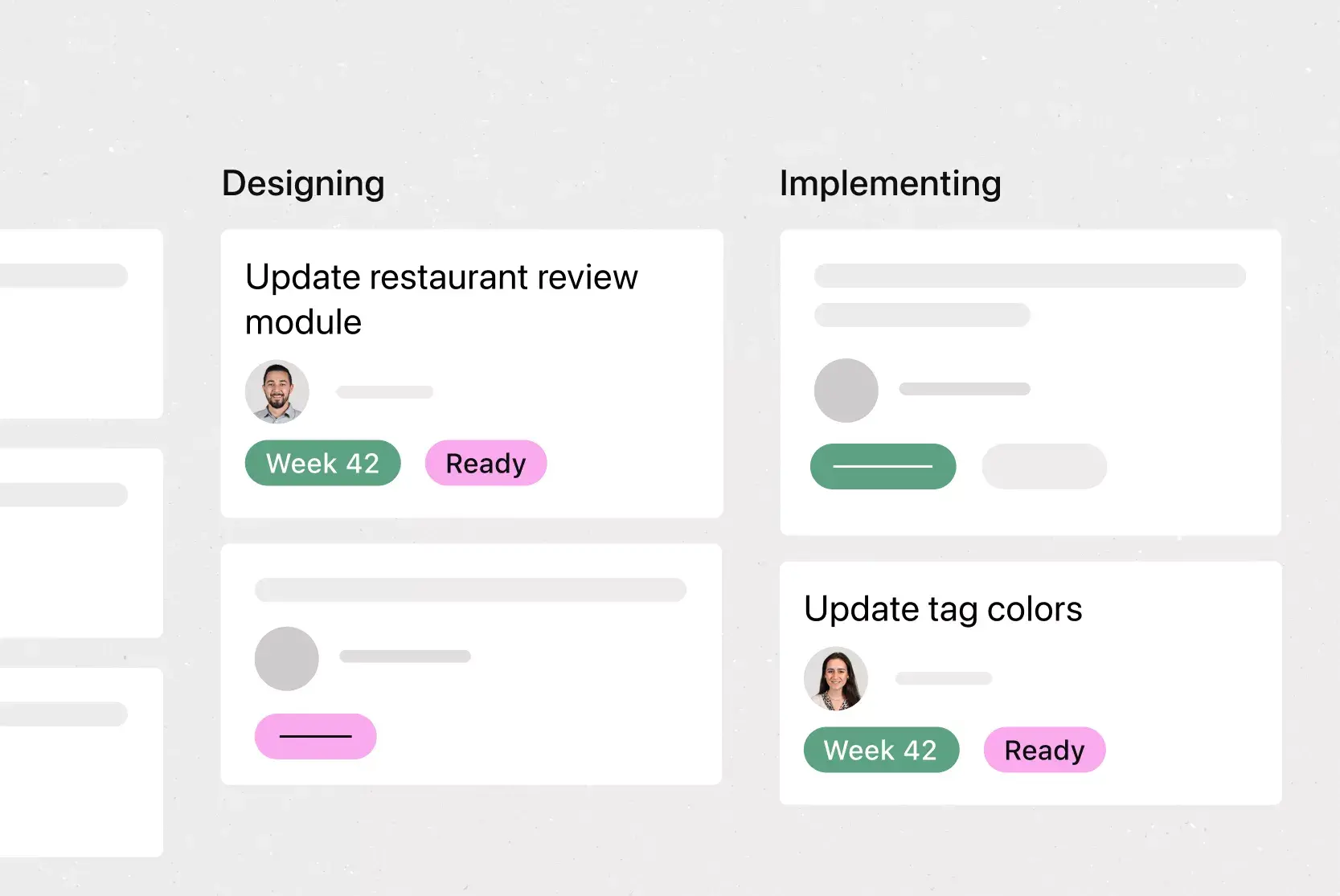
![[Templates] Web Design Process (Card image)](https://assets.asana.biz/transform/91cfb3ee-da0a-44d4-82a4-3cc08d1d6451/TG23-web-thumbnail-035-changelog-static-2x?io=transform:fill,width:2560&format=webp)

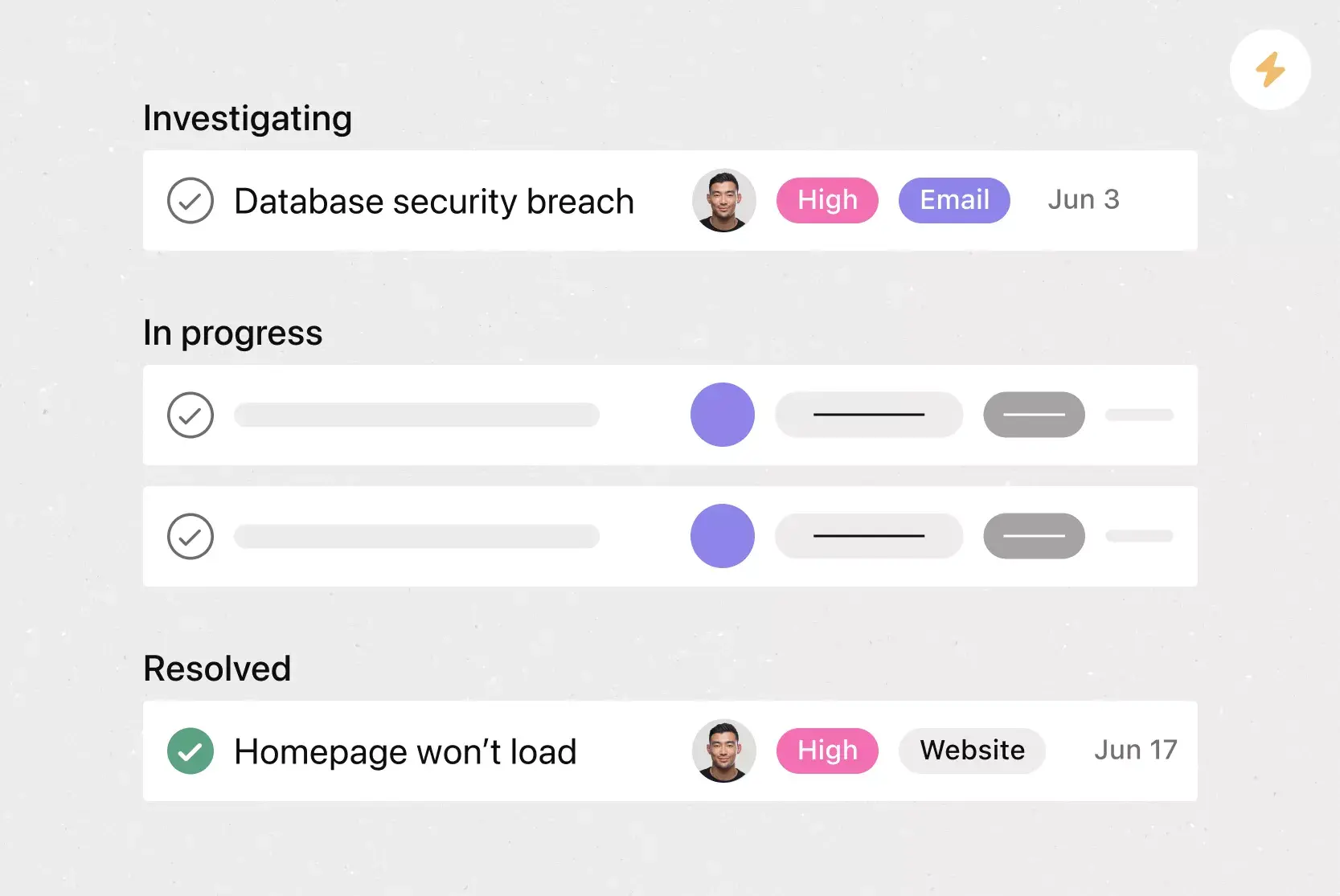
Manage software deployments and more
Asana has the features IT teams need for deployments, project management, and more.