


Business process automation solutions: put your processes on autopilot
Business process automation software takes the manual steps out of a process you already run and passes the work along without anyone chasing it. Asana builds that automation into the projects your teams already use. You won't buy or staff a second system, and the saved hours add up. One customer cut 2,936 hours of manual work a year from campaign coordination.
Why manual steps survive in processes that otherwise work

Requests arrive incomplete, so work starts with a conversation
A campaign brief shows up with no audience or launch date, and two days pass while someone chases the requester. Many of the requests that come in through email and chat can look like this. Every run opens with a round of follow-up before anyone can start the actual work.

Every handoff waits for someone to notice it
An approval sinks under 200 emails in a manager's inbox while the requester assumes it's in review. Nobody is blocked. The next owner just doesn't know it's their turn. Multiply that across every stage, and idle days stretch the timeline without adding any work.

The same information gets typed into three systems
Someone logs a request in a form, re-enters it in the project tool, then summarizes it again for a status update. When a process crosses tools, people end up connecting those tools by hand. The copies drift apart, and every re-typed field is another chance for an error.
How to automate a business process in Asana
Take a process from a whiteboard sketch to a working workflow in Asana. Each step uses built-in workflow automation to remove one of the manual jobs above, and none of them requires code.
1. Map the process and its handoffs
Write down the trigger, each stage, who owns it, and where the work sits waiting. Most teams find at least one approval that two people both think they own. If you can't describe the process the same way twice, settle it before you automate it. Use this guide to map the process if you're starting from scratch.

2. Standardize the intake with a form
Build the request in Asana forms and make the details you usually chase, like audience and launch date, required. Each submission lands in a single project as a complete task, and the back-and-forth that used to accompany every request goes away.
3. Build the project template so every run starts the same way
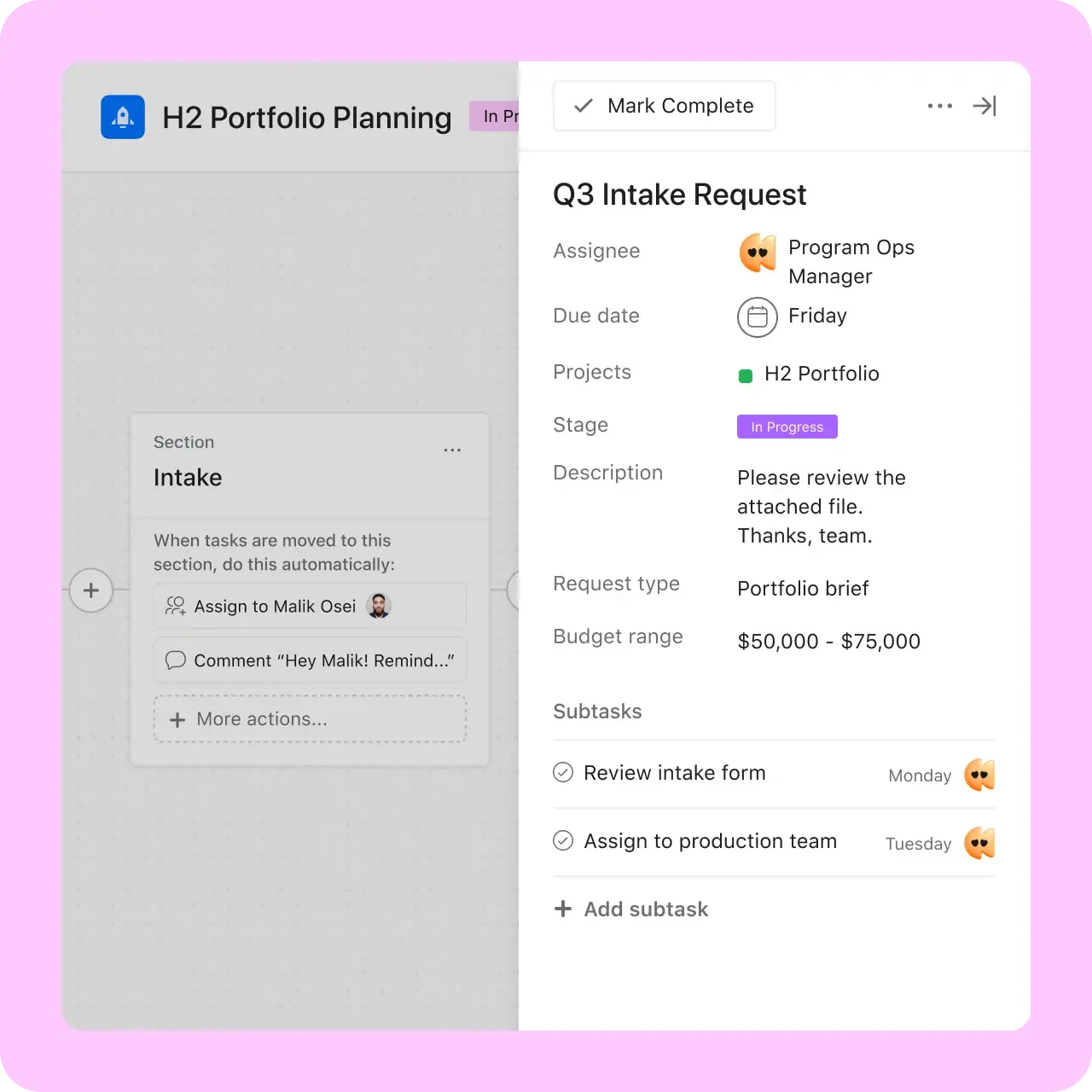
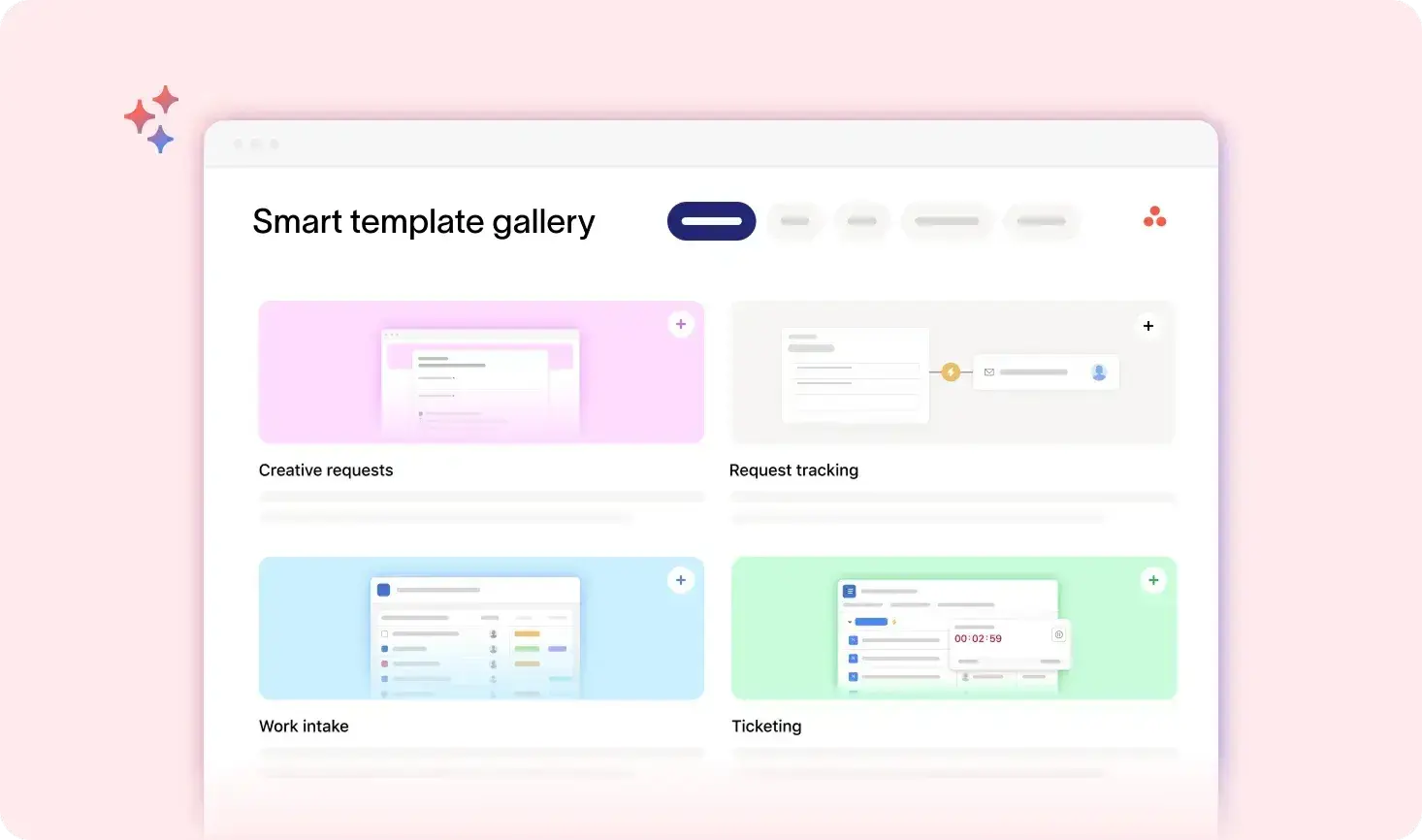
Turn the stages into a project template, with each task already assigned and linked to the task it depends on. Run 50 then looks exactly like run one. When the process changes, you update the template once and skip editing 50 live projects.
4. Add rules for the routing, status, and dates
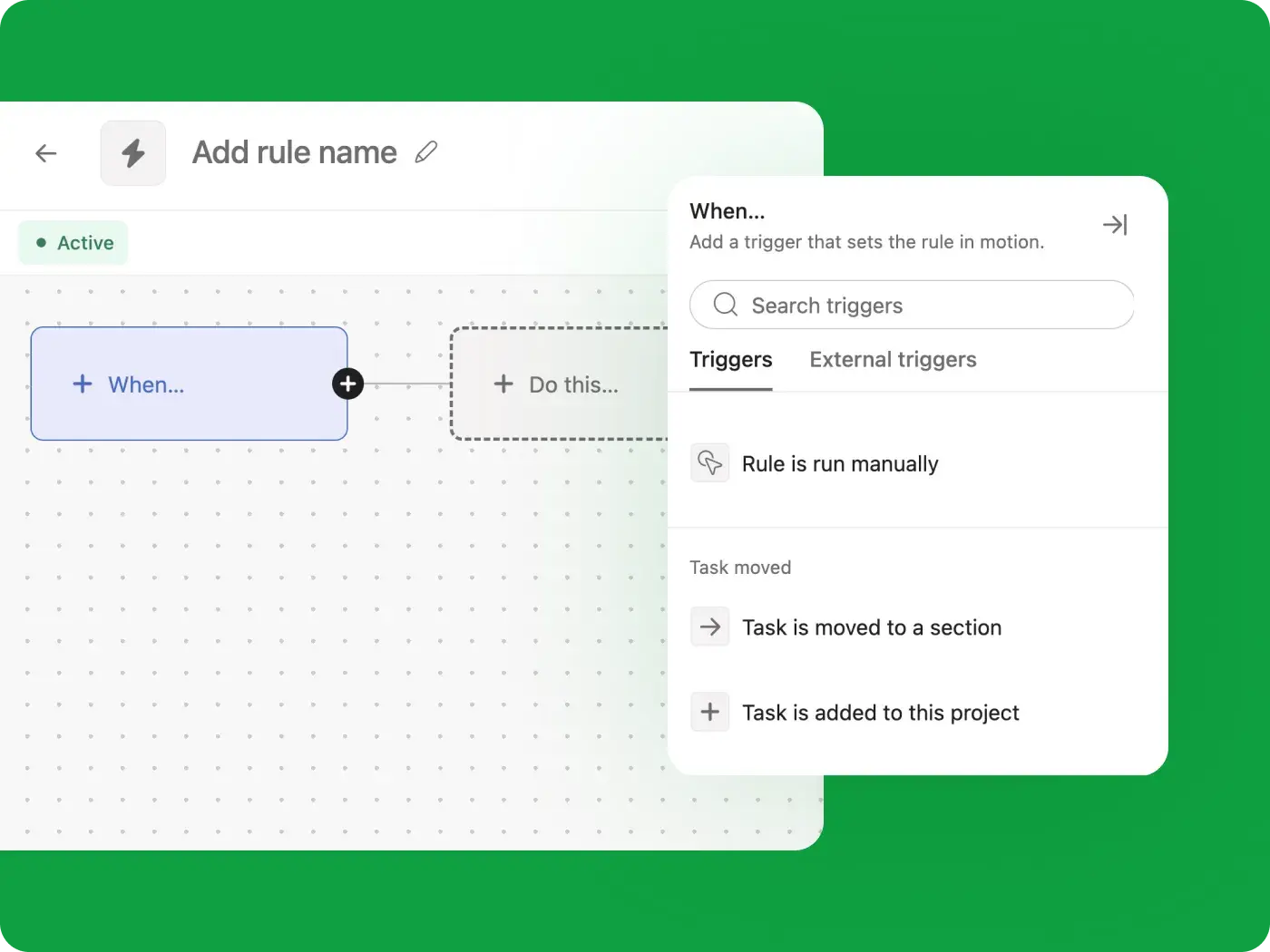
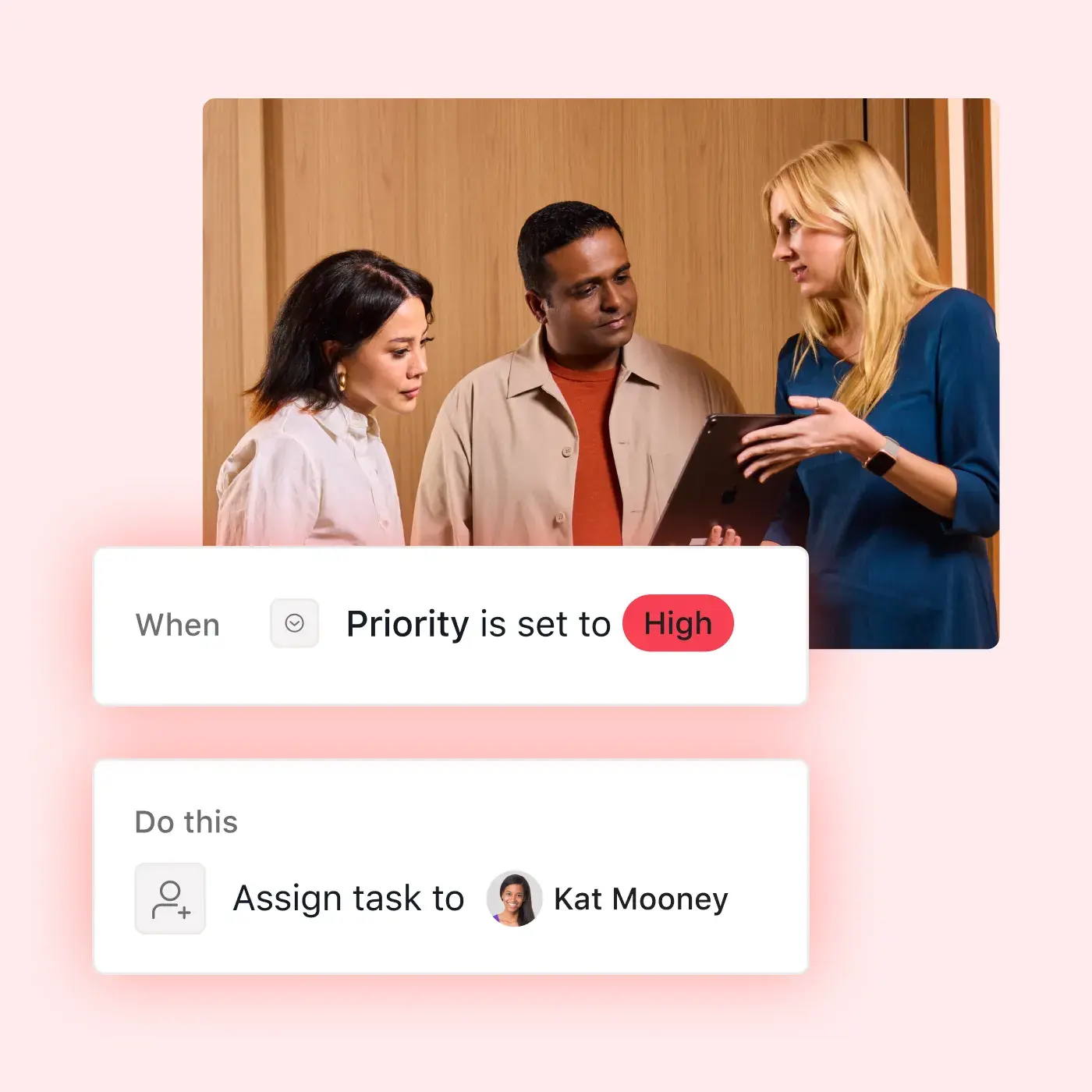
Asana Rules are what most business process automation tools call a workflow builder. Each rule pairs a trigger with an action, like assigning a request by type or messaging the next owner in Slack when a task changes stages. Once the rules run, a handoff no longer depends on someone noticing it.

5. Hand the judgment steps to Asana AI
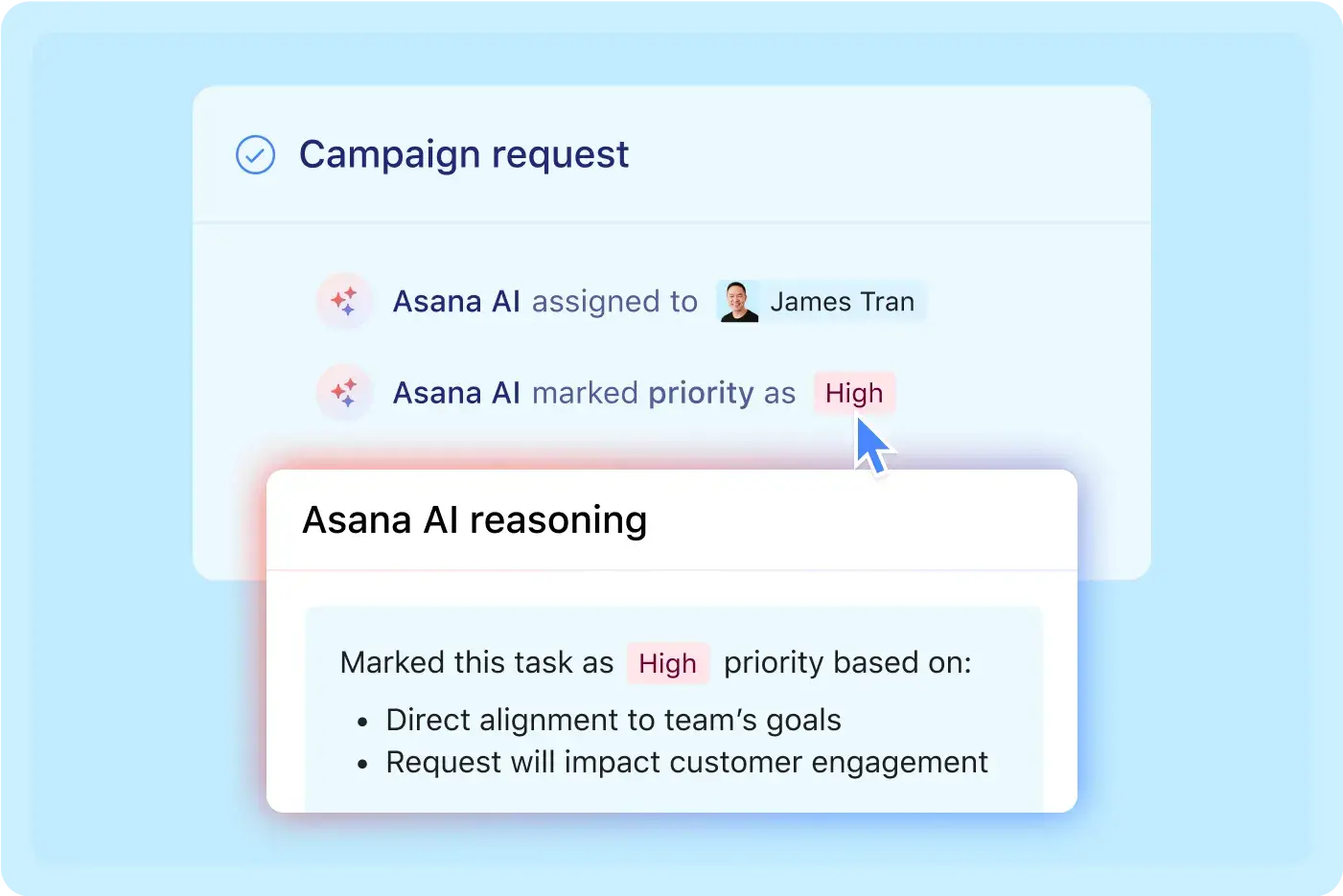
Older automation stalls whenever a step requires someone to read and decide. AI Studio and AI Teammates take on those steps by checking a request for gaps, drafting the brief, routing work by skill, and flagging exceptions. With AI business process automation, you write the instructions during setup, and someone on your team reviews anything the AI flags. Plus, every action the AI takes lands on the same audit trail as your team's work, so you can see it and step in, or let the tool run autonomously.
6. Connect the other tools in the chain
Use app integrations across your stack to carry request details from one tool to the next. Your team enters the facts once, and every tool in the chain shows the same version.

7. Measure the cycle time and tune it
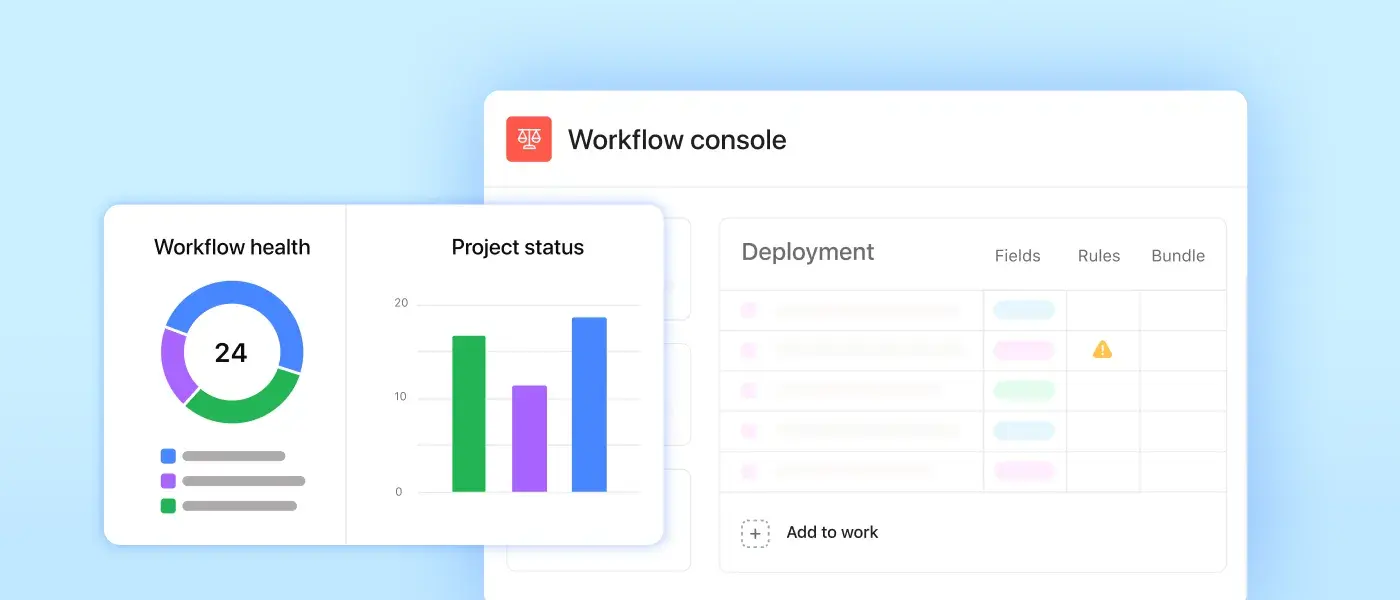
With the whole process in one place, you can see how long each stage takes and where work still waits. Fix the slowest handoff first, then check the numbers again next month. Your first workflow takes an afternoon to build, and a few rounds of tuning after launch will show you where it still slows down.
Business process automation software for every team
Business process automation solutions pay off fastest on the work your team repeats every week. Here's how process automation software handles four of those processes, starting from the trigger.



![[Team] Marketing - Get to marketing faster (image)](https://assets.asana.biz/transform/17fa816a-1b4e-4b96-8ea4-508fe4ae322b/teams-marketing-timeline?io=transform:fill,width:2560&format=webp)

![[Teams - IT] Hero (image)](https://assets.asana.biz/transform/edd2116b-78ed-406c-97cc-c764f3bafeb9/-16_9-Hero-IT-Lo-Fi?io=transform:fill,width:2560&format=webp)
Approvals, vendor, and procurement requests
An employee submits a purchase or vendor request via a form that requires the amount and justification. Rules send it to the right approver based on the amount, and the request escalates if it sits too long. Approvals stop living in inboxes, and every request shows its owner and how long it's waited.
Start with the vendor management template.
COS cut campaign setup from 12–14 hours to minutes
COS is the design-led fashion brand within the H&M Group, and it runs complex global campaigns across ecommerce and regional teams. Every seasonal campaign used to start with 12–14 hours of manual setup, with managers building trackers from scratch in spreadsheets. After COS combined AI Studio, forms, and AI Teammates into one intake workflow, setup dropped to minutes. The brand has removed 2,936 hours of manual work a year and doubled its output to more than 1,000 assets per campaign.


Asana has provided a single, structured entry point for work. By ensuring quality at the point of intake, we removed complexity downstream and shifted our teams from reactive execution to proactive, strategic work.Joe Parfitt
PMO Manager, COS
What is business process automation software?
Business process automation software is the system that runs a repeatable process for you once you've defined its steps. You decide the triggers and conditions, and the software carries each request from one stage to the next.
What the category does
Any business automation software worth your time handles four jobs. Intake gets work in the door with everything it needs. Logic decides what happens next based on rules you set, like sending anything over a certain amount to a director. Integration moves information between the systems your process touches, and visibility shows where every request sits and how long each stage took.
Where it sits next to RPA and BPM
Business process management is the discipline of designing and improving processes. It covers the planning, like deciding what the steps should be and measuring whether they hold up. Business process automation is the layer that runs those processes every day, moving work through the steps once the design is set. Robotic process automation handles single actions inside systems that can't be integrated, like a bot copying figures from one old screen into another.
Which processes should you automate first?
Pick something your team does every week that passes through at least two people. Intake, approvals, and onboarding are good places to start because they follow the same steps every time. Automation is also best for processes with: high volume, repeatable rules, and more than one handoff. Anything that’s painful when it slips should also be considered. For campaign requests, your business automation software validates the fields, creates the project from the template, assigns owners, and sets the deadlines. When you receive a new hire request, the AI creates a provision task for each system the role needs, assigns each one to its owner, sets a due date ahead of the start date, and notifies the hiring manager once everything is complete. And after a “won” deal, the software automatically creates the onboarding project, assigns kickoff calls, sets milestones, and adds client contacts to the project.
Put your processes on autopilot
Next Monday, requests show up complete, approvals land with the right person, and nobody has to ask where anything stands. Asana does that work for you once it's set up. Start with the process you get asked about most, build one form and a couple of rules this afternoon, and let it run for a week. You'll see exactly how many hours that one process was eating.
Frequently asked questions about business process automation
Business process automation takes over the busywork that keeps a process moving. It collects requests in the same format every time, gets work to the right person, updates status as things change, and moves information between your tools. Your team still makes the judgment calls, like whether a budget gets approved. In Asana, that automation happens right where your team already plans the work.
Business process automation runs the whole process, from the moment a request comes in to the final handoff. Robotic process automation (RPA) handles single repetitive tasks by copying the clicks and keystrokes a person would make. If your slowdown is people waiting on people, you want business process automation. If someone spends all day copying data into an old system, look at RPA.
No, you don't. You build automation in Asana with forms and rules, right in the interface, so the person who owns the process can set it up. And when the process changes, you can update a step that afternoon instead of filing a ticket with engineering.
You can launch a simple workflow in an afternoon with a form, a project template, and a couple of rules. It'll take longer if nobody's written the process down yet or the steps jump across several systems. Map the process first, and the build goes a lot faster.
Yes. With over 300 integrations available, a trigger in one tool can kick off work in Asana, and updates flow right back out. The exception is old software that can't connect to anything. If you need a bot clicking through screens in a legacy system, that's a job for a robotic process automation tool.
Asana AI handles the steps where someone would normally have to stop and make a call. AI Studio can spot what's missing from a request, draft the brief, route work to the right teammate, and flag anything unusual. When it hits a step that needs a human judgment call, it flags that step and keeps the rest of the work moving, so a person reviews only what’s flagged instead of the whole process stalling until they do.
Forms and unlimited rules come with the Starter plan, and step up to Advanced for branching forms. Every paid plan includes AI Studio and AI Teammates, and monthly usage limits increase with each tier. The free Personal plan doesn't include automation.