


AI work assistant that knows your team's projects
With general AI tools, every update starts with you pasting context into a prompt. Good AI work assistants already know your projects, so you never have to explain them. Asana AI works with your real-time team data to draft status updates and summaries from the projects you run in Asana.
Why most AI assistants don’t save time at work

General assistants start from zero every time
A general chat tool only knows what you paste into it. To draft a weekly update, you need to copy task lists, comments, schedules, and meeting notes into a prompt. The AI saves you writing time, but not gathering time.

Status updates eat the week
Someone has to review every project and draft a status report (which might be out of date by the next day). A manager who spends Friday afternoon assembling reports by hand has less time for decisions that matter.

Requests pile up waiting for triage
Incoming requests need to be classified and routed before a project can start. These requests sit in your queue until the next triage meeting, forcing your team to guess at capacity and creating a bottleneck. This is what an AI work assistant should handle.
How Asana AI operates as your AI work assistant
Context is what separates a generic AI assistant for business from a useful one. With Asana AI, you set the rules and approve the results.
AI that already knows the work
Asana Dash is your AI chief of staff. Every morning, it surfaces blocked items and pending decisions, putting the items that need your attention most right in front of you. Dash drafts status updates and summaries, and it maps decisions from other threads (like Slack and email) back to your projects.

Status updates drafted from real progress
Status reports are the first job an AI assistant for productivity should take off your plate. Smart status drafts updates for projects, portfolios, and goals, calling out roadblocks before they stop you in your tracks. You can also embed custom prompts into Smart status for more strategic auditing.

Requests triaged before you see them
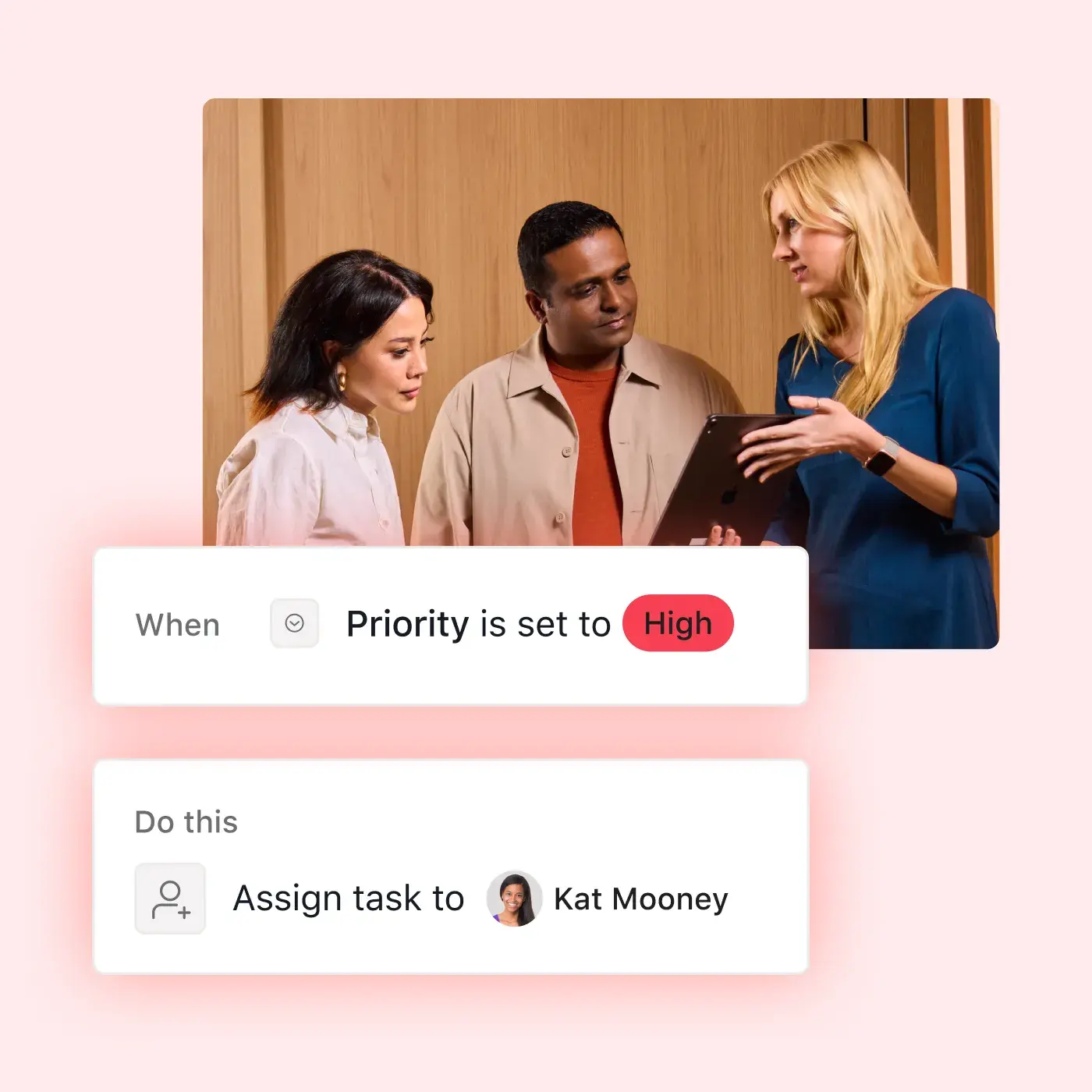
Shift from static project management to dynamic AI task management, and build no-code AI workflows to classify and route work to the right place with AI Studio. Choose the trigger and write the instructions, then watch as each new request receives a priority and time estimate, and is routed to the team you choose.

Delegate recurring work to AI Teammates
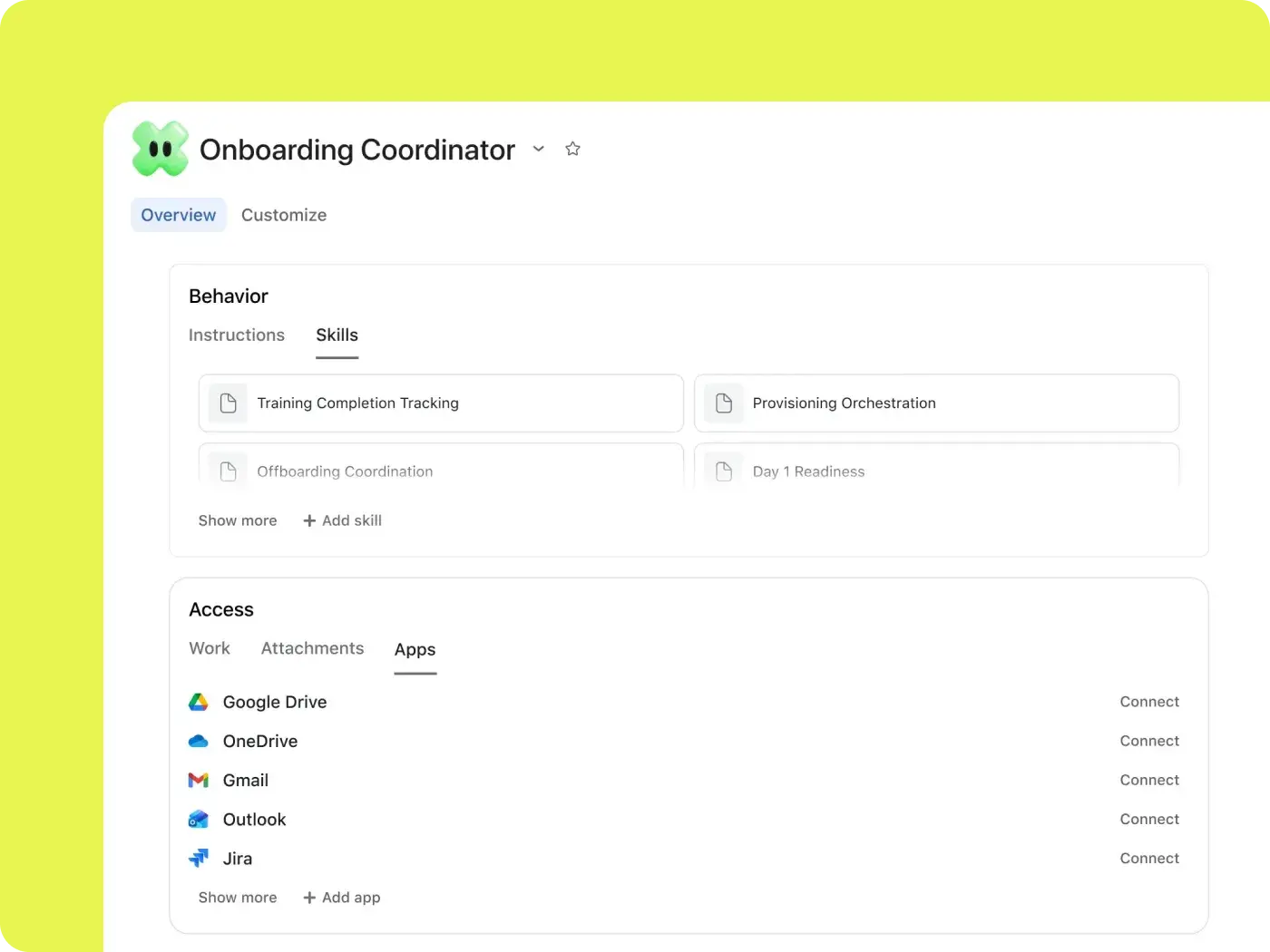
Hand off repeat jobs to AI Teammates, ready-to-go AI agents and AI productivity assistants built for specific roles. Pick from a collection of more than 30 prebuilt Teammates, including an Insights Analyst and Work Intake Specialist, or build your own AI agents to match your needs. Each works inside your workflows with context, following your existing permissions and access levels.

Built for people who coordinate the work
If your week runs on updates, intake, triaging, and reporting, Asana AI gives you time back. Here’s what that looks like for the teams that keep work moving.




Get your days back for decisions
Status reports and check-ins crowd out actual management. Smart status drafts updates from real progress, and Dash flags what’s blocked before your next one-on-one. With AI project management in Asana, you can oversee, review, and adjust actions instead of building every update from scratch.
Indeed saves 13 hours per month with Smart status
Indeed, the world’s #1 job site, turned to Asana to help manage 1,500+ requests a year across 28 languages. Now the company’s in-house creative team generates executive updates in seconds instead of hours, leaving time for its teams to help people find better work.


We didn’t just move our work into Asana; we used it to remove the work about work. By leveraging Smart Status to automate the most time-consuming part of creative operations—data mining—we saved 13 hours per month that are now reinvested into creative strategy.Brandi Johnson
Senior Manager, Creative Operations, Indeed
Let Asana AI handle the coordination
It’s Friday. You need to draft an update and sort new requests, but you can’t be in two places at once. With Asana AI, Dash flags the decisions that need you, taking your team’s context into account from the start and showing you what work you can assign to an AI work assistant.
Frequently asked questions about AI work assistants
An AI work assistant uses artificial intelligence to handle routine work tasks, such as drafting status updates, sorting requests, responding to routine questions, and summarizing progress. With Asana, your AI agents work for you and with you, following pre-set boundaries and rules while acting autonomously where they’re allowed.
It depends on the job. General AI tools work well for research and content drafting. For teamwork and project planning, the best tools are usually those built into the place where the work is done. If you want an AI personal assistant for work that also knows your team’s projects, try Asana Dash.
Asana AI is only included on paid plans, though you can start with Asana for free. The Starter plan begins at $10.99/user/month (billed annually). Starter, Advanced, Enterprise, and Enterprise+ plans all include AI Teammates and Dash requests, plus monthly AI Studio credits. See Asana pricing for current details, or start a free trial.
It takes over repeatable coordination, like status reports and intake triage. By using AI Studio to classify incoming requests, HubSpot saves up to 250 hours of coordination work per year.
General AI tools like ChatGPT work from what you give them. Asana AI works from your team’s projects, owners, due dates, and goals in Asana, and you don’t need to paste in context first. Many teams use both Asana AI and a general AI work assistant, and Asana even has an app in ChatGPT.
Only in the ways you set it up to. Smart status drafts updates for you to edit and post, and AI Studio follows the triggers and instructions you set. AI Teammates and Dash operate within your existing permissions and need approval for sensitive actions, such as removing project members.
No, Asana and its AI partners don’t use customer data to train models. To learn more about how Asana protects your data, visit our trust and security page.
Asana AI is the AI built into Asana, including features like Smart status. AI Studio is a no-code builder for AI automations. AI Teammates are ready-to-go AI agents that take on defined jobs. And Asana Dash surfaces what work needs you and routes it to the right AI Teammate.