


Asana for AI task management
AI task manager that connects plans, prioritizes work, and moves routine steps forward.
Asana AI helps leading businesses get work done

![[Logo] Figma - AI](https://assets.asana.biz/m/7c5ccc193e59fcc3/original/WEB-AI26-buyer-figma-logo.svg)
![[Logo] TOMS - AI](https://assets.asana.biz/m/38c4cd181ee6939b/original/WEB-AI26-buyer-toms-logo.svg)
![[Logo] Clear Channel - AI](https://assets.asana.biz/m/51db2ff7272af49f/original/WEB-AI26-buyer-clearchannel-logo.svg)
![[Logo] Goodrx - AI](https://assets.asana.biz/m/464cae48ddeaf94a/original/WEB-AI26-buyer-goodrx-logo.svg)
![[Logo] Anthropic - AI](https://assets.asana.biz/m/7b379c271b69b02c/original/WEB-AI26-buyer-anthropic-logo.svg)
Stop organizing, start executing
A static to-do list remembers what you tell it. An AI task manager decides turns inputs into tasks, surfaces blockers, drafts descriptions, and recommends owners.
It reads your inputs and turns them into structured tasks. Asana looks across deadlines, workloads, and dependencies to surface what needs your attention today, not yesterday's priority that got bumped down the list. It drafts the task description, suggests the owner, and flags the risk when something's falling behind.
The difference from a regular task manager isn't cosmetic. It's operational. You're not maintaining the system; AI task management handles routine coordination while your team reviews decisions and keeps work moving.
Workers who treat AI as a teammate are 33% more likely to report productivity gains. Read more about the state of work innovation.

Beyond auto-scheduling: Scale from daily tasks to AI project management.
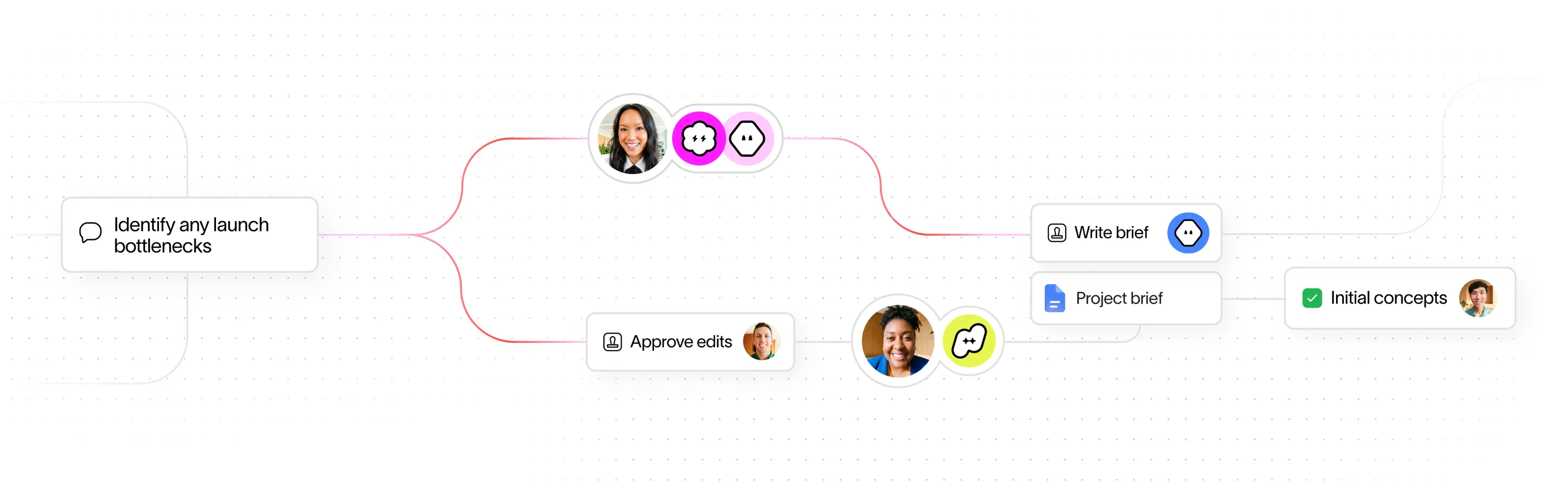
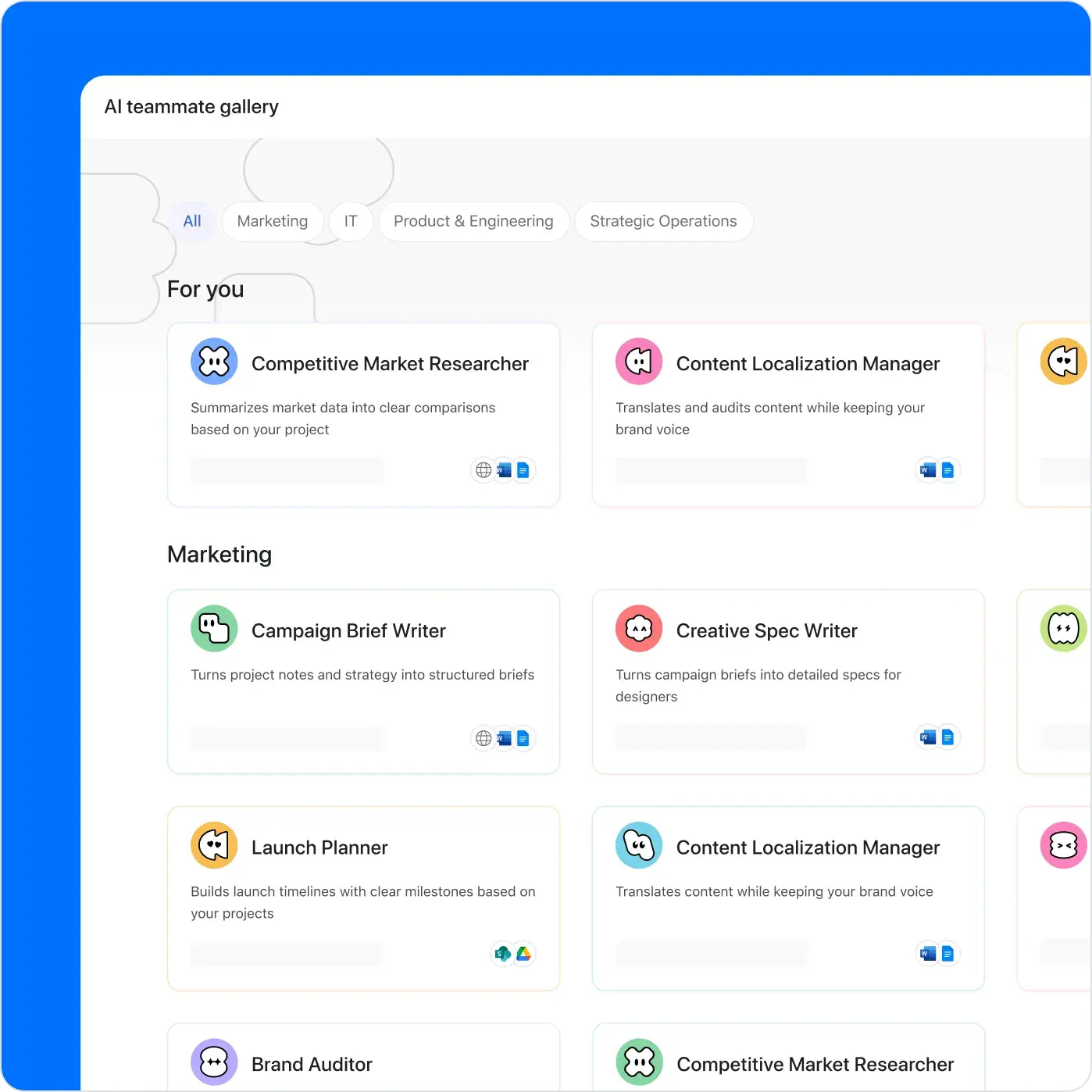
AI Teammates hold a seat in your project.
Assign them work, define their scope, and they execute while you keep oversight.
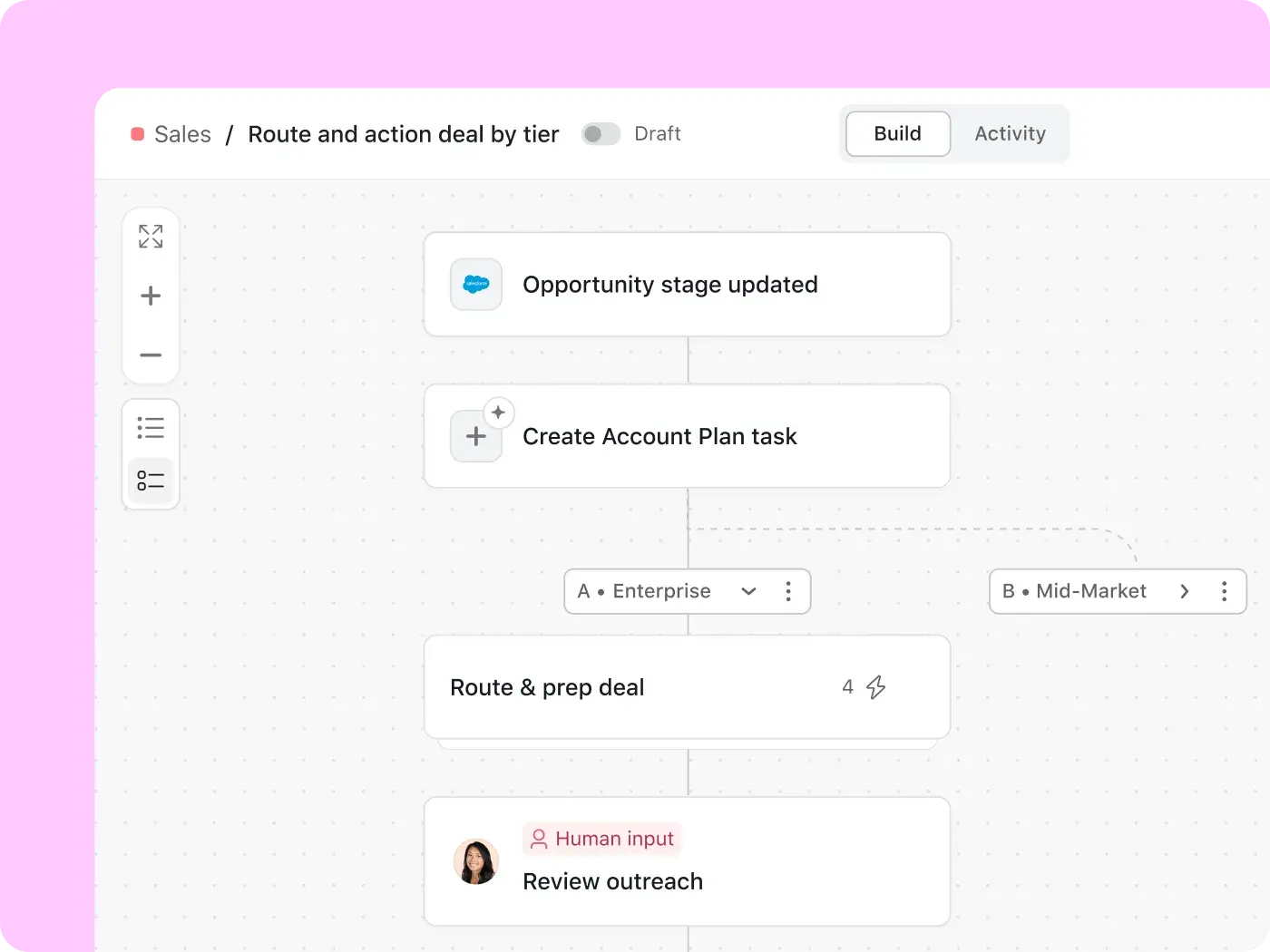
Build no-code AI workflows in minutes.
Set the trigger, write plain-language instructions, and AI handles the routing, drafting, and follow-up across every request that comes in.
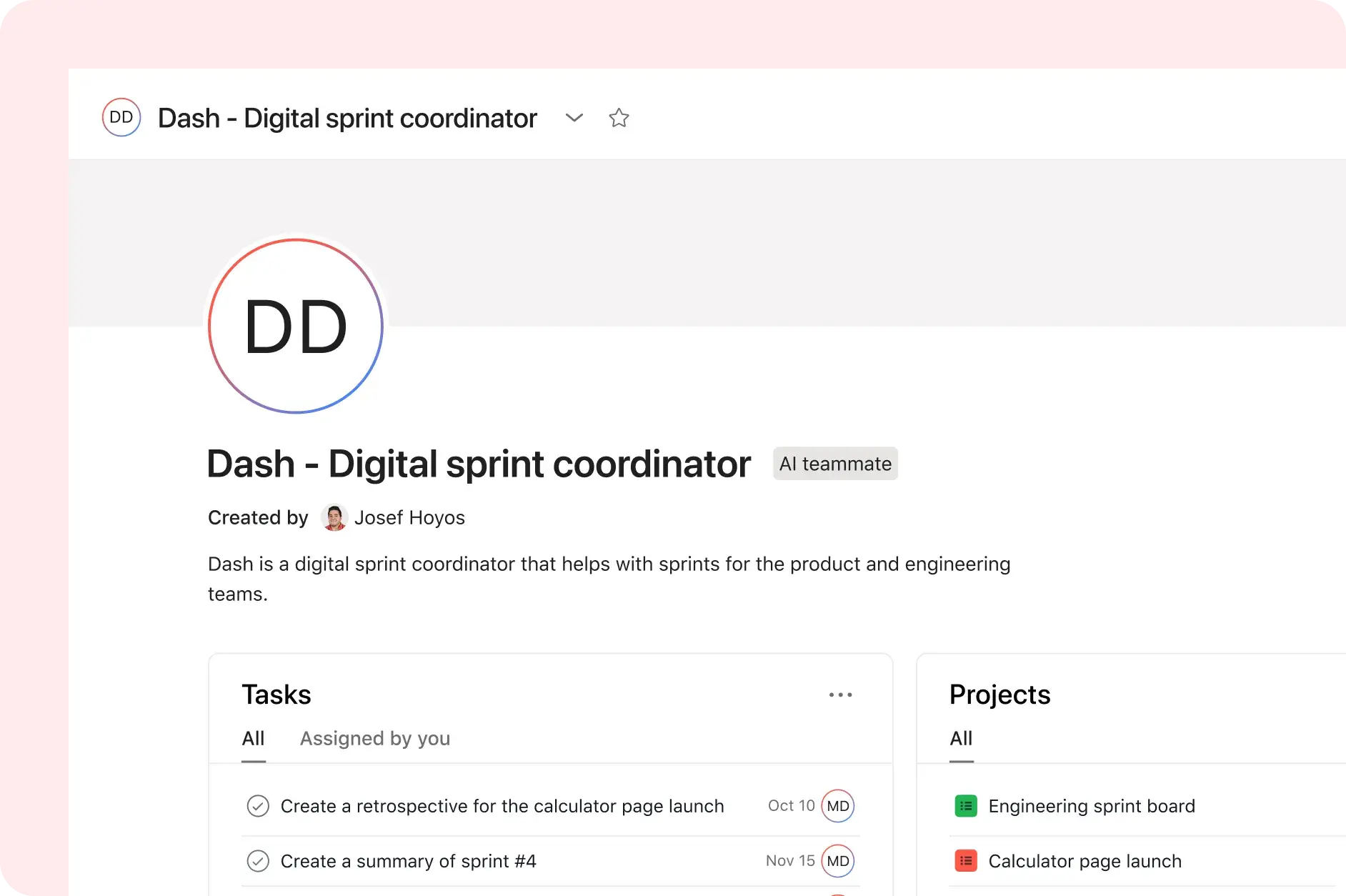
Your AI chief of staff.
Dash mines email, Slack, and meeting notes into a structured daily plan. Asana AI task management surfaces what changed, what's at risk, and what needs your call.
Build AI automations in minutes
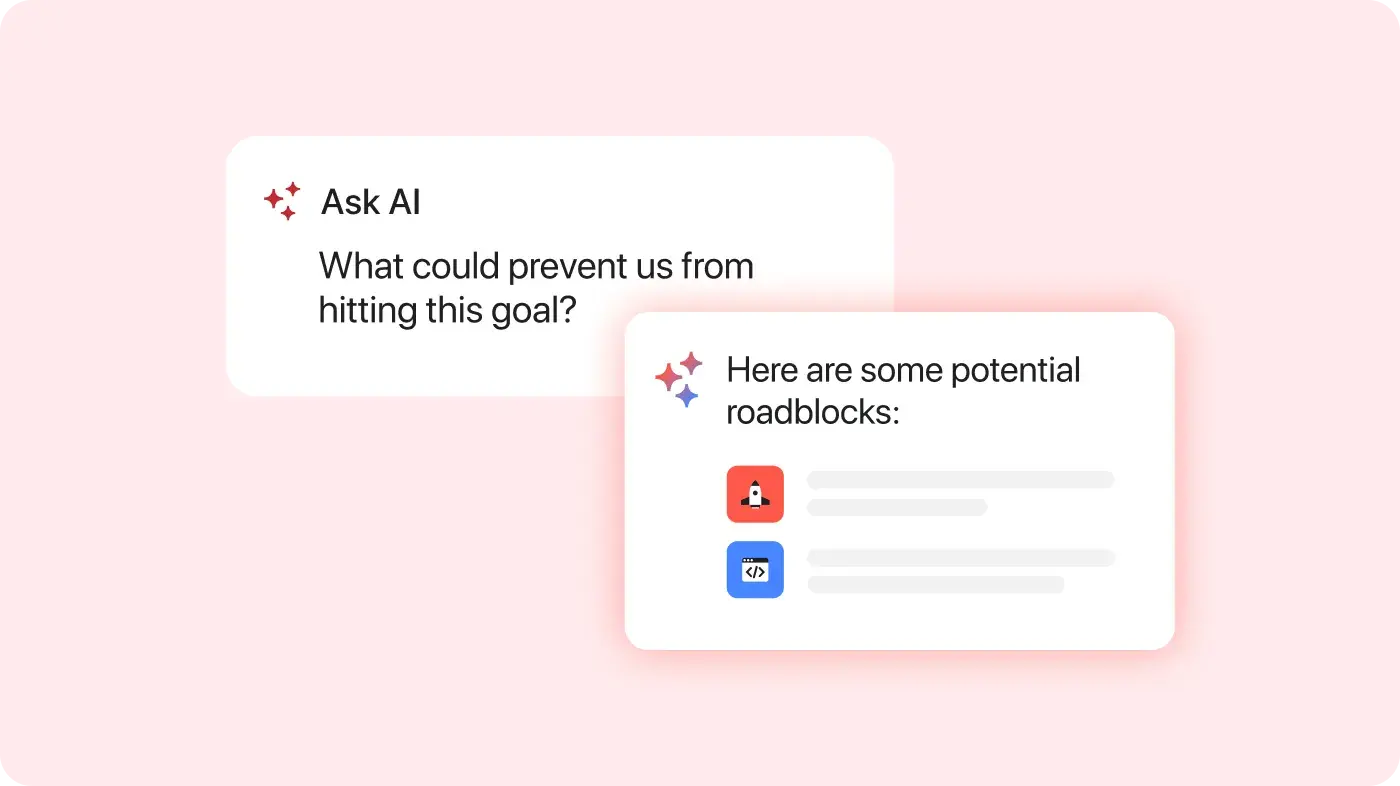
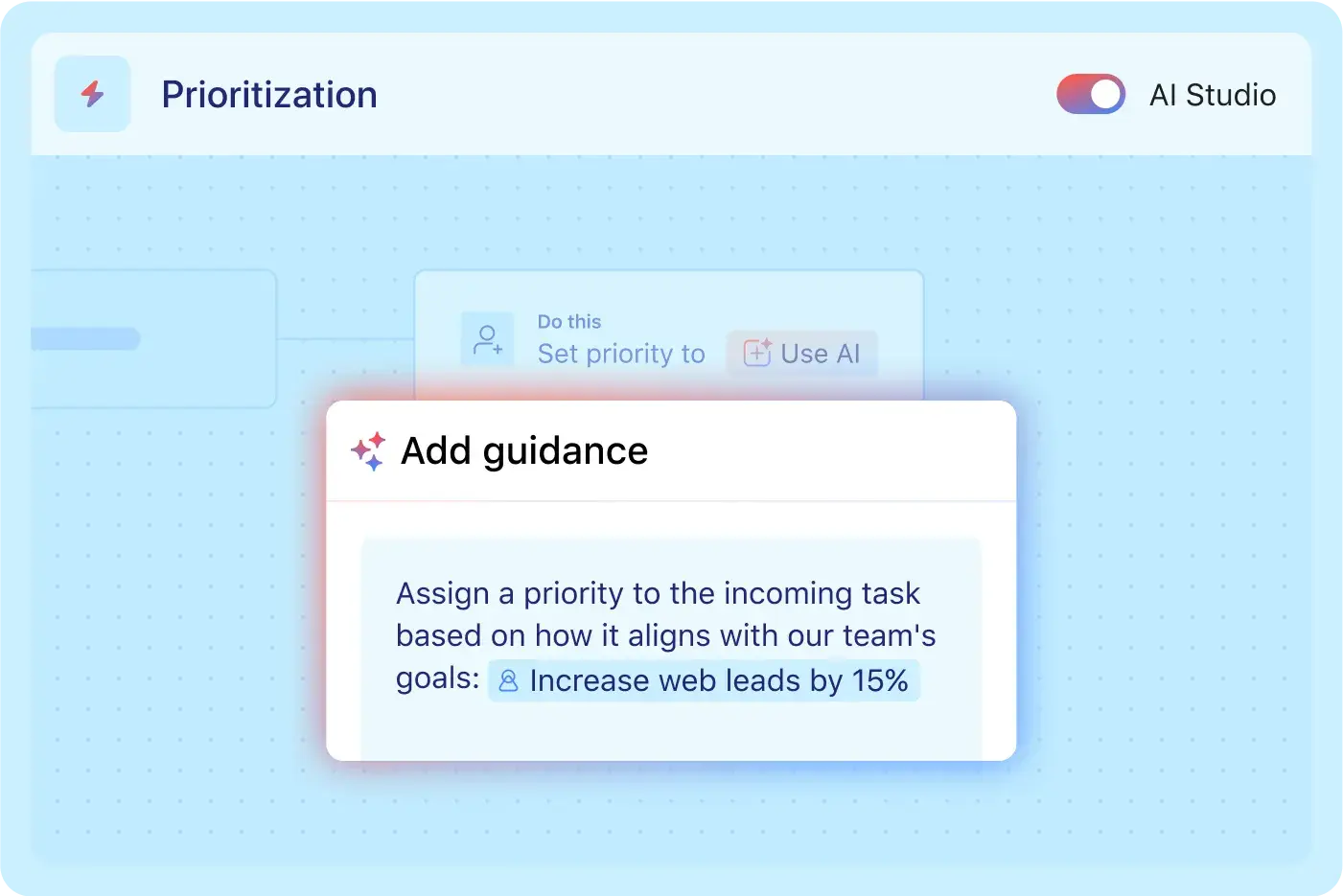
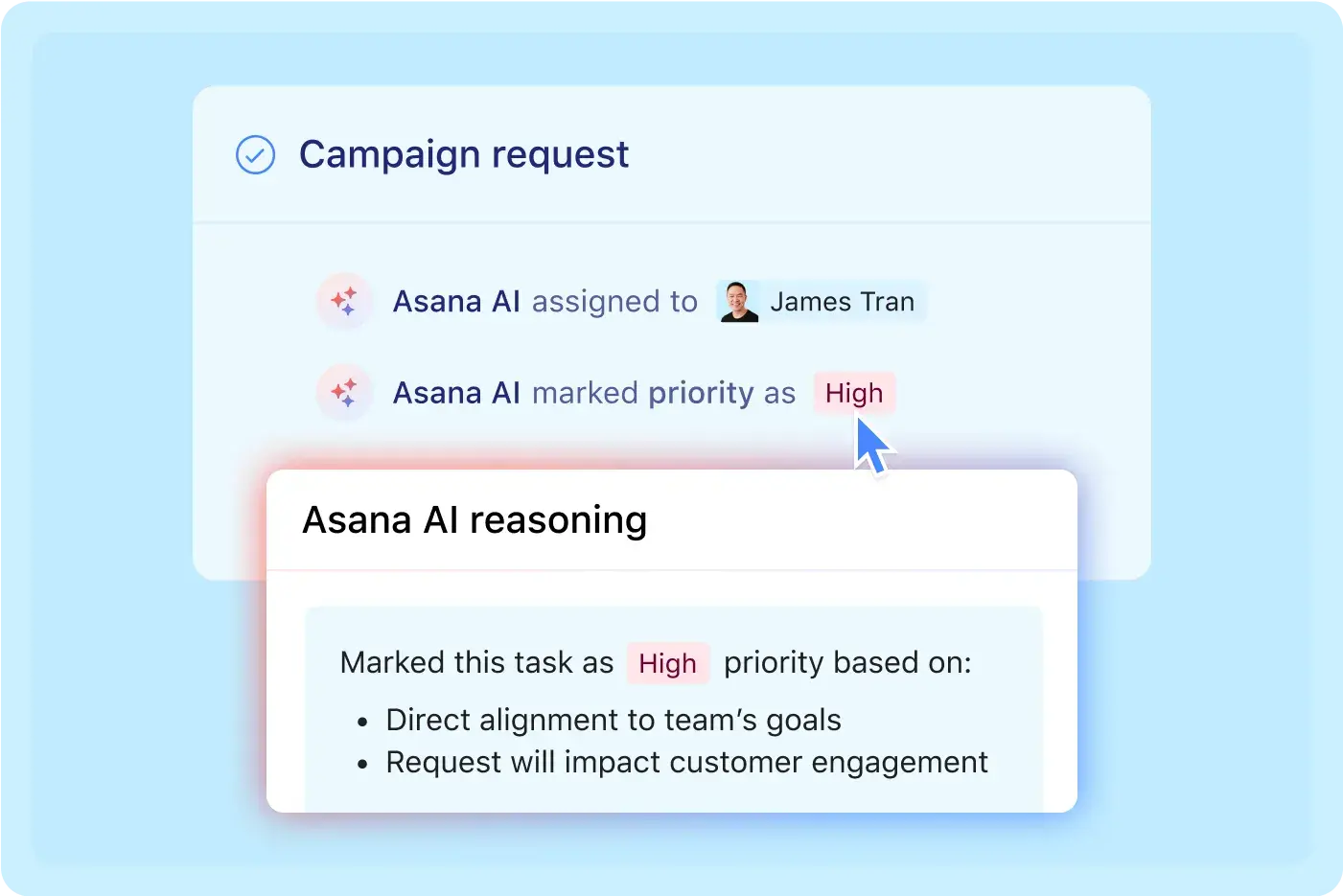

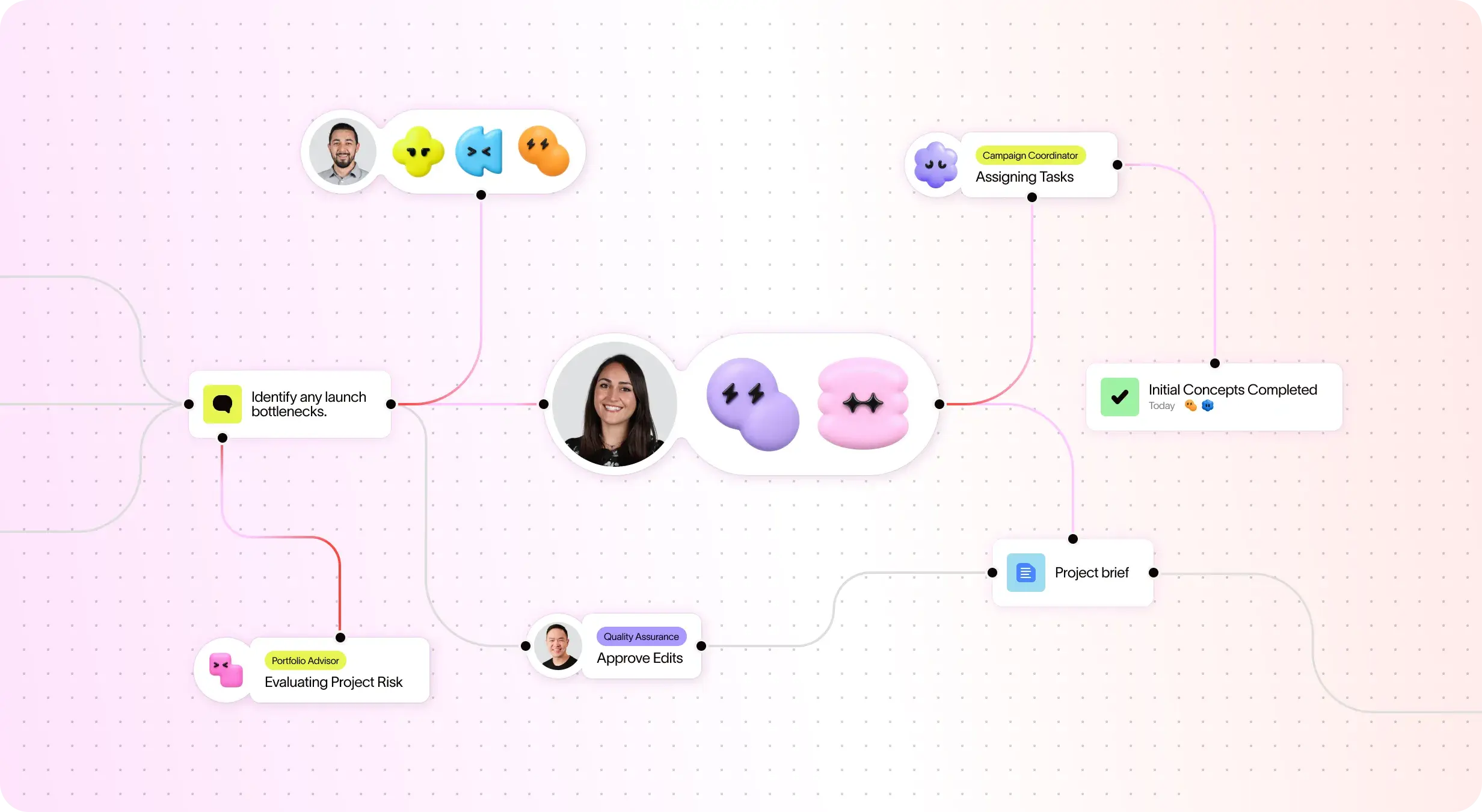


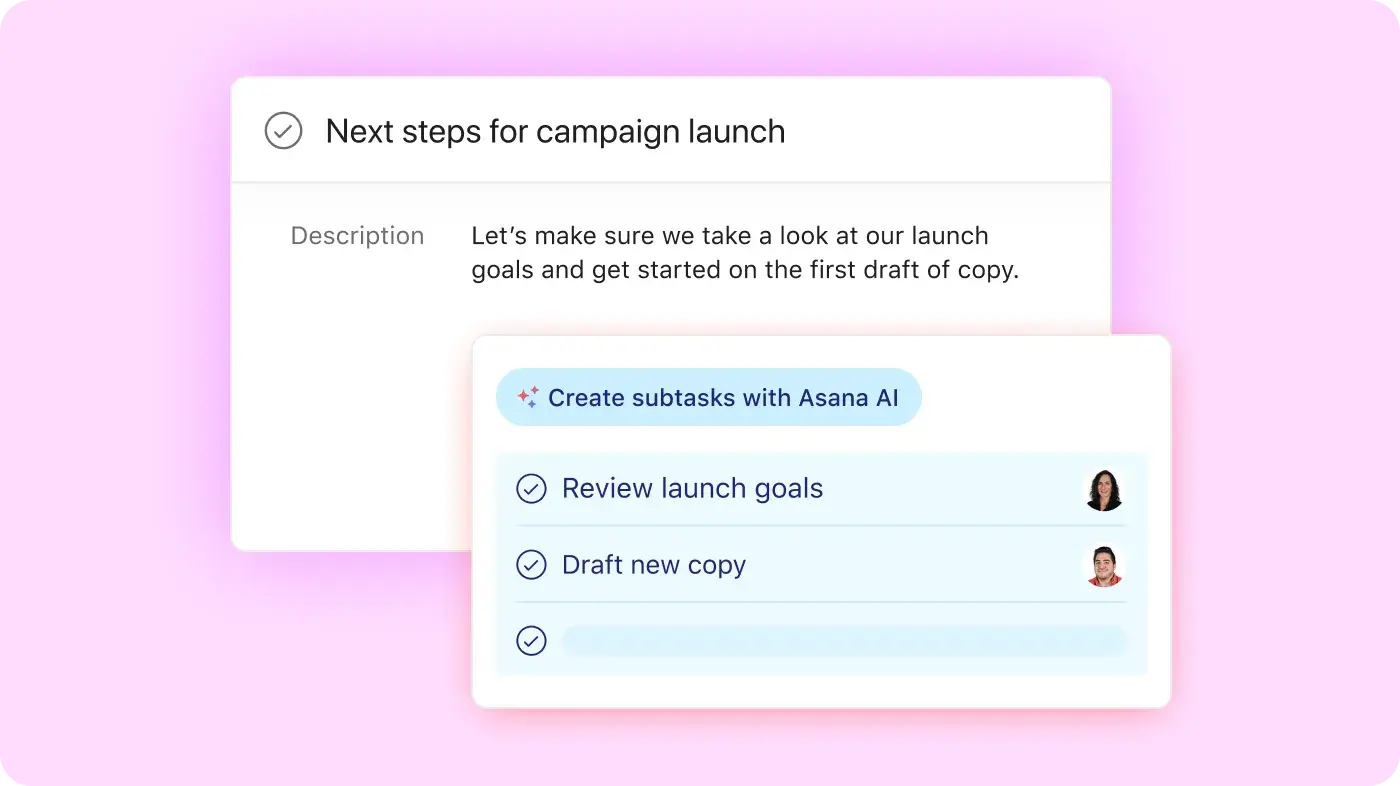
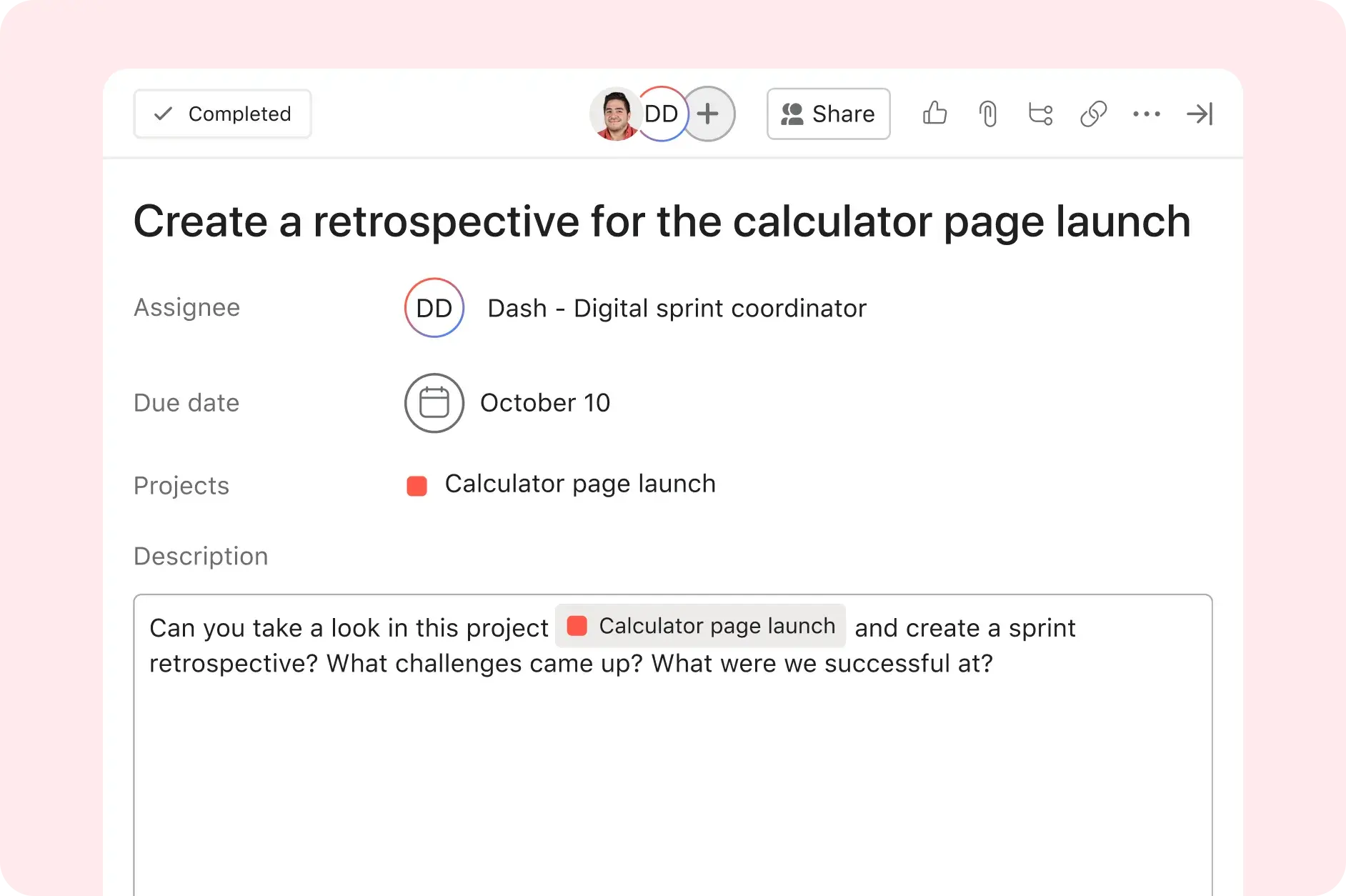
Type a request, submit a form, forward an email. Asana AI reads the input and generates a structured task, with a title, description, and suggested due date. All without a template or manual setup.
Rather than a flat list in entry order, your AI task list is organized by what actually matters: what's due, what's blocking someone, and what's been sitting too long. Priorities update automatically as the project changes.
When context makes it clear, AI assigns automatically. For complex requests, it flags for human review. For defined workflows, it routes to an AI teammate who executes end to end.
Status updates, reminders, intake routing, approval triggers — any step that happens the same way every time can be automated with AI Studio. Set it once and it runs without prompting.
A live timeline view shows what's done, overdue, and blocked; updated by AI and humans together, visible to everyone with access. No status meetings are needed to gather information that's already in the system.
The shift from a static AI to-do list to team project management
Asana AI project management tools let teams build custom AI workflows without writing a line of code. Pick the trigger. Write plain-language instructions. Deploy.
What AI Studio automates:
Intake triage and routing (classify, score, assign by request type)
Status updates and risk flags (draft and send on schedule or on trigger)
Approval workflows (route to the right person, follow up on overdue approvals)
Cross-tool handoffs via 400+ integrations and AI Connectors for Claude, ChatGPT, and Gemini
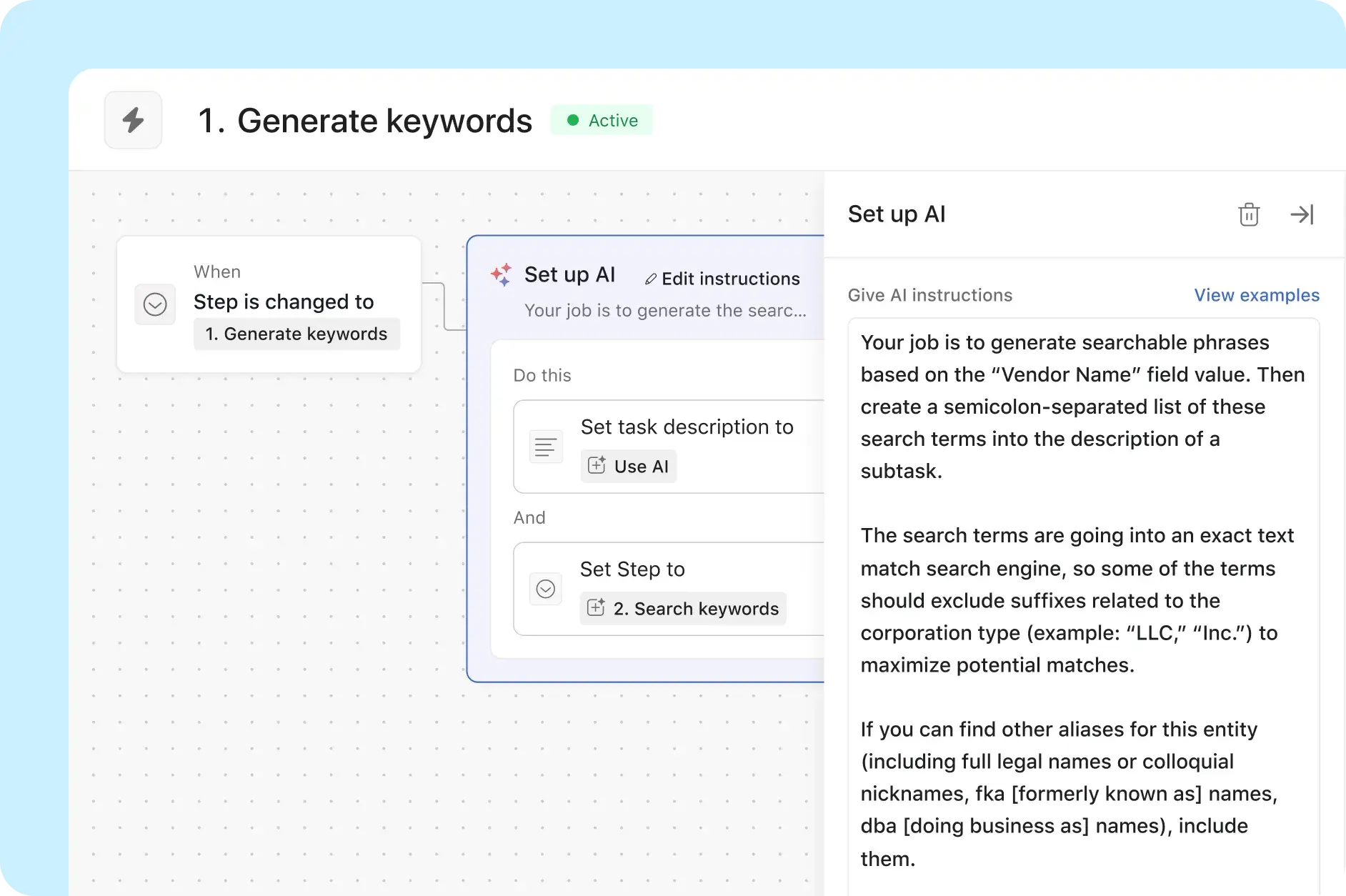
AI task management for every team
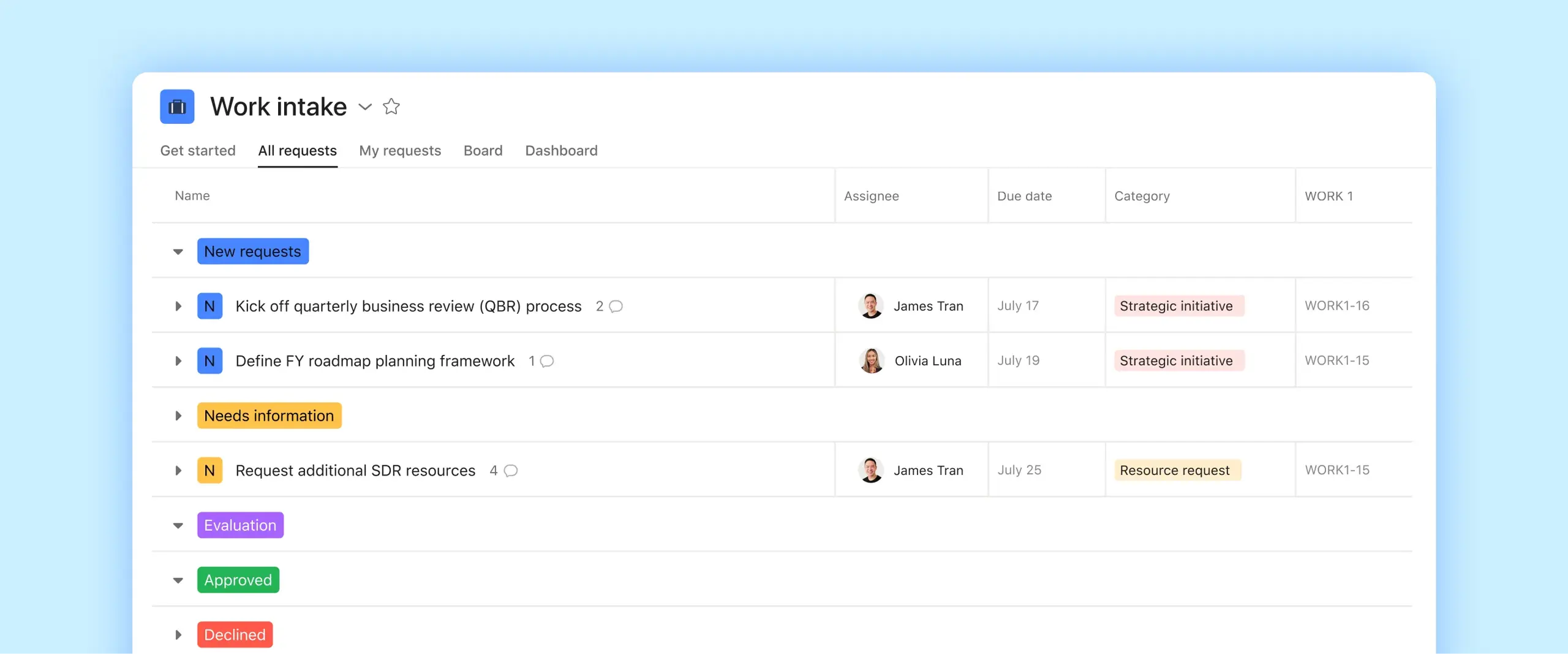
Request intake at scale
AI Studio classifies every incoming request, assigns to the right queue, and sends a confirmation. Your team sees organized, prioritized work instead of a raw inbox.

Campaign kickoff to delivery
AI teammates draft creative briefs from intake forms, route for approval, and flag timeline risks before they delay launch. No manual handoffs between brief, creative, and review.

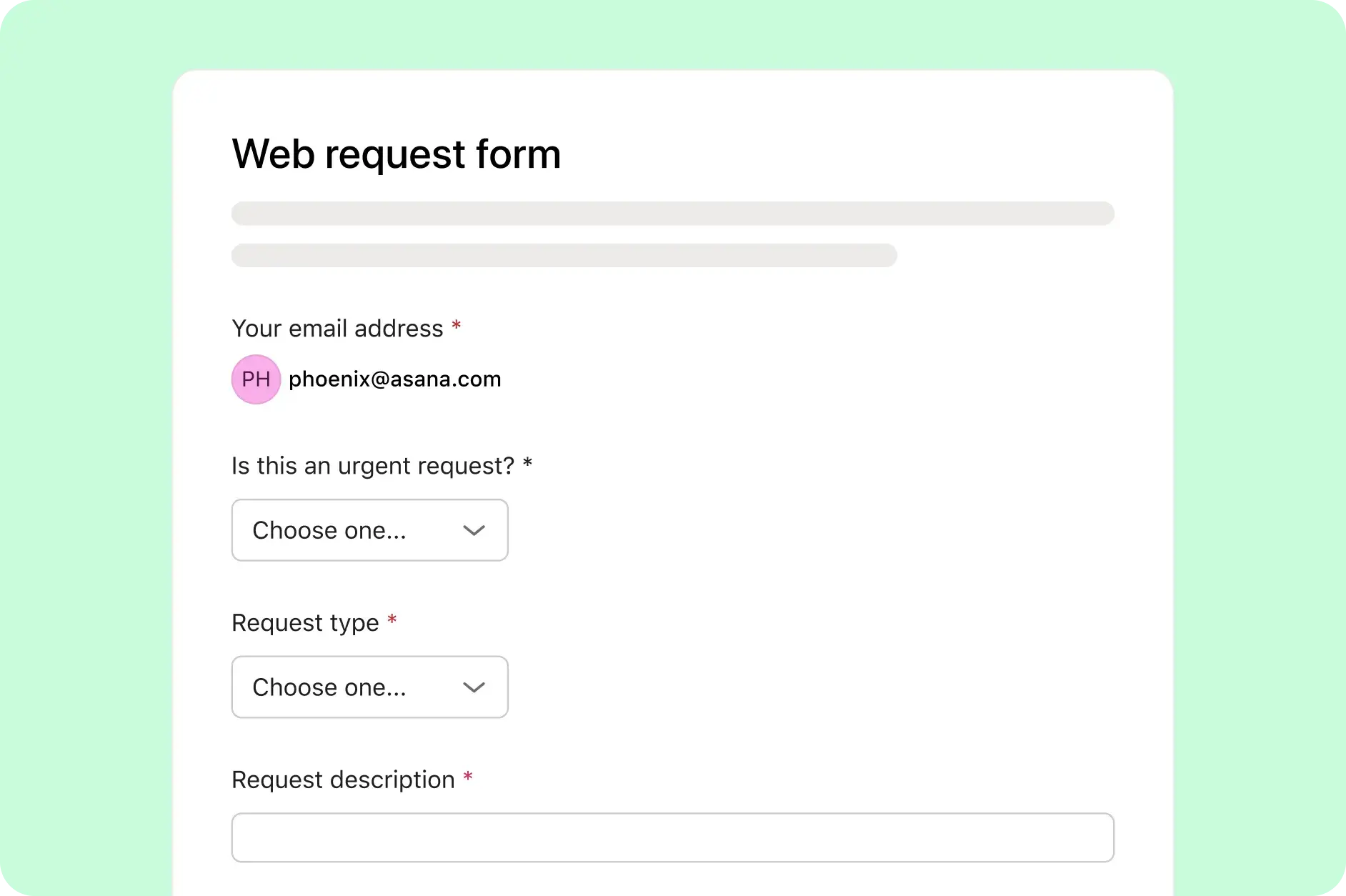
Ticketing and onboarding
AI routes support tickets by type and urgency, triggers onboarding checklists when a new hire task is created, and closes out completed items without manual status updates.
Cross-functional planning
AI surfaces dependencies across engineering, design, and QA; flags blockers before they cascade; and updates stakeholders automatically when milestones shift.

How Asana Compares
Scalable automation and AI workflows
Asana helps teams save time and reduce manual work with advanced automation and AI features that streamline processes—not just communication or productivity tasks. With AI Studio, you can build smart workflows tailored to your team’s processes.
AI built for teams
Asana AI Teammates are AI agents powered by the Work Graph, so they understand your team's goals, projects, and dependencies from day one—and every AI action is visible and auditable.
Advanced built-in task management
Asana natively supports advanced task management by helping teams stay on track, simplify approvals with one-click sign-offs, and maintain a single record across multiple projects, keeping complex work organized without third-party add-ons.
400+ integrations for connected work
Asana offers 400+ integrations with popular tools like Slack, Microsoft Teams, Google Drive, and Salesforce, enabling teams to connect workflows across projects and departments and scale collaboration efficiently.
Enterprise-ready platform
Asana offers a unified, user-friendly platform with unlimited automation, broad integration support, and organization-wide standardization, enabling teams to scale efficiently without added operational complexity.
Centralized updates across work
Asana connects communication and project updates in one place. Comments, file sharing, and a centralized inbox help keep everyone aligned, and tasks can live in multiple projects so updates flow across teams automatically—without extra tools.
Assign your first AI Teammate today
Teams need AI that can be assigned work, not just asked about it. Asana AI Teammates are agents you assign to tasks the same way you assign people.


Company Size
Enterprise
Industry
Financial services
Morningstar's Research team built an AI-powered content pipeline in Asana AI Studio that saves approximately 14,976 hours annually — about $600,000 in reclaimed capacity. Their team runs this workflow inside Asana, where every AI-generated output lands directly in the shared project.
Morningstar
Asana Partner Case Study


Frequently asked questions
The best AI task manager for teams is one where AI can be assigned work, not just asked about it. Asana AI Teammates prioritize, draft, and execute tasks alongside people in a shared plan.
Yes. Asana AI Studio lets you build no-code automations that assign work, send updates, and route requests across 400+ integrations. AI Teammates handle recurring steps end to end, so your team sees organized, prioritized work instead of a raw inbox.
AI-powered workflow automation uses AI to interpret inputs, make decisions mid-workflow, and adapt when conditions change, not just trigger fixed rules. In Asana, AI Studio and AI Teammates handle the judgment-heavy steps that rules-based tools can't.
A marketing team submits a creative brief request. AI Studio classifies it by campaign type, routes it to the right team queue, and assigns a brief-drafting step to an AI Teammate. The Teammate generates a first draft and flags it for human review, all before anyone on the team has to manually touch the request.
For team task automation, pair AI Studio's no-code workflow builder with AI Connectors for Claude, ChatGPT, and Gemini. Asana automates handoffs and status updates across the tools your team already uses.
LLMs like ChatGPT draft and suggest tasks, but won't track or execute them in your workflow. Asana connects to ChatGPT, Claude, Gemini, and more via AI Connectors, then runs the work; assigning, scheduling, and tracking tasks in your shared plan so nothing slips.
Match the tool to the job: general AI chatbots (ChatGPT, Copilot, Gemini) for drafting and answering; scheduling tools for individual calendars. For coordinating work across a team, Asana AI Teammates assign, prioritize, and execute tasks in one shared plan where everyone has visibility.