


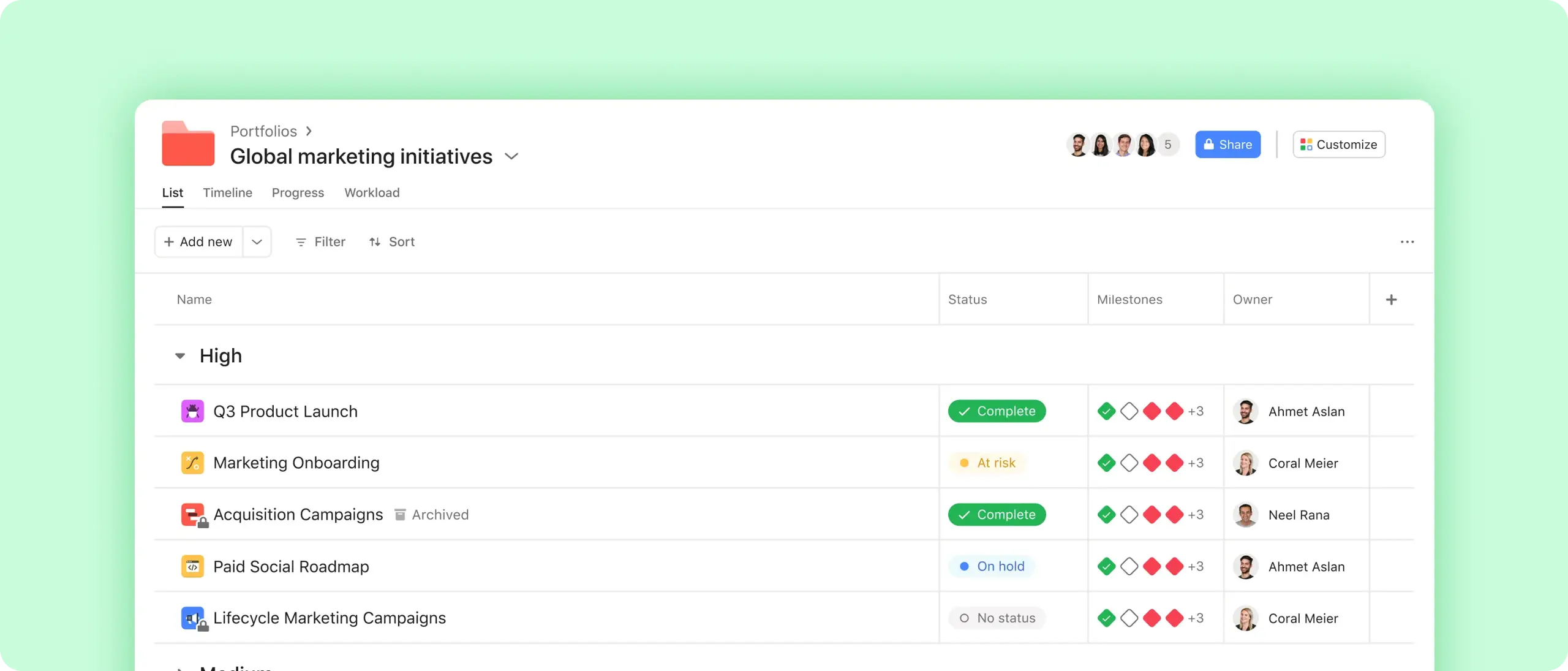
Get a bird’s-eye view
See the health of key initiatives at a glance, and drill down for more information.
Streamline reporting
Create custom dashboards and track metrics like budget and time across projects.
Keep teammates informed
Use our status update builder to share project highlights and progress in minutes.
Organize work around company-wide goals
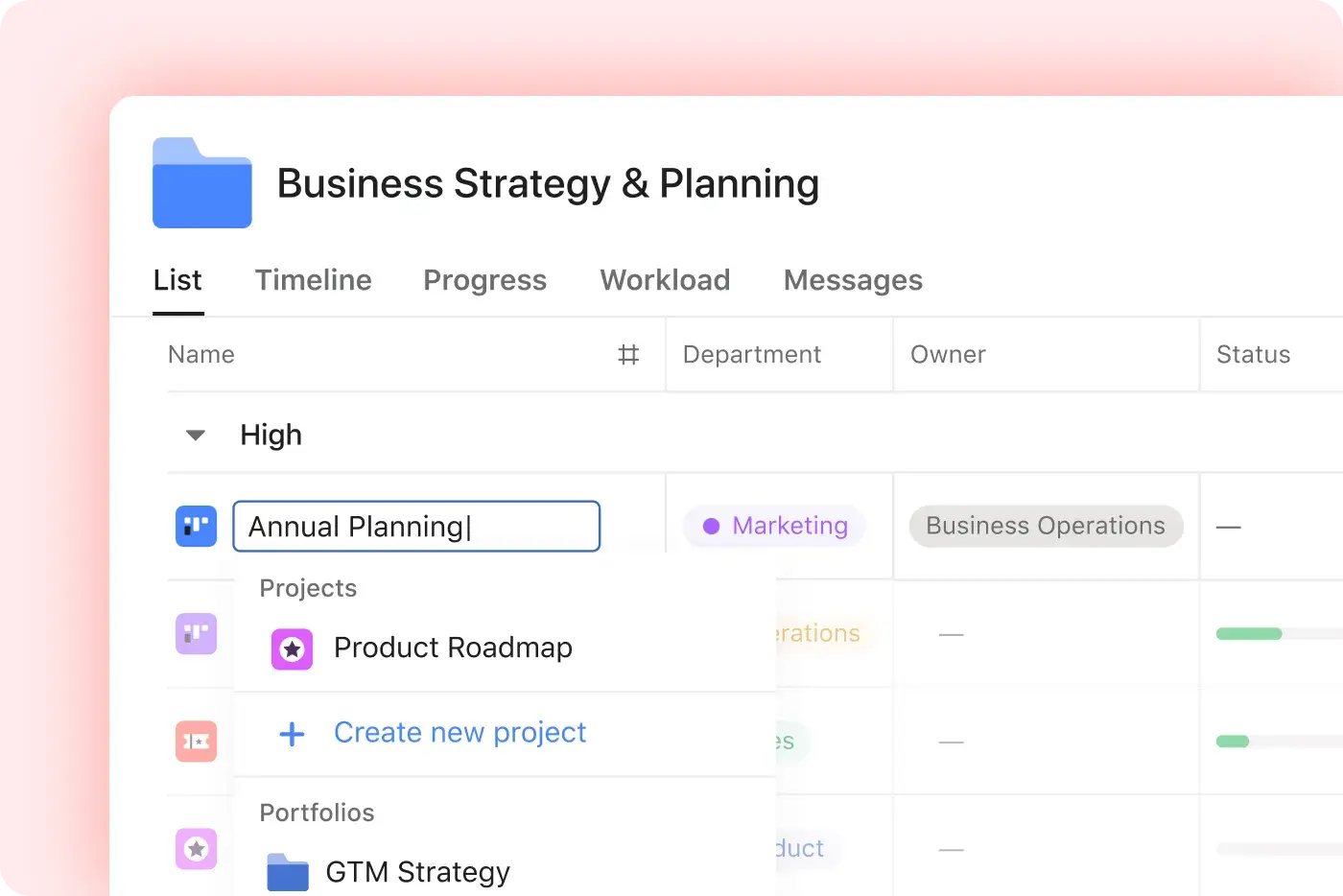
Add work with a click
Search for existing projects and add them to your portfolio.
Organize at scale
Label each initiative so you can sort by priority, type, and more.
Know who’s responsible
View and assign owners for each project.

Monitor progress and adjust plans in real time
See progress in one pane
Click into a portfolio to see which projects are on track and which ones need your attention.
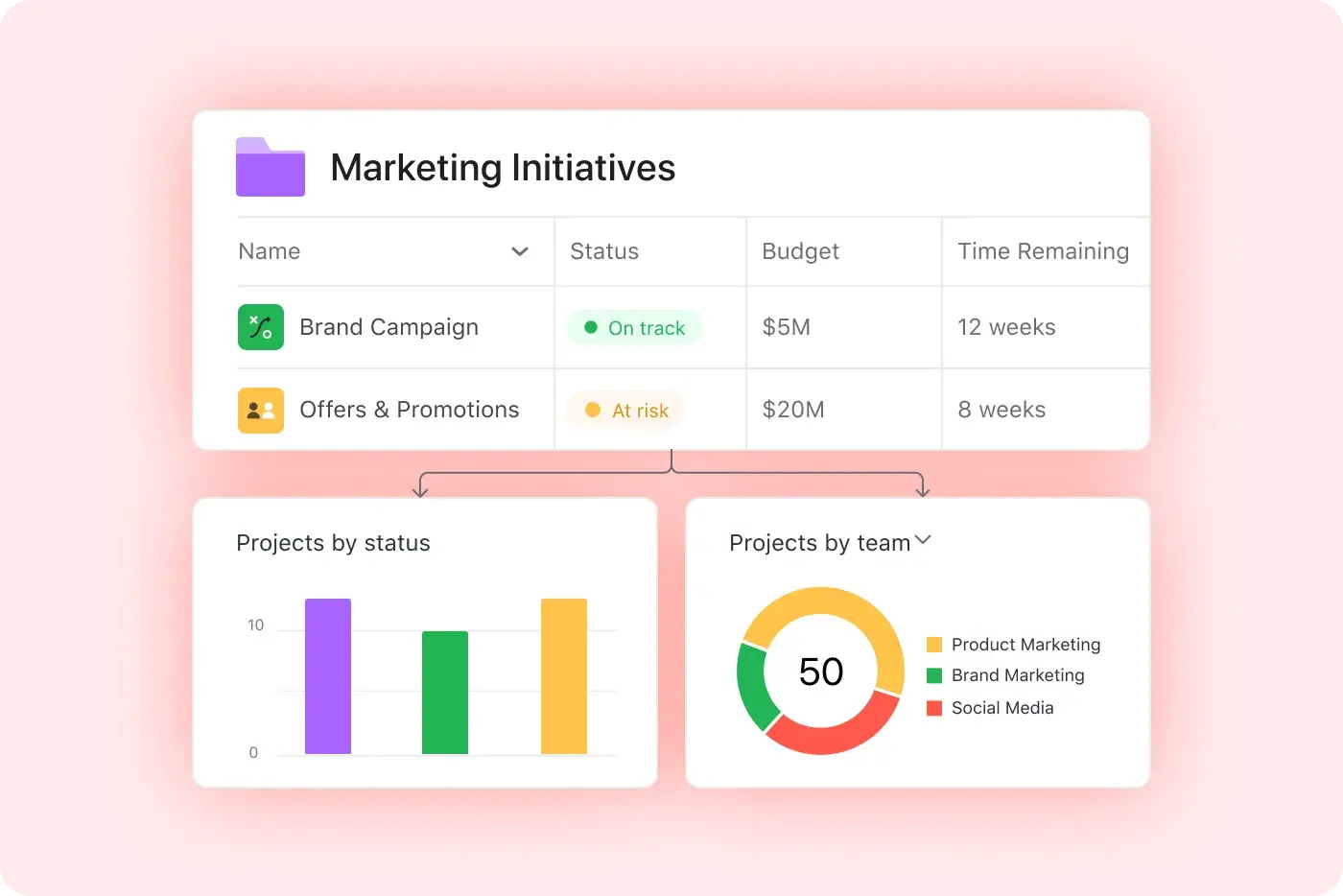
Track data at a glance
Automatically summarize data across each project, like time spent or available budget.
Build custom dashboards
Visualize stats like incomplete tasks and employee workloads, so you can stop problems before they start.
Share progress with teams across the business
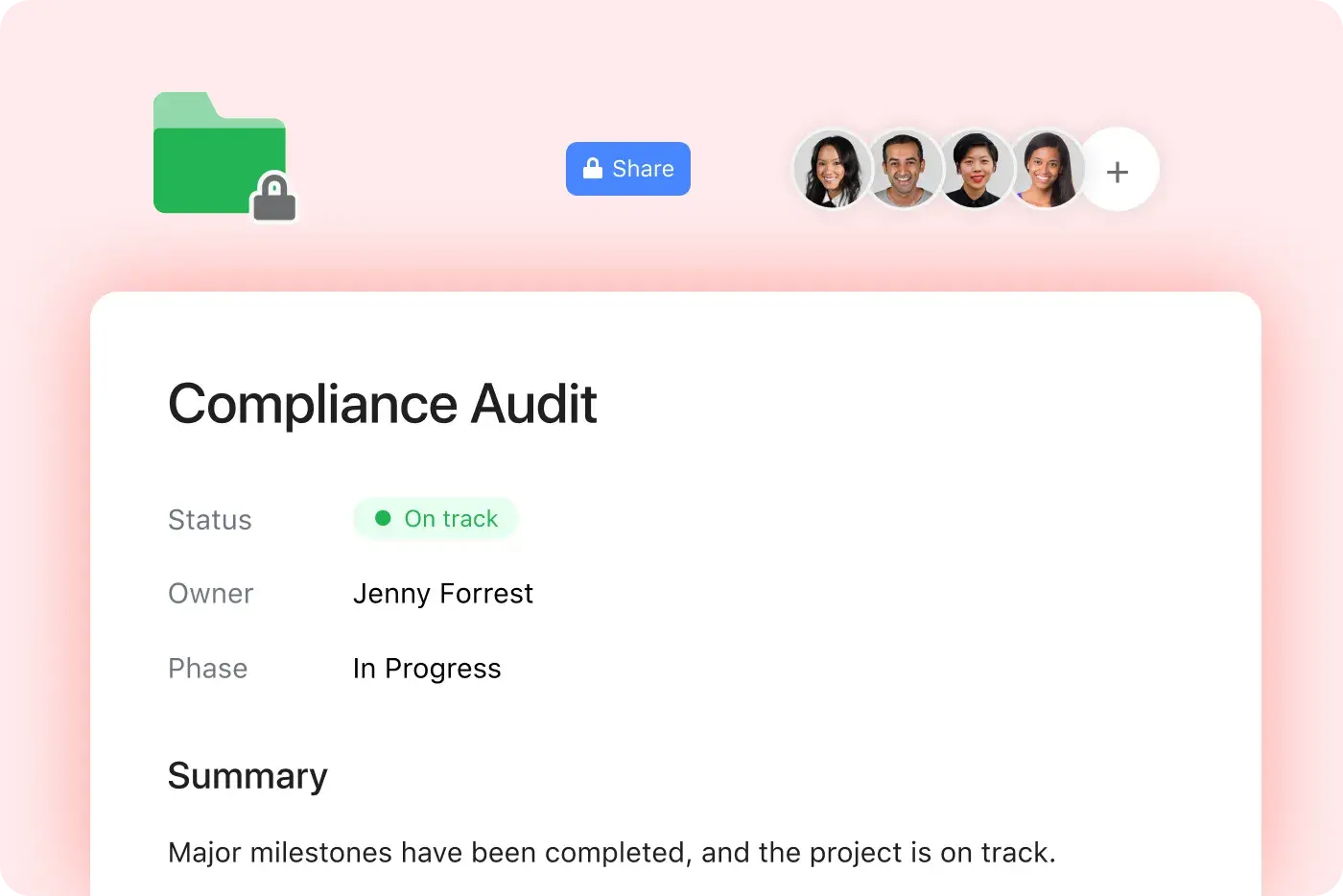
Share information
Invite teammates to your portfolio to give them all the details they need in one place.
Keep work private
Choose which initiatives are private and which ones your team can see.
Send status updates
Share updates with every stakeholder in your portfolio with a few clicks.
Put it all together
Portfolios are just the start. Combine Asana’s features to keep tabs on your most important work.
Still have questions? We have answers.
The Asana plans that include portfolios are Advanced, Enterprise, and Enterprise+ plans.
The difference between a portfolio and a project is that a portfolio is a high-level collection of multiple projects, allowing monitoring of health and progress across them, while projects contain tasks for specific initiatives.
Portfolio status updates allow you to quickly share how the projects in your portfolio are performing. Build your update with a few clicks and share it with every member of your portfolio.
You can add portfolios—not just projects—to another portfolio. That’s what nested means: portfolios within a portfolio. This allows you to track and organize work at a higher level.
You can view the health/status of all projects in a portfolio with a bird's-eye view of project health, with indicators showing on-track vs at-risk status and the ability to drill in for details.
You can create custom dashboards and charts in a portfolio using portfolio dashboards to track metrics like budget, time spent, task status, and visualize them as customizable charts.
To add projects to portfolios, projects can be added with one click by searching for existing projects and adding them to any portfolio for centralized visibility.
A nested portfolio is a feature that lets you include portfolios within other portfolios, enabling hierarchical tracking across multiple layers.
You can track team workloads across projects in a portfolio using the Portfolio Workload view, which shows team bandwidth and allows drag-and-drop reassignment and rescheduling across projects.
There is a timeline view to coordinate project schedules that lets you see start/end dates and milestones across all projects, and adjust schedules directly from the portfolio.
To monitor shared custom field data across projects, you can use custom field roll-ups where budget or time fields in projects automatically aggregate in your portfolio overview.
Transform the way you work with Asana
Start your free trial
Try Asana for free. No credit card required.
Watch the demo
See how Asana connects companies at scale.
Speak with a sales rep
Learn how Asana helps teams collaborate seamlessly.