


ASANA VS. MICROSOFT PROJECT AND MICROSOFT PLANNER
Scale work across your entire tech stack
Asana integrates with over 400 business-critical apps so teams can automate work across tools. MS Project and MS Planner offer native integrations within the Microsoft ecosystem, but broader connectivity requires Power Automate, adding additional setup for cross-system workflows.


Asana is trusted by 170,000+ teams*, from startups to Fortune 100 companies

![[Logo] Goodrx - AI](https://assets.asana.biz/m/464cae48ddeaf94a/original/WEB-AI26-buyer-goodrx-logo.svg)







How does Asana compare to MS Project and MS Planner?
FEATURES
AI built for teams
Asana AI Teammates are AI agents powered by the Work Graph, so they understand your team's goals, projects, and dependencies from day one—and every AI action is visible and auditable. Learn more.
Structured onboarding and guidance for fast adoption
Asana combines an intuitive interface with comprehensive onboarding, in-app guidance, templates, checklists, and Asana Academy training, enabling teams to scale from task tracking to enterprise portfolio management within a single platform. Learn more
Cross-functional visibility across projects
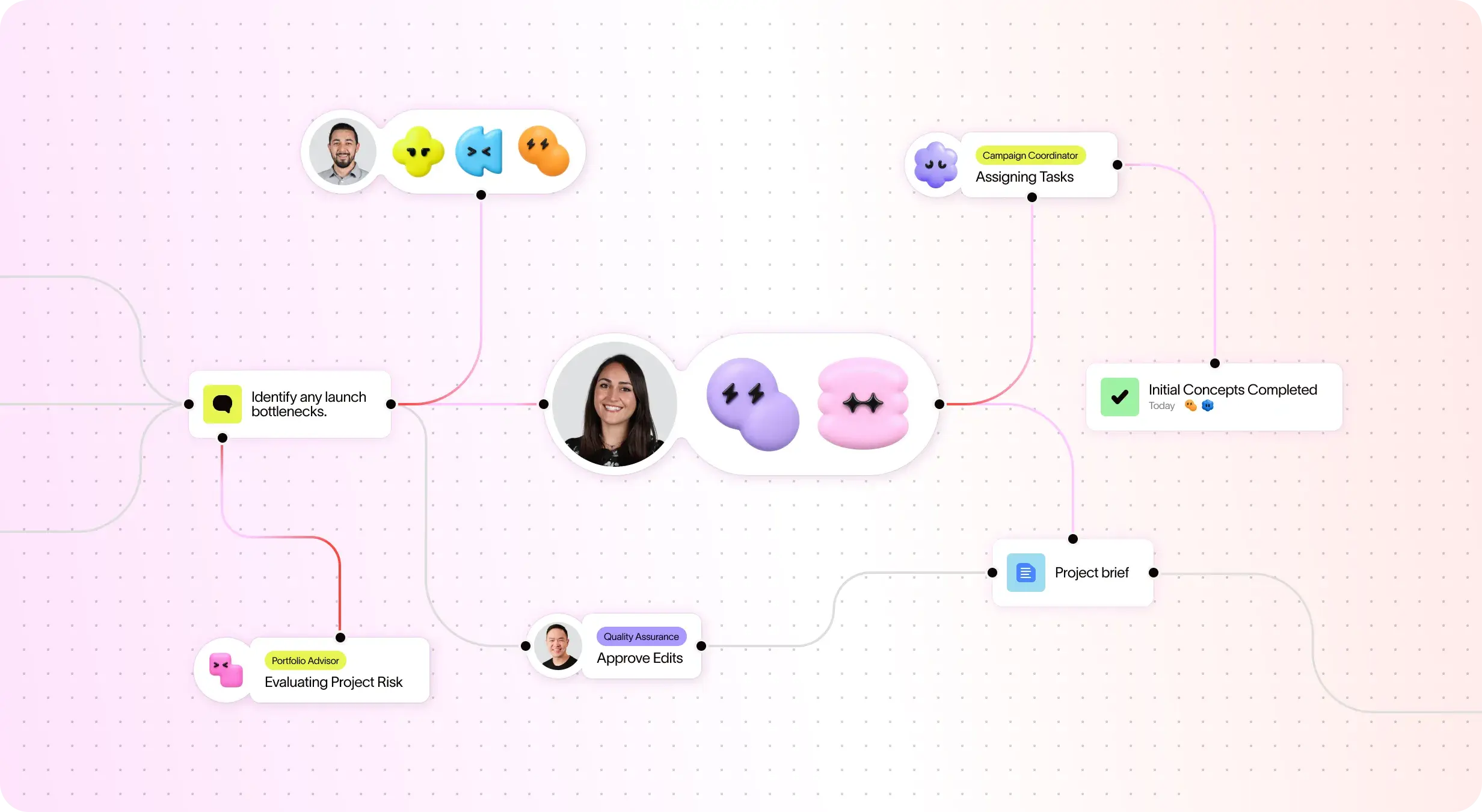
Asana connects communication and project updates in one place. Comments, file sharing, and a centralized inbox keep teams aligned, and tasks can live in multiple projects to enable cross-functional visibility and organization-wide collaboration. Learn more
400+ integrations for connected work
Asana offers 400+ integrations with popular tools like Slack, Microsoft Teams, Google Drive, and Salesforce, enabling teams to connect workflows across projects and departments and scale collaboration efficiently. Learn more
Advanced resource management controls
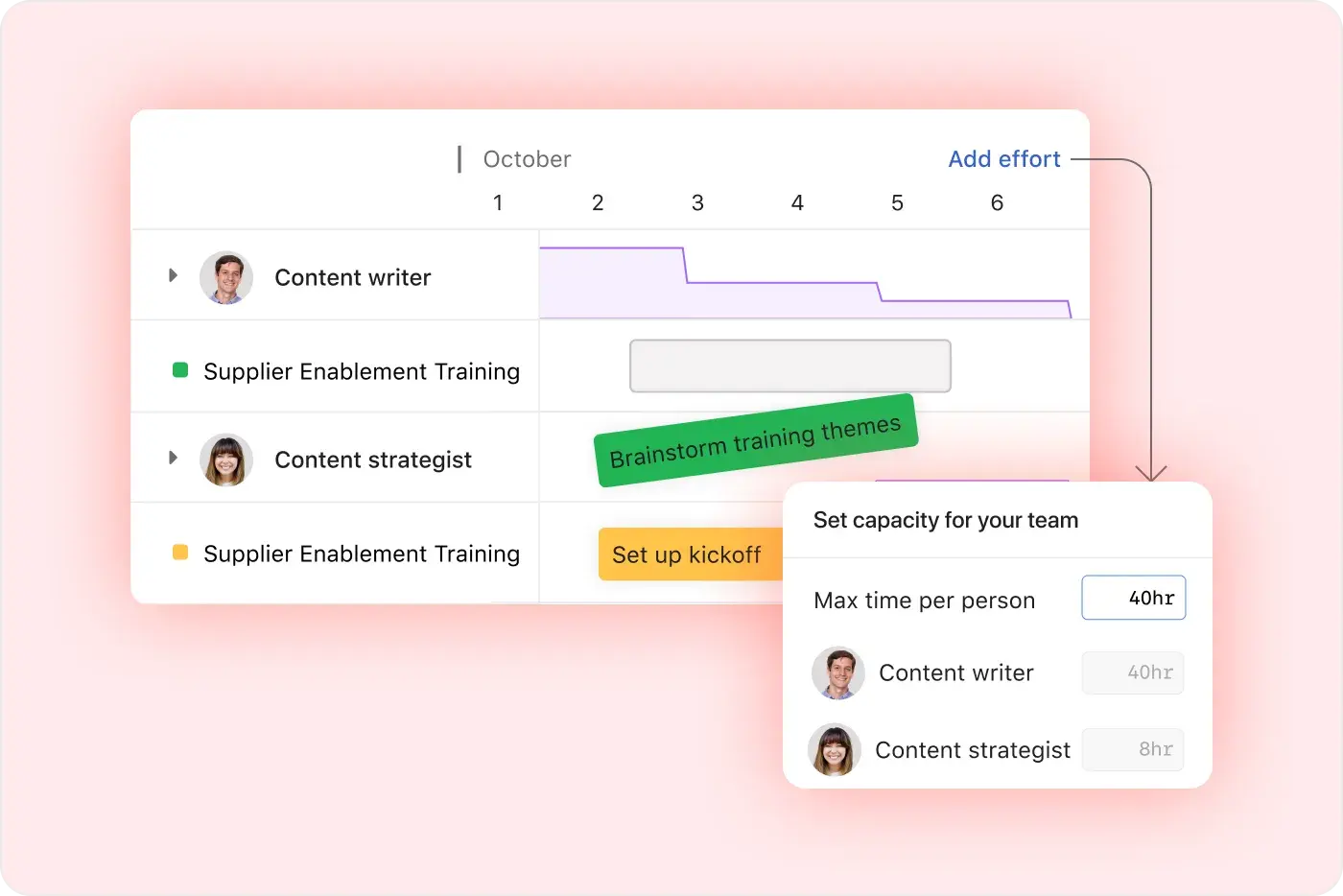
Asana emphasizes ease of use with visual workload views, real-time capacity planning, and flexible task management, making it easy for teams to balance work and track effort in real time. Learn more
Project and workflow customization
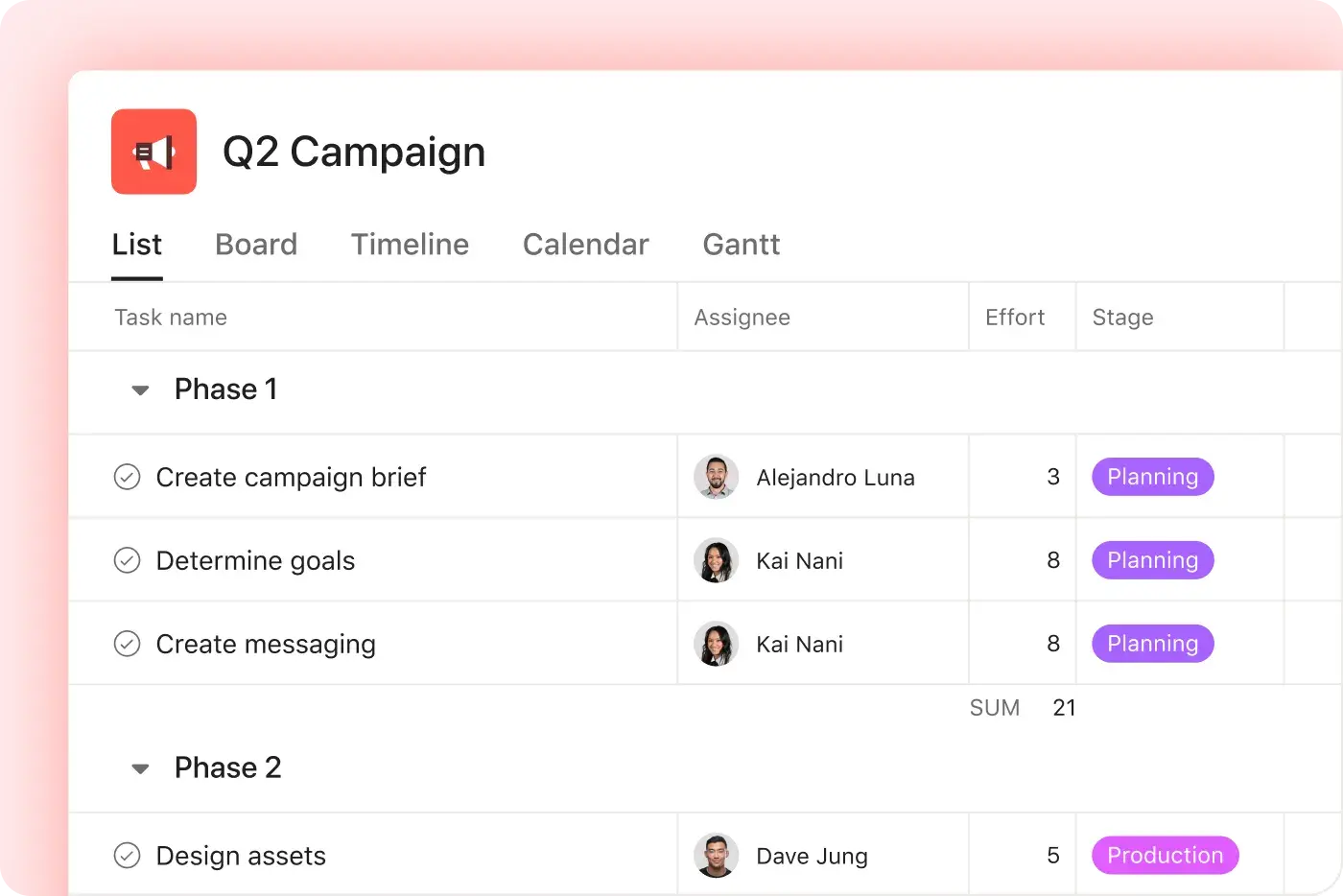
Asana offers multiple native project views—including list, board, timeline, and calendar—along with advanced customization through custom fields, rules, and templates, enabling teams to tailor workflows and manage work with greater flexibility. Learn more
Intuitive organization-wide reporting
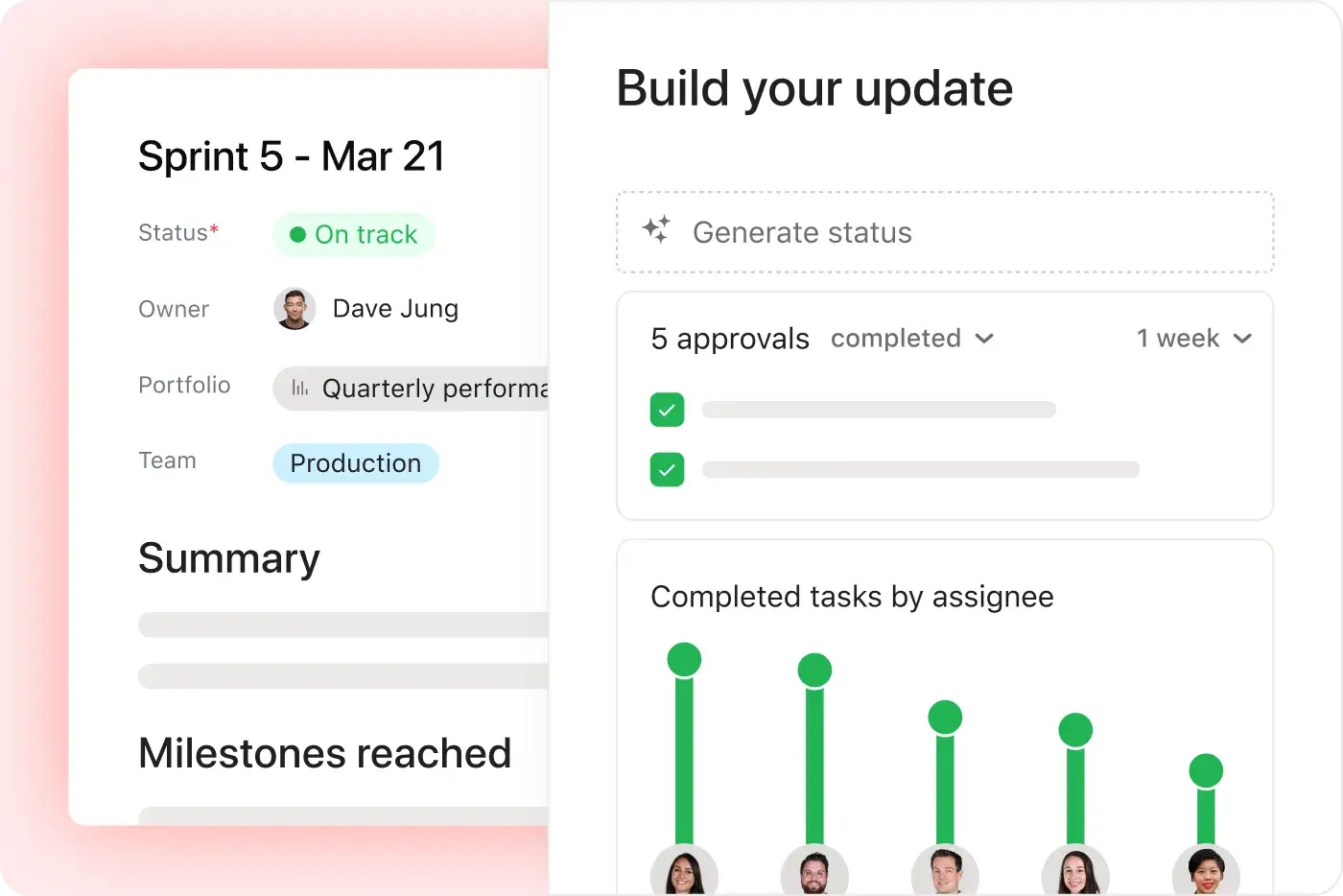
Asana delivers real-time reporting that scales with your business. Teams can track goals, portfolios, and performance metrics across thousands of projects and tasks, with dashboards and insights that connect strategy to execution. Learn more
Why our customers prefer Asana


I've used Trello, Smartsheet, MS Project, and other platforms similar to Asana. I must say that it's by far the simplest to absorb and make your own but still align with your primary platforms for email and calendar.
Asana is very simple and intuitive to use. Additionally, our team members appreciate the dashboard, as it helps us easily visualize the status of our projects. We have also integrated Asana with Outlook Calendar, which has been a lifesaver for us.

“Asana makes it easy to manage and track OKRs. Our entire company knows what the key priorities are and can plan, track, and report on work accordingly. It’s made us much more efficient so we can execute and scale faster.”
-Dian Rosanti, Product Management

“As Zoom grew, we wanted a standard view of everything going on so we could prioritize work and make business decisions. We needed visibility, accountability, consistency in how work gets done, and knowledge sharing across teams.”
-Ariel Chavan, Head of Security
Asana powers teams with flexible, scalable workflows
Explore how Asana helps teams of all sizes customize projects, connect tools, and report on progress—all in one place.



![[Compare - Monday] Feature tab (Integrations and scalability)](https://assets.asana.biz/transform/2090e635-5343-4f52-a1ee-4e4a04a8f67e/compare-monday-fy26-features-integrations?io=transform:fill,width:2560&format=webp)
AI your whole team can actually use
Asana AI Teammates understand your goals, projects, and dependencies from day one—Microsoft’s Copilot relies on manual prompts, whereas Asana Teammates proactively understand your Work Graph.
Asana AI Teammates build shared memory that compounds across your whole team—Microsoft’s AI is session-based; once the chat ends, the context vanishes rather than building team-wide intelligence.
Every AI action is visible in your activity log, just like a human teammate—MS Planner attributes AI actions to individual users, blurring the line between human and automated work.
What experts say about Asana
Asana is rated as a top work management platform by industry analysts and enterprise organizations.

A Leader in the Collaborative Work Management three years in a row

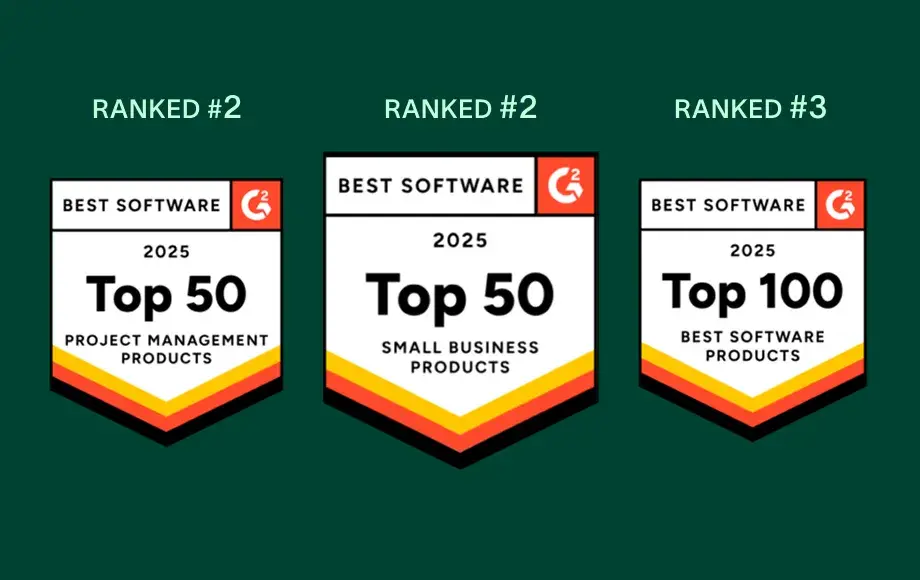
A leader in Work Management and OKR Software with more than 12,000 user reviews


Company Size
Mid-market
Industry
Technology
We want to go deep with our clients while maintaining a unified, consistent approach. Asana helps us do that. We connect it to Zendesk, Zoom, Slack, and our own platform, making Asana the source of truth we can count on to get stuff done and bring us together across teams.
Kevin Weiss
VP of Client Success, Retail Media, Skai


FAQs
How easy is it for my team to switch from Microsoft Project to Asana?
What onboarding resources does Asana provide for new users?
Can Asana integrate with Microsoft Teams, Salesforce, or other tools we use?
Is Asana suitable for non-technical users or teams new to project management?
What support does Asana offer for change management and adoption?
Join 85% of Fortune 100 companies using Asana**
**Accurate as of December 2025, includes free and paid users.