


Loved by millions of users in the largest organizations around the world









![[Logo] Affirm](https://assets.asana.biz/transform/5c33f186-151e-4999-b0b5-4081f236b3cd/Affirm_logo-svg?io=transform:fill,width:2560&format=webp)


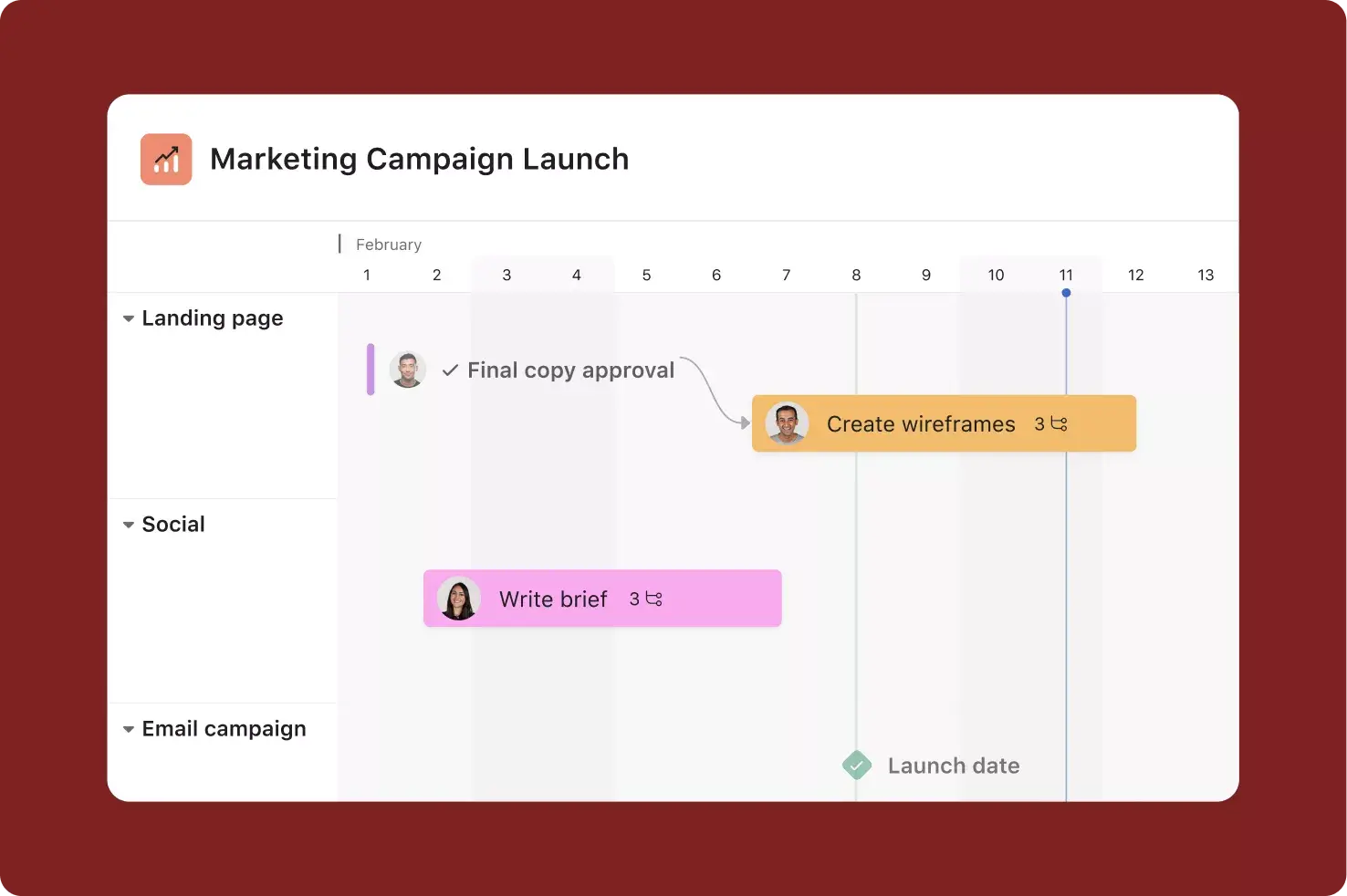



Track work from start to finish, so every team stays in sync and on schedule to hit their goals. From status updates to project timelines, you can coordinate every moving piece.
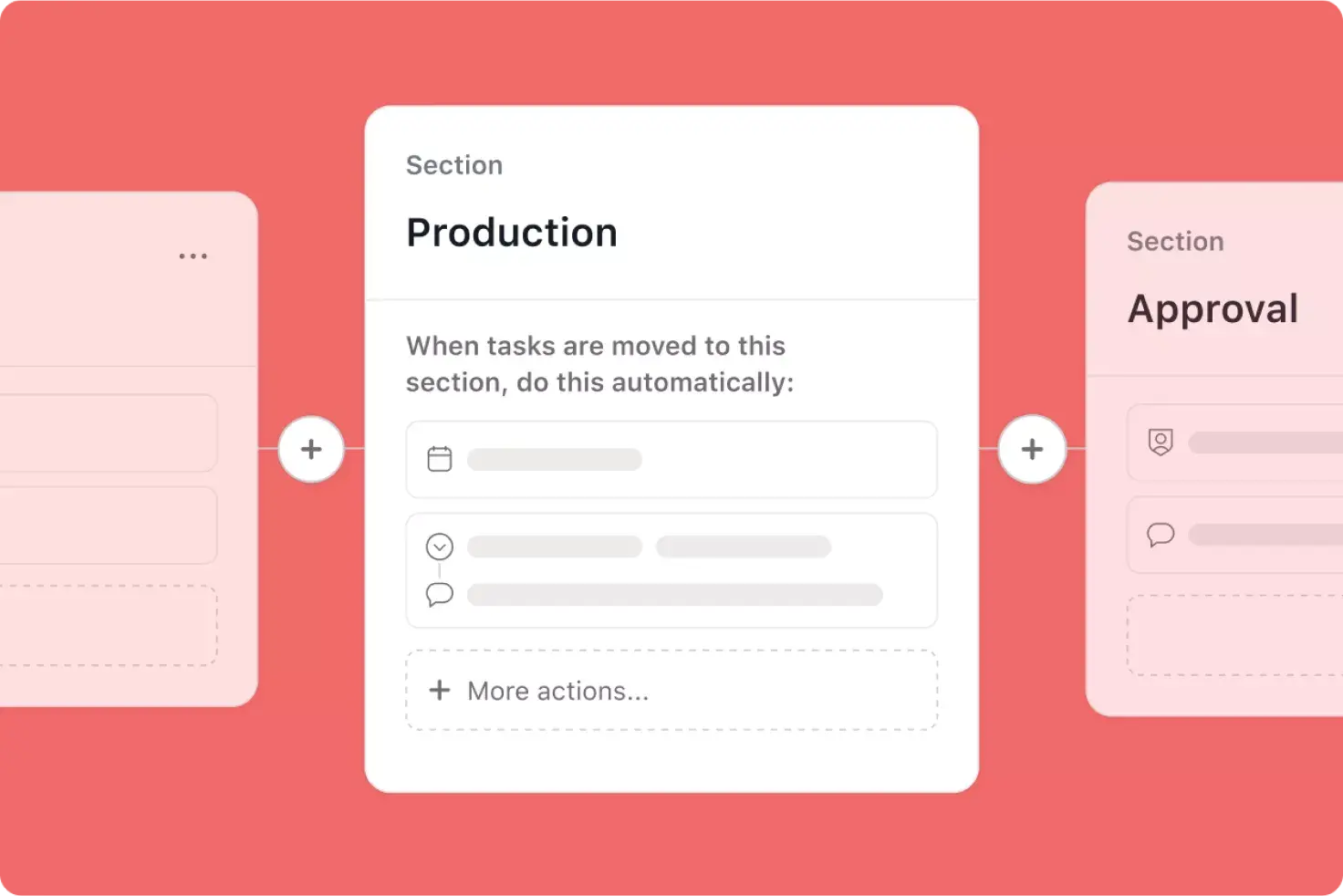
Explore project managementCreate processes that run themselves, so teams can make an impact faster. Seamlessly manage work across departments with automated rules, templates, and more.
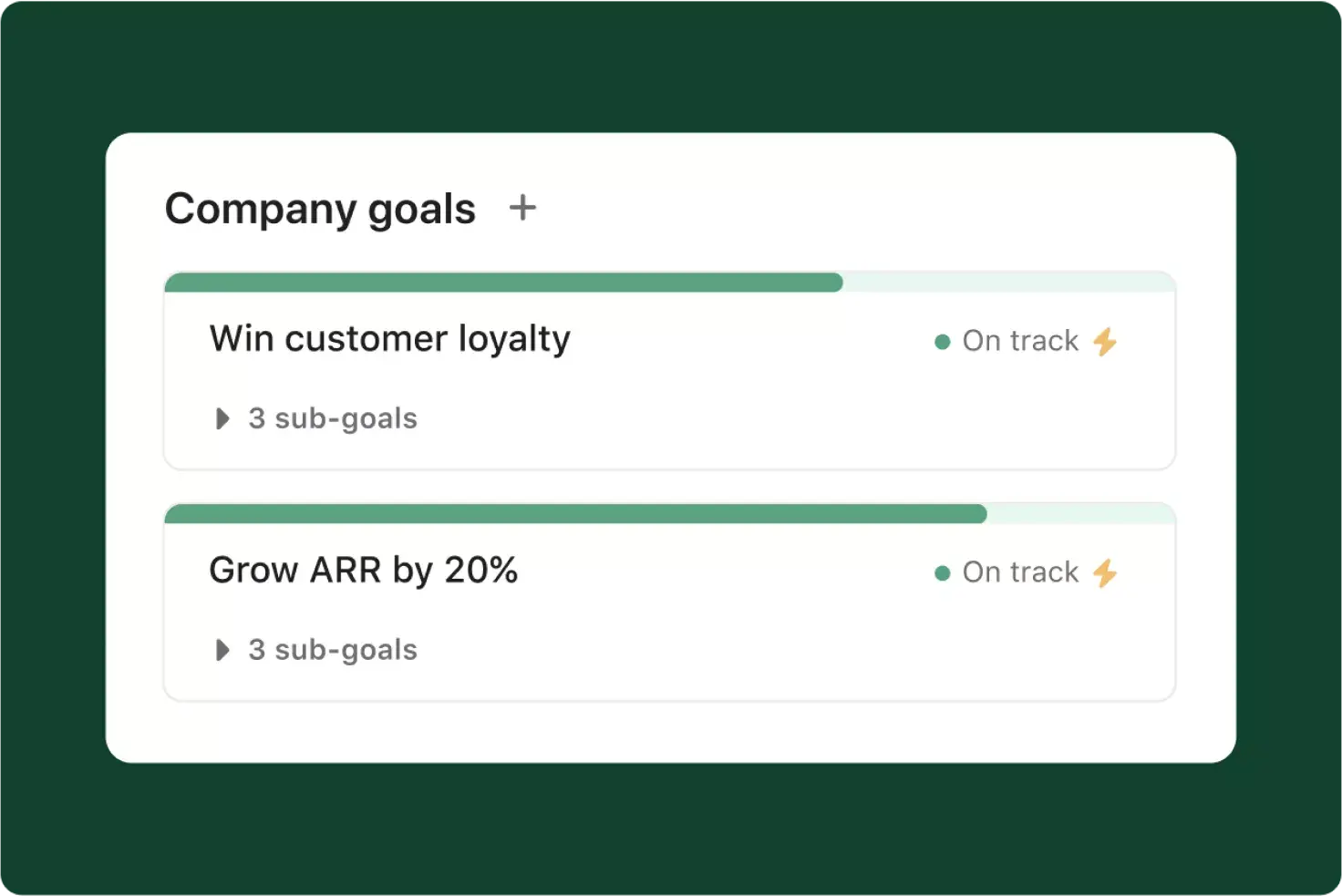
Explore workflow and automationFocus on what matters by connecting every project and portfolio to company objectives. Then stay on target with real-time reporting dashboards.
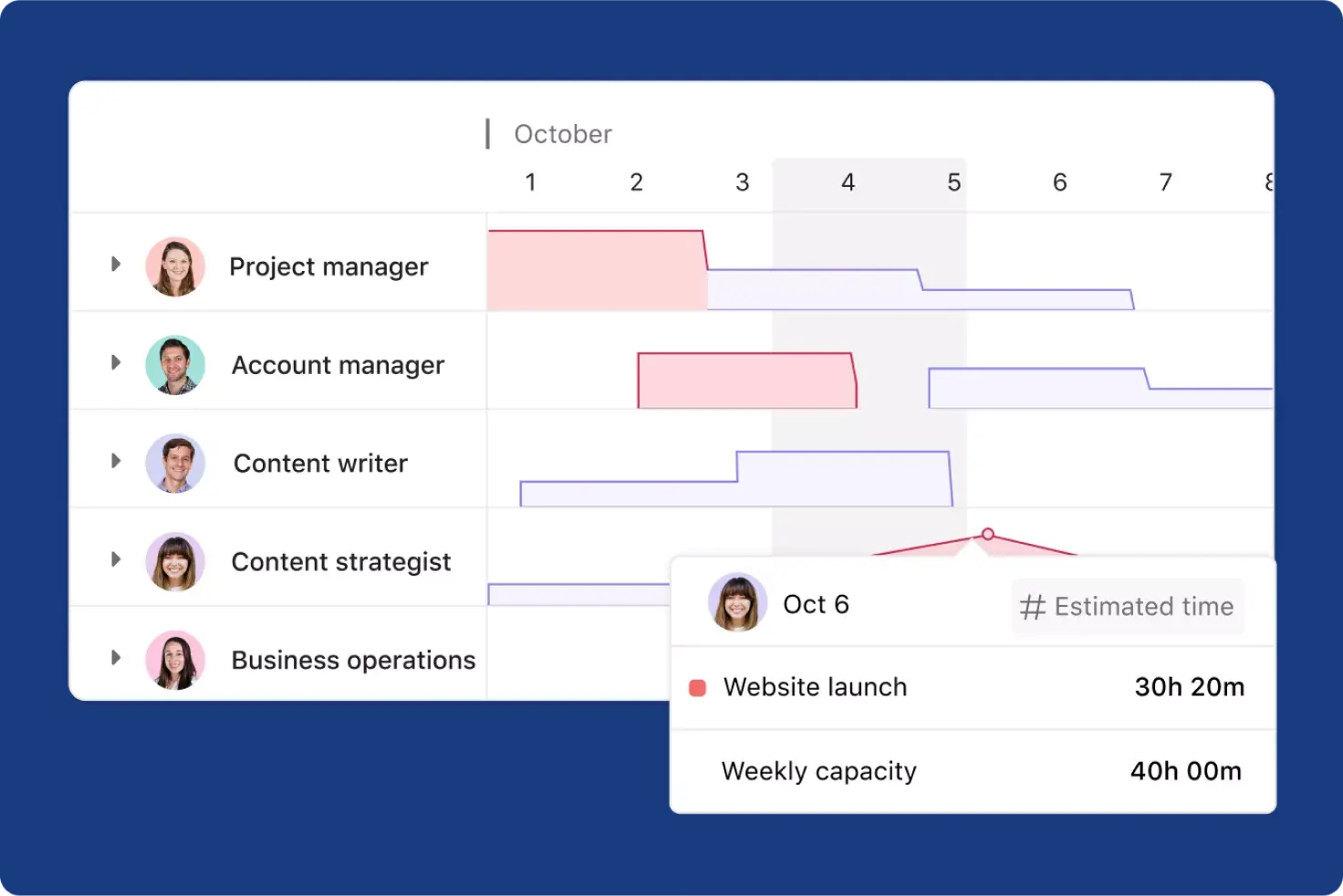
Explore goals and reportingGet the visibility you need. Use time tracking data to plan accurate timelines, view and adjust workloads in real-time, and stay on track to achieve your objectives.
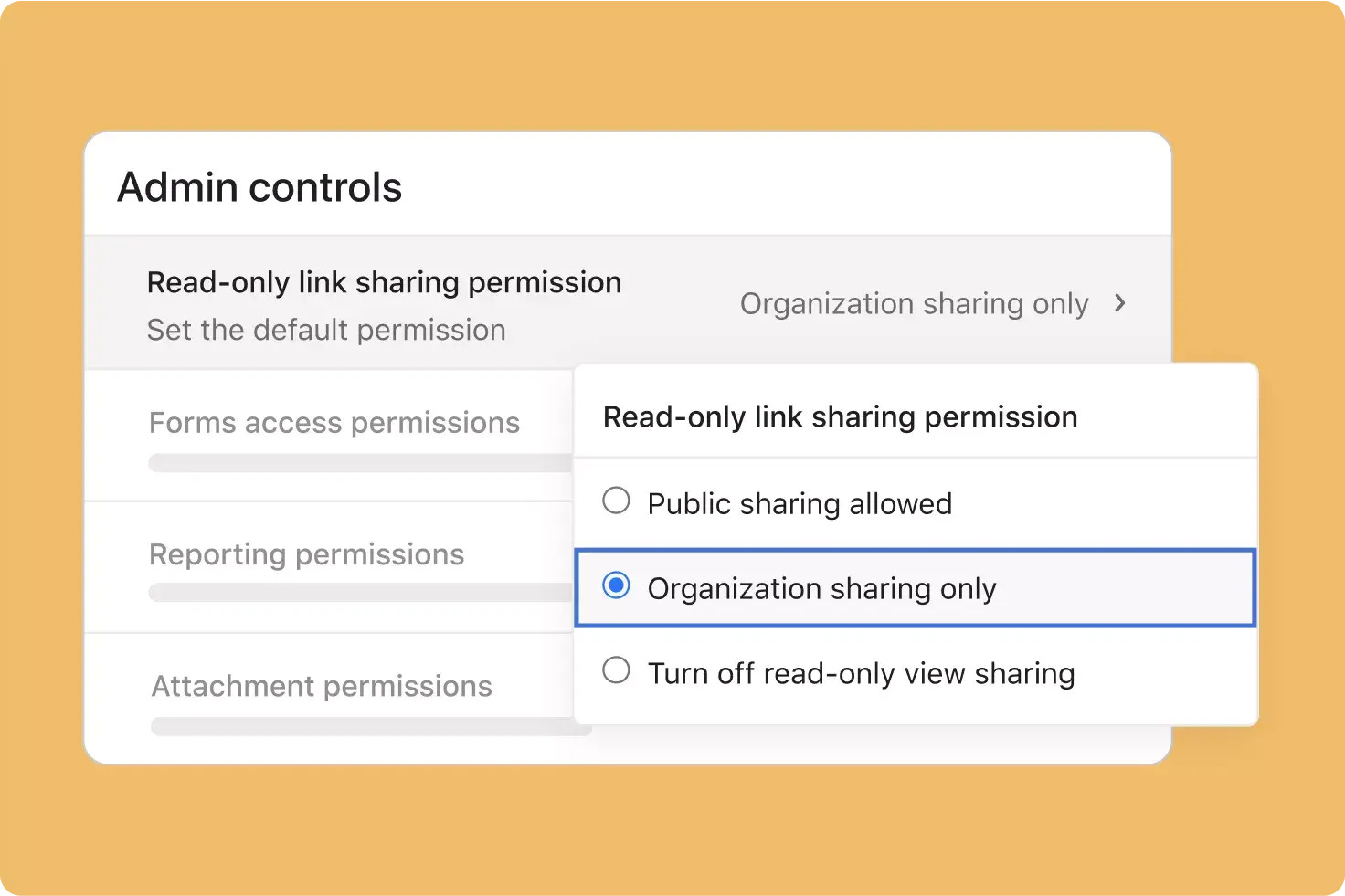
Explore resource managementGet peace of mind with enterprise-grade security and governance, so you can confidently deploy and manage Asana across any organization—no matter how large.
Explore admin and securityWork better in one shared space
Find all your team’s work—plans, conversations, docs, and more—in one place. So you can collaborate no matter where you are.
Set up your workflows in a snap
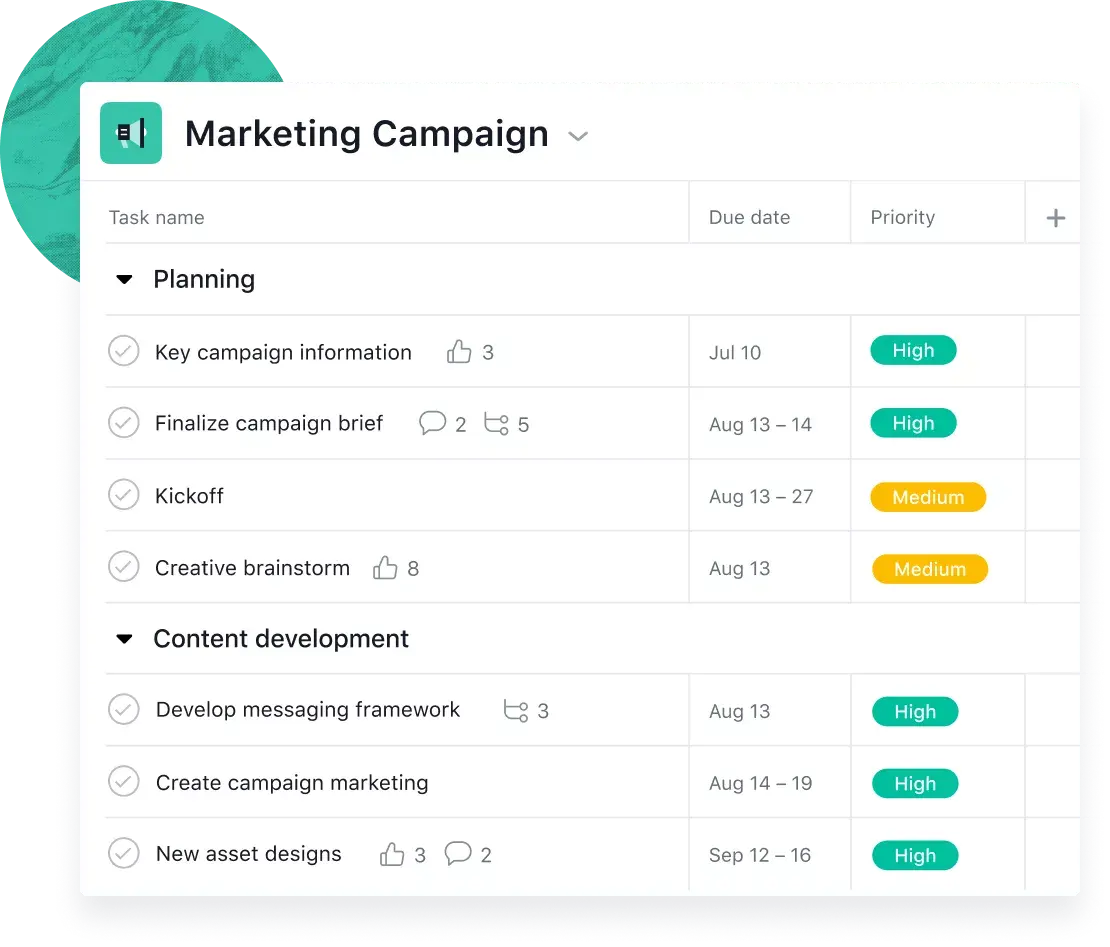
Get started with 50+ templates. Fine tune them to do work your way. Make sure no one misses a step. And keep your team rowing in the same direction.
Get a big-picture view of progress
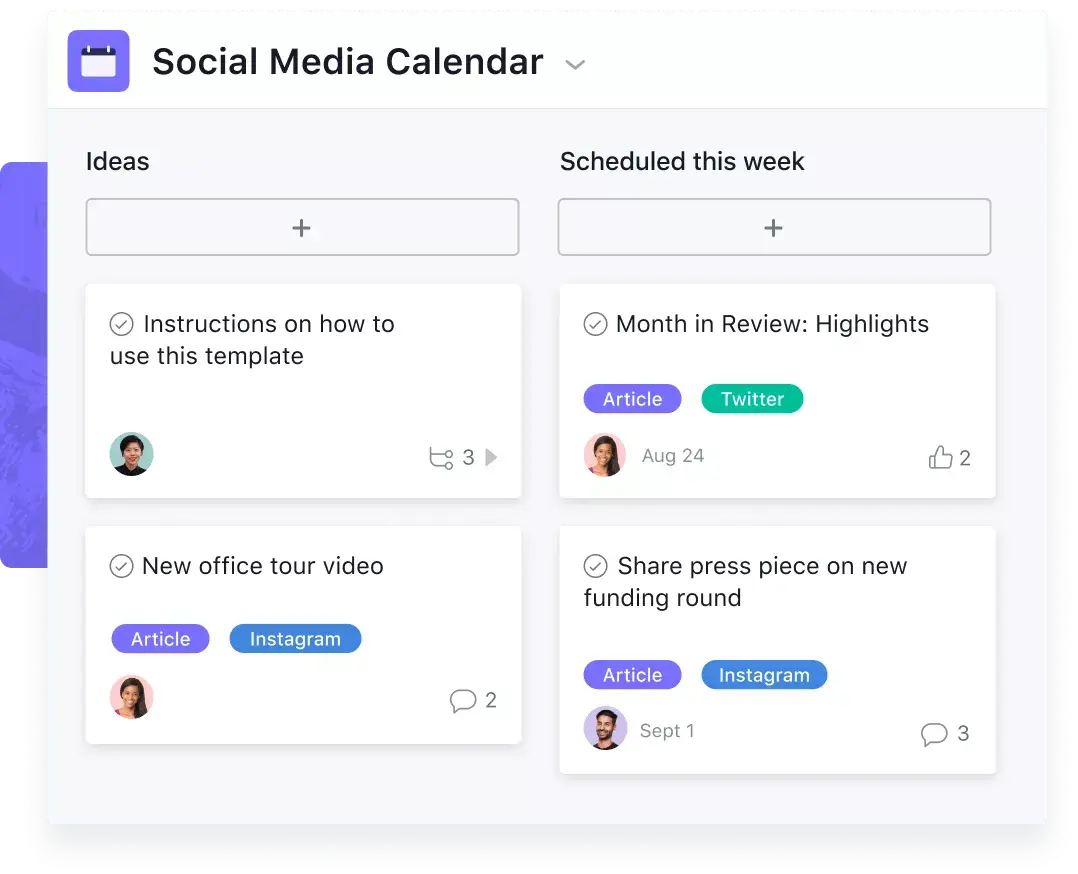
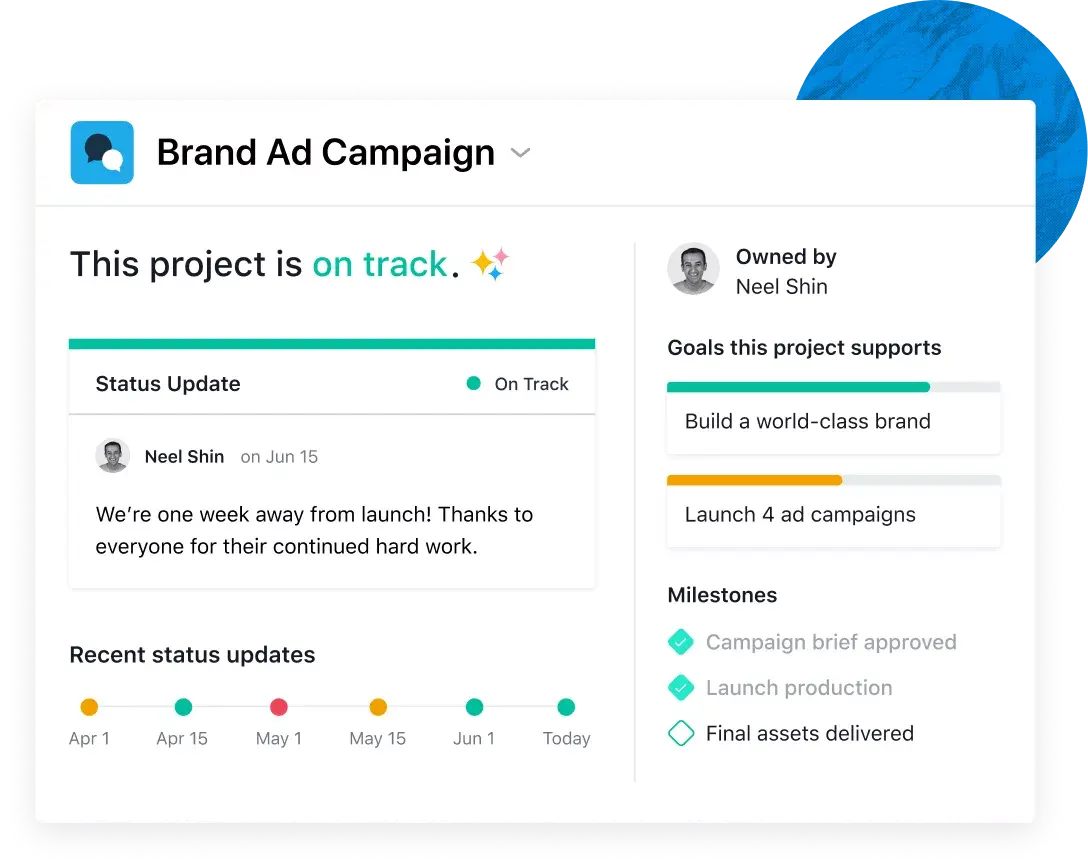
No meetings required. Get real-time status updates and visual highlights to see where work stands and identify projects at risk.
INTEGRATIONS
Connect with hundreds of integrations
Connect Asana to your organization’s tools through our open API and native integrations.


Microsoft 365


Outlook


Gmail

Slack

Zoom

Salesforce


Add and assign action items. Teams know what needs to get done, which tasks are a priority, and when work is due.
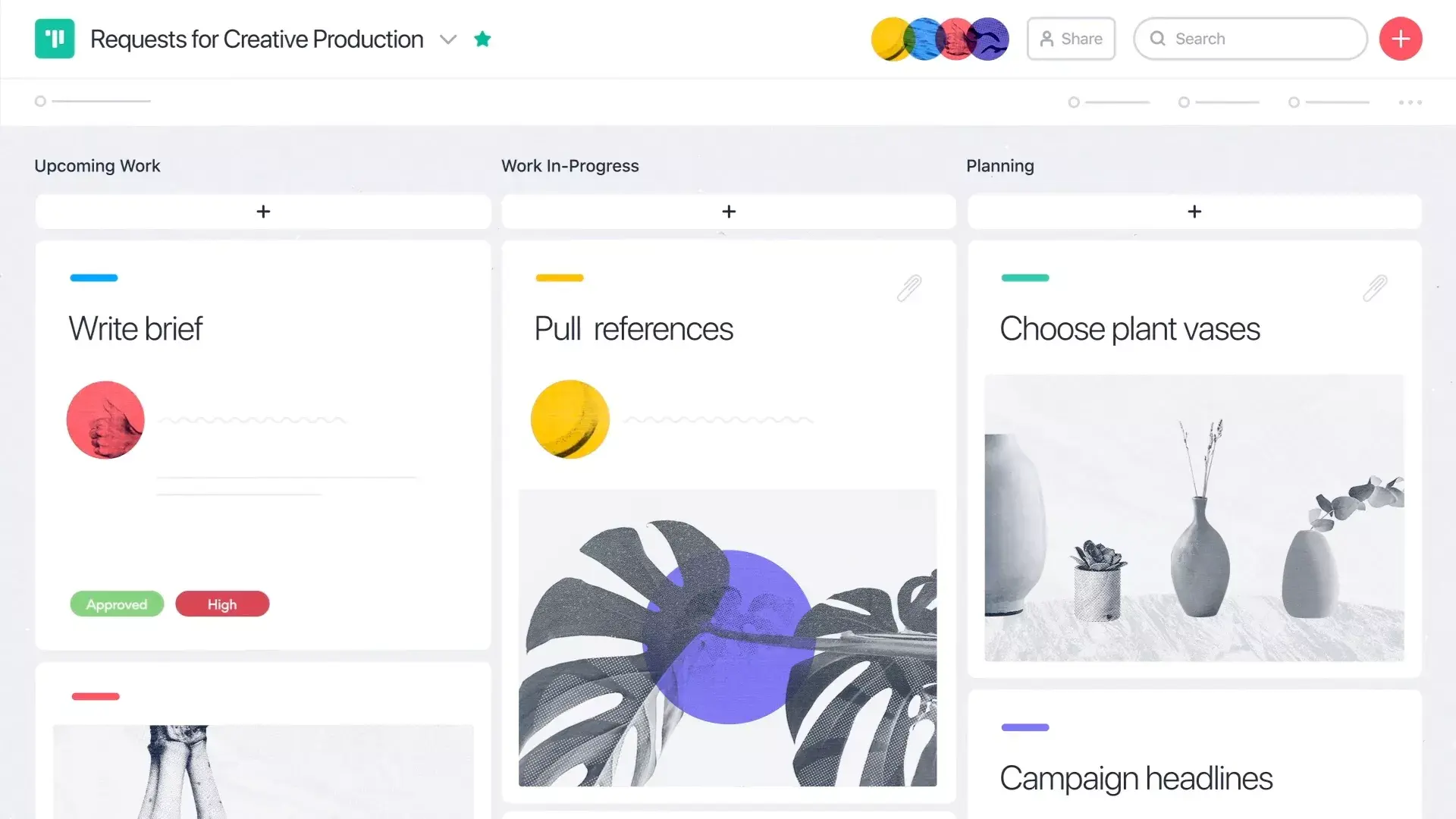
Try for freeFocus on tasks currently at hand. Visualize each stage of work and see where things are getting stuck.
Try Asana TodaySee how work maps out over time. Manage dependent, unscheduled, and overlapping tasks, and create plans teams can count on.
Try Asana TodayGet started today. Get more done tomorrow.
See everything the team’s doing, and make it easier for them to get important work done, no matter where they are.