


Asana for AI workflow automation
AI workflow automation that runs where your work lives
Most automation tools move data between apps. Asana does something different. AI Studio builds workflows from plain-language descriptions, and AI Teammates execute them alongside your team — inside the same shared plan, with full context and enterprise-grade governance built in.
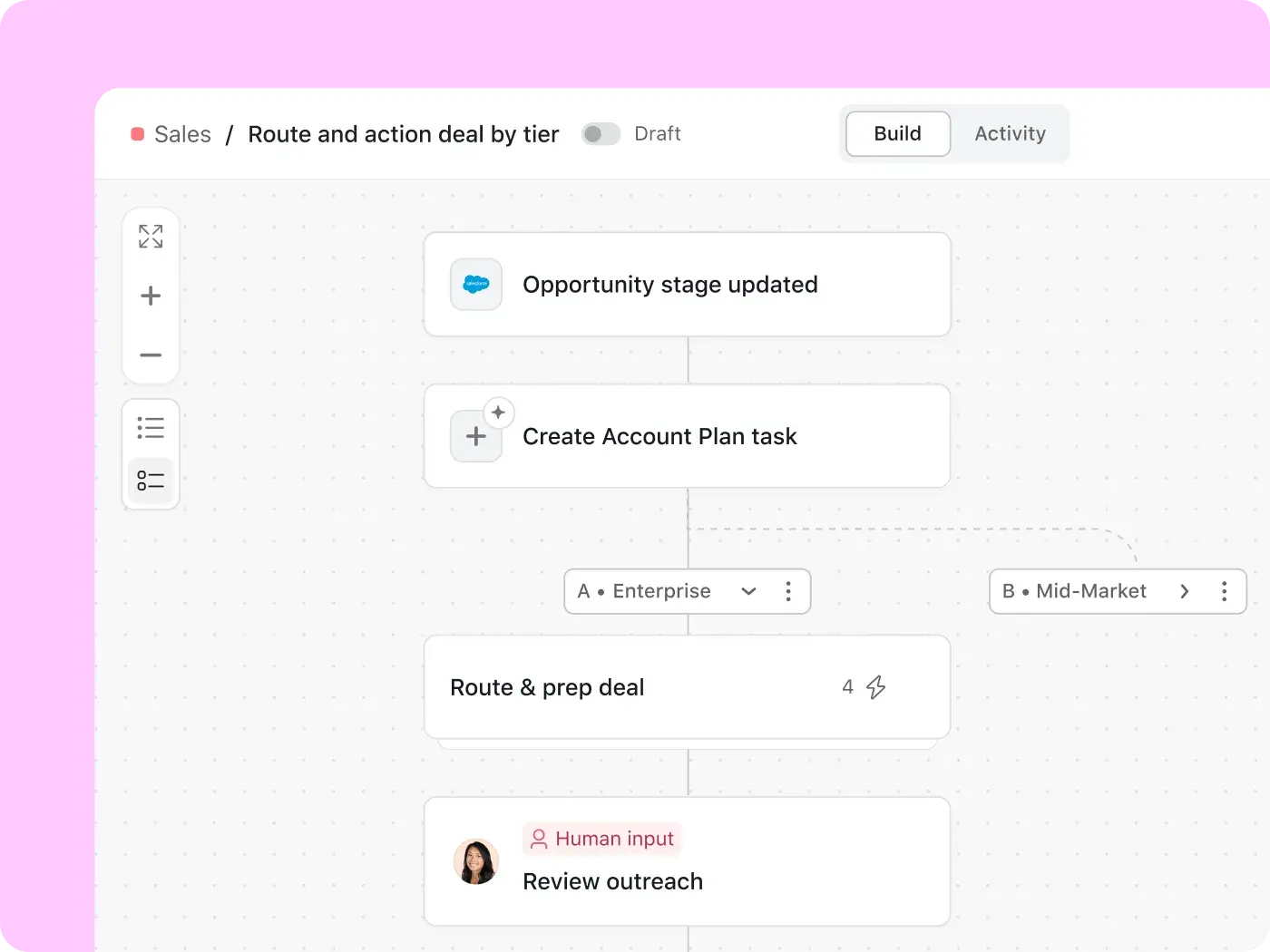
Asana AI helps leading businesses get work done

![[Logo] Figma - AI](https://assets.asana.biz/m/7c5ccc193e59fcc3/original/WEB-AI26-buyer-figma-logo.svg)
![[Logo] TOMS - AI](https://assets.asana.biz/m/38c4cd181ee6939b/original/WEB-AI26-buyer-toms-logo.svg)
![[Logo] Clear Channel - AI](https://assets.asana.biz/m/51db2ff7272af49f/original/WEB-AI26-buyer-clearchannel-logo.svg)
![[Logo] Goodrx - AI](https://assets.asana.biz/m/464cae48ddeaf94a/original/WEB-AI26-buyer-goodrx-logo.svg)
![[Logo] Anthropic - AI](https://assets.asana.biz/m/7b379c271b69b02c/original/WEB-AI26-buyer-anthropic-logo.svg)
Why move to AI-powered workflow automation?
Classic automation follows rules: if this happens, do that. AI workflow automation goes further — it interprets inputs, makes decisions mid-workflow, and adapts when conditions change.
In practice, that means AI can read a form submission and decide whether to escalate or auto-approve it. It can scan incoming requests, classify them by type, and route each one to the right team without a manual triage step. It can draft the output and deliver it before anyone's had to ask.
The difference isn't speed. It's judgment. AI workflow automation handles the steps that rules-based tools can't, because the answer depends on context rather than a fixed condition.
Only 18% of organizations have successfully scaled AI agents — and just 10% maintain a formal agent library.
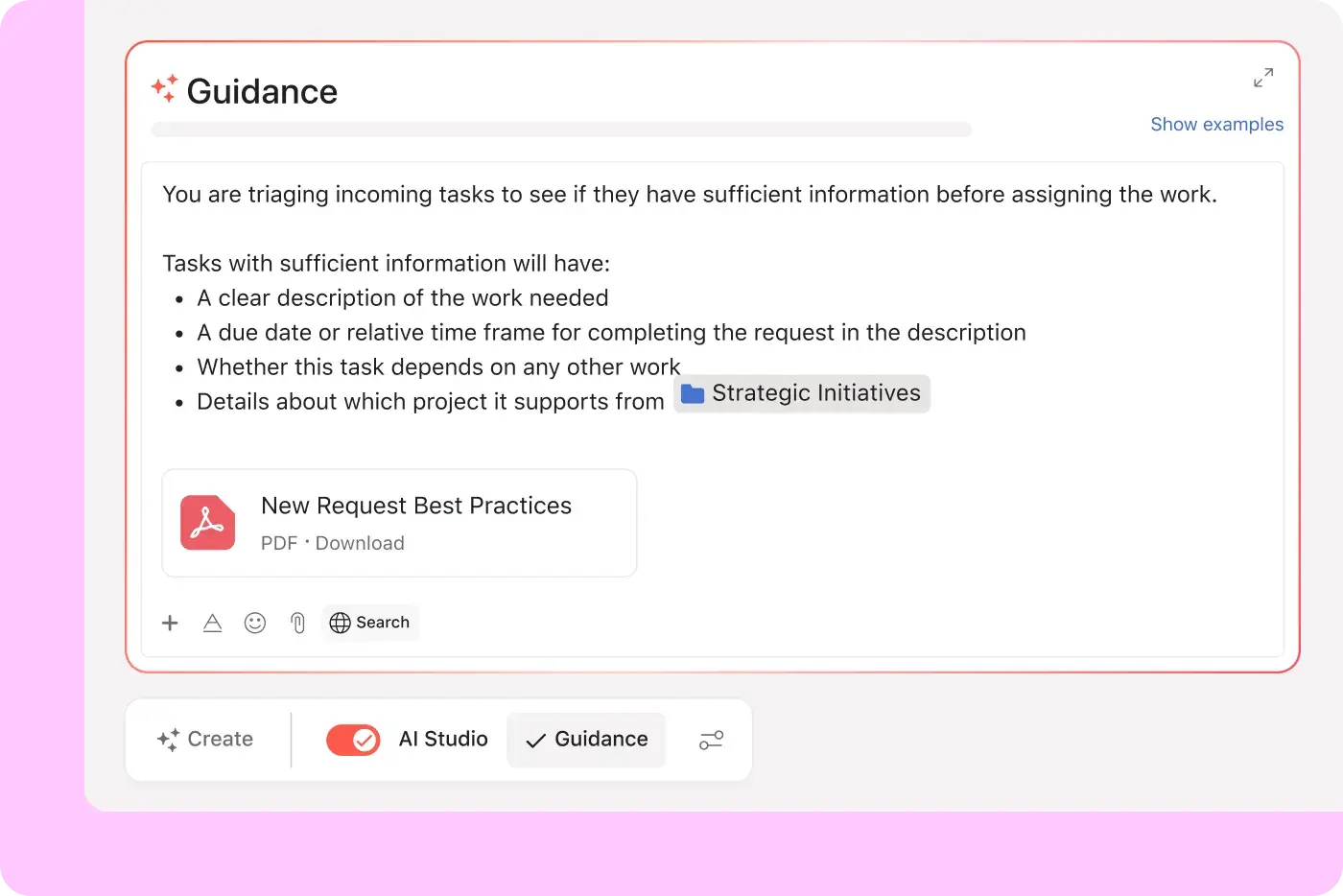
Build AI workflows in plain language — then let them run

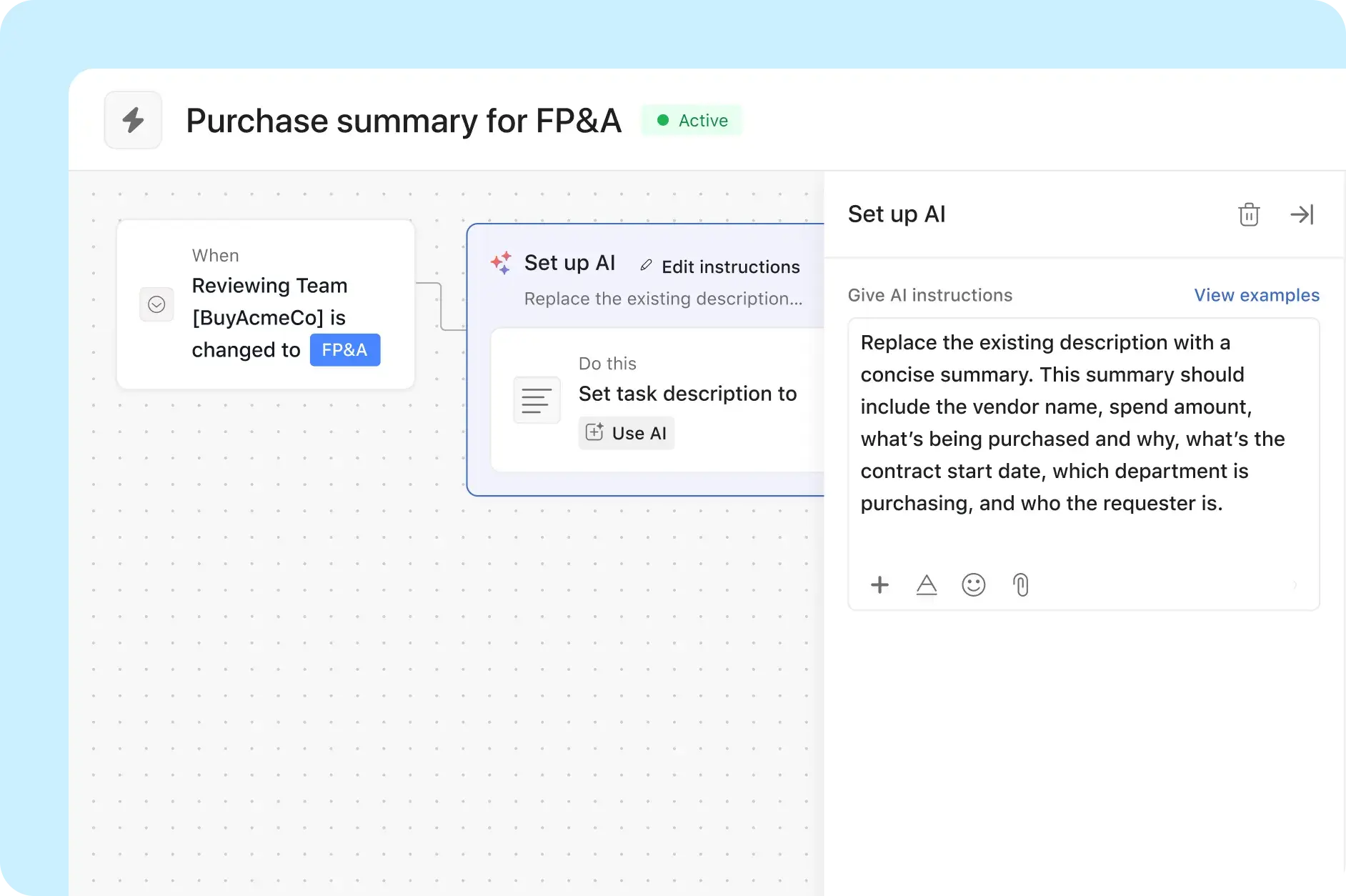

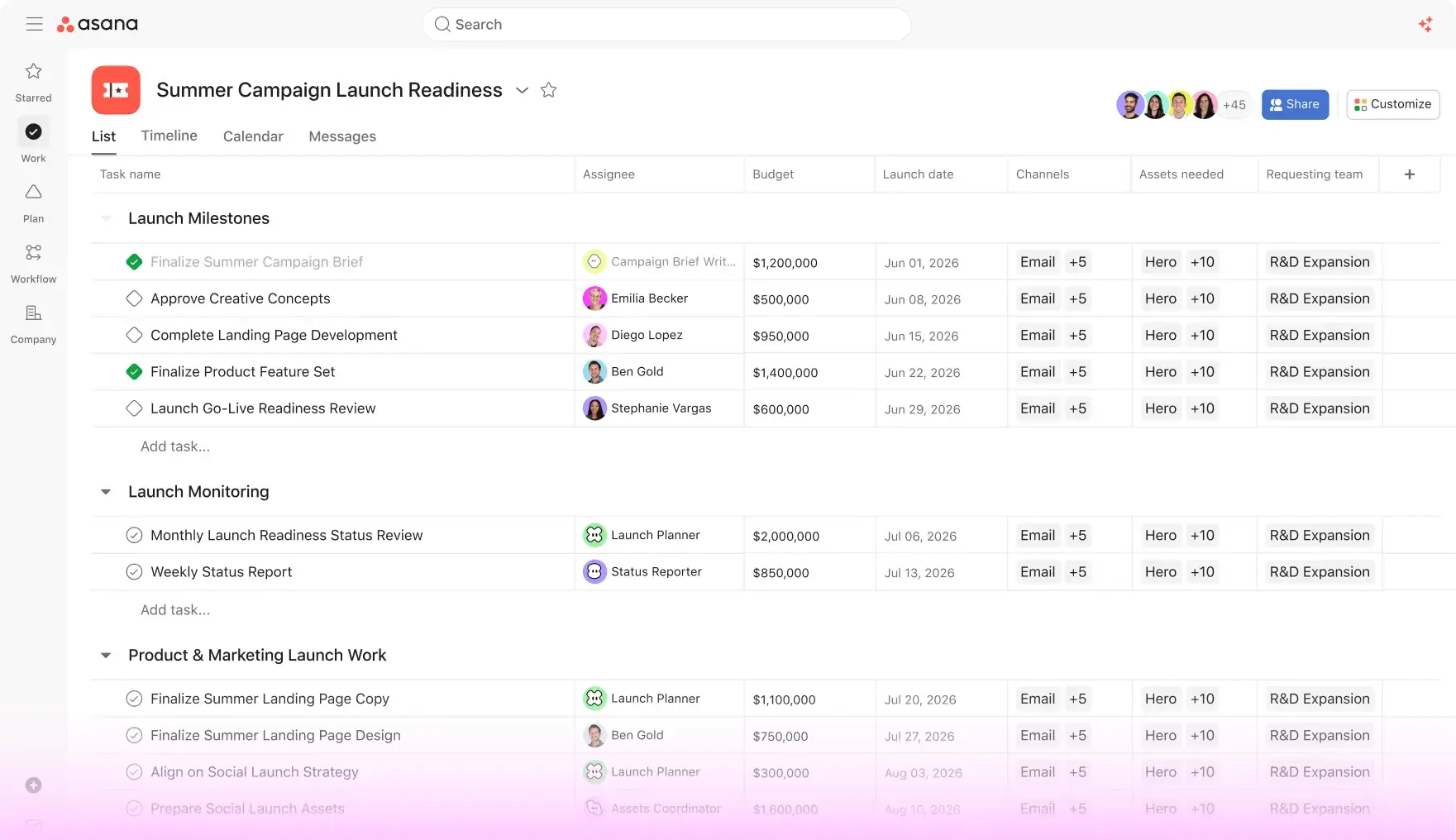

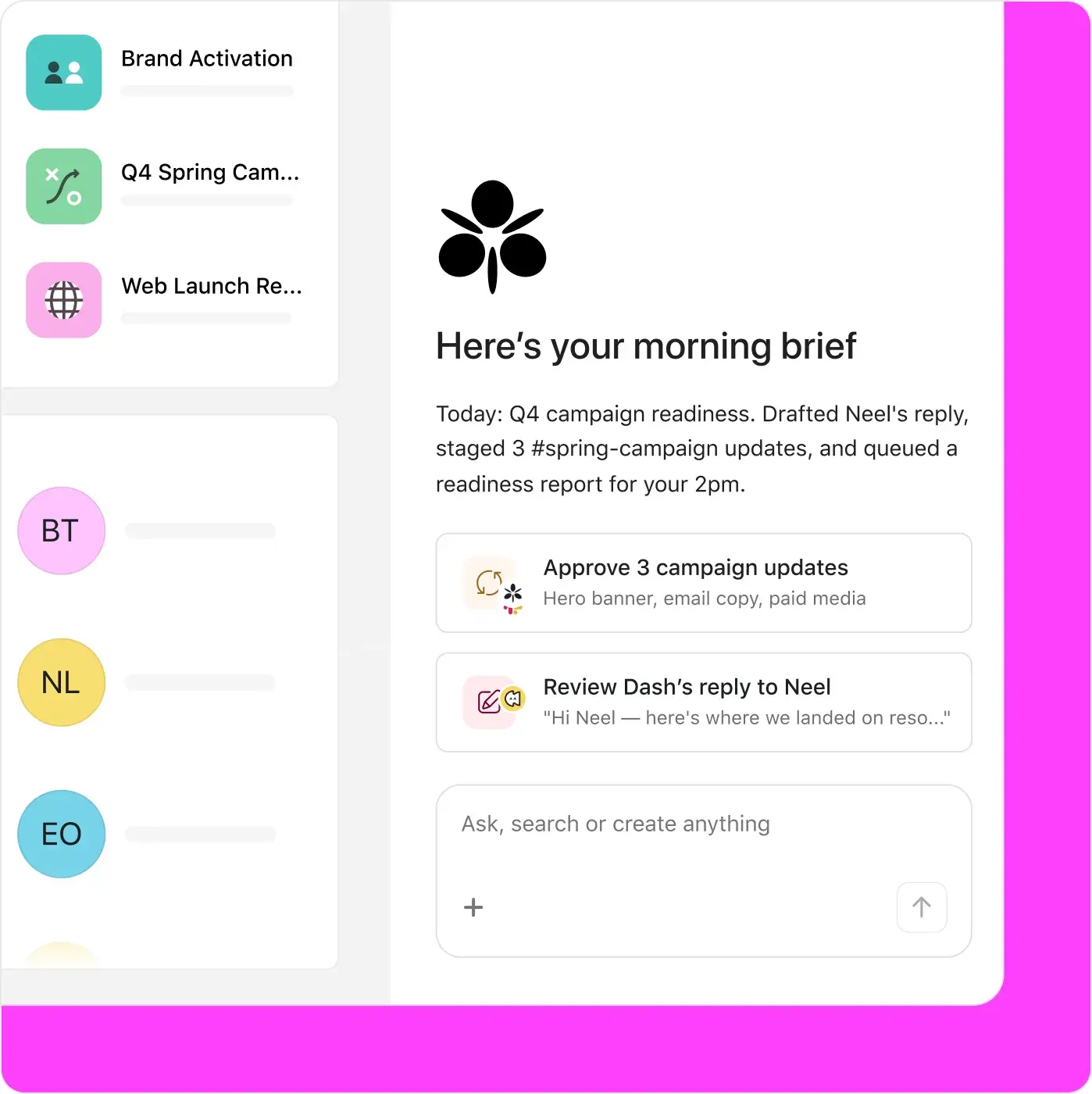
Words to workflows
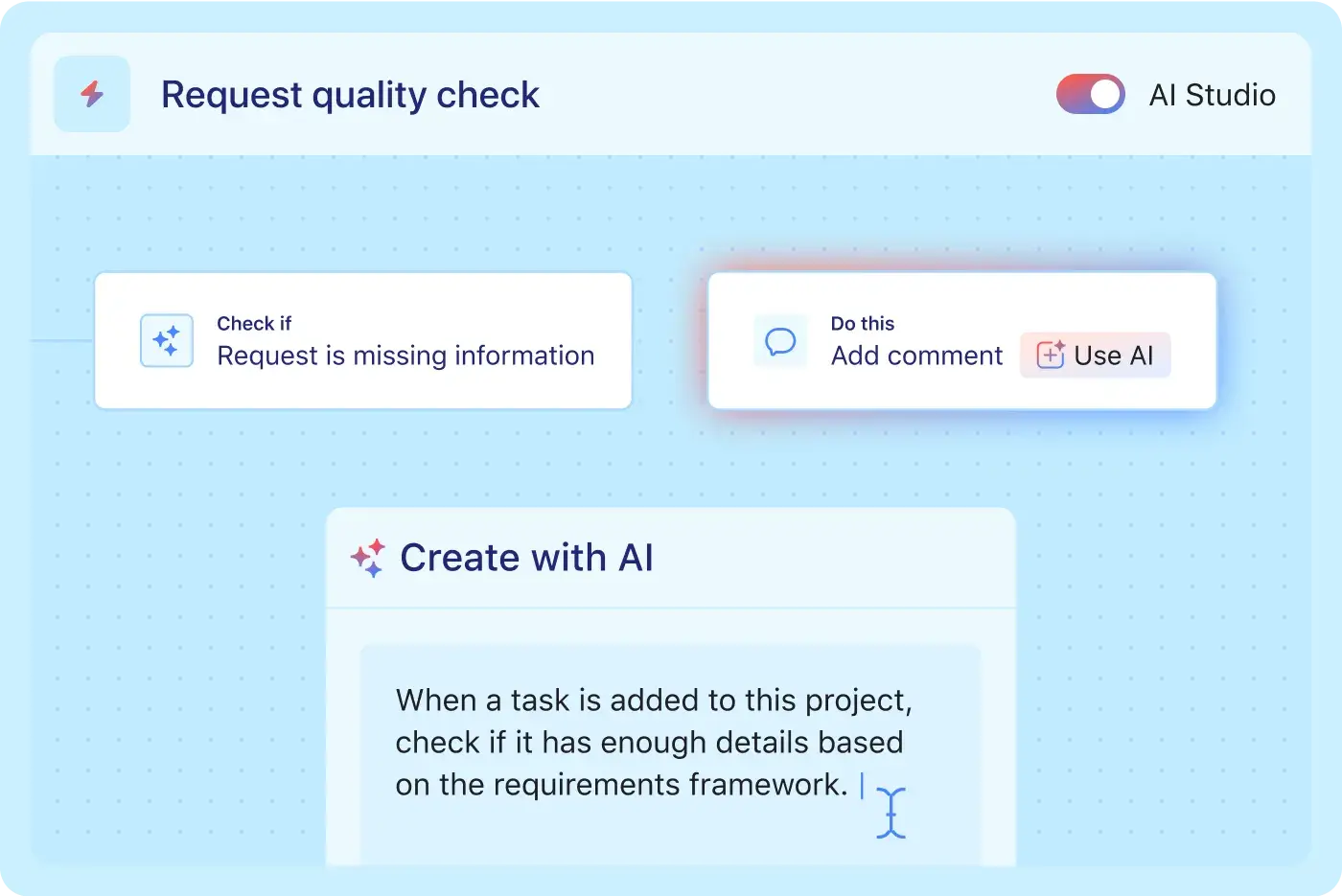
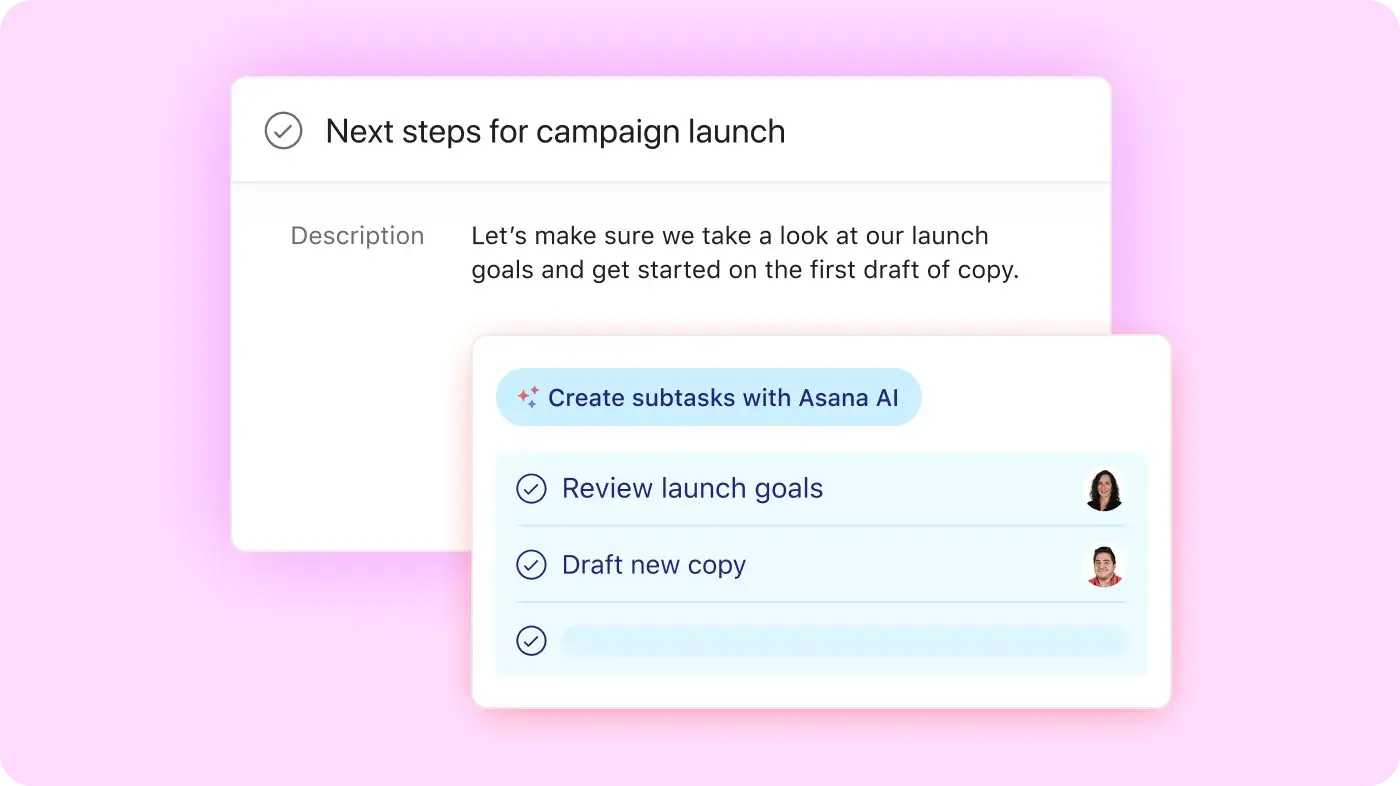
Describe the workflow you want in plain language. AI Studio assembles the triggers, conditions, and actions for you — no scripting, no node-mapping. Refine the steps visually, attach context from your team's documents or project data, and deploy directly where your teams are already working.
How AI workflow automation works in Asana
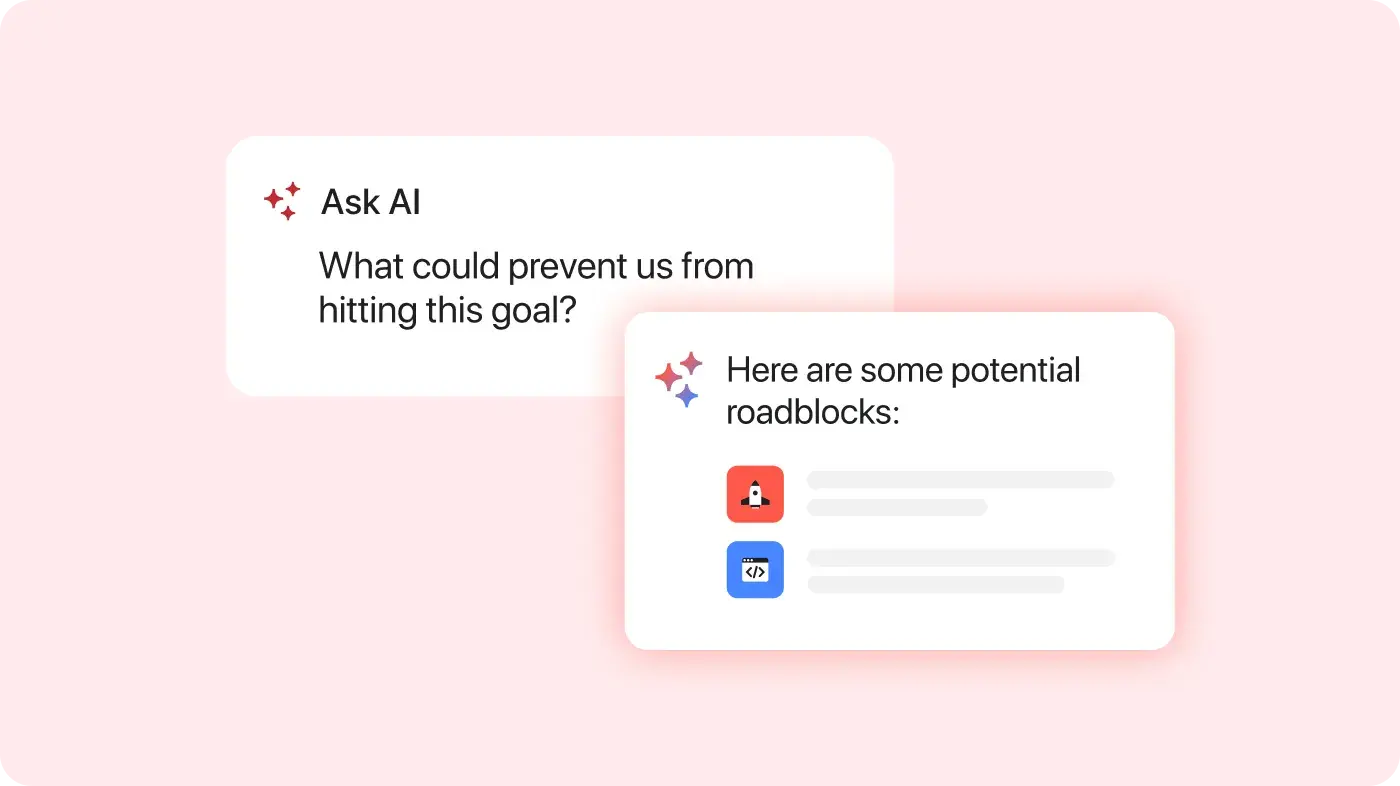
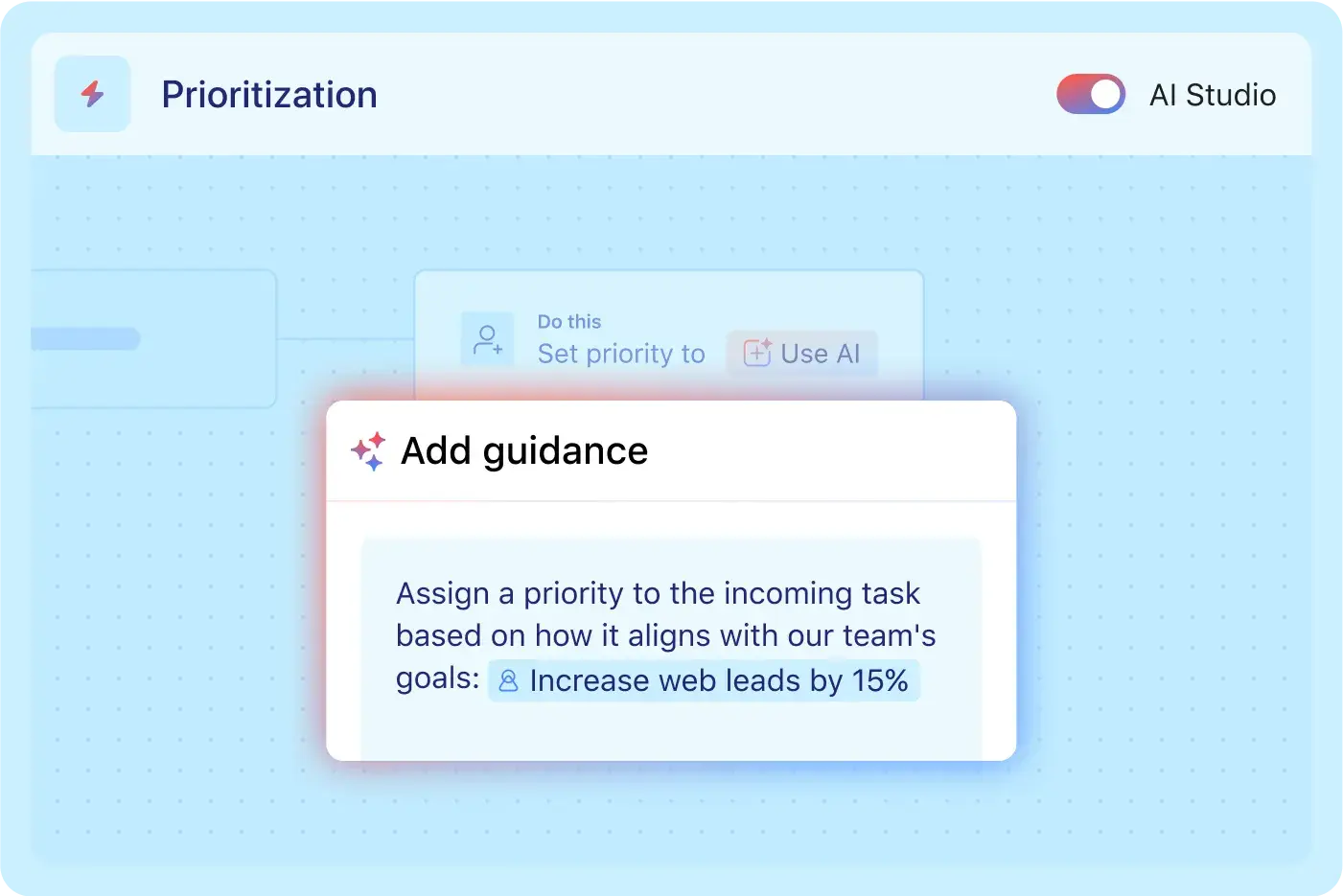
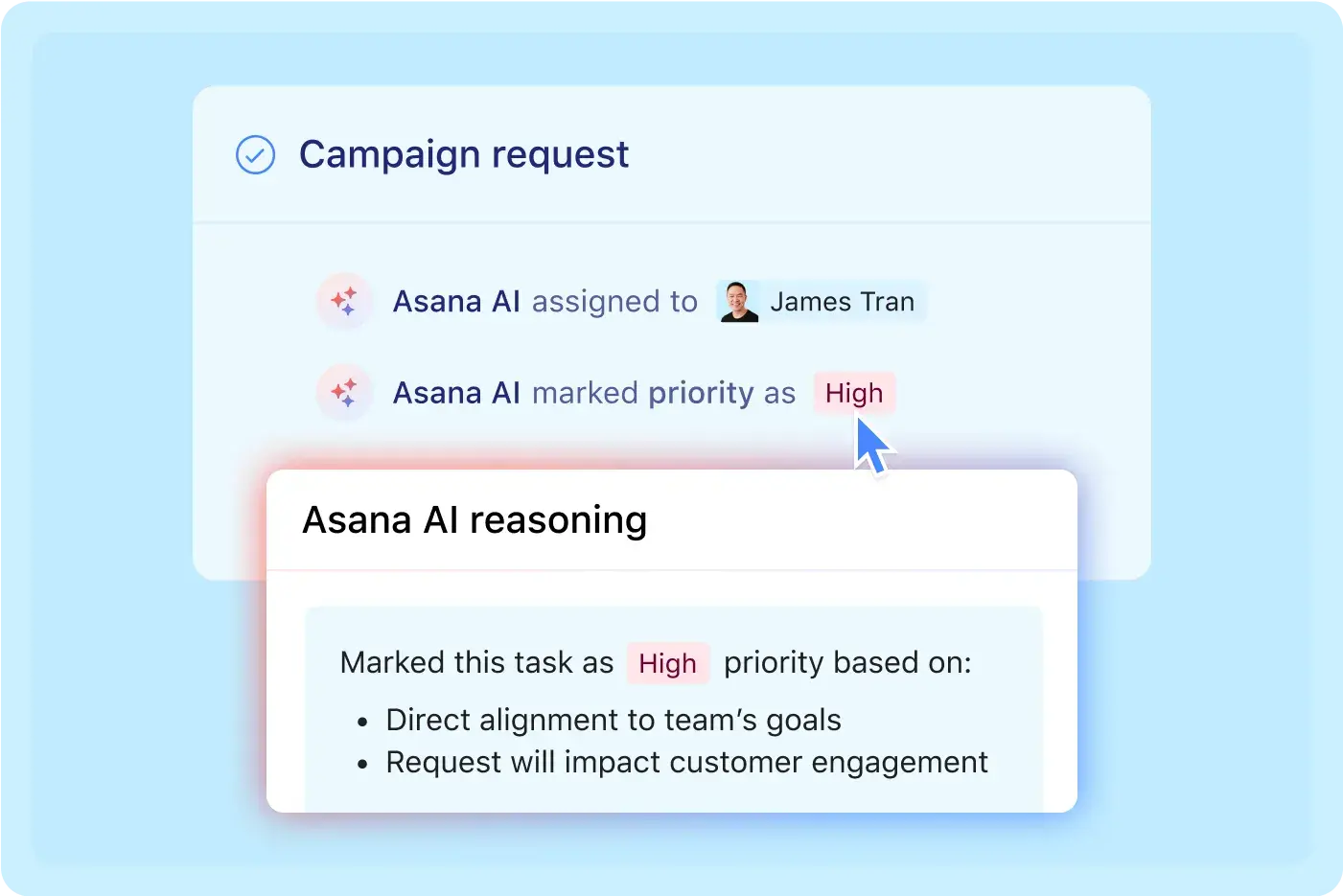
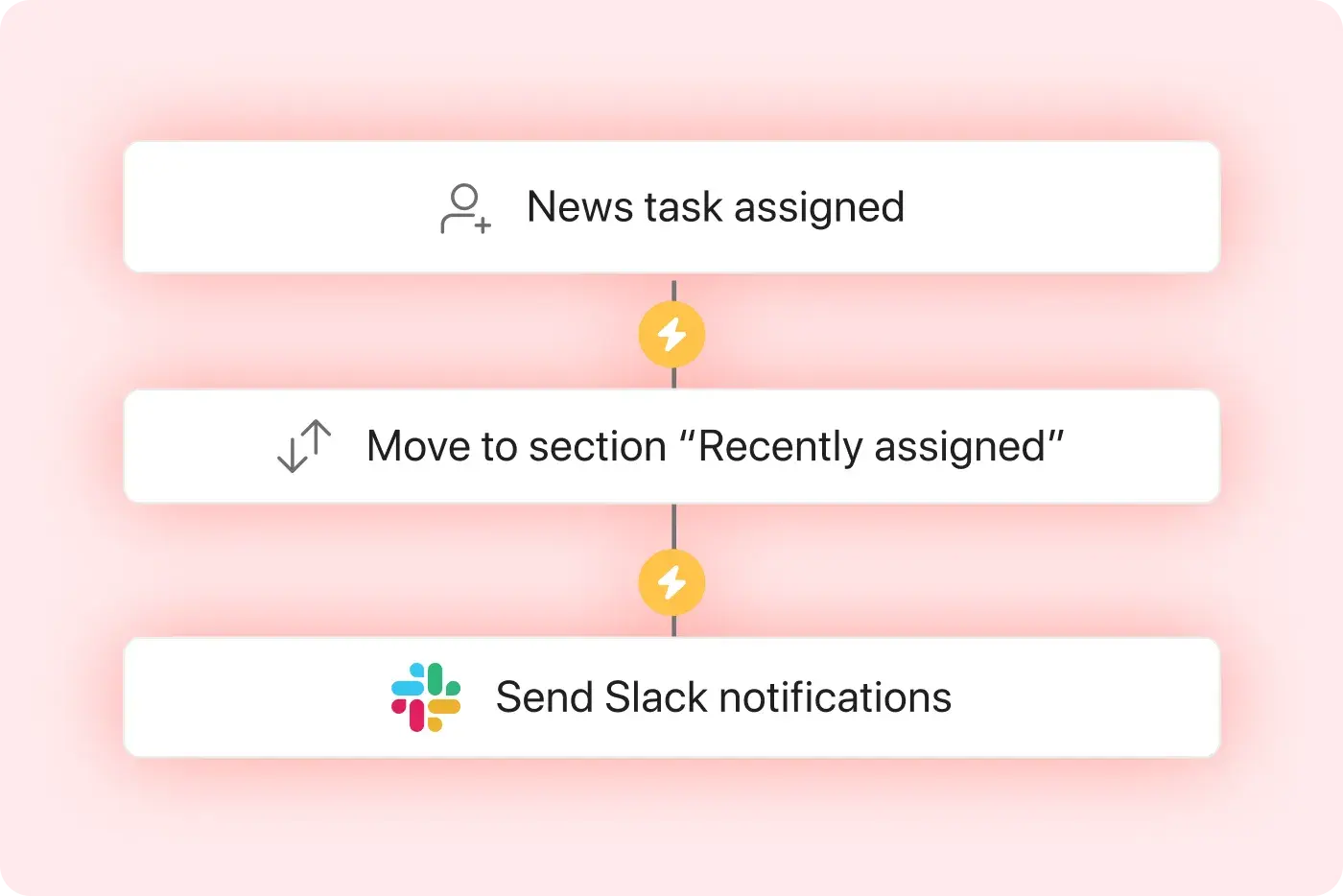
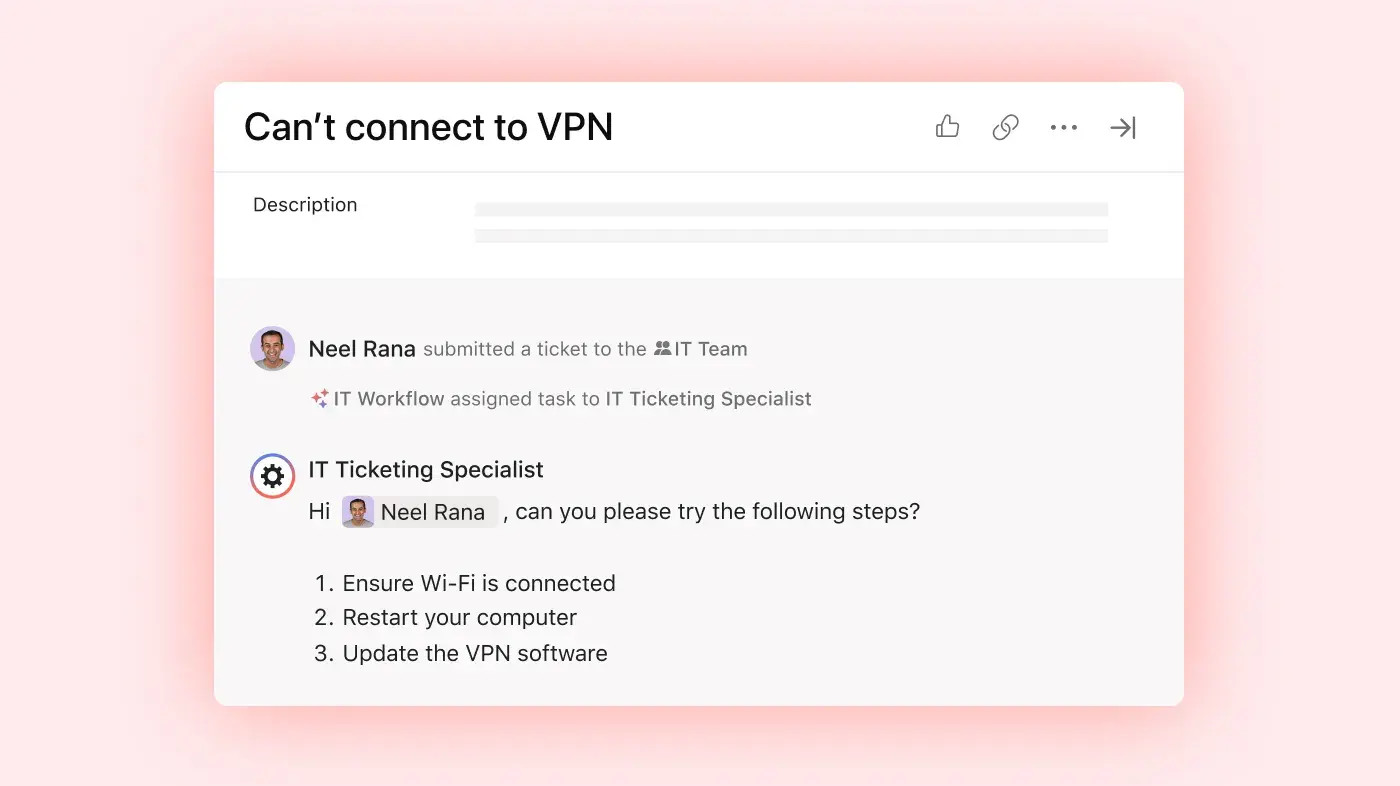
Open AI Studio and describe the workflow you want: what triggers it, what AI should check or decide, and what happens next. AI generates the workflow structure, so you start with something real instead of a blank canvas.
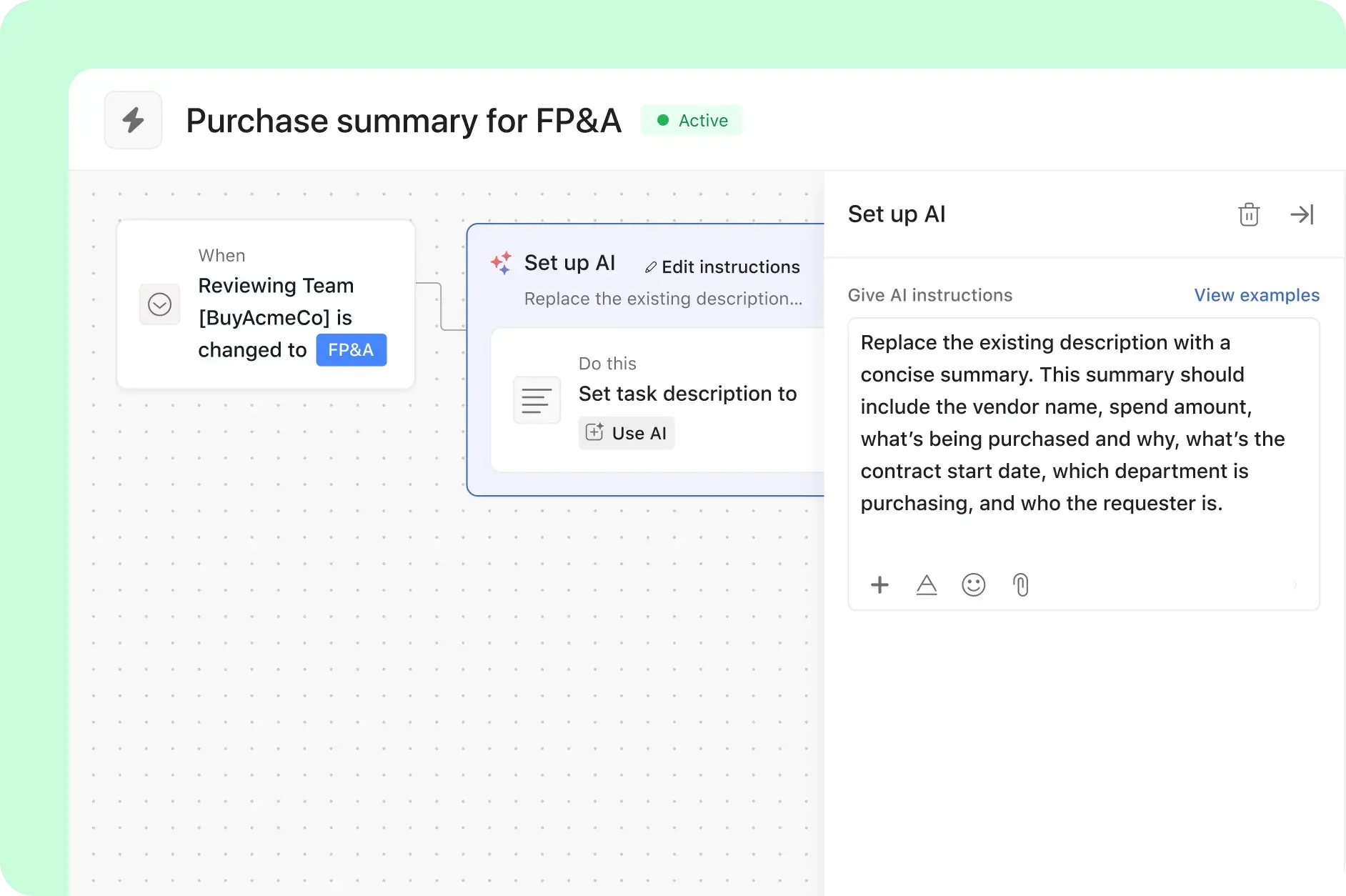
Adjust each step visually. Set the trigger: a form submission, a task created, a deadline passed. Define each next step: classify, score, route, draft, notify. All with context from your team's documents, past projects, or external tools.
For steps that require more than routing, assign the step to an AI Teammate. They execute it end to end and flag anything that needs human review to keep the workflow moving.
Connect AI Studio with the tools your team relies on, like Slack and Salesforce. You can even pass data to models like Gemini or Claude directly from your workflow, all without writing a single line of code.
Every AI action is logged and visible to your team. See what the workflow did, when, and why. Admins control which data AI can access and which steps require human approval before they execute. Iterate on the workflow as your process evolves.
From idea to live workflow — without a developer
Asana AI Studio is a no-code AI workflow builder. Your team builds and owns the workflow — no engineering ticket required.
The best AI workflow tools need to go beyond simple automation. AI Studio helps you build smarter processes:
Request intake: classify, score, and route incoming work by type before a human has to read it
Approval workflows: route for sign-off, send reminders for overdue approvals, escalate on deadline
Status reporting: draft and deliver stakeholder roll-ups from live project data on a schedule
Cross-tool handoffs: trigger actions in connected apps and sync data across your stack
AI workflow automation for every team
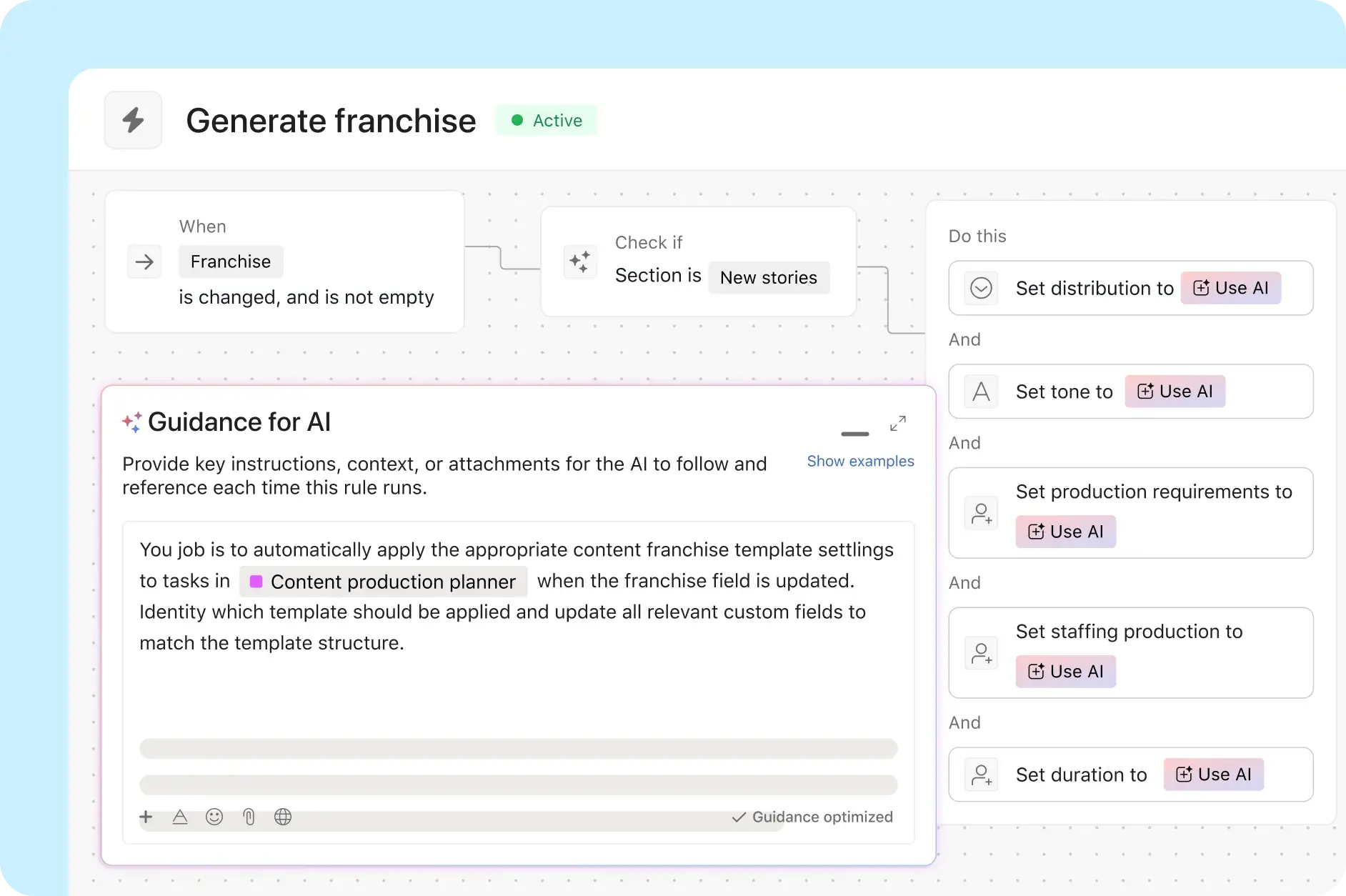
Request triage at scale
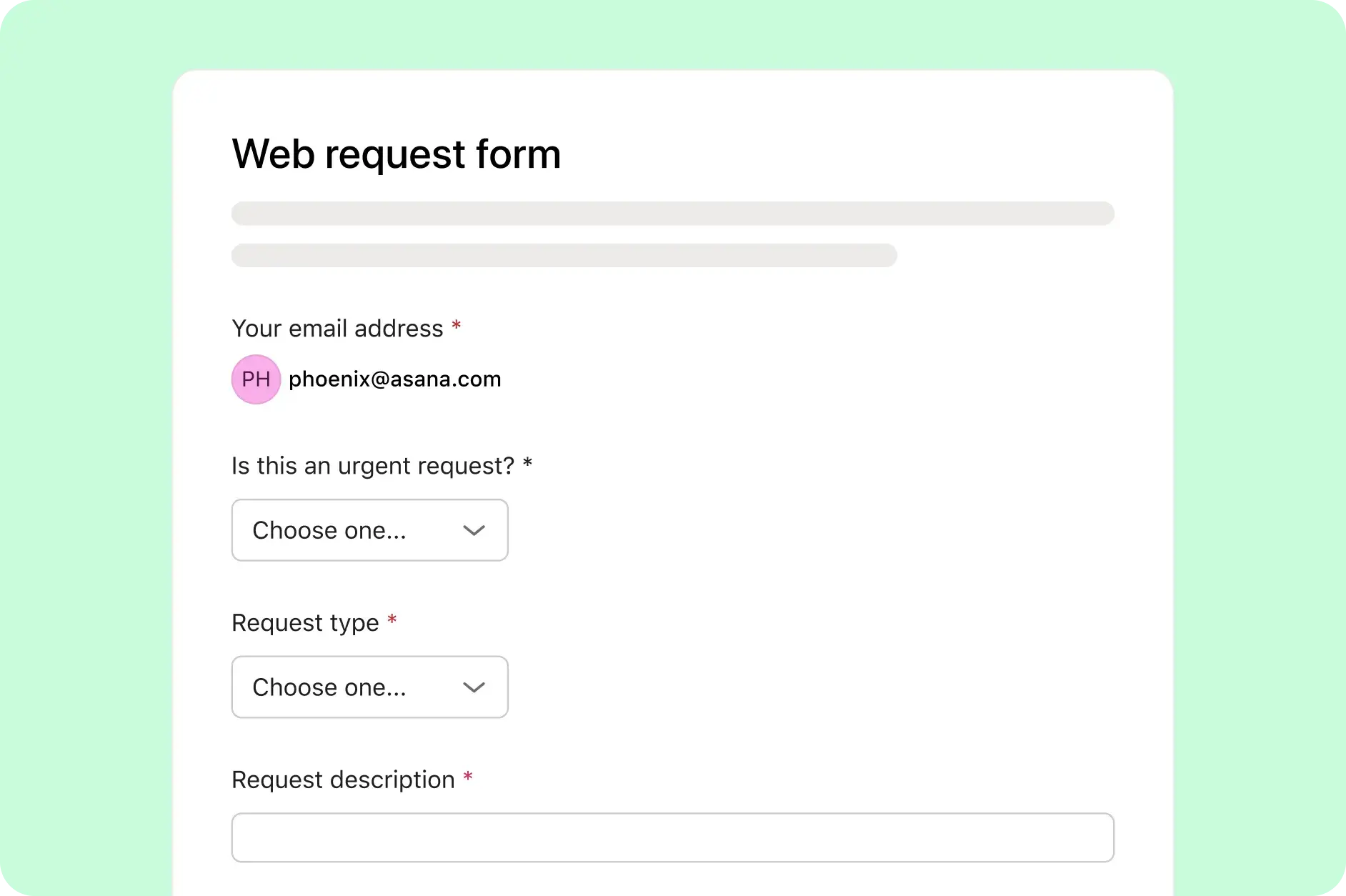
AI Studio reads every incoming request, classifies it by type and urgency, assigns it to the right queue, and sends a confirmation — all before your team opens the inbox. Routine requests never wait for a human to sort them.
How Asana compares
When automations run outside your system of record, the outputs land somewhere else and someone has to bring them back. Asana runs AI workflows on the Work Graph®, so AI acts with shared context and every action is visible to the team it affects.
Features
AI built for teams
Asana AI Teammates are AI agents powered by the Work Graph, so they understand your team's goals, projects, and dependencies from day one—and every AI action is visible and auditable. Learn more.
No-code AI workflow builder
AI Studio turns plain-language descriptions into complete workflows, without scripting. Build, refine, and deploy in minutes. Learn more
Enterprise-ready platform
Asana offers a unified, user-friendly platform with unlimited automation, broad integration support, and organization-wide standardization, enabling teams to scale efficiently without added operational complexity. Learn more
400+ integrations for connected work
Asana offers 400+ integrations with popular tools like Slack, Microsoft Teams, Google Drive, and Salesforce, enabling teams to connect workflows across projects and departments and scale collaboration efficiently. Learn more
Centralized updates across work
Asana connects communication and project updates in one place. Comments, file sharing, and a centralized inbox help keep everyone aligned, and tasks can live in multiple projects so updates flow across teams automatically—without extra tools. Learn more
Build your first AI workflow in minutes
Describe the process, AI Studio does the rest — assembling workflows inside the same plan your team already works in.


Company Size
Enterprise
Industry
Financial services
Morningstar's Research team built an AI-powered content pipeline in Asana AI Studio that saves approximately 14,976 hours annually — about $600,000 in reclaimed capacity. Their team runs this workflow inside Asana, where every AI-generated output lands directly in the shared project.
Morningstar
Asana Partner Case Study


AI Workflow Automation
Frequently asked questions
Start by describing what you want the workflow to do in plain language. In Asana AI Studio, AI assembles the triggers, conditions, and actions for you. Connect it to your team's tools, assign workflow steps to AI Teammates, and deploy — no coding required.
The best tool runs where your work already lives. Asana AI Studio builds workflows from plain-language descriptions and runs them on the Work Graph® — so AI acts with full shared context, not as a disconnected bot moving data between external apps.
AI-powered workflow automation uses AI to interpret inputs, make decisions mid-workflow, and adapt when conditions change — not just trigger fixed automation rules. In Asana, AI Studio and AI Teammates handle the judgment-heavy steps that rules-based tools can't.
A marketing team submits a creative brief request. AI Studio classifies it by campaign type, routes it to the right team queue, and assigns a brief-drafting step to an AI Teammate. The Teammate generates a first draft and flags it for human review — all before anyone on the team has to manually touch the request.
An AI workflow builder is a no-code tool that turns plain-language prompts into automated workflows, generating the triggers, conditions, and actions for you. In Asana, AI Studio builds Smart workflows this way — from description to deployed workflow in minutes.
No. AI Studio is a no-code builder. Describe the workflow in plain language — what triggers it, what AI should check, what happens next — and AI assembles the structure. Refine steps visually, then deploy directly inside your team's Asana environment.
You can create an Asana account for free and explore the platform right away. AI Studio's no-code AI workflow builder is available on paid plans, with usage that scales as your workflows grow in complexity and volume.