


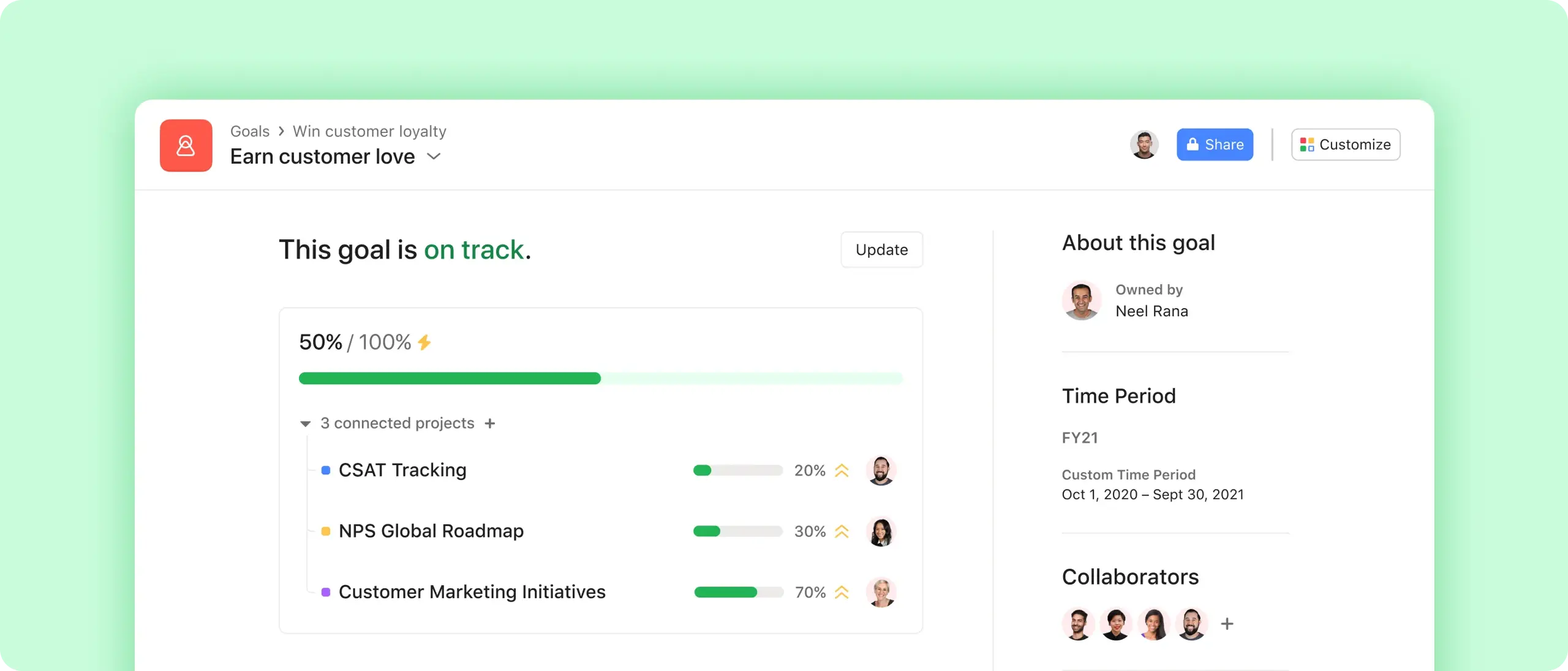
Align every level
Set goals and key results for your company, your team, or yourself, and see how they ladder up.
Prioritize the right work
Connect each goal to the projects and portfolios that support it.
Track automatically
Goals instantly update as your team makes progress, so you can spot blockers in real time.
Set and achieve your organization's goals
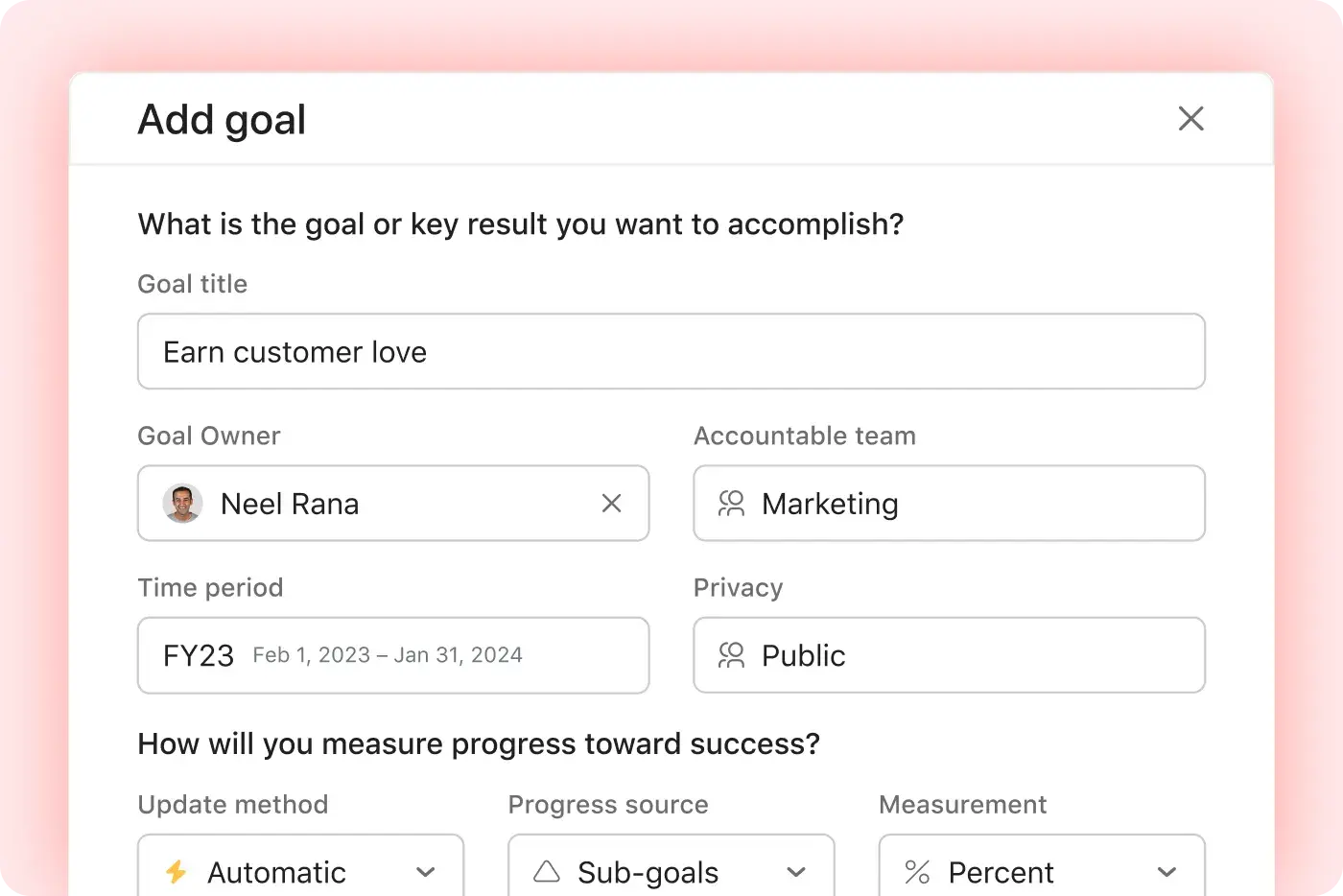
Add a goal
Categorize your goal as an objective, key result, or individual goal—or use a goal template to get a head start.
Define your target and timeline
Measure your goal manually or automatically, and decide on a timeframe for your goal: quarter, half, annual, or custom.
Customize your goal
Choose the owners of the goal, and decide if you want to keep it public to your organization or shared with specific team members.

Connect every team's work to goals
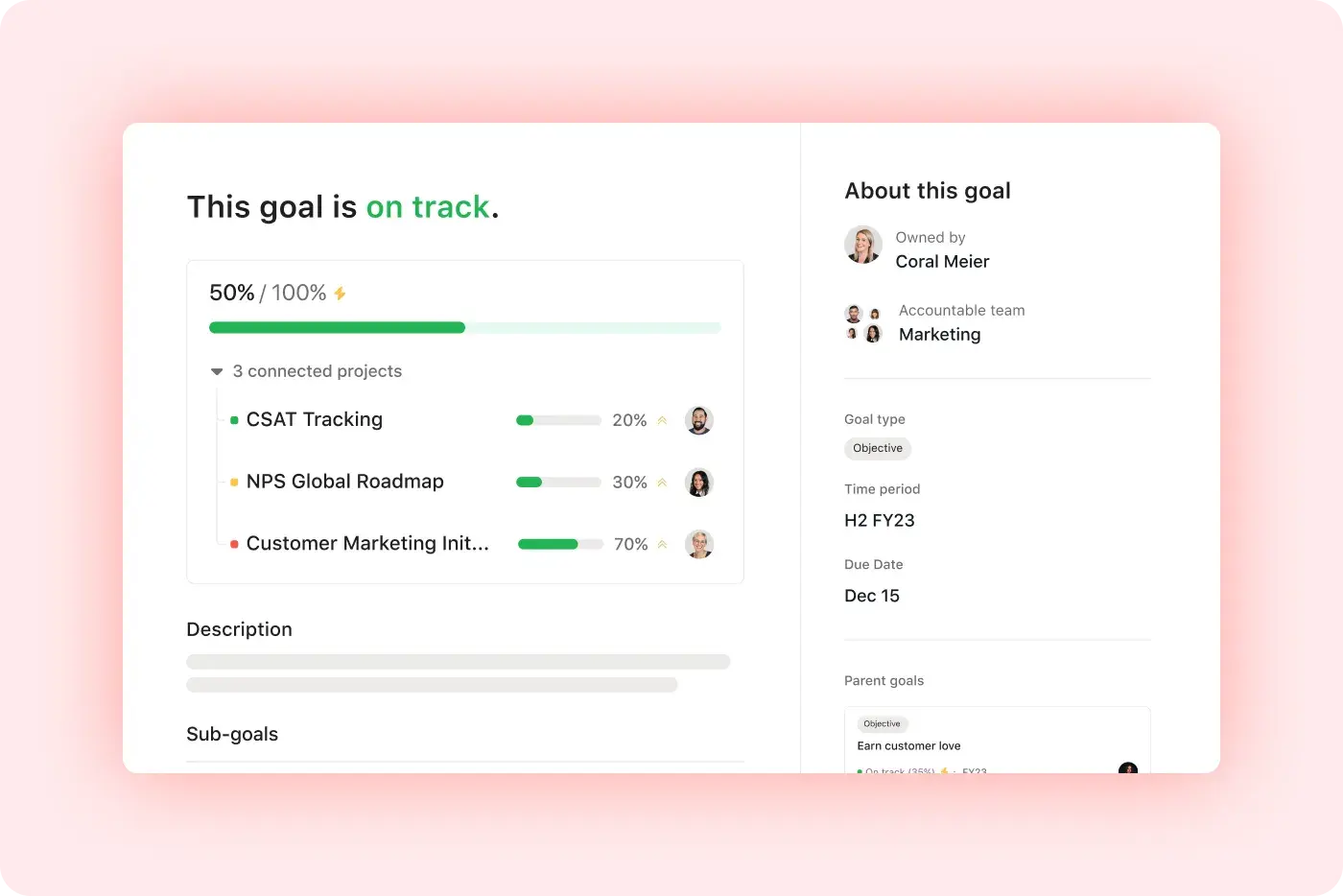
Ladder up
Link your goal to the team and company-wide objectives it supports.
Divide and conquer
Create sub-goals to break your objective into smaller pieces.
Tie it together
Connect the projects, portfolios, and tasks that support your goal.
See next steps and take action
Update automatically
Track your goal’s progress based on connected sub-goals or projects, or using reporting from apps like Salesforce.
Keep your team informed
Share updates and set a status to show if your goal is on track, at risk, or off track.
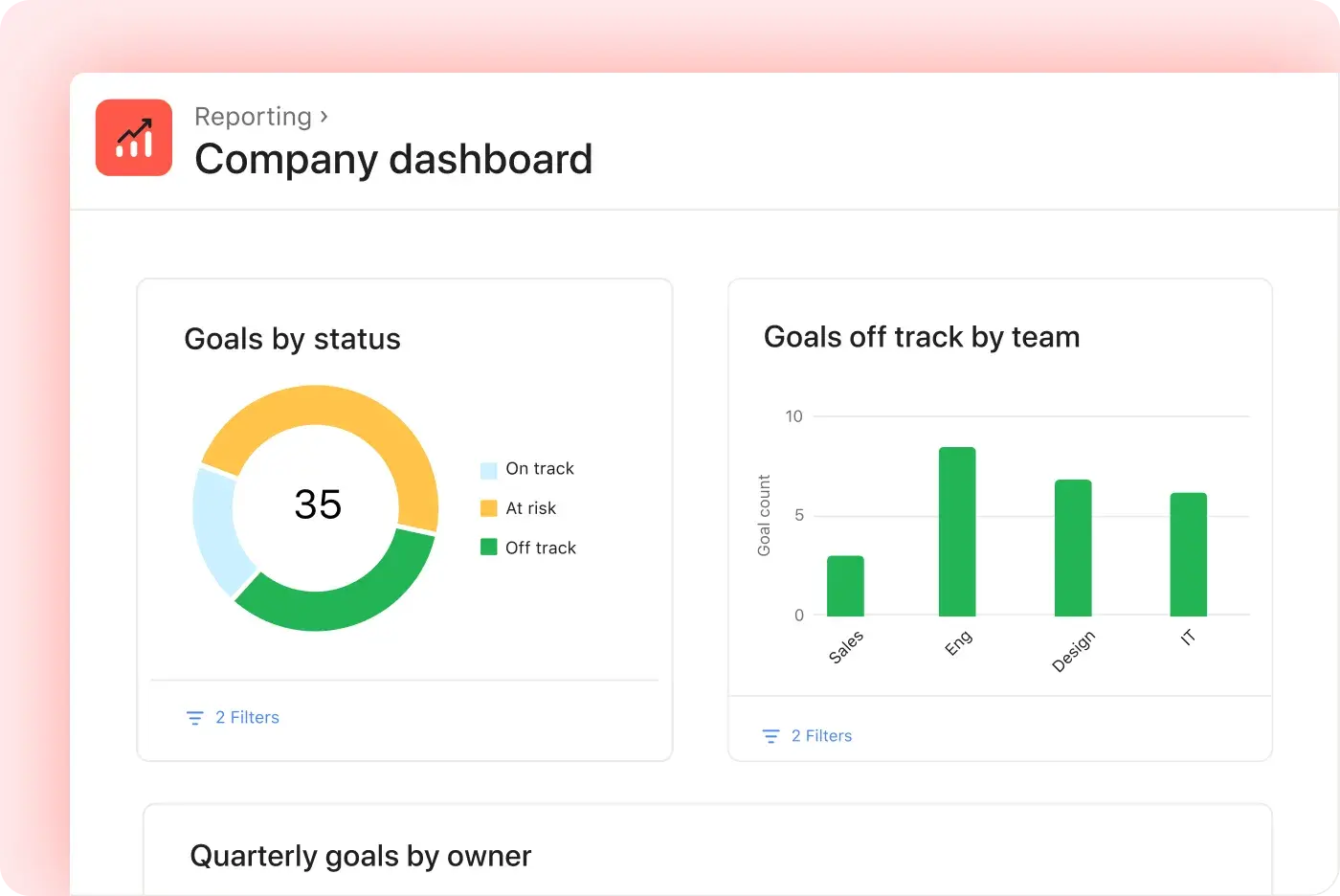
See the big picture
Create dashboards to monitor goal progress across your company.

Keep everyone updated on progress
Share safely
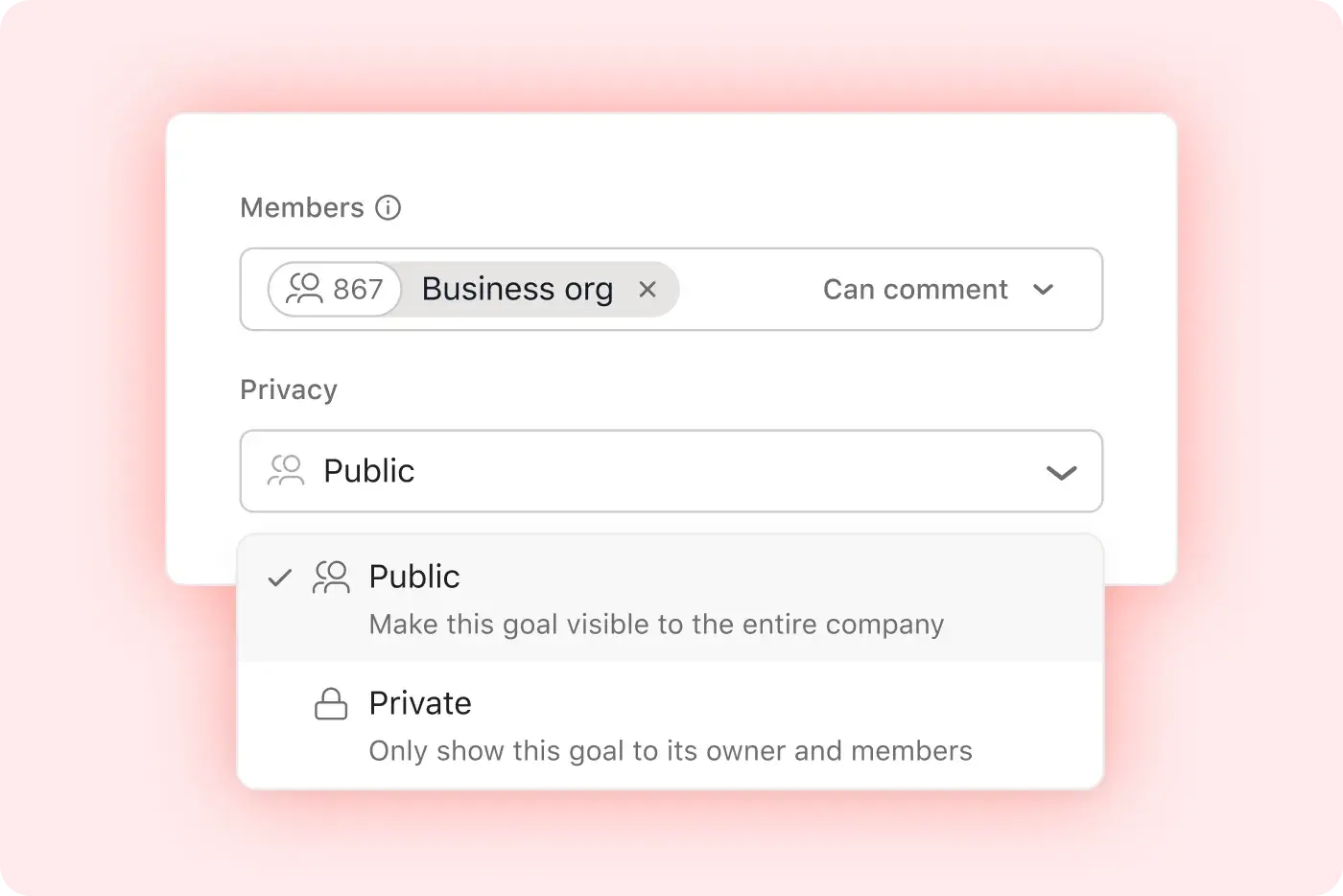
Keep teams in the loop by adding them as members, and prevent unintended edits with comment-only access.
Show what’s relevant
Create custom views so teammates can only see information that matters to them.
Scale your process
Use templates with defined attributes to standardize goal-setting across your organization.
Put it all together
Goals are just the start. Use them with these features to keep everyone in sync, no matter which team they’re on.
Still have questions? We have answers.
Goals are available for all Advanced, Enterprise, and Enterprise+ customers. Learn about pricing, or try Asana Advanced for free, no credit card required.
Yes, you can. When you create your goal, link the projects that support it. Asana can also act as a task tracker for goal-related work, so teams can see which tasks and milestones contribute to progress. Then you can automatically update your goal progress as you complete milestones or tasks in those projects. No manual updates required. Just do the work, and watch your goal progress change in real time.
Yes. You can share goals with anyone at your company who is on an Asana Business or Enterprise plan. Or, you can make goals private to specific team members.
The plans that include the Goals feature are Advanced+ plans.
Goals can sync automatically with project/task progress in Asana. You can link Goals to projects, portfolios, and tasks so that as work is completed, Goals update in real time.
You cannot use custom fields or numerical values to track progress in Goals. Goals track progress using completion metrics of linked tasks or projects. Numeric tracking (like revenue) must be updated manually. However, you can link a goal to a Salesforce report to track pipeline or other metrics within Salesforce.
You can break down Goals into smaller objectives by creating sub-goals (key results) that roll up into a parent Goal, allowing you to structure large objectives into smaller milestones.
You can control visibility or share Goals securely in Asana. Goals can be public or private, and access can be restricted to individuals or teams. Enterprise users also have granular sharing permissions.
There is currently no visual dashboard to see all Goals in one place. Asana Goals are displayed in a list view. A visual dashboard or goal charting feature has not yet been released.
Guests (external users) can be included in Goals by giving them access to individual Goals, but they cannot view the full org-level goal structure.
There are time period settings for Goals that allow you to assign custom timeframes to Goals, including quarterly or annual durations.
You cannot create check-ins or reminders for Goal updates directly. You can comment on Goals and manually set reminders using tasks or recurring workflows.
Transform the way you work with Asana
Start your free trial
Try Asana for free. No credit card required.
Watch the demo
See how Asana connects companies at scale.
Speak with a sales rep
Learn how Asana helps teams collaborate seamlessly.