Introducing AI Meetings and Tables: Every meeting moves work forward, every Table keeps it current


Campaign kickoffs and program reviews are where teams make their most important decisions. But too often, commitments aren’t tied to an accountable person, and the decisions themselves die in a transcript or are forever siloed in a separate notes tool. The people responsible for doing the work miss the latest direction, so work gets missed or redone. Follow-ups get dropped, and teams spend their time chasing updates instead of delivering on the goals of the campaign or program.
Keeping on top of the latest direction is only part of the equation. To run successful programs, team members need to know that the information they are using is accurate and up to date. Data such as agency rosters, vendor directories, and asset catalogs is critical to operations programs and campaign launches, but that data lives in a spreadsheet, disconnected from the projects and tasks that use it. A change in one spreadsheet never reaches a workstream, and a critical input to a decision gets missed.
All that chasing and rework has a real cost: campaigns drag on, launches slip, and a competitor takes the moment you planned for.
Today, we’re introducing AI Meetings and Tables to keep decisions and data connected to the work. AI Meetings turn action items into assigned tasks, keeping everyone apprised of the next steps, while Tables bring the information your work depends on into Asana. Both enrich the Work Graph®, giving your team and Asana AI, from AI Studio to Asana Dash and AI Teammates, the current context to follow through.
AI Meetings: What’s said becomes what’s done
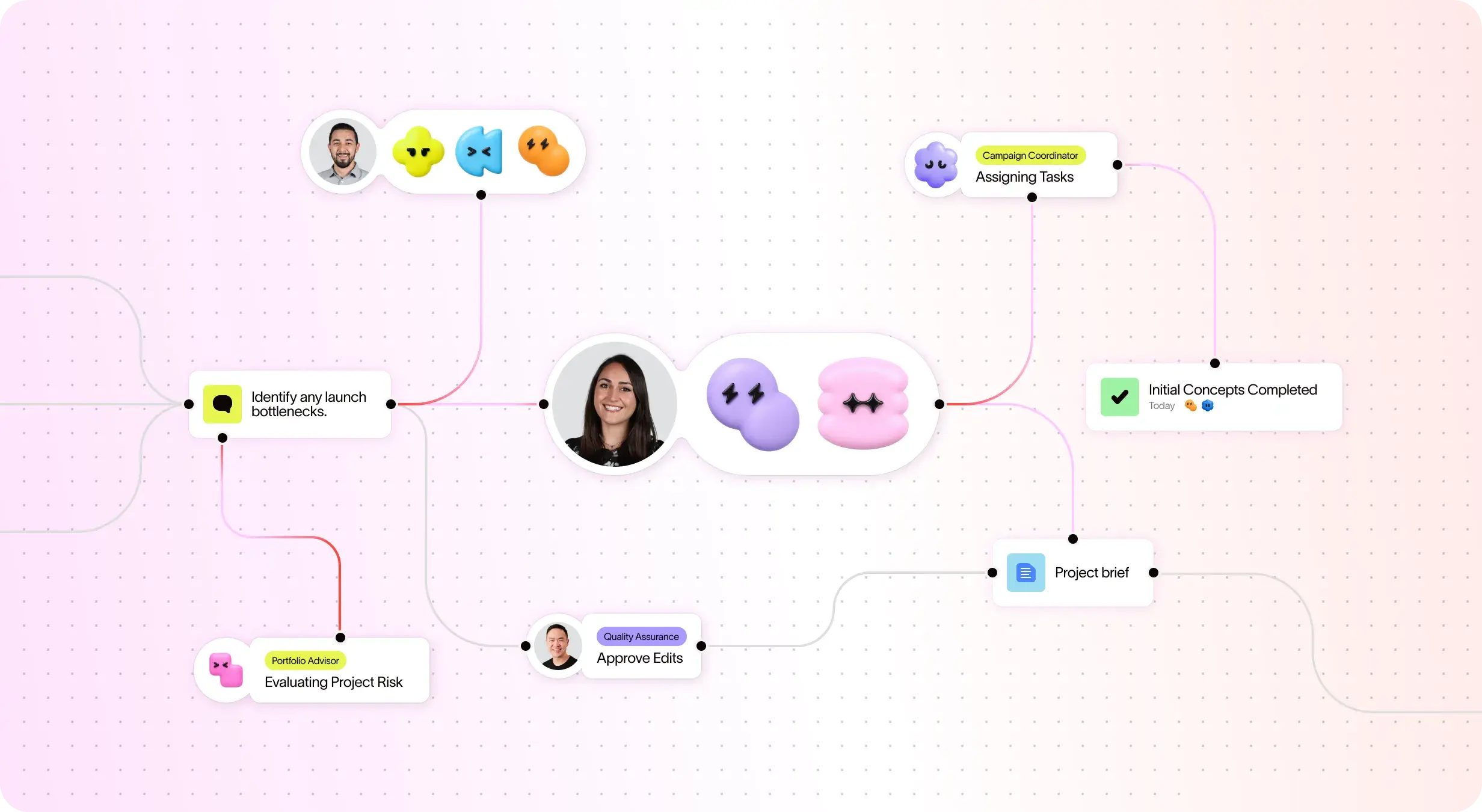
A transcript tells you what was said. It doesn’t tell anyone what to do next. AI Meetings connect each discussion to the work it drives, because they’re built on the Work Graph, the living map of your people, projects, goals, and tasks that your team and AI Teammates both act on.
AI Meetings transcribe and summarize calls from Zoom, Microsoft Teams, and Google Meet (synced through Google Calendar or Outlook), and suggest relevant projects. Summaries can include links to related work in Asana, such as an existing task, helping your team connect the discussion to work already underway. You choose whether to add the meeting to a project or share it with collaborators.

Action items become tasks, with you in control
AI Meetings turn action items into suggested tasks, each with a suggested assignee, human or AI Teammate, so that every commitment is tied to an accountable owner. Meeting attendees can review the suggestions, then accept them one at a time or all at once. Tasks that go to an AI Teammate come with the full meeting context, including the discussion, the decisions, and the linked work, so the AI Teammate can get started immediately and deliver work that reflects what the team actually discussed.

Every discussion empowers better decisions
Without a shared record, every follow-up starts with a recap and a debate over what was decided. Meetings drag on, and timelines slip. Ask Asana Dash, your AI chief of staff, instead. It knows what’s been discussed, what’s coming up, and what’s still in flight, and it pairs the last discussion with the current state of the work: which tasks are done, which are still open, and who owns them. You make the next decision with the full picture, and the reasoning behind earlier ones is one question away.

You decide who sees what
Transcripts, summaries, and action items are private by default. Before, during, or after the meeting you can add collaborators to the meeting or add the meeting to a project. If you do, those users will gain access to the entire object including summary, transcript, and action items.
Tables: Your information, connected to the work that moves it forward
Meetings are only part of the picture. Your work also depends on business information staying accurate and up to date: product catalogs, event venues, equipment inventories, and brand asset libraries. Today, that data usually lives in a spreadsheet or separate tool, while work is tracked in Asana. Your team jumps between systems, and every jump is a chance for something to go out of date or get missed. Tables close that gap. Tables bring that critical information into Asana as records, a new type of object that sits alongside your projects, portfolios, and goals. Spin up a Table from scratch in seconds, or bring in what you already have via CSV, API, or MCP. Then connect each record to the tasks and projects that use it.
Update once, and it’s current everywhere
Today, an agency contact might live in a dozen campaign projects, a spreadsheet, and someone’s inbox. When that contact changes, someone has to hunt down every copy, and the one they miss is the one that gets sent to the wrong person. With your agency directory in a Table, lookup fields pull an agency’s details into every linked project. Change the record once, and every project that references it shows the right contact.
Give your team and AI the full picture
When business data lives outside Asana, AI only sees half the story. Dash can’t tell you which vendors support an at-risk project, and an AI Teammate can’t update a contact when the renewal task is done. With records in the Work Graph, both can. Ask Dash which agencies support your Q4 campaigns, or have an AI Teammate keep your Tables current as the work moves forward.
Better together: one Work Graph®, richer every day
AI Meetings and Tables solve different problems, but the real payoff is what happens when they work together. Meeting decisions and Table records both enrich the Work Graph, so your team, Dash, and AI Teammates can act with context. When something changes, the work stays current. Let’s go back to that campaign kickoff, this time with both AI Meetings and Tables in the mix.
The team agrees on next steps, and AI Meetings suggests tasks and assignees, including one for an AI Teammate that comes with the full meeting context. When that AI Teammate goes to draft the agency brief, it reads the agency’s record in Tables, so it’s working from the current contact instead of last quarter’s email. Later, when that contact changes, one update to the record keeps every campaign project accurate. And before the next review, anyone on the team can ask Asana Dash what was decided and what’s still in flight.
The result: nothing falls through the cracks after a meeting, nothing gets lost between tools, and the launch goes out on time.
Get started
AI Meetings and Tables are available now on Asana Advanced plans and above.
Connect your calendar and turn your next team sync into assigned tasks with AI Meetings. Watch the quick setup video below to see how it works.
Then bring the information your work depends on into Asana with Tables, and connect it to the projects that use it. Learn how to create your first Table here.