


How one marketer saved 4 hours of manual work with AI Teammates

85% of Fortune 100 companies choose Asana¹






The hardest part of a planning offsite isn't always the planning. It's translating that clarity, energy, and momentum into actual projects after everyone has left the room. For Sheila Head, Head of Marketing Operations at Asana, that translation work used to cost an entire work day. "The real work happens as soon as you wrap up the notes and assign action items and get people actually working on the initiatives you all aligned on," said Sheila. Sheila is responsible for making sure all marketers are connecting their work to Asana's most strategic priorities. That means that marketing leaders across a global team don't just walk away from offsites with good intentions—they walk away and build their plans correctly in Asana. Here's how she used an AI Teammate to stop doing that work by hand.

Not only did this AI Teammate save me hours of work, it also saved me from making human errors.”
Putting an AI Teammate in charge of reviewing post-offsite projects
After Asana's marketing team aligned on their priorities for the year, Sheila had to go through every portfolio and project in Asana and check that each one was set up properly. She reviewed projects for:
Clear goals
Milestone dates
Assigned owners
Enough background context for other teams to understand the work
That meant three to four hours of careful, manual work—the kind that's hard to delegate and easy to get wrong.
If a project is missing context or milestones, the CMO can't get a clear picture of what marketing is working on, and the rest of the company loses visibility into what the team is doing.
"This used to take me hours and hours of manually checking in on projects, slacking people, leaving comments in Google Docs," Sheila said.
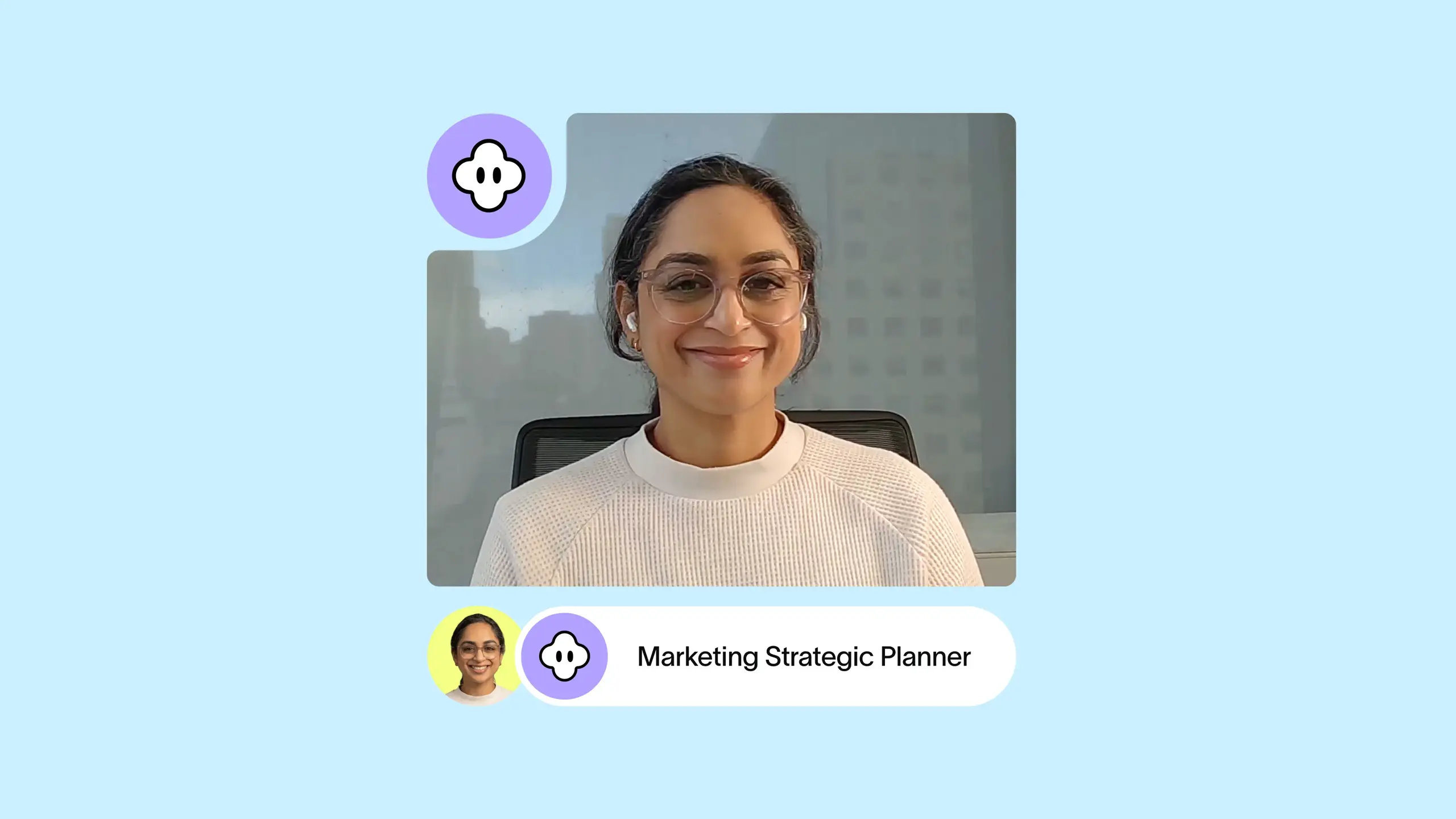
Sheila found a pre-built AI Teammate called the Strategic Planner inside Asana and spent about 10 minutes adjusting it to reflect her team's standards.
Step 1: Give the AI Teammate the same instructions you already wrote for your team
Sheila started by pointing the AI Teammate at the same Asana project her team uses to run the offsite — notes, action items, Zoom transcripts, all of it. The AI had the same context as someone who was actually in the room.
From there, she gave it the same plain-English instructions she'd already sent to her leadership team. The standards were straightforward: completeness of data, milestone dates, assignees, and enough background on goals and KPIs that someone who wasn't at the offsite could understand what the work was about. Then she gave it one simple instruction: "Based on the instructions outlined in this task, please assess this marketing priority folder and its connected work for clarity and completeness. Comment on this task with your recommendations." That was it.
"I'm not super technical, and quite frankly I was a little intimidated," Sheila said. "I am using the same language I would actually use even talking to a teammate here at Asana."
Step 2: Let the AI Teammate review projects and improve over time
As soon as Sheila assigned the task, the AI got to work. She could see it showing its thinking in real time as it worked through each project—a portfolio-level assessment, then a project-level assessment—before coming back with a structured report of findings ranked by priority.
From there, Sheila responded in the comments the same way she'd reply to a colleague. She gave it corrections and clarifications; in one exchange, she told it she only needed milestone dates checked, not start and end dates. The AI confirmed its understanding back to her before moving on. That back-and-forth is what built Shelia’s confidence that the AI Teammate was actually interpreting her instructions correctly. "You don't have to get it perfectly right when you launch your first AI Teammate," Sheila said. "You can start with something basic and course correct as you go."
Step 3: Take the findings to the right people
With a clear, prioritized list of gaps, Sheila goes into leadership conversations knowing exactly what needs fixing. Instead of three hours of clicking, she spends that time on the work that calls for her strategic thinking and expertise: helping leaders consider trade-offs and advising the CMO on what's working.
Saving time for high-impact strategy
The manual review that used to take Sheila three to four hours now takes 45 minutes. She thinks she can get it to 30 as she gives the AI more room to act on its own.
But the time savings aren't the whole story. A person clicking through dozens of projects will miss things. The AI works through everything methodically, with all the offsite context already loaded in.
And because it's always on, teammates in other time zones get feedback the moment they update their projects—not just when Sheila is at her desk.
I feel like the AI Teammate has a more methodical approach to going through everything in a more complete way.”
What's possible: AI Teammates for every marketing ops team
Marketing ops teams don't have to choose between the strategic work and the operational work. An AI Teammate can handle the review cycle, flag the gaps, and free up the time that matters — starting with a pre-built template and 10 minutes to make it yours.
"This is definitely something someone on my team can use and deploy for their specific use case — and even customize it for their specific needs as they feed more context and feedback back to the teammate over time," Sheila said.
Supercharge your teams with AI that gets work done
Give your teams AI that understands their work, keeps projects moving, and gets better the more your teams use it.


