


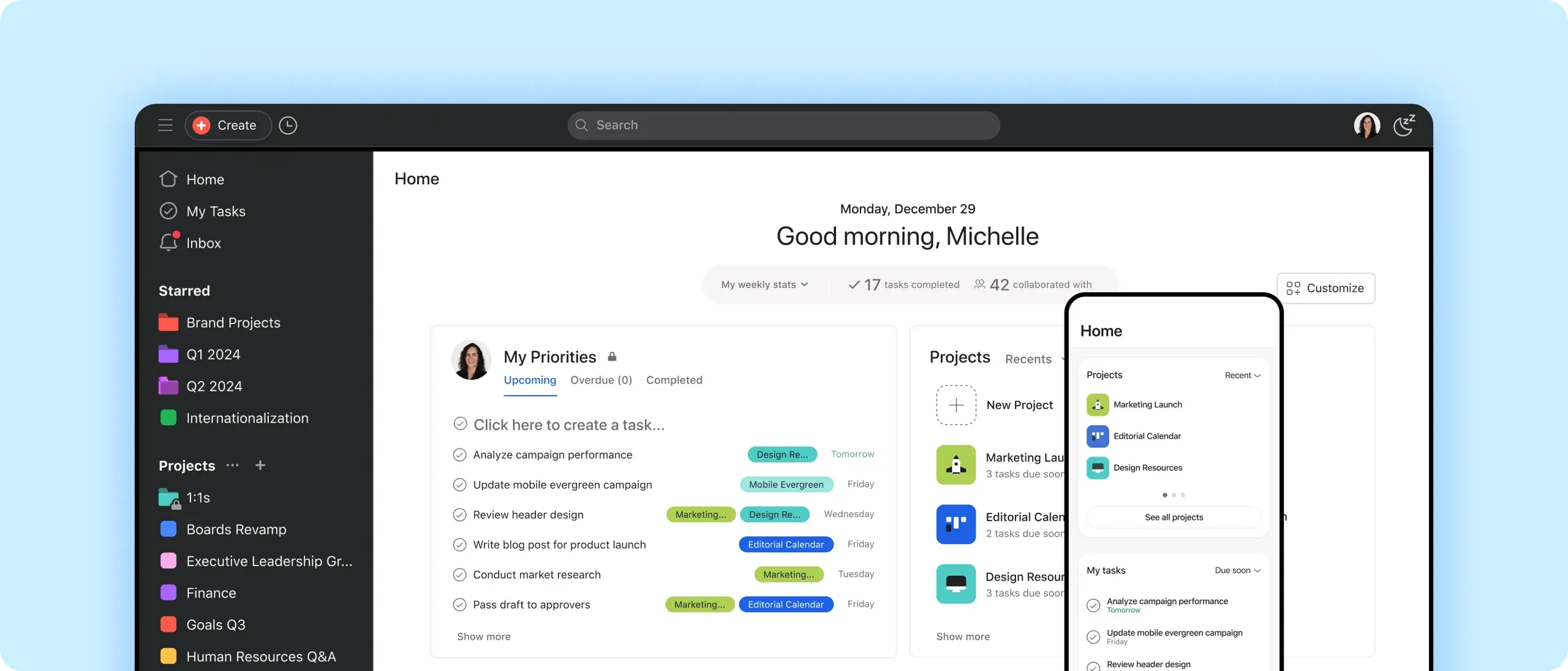
Get focused
Close distracting browser tabs and open Asana on your desktop instead.
Stay in sync
Communicate and organize tasks on mobile, so you can focus when you’re back at your desk.
Move faster
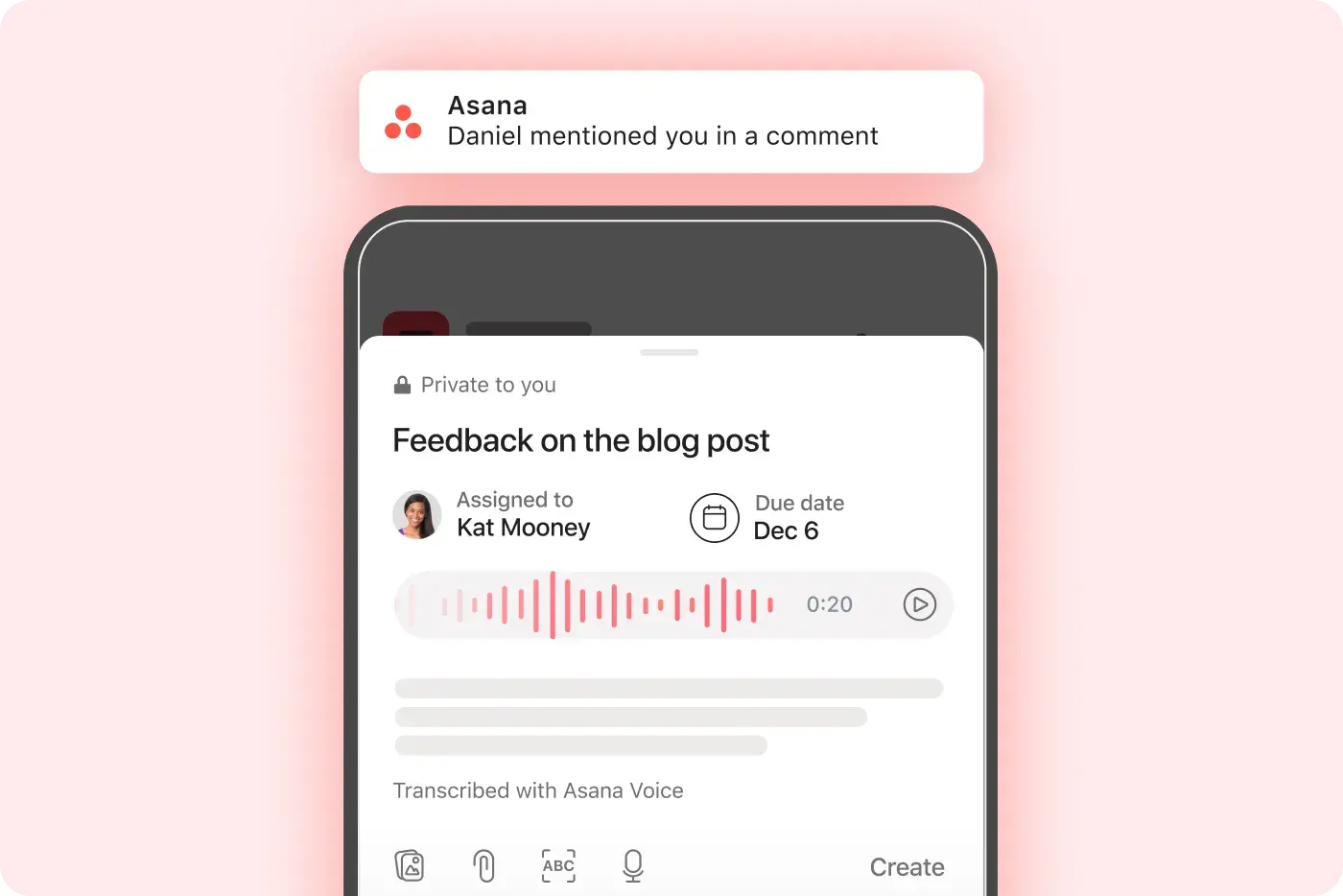
Transcribe your voice or take a picture to automatically create action items with your phone.
Find your flow
Zero in
Access priority tasks directly from your menu bar (Mac) or system tray (Windows).
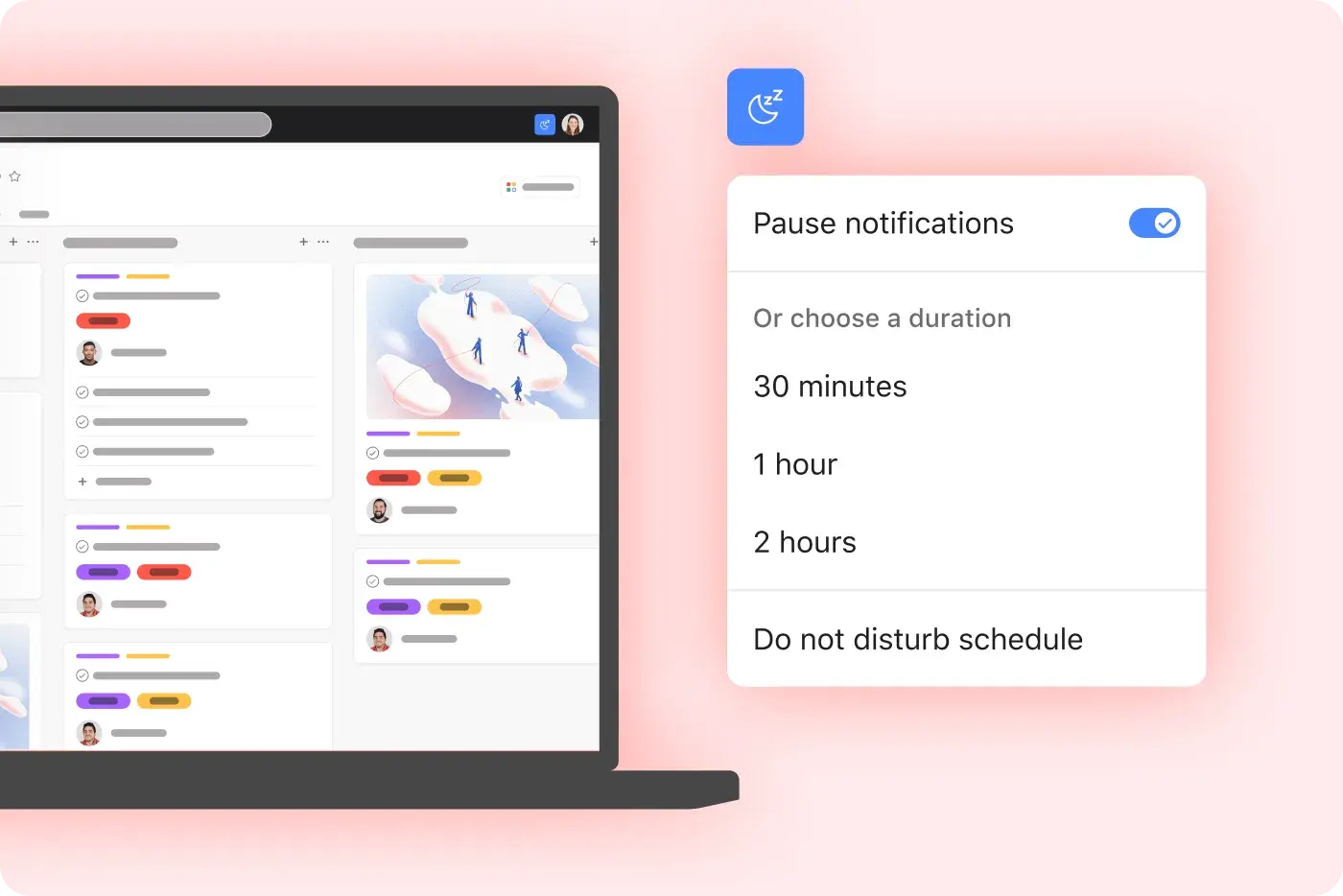
Create focus time
Choose a task, set a timer, and pause notifications while you work.
Take shortcuts
View your history and visit recent pages with a click.

Work from anywhere
Capture to-dos
Automatically fill in tasks by transcribing your voice, or take a picture and turn it into text.
Clean your inbox
Archive, bookmark, and create follow-up tasks with a single tap.
See what’s urgent
Turn on push notifications for new task assignments, comments, and more.
Stay connected
Comment, upload attachments, and tag teammates to unblock your team in real time.
Put it all together
These features play well with our mobile and desktop apps. Use them to focus on what matters, so you can get more done with less effort.
Still have questions? We have answers.
The Asana plans that include the desktop and mobile apps are all Asana plans, including Personal, Starter, Advanced, and Enterprise.
The desktop app has all the functionality of the browser version, plus additional features to help you prioritize focus. For example, you can set 25-minute Pomodoro timers to hone in on important tasks, and snooze notifications until the timer goes off.
We’ve optimized our apps for all common devices, including Mac, Windows, iOS, and Android.
The additional features available in the desktop app include focus tools like Pomodoro timers and notification snoozing along with quick-access menus. It also includes the history feature.
The desktop app will remove browser distractions by isolating Asana in its own window and disabling browser tab clutter for increased focus.
You can use voice and image capture on mobile. The mobile app lets you transcribe voice or capture an image to create tasks automatically.
The devices supported by Asana's apps include Mac, Windows, iOS, and Android devices.
Your work will sync across devices in real time. Asana syncs in real time across web, mobile, and desktop apps to keep your work up to date everywhere.
You can manage notifications on mobile. The mobile app supports push notifications for assignments, comments, and important updates.
You can access Inbox and My Tasks on mobile and desktop. Both Inbox and My Tasks are fully accessible and functional in the desktop and mobile apps.
To download the Asana app, you can download Asana from the App Store (iOS), Google Play (Android), or our desktop download page.
Asana is free to download. All Asana apps are free to download across supported platforms.
Transform the way you work with Asana
Start your free trial
Try Asana for free. No credit card required.
Watch the demo
See how Asana connects companies at scale.
Speak with a sales rep
Learn how Asana helps teams collaborate seamlessly.