


Superfeedback + Asana
Connect Superfeedback with Asana to enable users to send tickets and feature requests.
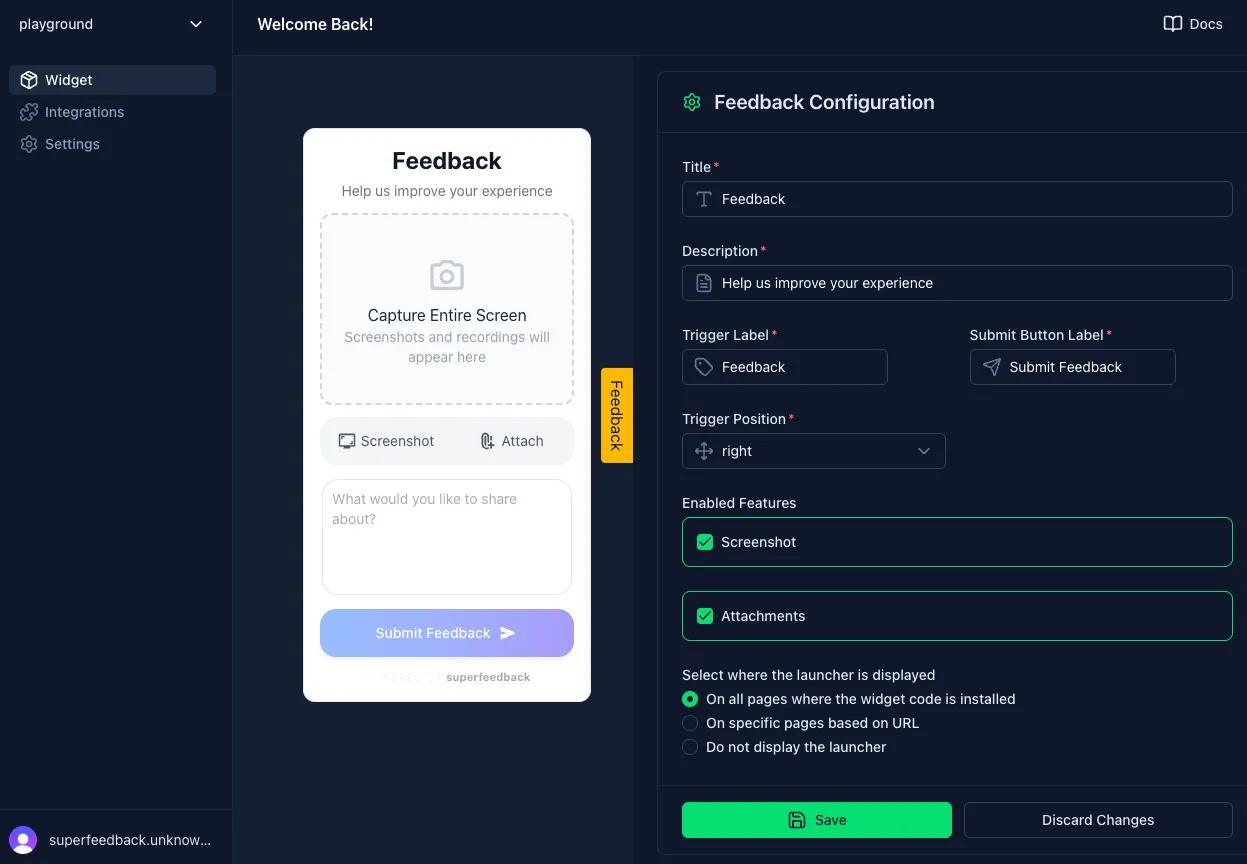
What is Superfeedback?
Collecting high-quality feedback is often a friction-heavy process for both users and developers.
Users hate leaving the app to write an email. Developers hate vague tickets lacking context. Superfeedback solves this by offering an embedded widget. When a user submits feedback (including media/screenshots), our AI engine processes the ticket, analyzes the context, and routes it directly to your existing workflow.
Why Superfeedback + Asana?
- Zero-Friction UI: Users report issues without leaving your site.
- AI-Powered Processing: Automatically analyzes media and text to categorize tickets.
- Instant Sync: Feedback goes straight to Asana.
How to connect Superfeedback + Asana?
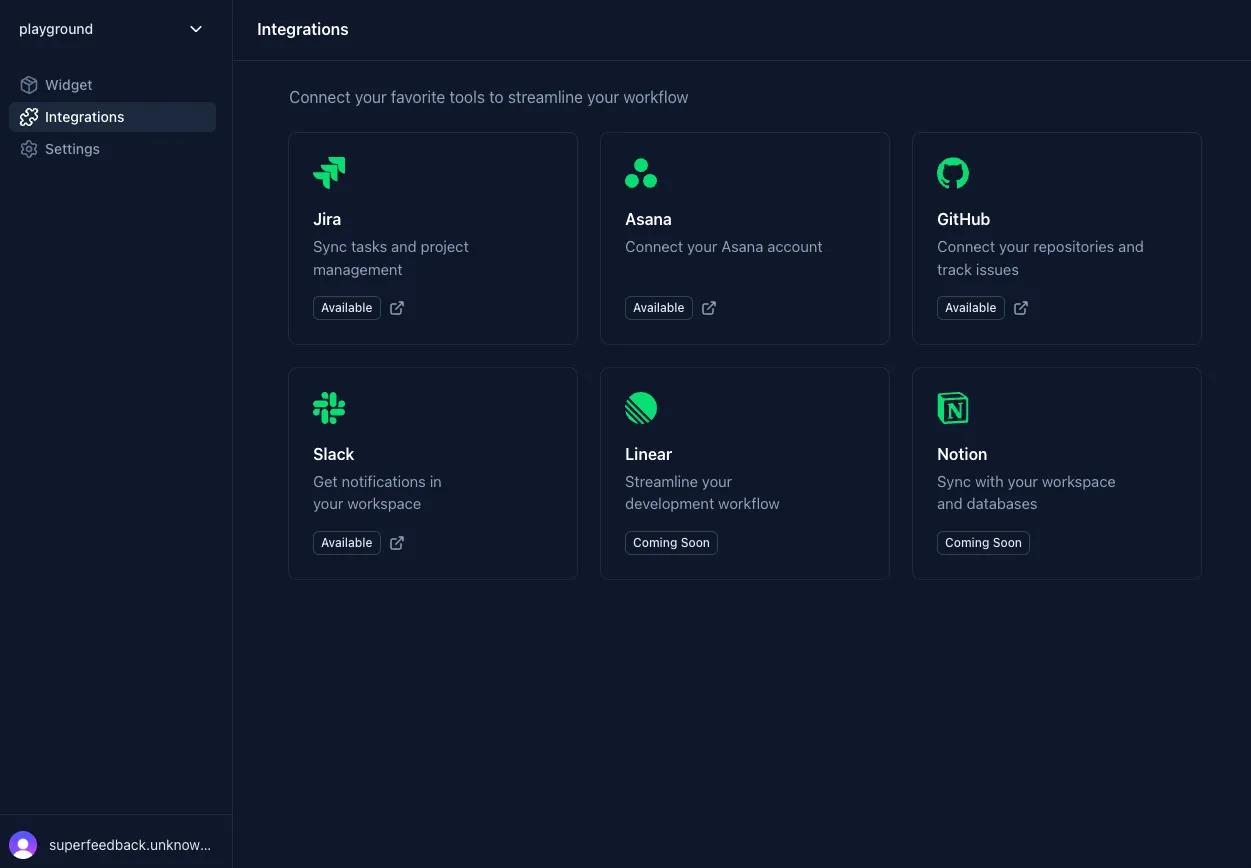
- Log into Superfeedback, go to the Integrations and select Asana.
- Complete the authorization flow in Asana.
- Install the Superfeedback widget package in your app (follow the package installation instructions).
- Configure the widget using the setup steps provided with the package.
Learn more and get support
To learn more about using the Superfeedback + Asana integration, visit Superfeedback.
If you have questions, feedback, or need support, visit the Superfeedback support page.
Asana does not endorse or certify apps built by third-party developers. If you encounter inappropriate content or behavior, please report it here. Otherwise, please contact the app developer for support.
Collaborate effortlessly with Asana
From the small stuff to the big picture, Asana organizes work so teams know what to do, why it matters, and how to get it done. It's free to get started, simple to use, and powerful enough to run your entire business. Learn more about Asana today.