


Airo Automations + Asana
Automate Shopify events by creating and updating tasks in Asana.
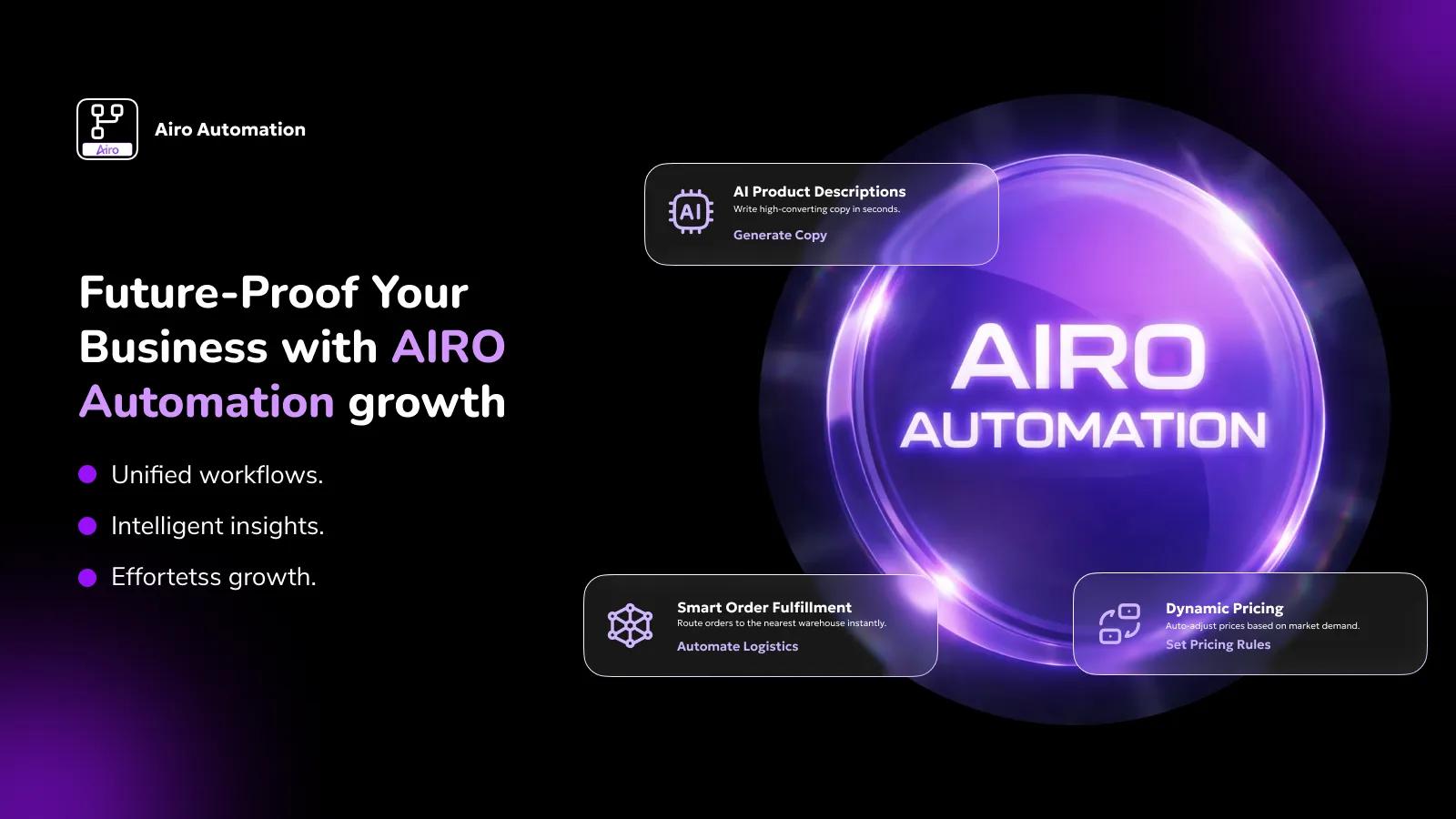
What is Airo Automations?
Airo Automations connects Shopify with Asana to automatically convert store activity into actionable tasks. When specific Shopify events occur — such as order creation, order fulfillment, product updates, or customer creation — the app can automatically create or update tasks in Asana.
Merchants define automation workflows inside Airo Automations that map Shopify webhooks to Asana actions. For example, when a new order is created in Shopify, a task can automatically be created in a selected Asana project with full order details. Teams can then view, edit, assign, and manage those tasks directly within Asana.
How the Integration Works
This integration helps operations, fulfillment, and marketing teams eliminate manual work and streamline internal processes.
Airo Automations is a Shopify app.
- A merchant installs Airo Automations from the Shopify App Store.
- Inside the app dashboard, the user clicks “Connect Asana.”
- The user is redirected to the official Asana OAuth consent screen.
- After successful authorization, the user is redirected back to the app.
- The user can then create automation workflows that trigger Asana actions based on Shopify webhooks.
Example workflow: When a Shopify order is created → Create a task in a selected Asana project with order details.
Please note: the Asana authorization link is dynamically generated per Shopify store for security reasons and cannot be shared publicly. Users access the OAuth flow only after installing the app and initiating the connection from within the Shopify Admin.
How to connect Airo Automations + Asana?
Prerequisites:
- Active Shopify store.
- Active Asana workspace.
Steps:
- Install “Airo Automations” from the Shopify App Store.
- Open the app inside Shopify Admin.
- Navigate to Integrations → Click “Connect Asana.”
- Authorize the app via the Asana OAuth consent screen.
- After successful connection, create a new automation workflow.
- Select a Shopify trigger (e.g., Order Created).
- Select an Asana action (e.g., Create Task).
- Choose the target Asana workspace/project and configure task fields.
- Save and activate the workflow.
The integration will now automatically create and manage Asana tasks based on Shopify events.
Learn more and get support
To learn more about using the Airo Automations + Asana integration, visit Airo Automations.
If you have questions, feedback, or need support, contact the Airo Automations support team.
Asana does not endorse or certify apps built by third-party developers. If you encounter inappropriate content or behavior, please report it here. Otherwise, please contact the app developer for support.
Collaborate effortlessly with Asana
From the small stuff to the big picture, Asana organizes work so teams know what to do, why it matters, and how to get it done. It's free to get started, simple to use, and powerful enough to run your entire business. Learn more about Asana today.