


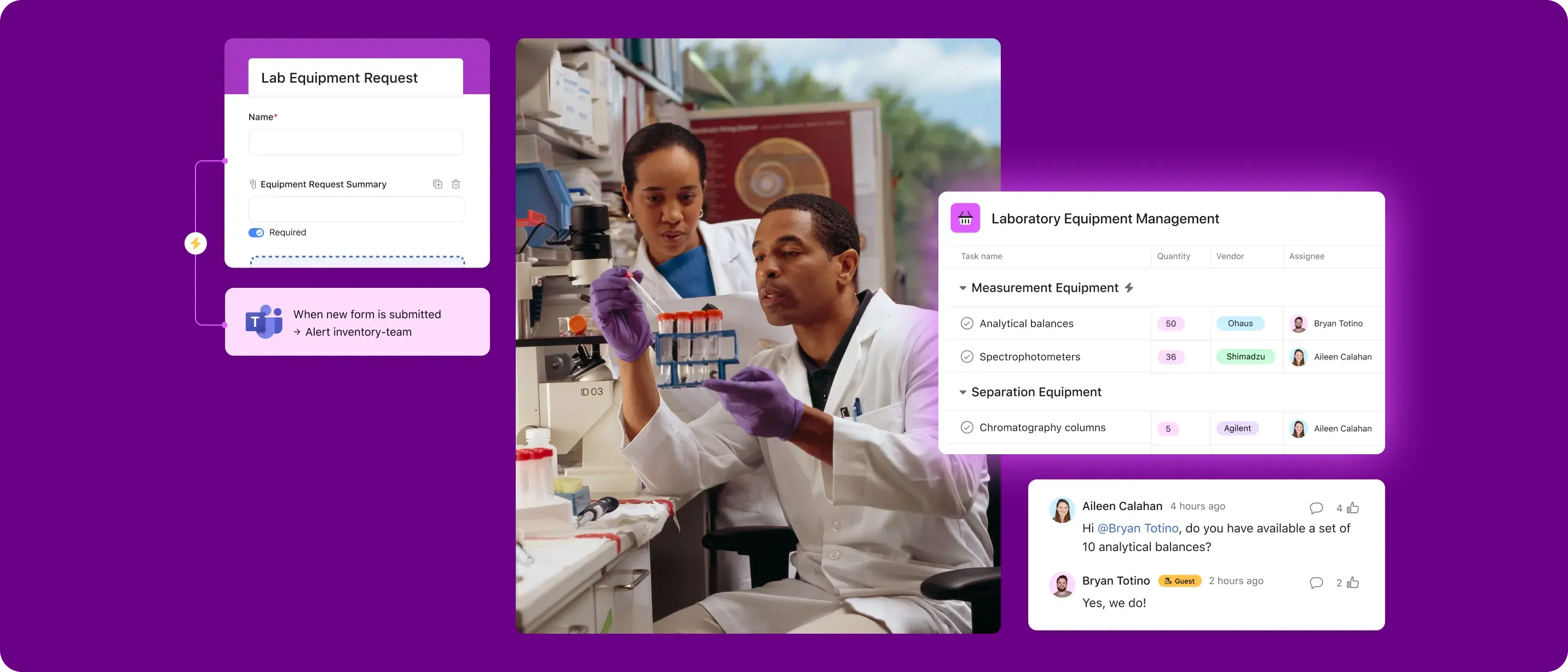
Simplify your processes
Make it easier to reorder, update stock, and schedule maintenance.
Get everyone on the same page
Deliver updates to internal teams and external vendors in one place.
Resolve issues quickly
Automate the collection of information around new inventory or equipment problems.
Manage inventory and equipment across different sites
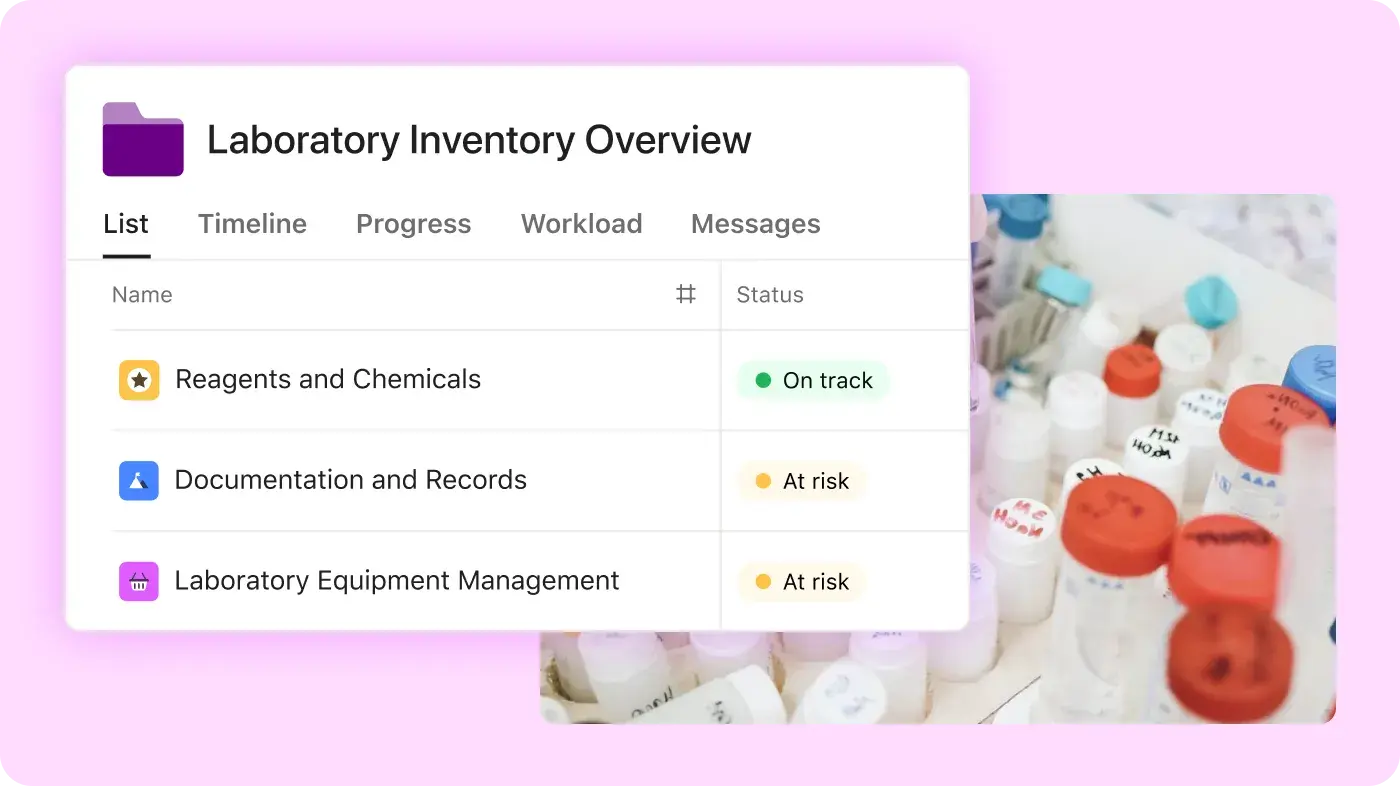
Set up portfolios to track all inventory and equipment at a high level.
Capture key information about inventory, like location or supplier, using custom or AI-generated labels.
Connect internal and external teams
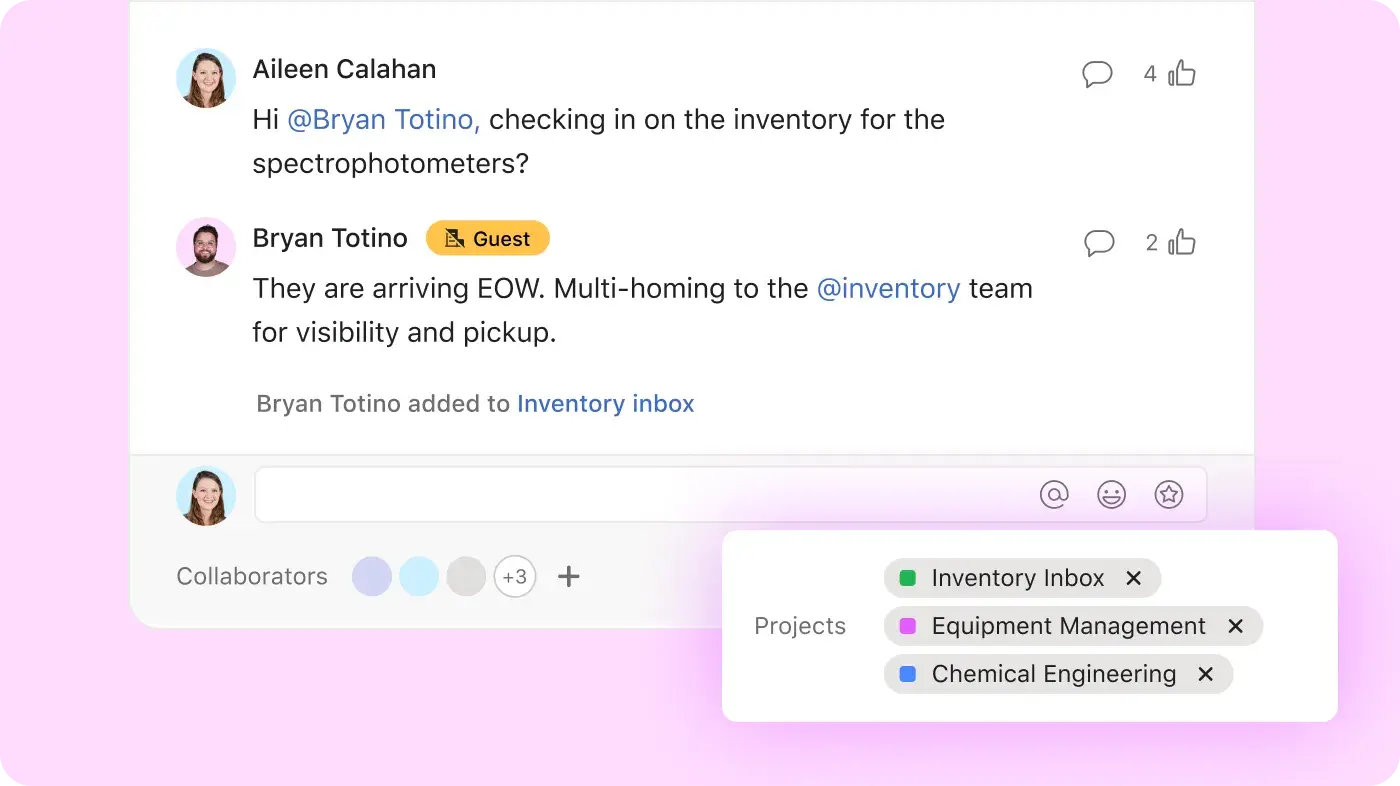
Communicate with external vendors about orders and maintenance directly in Asana.
Track and confirm purchase orders for specific inventory or equipment by attaching them to Asana tasks
Address issues immediately
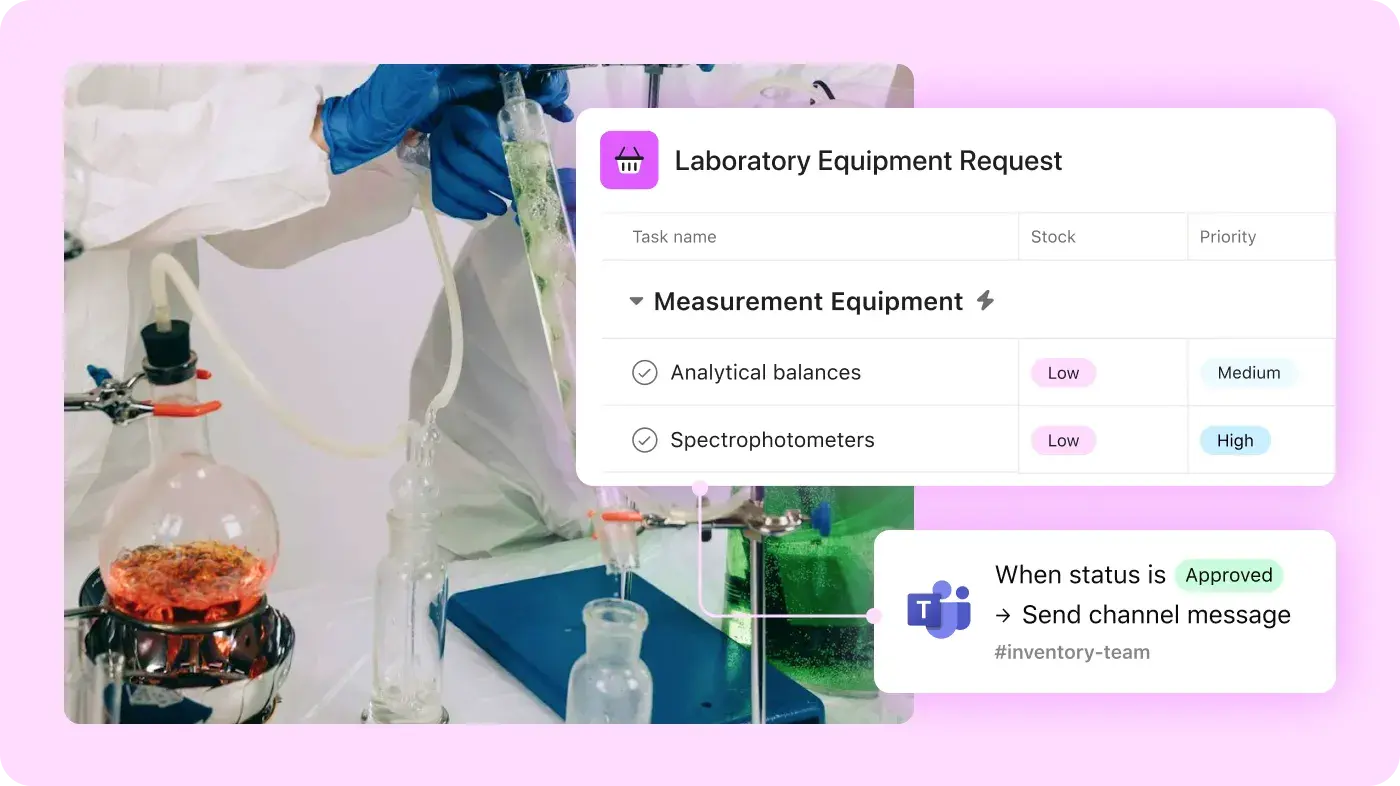
Use forms to capture maintenance work orders and automatically route them to the right team.
Keep internal teams and external vendors up-to-date with Google Chat, Microsoft Teams, and Slack integrations
Create AI-powered status updates to share the latest around any issue, such as stockouts
Update everyone in one place
Manage inventory and equipment more effectively by connecting teams and the apps you already use with Asana.


Get started faster with templates
Manage compliance tracking with Asana’s ready-to-use templates.
Cross-functional project plan
Coordinate with teams across your organization to turn a vision into action.
Work requests template
Prioritize and manage all the requests your team receives in one place.


Company Size
Mid-market
Industry
Retail & consumer goods
I'm a strong believer that implementing processes, like the ones we’ve built in Asana, will help us drive success.
Romain Ehrhard
CIO at KENDO
Frequently asked questions about task management tools
Teams should use Asana for inventory and equipment management because it centralizes processes, ensuring accurate tracking and real-time visibility. Asana's dashboards, portfolios, and custom fields enhance efficiency and result in timely maintenance, optimizing operations and minimizing disruptions.
Yes, Asana integrates with tools and systems already in use for inventory and equipment management. Through integrations with platforms like Slack and Microsoft Teams, internal teams and external vendors can always stay connected.
Yes, inventory levels can be tracked in Asana by using custom fields to log quantities, thresholds, and locations for each item.
Equipment check-outs can be logged by creating tasks with assignee, due date, and custom fields for borrower and return date.
Yes, maintenance schedules can be managed by setting recurring due dates and using Calendar or Timeline view to track maintenance cycles.
Low-stock alerts can be handled by using Rules with custom fields to notify team members when inventory falls below a threshold.
Yes, equipment can be multi-homed by storing items in multiple projects (e.g., location, department) using multi-homing.
Inventory usage can be reported by using dashboards and custom fields to visualize check-out history and usage stats.
Yes, integration with barcode scanning tools is possible through integrations like Zapier or custom apps to link Asana tasks to barcode scans.
Yes, access to inventory data can be restricted by using project permissions to control who can view or edit sensitive inventory projects.
Equipment returns can be handled by creating rules to reassign and notify teams when an item is returned.
Yes, equipment needs can be forecasted by using historical data captured in dashboards to predict future inventory requirements.
Transform the way you work with Asana
Start your free trial
Try Asana for free. No credit card required.
Watch the demo
See how Asana connects companies at scale.
Speak with a sales rep
Learn how Asana helps teams collaborate seamlessly.