


ASANA VS MS PROJECT
Utöka teamets kapacitet med kraften i Asana
Anslut och hantera arbetet i olika team för bättre samarbete, synlighet och effektivitet.


Över 170 000 team* förlitar sig på Asana, från nystartade företag till Fortune 100-företag

![[Logotyp] Goodrx – AI](https://assets.asana.biz/m/464cae48ddeaf94a/original/WEB-AI26-buyer-goodrx-logo.svg)







Vilka är skillnaderna mellan Asana och MS Project?
FUNKTIONER
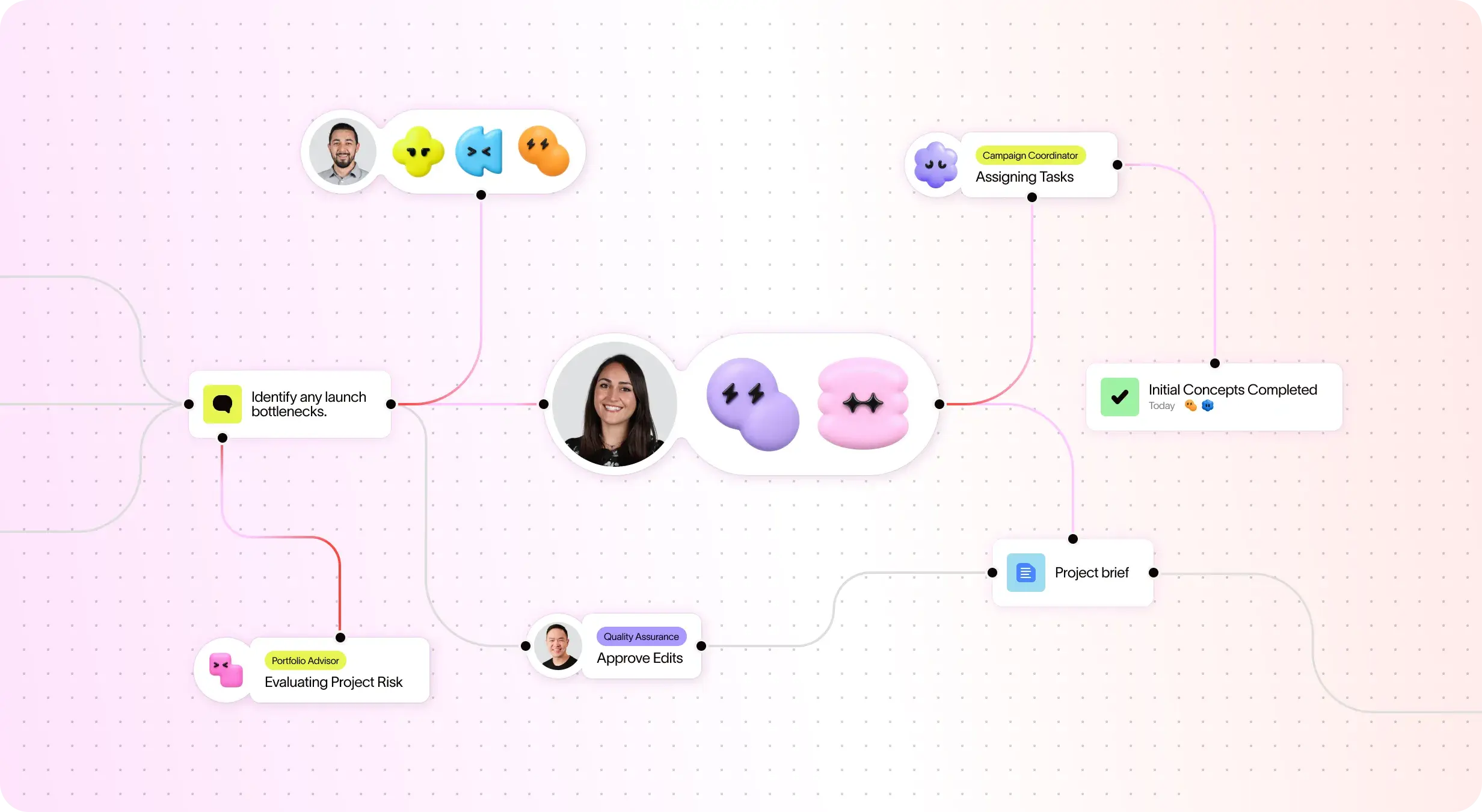
AI skapad för team
Asana AI-assistenter är AI-agenter som drivs av arbetsdiagrammet, så de förstår teamets mål, projekt och beroenden från dag ett – och varje AI-åtgärd är synlig och granskbar. Läs mer.
Strukturerad introduktion och vägledning för snabbt införande
Asana combines an intuitive interface with comprehensive onboarding, in-app guidance, templates, checklists, and Asana Academy training, enabling teams to scale from task tracking to enterprise portfolio management within a single platform. Learn more
Cross-functional visibility across projects
Asana connects communication and project updates in one place. Comments, file sharing, and a centralized inbox keep teams aligned, and tasks can live in multiple projects to enable cross-functional visibility and organization-wide collaboration. Learn more
Fler än 400 integreringar för anslutet arbete
Asana erbjuder över 400 integreringar med populära verktyg såsom Slack, Microsoft Teams, Google Drive och Salesforce, vilket gör det möjligt för team att koppla samman arbetsflöden mellan projekt och avdelningar och effektivt skala upp samarbetet. Läs mer
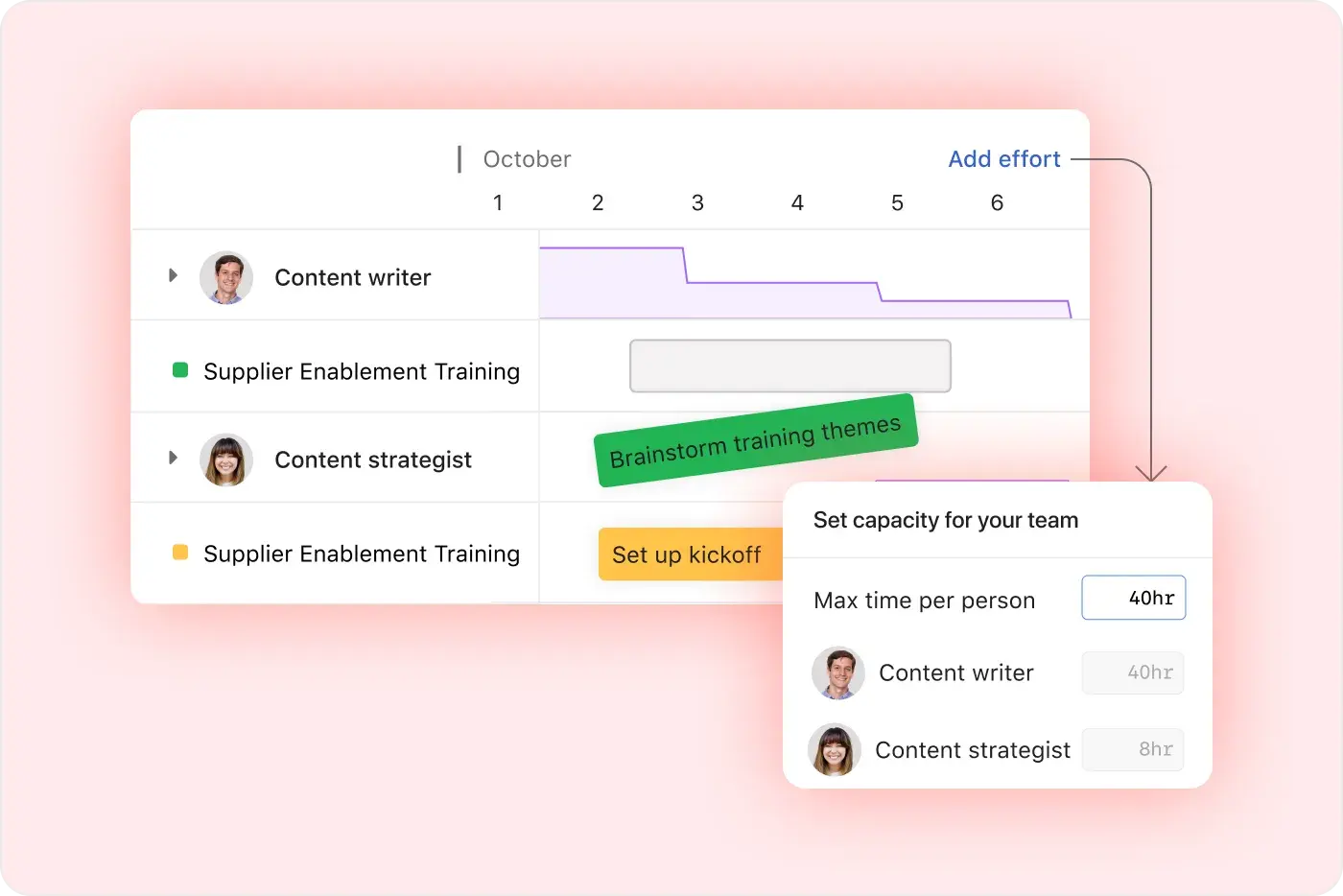
Advanced resurshanteringskontroller
Asana fokuserar på användarvänlighet med visuella arbetsbelastningsvyer, kapacitetsplanering i realtid och flexibel uppgiftshantering, vilket gör det enkelt för team att balansera arbetet och spåra insatser i realtid. Läs mer
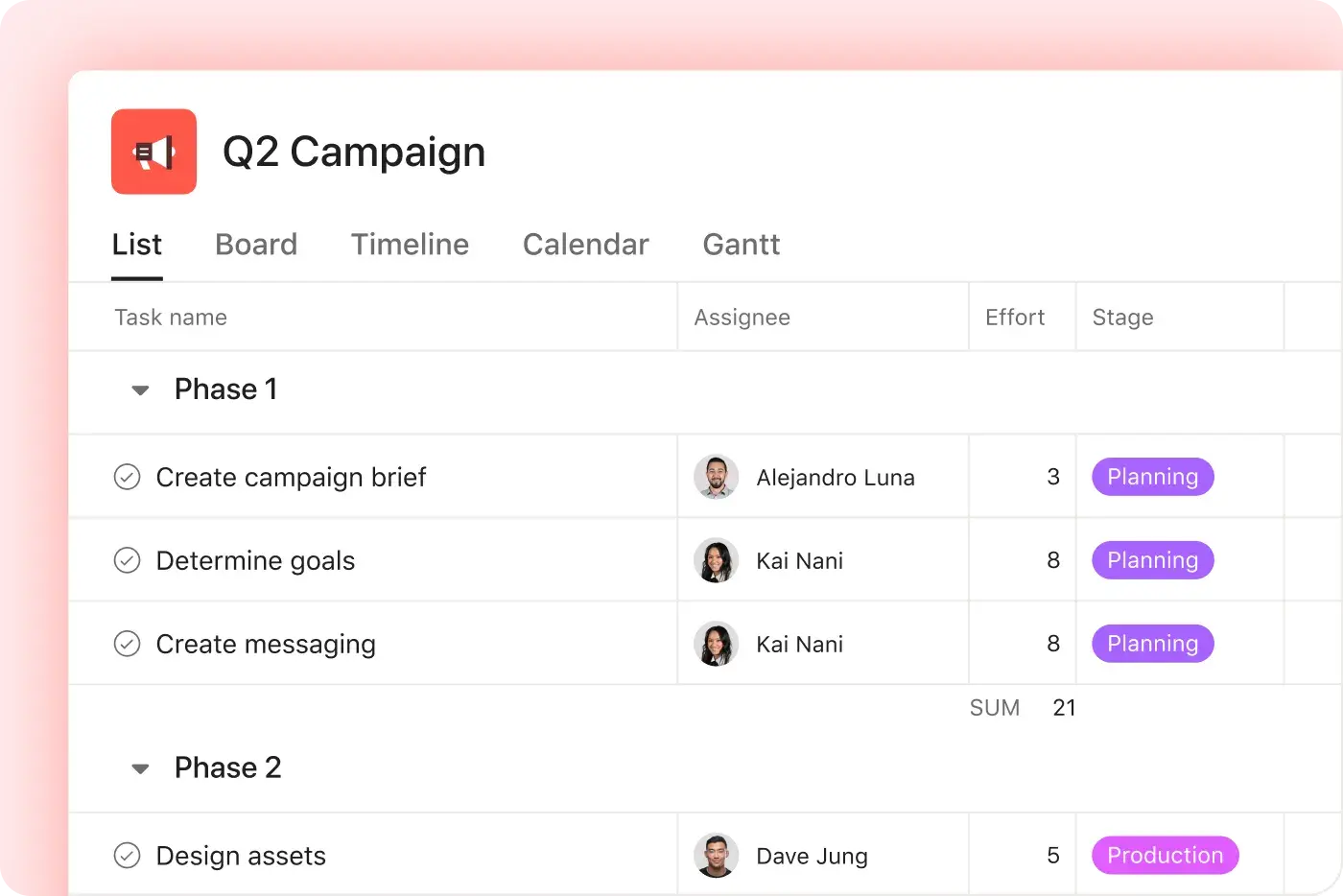
Project and workflow customization
Asana offers multiple native project views—including list, board, timeline, and calendar—along with advanced customization through custom fields, rules, and templates, enabling teams to tailor workflows and manage work with greater flexibility. Learn more
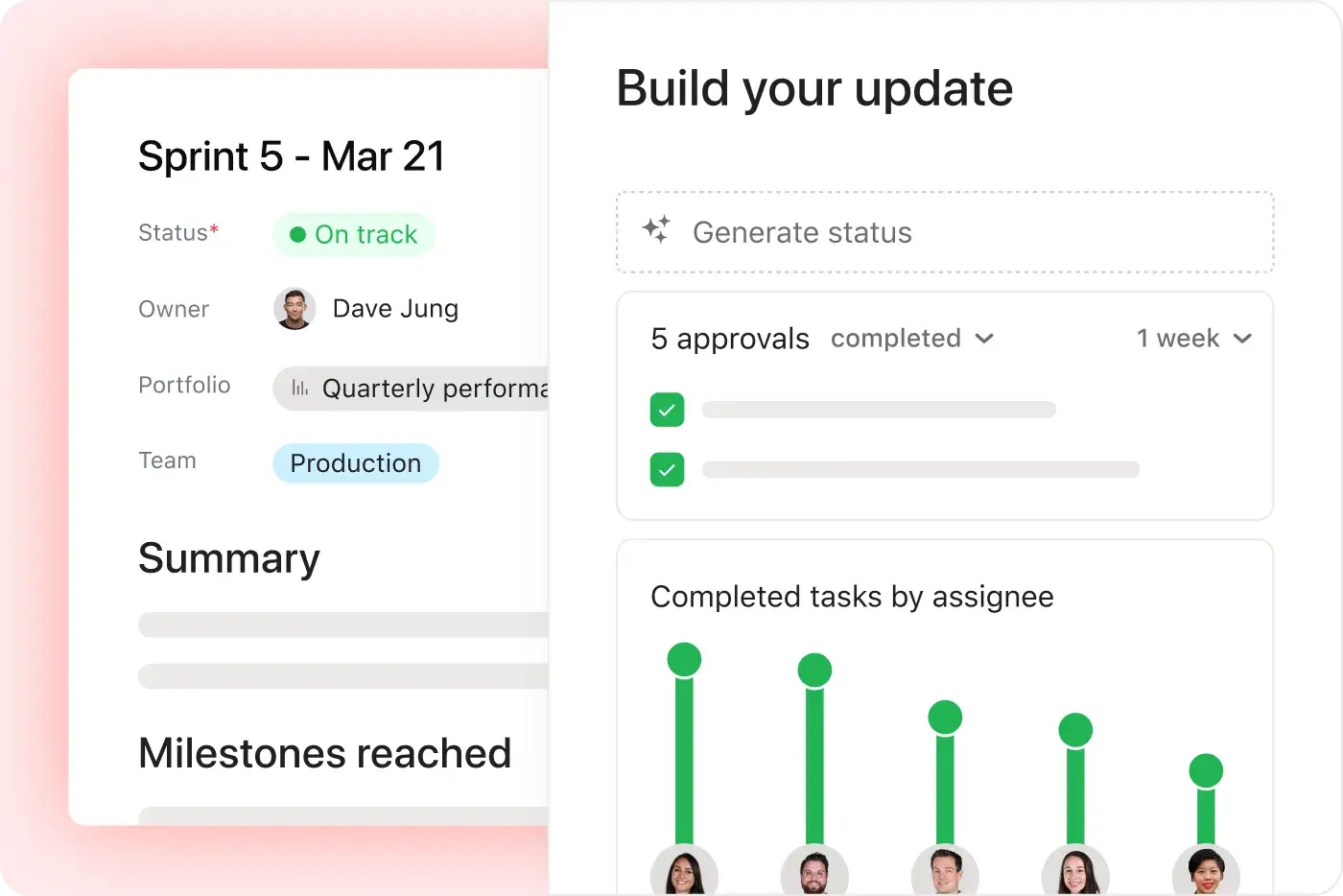
Intuitiv rapportering för hela organisationen
Asana erbjuder realtidsrapportering som anpassas till ditt företag. Team kan spåra mål, portfolior och resultatmätvärden för tusentals projekt och uppgifter, med paneler och insikter som kopplar samman strategi och genomförande. Läs mer
Därför föredrar våra användare Asana


I've used Trello, Smartsheet, MS Project, and other platforms similar to Asana. I must say that it's by far the simplest to absorb and make your own but still align with your primary platforms for email and calendar.
Asana is very simple and intuitive to use. Additionally, our team members appreciate the dashboard, as it helps us easily visualize the status of our projects. We have also integrated Asana with Outlook Calendar, which has been a lifesaver for us.

”Asana gör det enkelt att hantera och spåra mål och nyckelresultat.” Hela vårt företag vet vilka de viktigaste prioriteringarna är och kan planera, spåra och rapportera om arbetet därefter. Vi har blivit mycket effektivare vilket gör att vi kan driva verksamheten och utvecklas snabbare.”
- Dian Rosanti, produkthantering

”Allteftersom Zoom växte ville vi ha en standardinsikt över allt som pågår för att kunna prioritera arbetet och fatta beslut om verksamheten.” Vi behövde synlighet, ansvarstagande, ett konsekvent arbetssätt och kunskapsdelning mellan teamen.”
– Ariel Chavan, säkerhetschef
Asana ger team flexibla och anpassningsbara arbetsflöden
Utforska hur Asana hjälper team av alla storlekar att anpassa projekt, ansluta verktyg och rapportera om förlopp – allt på ett och samma ställe.



![[Jämför – Monday] Funktionsflik (integreringar och skalbarhet)](https://assets.asana.biz/transform/2090e635-5343-4f52-a1ee-4e4a04a8f67e/compare-monday-fy26-features-integrations?io=transform:fill,width:2560&format=webp)
AI your whole team can actually use
Asana AI Teammates understand your goals, projects, and dependencies from day one—Microsoft’s Copilot relies on manual prompts, whereas Asana Teammates proactively understand your Work Graph.
Asana AI Teammates build shared memory that compounds across your whole team—Microsoft’s AI is session-based; once the chat ends, the context vanishes rather than building team-wide intelligence.
Every AI action is visible in your activity log, just like a human teammate—MS Planner attributes AI actions to individual users, blurring the line between human and automated work.
Vad experter säger om Asana
Asana rankas som en toppklassad arbetshanteringsplattform av branschanalytiker och företag.


Ledande inom samarbetsstyrning tre år i rad

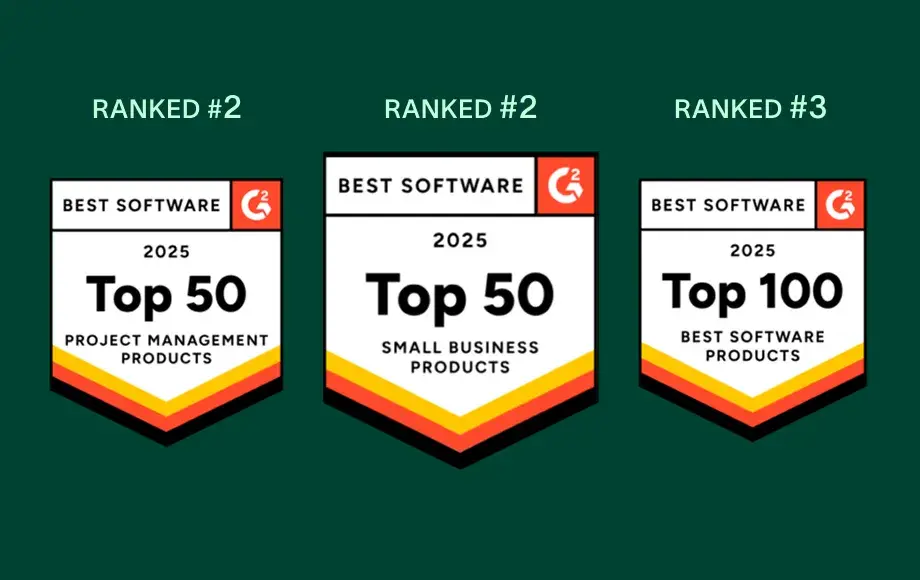
En ledare inom arbetshantering och OKR-programvara med fler än 12 000 recensioner från användare


Företagets storlek
Mellanstora företag
Bransch
Teknik
Vi vill gå på djupet med våra kunder samtidigt som vi behåller ett enhetligt och konsekvent tillvägagångssätt. Asana hjälper oss med det. Vi kopplar det till Zendesk, Zoom, Slack och vår egen plattform, vilket gör Asana till en central informationsplattform som vi kan räkna med när vi vill få saker gjorda och samordna teamen.
Kevin Weiss
Chef för kundframgång i detaljhandeln, Skai


Vanliga frågor
Switching from Microsoft Project to Asana is straightforward for most teams, thanks to Asana’s intuitive interface and comprehensive onboarding resources such as Asana Academy and ready-to-use templates. Most users can learn Asana in just a day or two, enabling even non-technical team members to become productive quickly through step-by-step onboarding guidance.
Microsoft Project, by contrast, typically requires more extensive training and ongoing maintenance, which can slow down adoption for teams that want to move quickly. Asana’s simpler setup and user-friendly workflows reduce onboarding friction, helping teams transition faster without relying heavily on specialized project management expertise.
Asana provides new users with a robust onboarding experience that includes the Asana Academy for self-paced learning, live training sessions, and a library of ready-to-use templates and checklists for project management and task management. These resources are designed to help teams of all backgrounds quickly adopt the platform, reduce the learning curve, and standardize onboarding across departments.
Microsoft Project does not offer comparable built-in onboarding resources and often requires users to rely on external documentation or third-party training. Asana’s centralized learning ecosystem makes it easier for teams to ramp up consistently, without added complexity or specialized support.
Asana integrates with over 400 business tools, including Microsoft Teams, Salesforce, Slack, Google Drive, and many more, so your team can connect work across platforms without disruption. This broad integration ecosystem supports workflow automation, cross-functional coordination, and tool consolidation for both technical and non-technical users through Asana’s core project management capabilities and platform-wide features.
Microsoft Project is primarily limited to the Microsoft ecosystem and often requires additional workarounds or add-ons to connect with non-Microsoft tools. Asana’s wider integration network makes it easier for organizations with diverse tech stacks to unify workflows and reduce manual handoffs as teams scale.
Asana is designed to be user-friendly and intuitive, making it easy for non-technical users and teams new to project management to get started quickly. Most people can learn the basics in a day or two, supported by step-by-step onboarding resources, ready-to-use project templates, and the My Tasks view, with additional training available through the Asana Academy.
Microsoft Project is often complex for beginners and typically requires more time and technical knowledge to use effectively. Asana’s simpler workflows and built-in guidance make it easier for new users to manage tasks, stay organized, and adopt project management practices without a steep learning curve.
Asana offers robust support for change management and adoption through a combination of onboarding resources, professional services, and a global partner network. Teams benefit from guided onboarding, training, and expert-led change management to ensure a smooth transition, especially for those moving from legacy project management software like Microsoft Project.
Unlike Microsoft Project, which does not explicitly offer change management support, Asana’s partner ecosystem and onboarding resources are designed to accelerate adoption and reduce risk for new users.
Anslut dig till de 85 % av Fortune 100-företagen som använder Asana**
**Korrekt per december 2025, inkluderar gratis- och betalanvändare.