


Rooster Panel + Asana
Turn your server's health alerts into Asana tasks — and resolve the alert by completing the task.
What is Rooster Panel?
Rooster is a server-management platform for WordPress hosting. This integration files your server's health alerts — failed services, swap pressure, SSL expiry, 5xx error spikes, malware findings and more — into an Asana project of your choice. Each alert becomes a task carrying its severity, the affected site, and full diagnostic detail, so your operations team can triage infrastructure issues inside their normal Asana workflow. Complete the task in Asana and Rooster automatically resolves the underlying alert, posting its resolution note back as a task comment. One project becomes your single source of truth for "what needs attention on the servers" — no separate dashboard to watch.
How to connect Rooster Panel + Asana?
- Sign in to your Rooster account.
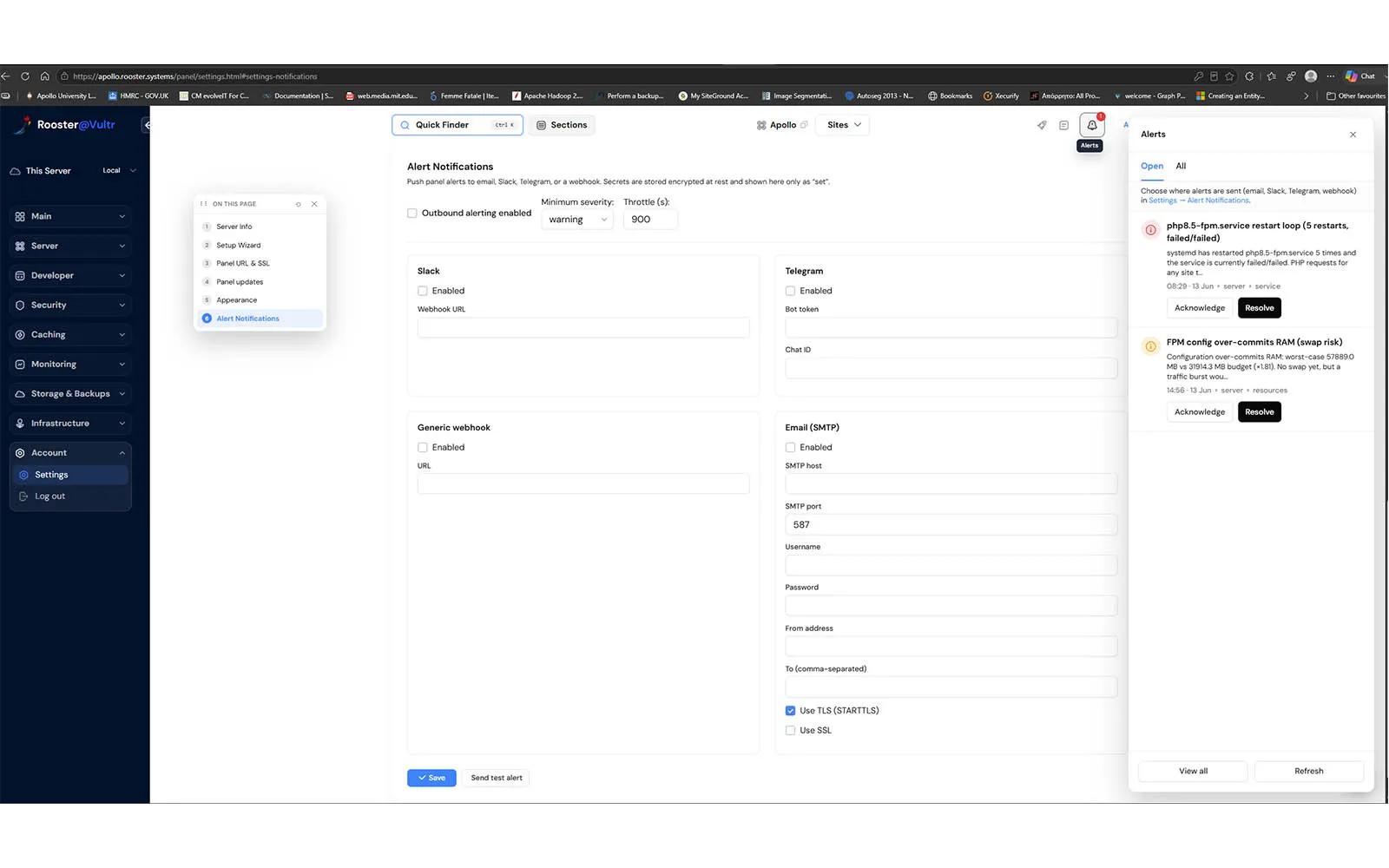
- Navigate to Monitoring → Alerts → Notification Settings.
- Under Notification Delivery, locate the Asana integration and click Connect Asana.
- In Asana, review the requested permissions and click Allow. If prompted, select the workspace you want Rooster to connect to.
- Return to Rooster and verify that the Asana integration shows as Connected.
- Select the Asana project where Rooster should create alert tasks.
- Enable Outbound Alerting, configure the desired Minimum Severity and Throttle settings, and save your changes.
Once configured, new Rooster alerts will be created as tasks in the selected Asana project, and completing a task in Asana will automatically resolve the corresponding alert in Rooster.
Learn more and get support
To learn more about using the Rooster Panel + Asana integration, visit Rooster Panel.
If you have questions, feedback, or need support, visit the Rooster Panel support page.
Asana does not endorse or certify apps built by third-party developers. If you encounter inappropriate content or behavior, please report it here. Otherwise, please contact the app developer for support.
Collaborate effortlessly with Asana
From the small stuff to the big picture, Asana organizes work so teams know what to do, why it matters, and how to get it done. It's free to get started, simple to use, and powerful enough to run your entire business. Learn more about Asana today.