


Peel + Asana
Point-and-click website feedback, synced to Asana.
What is Peel?
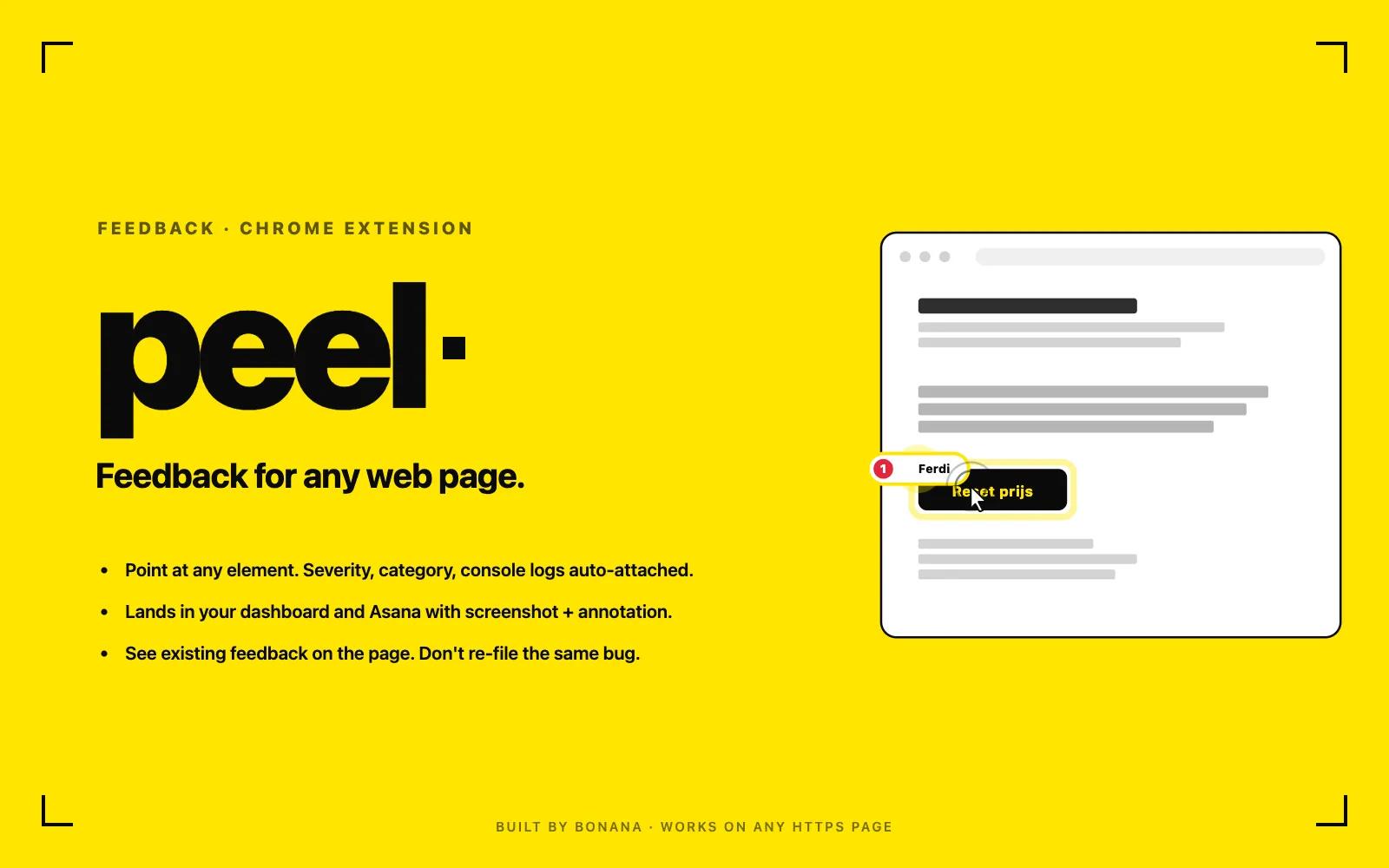
Peel lets anyone point at something broken on a website, describe it, and send it straight to the team. Every report auto-attaches a screenshot, console logs, and device details. Feedback lands in the Peel dashboard and syncs to Asana as tasks, with status flowing both ways so nothing falls through the cracks.
How to connect Peel + Asana?
- Install Peel from the Chrome Web Store.
- Click the Peel toolbar icon and choose "Sign in with Asana", then authorize. Peel uses Asana only to verify your identity (it reads your name and email); it does not read or change your Asana data with your login.
- Open any HTTPS web page and press Cmd/Ctrl+Shift+F (or click the icon and "Pick an element"). Hover to highlight an element and click it.
- Describe the problem, set a severity and category, optionally annotate the auto-captured screenshot, and submit.
- The feedback appears in the Peel dashboard and is created as a task in the linked Asana project. Status and comments stay in sync both ways.
An admin links each Peel board to an Asana project in the dashboard; tasks are created server-side, so no per-user Asana permissions are needed beyond sign-in.
Learn more and get support
To learn more about using the Peel + Asana integration, visit Peel.
If you have questions, feedback, or need support, visit the Peel support page.
Asana does not endorse or certify apps built by third-party developers. If you encounter inappropriate content or behavior, please report it here. Otherwise, please contact the app developer for support.
Collaborate effortlessly with Asana
From the small stuff to the big picture, Asana organizes work so teams know what to do, why it matters, and how to get it done. It's free to get started, simple to use, and powerful enough to run your entire business. Learn more about Asana today.