


Lira AI + Asana
AI assistant for financial advisors
What is Lira AI?
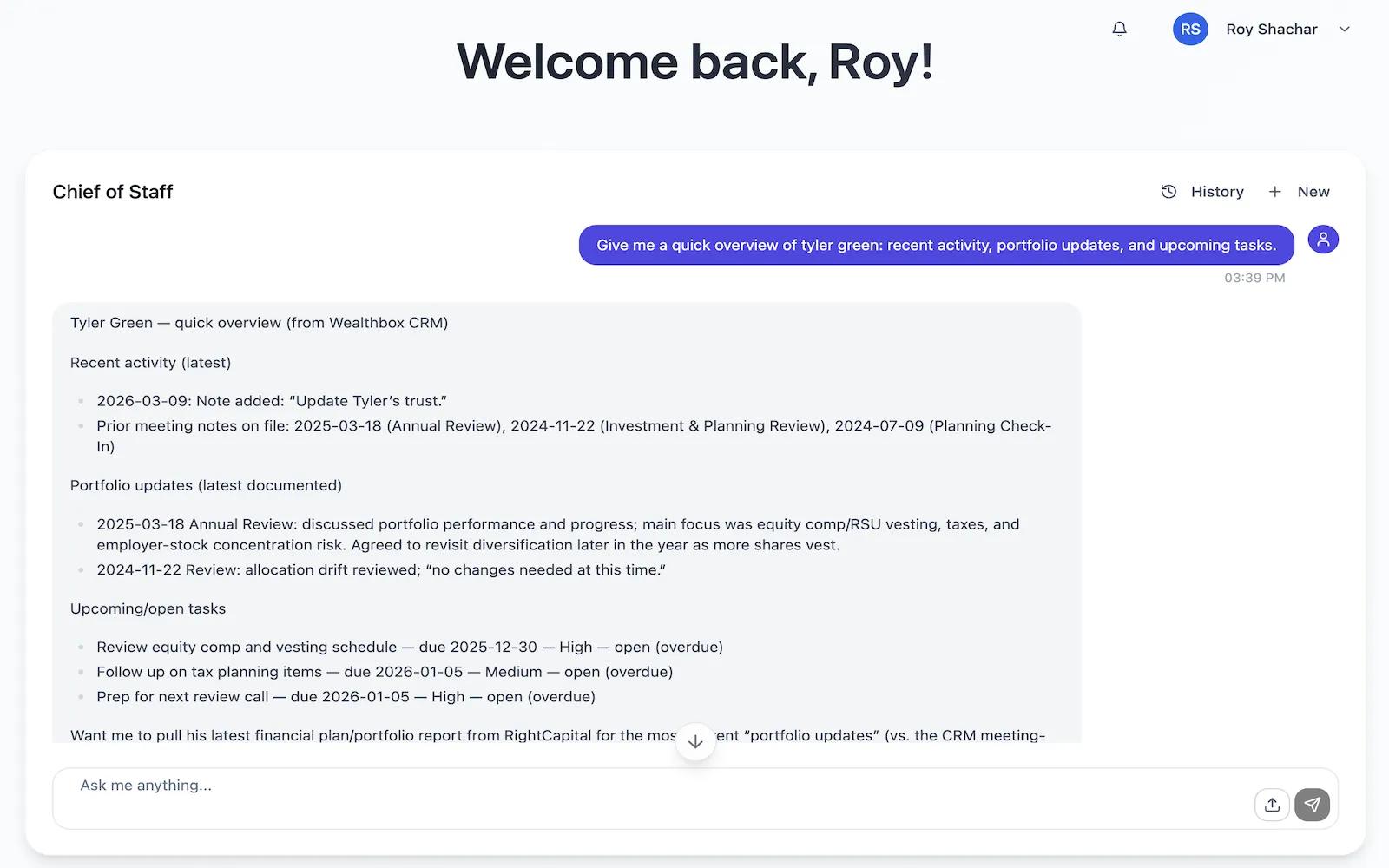
Lira AI is an AI assistant for financial advisors that helps automate operational workflows and client servicing tasks. The Asana integration allows advisors to read, create, update, and manage tasks within Asana directly through Lira, so they can keep work organized and up to date without switching systems. This helps advisory teams streamline follow-ups, internal operations, and client-related task management.
How to connect Lira AI + Asana?
- Log in to your Lira account
- Navigate to the Integrations page
- Find Asana and click Connect
- Follow the prompts to authorize access
To disconnect, select the Asana integration and click Revoke Token.
Learn more and get support
To learn more about using the Lira AI + Asana integration, visit Lira AI.
If you have questions, feedback, or need support, visit the Lira AI support page.
Asana does not endorse or certify apps built by third-party developers. If you encounter inappropriate content or behavior, please report it here. Otherwise, please contact the app developer for support.
Collaborate effortlessly with Asana
From the small stuff to the big picture, Asana organizes work so teams know what to do, why it matters, and how to get it done. It's free to get started, simple to use, and powerful enough to run your entire business. Learn more about Asana today.