


DSentr + Asana
Automate Asana workflows by connecting tasks, projects, and updates with your other tools using DSentr.
What is DSentr?
DSentr is a workflow automation platform that connects Asana with the rest of your stack. It lets teams trigger actions in Asana based on events from other tools.
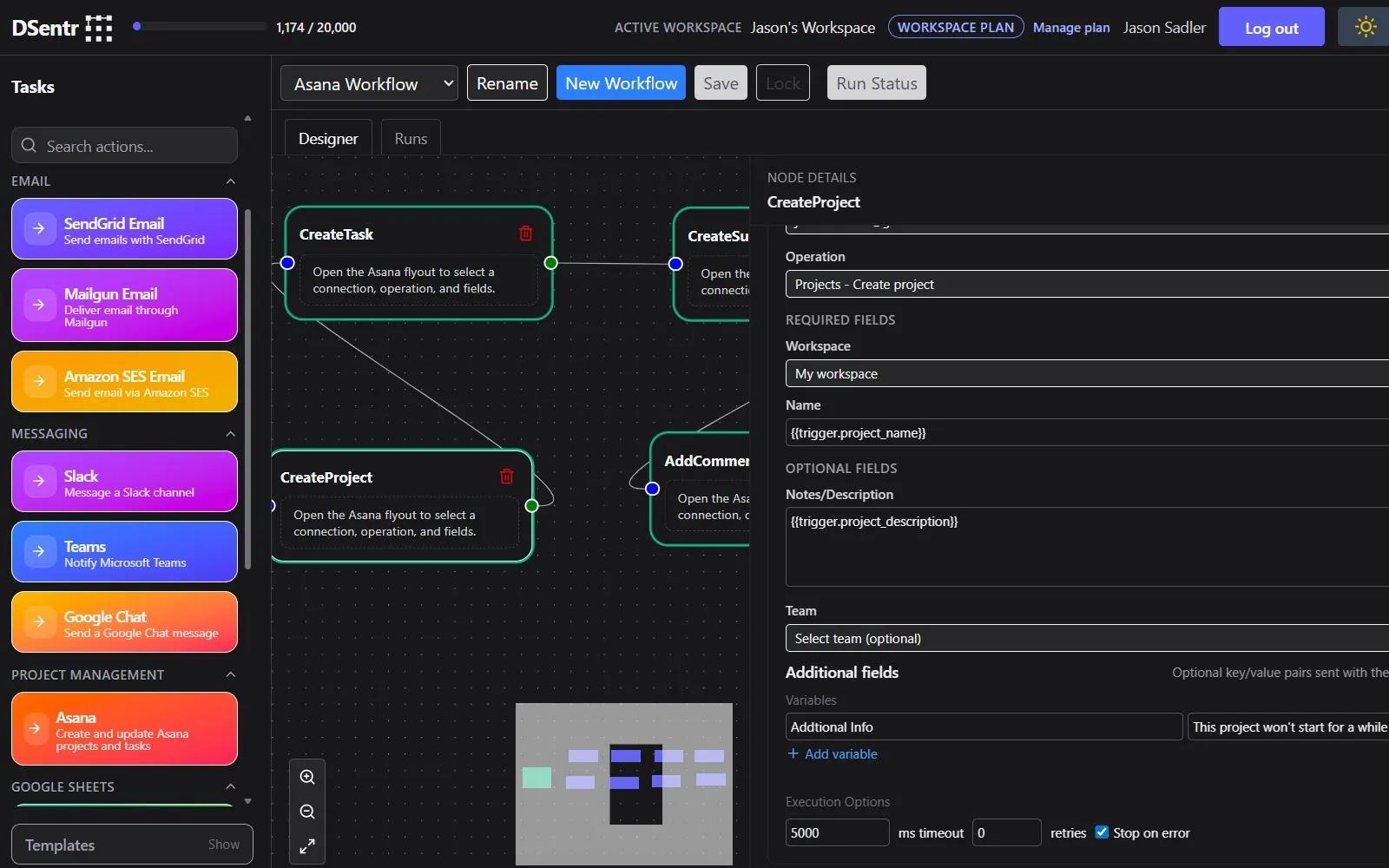
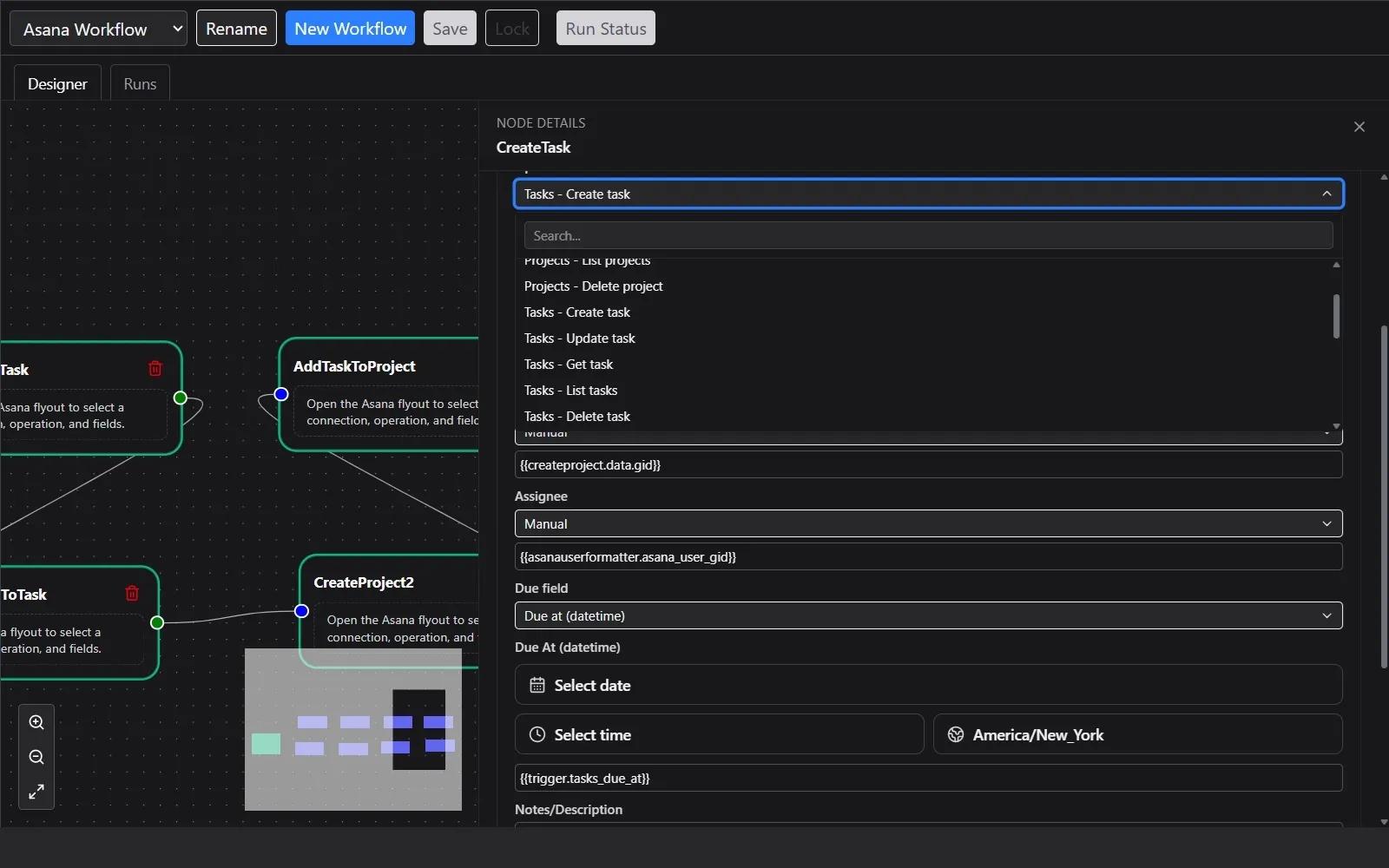
With DSentr, you can automatically create, update, and assign Asana tasks, add comments, manage projects, and sync data across systems without manual work. Workflows are built visually and run in real time, with full execution logs and error handling.
Common use cases include routing form submissions into Asana tasks, keeping project data in sync across tools, automating task creation and assignment, and triggering notifications or follow-up actions when work changes state in Asana. DSentr is designed for teams that want control, transparency, and reliable automation without writing code.
How to connect DSentr + Asana?
- Sign in to DSentr.
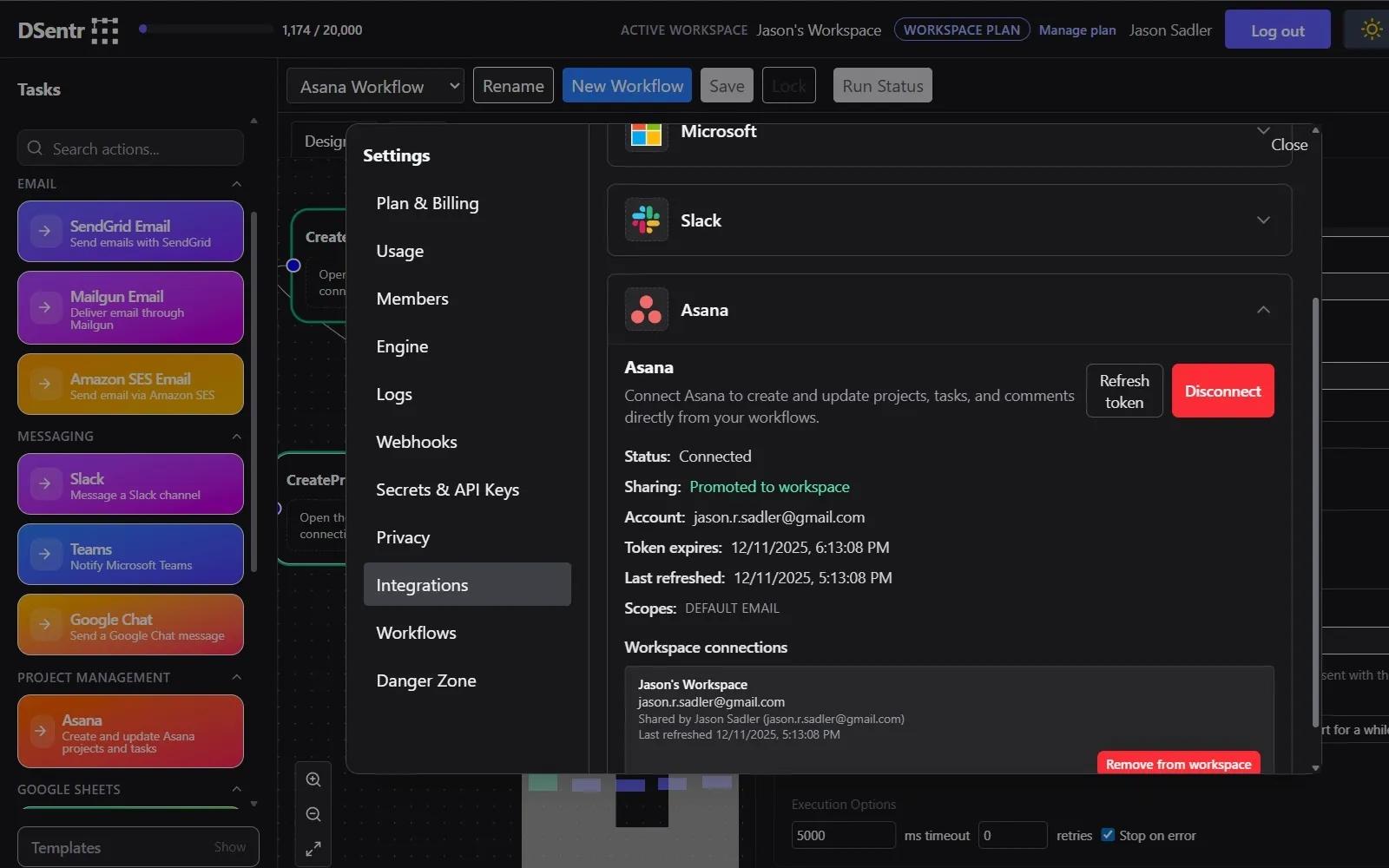
- In Settings, open Integrations.
- Expand the Asana section and click Connect.
- Complete the OAuth flow.
- In any Asana Action node, select the saved connection.
- Configure the action and run your workflow.
Learn more and get support
To learn more about using the DSentr + Asana integration, visit DSentr.
If you have questions, feedback, or need support, visit the DSentr support page.
Asana does not endorse or certify apps built by third-party developers. If you encounter inappropriate content or behavior, please report it here. Otherwise, please contact the app developer for support.
Collaborate effortlessly with Asana
From the small stuff to the big picture, Asana organizes work so teams know what to do, why it matters, and how to get it done. It's free to get started, simple to use, and powerful enough to run your entire business. Learn more about Asana today.