


Cakewalk + Asana
Sync users from Asana into Cakewalk to manage access and permissions in a single dashboard.
What is Cakewalk?
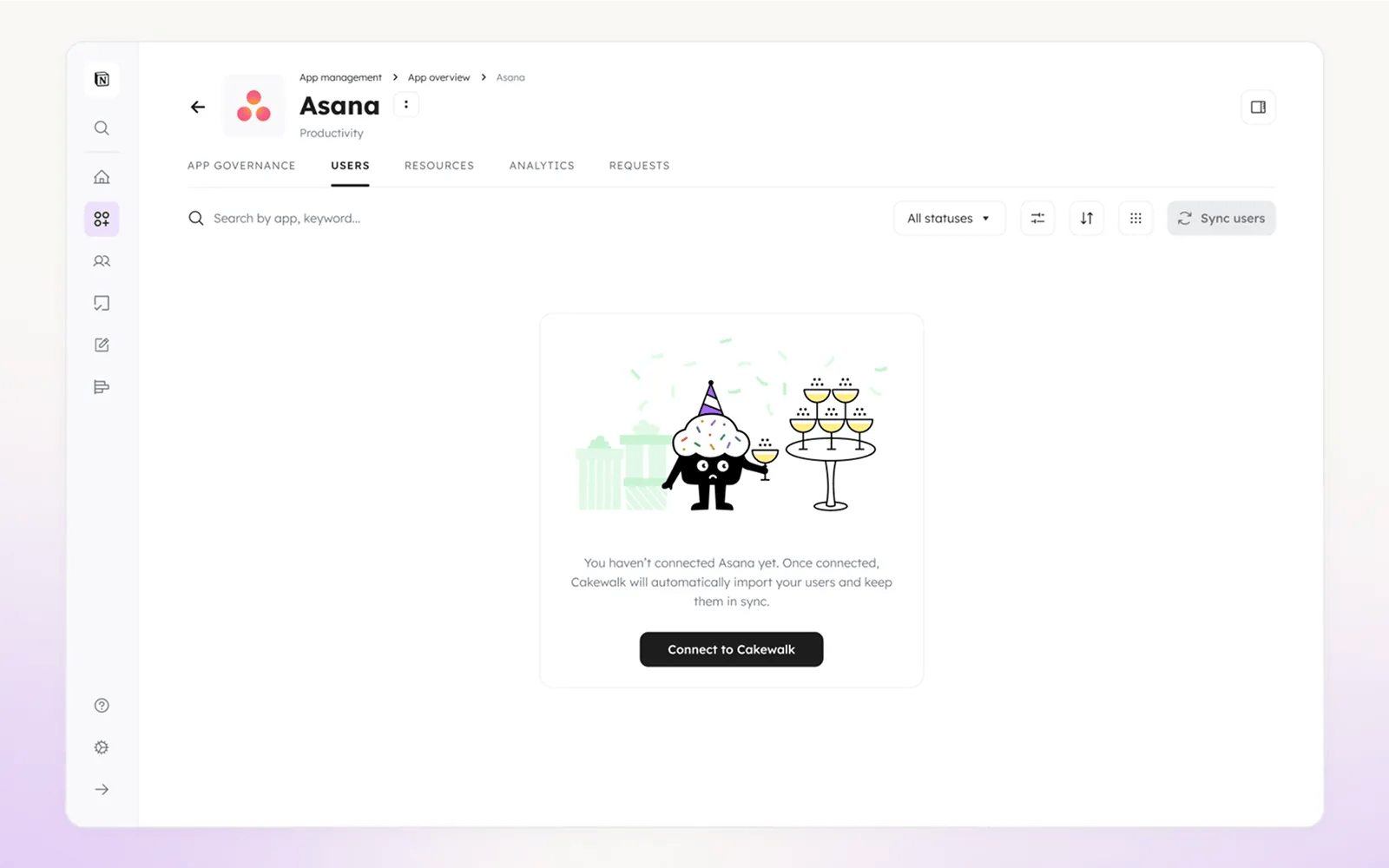
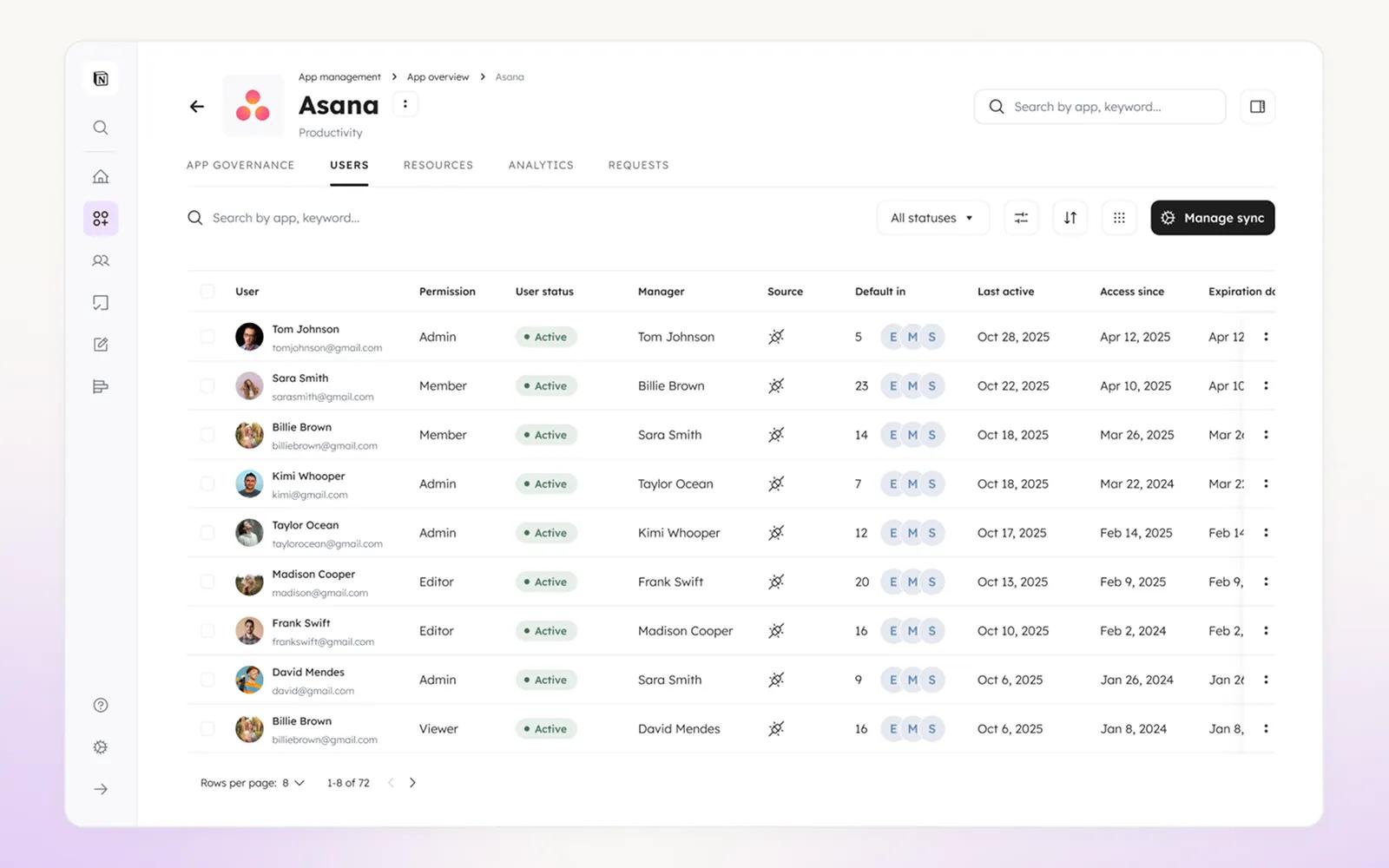
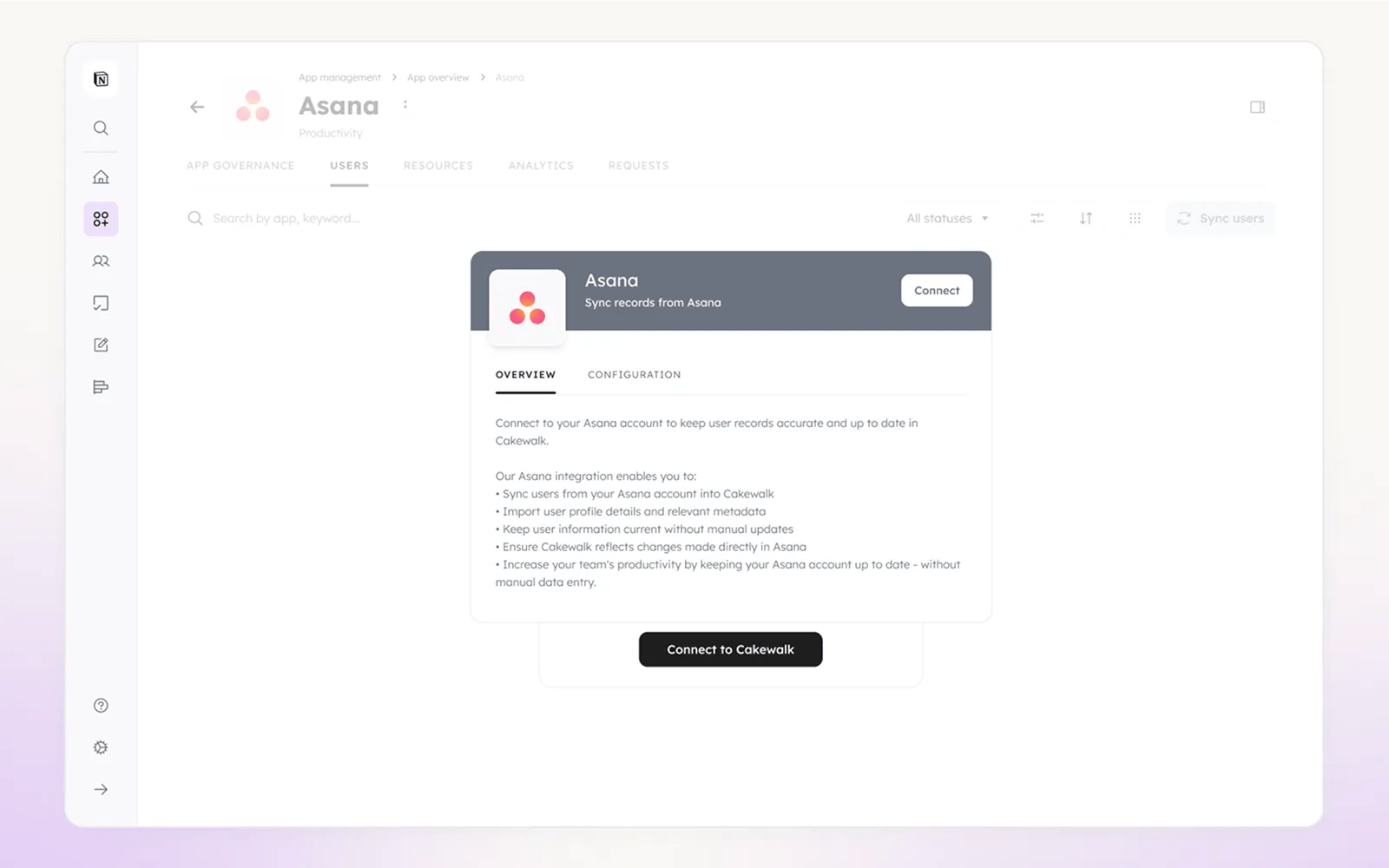
The integration syncs users from your Asana account into Cakewalk, imports user profile details and metadata, and keeps user information current without manual updates. Changes made in Asana are reflected in Cakewalk, so you can reduce manual data entry and keep your team’s access data aligned.
Common workflows and use cases:
- Centralized access visibility: See all Asana users, roles, and permissions in one Cakewalk dashboard instead of spreadsheets or multiple tools.
- Automated user sync: Add new Asana users to Cakewalk automatically so they’re ready for provisioning and access reviews.
- Access lifecycle management: Support onboarding and offboarding by syncing active and inactive users from Asana into Cakewalk.
- Role and permission tracking: Track roles like Admin, Member, Editor, and Viewer in Cakewalk and manage access consistently.
- Access reviews: Use synced Asana data in Cakewalk’s access reviews to verify who has access to what.
How to connect Cakewalk + Asana?
- In Cakewalk, go to App Governance → Asana → Users tab.
- On the Asana Users page, click "Sync users".
- When prompted, click "Connect" in the authorization popup.
- You’ll be redirected to Asana’s authorization page. Sign in to Asana if needed.
- Review the requested permissions and click "Allow" to grant access.
- You’ll be redirected back to Cakewalk. The connection is complete when the status shows as connected.
- Users from your Asana account will sync automatically. You can run a manual sync anytime from the Users tab using "Sync users".
Learn more and get support
To learn more about using the Cakewalk + Asana integration, visit Cakewalk.
If you have questions, feedback, or need support, visit the Cakewalk support page.
Asana does not endorse or certify apps built by third-party developers. If you encounter inappropriate content or behavior, please report it here. Otherwise, please contact the app developer for support.
Collaborate effortlessly with Asana
From the small stuff to the big picture, Asana organizes work so teams know what to do, why it matters, and how to get it done. It's free to get started, simple to use, and powerful enough to run your entire business. Learn more about Asana today.