


Move projects from start to finish with our project planning tools
Use Asana to plan, manage, track, and communicate about your team’s projects.
A project plan defines project goals, milestones, and objectives by outlining key tasks and due dates. Using a project management tool like Asana, you can manage and execute every step of your project plan with confidence.
![[Project Planning] Move projects from start to finish with our project planning tools (Image)](https://assets.asana.biz/transform/edca250e-7752-4bb3-ae3c-4e7108abd885/1fef30?io=transform:fill,width:1600&format=webp)
How Asana makes project planning seamless
Working together is hard work—for a lot of reasons. You likely have teammates who work in different locations and different hours. Plus, everyone’s work is now spread across multiple apps. The result?
Every step in one place
Organize all of your project’s work in one place, so you can see just how much needs to get done.
Save time with templates
Customize your Asana projects to reflect your team’s workflows and reuse them as templates.
See projects progress
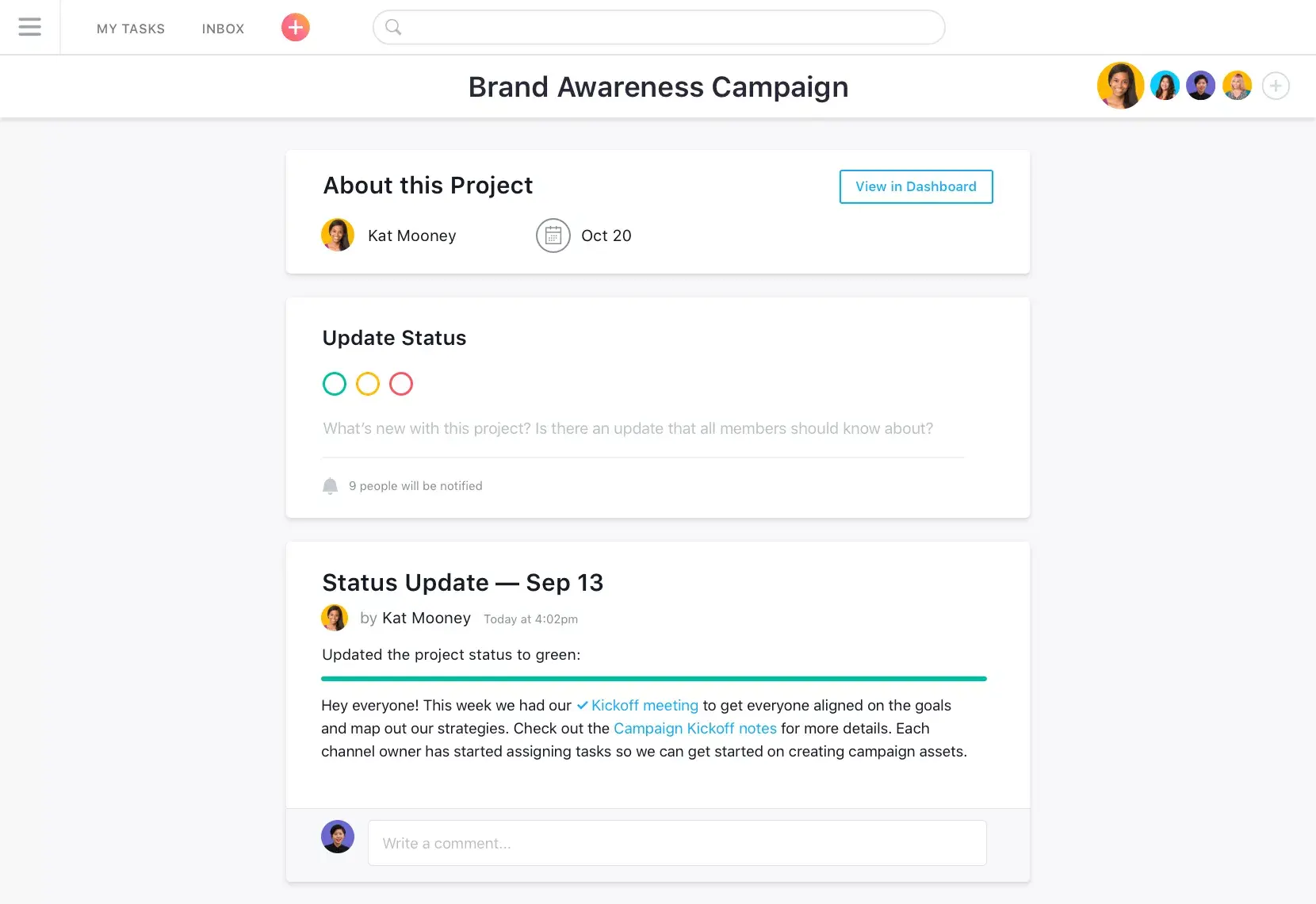
Use status updates to keep your team in the loop about project progress.
Key features of Asana as a project planner

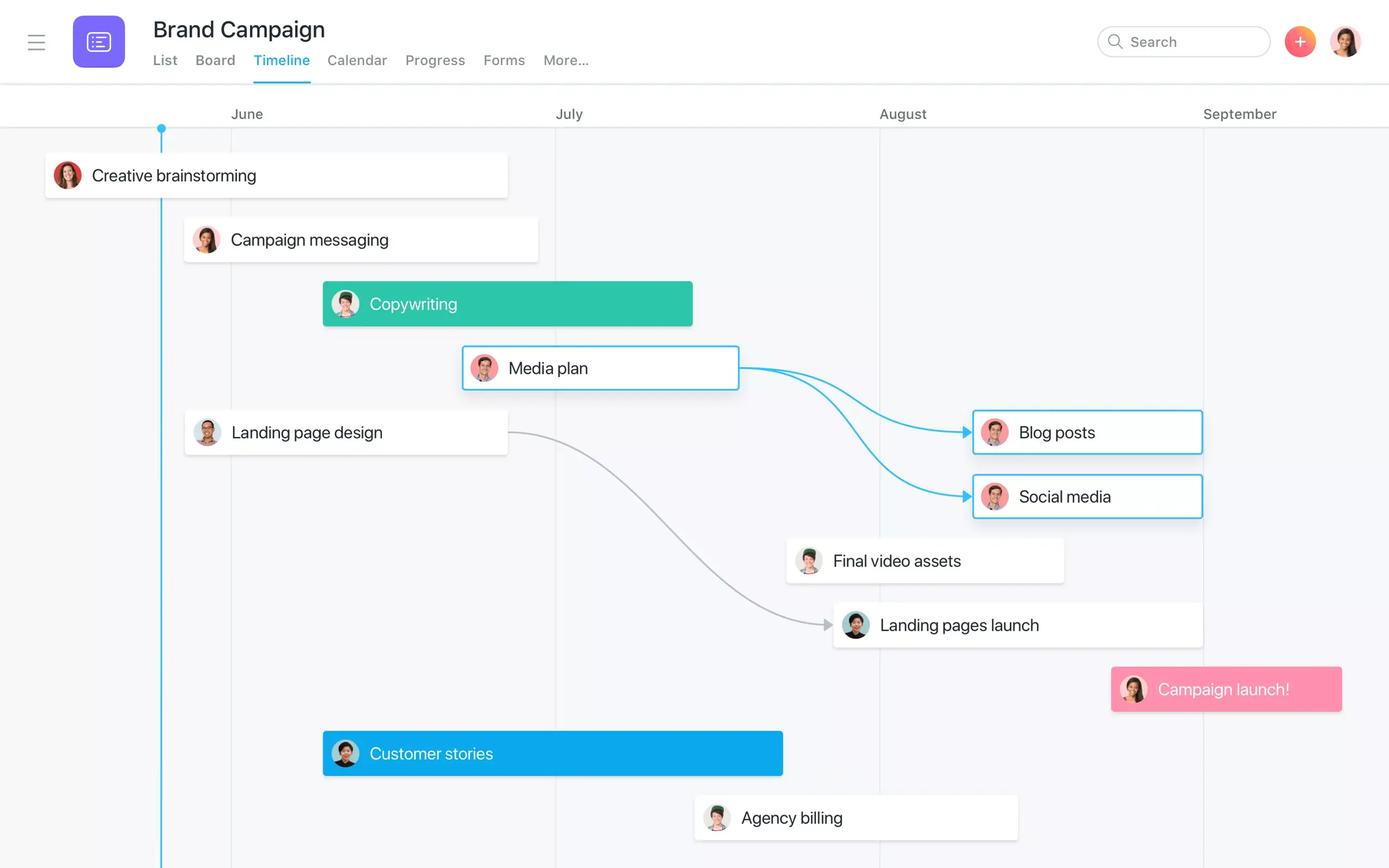


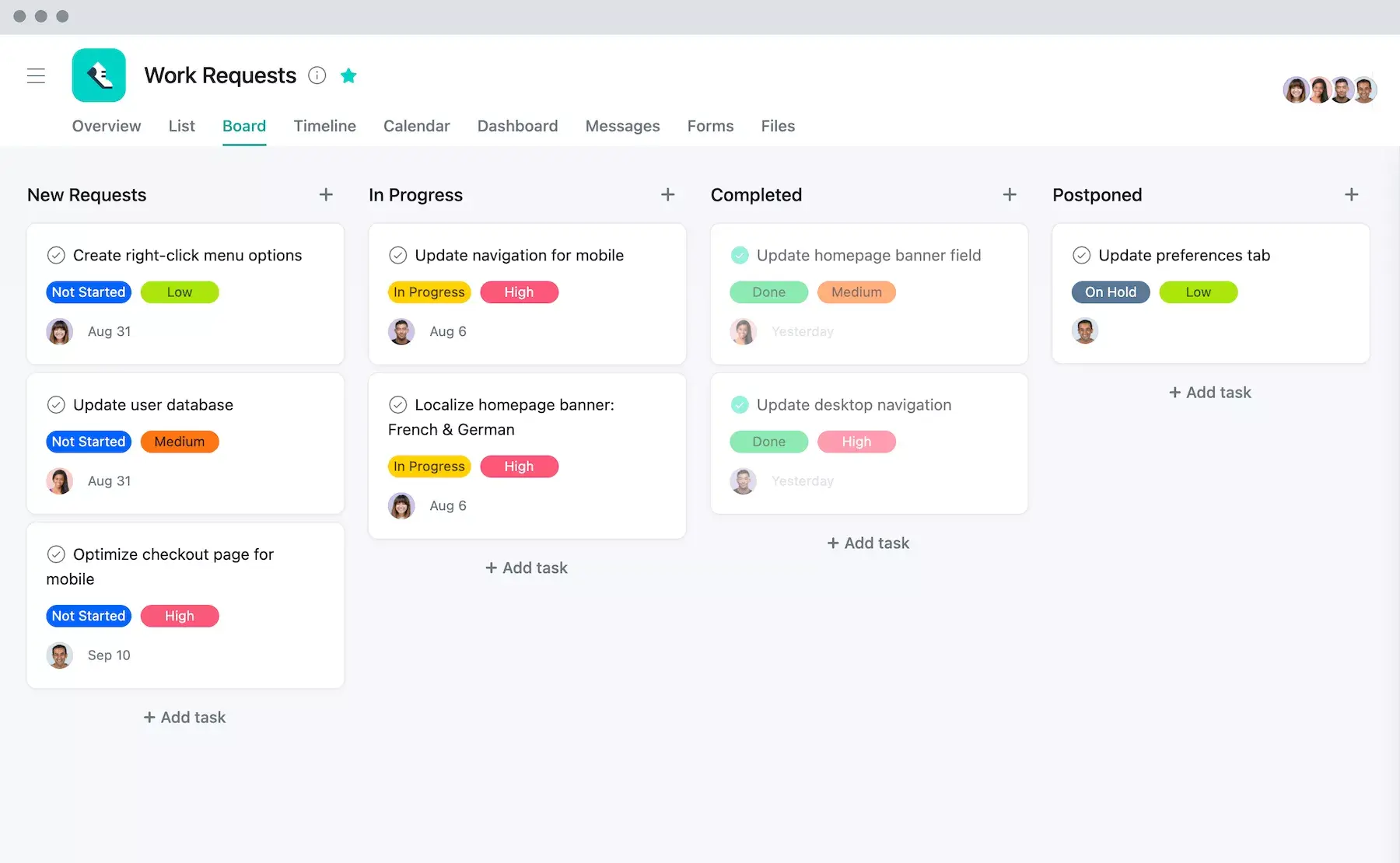


Boards and lists allow you to break down plans into next steps so teammates can see how their everyday work ladders up to goals.
Track all of your most important initiatives—no check-in meetings required. Use status updates to share progress with your work to the entire organization.
Simplify the way your team handles work requests with customizable intake forms and workflows. You'll always have a real-time view of the work that needs to be prioritized.
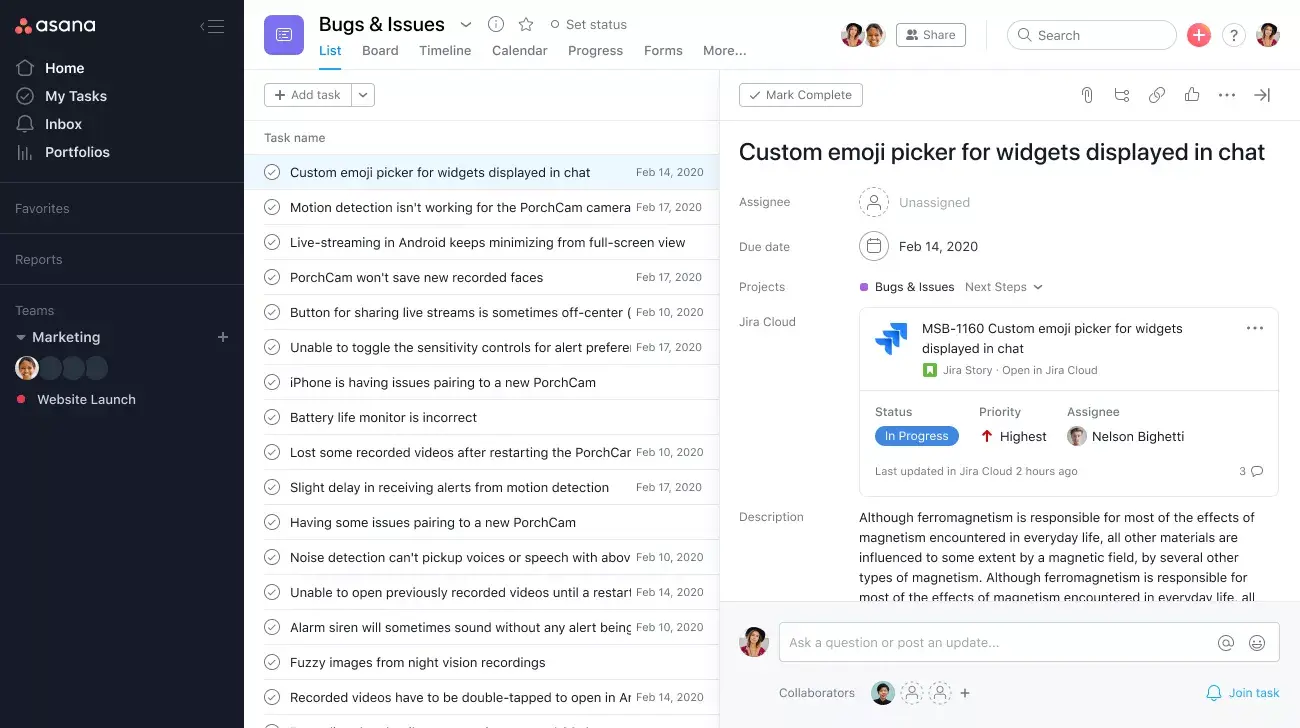
With 300+ integrations, Asana helps you track work across the tools you and your team already use.
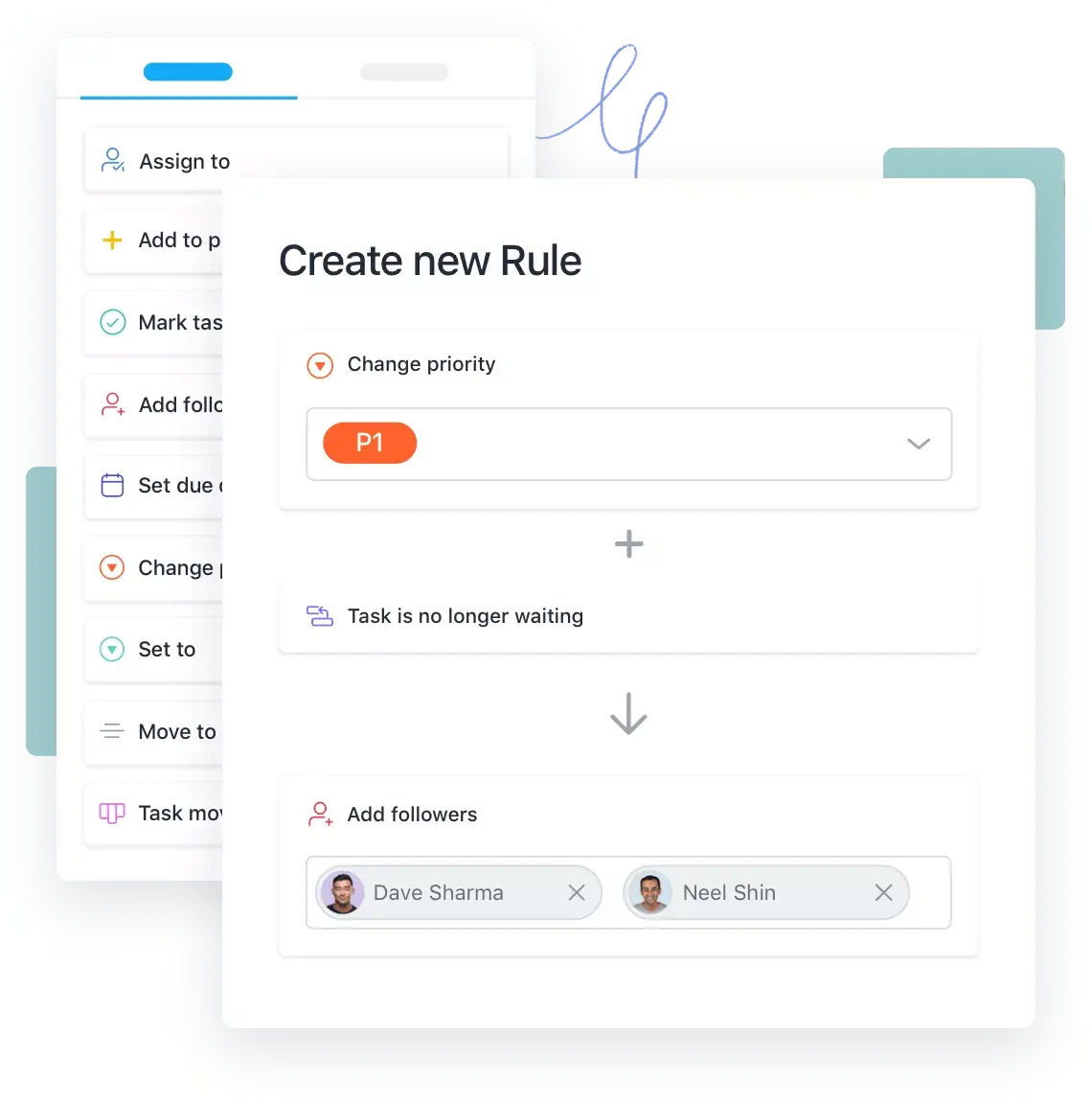
Cut down on busy work so you can focus on your most important work. Asana's automations ensure the right work gets to the right person at the right time.
Teams that want results trust Asana









Transform the way you work with Asana
Start your free trial
Try Asana for free. No credit card required.
Watch the demo
See how Asana connects companies at scale.
Speak with a sales rep
Learn how Asana helps teams collaborate seamlessly.