Forms
Standardize work requests so your team has the information they need from the start.

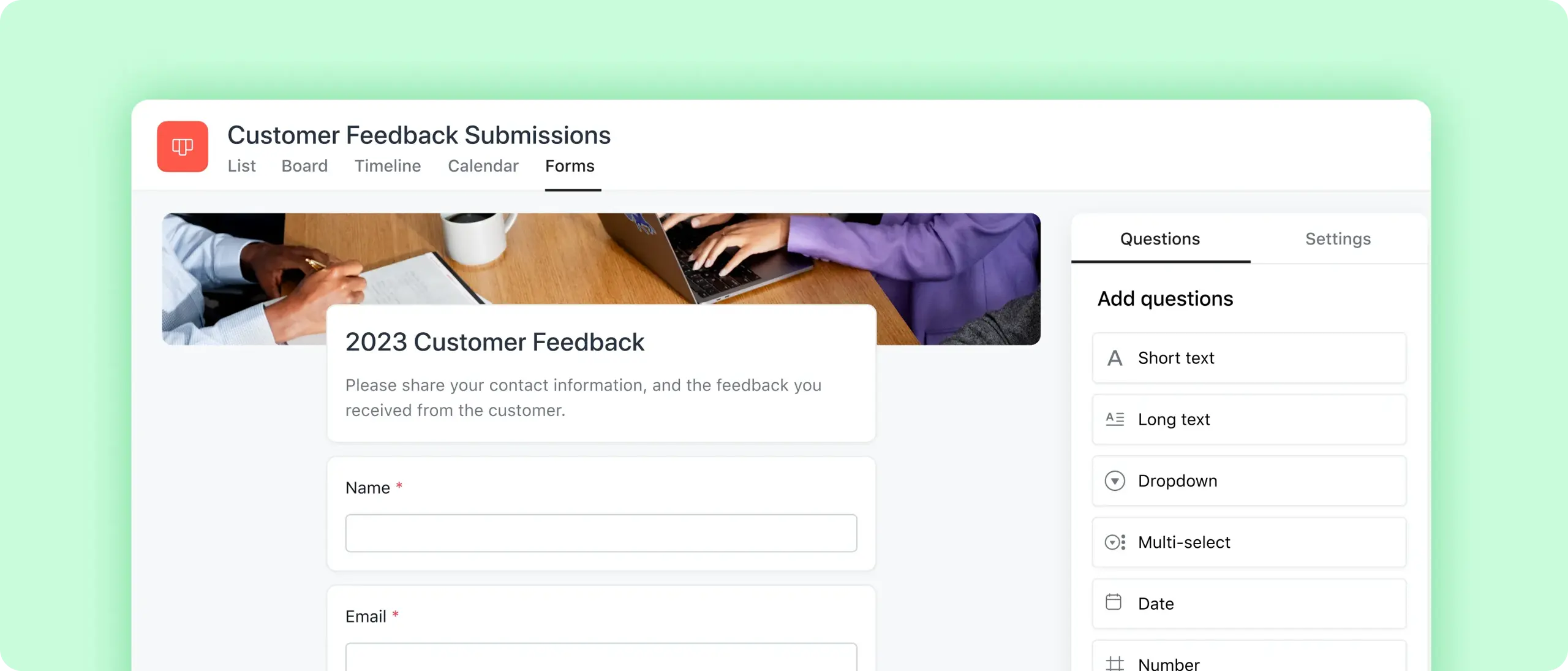

Customize for any project
Design every part of your form, from questions to appearance.

Share seamlessly
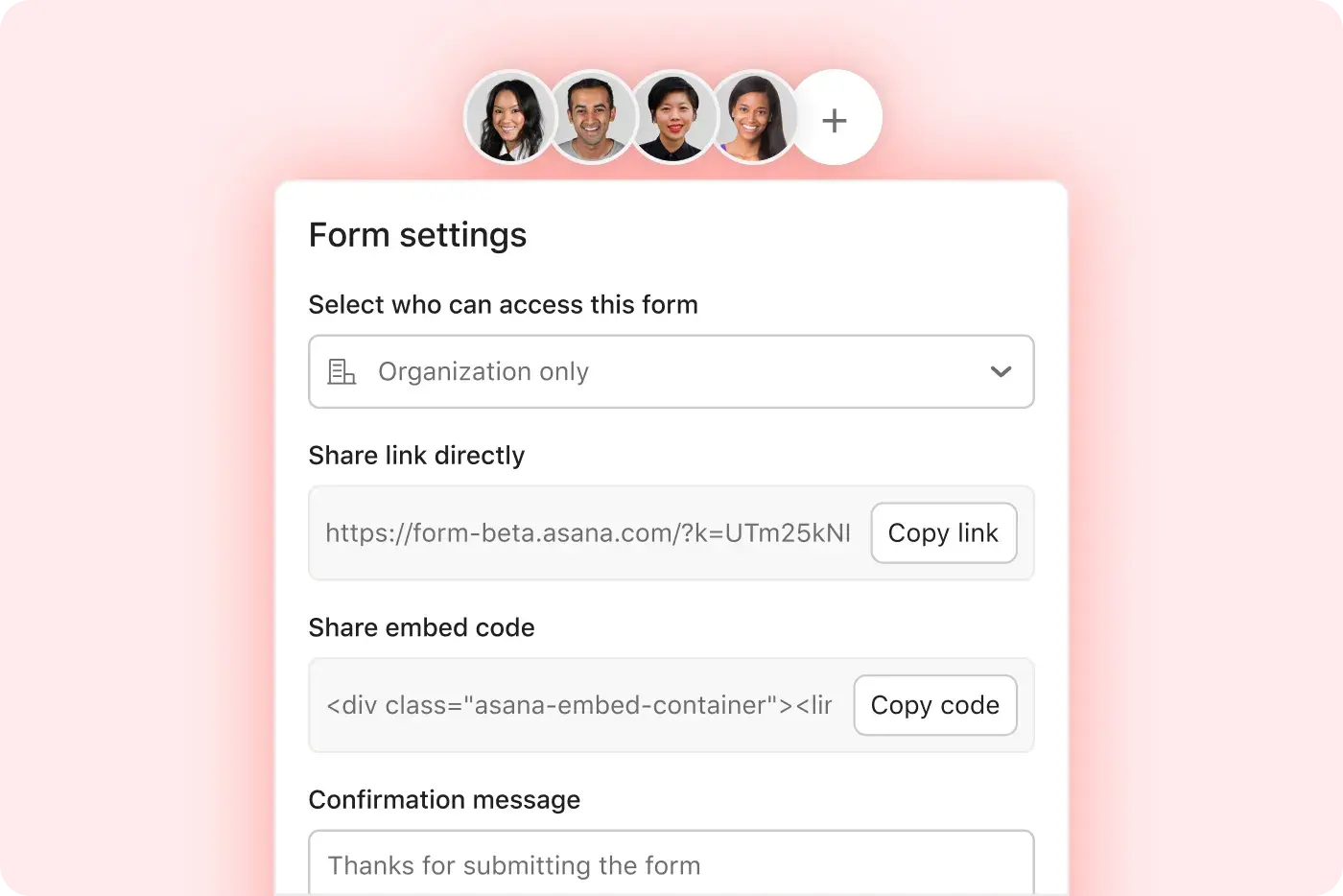
Send a link to your form for easy access, or embed it on your website.

Automate everything
Instantly assign, organize, and schedule work for each new request.
Track work requests in one place
Capture must-haves
Choose from different answer types, like text, numbers, dates, and drop-down lists.
Stay on brand
Add your company logo and a cover image to your form.
Receive documents
Let users upload attachments like briefs, images, PDFs, and more.


Capture needs across the organization
Manage permissions
Keep your form private to people at your company, or share it with anyone on the web.
Make forms visible
Send a link straight to your form, or embed it on private or public-facing websites.
Say thank you
Send a confirmation message once users fill out the form.
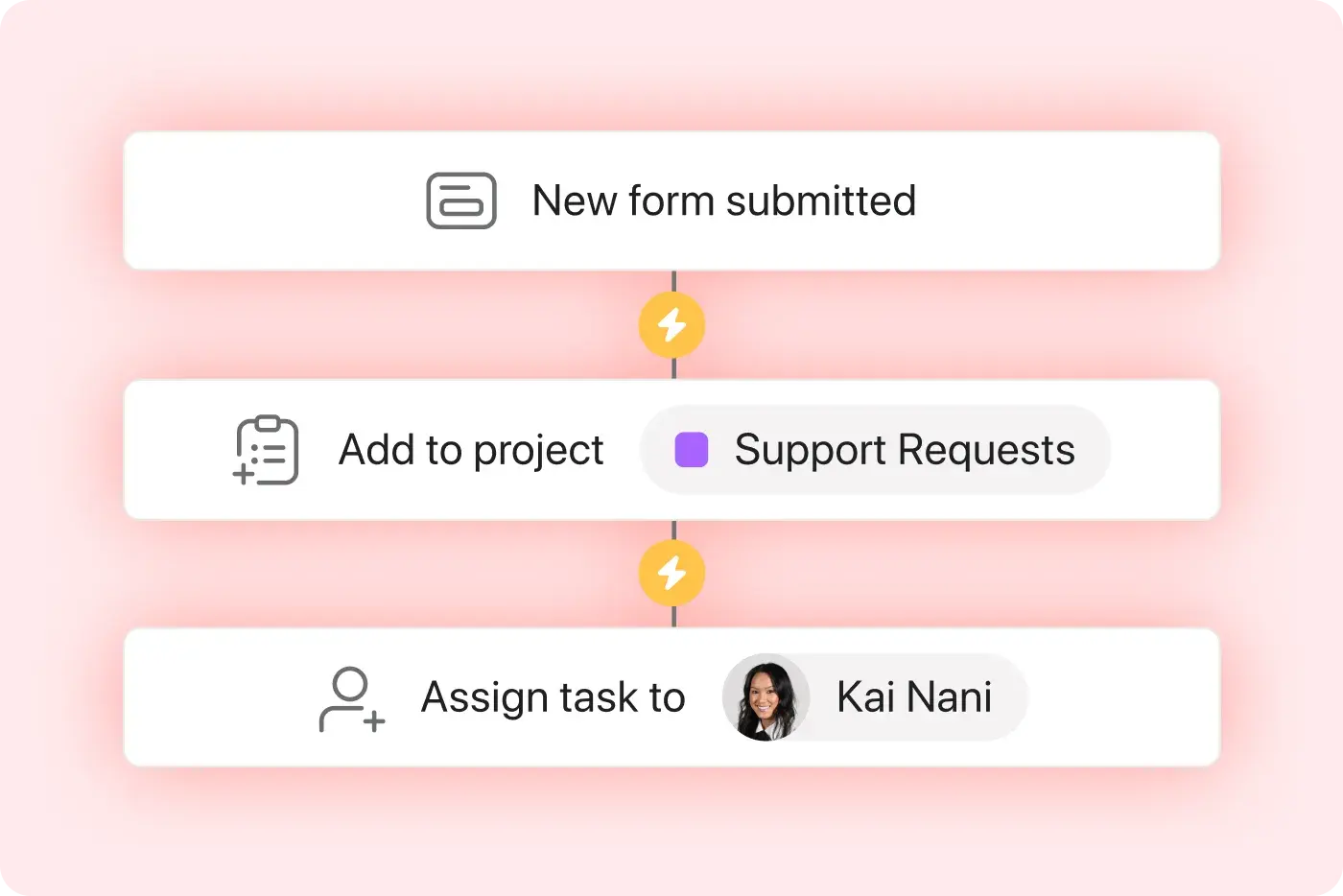
Kick off work—instantly
Document responses
Connect your form to a project, and automatically create a task for each response.
Follow through
Use automations to instantly assign, organize, and schedule follow-up work.
Keep in touch
Automatically add the form submitter as a collaborator on follow-ups, so they stay in the loop.


Company Size
Enterprise
Industry
Healthcare
Asana is invaluable. Without it, it would be impossible to deal with the volume of requests we receive in a timely manner.
Monica Harris
SMART Program Manager at the Wildlife Conservation Society
Forms are just the start
Put it all together. Use forms with these features to automatically assign and kick off work, so you can save time for what matters.
Still have questions? We have answers.
Which Asana plans include Forms?
Can Asana forms have attachments?
Can you send Asana forms to non-Asana users?
Can you embed forms on external websites?
What happens when someone submits a form?
Can I route form responses to different sections?
Can I hide or show questions based on logic?
Are Forms customizable with branding?
Can I set required fields in a form?
Can external users submit a form?
Can I create multiple forms for one project?
Can I collect file uploads through a form?
Are submitted forms searchable in Asana?
Transform the way you work with Asana
Start your free trial
Try Asana for free. No credit card required.
Watch the demo
See how Asana connects companies at scale.
Speak with a sales rep
Learn how Asana helps teams collaborate seamlessly.