


workrun + Asana
Automate business workflows by programmatically creating and managing Asana tasks, projects, comments, and custom fields as part of cross-SaaS automation.
What is workrun?
workrun is a no-code, AI-powered workflow automation platform that connects Asana with other SaaS tools to orchestrate end-to-end business processes.
The workrun–Asana integration enables teams to programmatically operate core Asana objects—Tasks, Projects, Sections, Comments, and Custom Fields—as part of broader, cross-SaaS workflows. Rather than acting as a standalone trigger source, Asana is used within workrun as a flexible action layer that integrates seamlessly with other systems.
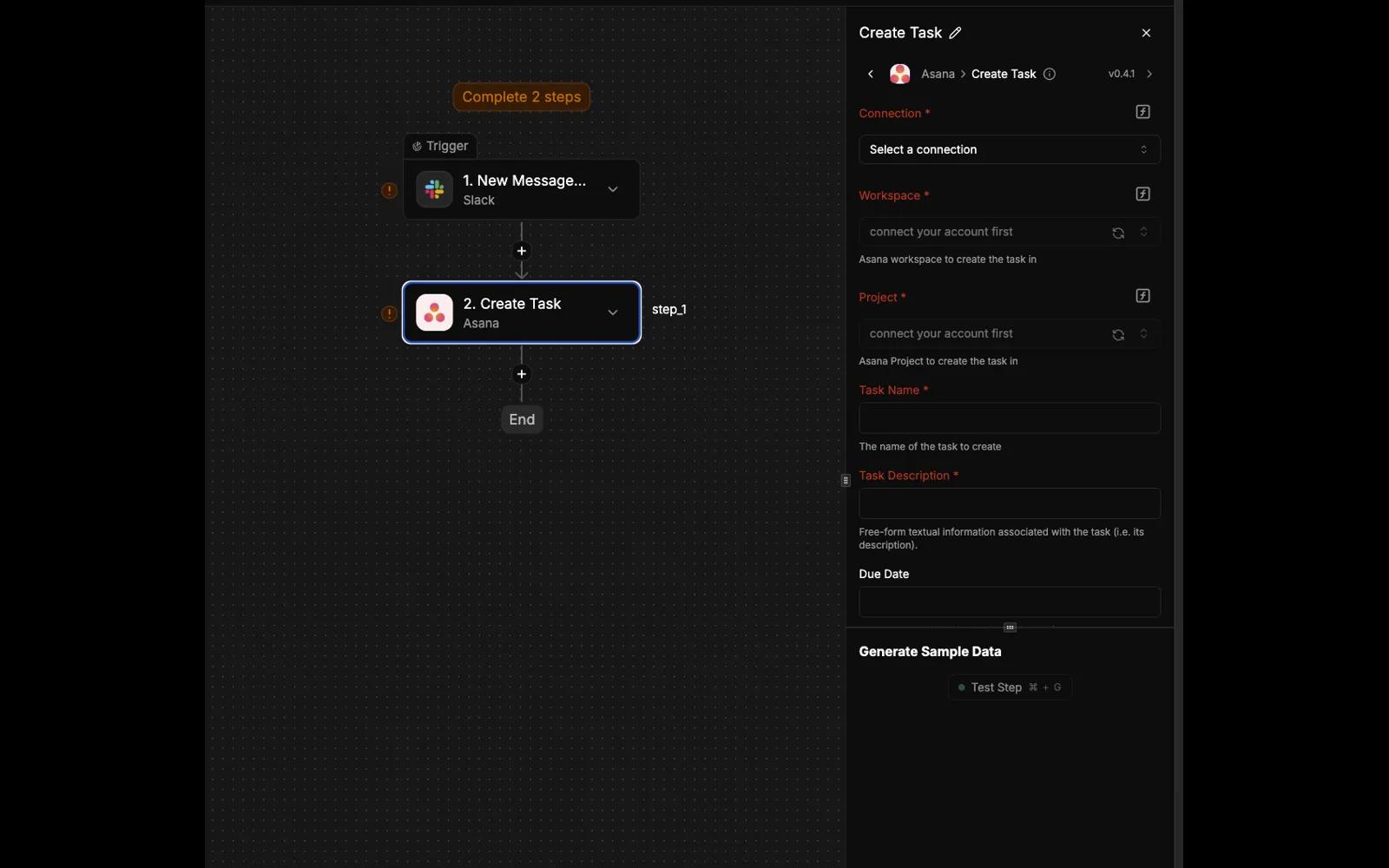
Using built-in Create Task actions and custom API calls to Asana’s public APIs, workrun allows users to create, update, and manage Asana data in response to events from external SaaS products, internal systems, or scheduled workflows. This approach provides full access to Asana’s API capabilities while maintaining a no-code configuration experience.
In a typical workflow, an event in another tool—such as a CRM update, form submission, or scheduled process—initiates a workrun automation. workrun then applies conditional logic or AI-powered processing, and executes the appropriate operations in Asana via API calls. Data can also be propagated onward to additional SaaS tools, enabling consistent, multi-step automation across platforms.
Example workflows include:
- Creating and updating Asana tasks when events occur in other SaaS applications.
- Managing projects, sections, comments, and custom fields based on external system data.
- Coordinating Asana operations as one step in multi-tool business workflows.
- Enriching external data with AI logic before writing results into Asana.
How to connect workrun + Asana?
Prerequisites
- A workrun account.
- An Asana account with permission to authorize third-party integrations.
- No specific Asana or workrun plan is required.
Steps
- Log in to your workrun account and create a new workflow.
- Add an action step and select Asana.
- Connect your Asana account and grant the required permissions.
- Configure a Create Task action or a Custom API Call, specifying the target Asana object and parameters.
- Save and activate the workflow.
Learn more and get support
To learn more about using the workrun + Asana integration, visit workrun.
If you have questions, feedback, or need support, visit the workrun support page.
Asana does not endorse or certify apps built by third-party developers. If you encounter inappropriate content or behavior, please report it here. Otherwise, please contact the app developer for support.
Collaborate effortlessly with Asana
From the small stuff to the big picture, Asana organizes work so teams know what to do, why it matters, and how to get it done. It's free to get started, simple to use, and powerful enough to run your entire business. Learn more about Asana today.