


Softr + Asana
Build business apps with AI that actually work.
What is Softr?
Softr is an AI and no-code platform for building business applications, internal tools, client portals, and CRMs - without writing code. Softr's native automation layer, Workflows, connects your apps and data to Asana so work stays in sync across both platforms automatically.
With the Asana integration, Asana can act as either a trigger or an action inside a Softr workflow:
- As a trigger, events in Asana start automations in Softr. For example, when a task is created or updated in Asana, Softr can update a database record, notify a client in a portal, send an email, or generate an AI summary.
- As an action, activity in your Softr app pushes work into Asana. For example, when a customer submits a form or a record changes in your Softr database, Softr can automatically create or update an Asana task, add a comment, or assign it to a project.
Because Workflows is native to Softr, automations can respond to real in-app events - form submissions, button clicks, and database changes - and carry your app's data and permissions directly into Asana. You can layer in conditions, filters, branching, wait steps, loops, and AI actions (summarize, categorize, enrich) to build anything from simple task creation to end-to-end processes.
Common workflows Asana users build with Softr:
- Turn Softr client-portal or intake-form submissions into Asana tasks routed to the right project and assignee.
- Keep a customer-facing Softr portal in sync with Asana project status, so clients see progress without needing direct Asana access.
- Update Softr database records automatically when an Asana task is completed or moved.
- Create Asana onboarding tasks when a new user or customer signs up in a Softr app.
- Send notifications, emails, or AI-generated summaries when key Asana events occur.
Value to Asana users: Softr lets teams build branded, permission-controlled interfaces on top of Asana - client portals, dashboards, and internal tools - so people outside Asana can submit and track work while your team keeps managing it in Asana. It removes manual copy-paste between systems, keeps data consistent in real time, and extends Asana into customer- and stakeholder-facing experiences, all without code.
How to connect Softr + Asana?
Prerequisites
- An active Softr account.
- An Asana account with permission to authorize third-party apps (OAuth), plus access to the workspace/project you want to automate.
Steps
- Sign in to Softr at https://studio.softr.io and open the workspace where you want the automation.
- In the left sidebar, click Workflows (or go directly to https://studio.softr.io/dashboard/workflows).
- Click Create new workflow — start from scratch, from a template, or with the AI Co-builder.
- Add a trigger (the event that starts the workflow). This can be a Softr event (database change, form submission, button click, schedule) or an Asana event such as Task Created or Task Updated.
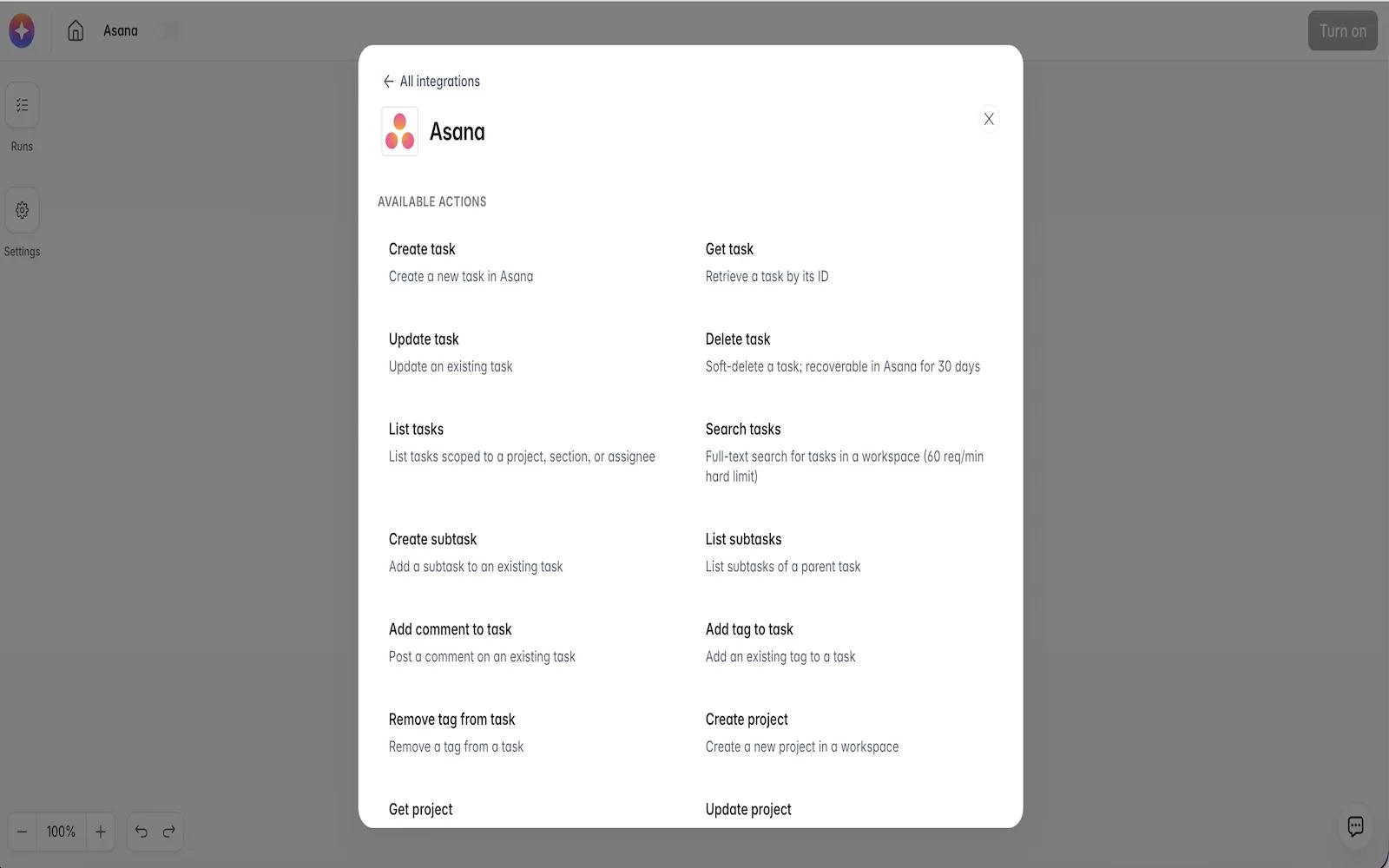
- Add one or more actions (what happens next). To push work into Asana, add an Asana action such as Create Task or Update Task.
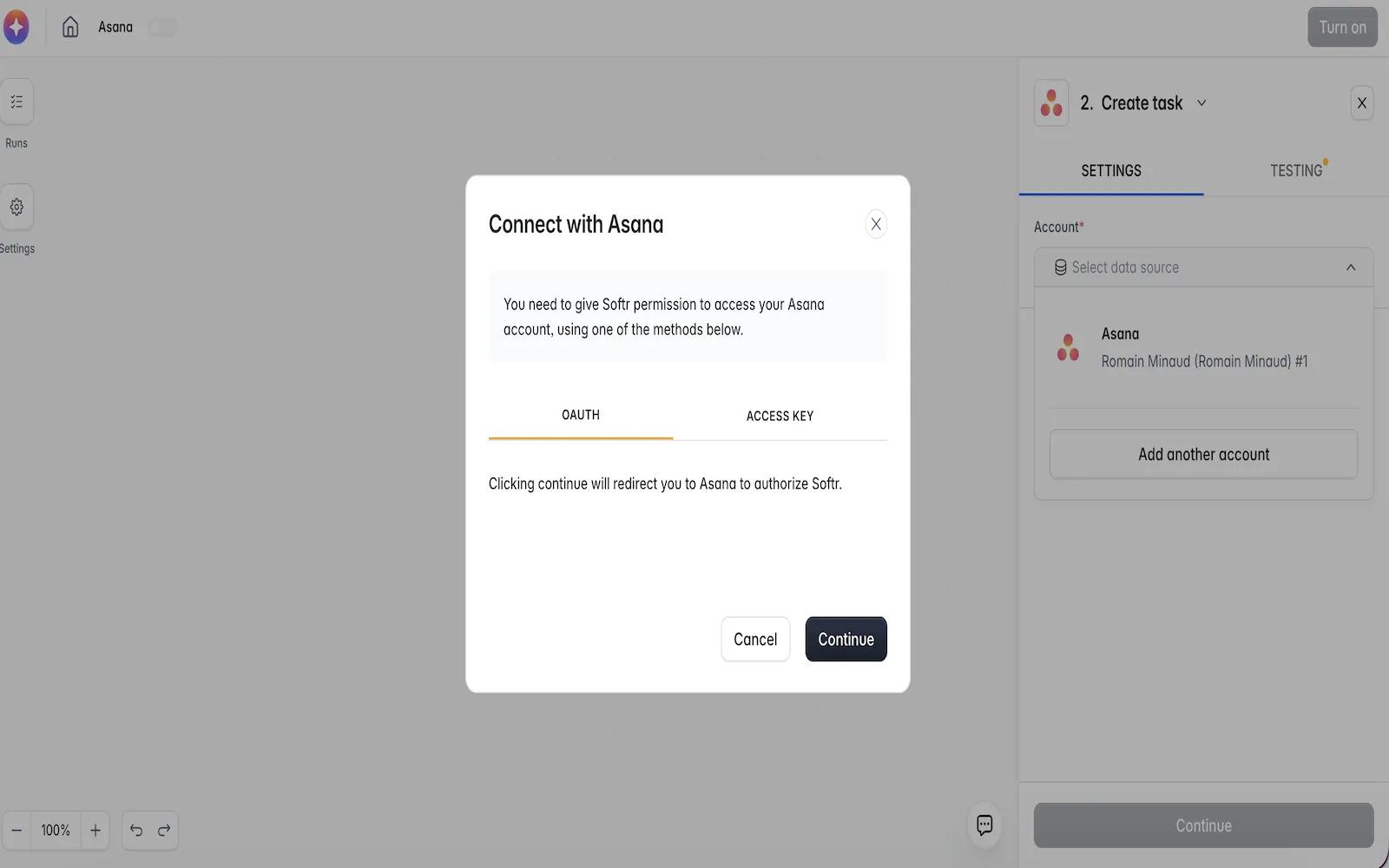
- Establish the connection (first-time only): the first time you add an Asana trigger or action, click Connect / Authorize, then complete Asana OAuth by logging in and granting Softr the requested permissions. This creates your first successful connection to Asana.
- Select the Asana workspace/project and configure the trigger or action fields, mapping data from earlier steps (e.g., form fields → task name, due date, assignee).
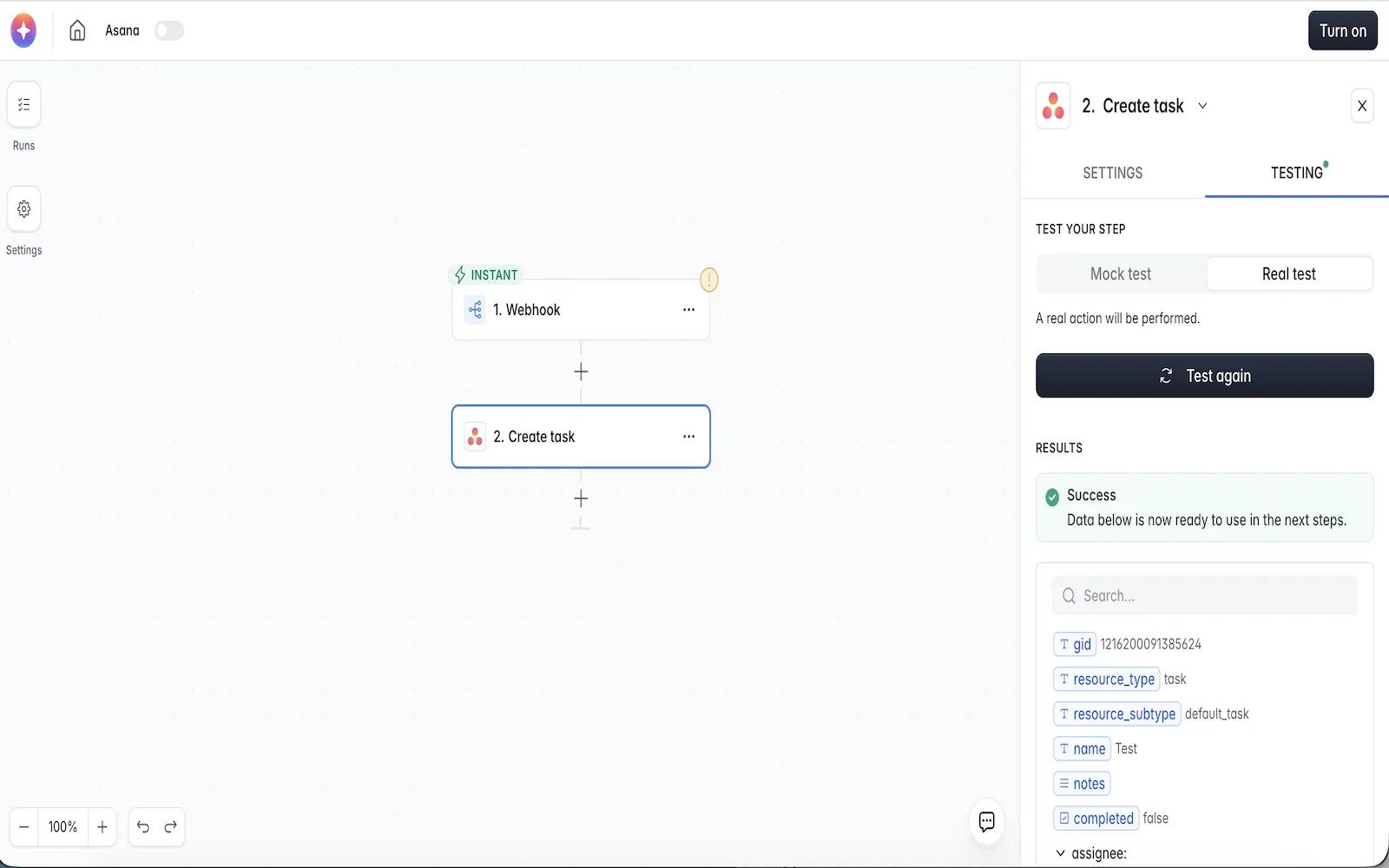
- Test the workflow to confirm data flows correctly between Softr and Asana.
- Click Turn on. The workflow now runs automatically whenever its trigger condition is met.
Learn more and get support
To learn more about using the Softr + Asana integration, visit Softr.
If you have questions, feedback, or need support, visit the Softr support page.
Asana does not endorse or certify apps built by third-party developers. If you encounter inappropriate content or behavior, please report it here. Otherwise, please contact the app developer for support.
Collaborate effortlessly with Asana
From the small stuff to the big picture, Asana organizes work so teams know what to do, why it matters, and how to get it done. It's free to get started, simple to use, and powerful enough to run your entire business. Learn more about Asana today.