


SLXengine + Asana
Connect and automate your business workflows with SLXengine.
What is SLXengine?
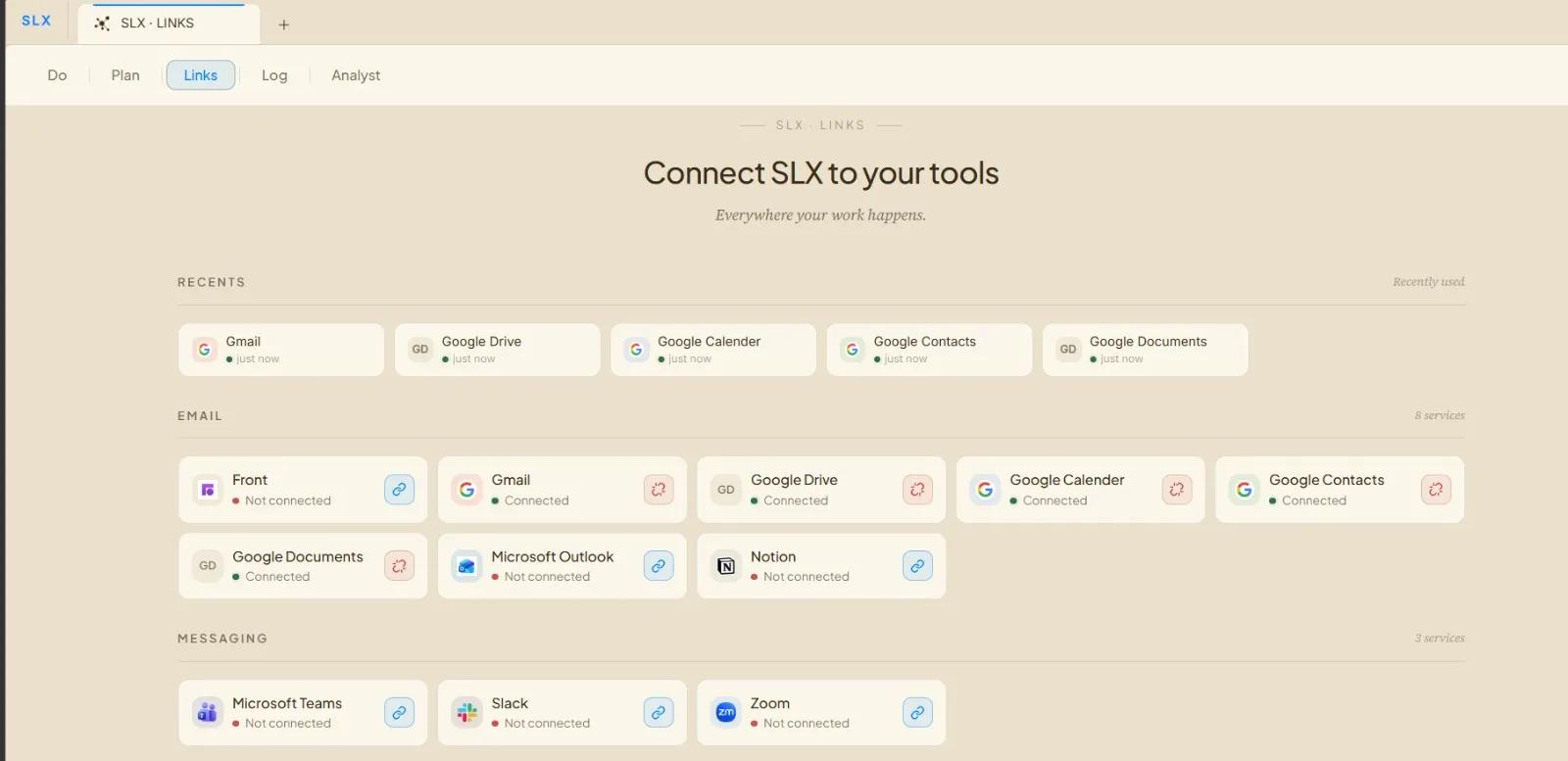
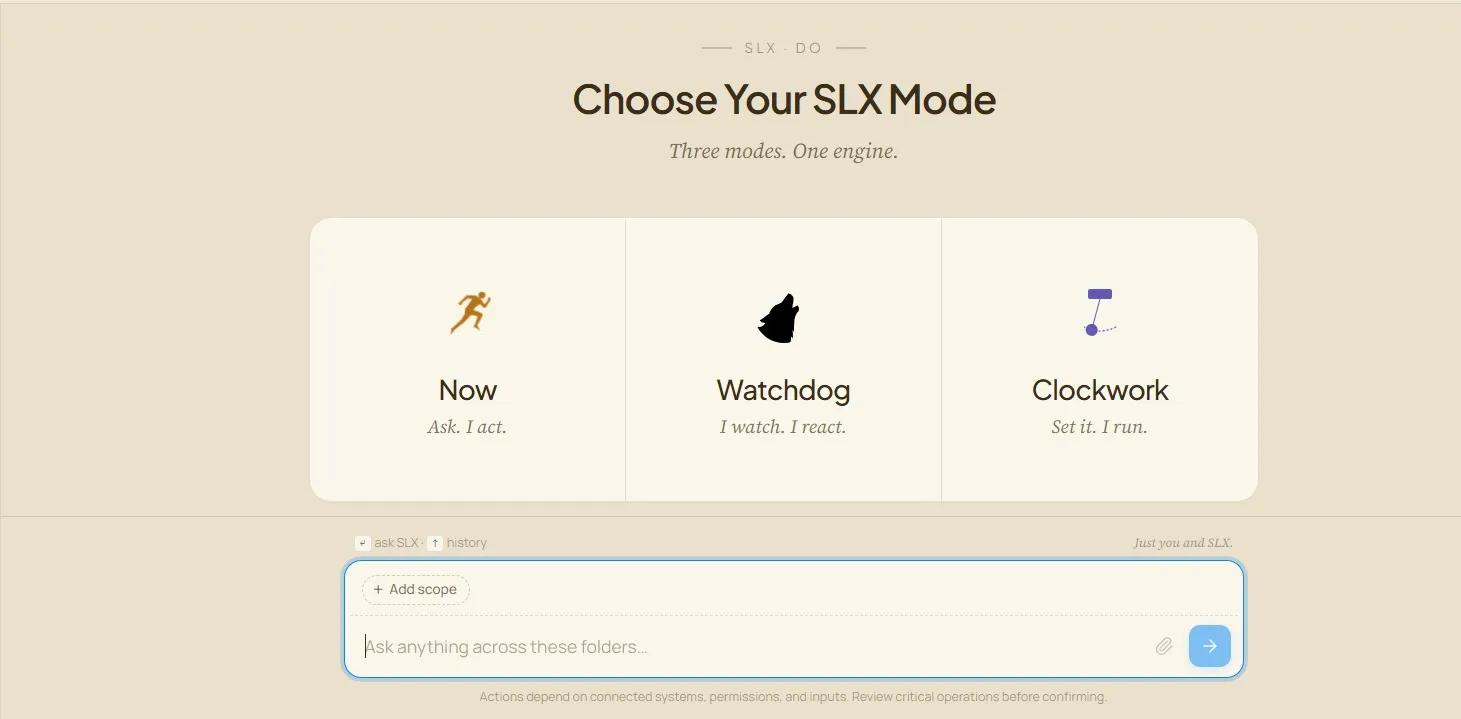
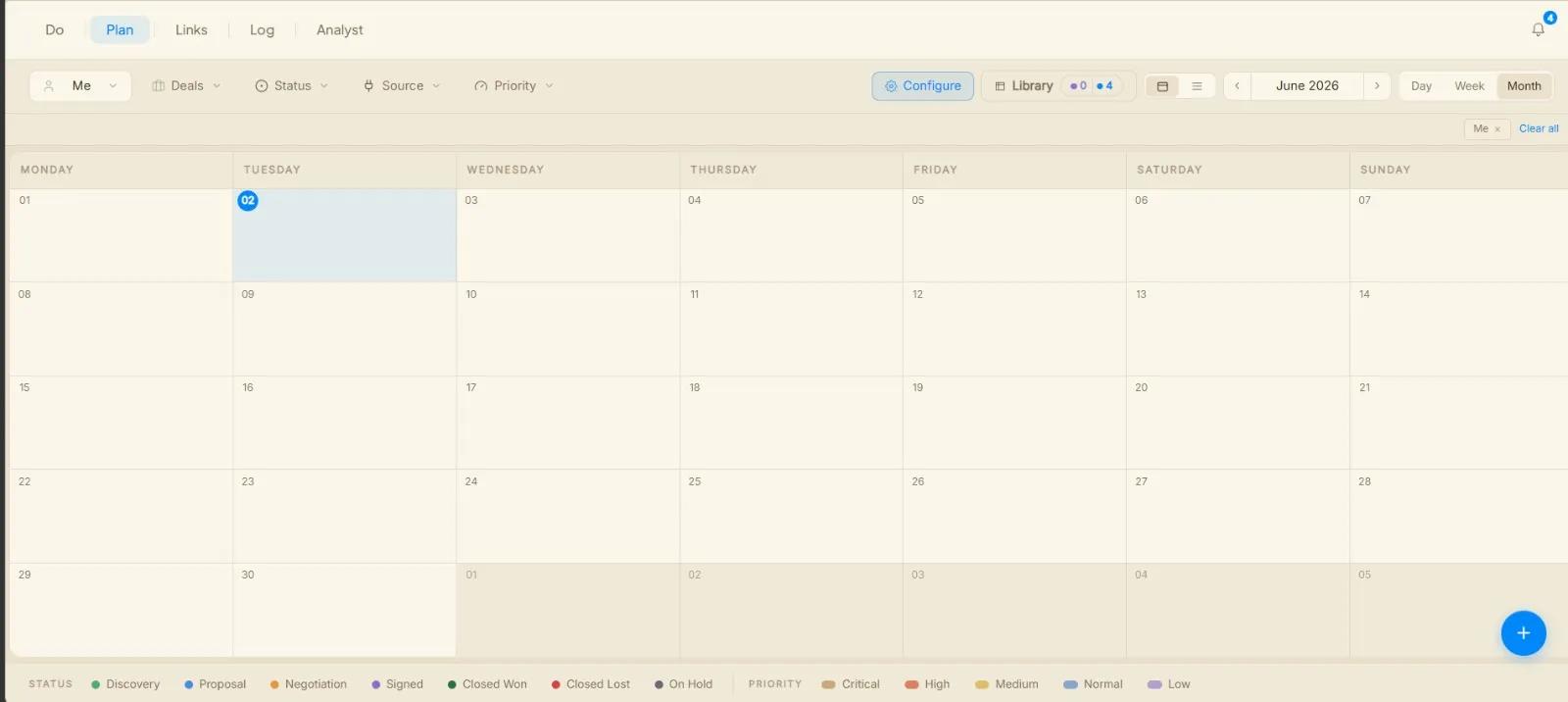
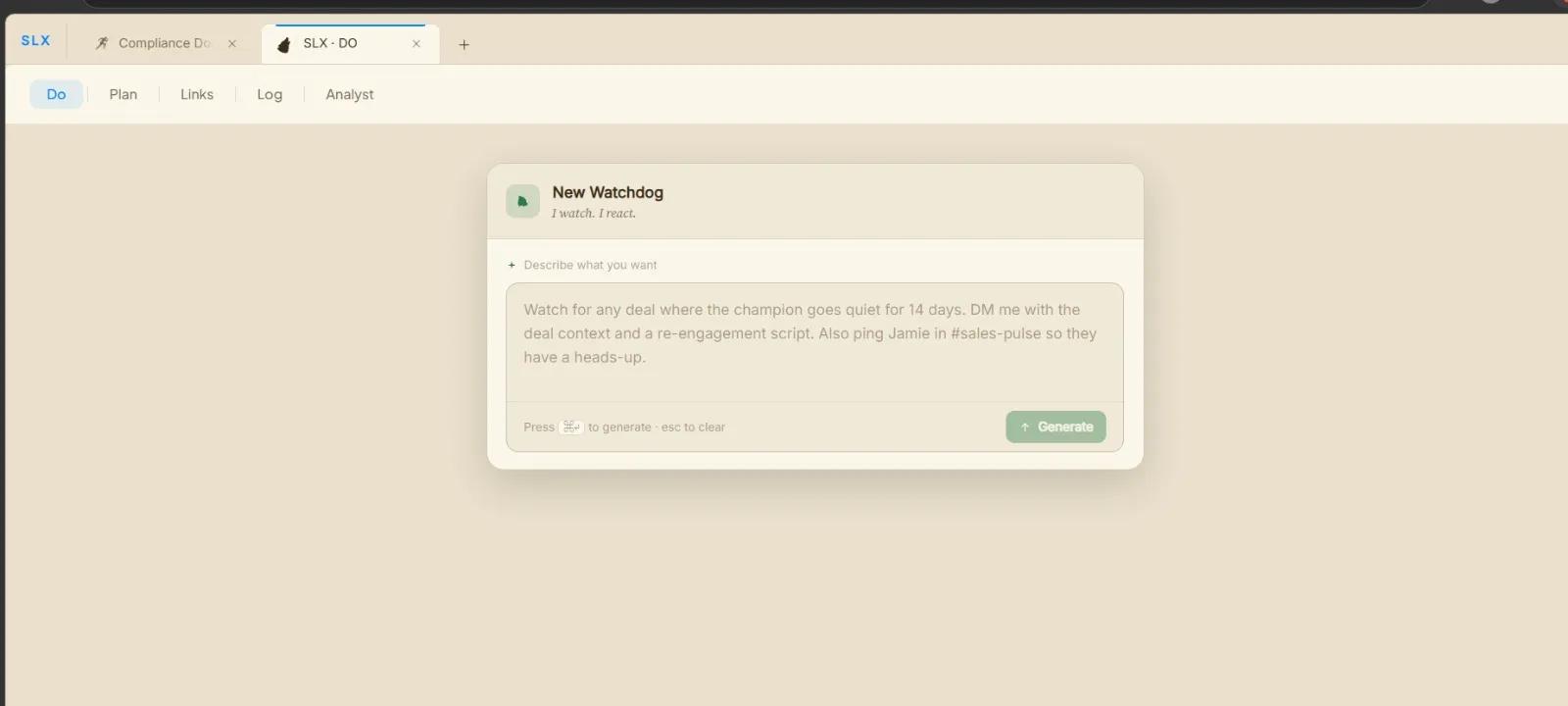
SLXengine for Asana helps teams automate project workflows, synchronize task updates, and streamline collaboration between Asana and connected business tools. By connecting the Asana workspace to SLXengine, users can trigger automations based on task activity, project changes, comments, deadlines, and team events in real time.
With SLXengine, teams can automatically organize work, route notifications, sync operational data, and reduce manual coordination across departments. The integration enables workflow automation for project management, operations, marketing, engineering, customer success, and internal collaboration.
After installation, users can securely authorize SLXengine to access selected Asana workspaces, projects, and tasks. Once connected, SLXengine can monitor workspace events, trigger custom automations, generate enriched previews, and keep workflows synchronized across external systems and team processes.
How to connect SLXengine + Asana?
- Install the SLXengine app.
- Authorize your Asana workspace when prompted using OAuth authentication.
- Connect your account inside the SLXengine settings panel.
- Select the projects, tasks, or workflows you want synced between Asana and SLXengine.
- Configure your sync preferences:
- Task creation sync
- Status updates
- Assignee mapping
- Comment synchronization
- Attachment handling
- Save the configuration and run an initial sync test.
- Verify that tasks created or updated in Asana appear correctly in SLXengine.
- Optional: Enable automated background syncing and notification alerts. You can now manage workflows between Asana and SLXengine directly through the integration.
Learn more and get support
To learn more about using the SLXengine + Asana integration, visit the SLXengine website.
If you have questions, feedback, or need support, contact the SLXengine support team.
Asana does not endorse or certify apps built by third-party developers. If you encounter inappropriate content or behavior, please report it here. Otherwise, please contact the app developer for support.
Collaborate effortlessly with Asana
From the small stuff to the big picture, Asana organizes work so teams know what to do, why it matters, and how to get it done. It's free to get started, simple to use, and powerful enough to run your entire business. Learn more about Asana today.