


Service Desk for Asana + Asana
Streamline support by managing external requests and internal tickets in Asana with forms, automation, and messaging.
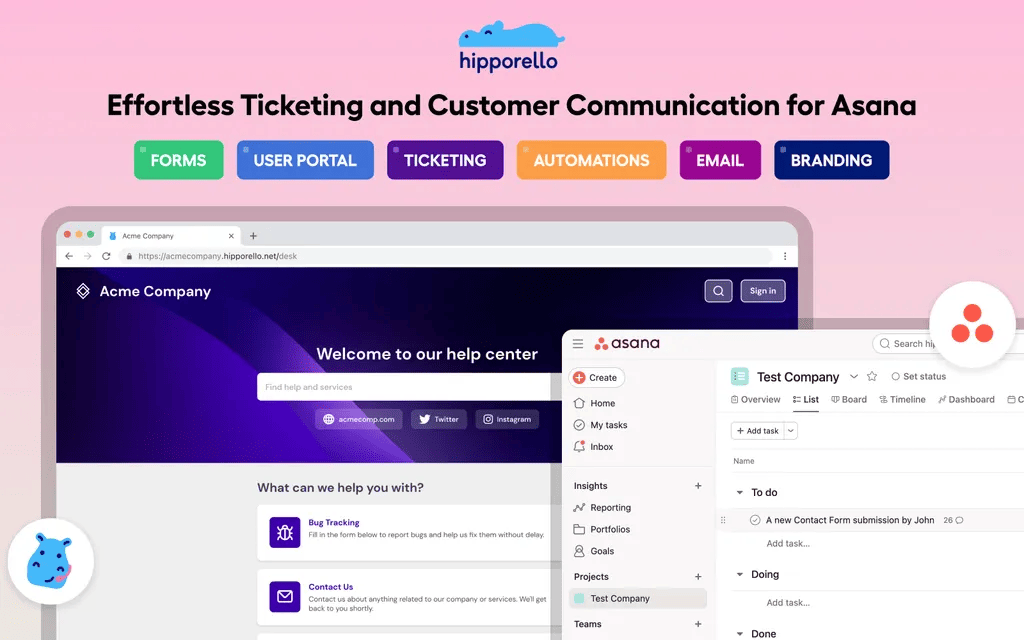
What is Hipporello Service Desk for Asana?
Hipporello Service Desk for Asana seamlessly integrates with your Asana workspace and converts it into a powerful ticketing, customer support and internal service management hub. Manage external requests, internal team tickets and service workflows, all within Asana.
Key Features of Hipporello Service Desk
- 📝 Request intake via portal-based customizable forms
- 📥 Team inbox integration for converting emails (e.g., hr@…, it@…, support@…) into Asana tasks
- 🔄 Two-way communication with non-Asana users directly from Asana tasks
- ⚙️ Advanced automations and workflow building
- 🎨 Fully customizable branded Service Portal
- 📊 Analytics & Reporting
- ⏱️ SLA Management
- 📚 Knowledge Base
1. Request intake via portal-based customizable forms
Customizable Forms: Build forms tailored to your workflows and requester needs.
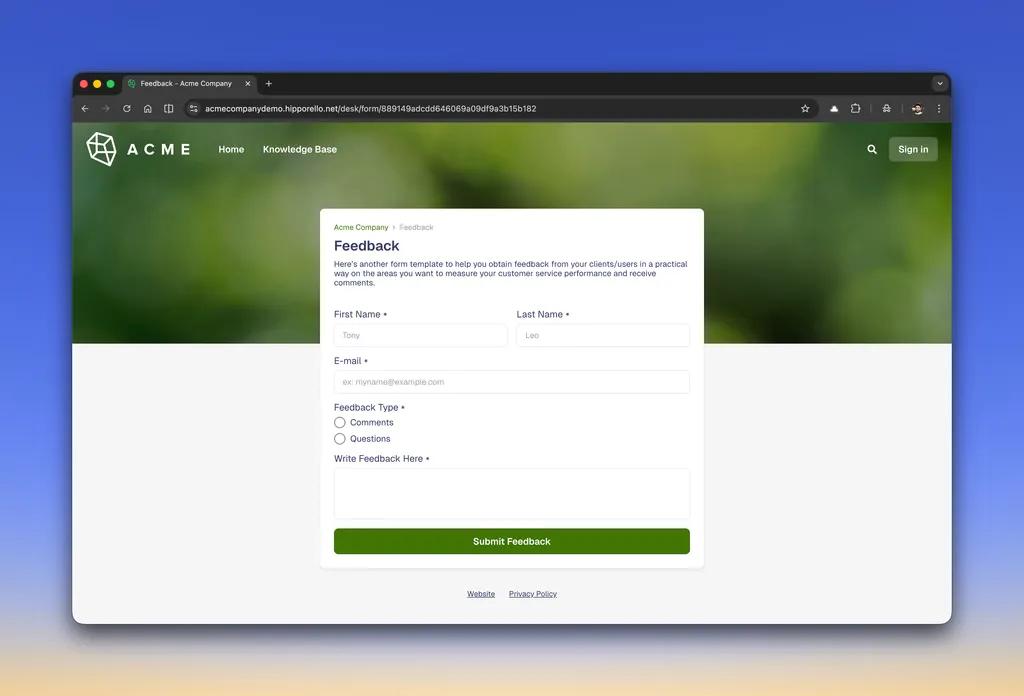
Direct Task Creation: Each form submission becomes a task in Asana automatically with all the information by the user. No need for manual data entries.
Seamless Tracking: Ensure no request is lost. All form entries are automatically logged and visible in your Asana project.
2. Team inbox integration for converting emails (e.g., hr@…, it@…, support@…) into Asana tasks
Automatic Ticket Creation: Convert incoming emails into Asana tasks without extra tools.
Centralized Inbox: Keep all requests in one place instead of scattered across email threads. See all the responses sent by you or team members.
Improved Responsiveness: Assign, prioritize, and track email-based requests like any other task.
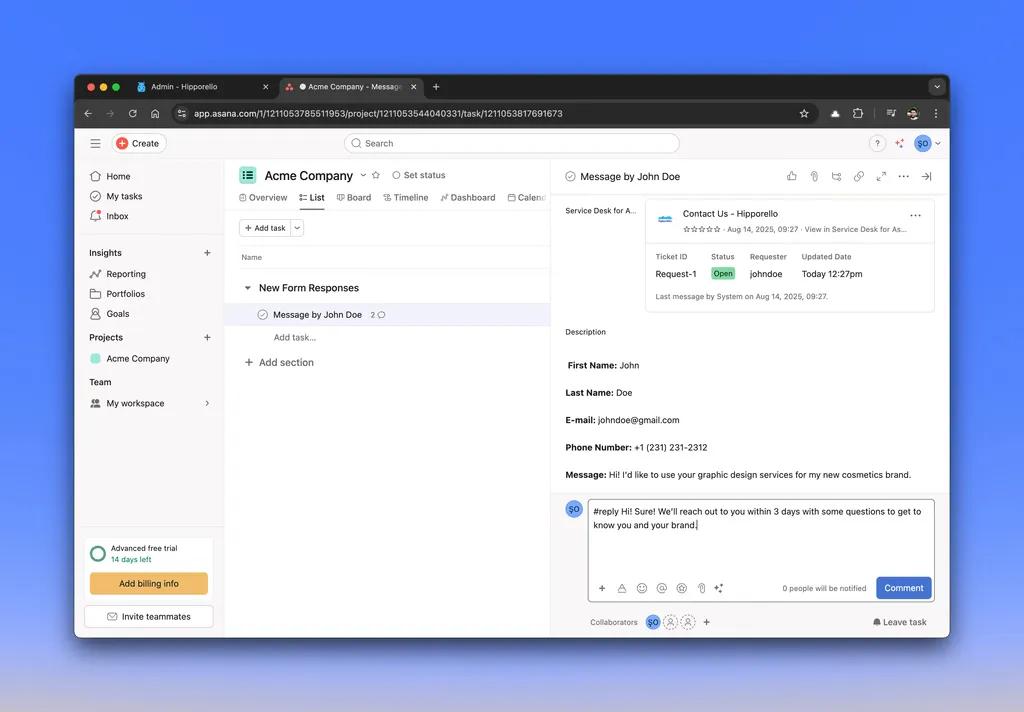
3. Two-way communication with non-Asana users directly from Asana tasks
Communicate back and forth with non-Asana members without leaving the task. Keep all the communication within the task created by the user.
4. Advanced automations and workflow building
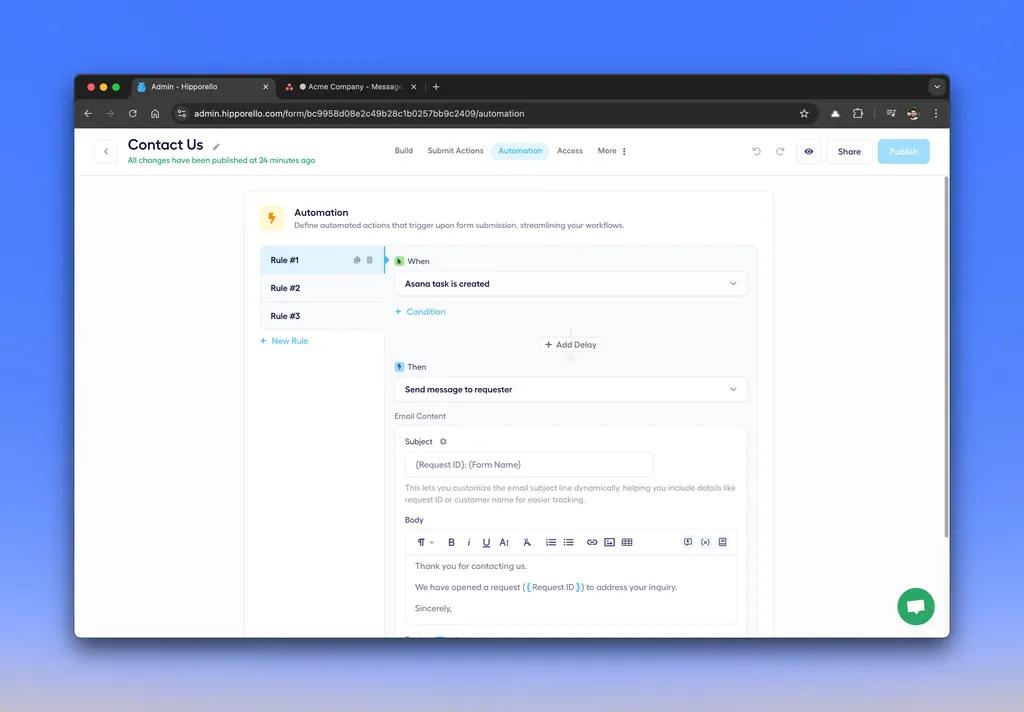
Custom Automations: Automatically assign tasks, send replies, and trigger workflows.
5. Customizable Service Portal
Hipporello allows you to offer a portal for your external customers or internal team members to submit and track their requests.
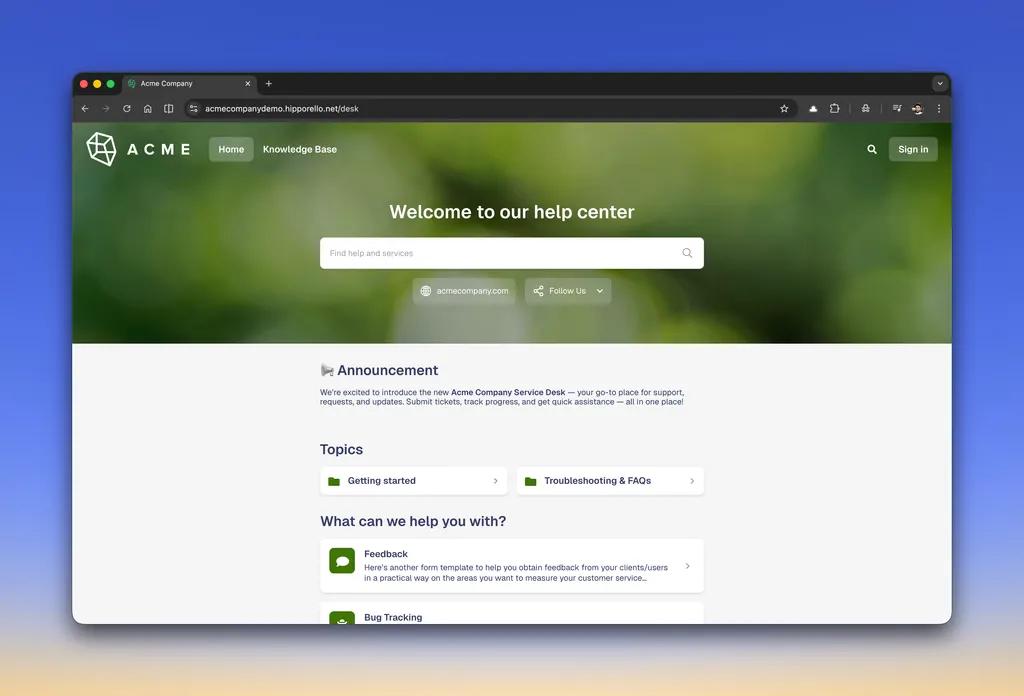
Customizable Portal: Offer a branded experience for requesters with your logo, fonts and colors. This means they can submit requests without being added to your Asana workspace as a member.
Self-Service Access: Allow users to submit requests 24/7 and track them without an Asana account, using the service portal offered by Hipporello, as you handle requests in Asana.
6. Analytics & Reporting
Performance Insights: Monitor request volumes, response times, and team performance metrics.
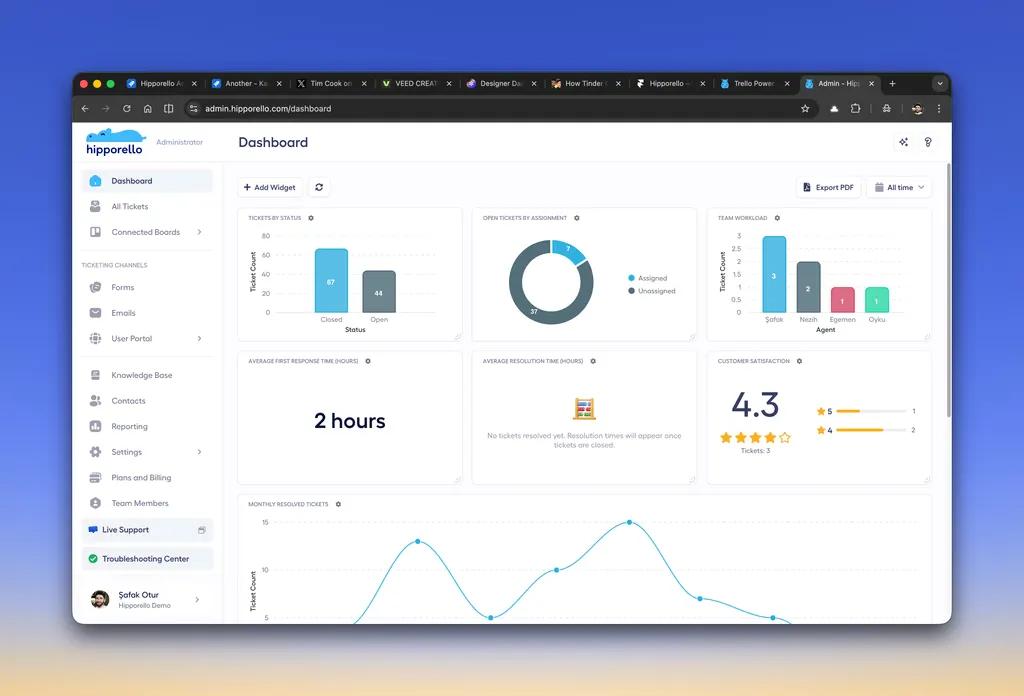
Exportable Data: Analyze data with export options for reporting and decision-making.
How to connect Hipporello Service Desk + Asana?
- Click the “Install” button or go directly to Hipporello Service Desk.
- Click the Authorize Hipporello button and click Allow in the popup that opens next.
- Enter your Service Desk name and your organization website address in the next screen.
- Select the Asana project where you want to enable Hipporello and receive & manage service desk requests.
- You will then be directed to Hipporello Admin. From there make sure you enable Hipporello on Asana project by clicking Add to Project.
- Create Forms: Start with a premade form or design custom forms using a drag-and-drop builder.
- Next, you will see a list of forms on Hipporello Admin. Select one of the forms, click View on Portal and make a test submission to see how a task is created. Go back to your Asana Project and see the new submission.
- You can also link your team Google/Outlook/SMTP email inboxes like (sales@, hr@, support@) to convert incoming messages into tasks.
Learn more and get support
To learn more about using the Hipporello Service Desk + Asana integration, visit Hipporello Service Desk.
If you have questions, feedback, or need support, visit the Hipporello Service Desk for Asana support page.
Asana does not endorse or certify apps built by third-party developers. If you encounter inappropriate content or behavior, please report it here. Otherwise, please contact the app developer for support.
Collaborate effortlessly with Asana
From the small stuff to the big picture, Asana organizes work so teams know what to do, why it matters, and how to get it done. It's free to get started, simple to use, and powerful enough to run your entire business. Learn more about Asana today.