


Pollen + Asana
AI Agents for Customer Success
What is Pollen?
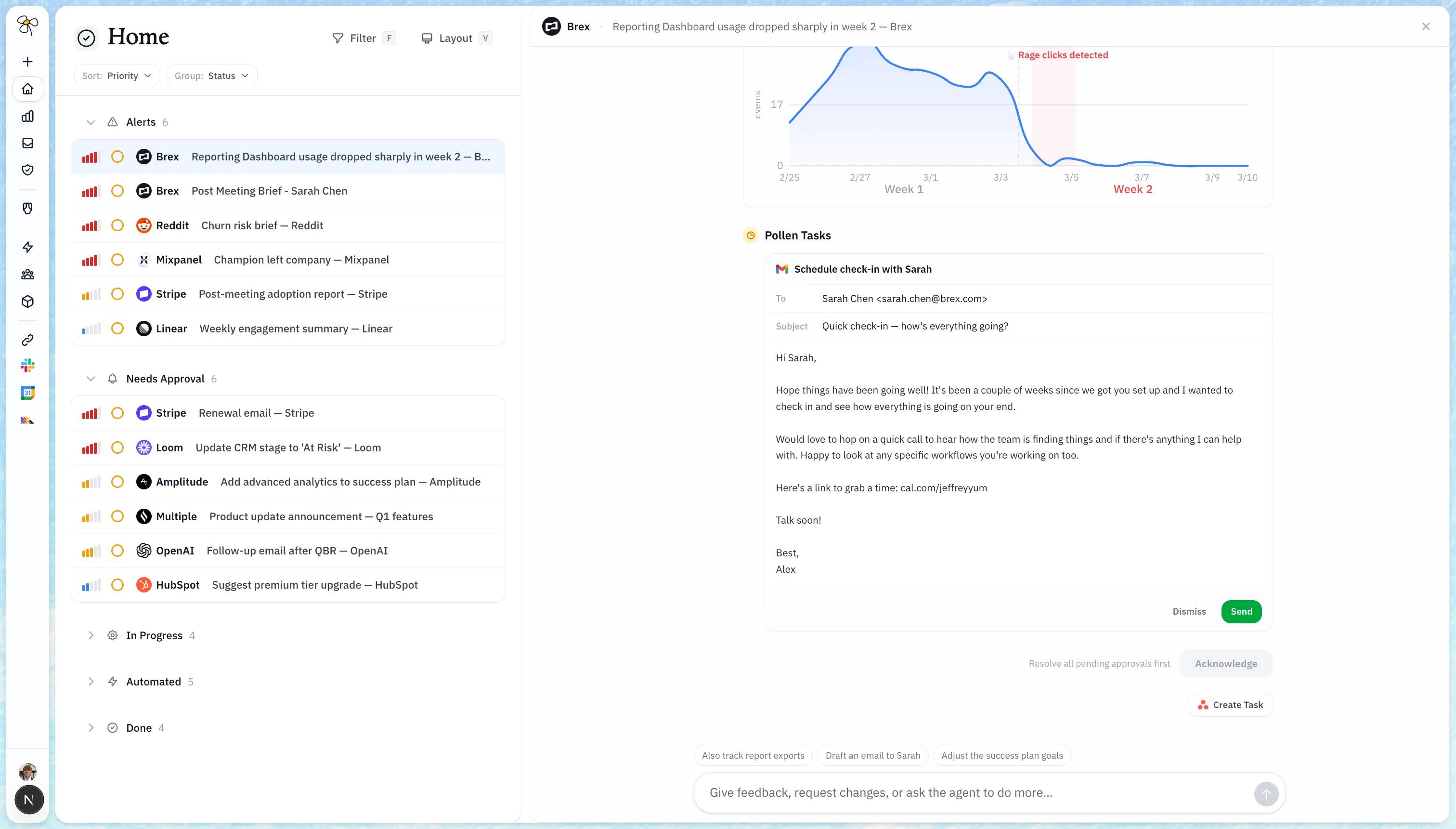
Pollen is a post-sales platform that helps founders manage customer relationships. It aggregates customer data from tools like email, Slack, CRM, support platforms, and meeting notes into a single unified view per account.
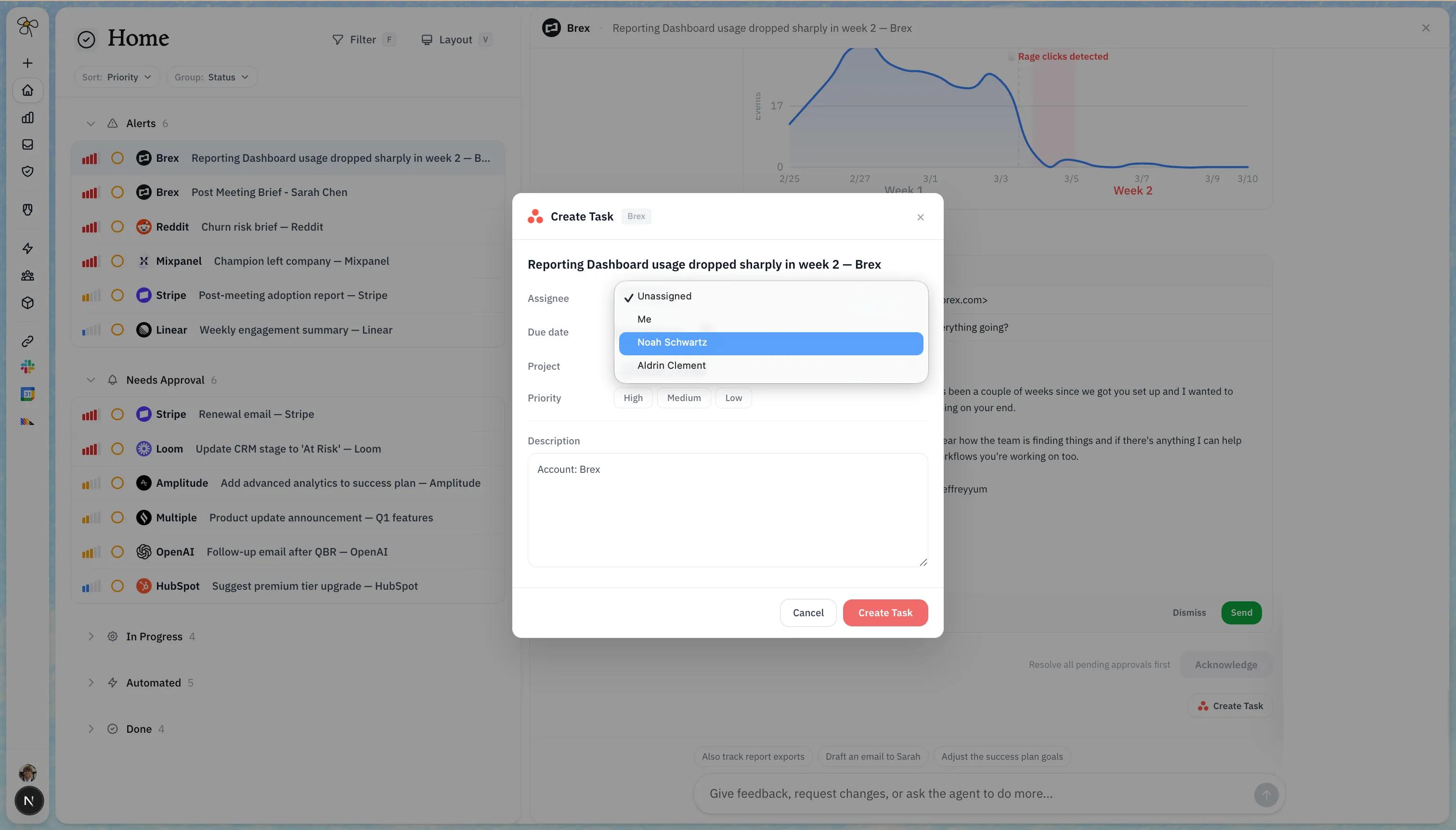
Pollen uses Asana to read and write tasks associated with customer accounts — including tracking open action items, follow-ups, and commitments made during customer interactions. This allows Pollen to surface relevant task context alongside other customer signals within the platform.
How to connect Pollen + Asana?
- Log in to Pollen at app.pollen.cx and navigate to Integrations.
- Select Asana from the list of available integrations and click Connect.
- Authorize your Asana workspace — you'll be redirected to Asana to grant Pollen permission to create and update tasks on your behalf.
- Choose your default project — select the Asana project where Pollen should create customer action items.
- You're all set. Pollen will now automatically create tasks in Asana when it detects customer signals that require action.
Learn more and get support
To learn more about using the Pollen + Asana integration, visit Pollen.
If you have questions, feedback, or need support, visit the Pollen support page.
Asana does not endorse or certify apps built by third-party developers. If you encounter inappropriate content or behavior, please report it here. Otherwise, please contact the app developer for support.
Collaborate effortlessly with Asana
From the small stuff to the big picture, Asana organizes work so teams know what to do, why it matters, and how to get it done. It's free to get started, simple to use, and powerful enough to run your entire business. Learn more about Asana today.