



NangoAPI + Asana
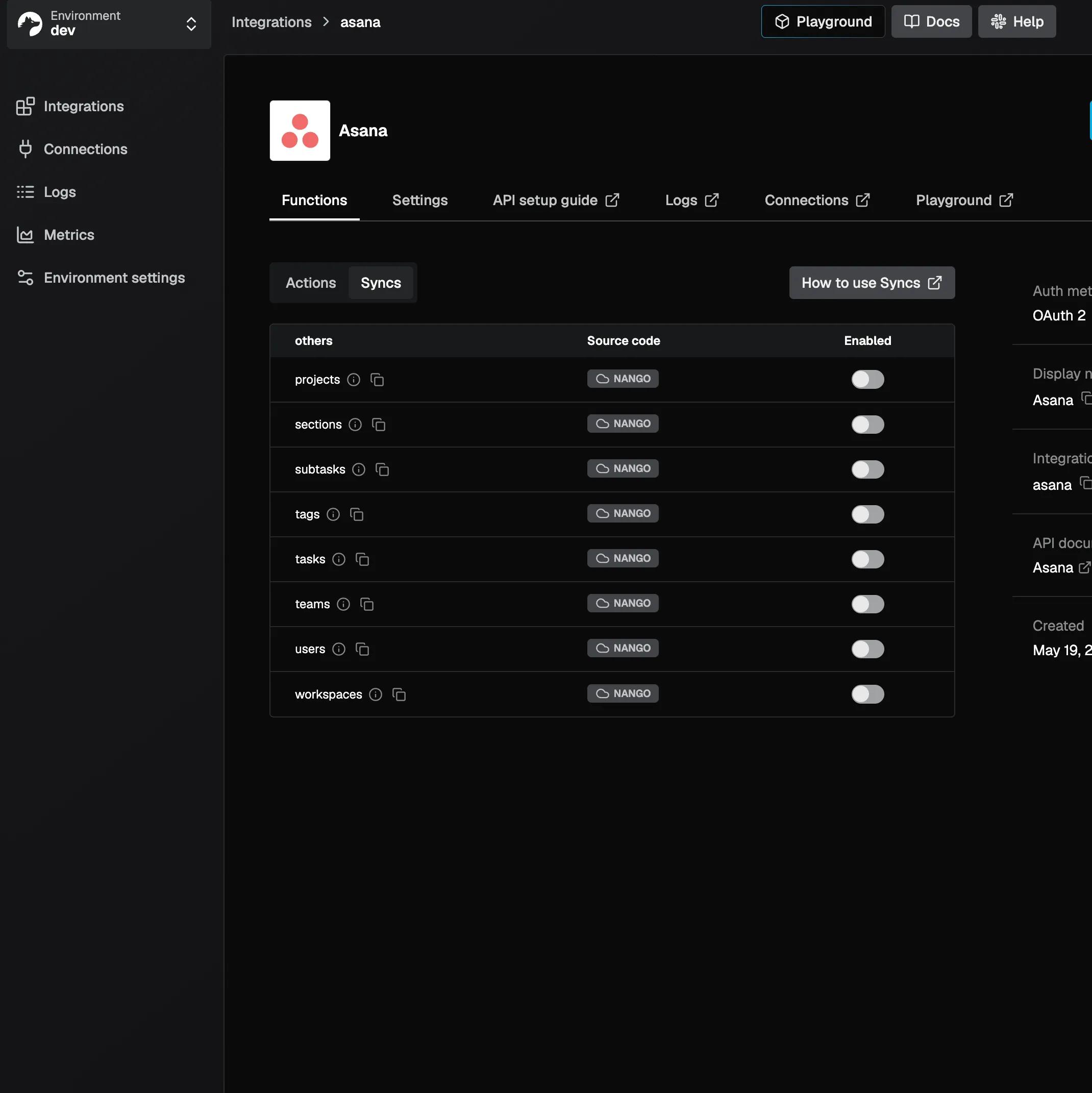
Sync Asana tasks, projects, teams, and users, and automate workflows from your product via Nango's API.
What is NangoAPI?
Nango is a developer platform that lets engineering teams add an Asana integration to their product without building OAuth flows, data pipelines, or API maintenance from scratch.
With the Nango + Asana integration, your product can:
- Sync Asana data in real time.
- Keep your product's database in sync with Asana; tasks (including subtasks and stories), projects, sections, teams, users, tags, and workspaces are all available as continuously updated, queryable records.
Trigger actions programmatically
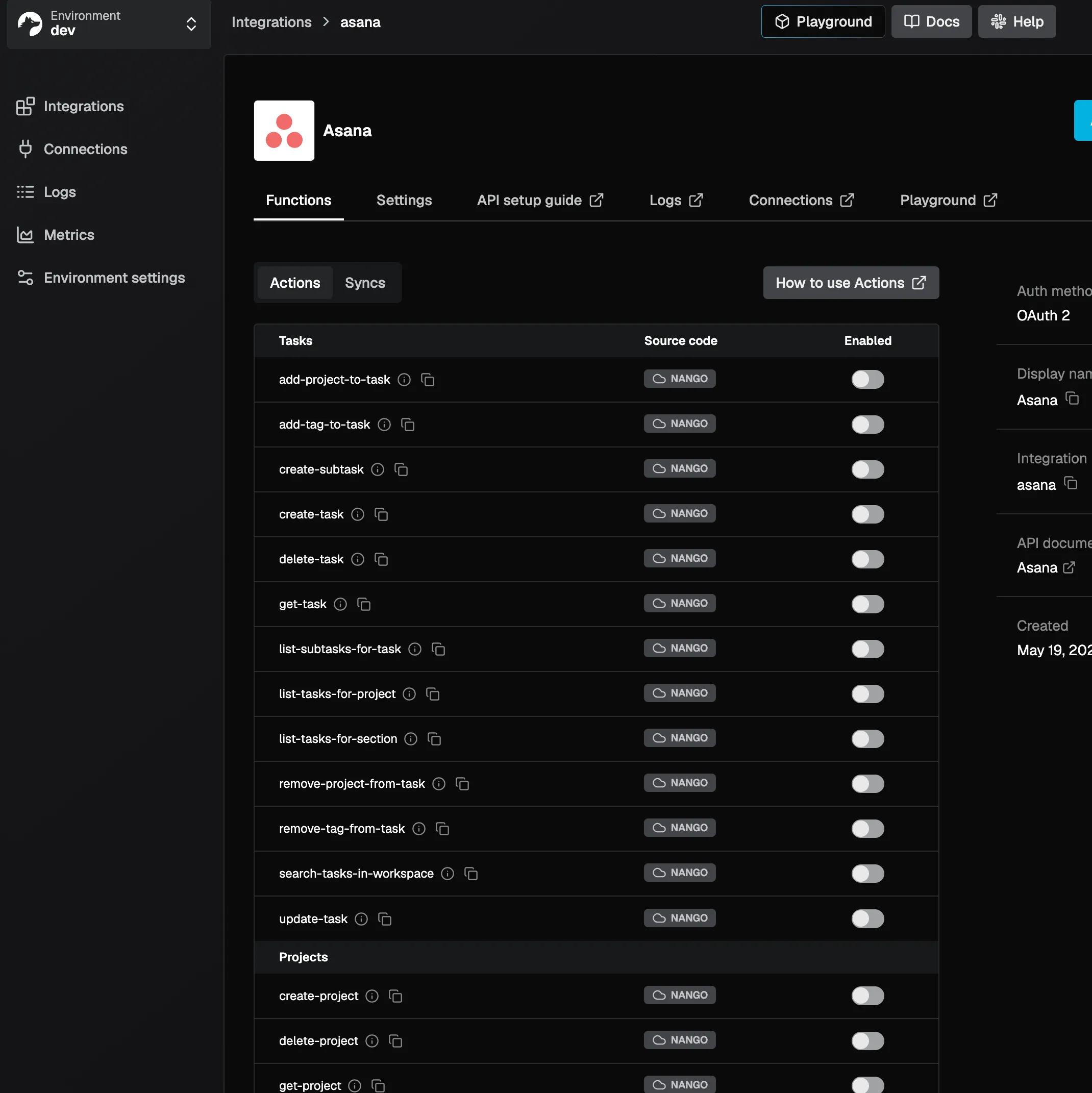
Create, update, and delete tasks, projects, sections, and tags directly from your product. Add comments, manage attachments, organize tasks across projects, and search across workspaces, all via the API.
Supported workflows
- Mirror Asana tasks into your product's UI and keep them in sync bidirectionally.
- Automatically create Asana tasks from events in your product (e.g. a new support ticket, a CRM deal, a form submission).
- Display project and team structures inside your own interface.
- Build Asana-powered reporting or audit tools using synced data.
Nango handles OAuth, token refresh, rate limiting, and pagination — so your team only writes the integration logic that matters.
How to connect NangoAPI + Asana?
Prerequisites
- An active Nango account (sign up at nango.dev).
- An Asana account with access to at least one workspace.
Steps
- Log in to your Nango dashboard at app.nango.dev.
- Go to Integrations in the left sidebar and search for Asana.
- Click Add Integration and follow the prompts to configure OAuth (you can use Nango's managed credentials or your own Asana OAuth app).
- Once the integration is configured, go to Connections and click Add Connection to link an Asana workspace — you'll be redirected to Asana's standard OAuth consent screen.
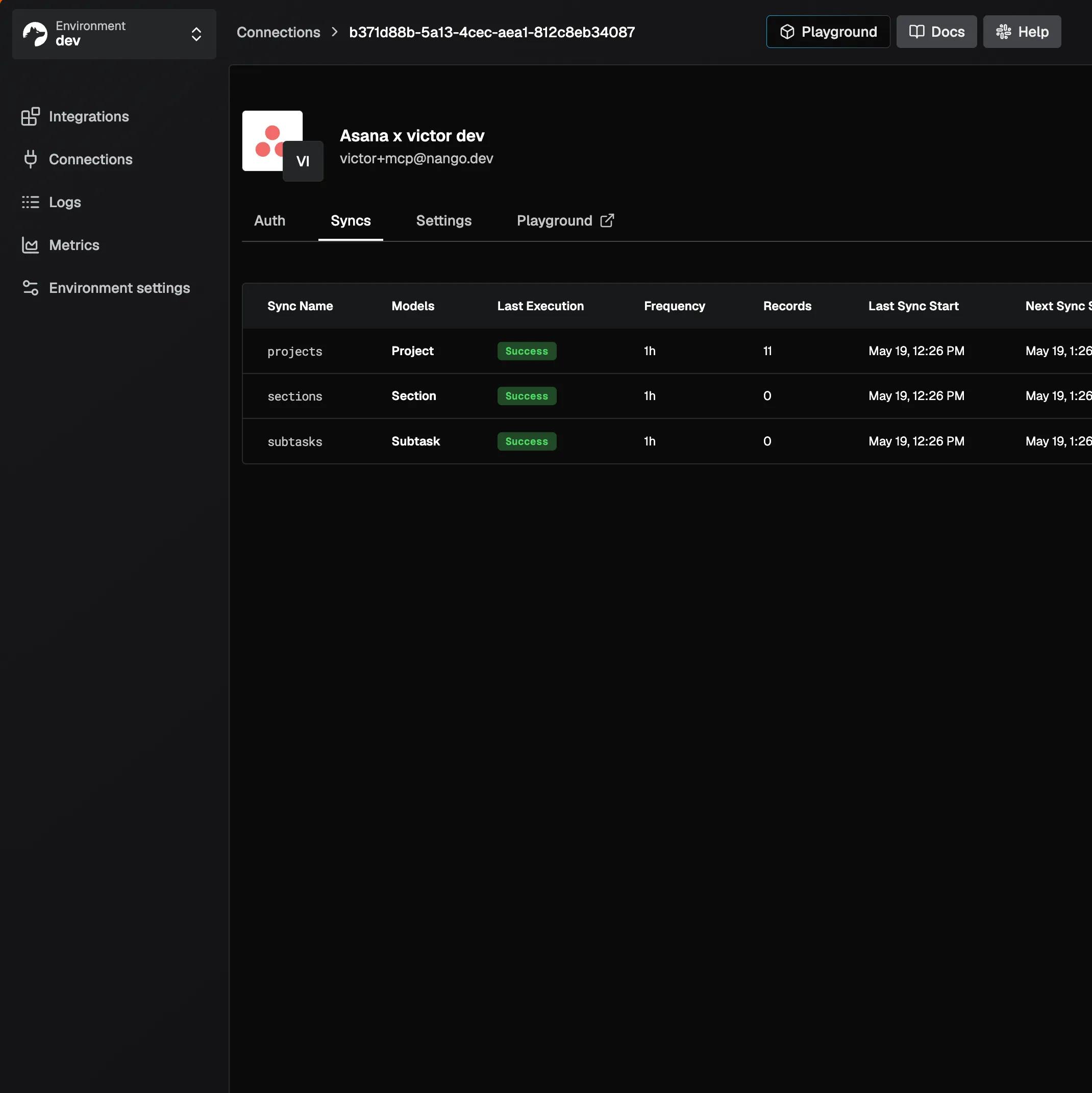
- After authorizing, your Asana workspace is connected. Use Nango's API or SDKs to start syncing data or triggering actions.
Learn more and get support
To learn more about using the NangoAPI + Asana integration, visit NangoAPI.
If you have questions, feedback, or need support, visit the NangoAPI support channel in Slack.
Asana does not endorse or certify apps built by third-party developers. If you encounter inappropriate content or behavior, please report it here. Otherwise, please contact the app developer for support.
Collaborate effortlessly with Asana
From the small stuff to the big picture, Asana organizes work so teams know what to do, why it matters, and how to get it done. It's free to get started, simple to use, and powerful enough to run your entire business. Learn more about Asana today.